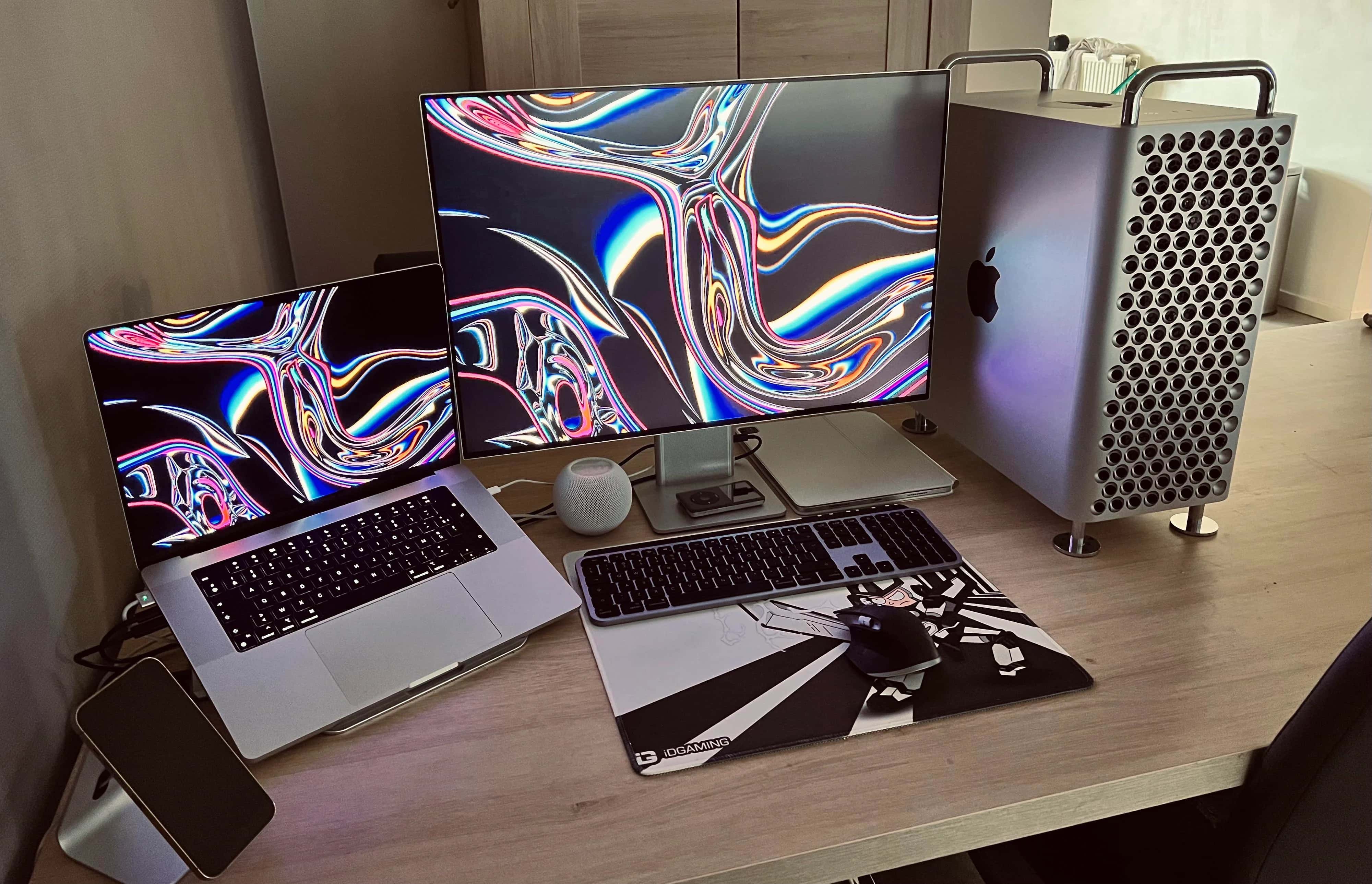
Believe it or not, the main setup has three Pro XDR Displays in it. Photo: [email protected]
Sometimes looking at computer setups is all about practicality, as in finding the right tools for the job at the right price. But other times it’s like ogling other cool stuff you wish you had, like pimped-out cars or beachfront real estate.
Today’s featured setup is a funny one, in that regard. It’s a “temporary” setup, just getting by in lieu of a bigger, better setup. But its gear could make many people drool with desire.
Getflix can boost how much content you can stream.
Photo: Cult of Mac Deals
When all you want to do is browse and stream TV and movies, a full virtual private network can feel like overkill. Similarly, connecting to your VPN just to look at Facebook or shop on Amazon seems overwhelming.
If you need a simplified smart DNS and VPN, consider Getflix. It unlocks worldwide content such as streaming services with basically no setup. Plus, a lifetime subscription is on sale for just $49 (regularly $540) for a limited time.
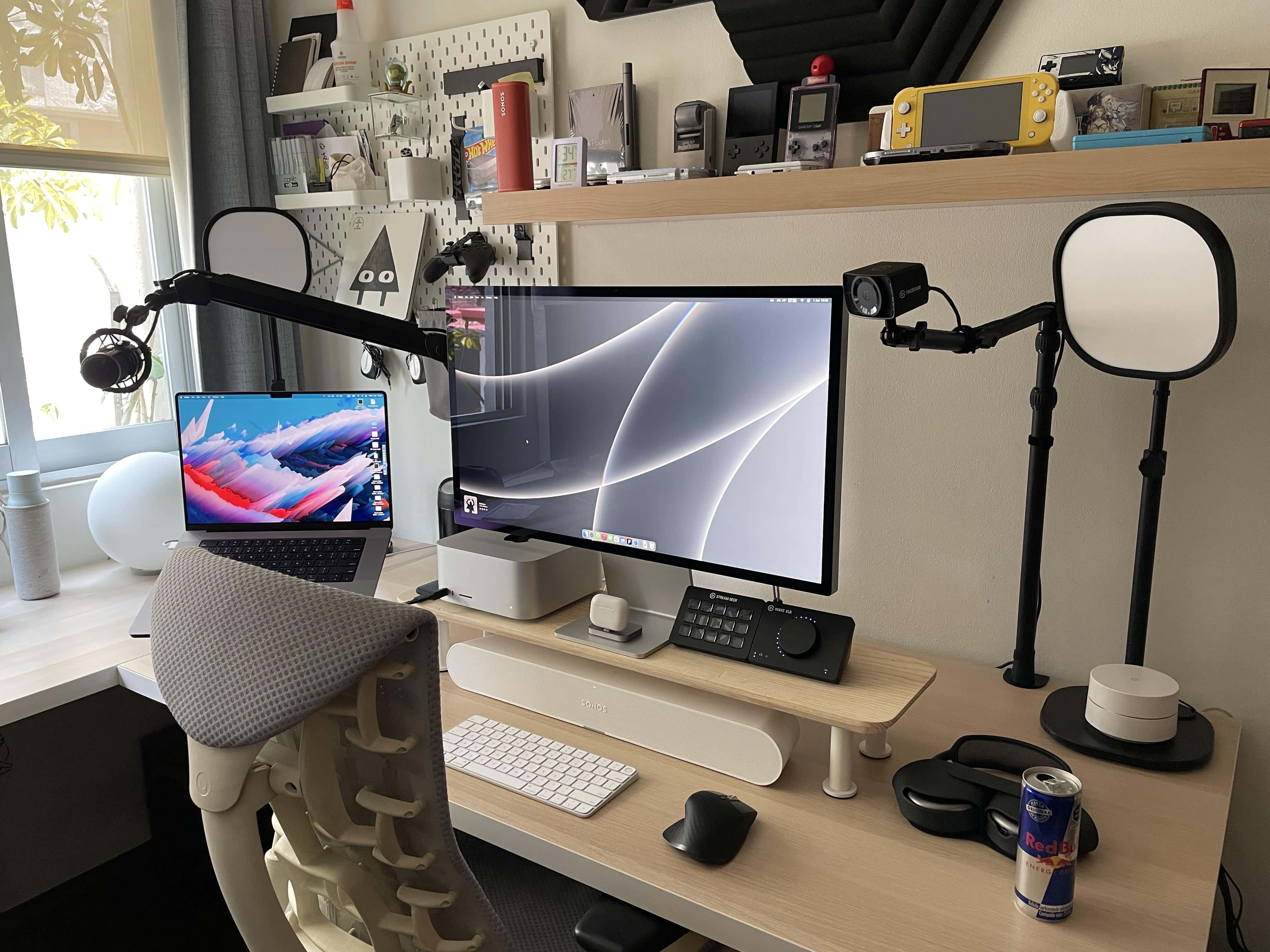
Plenty of oohs and ahhh were uttered over this setup on social media. Photo: [email protected]
We’ve seen a fair number of PC gamers converting to one or more of the new Macs lately, including some who let go of their main gaming machines entirely.
Today’s featured setup fits that bill. It belongs to a UI designer who ditched a gaming PC and got himself a Mac Studio and Studio Display to go with his work-provided MacBook Pro.
But he kept a few gaming devices around, along with a suite of Elgato AV streaming gear and a new Sonos Ray Soundbar used, strangely enough, as a wireless desktop speaker.
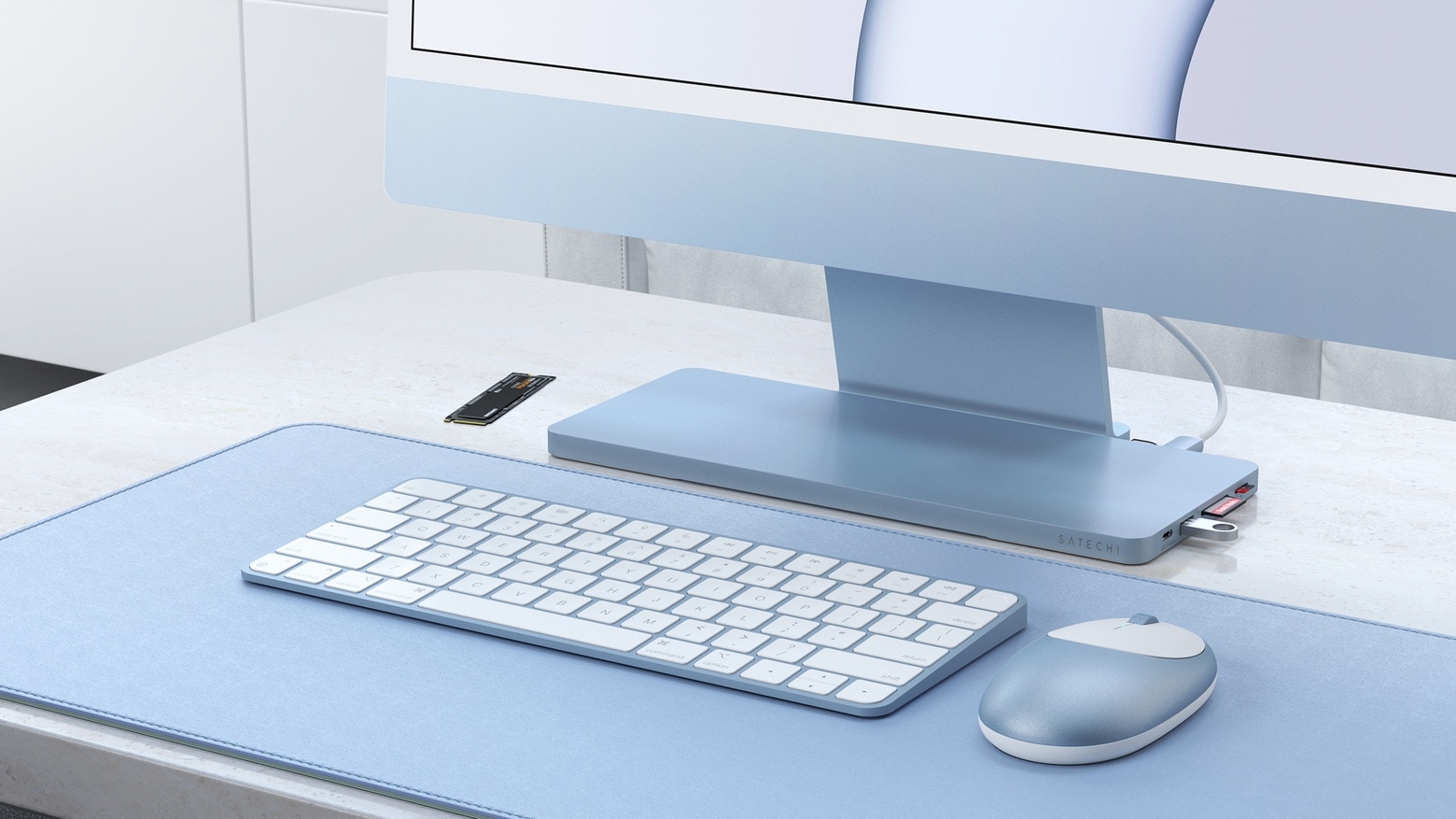
The Satechi Slim Dock rests on your iMac's stand and adds six ports and room for an SSD. Photo: Satechi
Satechi’s USB-C Slim Dock sits on the stand for the 24-inch iMac and adds six frequently-used ports. It also sports an enclosure for user-installed SSDs.
It launched Friday, and is available now for 20% off the usual price.
Partitioning your Mac storage is very easy with the built-in tools. Image: D. Griffin Jones/Cult of Mac
A good way to separate your data is to partition your Mac hard drive. A partition splits your storage into two spaces, like putting a trunk divider in your car. The most common use case is to install a second operating system on the same computer. In college, I had a separate partition so I could boot into Ubuntu, and a third partition with Windows. With today’s Macs running Apple silicon, there’s no easy way to natively install Windows or Linux… yet.
But you’re probably here so you can install the beta version of macOS 13. The developer beta is anticipated for release the first week of June at WWDC22, Apple’s annual developer conference. The smart way to install it — especially with the developer betas, which can be notoriously rocky — is to use a separate partition.
The Mac comes with a very handy tool to partition your hard drive for free. Read on to partition your hard drive with Disk Utility.
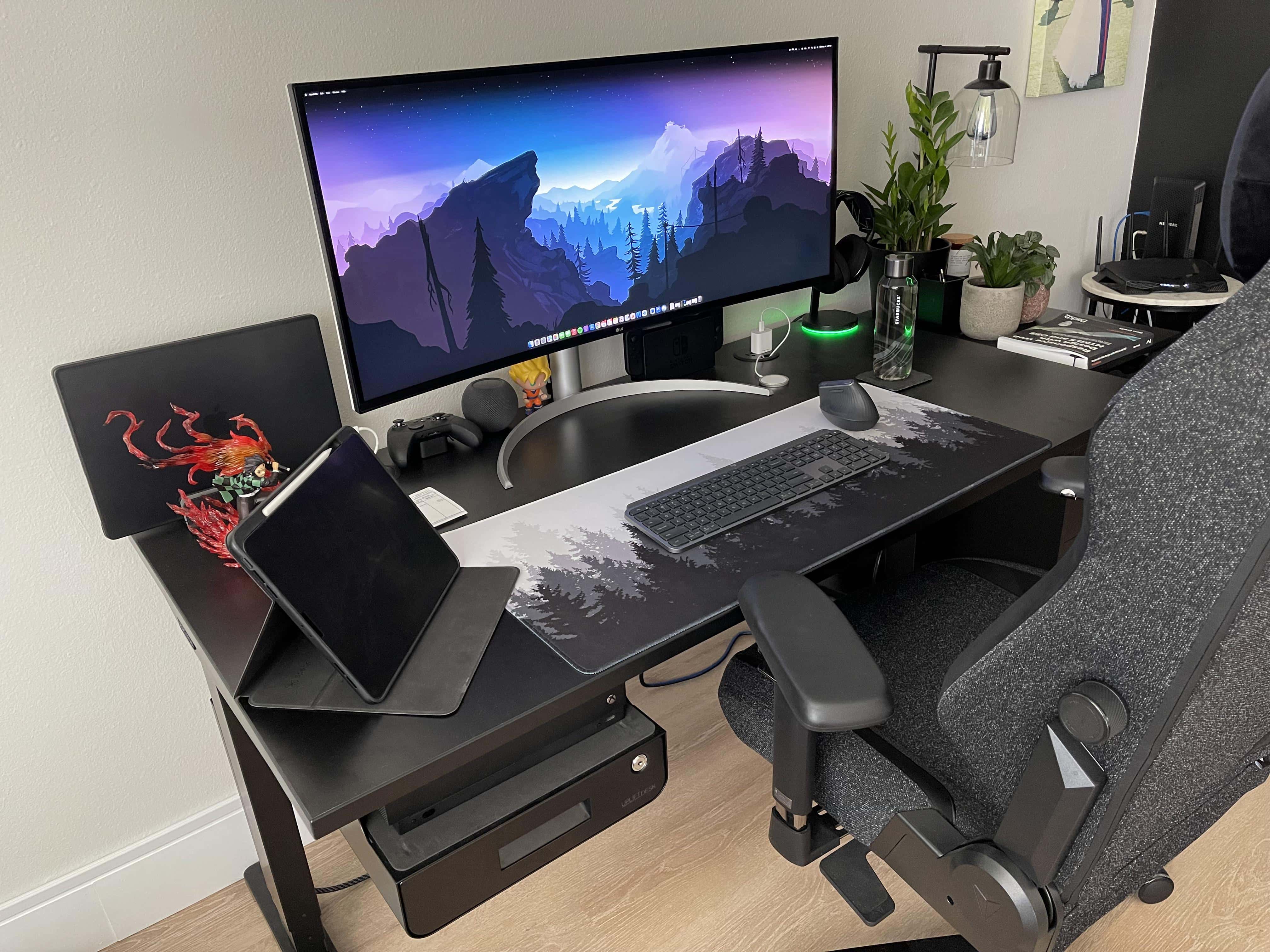
An Xbox in the under-desk drawer handles the gaming chores. Photo: [email protected]
If you’re one of the many, many people waiting longer and longer periods for your Mac thanks to supply-chain delays, we apologize in advance. We don’t mean to rub your face in your misfortune.
But when we find a great computer setup featuring an exciting new 16-inch M1 Max MacBook Pro splitting time with an Xbox on a 40-inch, curved ultra-wide display, we’ve just got to talk about it.
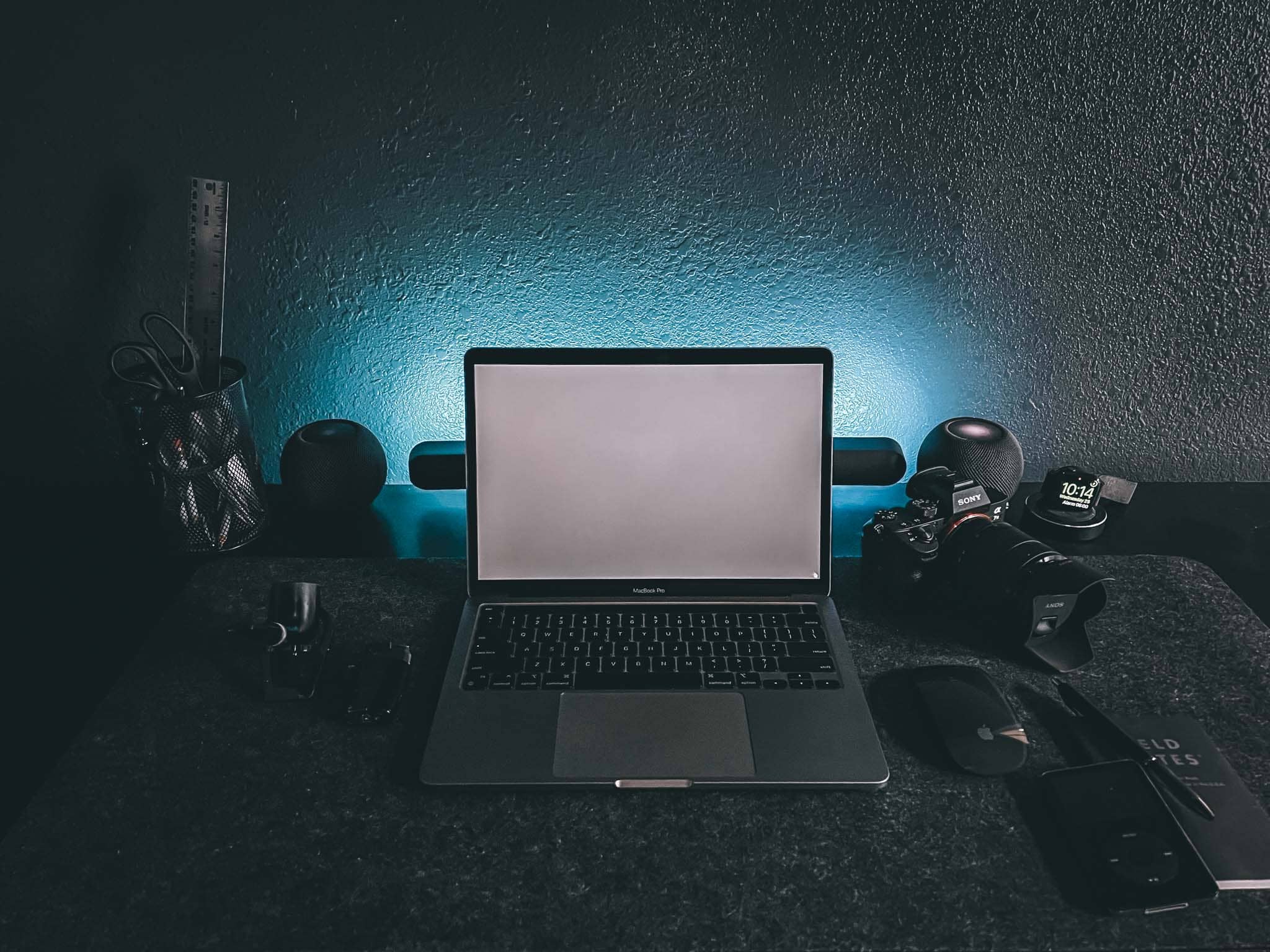
The setup proper in "Dark Mode." Atmospheric, eh? It's a space dedicated to creativity, but it also helps with focus. Photo: Chris Denbow
Photographer and writer Chris Denbow puts an interesting twist on his computer setup. He credits its “Dark Mode” — which is obvious in the photographs of the desk and the room, but extends to the machines and the software he uses — for boosting his focus and creativity. He said the dark theme gives him a “space dedicated to creativity.”
“Introducing ‘Dark Mode,’ a minimal, monochromatic home office/workspace that helps eliminate distractions, [and] allows focus and productivity,” Denbow told Cult of Mac.
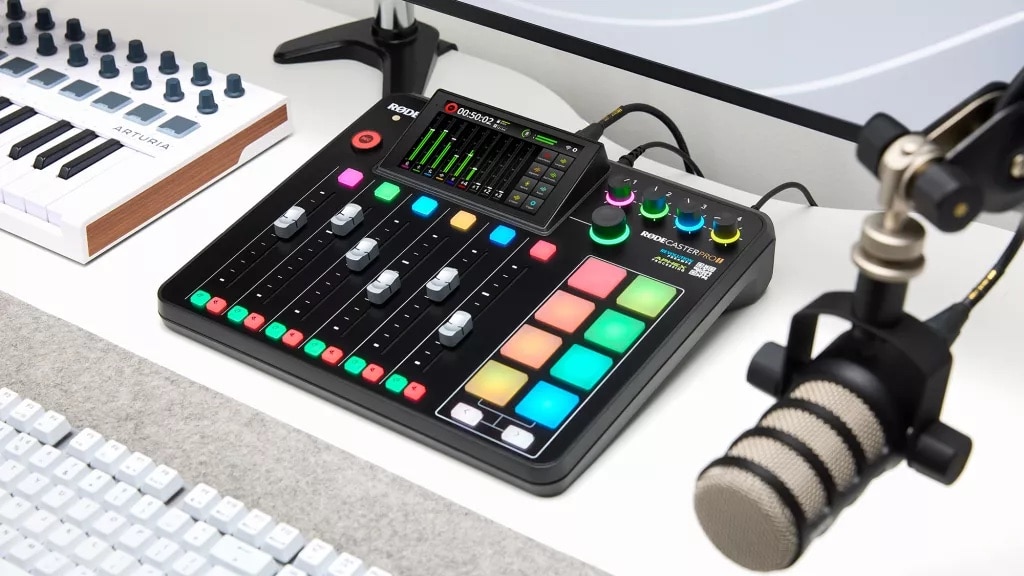
The new Rodecaster Pro II can be an all-in-one audio production tool for content creators. Photo: Rode
Rode unveiled its RodeCaster Pro II Monday, giving content creators a powerful production studio tool that adds features over its popular predecessor, the RodeCaster Pro.
The update provides an all-in-one audio tool for streamers, podcasters, musicians and other content creators at a price you don’t need to be famous to afford.
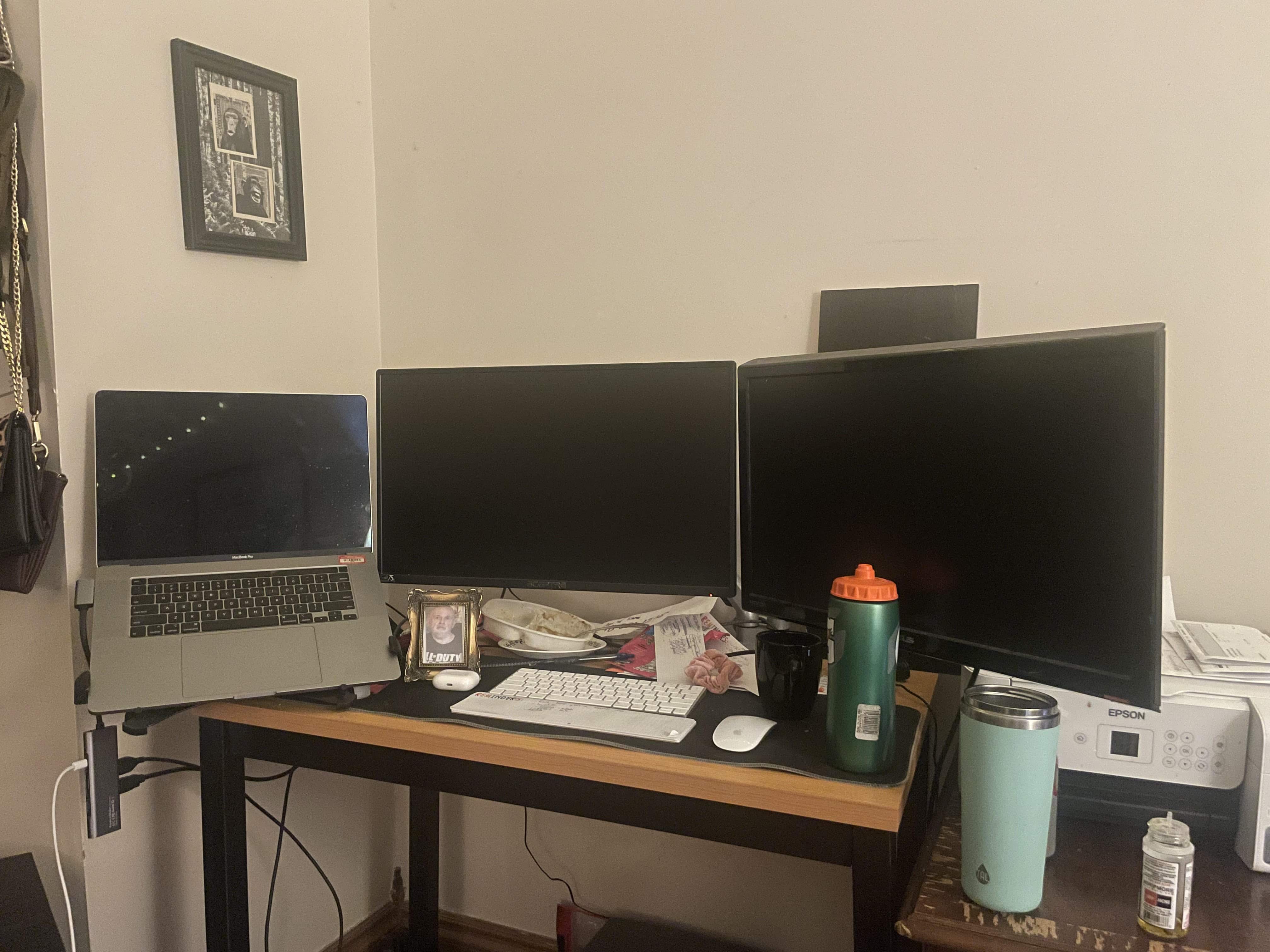
If you count the MacBook Pro, it's a triple-display workstation. Photo: Mia@Detroit
Mia, a software developer from Detroit who writes mobile apps, got in touch with Cult of Mac recently to share her MacBook Pro-driven, dual-display workstation.
“I love your setup articles but sometimes they make me feel bad about myself,” she said.