Mobile menu toggle

Search results for: SSD

M1 Max MacBook pairs nicely with 40-inch ultra-wide display [Setups]

By

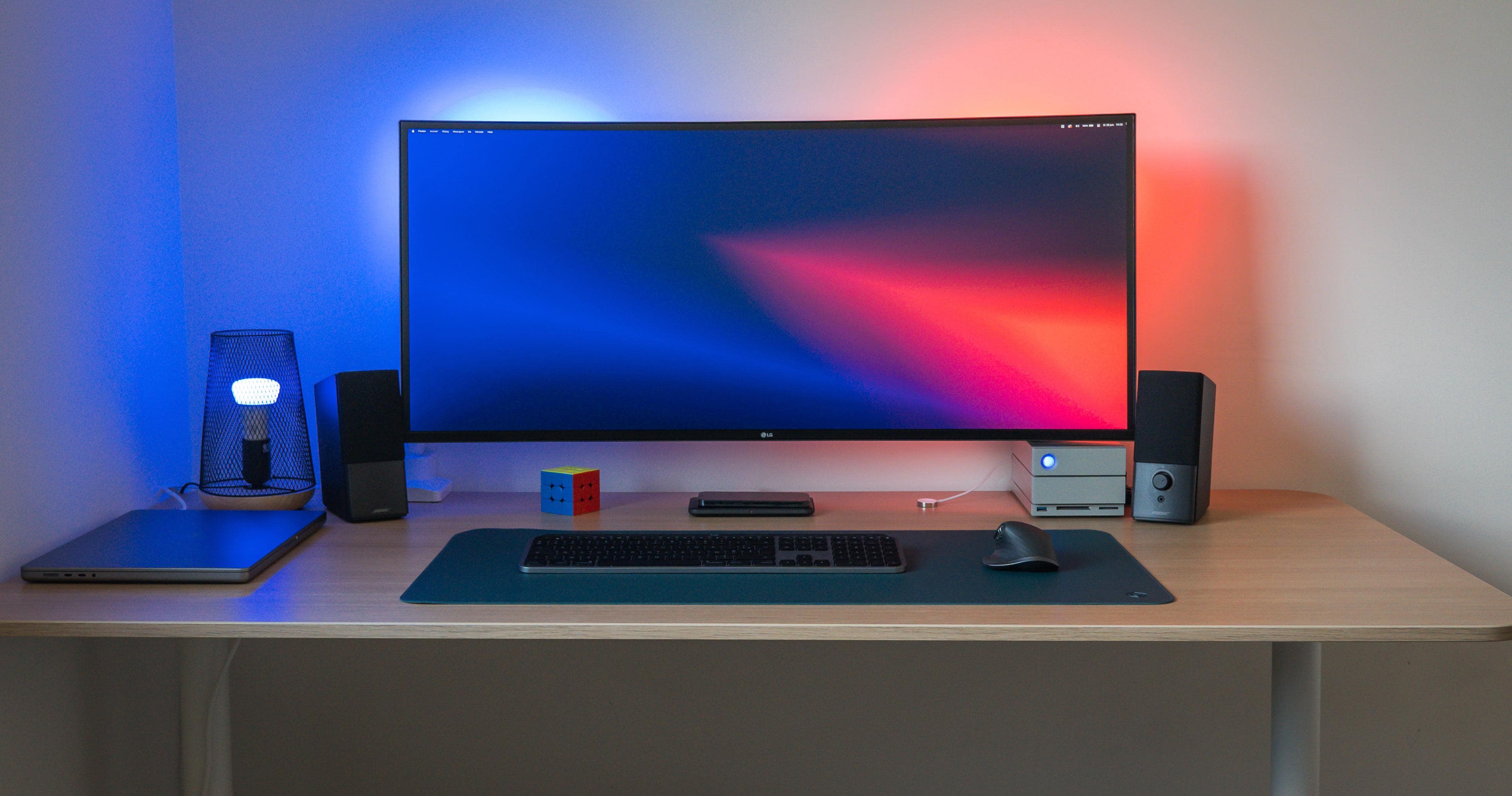
No scaling issues seen here.
Photo: [email protected]

Curved ultra-wide displays are all the rage lately, and it’s no wonder why. What a fantastic amount of real estate. But it can be worrisome buying one if you’re not sure how it will look with your Mac’s resolution and scaling options.

Today’s featured computer setup pairs a beast of a 16-inch M1 Max MacBook with a brilliant 40-inch LG 5K UltraWide curved display. Let’s look at how well it’s working and what some of the issues can be.

Mac Pro and 3-Pro-Display-XDR workstation is an AV wonderland [Setups]

By

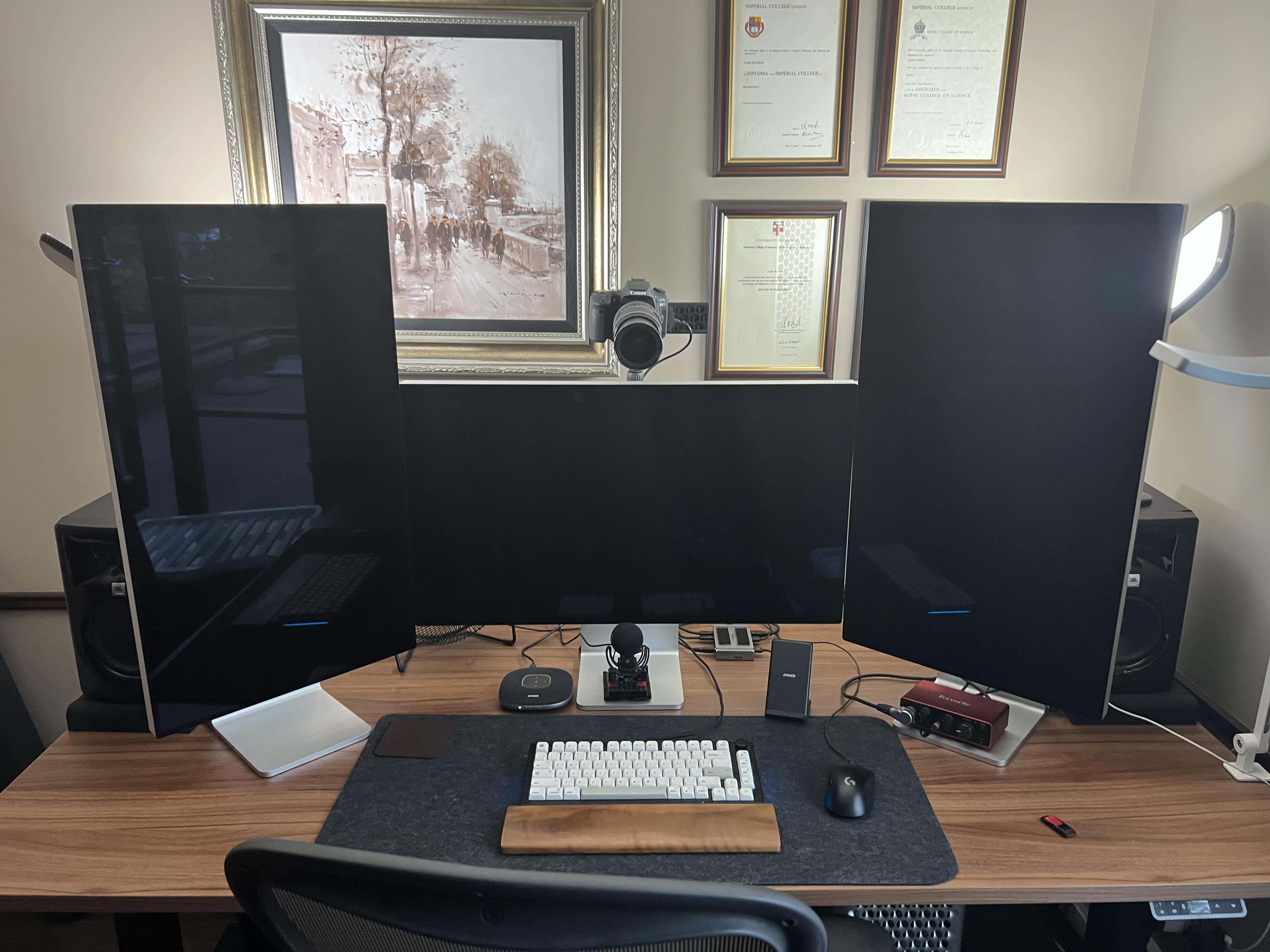
A 2019 Mac Pro is the core of this computer setup, along with a 16-inch M1 Pro MacBook (not pictured).
Photo: Liam Hudson

We can count the number of times we’ve come across a three-Pro Display XDR workstation in our Setups travels on less than one hand — maybe two or three times. And if you throw in a late-model Mac Pro and a pile of great audio-visual gear for professional-level videoconferencing, well, that’s even more rare.

Liam Hudson, CEO of a qualitative electronic trading company, sent his “ultimate computer setup” for at-home work to Cult of Mac. And it’s really something.

M1 MacBook Pro beats the newer M2 model in real-life stress tests

By

M2 MacBook Pro's slow SSD has an impact in daily use.
Entry-level M2 MacBook Pro's slow SSD impacts its daily use performance.
Photo: Rajesh

The slower SSD on the entry-level M2 MacBook Pro has a noticeable impact on its performance in daily use. Tests show the M1 MacBook Pro beating its successor in stress tests that rely heavily on swap memory usage.

Benchmarks first revealed that the base M2 MacBook Pro SSD is about 50% slower than the M1 model.

Designer’s MacBook Pro-driven office swims in Apple collectibles [Setups]

By

A MacBook Pro and a 4K LG display anchor Smelker's setup.
Photo: Terry Smelker

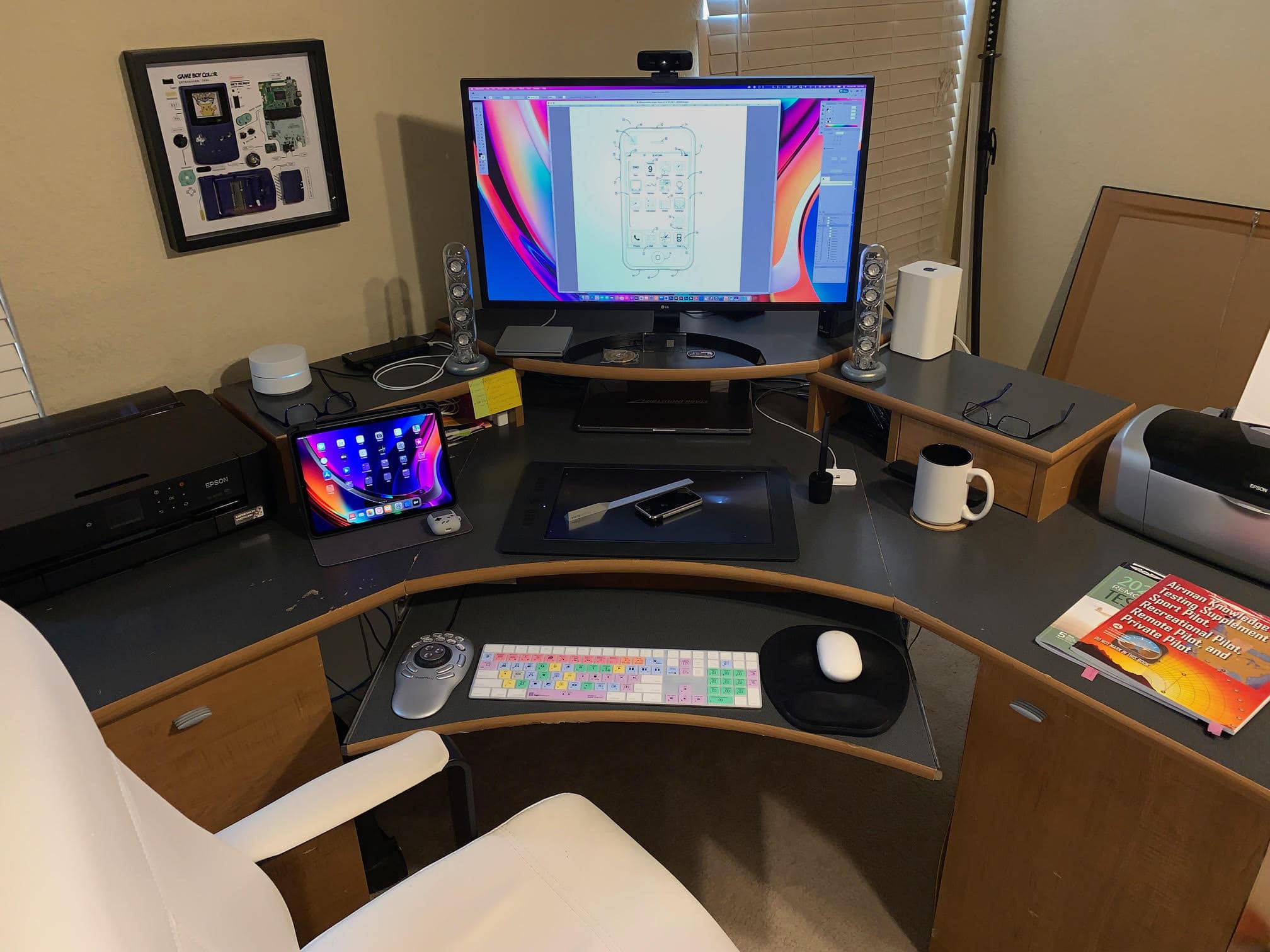
Graphic designer and illustrator Terry Smelker’s workstation includes many interesting elements, like a specialized drawing tablet and a multimedia controller he uses along with his tricked-out MacBook Pro. But even if you’re not curious about his setup proper, get a load of that Apple gear collection! Fortunately, he provided plenty of photographs.

“I’ve always been a huge fan of Apple’s design aesthetic,” he told Cult of Mac. And that started him on his collection of vintage Apple products, which complements the rest of his gear.

Tenorshare 4DDiG: How to recover lost data from a T2-equipped Mac

By

Tenorshare 4DDiG helps you recover lost data from a T2 Mac.
Photo: Tenorshare

This post is brought to you by Tenorshare.

With the launch of Apple’s T2 Security Chip in 2018, the custom silicon has increased the overall security of Macs. But as good and efficient as a T2-secured Mac is, it isn’t immune to data loss.

If you accidentally delete files, suffer a malware attack or botch formatting your hard drive, you can lose data on a Mac with a T2 Security Chip. Sometimes even a system crash can mangle your files.

But all is not lost. Below we’ll show you how to recover data and get your lost files back safely.

Save $99 on the powerful and perfectly portable M1 MacBook Air

By

MacBook Air M1 2020
The M1 MacBook Air is a fantastic deal with a $99 discount.
Photo: Leander Kahney/Cult of Mac

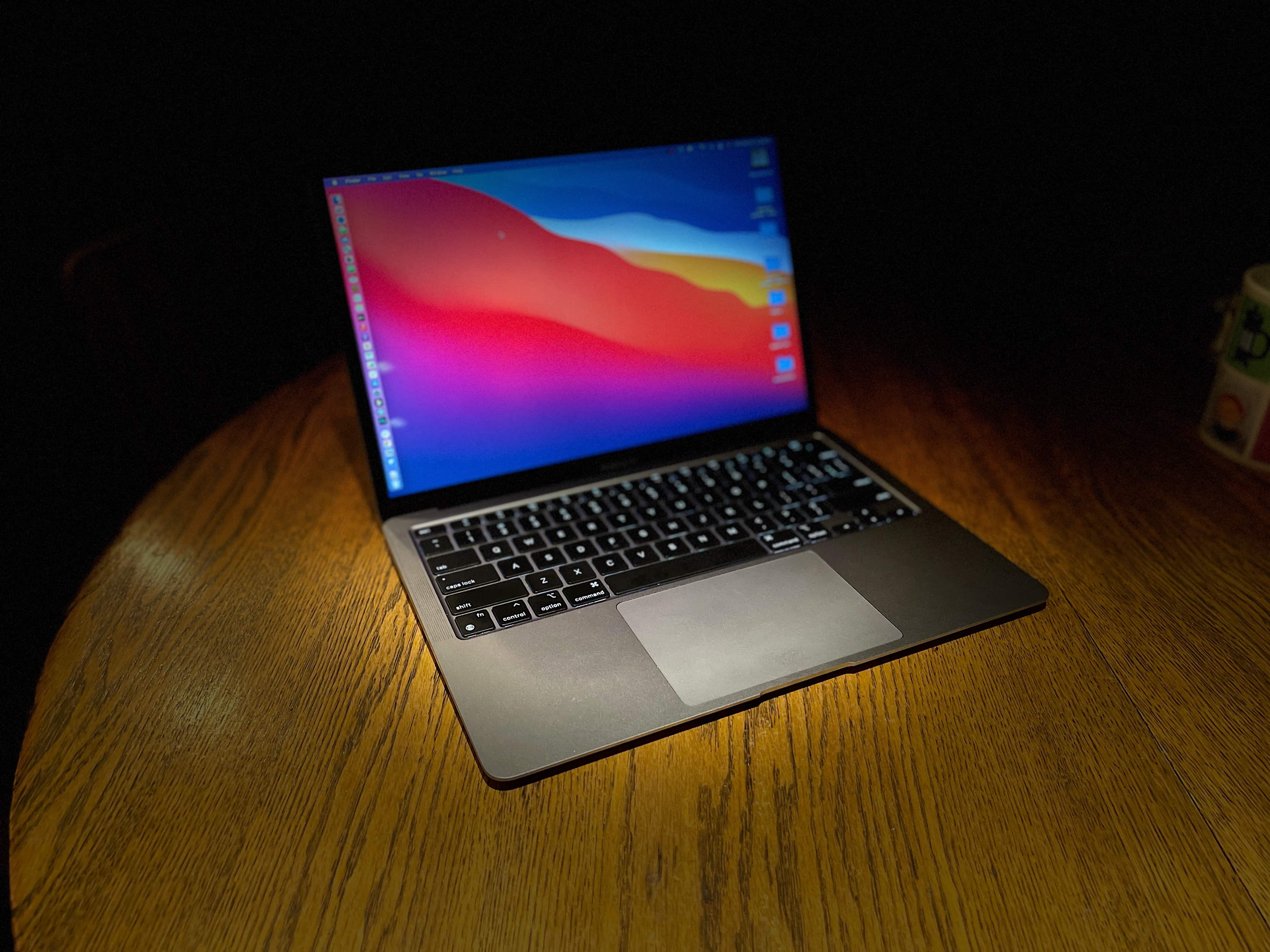
Apple’s excellent and portable powerhouse M1 MacBook Air is discounted to just $899.99 on Amazon. That’s a sweet 10% off its $999 MSRP.

The M2 MacBook Air might be the latest kid on the block, but that does not mean the M1 MacBook Air is any less capable.

Mac mini rig’s monster monitor pushes standing desk to limit [Setups]

By

That 38-inch monitor is almost too much for the standing desk to handle.
Photo: [email protected]

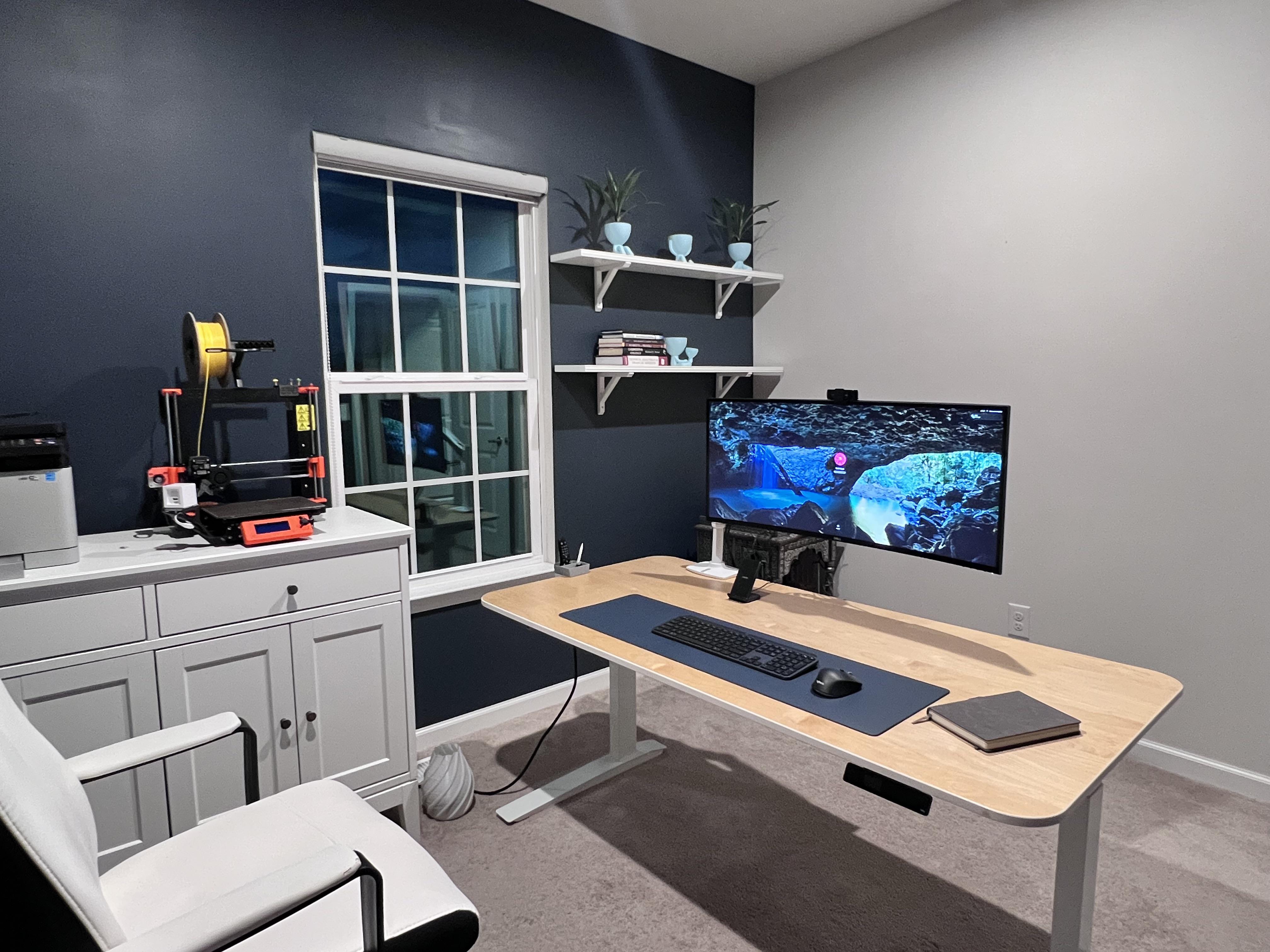
In a world of ever-increasing monitor sizes (and weights), you need a pretty tough, supportive desk — especially if it’s a motorized one for sitting or standing. Otherwise, the whole thing might wobble all over the place under the combined, imbalanced weight of your fabulous gear.

Today’s featured Mac mini computer setup copes with an electric desk that struggles under the weight of a behemoth of a curved ultra-wide monitor.

Amazon slashes $200 off 2021 MacBook Pros

By

Many apps can make using your MacBook or iMac even easier, as well as more productive.
Apple's 2021 MacBook Pro is the perfect Father's Day gift.
Photo: Apple

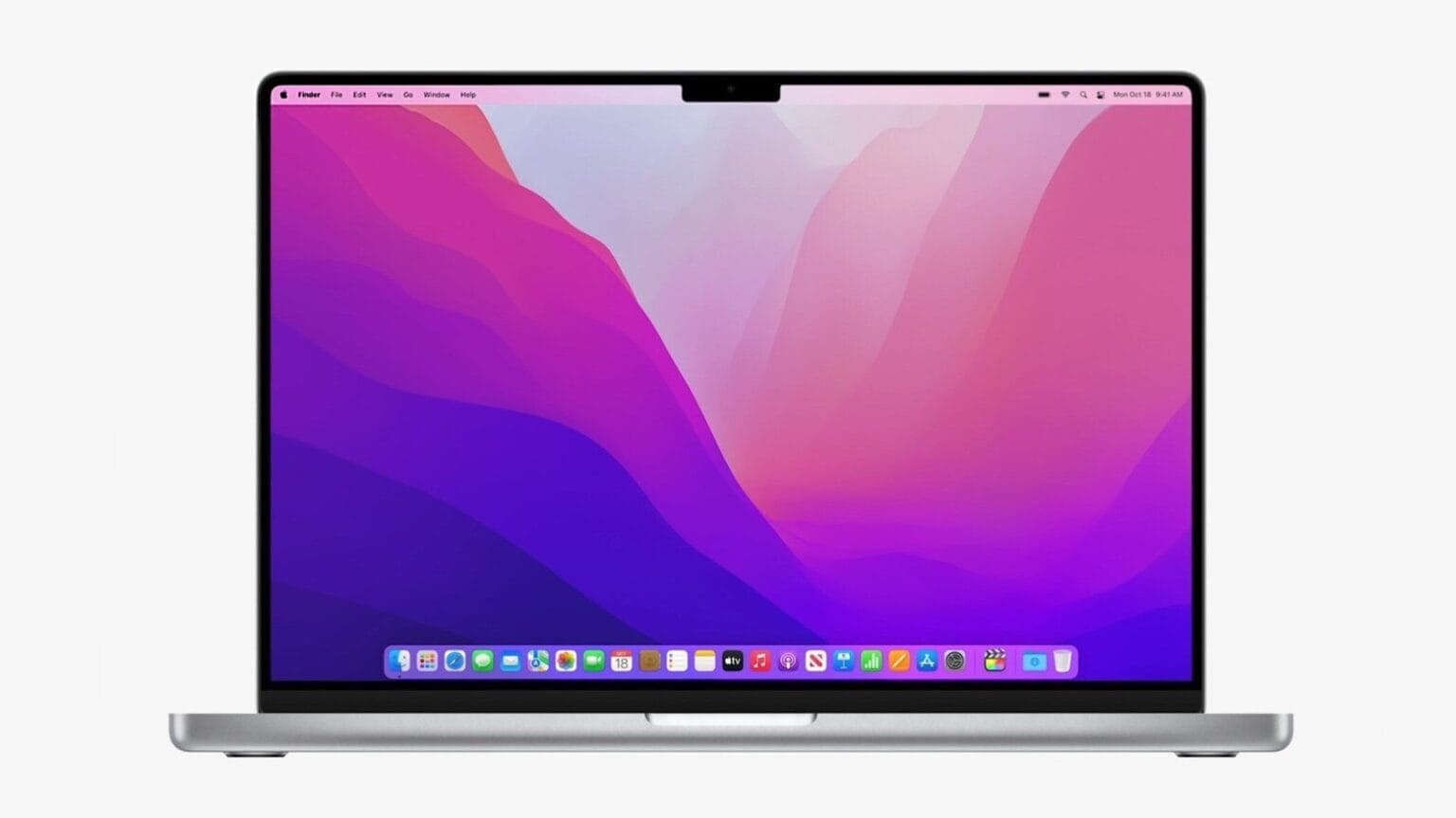
Looking for a gift for your dad this Father’s Day? Amazon has slashed the prices of the 14-inch and 16-inch MacBook Pro by $200, making them an ideal option.

On the 14-inch MacBook Pro, you score a 10% discount off its retail price bringing its price down to $1,799. As for the 16-inch model, you can grab it for as low as $2,299 after an 8% discount.

‘Old gamer’ goes with M1 Pro MacBook and Steam Deck [Setups]

By

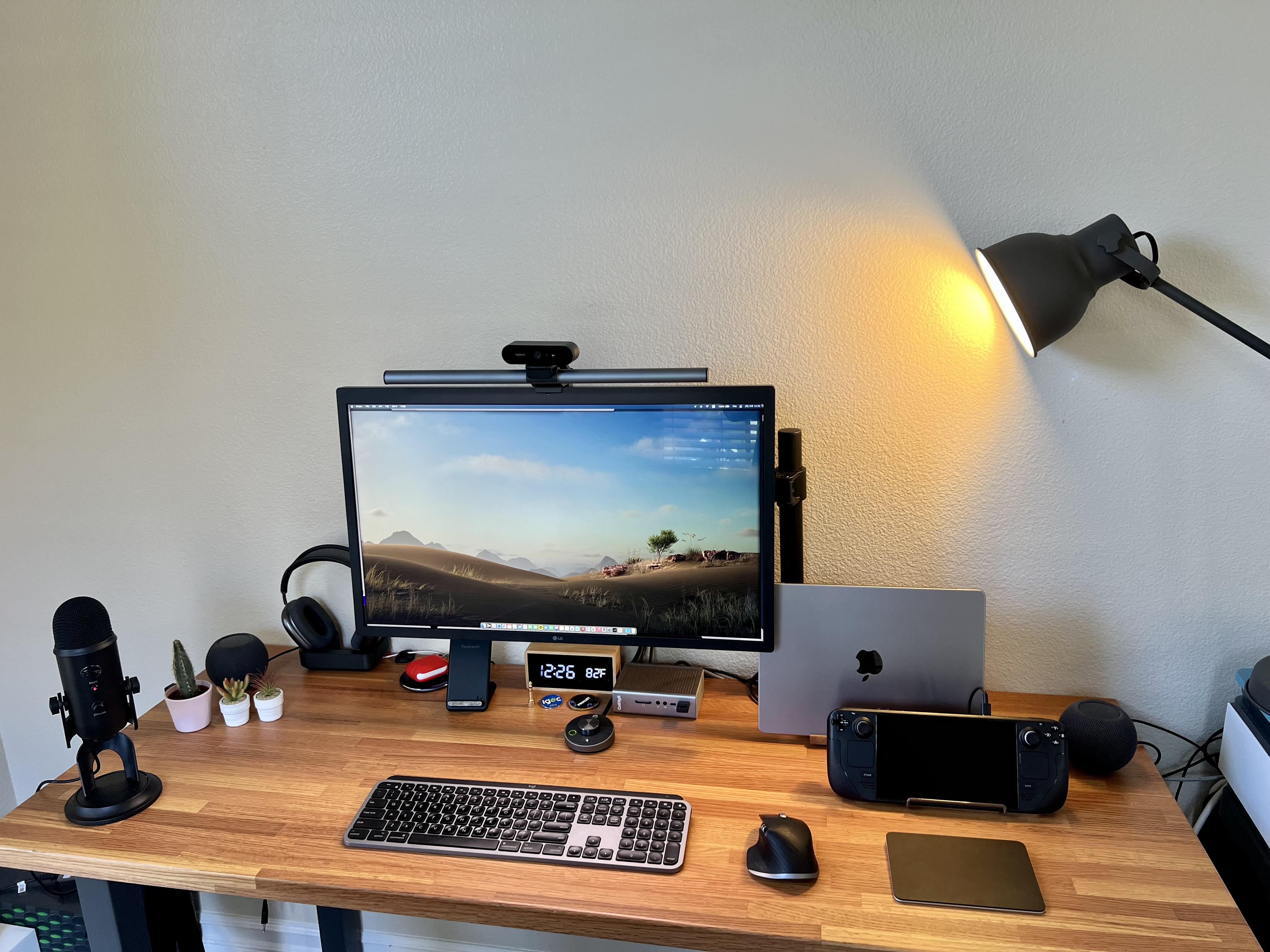
Two computers live here: a 14-inch M1 Pro MacBook and a Steam Deck for gaming.
Photo: [email protected]

Everybody knows Macs don’t set the gaming world on fire, though Apple silicon has made some inroads. So while plenty of Mac users enjoy Apple Arcade and use Apple hardware to play games, many turn to other means. We’ve seen plenty a hybrid Mac – PC computer setups out there.

But today’s featured setup takes another course to gaming satisfaction. It’s owner, who describes himself as an “old gamer,” divides his time between work via an M1 MacBook Pro and gaming on a Valve Steam Deck.

1 67 68 69 70 71 144