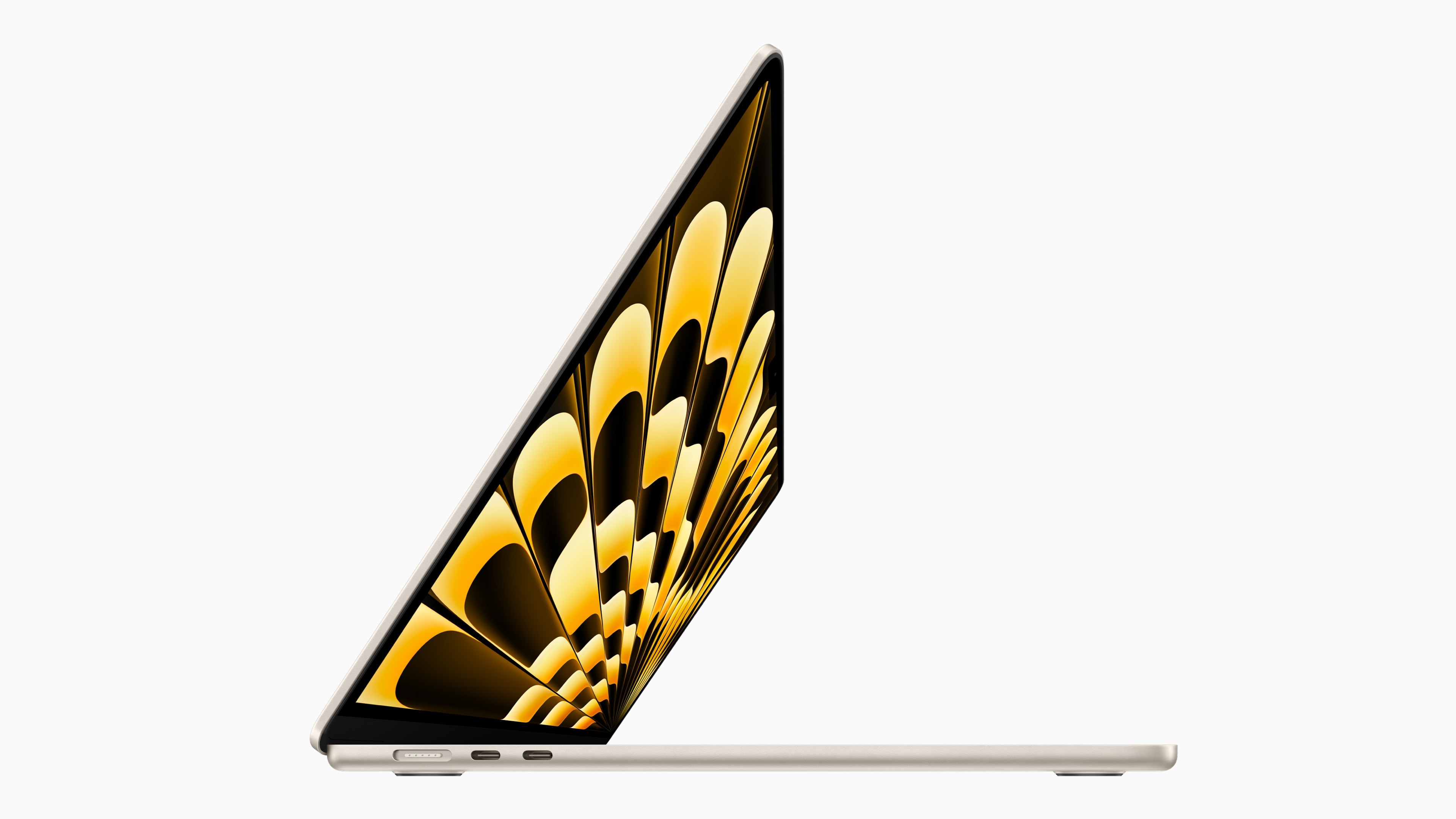
Amazon is currently offering a $50 discount on 15-inch MacBook Air preorders. Photo: Apple
If you haven’t yet placed your preorder for the 15-inch MacBook Air, you should jump on Amazon’s latest deal. It knocks $50 off the price of the well-reviewed new laptop.
There's never been a MacBook Air with a larger screen. Not even close. Photo: Apple
Reviewers have plenty of praise for the first 15-inch MacBook Air, with comments like it “does its job very, very well” (The Verge) and it’s “more than good enough” (CNET).
The 15-inch MacBook Air is the largest consumer-oriented notebook Apple has ever offered. Photo: Apple
The first 15-inch MacBook Air was a highlight of WWDC23, but it was a bit overshadowed by other announcements. Perhaps that’s why Apple still has units ready to be preordered for pickup on launch day, June 13.
The same is true for the upgraded Mac Studio with M2 Pro or M2 Ultra processors. And the first Mac Pro with Apple silicon is also sold out on launch day.
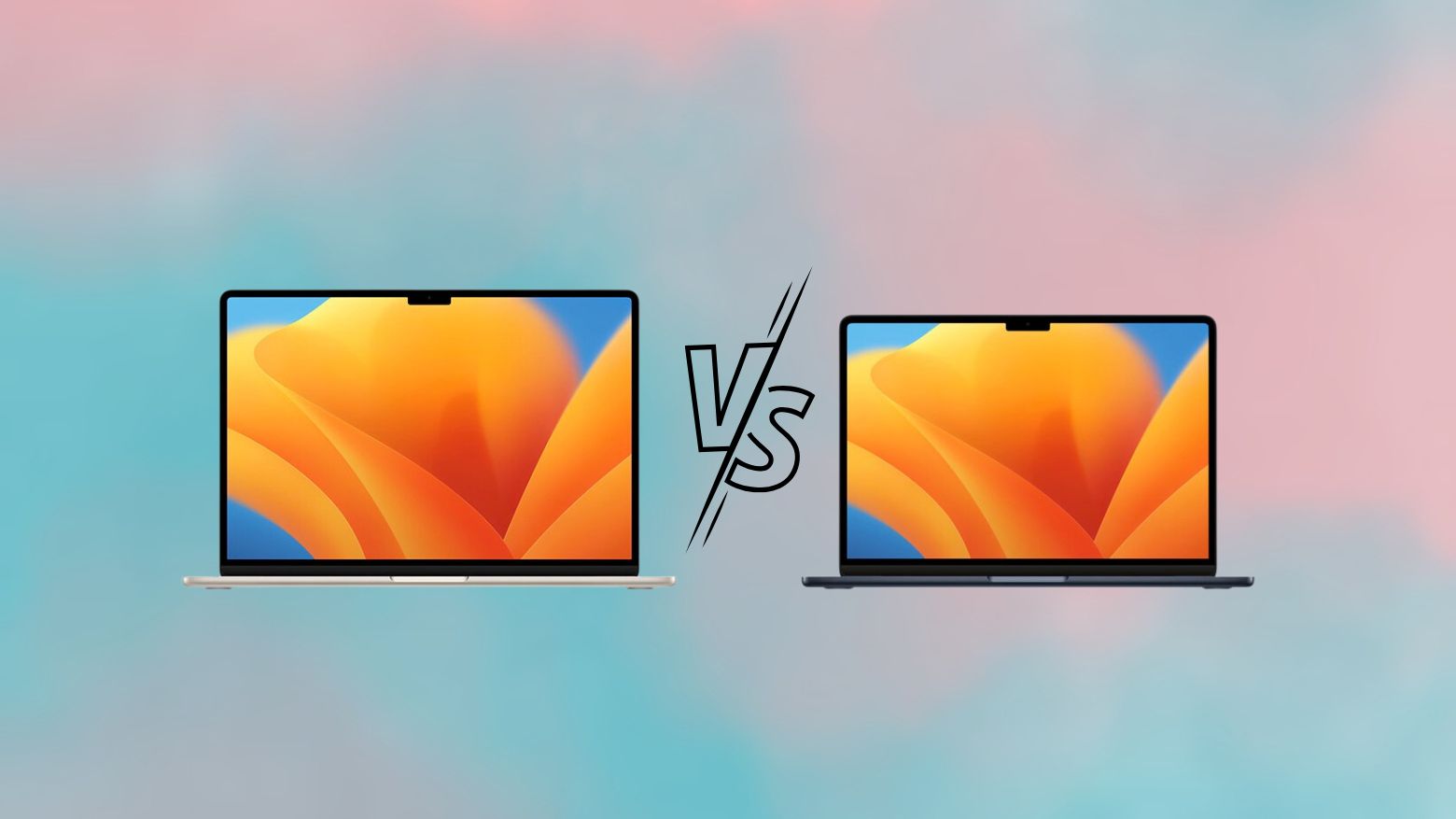
Which M2 MacBook Air model is right for you? Image: Rajesh Pandey/Cult of Mac
Apple’s redesigned 13-inch MacBook Air from 2022 remains among the best portable laptops you can buy. The 15-inch MacBook Air packs the same benefits in a slightly bigger form factor.
So, which MacBook Air model is right for you — 13-inch or 15-inch? Read our comparison to find out.
Apple has plenty of announcements lined up for WWDC23 Photo/Graphics: Apple/Rajesh
With Apple’s Worldwide Developers Conference just a week hours away, anticipation is building for what looks like one of the company’s most momentous events in years. In addition to the next versions of iOS, iPadOS, watchOS and macOS, Apple reportedly plans to use its WWDC23 keynote on June 5 to showcase some very interesting hardware.
Here’s a roundup of what to expect from the WWDC23 keynote, which streams live at 10 a.m. Pacific today.
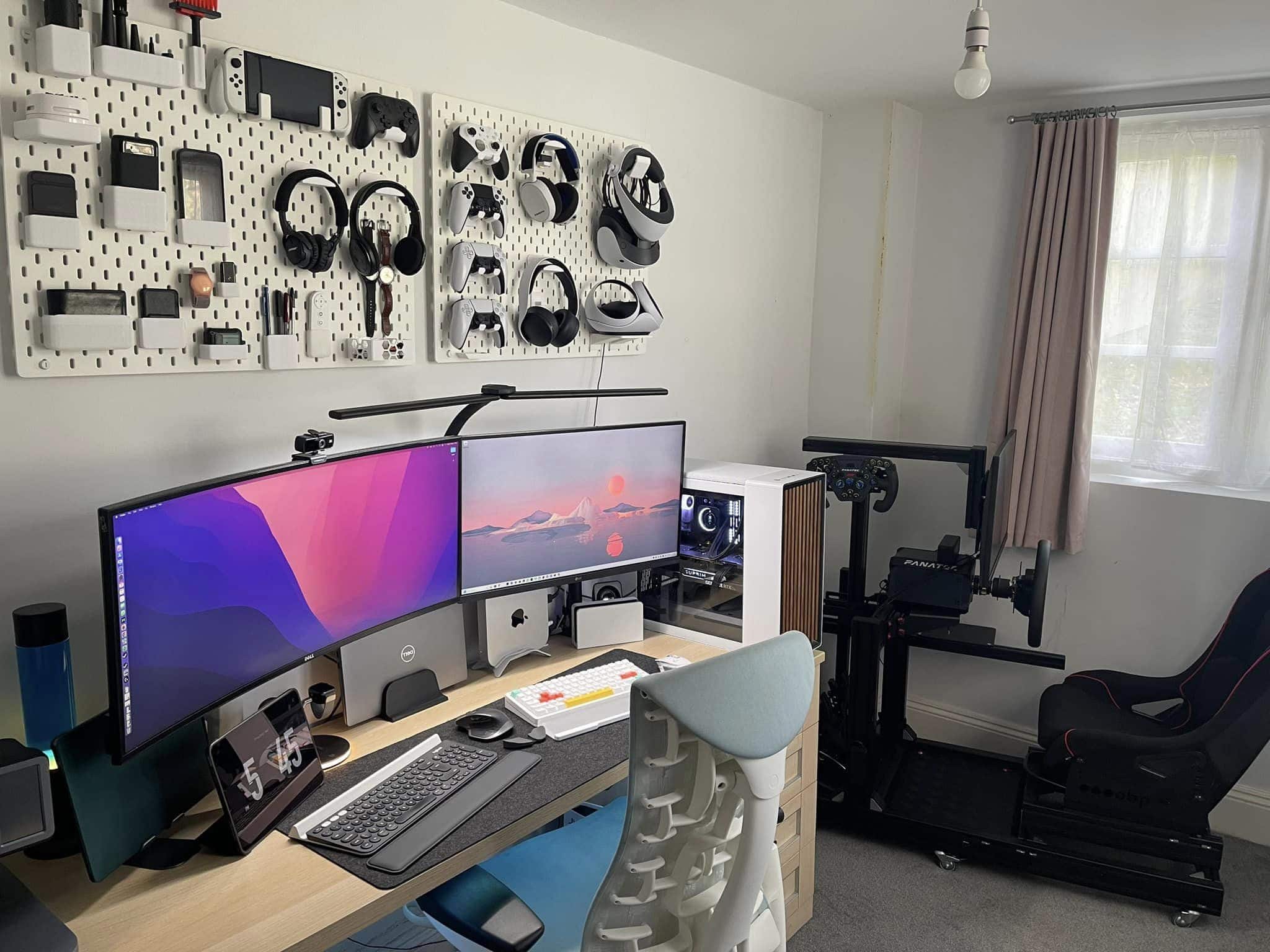
Just check out those pegboards holding many and varied gaming implements. Photo: Sajid Kahn
Some computer setups blow you away with the sheer number of components they include. Today’s featured M1 Mac mini rig not only has five computing devices — not counting a whole wall full of gaming systems — its gear list at the bottom of this post includes 33 items.
And that doesn’t even count the 3D printer, smartphones and a bunch of other items the user showcased.
This is a modern computer setup, but Dalzell also has about 100 vintage machines. Photo: Drew Dalzell
Cutting-edge computer setups are cool. Vintage computer museums are also cool. But do you know what’s super-cool? Both. Together.
Los Angeles-based sound designer Drew Dalzell sent Cult of Mac his M1 MacBook Pro setup this week. As it turns out, it sits in the middle of a vintage computer collection. It includes an Apple IIGS, an Apple II Plus, an Ortrona, a Commodore 64 and more. The space is also his business HQ.
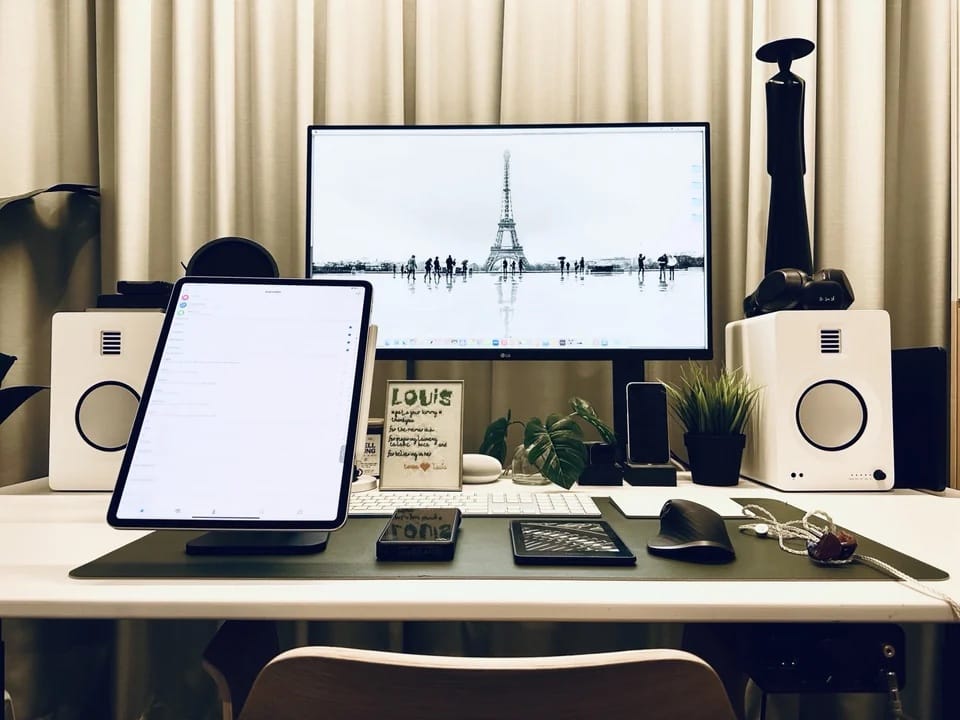
With a good iPad stand and a DAC/amp added for audio, this setup is finally done. For now. Photo: [email protected]
Part of the fun of covering computer setups for Cult of Mac is seeing how a setup is never “done.” Blood, sweat, tears and time may go into it, but it will always need something — whether that’s missing functionality, better decoration or the next generation of a key device.
Today’s featured M2 MacBook Air setup is a good example. Since we featured an earlier version of it just weeks ago, the user made important changes. He added two components to maximize crucial iPad functionality and pump up audio.
An Apple-Amazon deal may have hurt sellers of refurbished, discounted products. Photo: Apple
Looking to buy a new iPad, Apple Watch, Mac, or AirPods? Take advantage of the Memorial Day sale across various retailers, and you can save big on your purchase.
Given that Apple products are almost always in demand, they are heavily discounted this Memorial Day.
The user heartily recommends just one of the three mounts used for the Pro Display XDRs.
Some of the computer setups on social media with the biggest “wow” factor are Mac Pro-based. And some boast not one but multiple Pro Display XDRs, Apple’s unattainably high-priced top monitor. But some “wow” setup have both a Mac Pro and multiple Pro Display XDRs, like today’s featured rig.
And discussion prompted by the setup covers a key issue to consider when you’ve got a big, heavy, gorgeous, super-expensive display. What’s the most solid, safe and wiggle-free mount to use with it?