Mobile menu toggle

Search results for: SSD

M1 MacBook Air is a total steal at just $749

By

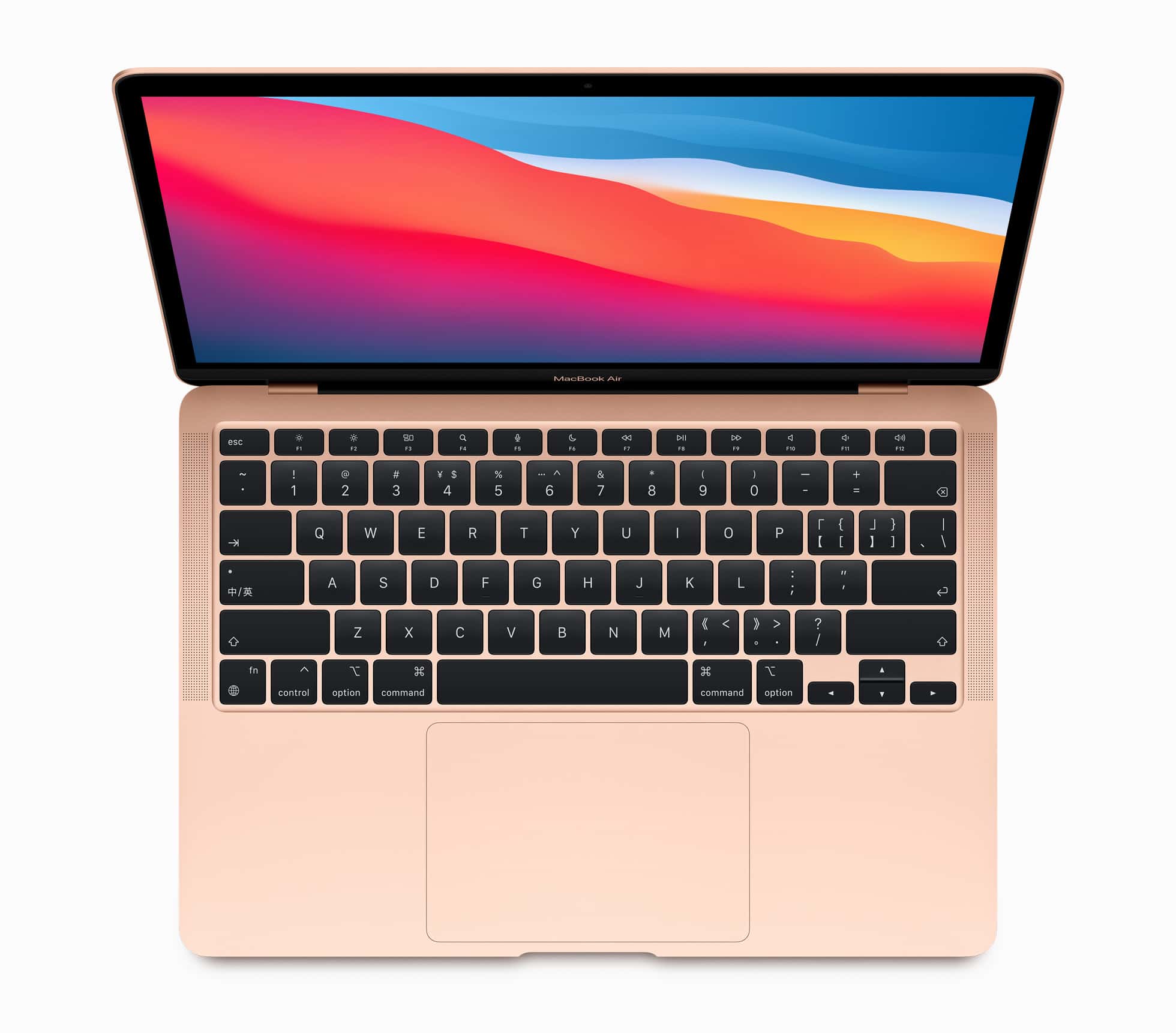
M1 MacBook Air in gold
The M1 MacBook Air is a screaming deal at this new low price.
Photo: Apple

The M1 MacBook Air just dropped to an extremely affordable $749 from its $999 MSRP. If you need a lightweight laptop with excellent battery life that can handle everyday tasks like a champ, don’t miss this deal.

This is the lowest price the machine has dropped to, besting even the price it was available for during last year’s Black Friday. Best Buy has the same deal, knocking $250 off the M1 MacBook Air.

This post contains affiliate links. Cult of Mac may earn a commission when you use our links to buy items.

This is how you make your computer setup a thing of beauty [Setups]

By

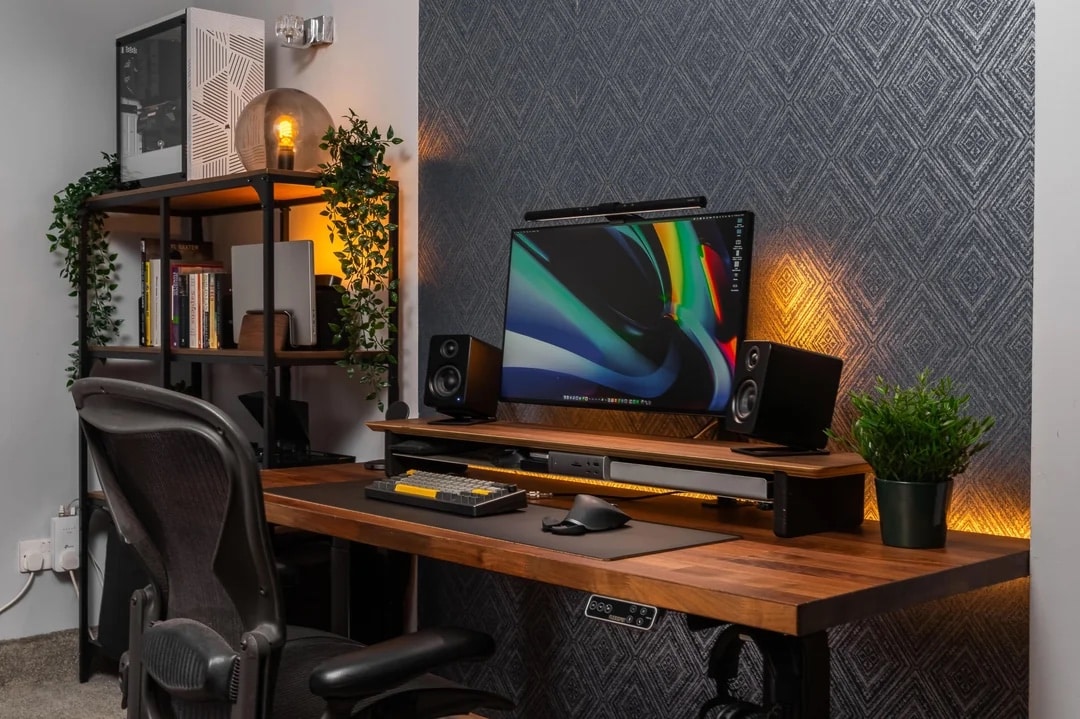
It took months to put together this well-put-together setup.
Photo: [email protected]

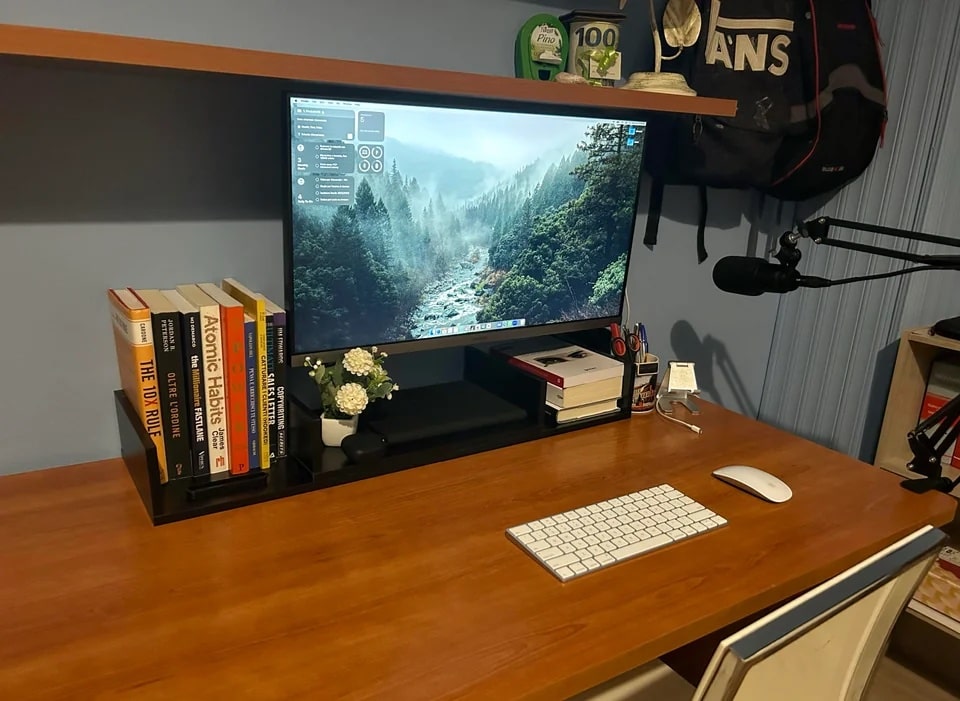
There’s nothing like stained wood to make a computer setup look like a class act. Today’s featured M1 Max MacBook Pro and custom PC workstation places those powerful machines on shelves off to the side that more-or-less match the desk.

Relocating the computers makes more room on the beautiful wooden desktop, which ups the quality even further with a handsome wooden desk shelf for the external display and other items.

How would you fix this MacBook Air workstation? [Setups]

By

How would you improve this setup? See others' advice below.
Photo: [email protected]

On social media we see plenty of people flaunting pristine computer setups, and even completely staged ones. But plenty of them are “lived in,” and some aren’t necessarily complete. People sometimes call out for help: “How do I make this better?”

Today’s featured M1 MacBook Air setup is example of the latter. The user asked for advice and got it. But he didn’t agree with some of it. See below.

Belkin makes the USB-C hub we’ve been waiting for [Review] ★★★★

By

Belkin makes the USB-C hub we’ve been waiting for [Review]★★★★
Belkin’s affordable USB-C hub offers four high-speed ports and can charge your devices, too.
Photo: Ed Hardy/Cult of Mac

The Belkin Connect 4-Port USB-C Hub seems like a simple product, but it’s something we’ve had to wait years to finally get. It’s a simple, inexpensive hub that turns one USB-C port into four that can provide high-speed data transfers while also powering a MacBook or iPad.

I put the device to the test in my home office. I lives up to just about all my expectations. Here’s why.

Designer calls in M2 Ultra Mac Studio to handle CG renders [Setups]

By

That M1 Max Mac Studio is about to get replaced for not quite handling renders.
Photo: [email protected]

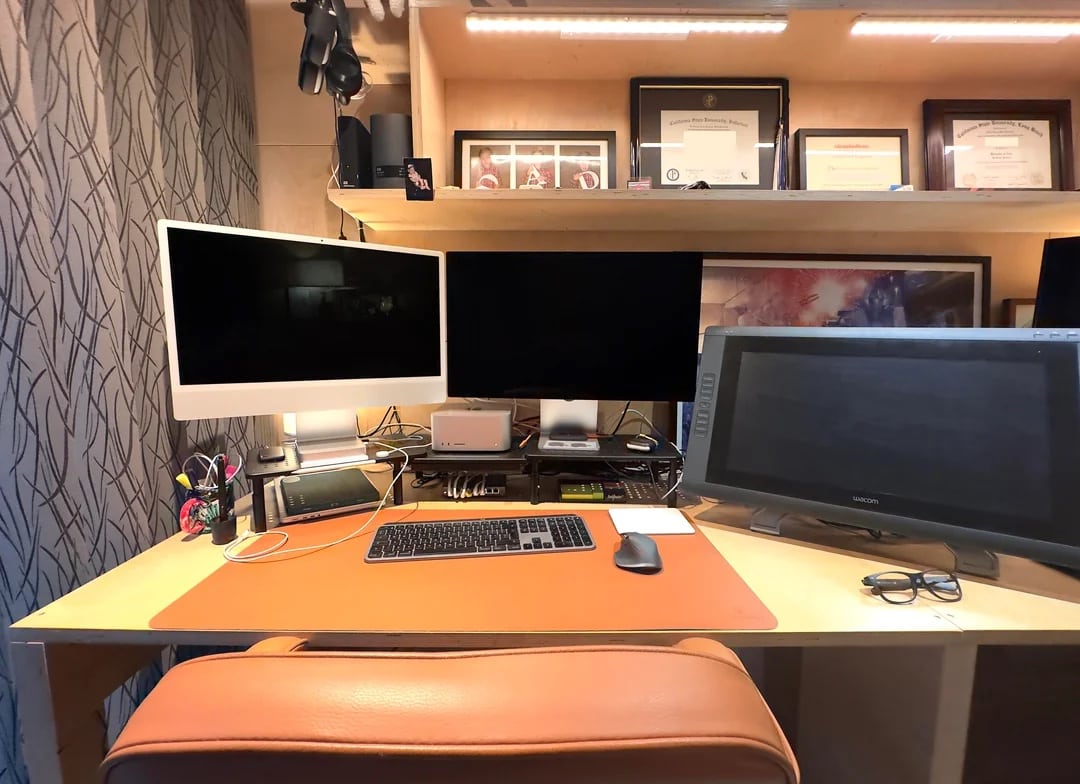
It seemed only yesterday M1 Max Mac Studio showed up as the new powerhouse in town, ready to take on all tasks. But in today’s featured setup, it’s on the chopping block for failing to handle heavy-duty rendering work for animated films well enough. The designer running the setup eagerly awaits an M2 Ultra Mac Studio.

Meanwhile, he uses Universal Control to pair his powerful desktop with an M1 iMac for basic tasks and relies on massive amounts of external storage for his humongous files.

M1 Max 16-inch MacBook Pro gets a massive $800 discount

By

Some MacBook Pro wait times already stretch nearly to Christmas
Get the M1 Max-powered MacBook Pro with a massive $800 off.
Photo: Apple

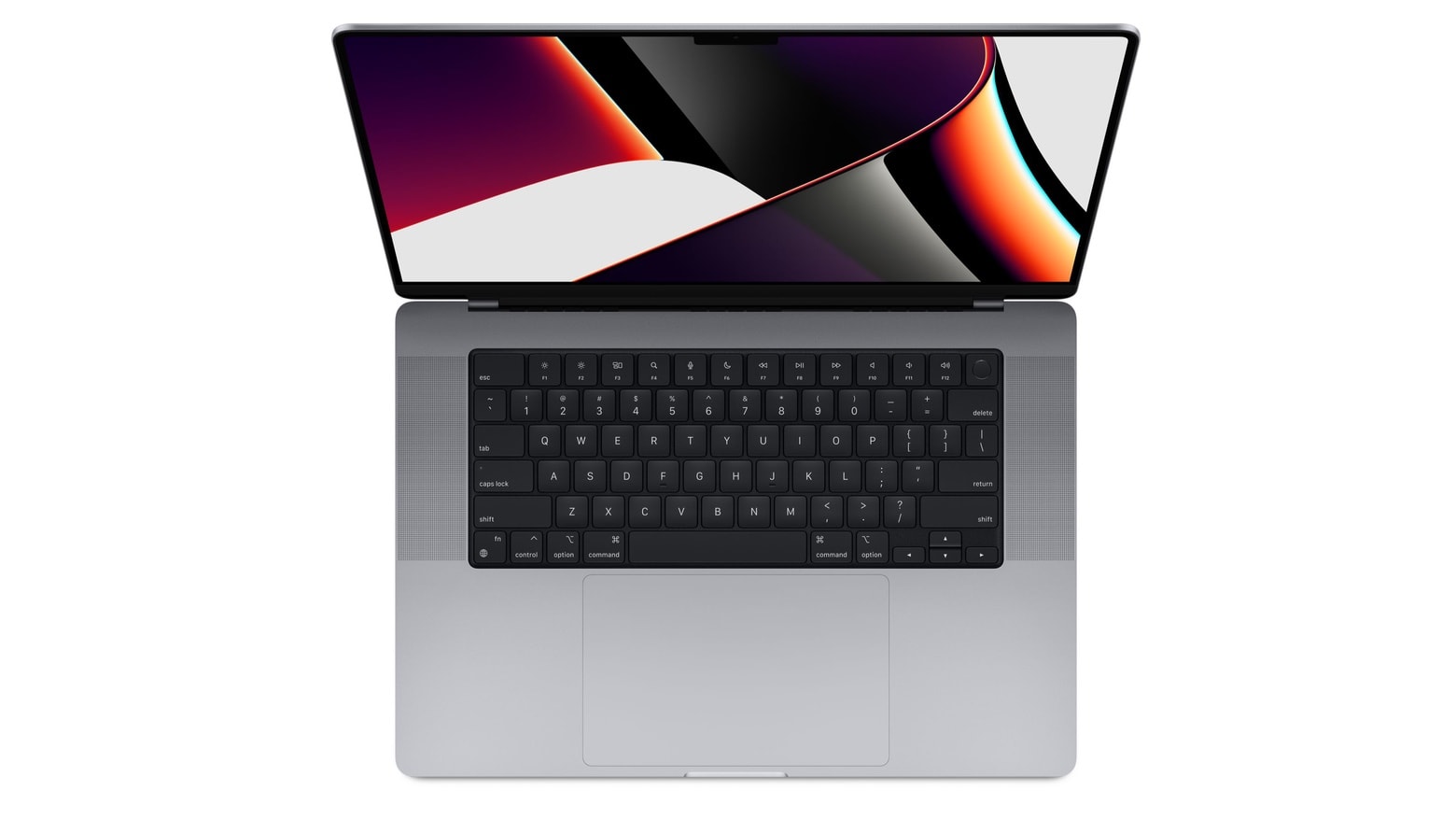
Looking to buy a powerful new MacBook Pro but cannot stretch your budget for the M2 Max model? Apple’s 2021 16-inch MacBook Pro with M1 Max is down to $2,699 after a whopping $800 discount.

This makes it a great alternative to Apple’s newer 2023 MacBook Pro models. If you were looking to buy the M2 Pro-powered MacBook Pro, consider purchasing the M1 Max variant instead.

Portrait-mode monitor and classic Apple poster pump up workstation [Setups]

By

Adding a second 27-inch monitor in portrait mode enhanced the setup. And look at that classic PowerBook G4 poster!
Photo: [email protected]

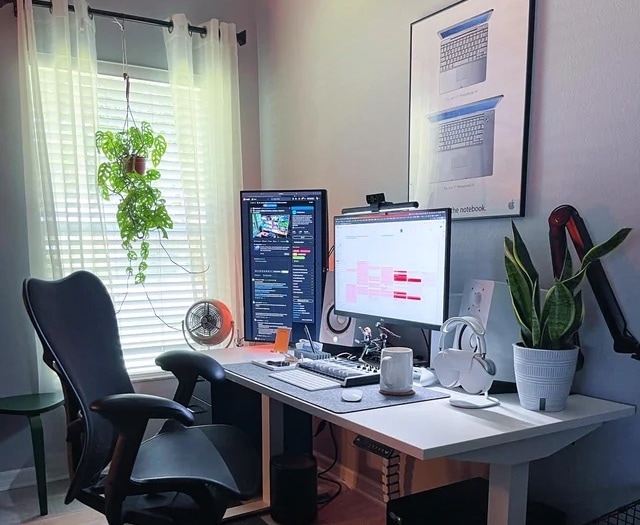
Adding a second or third external display in portrait mode can really enhance a computer setup and its workflow. The owner of today’s featured MacBook Pro setup lucked into a second monitor and set it up vertically. Many people find the orientation suits certain tasks, like coding or reading email.

And who doesn’t love a classic Apple poster? Don’t miss the nice framed PowerBook G4 poster on the wall above the desk in the photograph above.

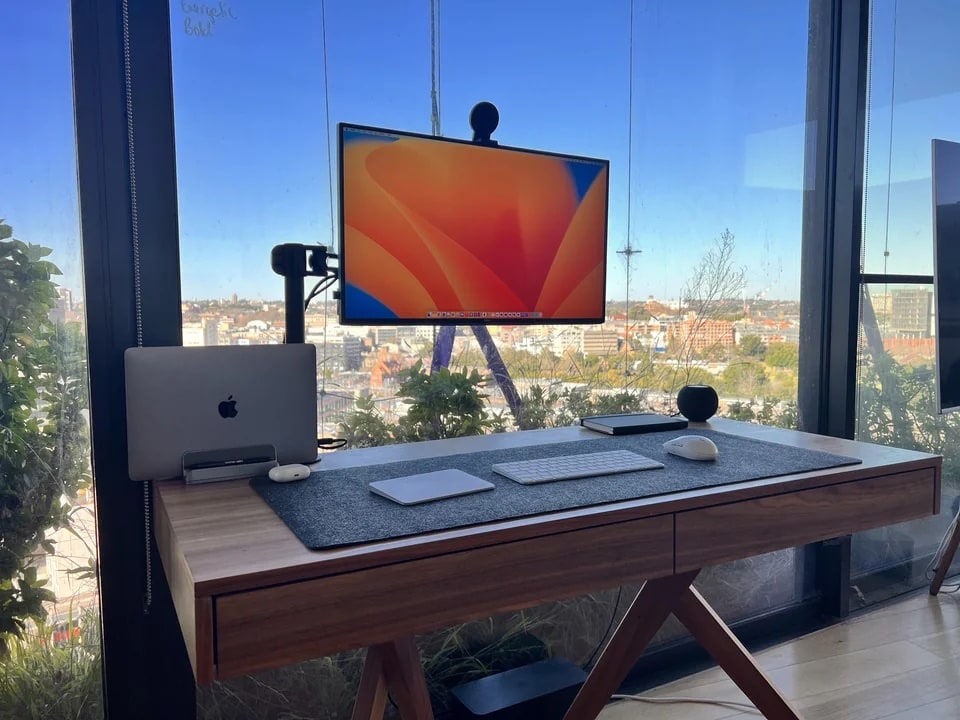
MacBook Pro rig rides high Down Under [Setups]

By

A 13-inch M1 MacBook Pro with a view drives a setup in Sydney, Australia.
Photo: [email protected]

There’s nothing like working with windows — floor-to-ceiling ones with epic views of a world-class city, that is, not Microsoft’s OS software.

In today’s featured computer setup, a MacBook Pro and a Surface 8 laptop vie over a nice Dell 4K display overlooking Sydney, Australia.

Securely store files in this Kingston flash drive encrypted with a keypad [Review] ★★★★☆

By

Kingston Ironkey Keypad 200★★★★☆
No one but you will access your files if they’re on a Kingston Ironkey Keypad 200.
Photo: Ed Hardy/Cult of Mac

The best way to be sure no one is accessing your files is to lock them on an encrypted drive. The Kingston Ironkey Keypad 200 includes built-in keypad so you can easily unlock the USB drive when it’s time to access your stored information.

I put the mini-SSD to the test in my home office. Read on to see how well it stood up use with a variety of computers and other devices.

Grab deep discounts on iMacs, MacBooks and Studio Display while they last

By

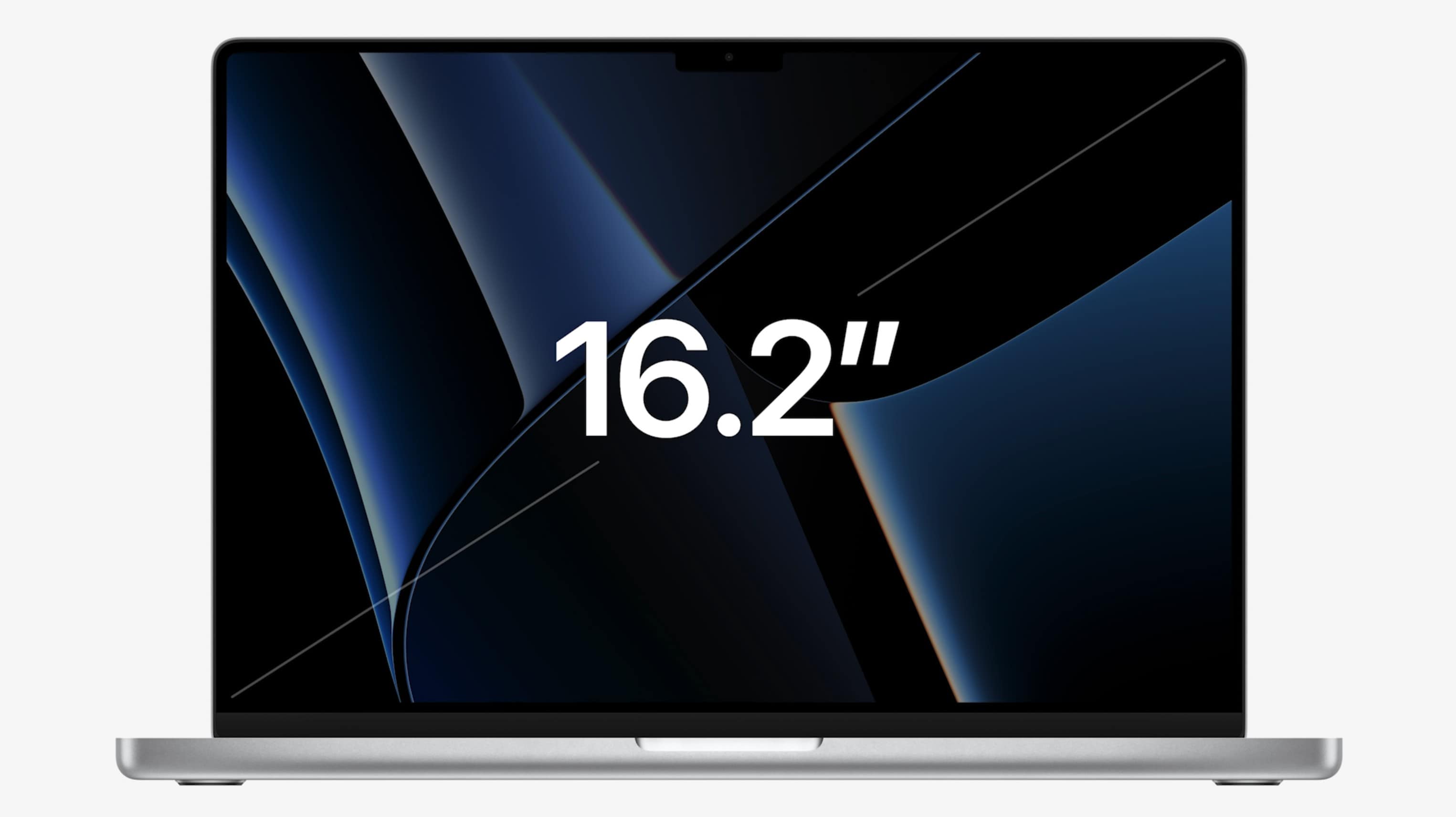
Apple's Unleashed event: The new 16-inch MacBook Pro packs a 16.2-inch screen.
The 16-inch MacBook Pro packs a 16.2-inch screen.
Photo: Apple

Amazon bargain site Woot! launched a new sale on Apple gear Friday. This time the deals cover iMacs, MacBooks and Studio Displays.

The sale ends late Monday night Pacific time, so act fast if you want to score some of these deals on new and refurbished gear.

1 51 52 53 54 55 144