Mobile menu toggle

Search results for: SSD

Save big on 16-inch MacBook Pro with M4 Pro in this amazing deal

By

M4 Pro MacBook Pro review
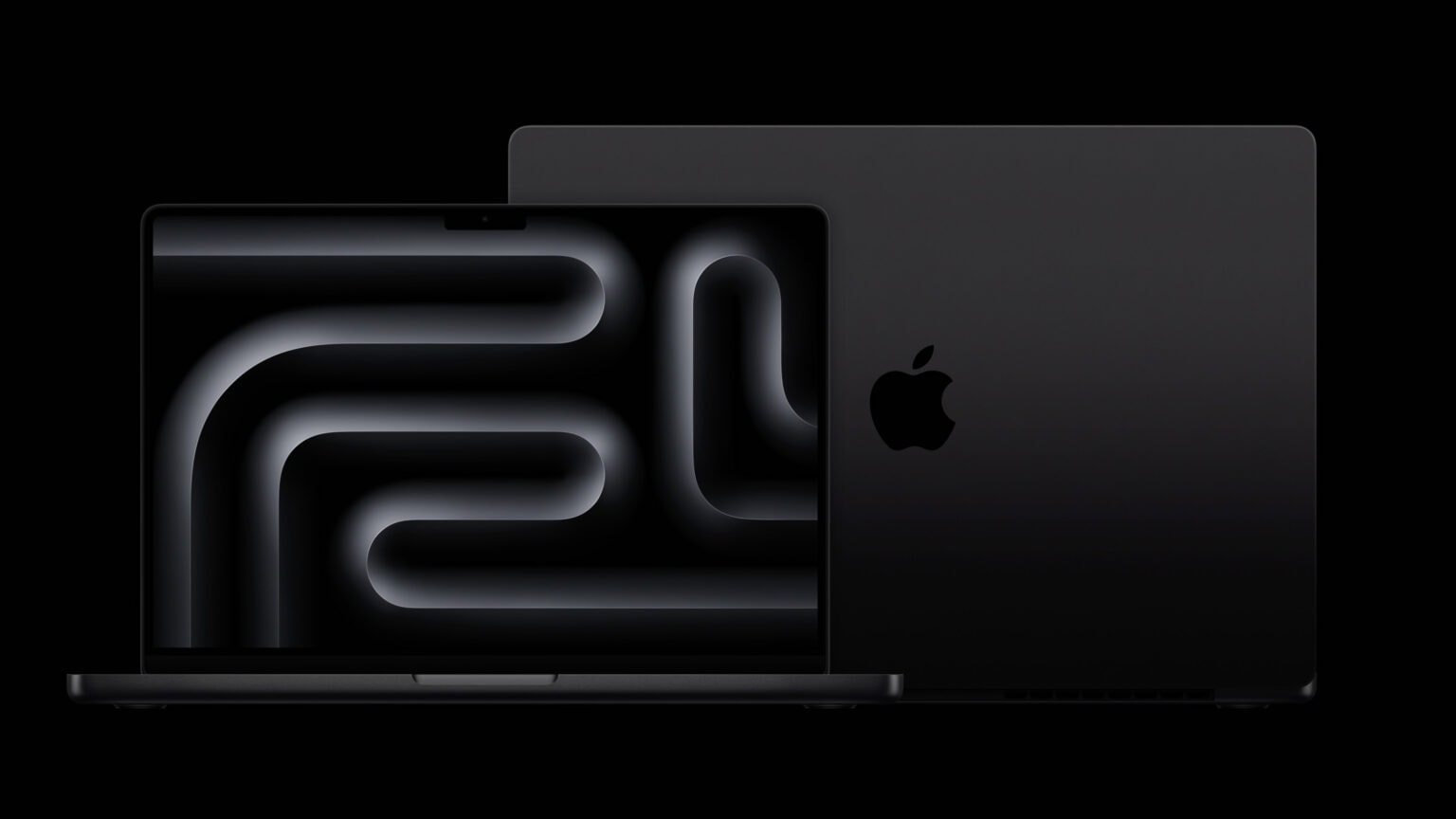
You will not want to miss this deal on the 16-inch MacBook Pro with M4 Pro.
Photo: David Snow/Cult of Mac

This deal on the 16-inch MacBook Pro with M4 Pro chip lets you buy one of the most powerful laptops available for less. While the Apple laptop’s $2,499 price tag places it on the premium side, a 10% discount on Amazon makes it a bit more accessible.

Thanks to the deal, the M4 Pro MacBook Pro is available for $2,239.

Surprise! M4 Mac mini multiport hub/stand launches early.

By

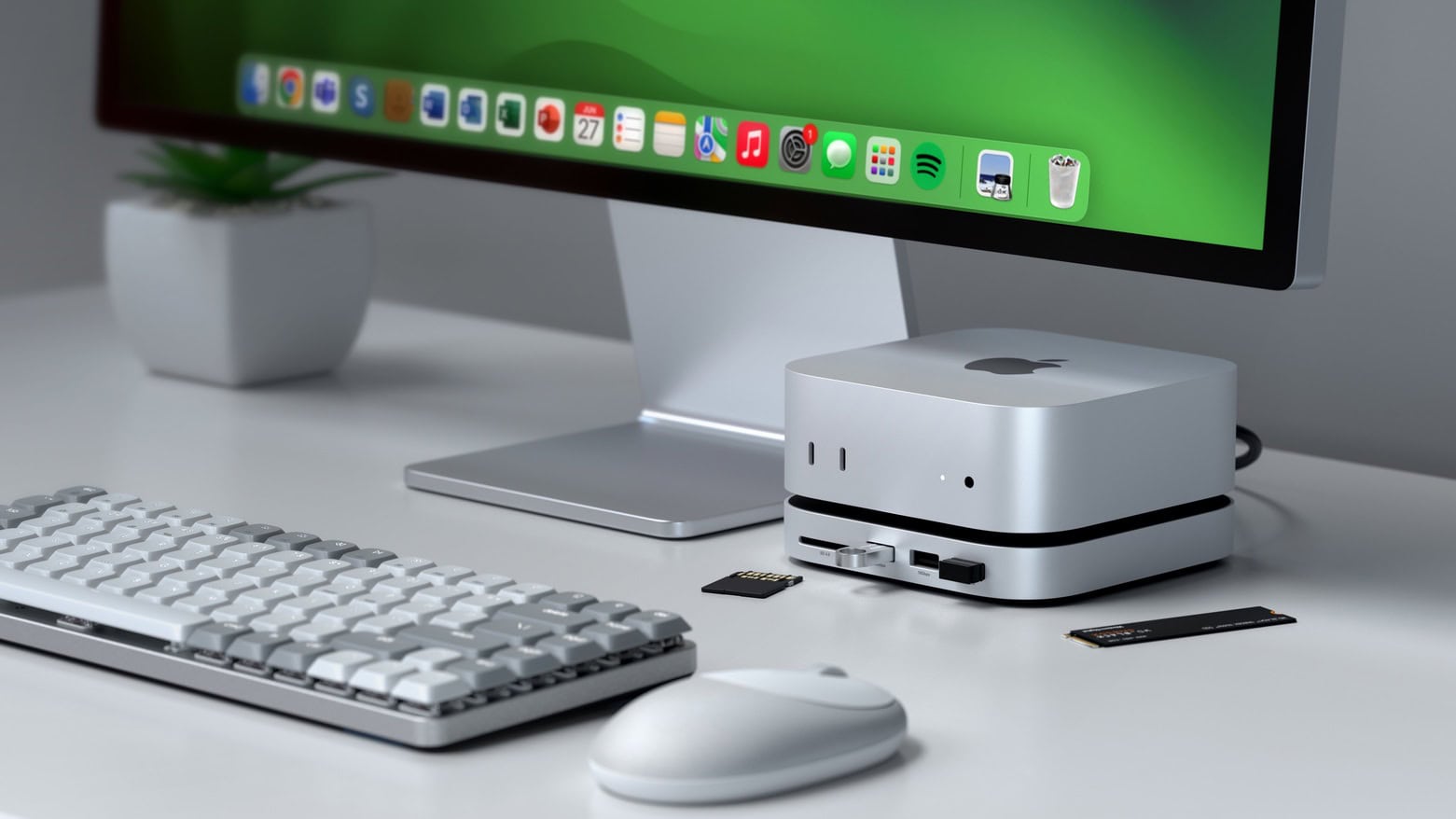
Satechi Mac mini M4 Stand & Hub with SSD Enclosure
Max out your Mac mini with this hub.
Photo: Satechi

The wait for the Satechi Mac mini M4 Stand & Hub with SSD Enclosure isn’t as long as expected. The accessory — which adds front-facing ports and more storage — can be ordered now, though quantities are limited.

It seems a nice addition for Apple’s tiny new desktop. It even makes pressing the computer’s hidden power button easier.

Snag an M3 Pro or Max MacBook Pro for up to $1,200 off

By

huge deals on M3 MacBook Pro models
You can pay $500, $700 and even $1,200 off regular prices for high-spec M3 MacBook Pro models.
Photo: Apple

Good thing come to those who wait for lower-priced Apple gear — this time in the form of M3 Pro and Max MacBook Pro models for hundreds off normal prices. B&H Photo marked down prices a mile — even up to $1,200 off a high-spec model. So unless you feel like you simply must have the latest M4, here’s your chance to bag a blazing-fast, highly useful MacBook at a great price.

Polk Audio system brilliantly boosts Mac mini’s sound [Setups]

By

Polk Audio Reserve R100 bookshelf speakers
The Mac mini setup's bookshelf speakers are just the top of the Polk Audio iceberg. The man shed's home theater audio gear is incredible, too.
Photo:

In today’s featured setup from the Pacific Northwest, Polk Audio boosts Mac mini sound with bookshelf speakers on the desk as well as a subwoofer under it. But that’s not the extent of the user’s devotion to Polk, an admired longtime brand we rarely, if ever, see in setups coverage. The Mac mini setup is just one part of a magnificent man shed. The other part is a home theater festooned with more than enough Polk Audio hardware for stellar surround sound.

M4 Mac mini lives in a killer backyard shed conversion [Setups]

By

Mac mini in
This M4 Mac mini setup shares a converted shed with an epic home theater.
Photo: [email protected]

I’ve seen a few amazing man caves and she shacks while covering cool computer setups for Cult of Mac, but not many can compete with the home of today’s M4 Mac mini setup. The user converted a backyard shed nestled in the woods of the Pacific Northwest. So now the man shed M4 Mac mini setup doubles as a home theater sporting a gargantuan screen. You can find all the gear in the links list below for both the computer and home theater setups.

MacBook Air rig boasts ‘best’ noise-canceling headphones [Setups]

By

Sony WH-1000XM5 headphones on desk
This shot from Sony shows the XM5 cans laying flat on a desk by a MacBook and an Android smartphone.
Photo: Sony

In today’s M2 MacBook Pro setup, the user stores one of the best-reviewed sets of wireless, over-ear headphones of all time on a stand over to the side. The cans are almost easy to miss in the photograph, but well worth noticing. AirPods Max competitor Sony WH-1000XM5 headphones, in a Mac setup, make for a relatively rare sight. But they’re often at or near the top of “best of” lists — not just for great sound and a comfortable fit, but especially for their vaunted noise cancellation.

M2 MacBook Air takes off like rocket with 3 external displays [Setups]

By

Ugreen Revodok connects multiple displays
A Ugreen Revodock is the key to connectivity in this multiple-display M2 MacBook Air setup.
Photo: [email protected]

For about as long as MacBooks have existed, confusion, questions and angst over how many external displays can run with them have plagued users. But at least some of the guesswork can be swept aside with a capable USB-C dock. In today’s M2 MacBook Pro setup, the powerful Ugreen Revodok connects multiple displays — three, to be precise — and other peripherals.

Software engineer shows off parade of powerful MacBooks [Setups]

By

MDM testing on MacBooks
This guy has thousands of dollars' worth of MacBooks because of his job.
Photo: [email protected]

Wouldn’t you love to have half a dozen M-series MacBooks in your computer setup? One second thought, maybe that’s too much of a good thing. And it might only come up if you had to use most of them for work, like in today’s featured setup. A mobile device management (MDM) engineer does a lot of MDM testing on MacBooks for his job. If you use a Mac for work, he’s the guy who makes sure it keeps working efficiently and securely.

Pairing tiny M4 Pro Mac mini with giant curved display [Setups]

By

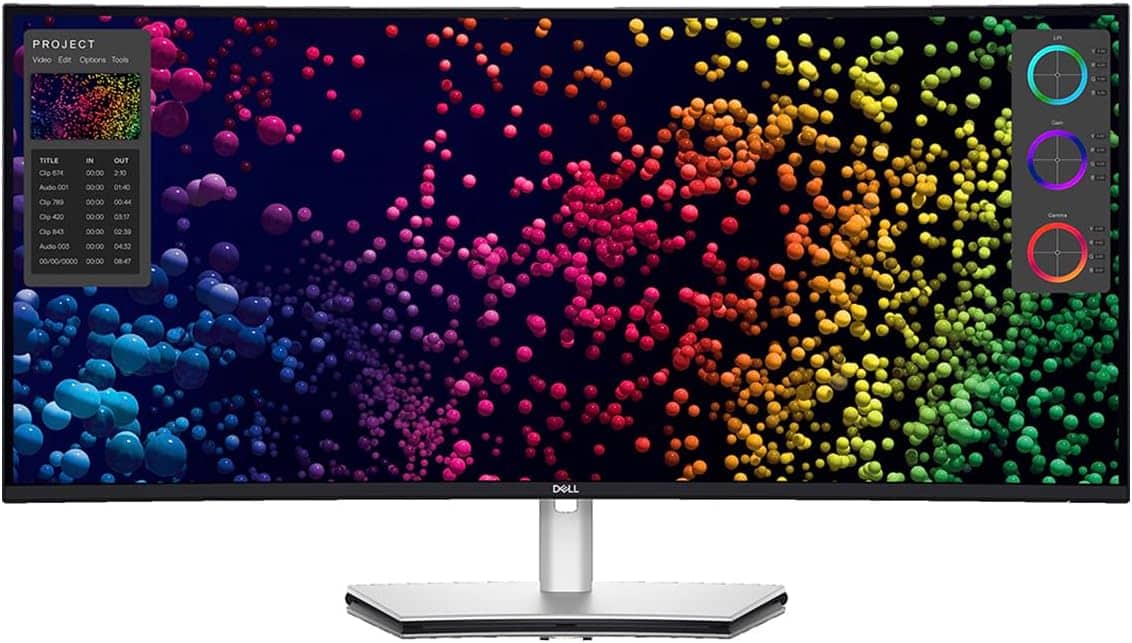
curved ultra-wide display
Today's M4 Pro Mac mini setup user loves this Dell ultra-wide display -- but with one downside.
Photo: Dell

No matter how delightfully small and incredibly powerful the new M4 Pro Mac mini may be, it’s helpless without an external display of some sort. Today’s Mac mini setup pairs the tiny beast with a gigantic pal — a curved ultra-wide display from Dell spanning 40 inches. And the mini shares the monitor and Logitech input devices with a Windows laptop.

First-time Mac owner KVM-switches between M4 Pro mini and Windows laptop [Setups]

By

Mac Windows KVM switch
The first-time Mac users loves their new M4 Pro Mac mini and used a KVM switch to use the same peripherals with a Windows laptop. And that bit sticking up in front of the display is a mounted MagSafe charger, by the way.
Photo: [email protected]

From time to time in computer setups coverage I come across a first-time Mac user, and their delight at having switched from Windows to Mac is often obvious. And that’s true of today’s M4 Pro Mac mini user, but they still need to work on a Windows laptop regularly. So they installed a Mac-Windows KVM switch in their setup to easily use the same peripherals with either machine with just the click of a button, as described and shown below.

1 23 24 25 26 27 144