Mobile menu toggle

Search results for: SSD

Upgrade your M4 Mac mini with clever multiport hub/stand

By

Satechi Mac mini M4 Stand & Hub with SSD Enclosure
Max out your Mac mini with this hub.
Photo: Satechi

The Satechi Mac mini M4 Stand & Hub with SSD Enclosure expands the capabilities of Apple’s tiny new desktop with additional front-facing ports and more storage. It even makes pressing the computer’s hidden power button easier.

Satechi gave a sneak peek of the product in November, but on Monday revealed the full specifications, including a price and release date.

Triple Mac Pro rig could serve as camera network command center [Setups]

By

video recording storage setup
Welcome to Mac Pro and server central.
Photo: [email protected]

What do you do if you need to operate a network of video cameras and store all the footage? Today’s power user not only runs an astounding trio of Mac Pro desktop computers, he piles up stacks of high-capacity UniFi Network Video Recorders — known as UNVRs — for video recording-storage from multiple cameras, plus routers and switches galore.

OWC Thunderbolt 5 hub offers 120Gbps transfers [Updated]

By

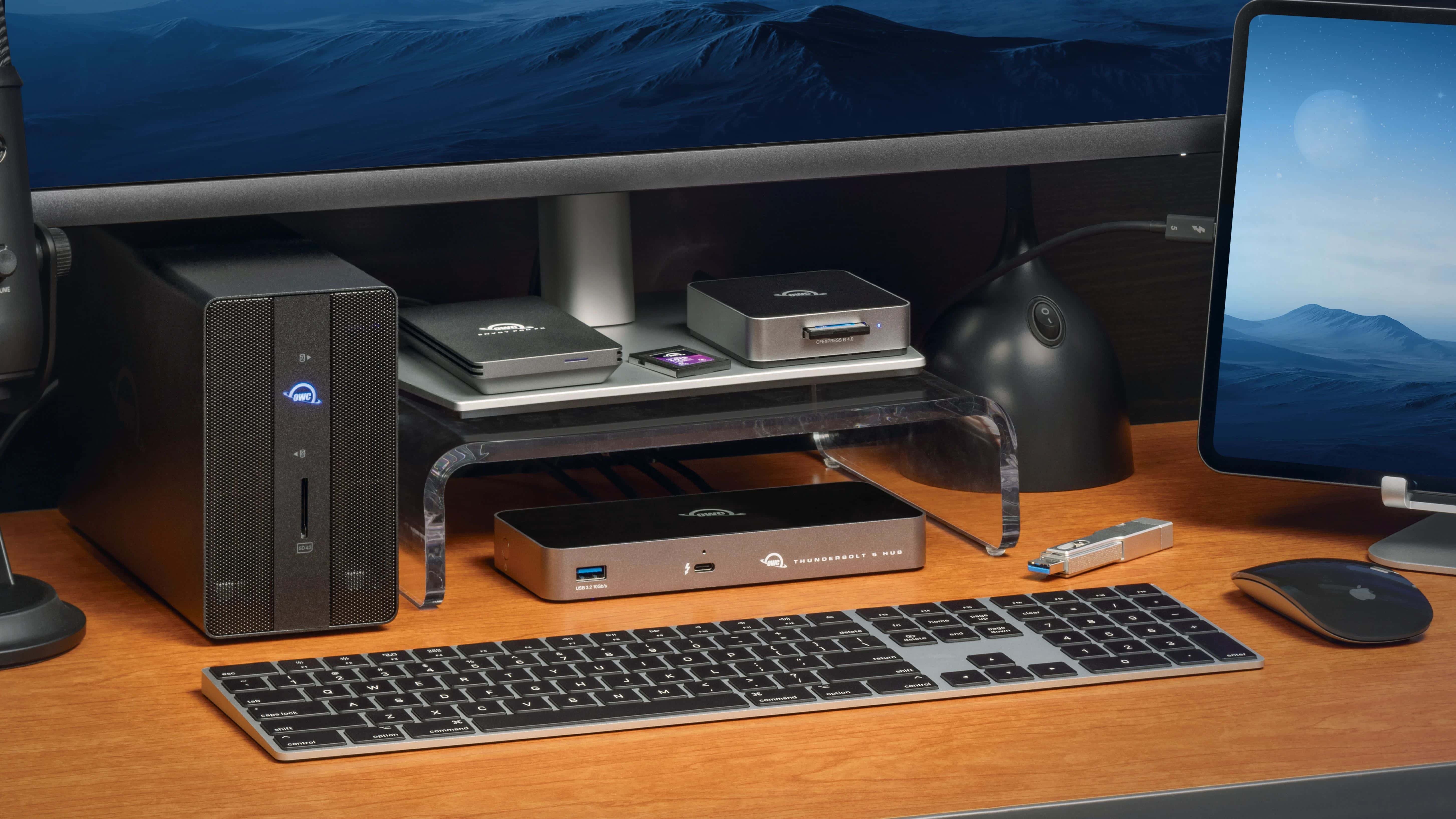
OWC Thunderbolt 5 Hub in use
The OWC Thunderbolt 5 Hub could be the center of a professional setup.
Photo: OWC

The OWC Thunderbolt 5 Hub includes three ports that move data up to twice as fast as Thunderbolt 4 and USB4. That’s professional-level connectivity, opening the possibility of portable SSDs running at 6000MBps or up to three 8K displays at 60Hz .

After an announcement in autumn 2024, the hub is now ready to buy.

Apple TV+ shows we can’t wait to watch in 2025

By

Drawing of two excited people watching a TV screen, with the words
We're psyched for these Apple TV+ shows and movies coming this year.
AI image: Midjourney/Cult of Mac

There are so many Apple TV+ shows to look forward to in 2025! There are new seasons of some of the streamer’s best shows coming, along with new series and even a cool-looking film or two. Get ready for dramas, comedies and lots of sci-fi.

Cult of Mac writers picked the Apple TV+ shows we’re most excited about in the coming year. Keep reading or watch our video to fill out your Up Next queue early.

Not all multiport Thunderbolt 4 docks cost a fortune [Setups]

By

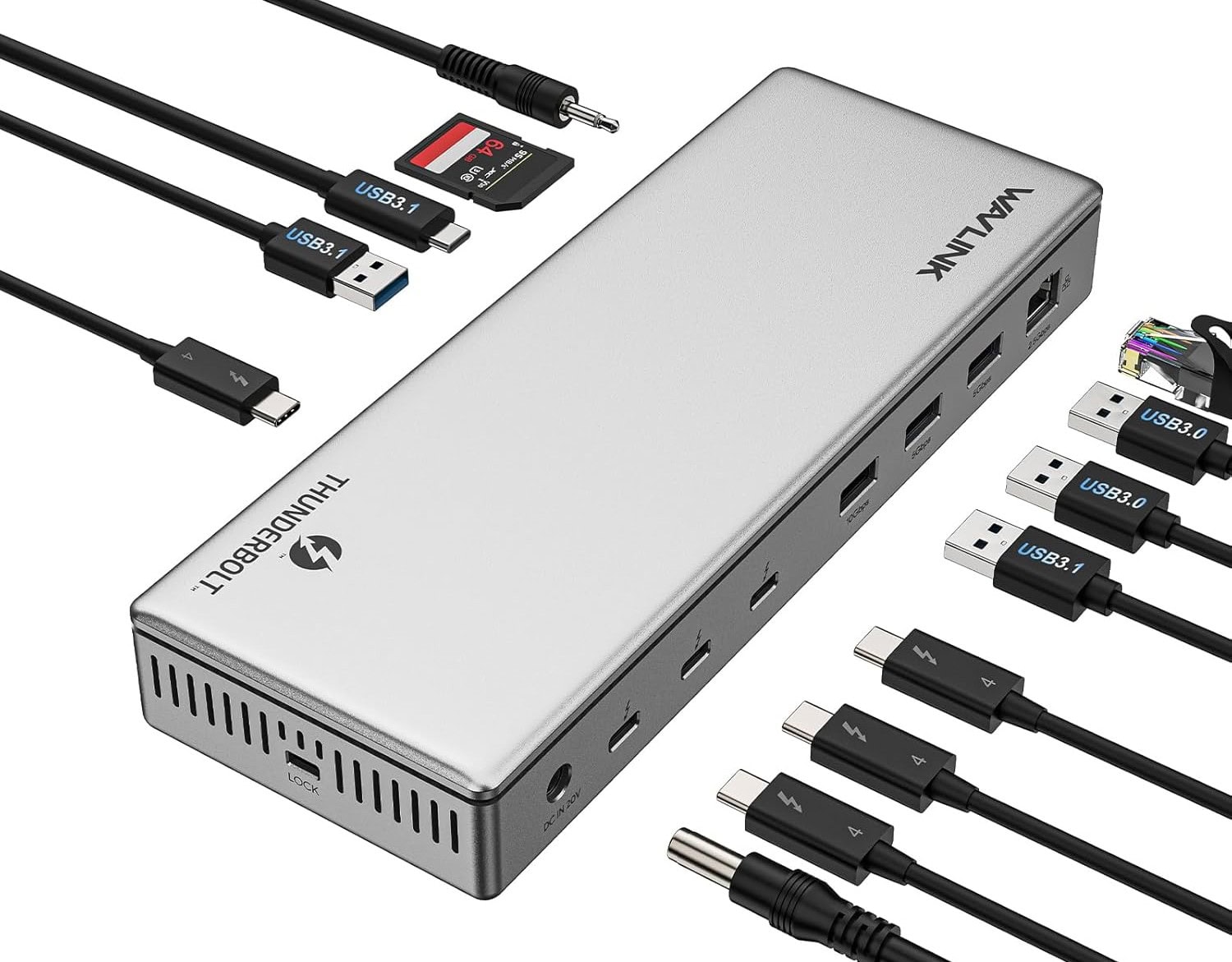
cheap Thunderbolt 4 dock
With the WavLink dock's 13 ports, you might run out of perhipherals to plug into it.
Photo: WavLink

As your Mac computer setup grows with newly added peripherals and capabilities, keeping it all connected and powered becomes a greater challenge. Enter multiport Thunderbolt 4 hubs. They offer high-speed data transfer, great options for high-resolution external displays and power for connected devices. Today’s featured MacBook Pro setup with dual displays and more takes great advantage of a cheap Thunderbolt 4 dock — the 13-port WavLink Thunderbolt 4 Docking Station. On sale currently, it goes for just $170.

Orb-like desktop speakers boost Mac mini’s sound [Setups]

By

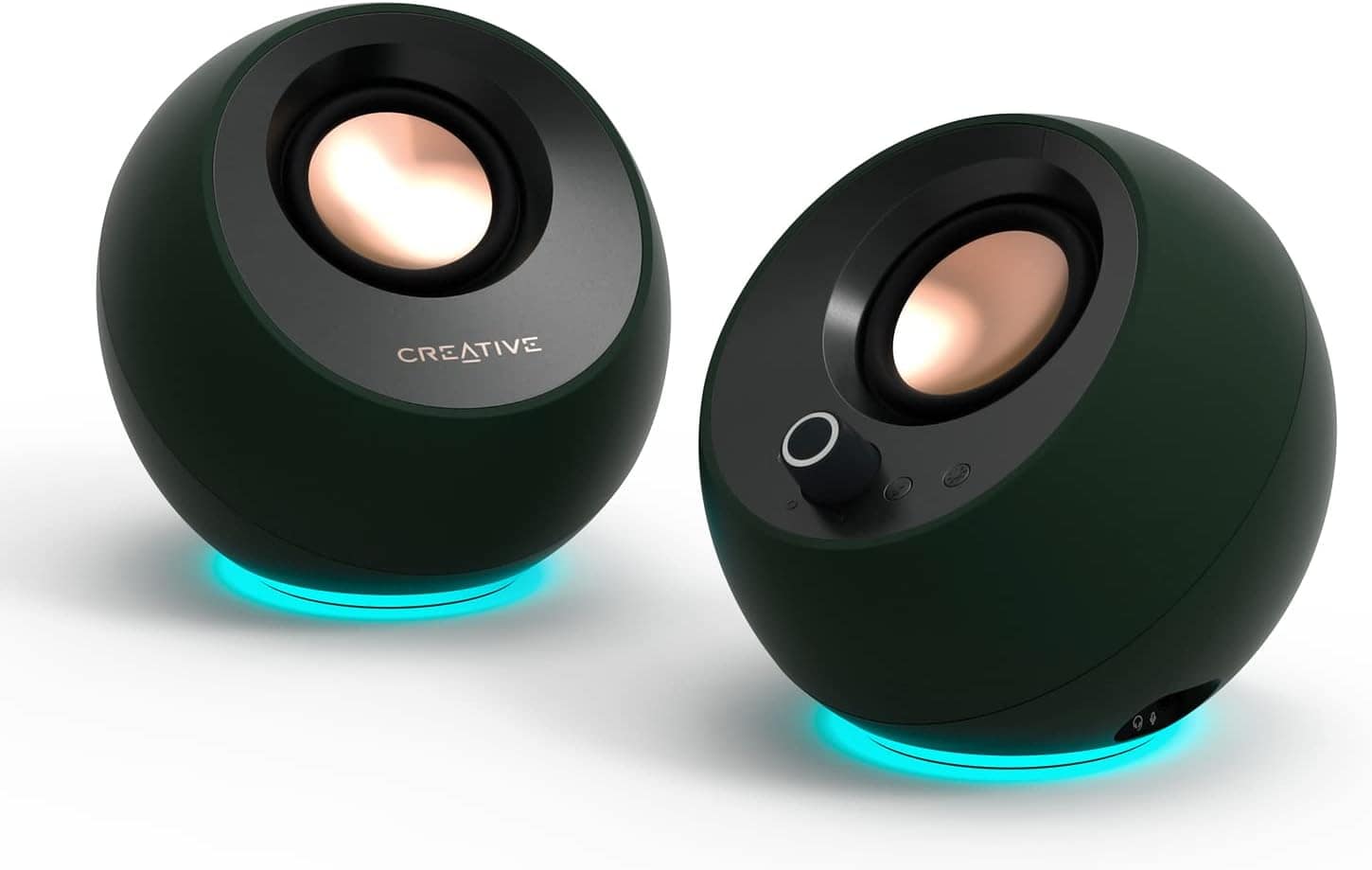
Creative Pebble Pro
The round little speakers are tilted at an ideal angle for use on a desk.
Photo: Creative

As good as some speakers built into computers and monitors sound these days, it still often pays to use external speakers on the desktop. Today’s setup features a powerful M4 Pro Mac mini — with an improved built-in speaker, no less — but the user still opts for Creative Pebble Pro speakers in the computer setup.

This 4K display’s RGB sphere lighting dazzles gamers [Setups]

By

monitor RGB lighting
Take a look in the mirror behind the setup to see the portrait display's RGB lighting wheel.
Photo: [email protected]

Today’s dual-display MacBook Pro setup sits on a desk up against a mirrored wall. In the photograph above, that let’s us see the nifty ring of colorful monitor RGB lighting built into the back of the LG UltraGear display — a decorative and functional touch included in an aging but still formidable external display for serious gamers.

Keep it all connected with this speedy Thunderbolt 4 hub [Setups]

By

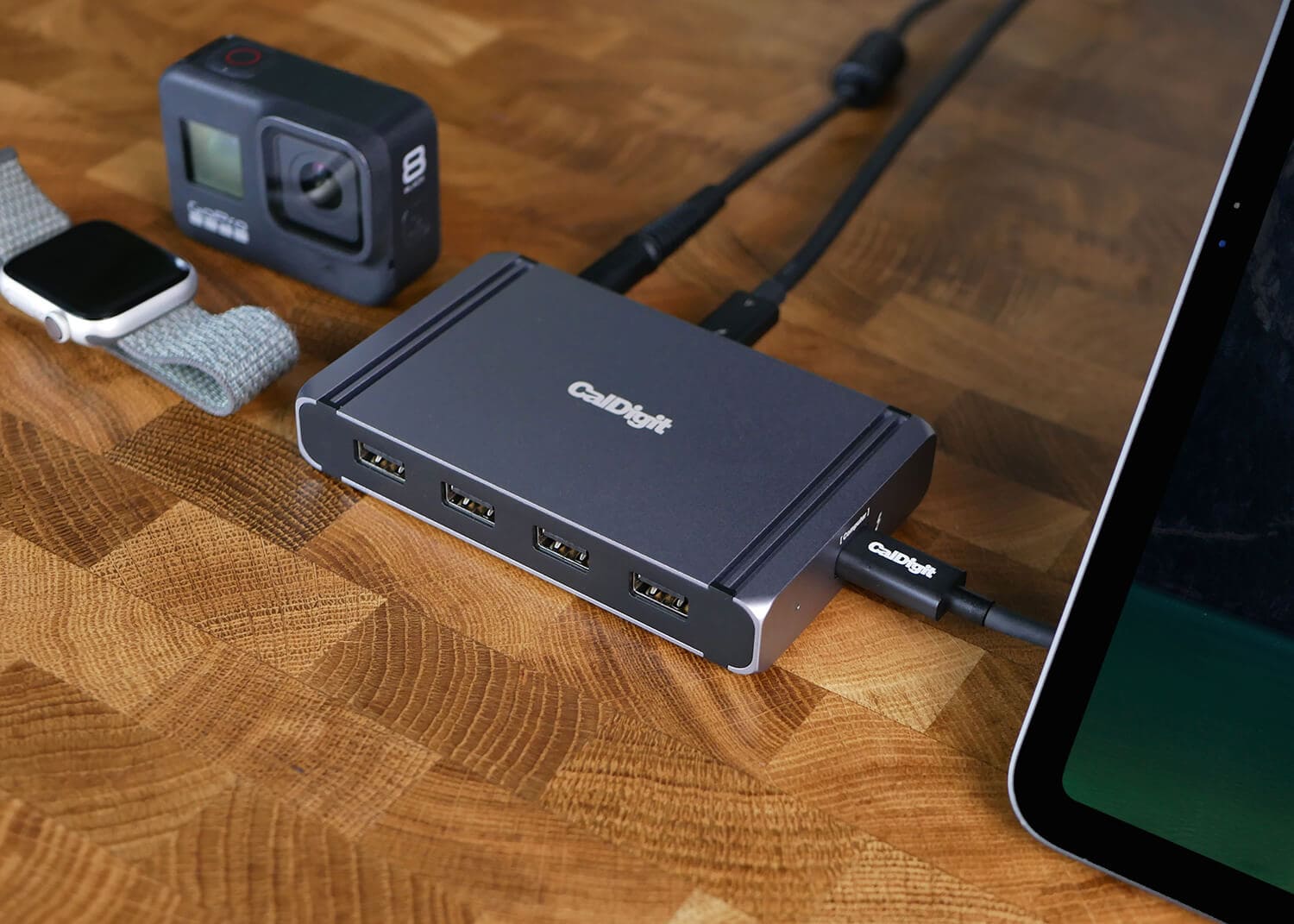
Thunderbolt 4 dock
CalDigit makes reliable docks for Thunderbolt connectivity like the Element shown in this product shot from the company.
Photo: CalDigit

When you run a ton of peripherals with your Mac, how do keep it all connected and running smoothly? Well, today’s featured M4 Pro Mac mini user drives a pair of 4K external displays, runs a power hub and input devices, and keeps backups on portable storage devices. And they keep it connected without a hitch using the well-regarded CalDigit Thunderbolt 4 hub named “Element.”

User goes for ergonomic comfort with Logitech MX Vertical mouse [Setups]

By

Logitech MX Vertical Wireless Mouse handshake
Logitech's photo shows the natural "handshake" position that can help reduce strain.
Photo: Logitech

With all the mousing and typing people do, you’d think products designed for ergonomic comfort — and to help avoid repetitive-strain injuy — would crop up in more computer setups. Well, today’s MacBook Pro and Mac Pro rig answers the call. The user, a smarty-pants undergrad at Harvard, relies on a Logitech MX Vertical wireless mouse setup plus a Logitech Pop Keys Mechanical Keyboard for data input.

Keep handy backups with portable storage options [Setups]

By

portable storage
Keeping your files in the cloud and on portable storage devices is a good idea
Photo: [email protected]

Today’s featured M4 Pro Mac mini user drives a pair of 4K external displays with the tiny new powerhouse desktop. And they keep an array of budget peripherals, including data and power hubs and solid input devices. And in addition, for physical backup, they like portable storage solutions in addition to cloud backup — in this case, fairly affordable hard drives from Samsung and La Cie (and the Samsung is deeply discounted right now — see below).

1 24 25 26 27 28 144