Mobile menu toggle

Search results for: M1 MacBook Air

Don’t miss this deep discount on the M2 Mac mini

By

Mac mini in hand
It's hard to beat the value the M2 Mac mini provides at its discounted price.
Photo: Teddy GR/Unsplash

Apple’s small wonder, the M2 Mac mini, is down to its lowest-ever price. After a $99.01 discount, you can get the machine with 512GB of storage for $699.99.

The M2 Mac mini has previously seen a maximum discount of $50. This new deal makes the 2023 Mac mini a stellar deal.

‘Mac setup in a box’ is a dual-Mac Studio powerhouse [Setups]

By

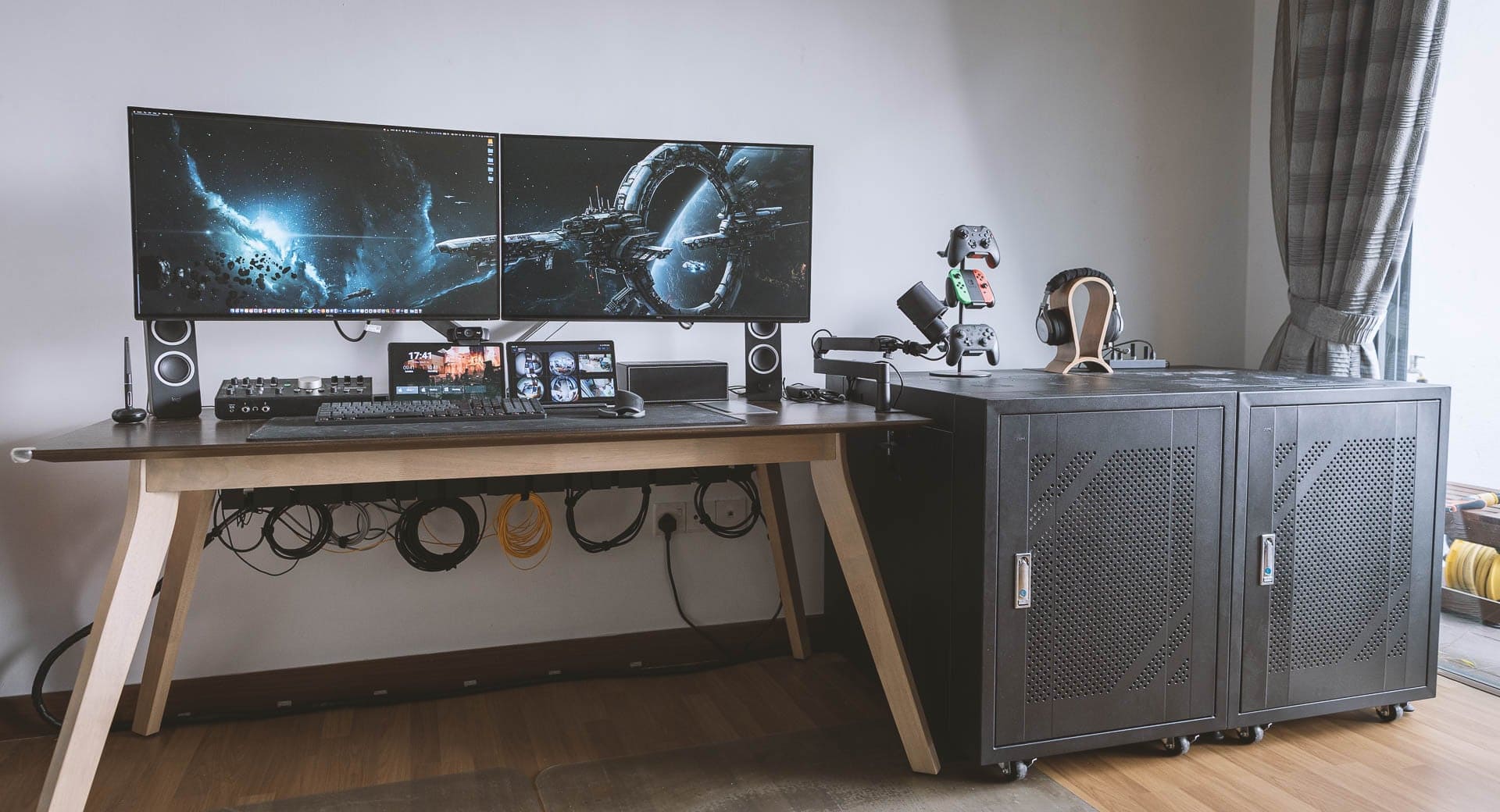
The cabinet on the right holds the computers and more.
Photo: [email protected]

We enjoy a lot of variety in our computer setups coverage, from the ultra-minimalist to the mega-maximalist. Today’s featured rig sports two pumped-up Mac Studios, two old Mac Pro “trash cans,” a gaming PC, dual displays and a tremendous array of audio gear.

It falls in the latter category, obviously (“mega”). The lengthy gear list below doesn’t even cover everything in the powerhouse workstation, but it covers all the key elements.

Why you should buy Apple Certified Refurbished products

By

Apple logo lit up, with
Buying a Certified Refurbished product from Apple can make a lot of sense ... but not always.
Photo: Laurenz Heymann/Unsplash License/Modified by Cult of Mac

Apple products are known for delivering high performance and carrying a premium price tag. If you are on a tight budget, should you consider buying a refurbished Apple product instead?

Apple’s Certified Refurbished store offers a great way to get a like-new product while letting you save hundreds of dollars on your purchase. Here’s what you need to know about Apple’s refurbished gear.

Here’s how you put together a tight triple-display rig [Setups]

By

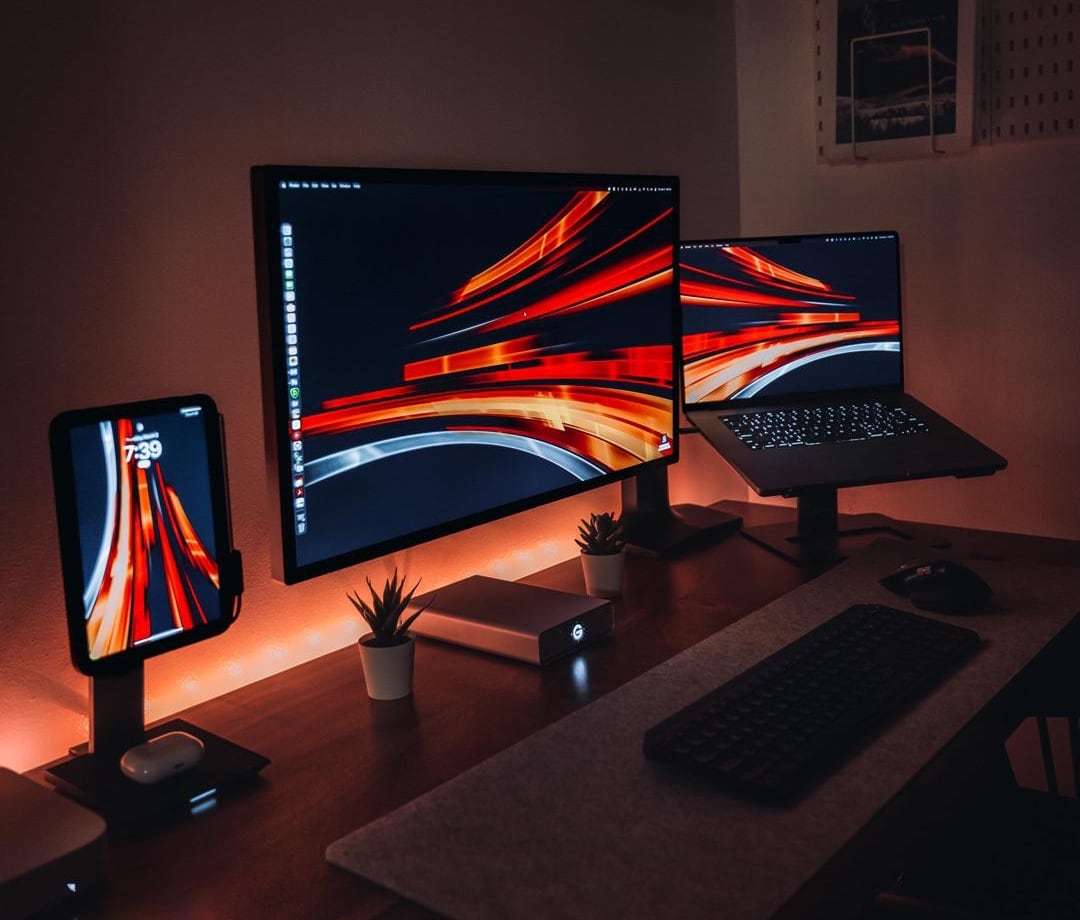
Mounted devices make for a space-saving triple-display setup.
Photo: [email protected]

The sometimes-overlooked heroes of computer setups are stands and mounts. They make a big difference. They free-up space on the desk. They bring screens to eye level for better ergonomics. And they can even help turn a one-display setup into a three-display workstation, as they do in today’s featured MacBook Pro and iPad mini rig.

The user relies on one main external monitor — a Studio Display — but raising the MacBook and the iPad up to eye level and using Universal Control gives him three prominent screens. And that’s without having to buy and make room for multiple external monitors.

Small desk fits mini-but-mighty workstation [Setups]

By

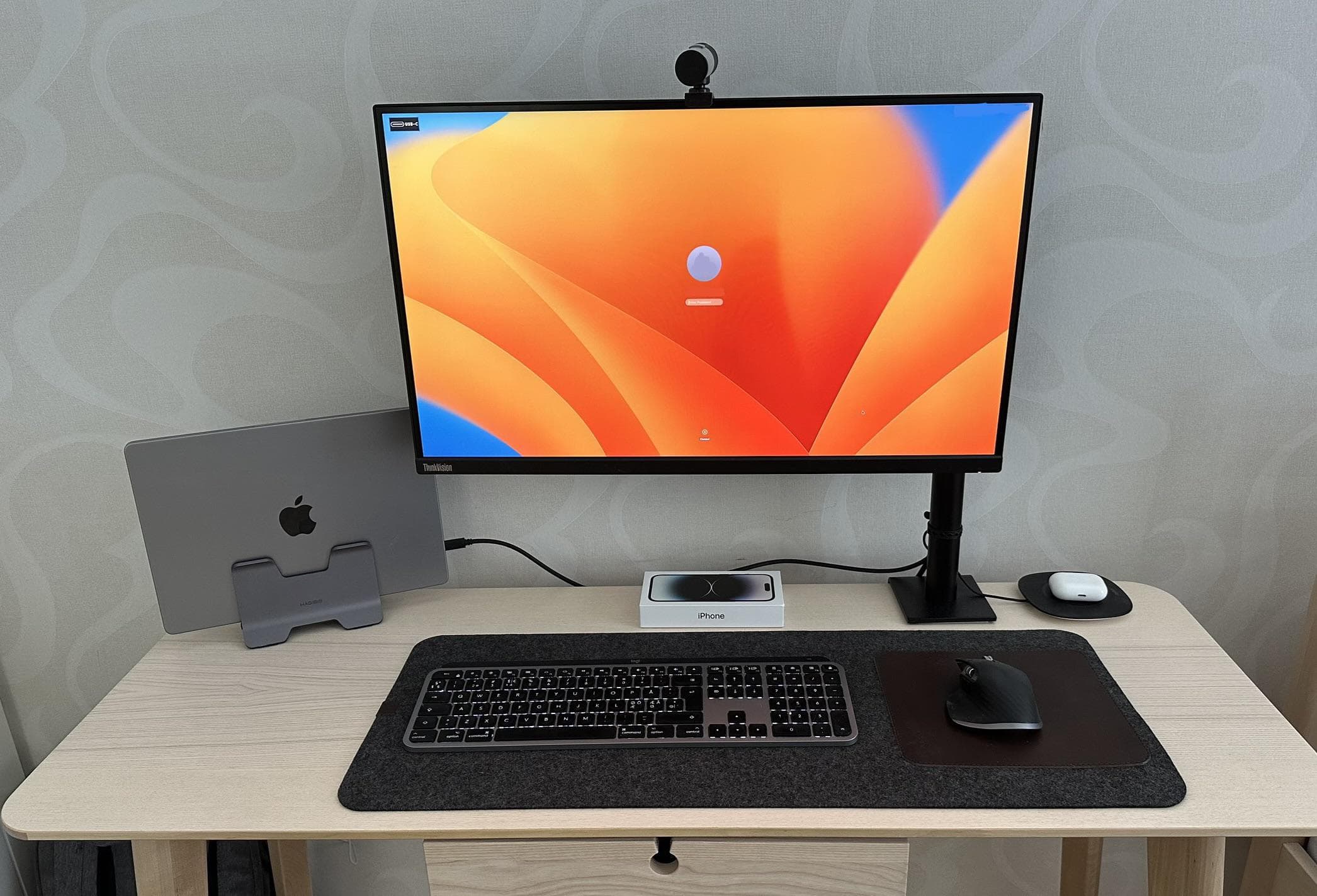
Small desk? No problem. You can still have a solid computer setup.
Photo: [email protected]

Even a small desk can’t keep you from having a powerful computer setup — if you get the right gear and not too much of it. All it takes is a great laptop — like a MacBook Pro or MacBook Air — a vertical laptop stand, a not-gargantuan display and a minimal amount of other gear, as shown in today’s featured setup.

Oh, and consider a monitor arm rather than a stand. That helps keep the external screen out of the way.

Apple’s M3 iMac might ship in second half of 2023

By

M1 iMac with yellow light
Apple's next iMac could look a lot like the current iMac.
Photo: Ishtiaq Khan Parag/Unplash

Apple might launch an upgraded iMac in the second half of 2023. The machine is currently in an advanced development stage, according to the latest report.

While the upcoming iMac will retain the same 24-inch display as the current model, Apple reportedly will make some internal layout changes.

Maxed-out Mac Studio drives ‘dream setup’ Down Under [Setups]

By

This handsomely compartmentalized setup gets its computing power from a maxed-out Mac Studio and a MacBook Pro.
Photo: [email protected]

With all the computer setups showcased on social media, it takes something special to earn the description “dream setup.” Today’s featured Mac Studio Ultra and M2 Max MacBook Pro setup, which hails from Australia, could be a contender.

Why? Well, when you combine two of Apple’s newest and most powerful computers with a Studio Display and put them in a beautifully laid out workstation with great cable management and premium audio, you’ve got a real ripsnorter (to put it like an Aussie might).

3 loaded iMacs and a PC pump up 8-display workstation [Setups]

By

Three of the displays are iMacs and five are Dell 4K monitors.
Photo: Hoa Mai

In Monday’s featured computer setup we showcased four tall displays and mentioned we sometimes see six-display setups. But how about eight displays in one setup? That’s today’s outfit.

Hoa Mai, who works in post production on documentary films in Los Angeles, sent Cult of Mac his massive setup. It features three iMacs, a PC and five Dell 4K monitors. Talk about Mission Control.

Connect 3 displays to any Mac with these new docking stations

By

Connect 3 displays to any Mac with these new docking stations
The Plugable UD-768PDZ (at left) and UD-3900PDH are USB-C docks that add up to three external displays to a Mac.
Photo: Plugable

Plugable expanded its product line with two new triple display USB-C docking stations. These can add three screens even to Macs that are ordinarily limited to one external monitor.

The UD-3900PDH and UD-768PDZ docks also feature additional ports, including USB-A, Ethernet and SD card readers.

Here’s how you gut a whole office and start over [Setups]

By

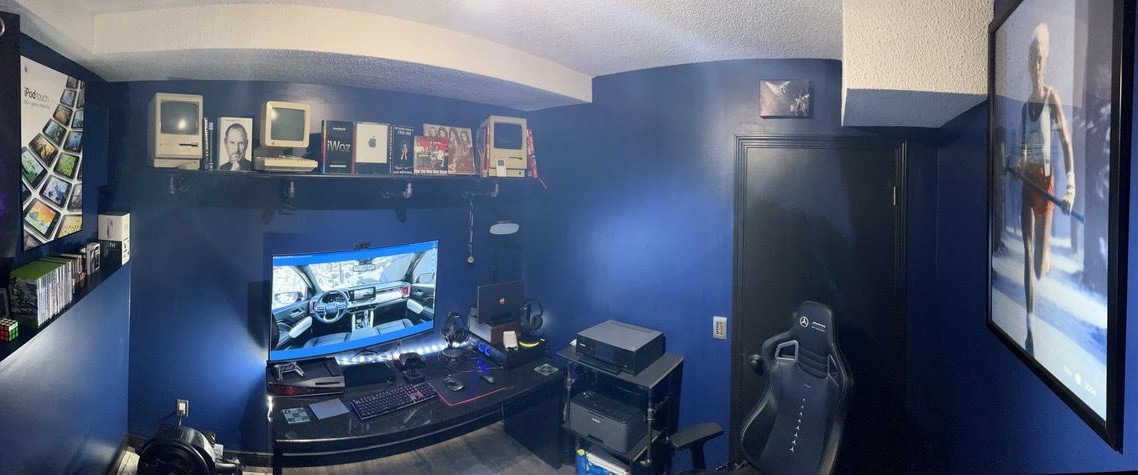
De Jong gave his computer setup -- and his whole office -- a makeover.
Photo: Michael De Jong

How refreshing it must be to make over your computer setup and, while you’re at it, gut and refresh your whole home office. That’s what Michael De Jong did recently. And he shared his transition with Cult of Mac.

First, he tinkered with the setup, going with dual displays and adding a soundbar and a slick gaming chair. Later he gutted the whole office and added a whole raft of upgrades. Take a look at his photos and gear, new and old, below.

1 68 69 70 71 72 99