Entering text gets a bit easier, with fewer typos, in iOS 17. Graphic: Apple
Apple is souping up the systems for entering text into iPhone with iOS 17. Autocorrect is getting enhanced with AI for fewer typos, as part of multiple improvements to what Apple calls “intelligent input.” And Dictation is getting a boost that promises more-accurate voice recognition, too.
I tested the changes in the first iOS 17 beta. Here’s how well they work … so far.
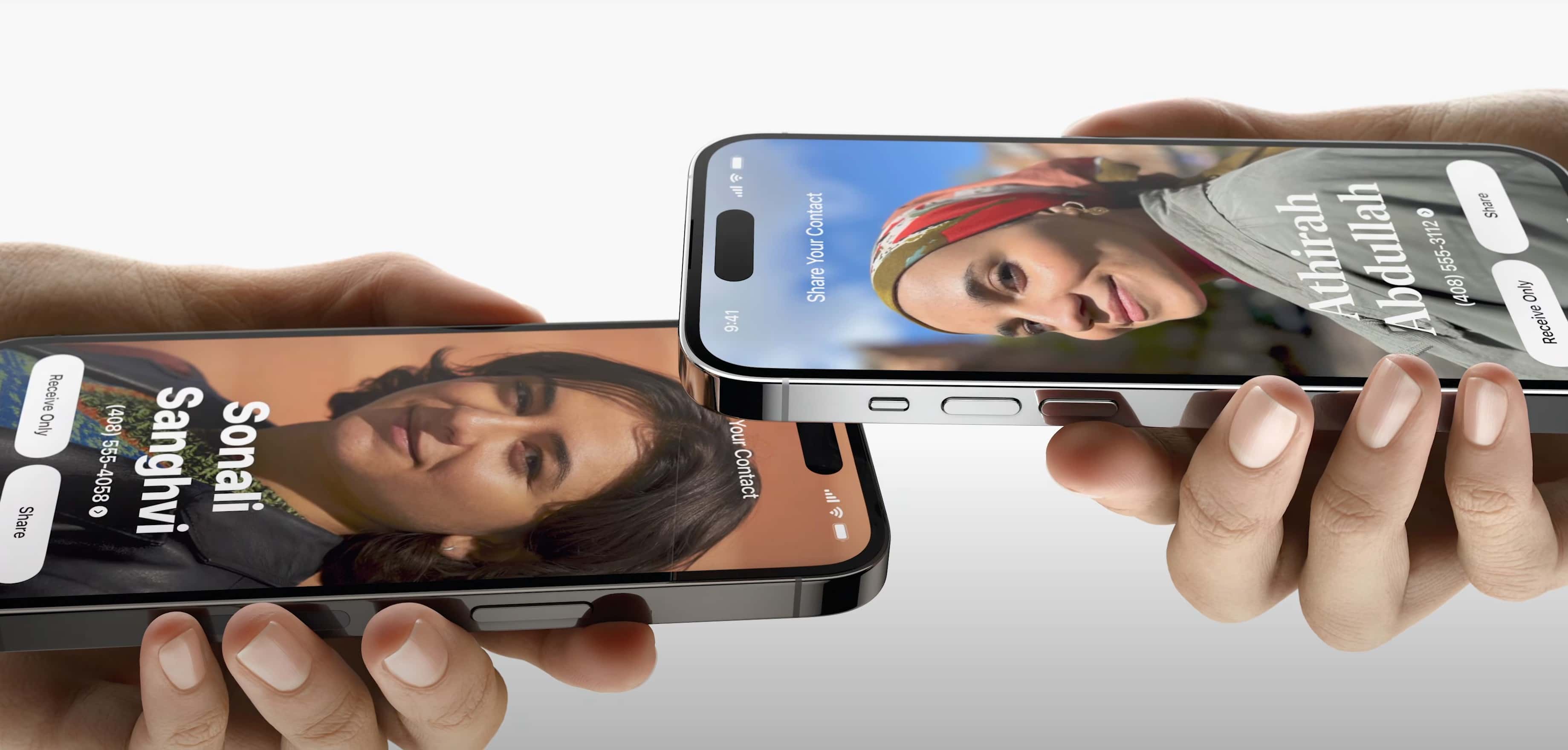
The new iOS 17 AirPlay feature called NameDrop will help you easily share your contact info and more. Photo: Apple
Sharing your contact information and more with people will get easier with new AirDrop functionality in iOS 17. A new feature called NameDrop makes it about as simple as knocking iPhones together.
“Today, you either hand your phone to them, or one of you dictates your information while the other types it. Now there’s a better way,” said Apple SVP of Software Engineering Craig Federighi during Monday’s WWDC23 keynote. “Now you can just bring your phones close together.”
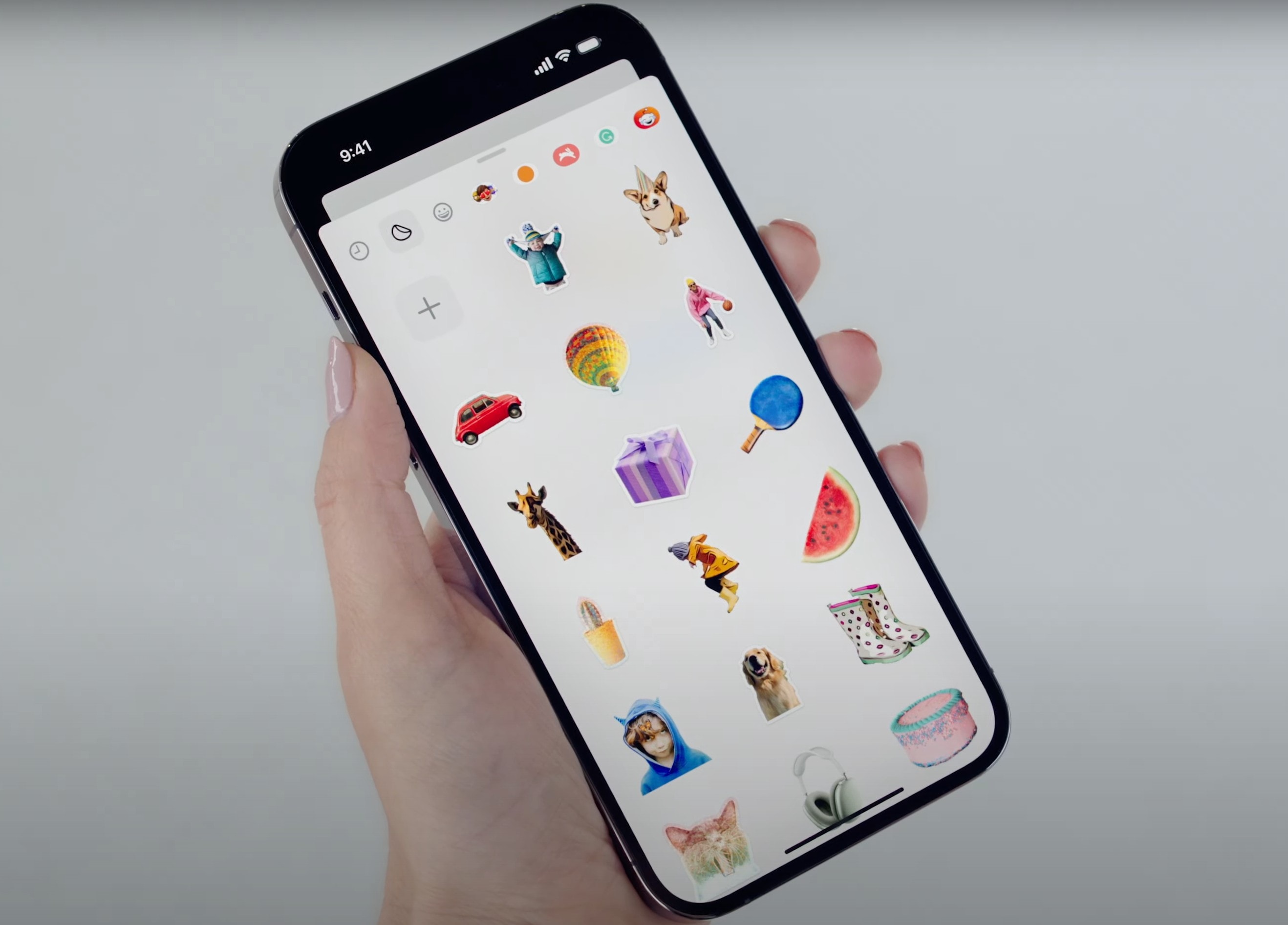
With Messages in iOS 17, you can turn subjects you've taken from your photos into stickers. Photo: Apple
WWDC23’s keynote wasn’t just about big OS and hardware releases. It also brought some fun stuff — like new sticker functionality coming to the Messages app and beyond.
Using Messages on your iPhone (and perhaps elsewhere), you should be able to liven up your texting by turning any emoji, photo subject or even Live Photo (short video) into a sticker you can drag into any text bubble — or anywhere you use emoji.
Here's everything you need to know from the WWDC23 keynote, the beginning of Apple's "best ever" developer event! Image: Cult of Mac
The Keynote from WWDC23 was unusually jam-packed with huge announcements. Naturally, the first official details of new iOS, macOS, iPadOS and watchOS versions came to light, as is traditional. But Apple also used its annual developer conference to take the wraps off quite a bit of hardware.
And CEO Tim Cook used Apple’s classic “One more thing” line to unveil Vision Pro, the augmented-reality headset that was the absolute star of Monday’s Keynote.
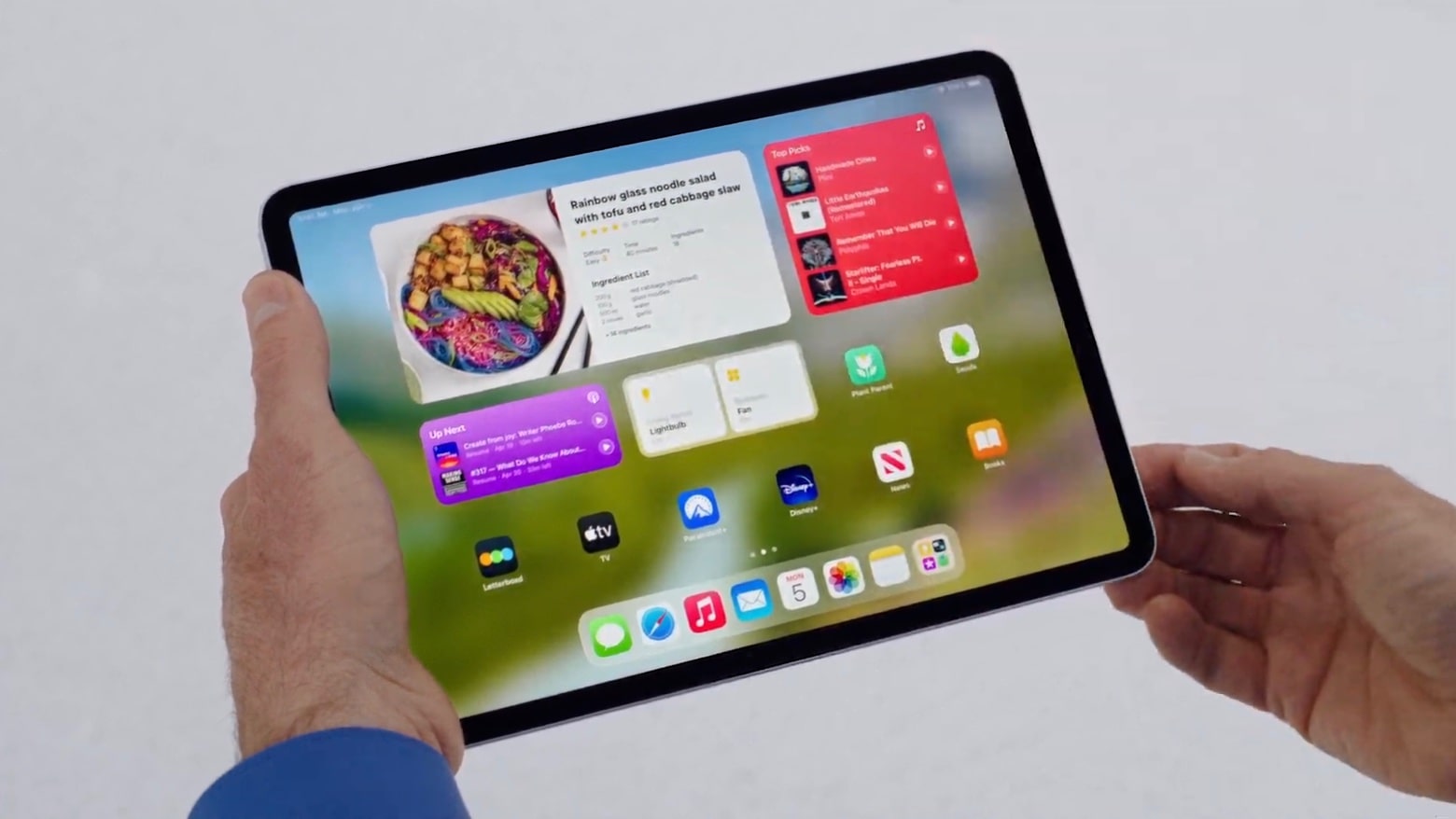
Interactive widgets are one of the highlights of iPadOS 17. Screenshot: Apple
iPadOS 17 will give iPad users the Lock Screen enhancements that debuted for iPhone last year. Another major addition for tablet users is interactive Home Screen widgets, a long-requested feature. And these are just a few of the changes coming in the iPadOS version announced at WWDC23.
“With interactive widgets on the Lock Screen, updates to PDFs and Notes, as well as enhancements to Messages and FaceTime, iPadOS gives users even more ways to get things done easier and faster than ever,” said Craig Federighi, Apple’s SVP of Software Engineering, in a statement.
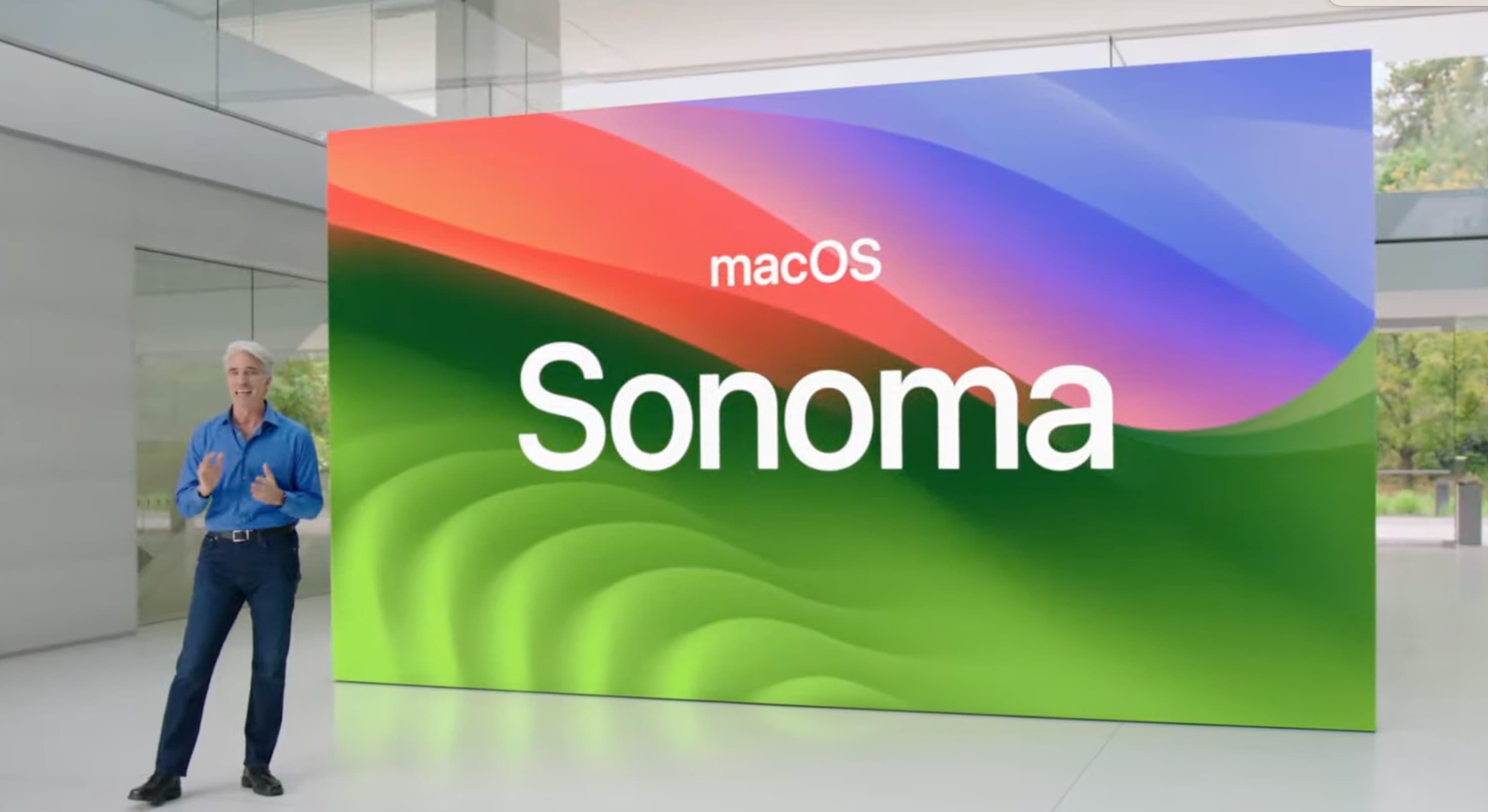
Apple software chief Craig Federighi laid out what's new in macOS Sonoma. Photo: Apple
Apple unveiled macOS 14 — aka macOS Sonoma — at WWDC23 Monday. It brings new gaming functionality, desktop widgets, video screensavers and Safari browser upgrades. That’s in addition to cross-device compatibility reflecting some of the new iOS 17 and iPadOS 17 features.
“Introducing macOS Sonoma a big new release that will make your Mac more delightful and even more productive,” said Craig Federighi, Apple’s senior vice president of Software Engineering.
“First, many of the features we talked about earlier on iOS and iPad OS are going to be great on the Mac. And macOS Sanoma brings a rich set of features that elevate the experience of macOS,” he added.
iOS 17 will bring major improvements to the Phone app, FaceTime and Messages on your iPhone with new customization options. In the Phone app, you can now set personalized contact posters or memoji to make the call screen a lot more vibrant.
“Our next release iOS 17, delivers more expressive communication, simplified sharing, more intelligent input and all new experiences for your iPhone,” said Craig Federighi on stage during the WWDC23 keynote.
Apple’s Worldwide Developer Conference once again takes place at Apple Park in Cupertino. Photo: Arne Müseler/Wikimedia Commons/Apple
Apple’s WWDC keynote is the biggest event of the year, kicking off the annual cycle of software updates and changes to every single platform — iPhone, iPad, Mac, Apple Watch and Apple TV. Only a few people buy a new Apple product every year, but everyone has something to look forward to after WWDC. How can you watch it all unfold this Monday?
You can watch the live stream on the web on Apple’s website or on YouTube, inside the free Apple Developer app, on your smart TV, and for a select lucky few, in person — my tips on how to make the most of that and more are all below.
No, the App Store isn't closed. But big changes are taking place behind the scenes. Photo: Apple
Apple has launched a major project to allow alternative app stores on iPhones and iPads by 2024. The effort is meant to comply with the European Union’s Digital Markets Act, which comes fully into force then, and other possible national or regional laws that will make Apple allow sideloading of apps, according to new report Tuesday.
The end result should see Apple allowing people to download third-party software to iPhones and iPads from somewhere other than the App Store for the first time.
Apple plans to expand end-to-end encryption for more iCloud services. Photo: Markus Spiske/Unsplash
Apple said Wednesday users are gaining three new security features to protect their data in the cloud, with some available now and some to come. The overall program is called Advanced Data Protection.
The three new functions to help keep data and communications safe are iMessage Contact Key Verification, Security Keys for Apple ID and Advanced Data Protection for iCloud, the company said.