In a long overdue move, Apple will reportedly integrate a Calculator application into the iPad operating system. The change — which is somehow both minor and monumental — will supposedly come when iPadOS 18 launched this autumn.
In the mean time, there are already several calculators hidden in the iPad.
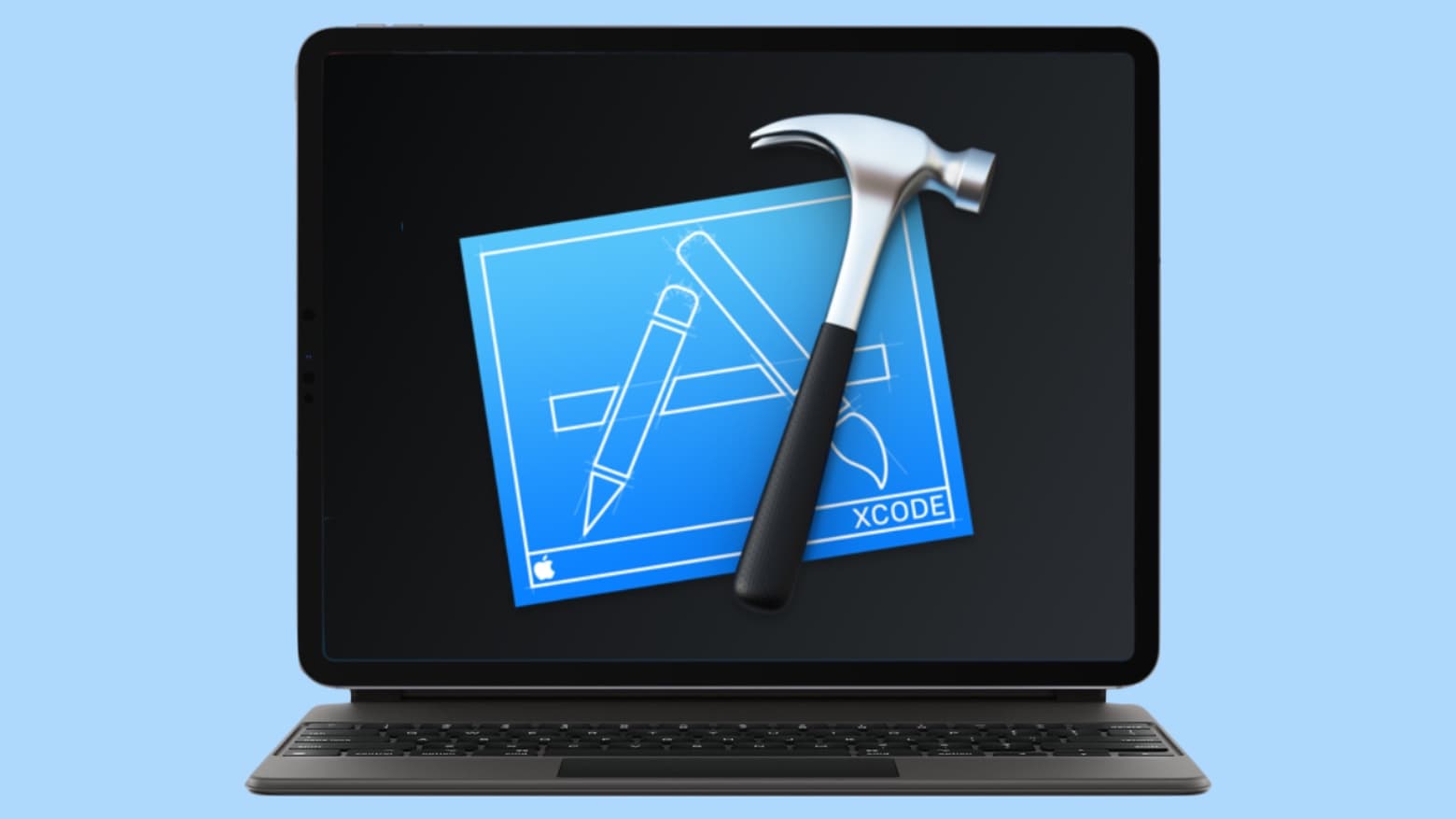
Xcode could use generative AI to help you write code. Photo: Cult of Mac
Apple is reportedly working on a major Xcode update with artificial integration. This functionality will apparently emulate Microsoft’s GitHub Copilot, generating code based on text input.
Work on the tool has been ongoing since last year, and its testing is now expanding internally inside Apple.
Apple offers end-to-end encryption in Advanced Data Protection for iCloud. Photo: Apple
Data breaches have compromised 2.6 billion personal consumer records in the past two years, with a rapid rise since last year, according to an independent study Apple published Thursday.
Increasing threats to consumer data stored in the cloud underscore a need for end-to-end data encryption like Advanced Data Protection for iCloud, launched in 2022, Apple said.
“Bad actors continue to pour enormous amounts of time and resources into finding more creative and effective ways to steal consumer data, and we won’t rest in our efforts to stop them,” said Craig Federighi, Apple’s senior vice president of Software Engineering. “As threats to consumer data grow, we’ll keep finding ways to fight back on behalf of our users by adding even more powerful protections.”
See that "Share" button? It's important. Photo: Apple Support
Parents are mistakenly being warned that they need to quickly deactivate iOS 17’s NameDrop feature on their children’s iPhones. The warnings claim that it’s causing the devices to broadcast their contact information to anyone nearby.
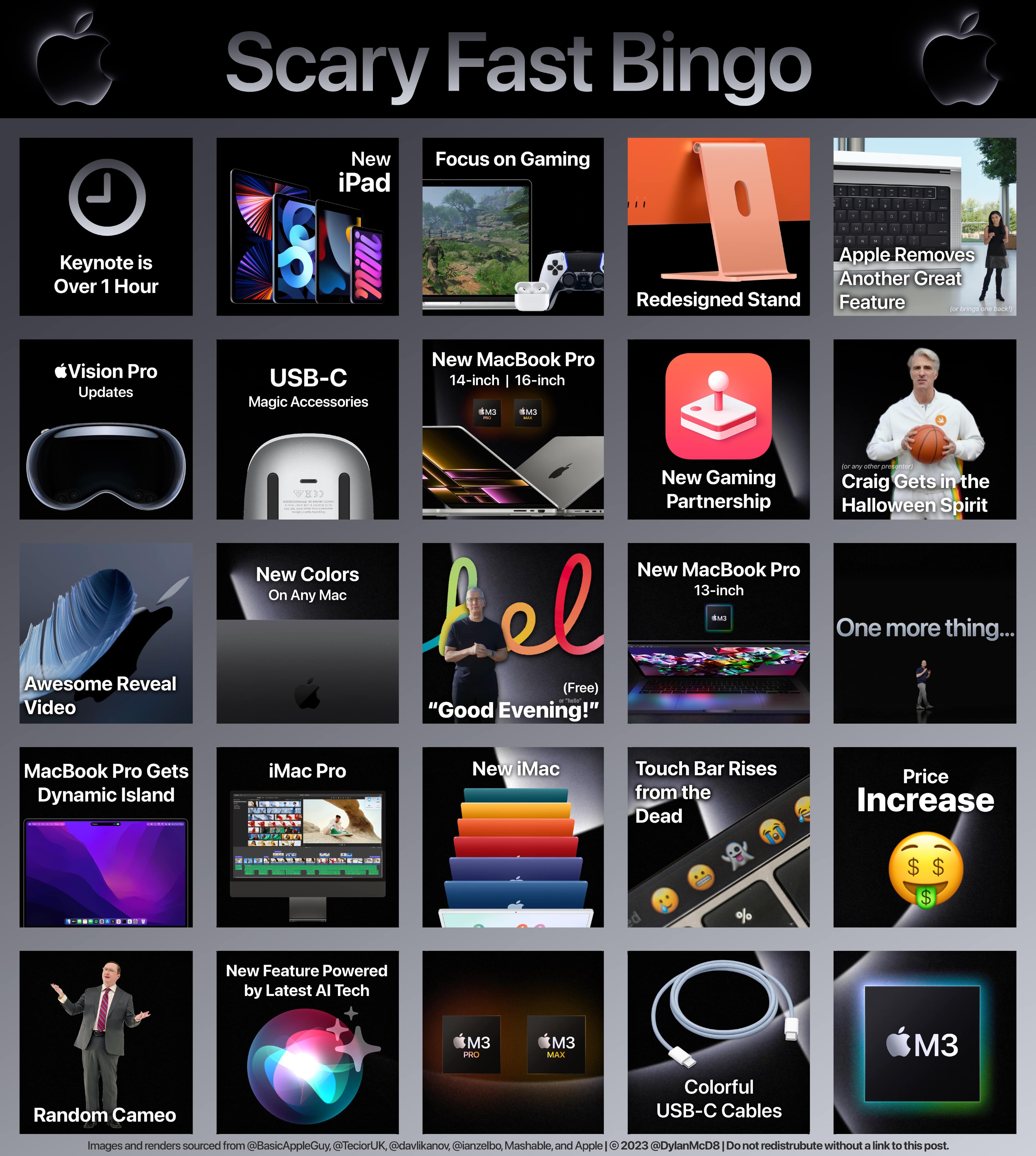
See if you can get bingo tonight during Apple's Scary Fast event. Photo: Basic Apple Guy
If a big Apple event like Monday evening’s Scary Fast is happening, you can you’ll find a selection of bingo cards to play on social media. It could make the event go by quicker. And it’s fun just to check them out to see if the predictions align with your own and spot if anyone got a good joke or two in there.
Oh, if we could just play this version. Photo: Basic Apple Guy
Designer Basic Apple Guy has appeared on Cult of Mac a lot lately, but with new wallpaper coming out that makes it looks like Apple CEO Tim Cook and other execs are in a new version of classic game Grand Theft Auto, how can we slam on the brakes now?
Released Friday, “Grand Theft Auto Cupertino” wallpapers are available for free download!
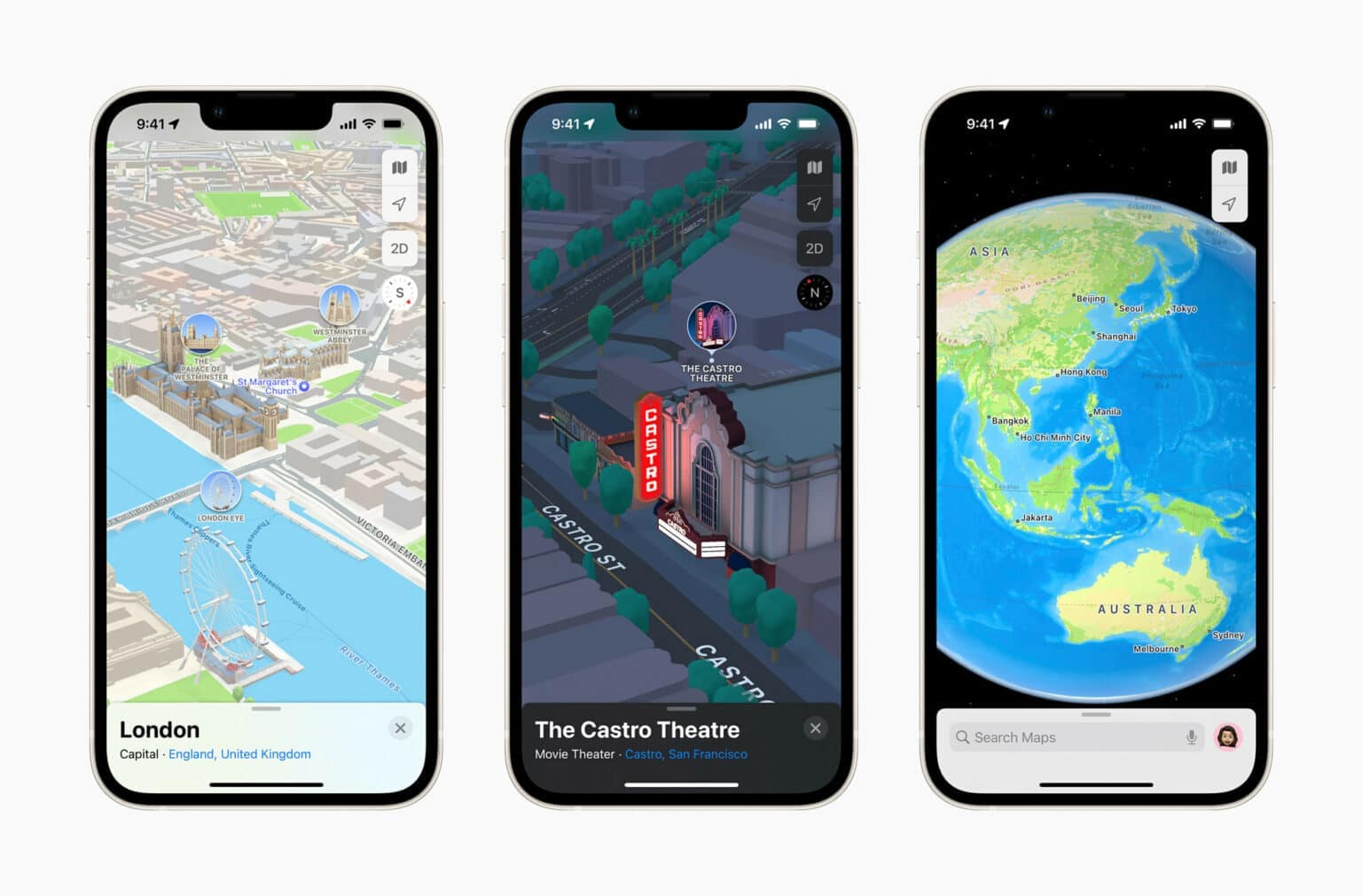
Apple Maps' use of 3D imagery led the way, but in other ways it trailed Google Maps. Photo: Apple
After its launch in 2012, Apple Maps performed so badly that Apple CEO Tim Cook actually apologized for the service and fired the company’s head of software (for the disastrous launch and other reasons). But now, many people actually choose Apple Maps over Google Maps and other services, according to a new report.
Certain new iOS 17 features will not come to all iPhones capable of running the new OS. Photo: Apple
iOS 17, iPadOS 17 and macOS Sonoma are not big upgrades. However, they will bring plenty of little improvements that add up to a better experience on iPhone, iPad and Mac. Despite that, Apple dropped support for some older iPhones, iPads and Macs with its upcoming OS releases.
That’s only part of the disappointment equation, though. Several new features won’t work on older Apple gear, even though the devices can run the new operating systems.
Many of the new features in iOS 17 and iPadOS 17 that won’t make it to older iPhones and iPads will go missing primarily because they are very resource-hungry. As for Macs, several macOS Sonoma features won’t come to Intel-based machines. This is sort of a given, since Apple switched to in-house chips that deliver better performance while maintaining ruthless power efficiency. The list of features not available on Intel Macs will only expand over time until Apple eventually drops support for them altogether.
Now that you the reasons for the omissions, here’s a rundown of new features in iOS 17, iPadOS 17 and macOS Sonoma that won’t work on older devices.
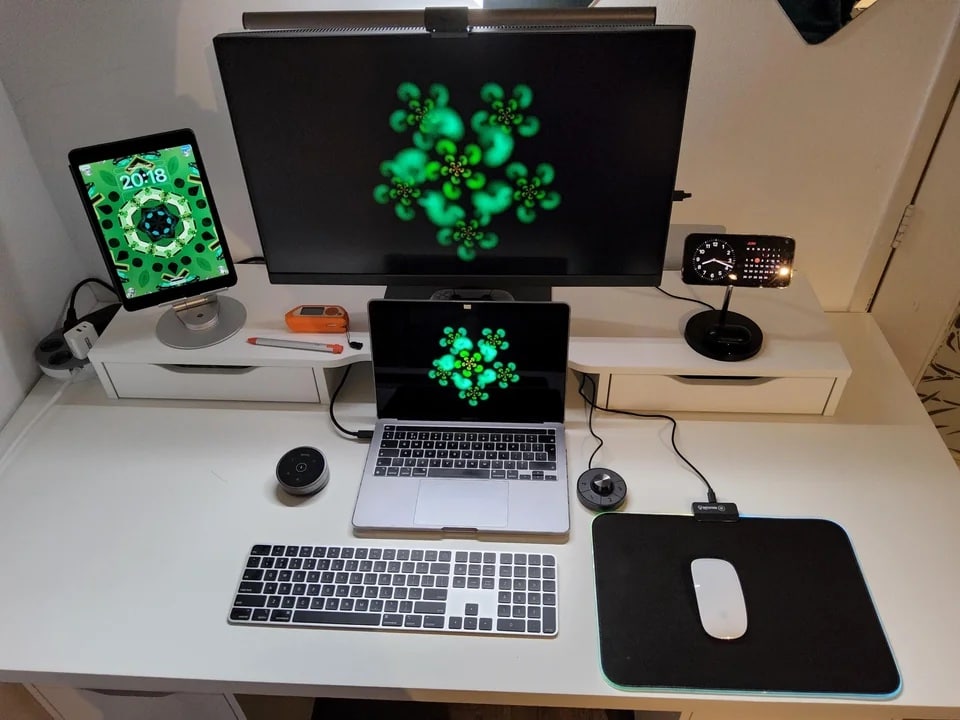
You can see a StandBy Mode from the iOS 17 beta on the iPhone's display, which looks like a digital clock. Photo: [email protected]
This year, WWDC delivered an avalanche of new hardware as well as the usual major planned software releases — and the latter is already showing up in computer setups while the hardware hasn’t shipped yet.
Today’s featured setup may be all about its MacBook Pro, iPad and fine external monitor, but you can’t miss the brand-new, unreleased functionality showing up on another screen on display in the photograph.