Mobile menu toggle

Search results for: Apple One

Keep your Private Browsing secret with this one smart Safari move [Pro Tip]

By

Secretly switch out of private browsing.
You can quickly and secretly switch out of Private Browsing without anyone noticing.
Image: Dosso Dossi/Public domain

Pro tip bug So, you’ve been using Safari’s Private Browsing mode on your iPhone or iPad, for whatever reason, but you forget to close out of the tab. The next time you open Safari, you’ll be thrown into whatever unscrupulous web page you had open last time — and the result can range from unfortunate to embarrassing, depending upon what you were looking at and where you are when you unexpectedly resume the Private Browsing session.

Luckily, iOS offers a foolproof way to avoid reopening a Private Browsing mode session. Let me show you how.


Stream unlimited documentaries for one low price — forever!

By

Food for your brain: Curiosity Stream, a documentary streaming channel, is now only $180.
Learn every time you stream with a discount subscription to Curiosity Stream.
Photo: Cult of Mac Deals

If the ever-growing library of excellent documentaries on Apple TV+ leaves you wanting more, consider a discounted lifetime subscription to Curiosity Stream. Home to some of the best documentaries streaming online, the service offers a fun and educational alternative to the usual Netflix noise.

Plus, unlike other streaming services, you can lock in forever access to Curiosity Stream for just $159.97 (regularly $399.99). For that one low price, you’ll gain a lifetime of original and entertaining documentaries.

Santa tracker: How to follow Santa Claus with your iPhone or Mac

By

Santa Tracker
NORAD’s Santa tracker app is available for iPhone and iPad. And there’s a website for Macs.
Photo: NORAD

It’s Christmas Eve, and Santa Claus is on his way. You can find out exactly where he is with the help of the NORAD Santa tracker and your Mac or iPhone. You can even track Jolly Old Saint Nick’s progress in real time.

Here’s how to keep an eye on Kris Kringle‘s progress.

2026 iPhone 18 Pro may feature a game-changing variable aperture camera

By

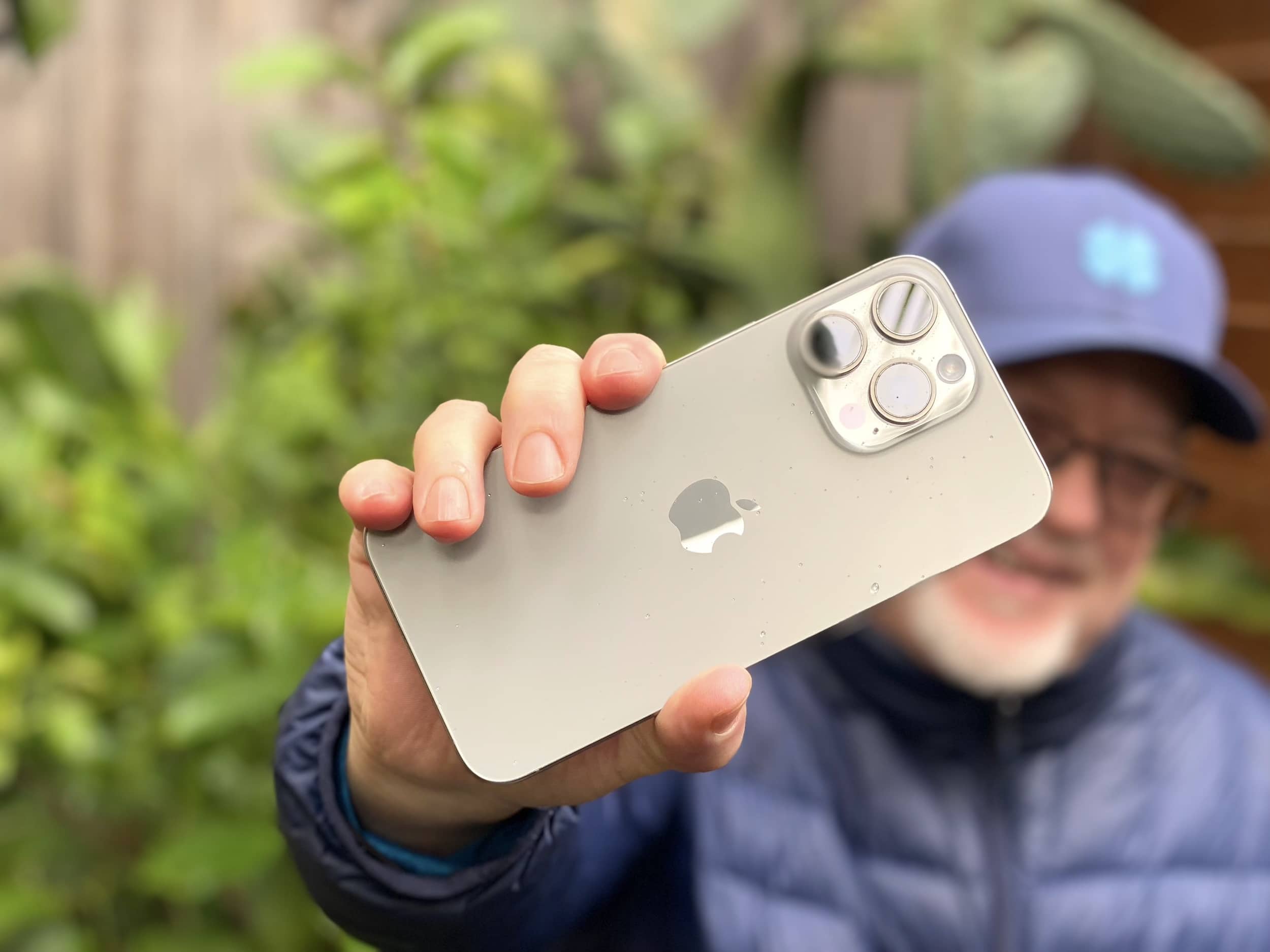
iPhone 15 Pro Max with no case, held aloft defiantly
The iPhone 18 Pro may introduce a groundbreaking feature inspired by professional-grade cameras.
Photo: Lyle Kahney/Cult of Mac

Apple could adopt a variable aperture system for the iPhone 18 Pro’s main camera that would enable the device to adjust the aperture size and light intake depending on surroundings.

DLSRs typically use a variable aperture lens system. Samsung and some Chinese Android manufacturers have also used the technology on their phones, albeit on a limited scale.

Swap Siri for handy buttons with this old-school Apple TV remote

By

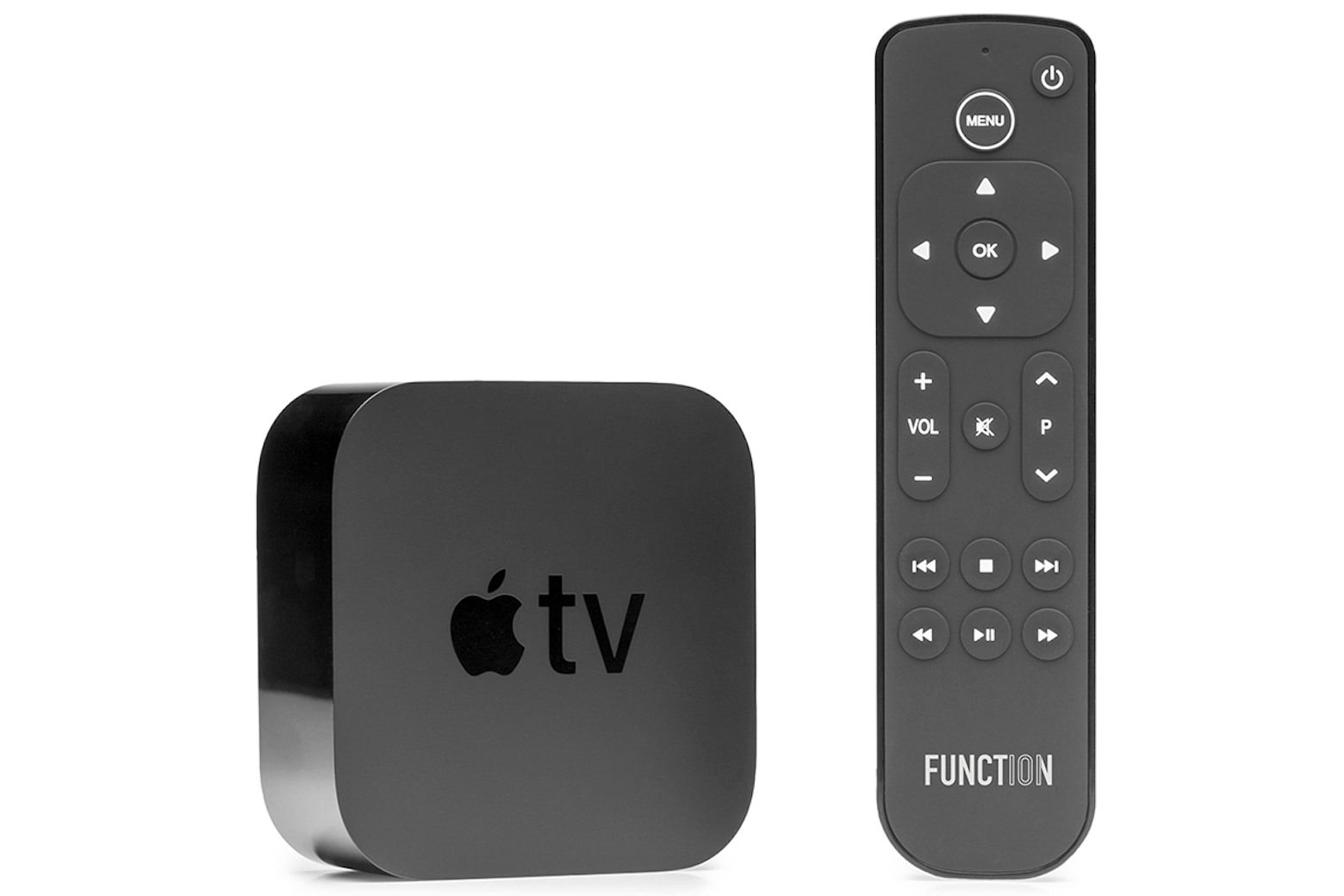
Grab an Apple TV replacement remote that doesn't require a conversation to change the channel
Finally, an Apple TV remote that isn't all talk.
Photo: Cult of Mac Deals

The Apple TV has a lot going for it, but the Siri Remote is pretty divisive, to say the least. If you like telling a half-smart robot what to do, you’re going to be hard-pressed to find a better remote. However, if you want a traditional TV-watching experience, the voice controls might not be your cup of tea. And this alternative Apple TV remote gives you all the buttons you might miss from the good old days.

The Function101 Button Remote was designed as a replacement remote for Apple TV and Apple TV 4K, and it makes it easier for you to use all the features built into your set-top streamer. For a limited time, you can get the Function101 Button Remote on sale for $19.97 (regularly $29.95).

Apple M5 processor might put in an early appearance

By

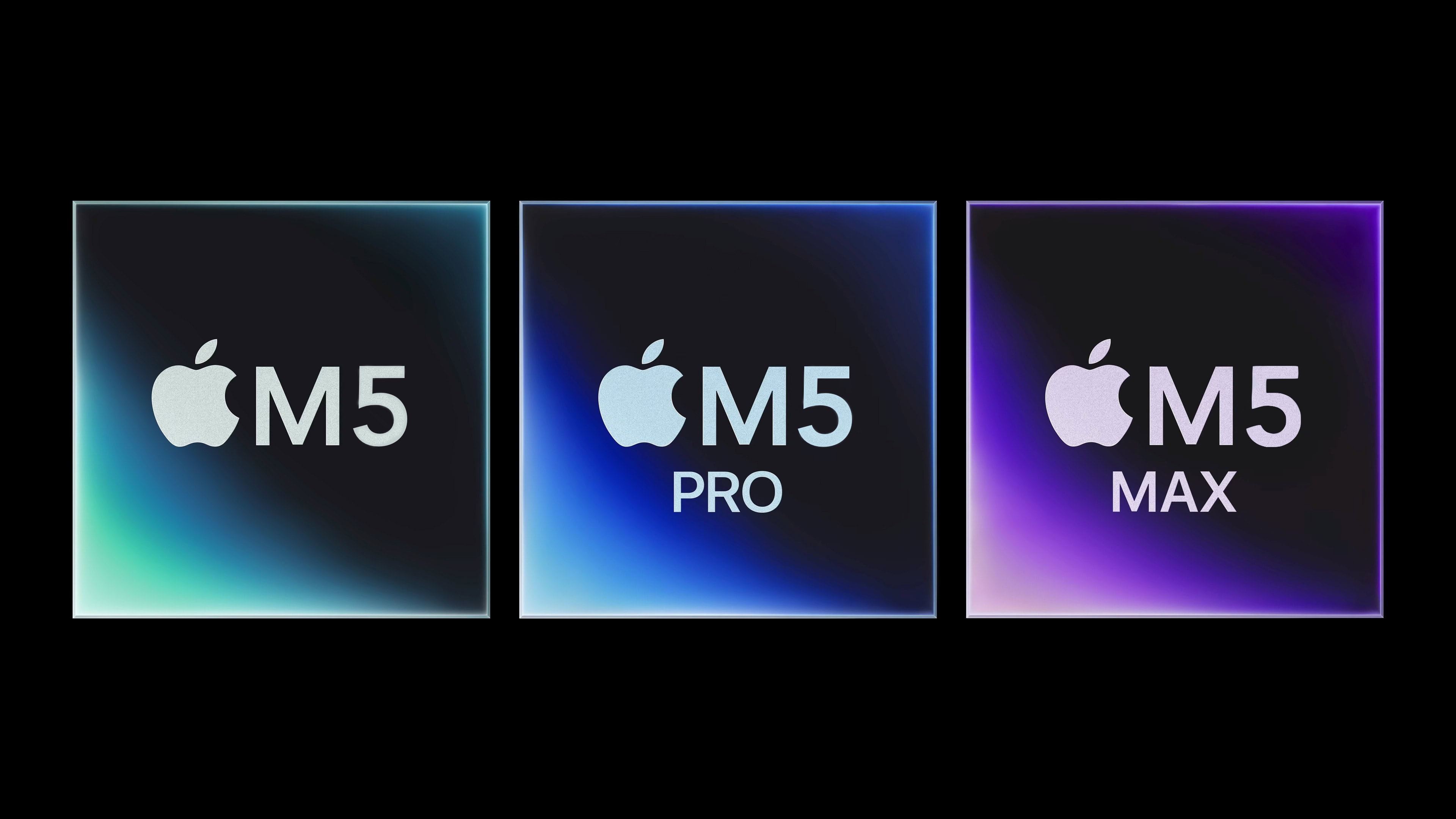
M5, M5 Pro, M5 Max
Expect the M5, M5 Pro and M5 Max processors in 2025.
Photo: Apple/Cult of Mac

It’s a safe bet that the Apple M5 processor will start replacing the current M4 in 2025, and it might even happen in the first half of the year.

That’s according to a roadmap of when the various versions of the chip will go into production leaked Monday by a reliable source of insider Apple information.

Apple’s next big smart home move could bring Face ID to your doorbell

By

Apple security lock logo
A smart home doorbell from Apple with Face ID could become a reality.
Photo: Apple

Apple is reportedly working on a smart doorbell with Face ID-like facial recognition.

The device, still in its early development stages, seems unlikely to reach the market before late 2025 at the earliest. This timeline presumes Apple encounters no significant obstacles during development.

iOS 19 might not cut off any older iPhones

By

iOS 19 render logo
iOS 19 will supposedly work with iPhones launched in 2018.
Photo: Rajesh Pandey/Cult of Mac

Apple might not drop support for any of its older iPhones with iOS 19. The next big iOS update reportedly will support the same devices as iOS 18.

However, iPadOS 19 supposedly will not be compatible with the seventh-gen iPad.

Is this really what iPhone 17 Pro will look like? [The CultCast]

By

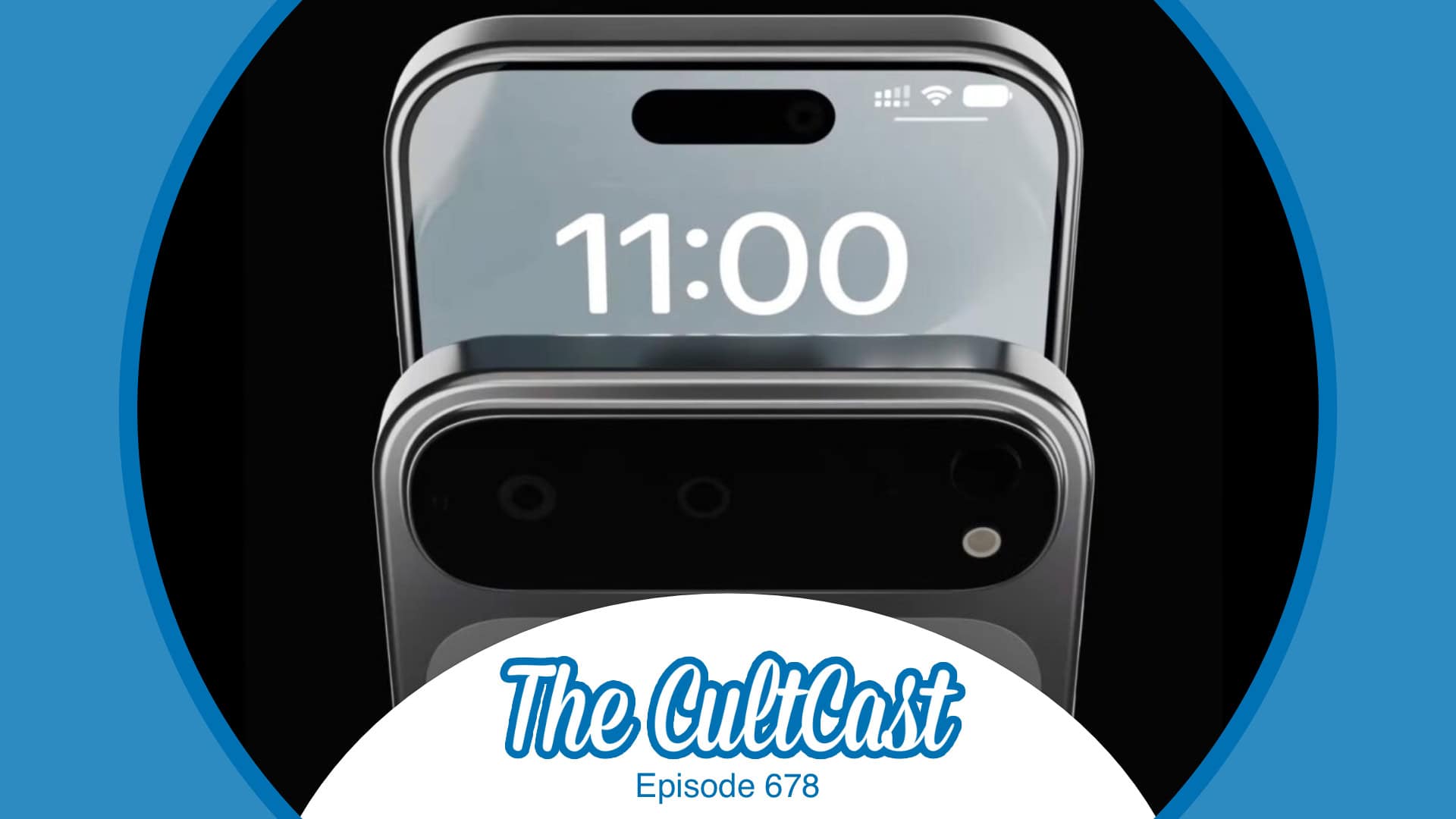
The CultCast episode 678, with iPhone 17 Pro renders based on latest Apple rumors
Is this the iPhone you want?
Image: Cult of Mac

This week on Cult of Mac’s podcast: Some new iPhone 17 Pro renders make us ponder whether Apple will (or should) create such a device. We discuss the pros, cons and alternative theories.

Also on The CultCast:

  • An update on when we might see the very first folding iPhone.
  • A ridiculous Apple Intelligence screwup lands Apple in hot water.
  • We wrap up with round two of our picks for best and worst of 2024.

Listen to this week’s episode of The CultCast in the Podcasts app or your favorite podcast app. (Be sure to subscribe and leave us a review if you like it!) Or watch the video live stream, embedded below.

What to do when your iPhone storage is full

By

Get Some Wiggle Room
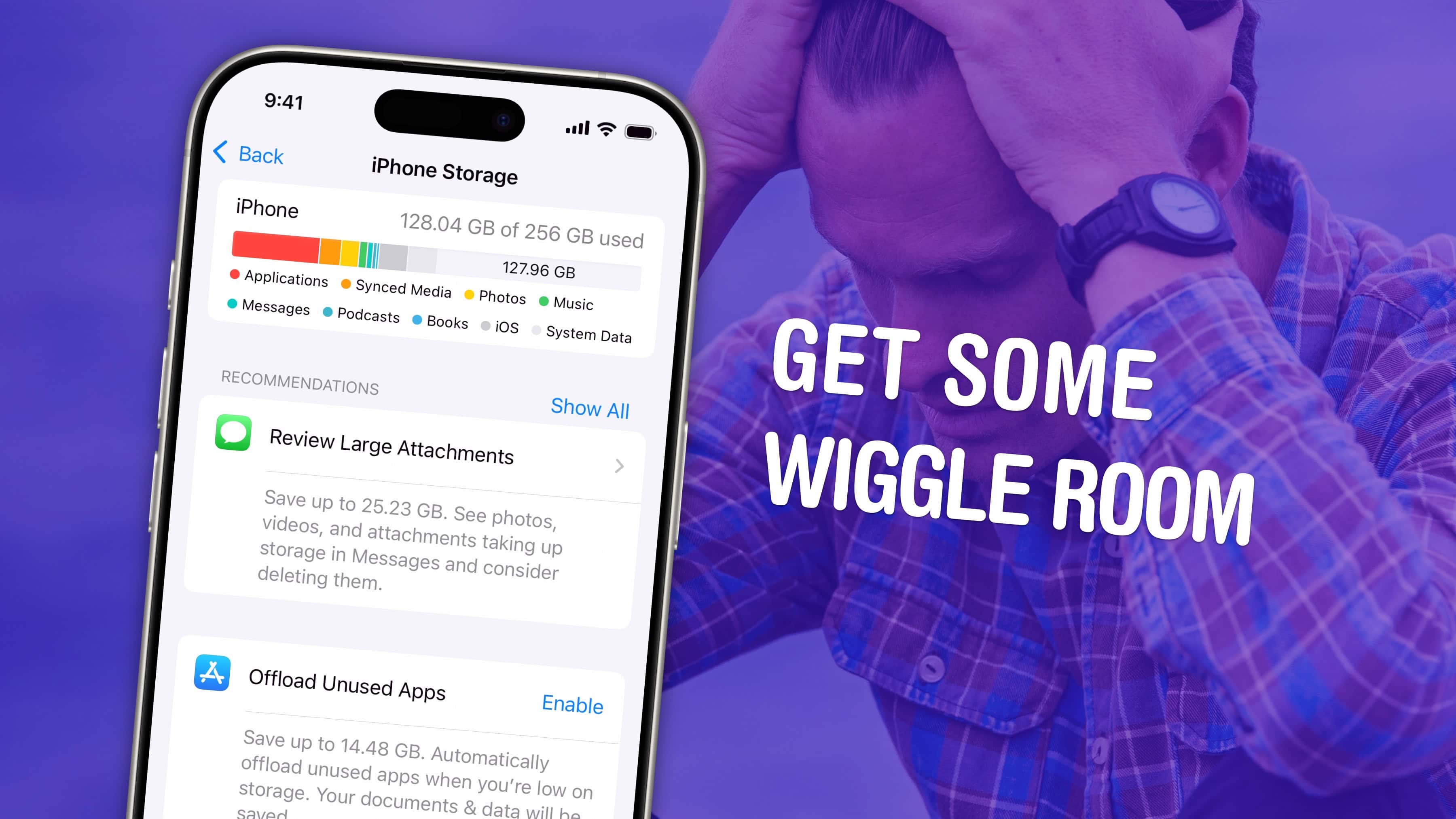
Get some space back on your phone.
Image: D. Griffin Jones/Cult of Mac

If your iPhone storage is full, you’ll need to quickly clear up space. You don’t need to panic and delete all your pictures, though. There are easy ways to free up iPhone storage without losing any precious data forever.

Apple put a convenient screen in Settings that can walk you through non-destructive ways to clear up space on your phone. Apps that you don’t use frequently can be temporarily uninstalled (and instantly redownloaded when you need them again). If you sync data to iCloud, like photos and music, your phone can automatically offload some of that data. You also can limit the number of podcasts your phone keeps, if you’re falling behind on your listening.

Here are the easiest steps you can take if your iPhone storage gets too full.