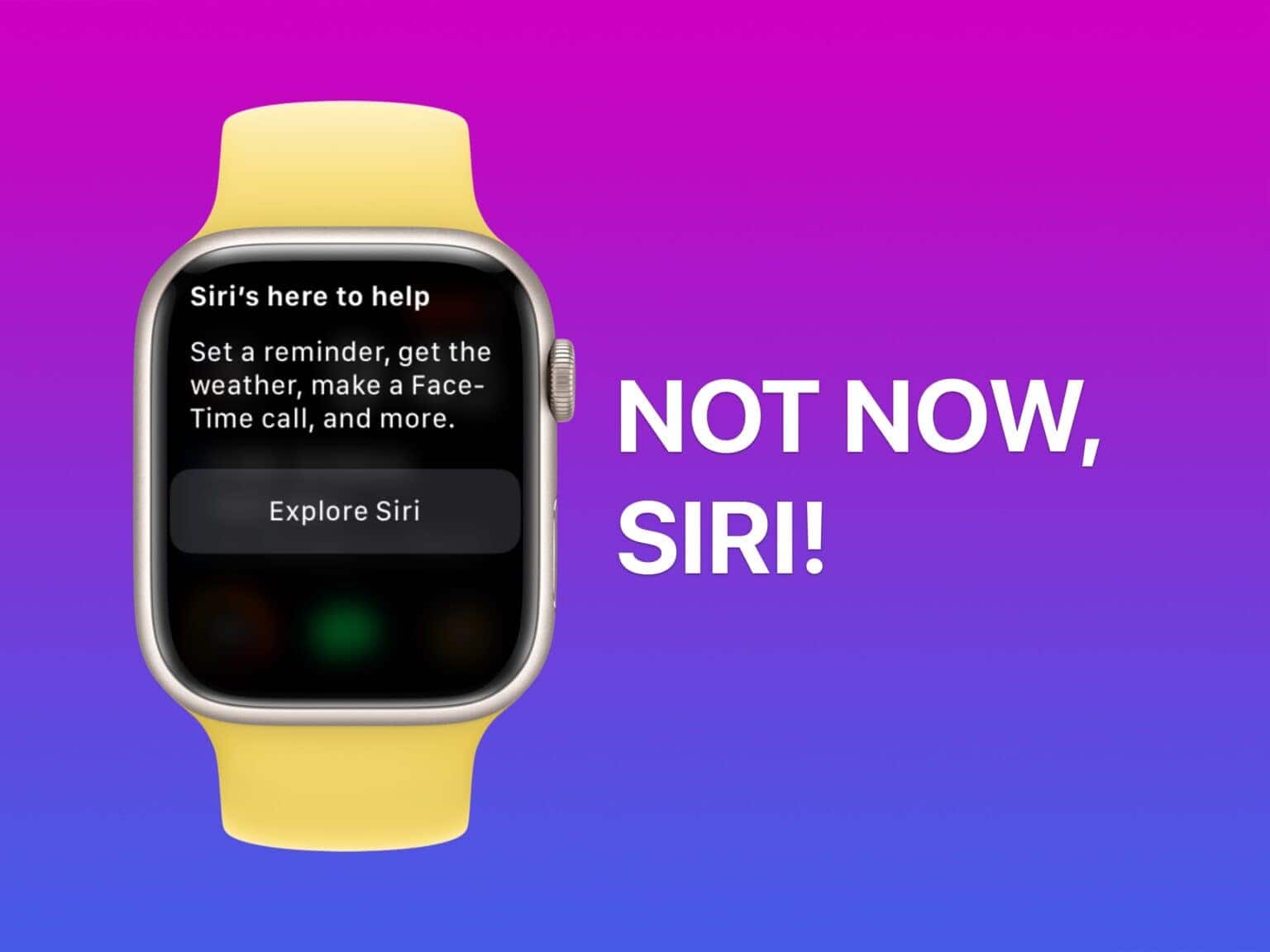
Complaints say Siri inadvertently recorded comments when unintentionally activated. Photo: D. Griffin Jones/Cult of Mac
Apple agreed to a $95 million settlement in a class action lawsuit alleging privacy violations by its Siri voice assistant, according to a new report. The lawsuit, filed in Oakland, California federal court, claims that Apple’s virtual assistant recorded users’ private conversations without consent and shared this information with advertisers.
So, should a federal judge approve the settlement, millions of Apple device users could see small payouts (most likely less than $20 per device, given the vast number of devices running Siri).
★★★★☆
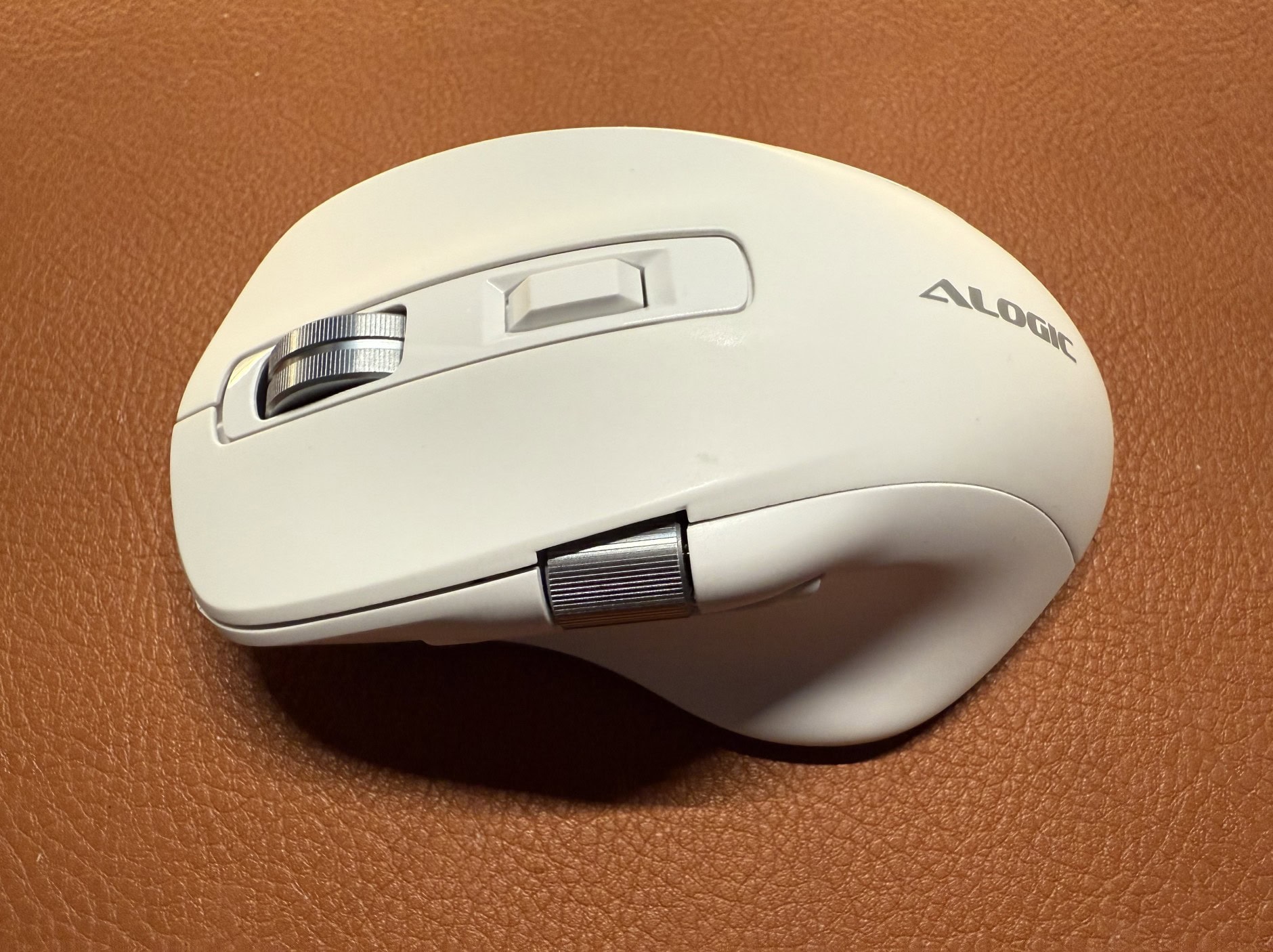
The right-handed Alogic Apex wireless mouse offers premium features at an affordable price point. Photo: David Snow/Cult of Mac
I recently tested out a new low-cost, high-performance mouse from Alogic. It’s a compelling alternative to hugely popular premium options like the Logitech MX Master 3S wireless mouse — at roughly half the price! After using it for this Alogic Apex mouse review, I found the capable device strikes an impressive balance between features and affordability at a retail price of $59.99 (currently on sale at 15% off).
These five Apple products could make you go wow this year. AI image: Midjourney/Cult of Mac
Imagine a Siri capable of opening your preferred email client on your iPhone and sending an important email seamlessly. Picture an Apple-branded smart home hub, elegantly wall-mounted in your kitchen, equipped with Apple Intelligence for instant access to smart home controls and a conversational voice assistant. Envision an iPhone just 6mm thin, standing out for its ultra-sleek, stylish design.
All of this could turn into a reality in 2025, with Apple already working on these devices and services for launch next year.
Journal lets you build a scrapbook or a diary on your iPhone. Image: D. Griffin Jones/Cult of Mac
A diary can be a great and invaluable record of your life, but who has time for that? Well, now you do: Apple’s iPhone Journal app makes keeping a diary a breeze. Really, it couldn’t be any easier.
Apple’s Journal app, newly updated in iOS 18, lets you build a record of your life into a multimedia digital diary. Your iPhone will pull together details from your photos, locations and events to give you prompts for memories worth writing about.
Here’s the nitty gritty on using the Journal app — and its latest features.
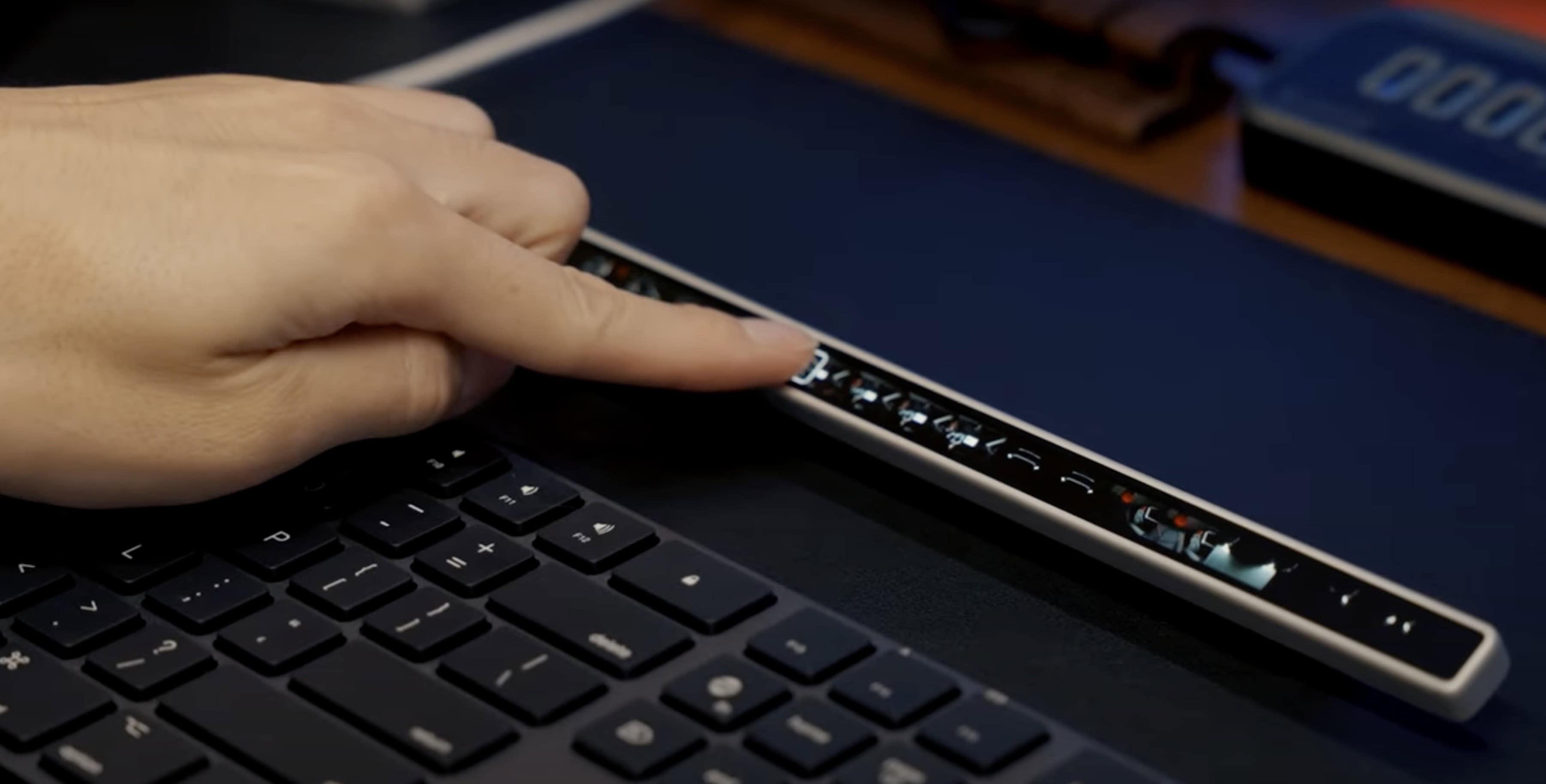
The standalone device features an OLED screen, USB-C connectivity and haptic feedback. Photo: Eniac Technology
A recently launched Kickstarter project aims to breathe fresh life into Apple’s discontinued Touch Bar concept, offering a more versatile and customizable solution for both Mac and Windows users. Flexbar, developed by Hong Kong startup Eniac Technology, reimagines the controversial MacBook Pro feature as a standalone accessory that promises to deliver on the Touch Bar’s original potential.
“The discontinuation of the original Touch Bar didn’t mean the concept was flawed — it simply wasn’t taken far enough to reach its full [potential],” the Eniac team said. “There’s something undeniable [about the idea]: the potential for a customizable, adaptive interface that could streamline workflows was immense. We decided to step in.”
Update: Eniac sent out a reminder Tuesday that Flexbar’s Kickstarter campaign ends Thursday (January 2, 2025), so time to participate is waning. You can still pledge to get one Flexbar for $179 $149, two for $358 $219 or three for $537 $299. And it appears the device will most likely go into regular production, as funding reached $284,612 by Tuesday, well over the campaign’s goal of $2,576.
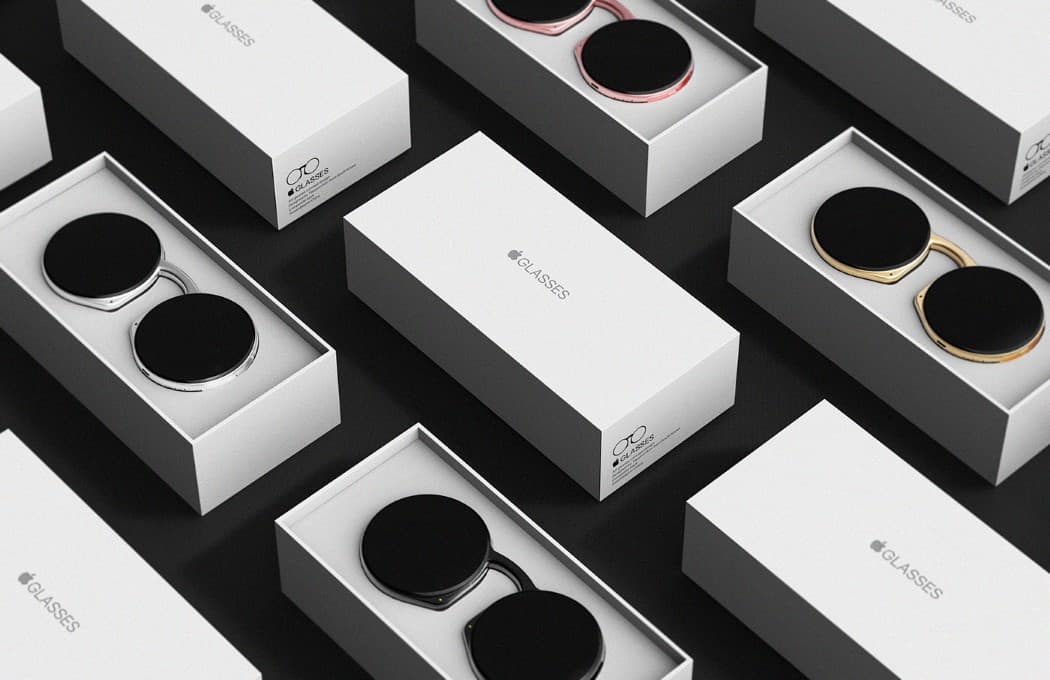
Apple needs smart glasses or it risks getting left behind. Concept: Taeyeon Kim
It’s time for Apple to get into smart glasses. This is an emerging product category that combines AI, cameras and audio… three components that the iPhone-maker is either already expert at or is working hard to improve.
Apple Glasses could be critical for the company long term because it would be an important step toward someday making the Vision Pro AR headset into a viable product.
Anyone can watch Apple TV+ for free January 4-5, 2025. Photo: Apple TV+/Cult of Mac
Apple TV+ will open its doors to all for an unprecedented free streaming weekend, January 3-5, 2025. That gives everyone unlimited access to its entire catalog of original content. In other words, the streaming service — which normally costs $9.99 monthly — will make its full library of over 250 original TV shows and movies available without requiring a subscription.
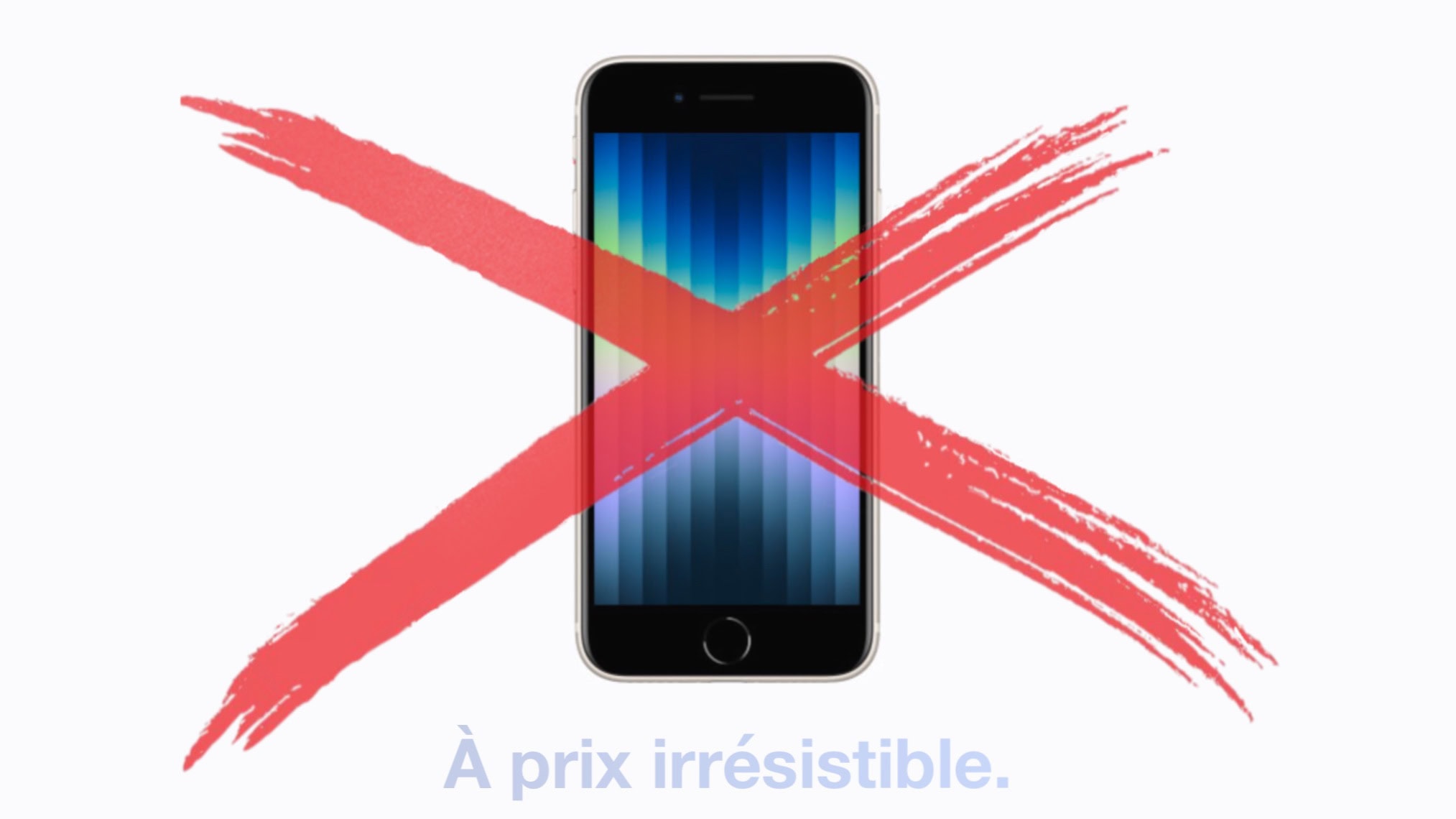
The iPhone SE is among the Apple products pulled from Apple stores in the EU.
Image: Apple/Cult of Mac
It’s no longer possible to buy an iPhone 14 or iPhone SE 3 from Apple in the EU. And many of Apple’s older accessories also disappeared from the company’s shelves in the European Union, too.
It’s all a result of a EU law that, as of Saturday, banned the sale of handsets with proprietary charging ports. Apple was a primary focus of the legislation.
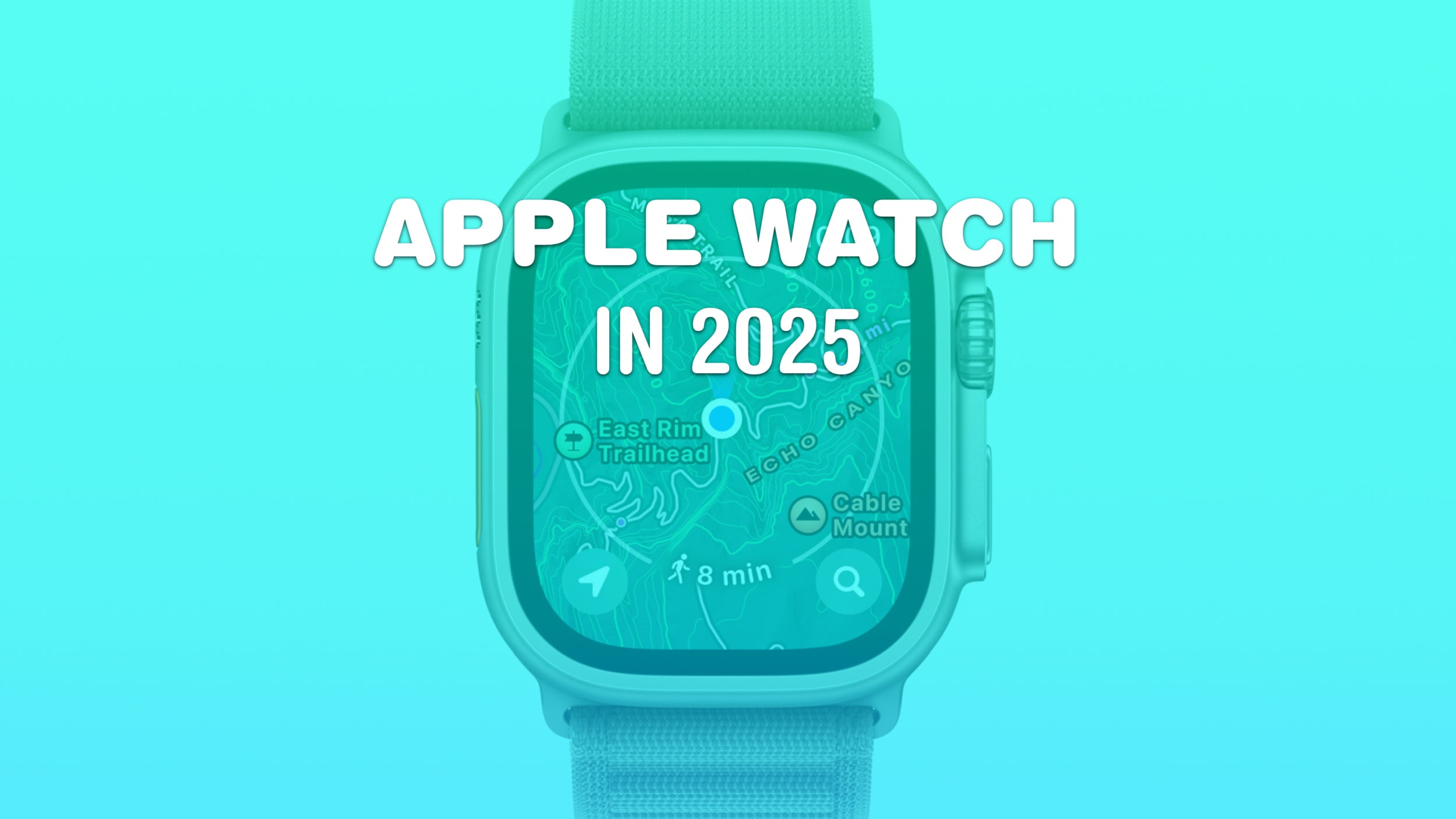
Apple Watch could have an Ultra-good year in 2025. Image: Cult of Mac
2025 should be an Ultra year for the Apple Watch. In an unusual move, Apple only launched the Apple Watch Series 10 this year. It kept the Ultra 2 around, only releasing a new black titanium colorway. If you’re curious about the latestApple Watch rumors, there’s plenty of speculation about what’s coming next.
But next year won’t be all about Apple’s most expensive smartwatch. For more budget-conscious customers, the third-gen Apple Watch SE should arrive in 2025.
You can quickly and secretly switch out of Private Browsing without anyone noticing. Image: Dosso Dossi/Public domain
So, you’ve been using Safari’s Private Browsing mode on your iPhone or iPad, for whatever reason, but you forget to close out of the tab. The next time you open Safari, you’ll be thrown into whatever unscrupulous web page you had open last time — and the result can range from unfortunate to embarrassing, depending upon what you were looking at and where you are when you unexpectedly resume the Private Browsing session.
Luckily, iOS offers a foolproof way to avoid reopening a Private Browsing mode session. Let me show you how.