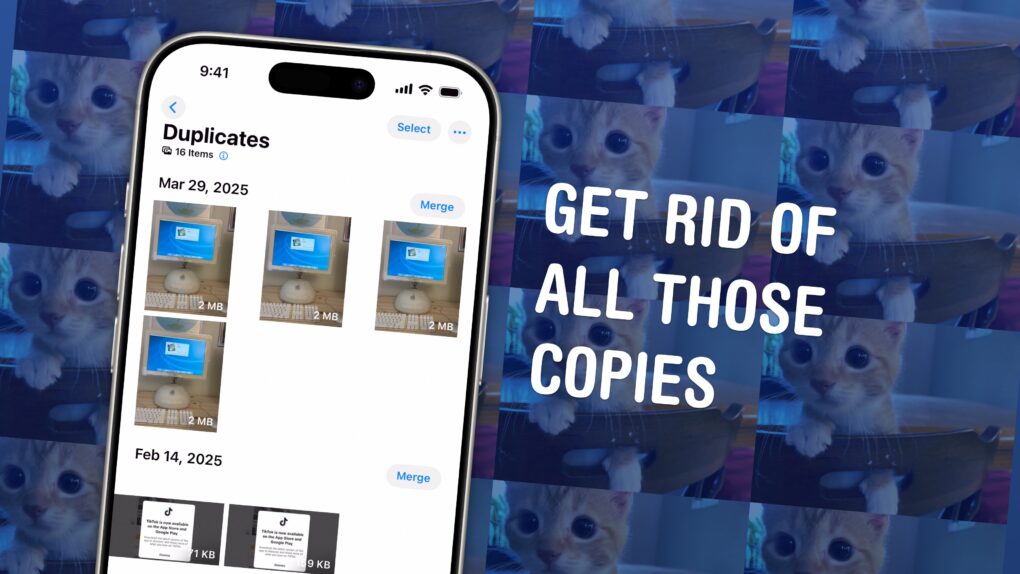
You could have dozens of copies of the same images in your Photos library, taking up space on your phone and in your iCloud account. Luckily, Apple offers an easy-to-use little tool that lets you find duplicate photos and delete the copies, all right from the Photos app.
These types of duplicate images can accumulate more quickly than you might expect. They arise if you make a copy of a photo to edit, if you screenshot a photo to bump it to the top of your Camera Roll, or if you and your partner both upload the same picture to your Shared iCloud Photo Library. In fact, I found hundreds of duplicates in my own carefully curated library.
It’s a surprisingly sophisticated feature that took Apple engineers a fair amount of smarts to cook up (more on that later). Here’s how to use Apple’s duplicate image remover and get rid of all those unnecessary files. Keep reading or watch our video instructions.

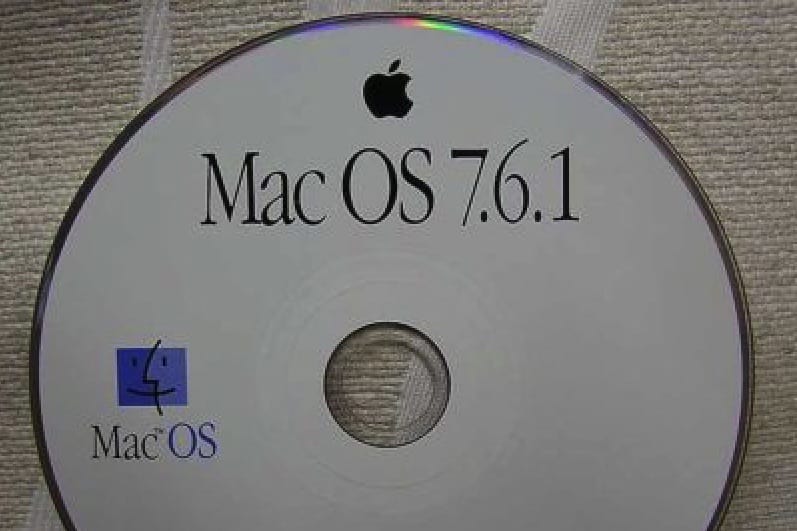
 April 7, 1997: Apple’s System 7 operating system receives its last update with the shipment of Mac OS 7.6.1.
 April 6, 1939: John Sculley is born in New York City. He will grow up to be hailed as a business and marketing genius, eventually overseeing Apple’s transformation into the most profitable personal computer company in the world.


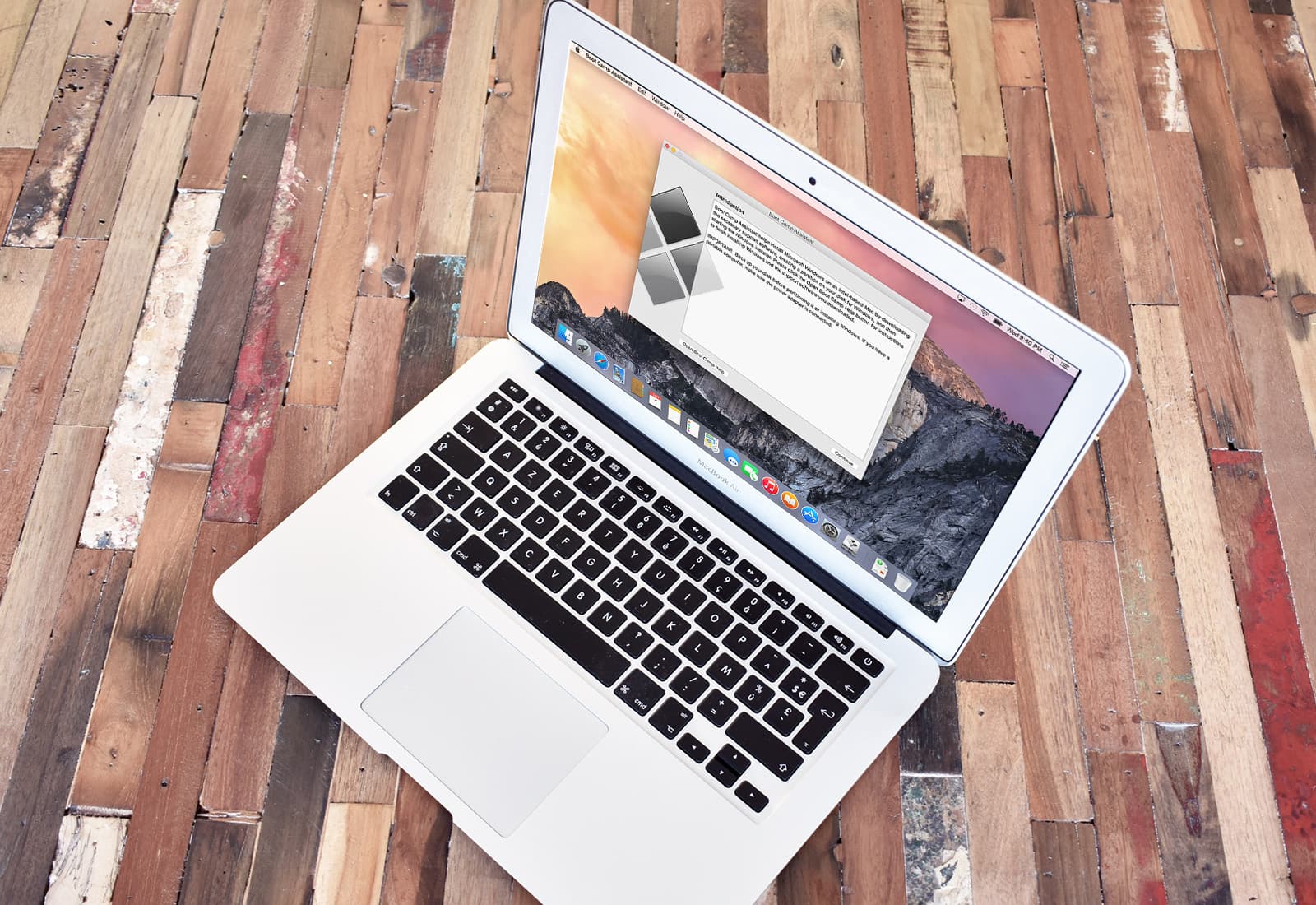
 April 5, 2006: Apple introduces the public beta of Boot Camp, software that allows users with an Intel-based Mac to run Windows XP on their machines.