Kicking off this week’s must-have apps roundup is EverClip for iPad, a terrific tool that lets you “clip” almost anything to Evernote, so that you can’t forget them. We also have a wonderful new music player for the iPad, the new Star Wars Pinball game, and more.
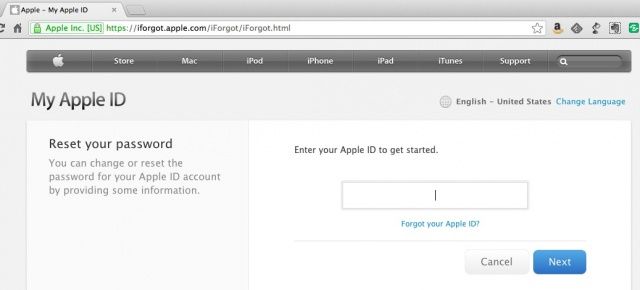
Earlier today, we told you about the massive security issue that Apple let slip through while adding it’s new two step authentication process. As a result, Apple shut down it’s password recovery site, iForgot, earlier today.
And? It’s back up and ready to start helping you get your password. Looks like Apple fixed the problem.
If you had asked me yesterday what I thought a “couch player” might be, I would have guessed that it was some stoner kid sat at home in his parents living room, checking the price of Glocks online and listening to bad hip hop.
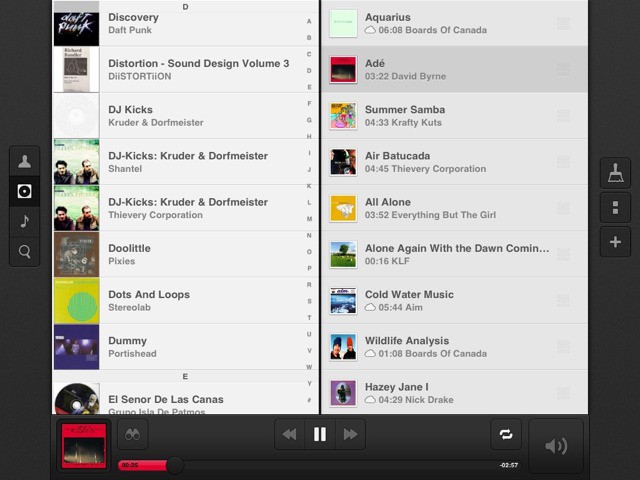
But that was yesterday. If you asked me right now, I’d tell your that Couch Player is an awesome new music player for the iPad.
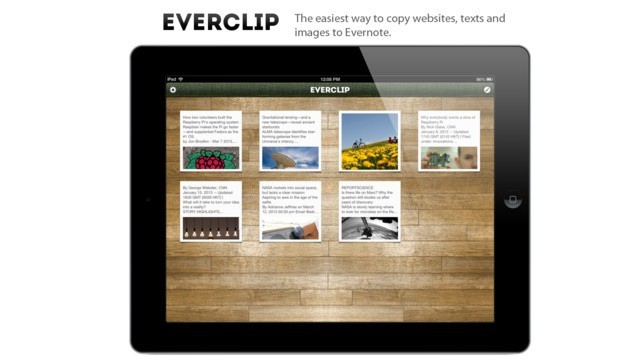
Everclip is one of the most used apps on my iPad, despite being iPhone-only. Until now, that is. Along with an update to the regular iPhone Everclip, there’s now an iPad version. No, it’s not universal and yes, it’ll cost you another $6, but if you’re an Everclip fan, you really won’t care.
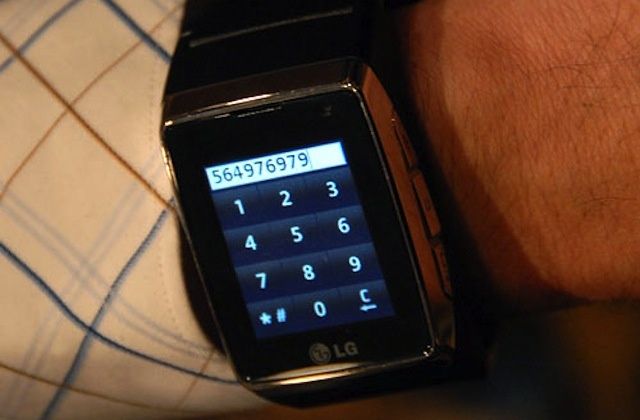
LG will compete with Apple, Google, and Samsung with a smartwatch of its own that is expected to run Google’s Android operating system. The company is also said to be working on another wearable computing device that will reportedly rival Google Glass.
The Google Glass project has been in the news a fair bit in recent months, but it seems Google may have another wearable gadget in development that’s been flying under the radar. The Financial Times reports that just like Apple and Samsung, the search giant is working on its own smartwatch that will act as an extension to the smartphone.
Autodesk has a stunning — and I’m not using the word lightly here — catalog of free design-focused iOS apps that do everything from applying filters to photos, to drawing on your iPad — or even turning the subject of an iPhone photo into a 3D model. Now, they’re taking their deep knowledge of modeling, physics and mechanics and using it to make iPad apps that’ll teach your kids cool stuff. For free.
Update: A Department of Defense spokesperson emailed us today to set the record straight. Here’s what he had to say:
The department is aware of recent reporting that asserts it is ‘dropping’ BlackBerry. This reporting is in error. The department recently released its mobility strategy and supporting implementation plan, which clarifies we are moving towards a mobile management capability that supports a variety of devices, to include BlackBerry. As clarified in the recent release of our Commercial Mobile Device Implementation Plan, we are working towards establishing a multi-vendor environment in support of the DoD mobility strategy.
The Commercial Mobile Device Implementation Plan updates the June 2012 Mobile Strategy with specific objectives and puts the strategy into action. A key objective of the plan is to establish a department-wide mobile enterprise solution that permits the use of the latest commercial technology such as smart phones and tablets, and the development of an enterprise mobile device management capability and application store to support approximately 100,000 multivendor devices by February 2014. DoD currently has more than 600,000 Commercial Mobile Devices in operational and pilot use, including 470,000 Blackberries, 41,000 Apple Operating Systems and 8,700 Android Systems.
Dropbox’s recent acquisition, Mailbox, has already updated, bringing a new shake to undo function, some user interface enhancements, and the requisite “bug fixes and performance optimizations.”
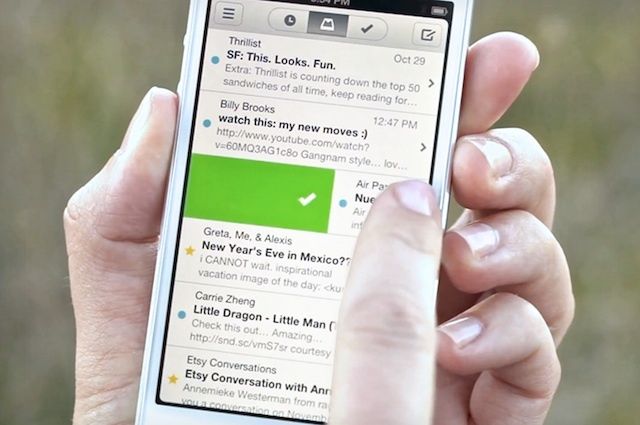
Mailbox garnered internet-wide attention for its approach to email, with a light, fast, mobile-friendly interface. Cult of Mac’s own John Brownlee called it the best email app he’s ever used. Messages are archived or trashed with a swipe, and entire email exchanges are presented in a threaded, conversational style. You can even snooze your emails to check them out later, an essential component to an on-the-go email client, right? Mailbox also lets you get push notifications for new messages.
It’s only for GMail accounts at this point, with other email platforms coming soon. To reserver your spot, simply download the app from the app store, and check your spot in line at https://mailboxapp.com/reservations, and then read this to figure out how long you’re gonna have to wait.
What’s New in Version 1.1.0
– Shake to undo!
– UI enhancements
– Bug fixes and performance optimizations
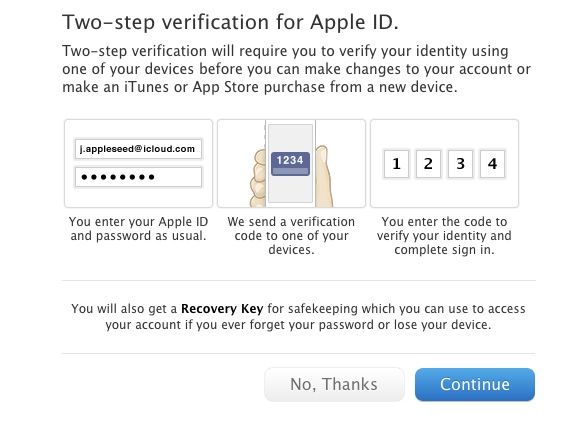
Following a seemingly endless series of hacks that have afflicted cloud service providers like Evernote and Dropbox, Apple has just introduce two-step verification for your Apple ID, which makes you enter a code (sent to a single trusted device) every time you make changes to your account or make a new iTunes or App Store purchase from a new device.