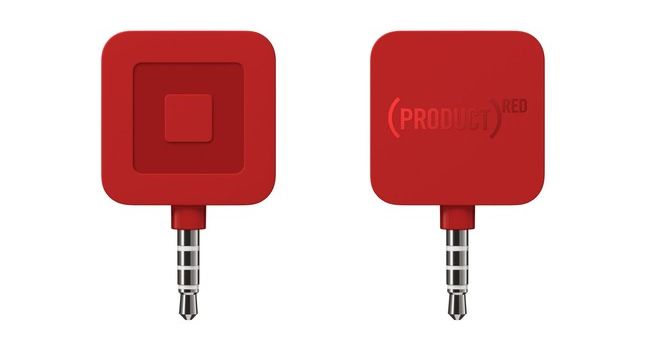
Apple has been a long time supporter of Project RED by selling special edition products that help the charity, but now you can help fight AIDS just by swiping credit cards on your iPhone.
Project RED announced today that it teamed up with Square to launch the new SQUA(RED) Reader. The red credit card reader costs $10, 97.25% of which goes straight to the Global Fund to fight AIDS.
For all but the absolute purists, our iPhones have taken over as the camera of choice. We’ve dedicated an upcoming issue of our weekly mag to taking even better photographs with our iPhones.
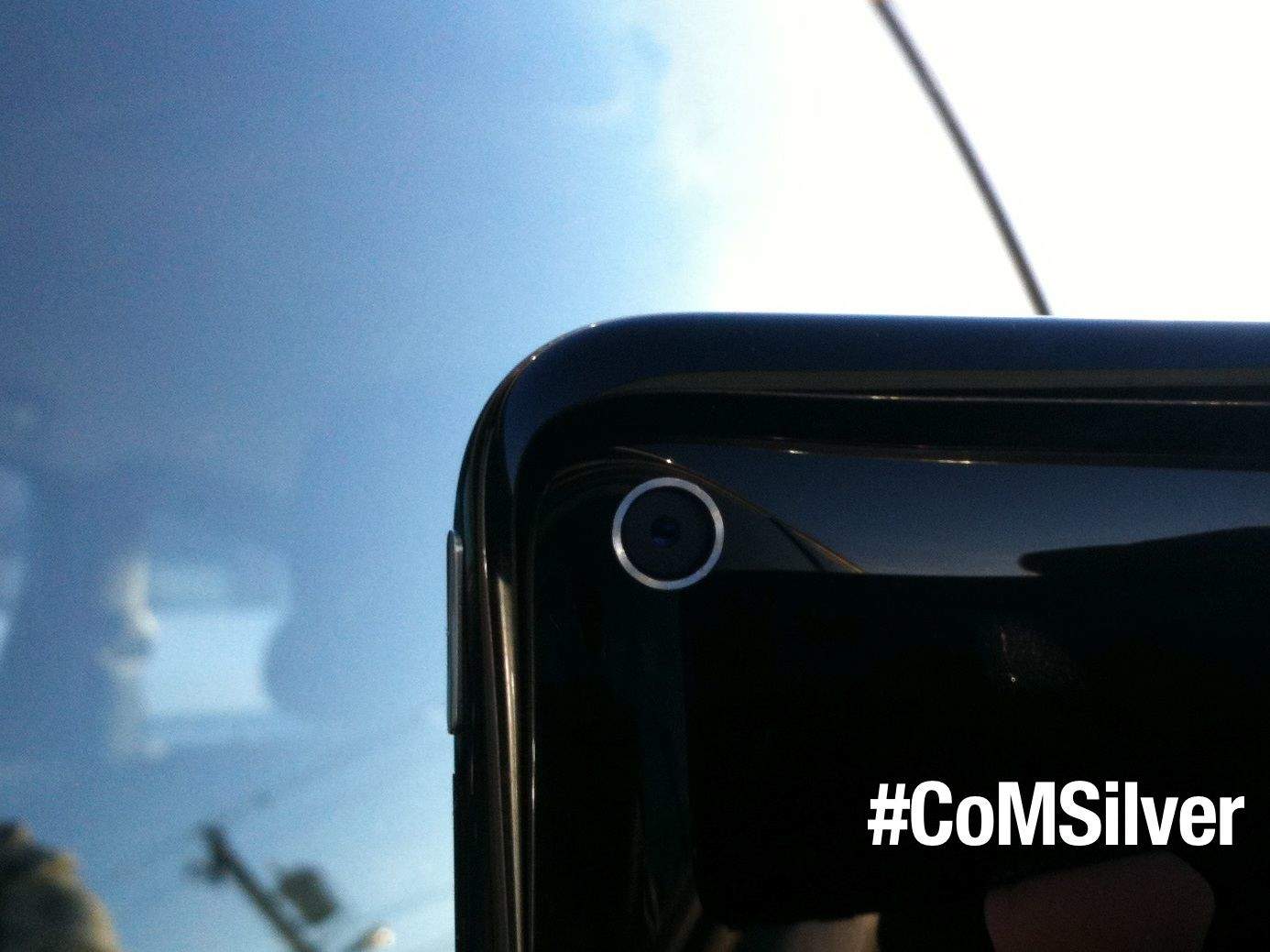
Here’s where you come in: Send us your best pics on the theme of “Silver.” Yeah, that can be anything from a close-up on your Space Gray iPad (kind of recursive, but why not?) to glittering ice on the sidewalk. Make sure you take the picture with an iPhone – any model will do.
Update: We’re actually offering a whole ton of stuff for winners of our contest, with Olloclip willing to send along the following prizes for our first, second and third place winners:
1st place – You’ll get Olloclip telephoto , 4-in-1, macro 3-in-1 lenses and a quick-flip case.
2nd place – 2 lenses of choice plus case
3rd – lens of choice plus case
You’ll also get to see the top photo and the runner ups showcased in an upcoming Cult of Mac Magazine Newsstand issue.
To enter, just take the most creative iPhone photo that matches the topic “Silver” that you can think of — and you can also submit pics you’ve snapped that fit the theme. Then upload your photo to Twitter or Instagram with the hashtag – #CoMSilver.
The contest ends on Thursday, February 20 at 8 a.m. PT, but there’s no limit to how many times you can enter, so get snapping, you amazing creative types.
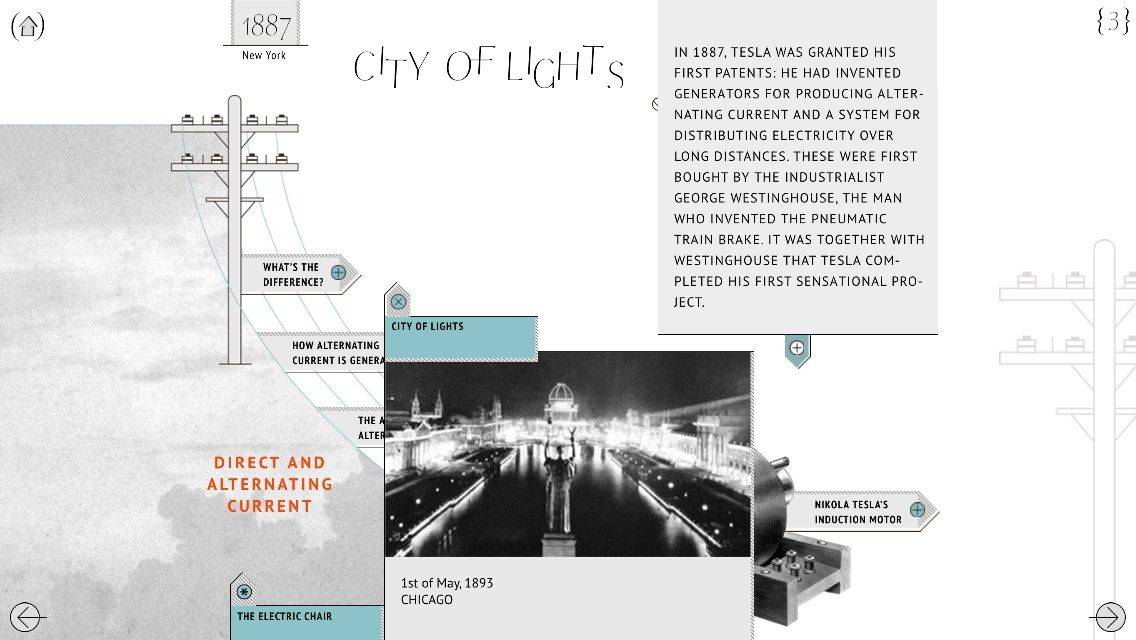
We’ve already covered multimedia platform Narr8’s transition from iPad to iPhone, but this week, the company released a standalone app just for biographical comics about some of history’s great thinkers and doers. Biographics offers 13 “episodes” that offer tons of information about some fascinating figures. The first two episodes, which cover Nikola Tesla and Sigmund Freud, are free, and the rest are available for $0.99 each. Subjects include Sir Arthur Conan Doyle, Vlad Dracula, and Martin Luther King.
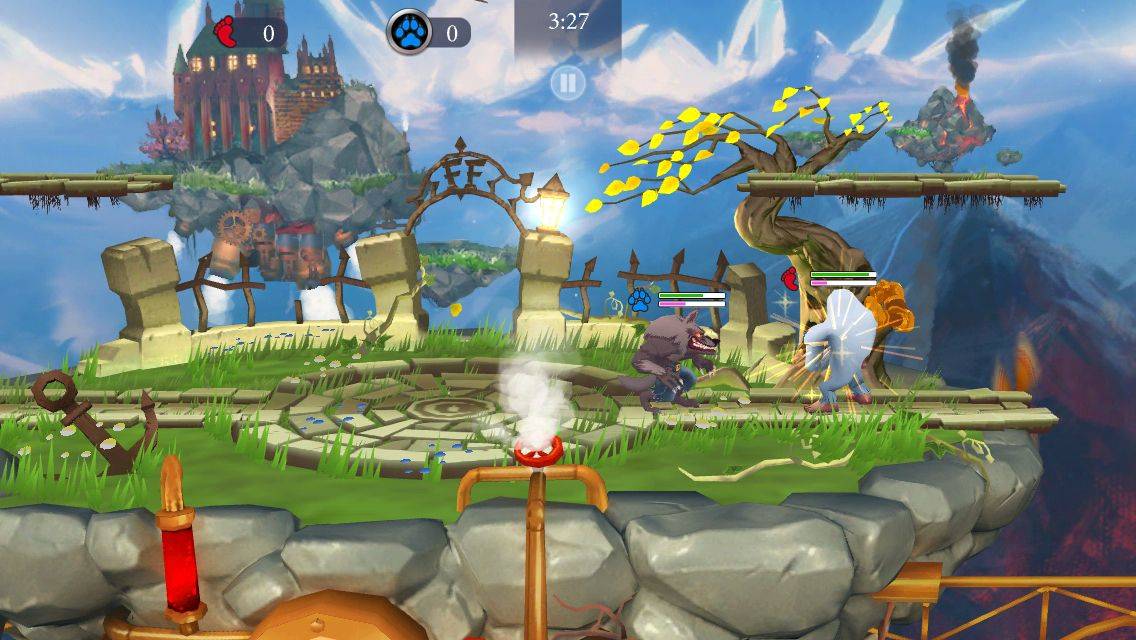
What do monsters, Nintendo’s Super Smash Bros. series of chaotic fighting games, and steampunk have in common?
Fright Fight by zGames Category: iOS Games Works With: iPhone, iPad Price: Free
Nothing, you guys. Absolutely nothing.
But those are all elements in Fright Fight, a new free-to-play, online-multiplayer brawler that has players controlling a variety of spooky monsters in fights to the death atop floating platforms. It’s chaotic, insane, and mostly fun.
It’s a Frankenstein’s Creature of disparate parts cobbled together, and the arcane force that brings it to lurching life is in-app purchases.
The death of Flappy Bird has brought out more ridiculous knock-offs than should be permissible by the standards of the Geneva Convention. It’s gotten so bad Apple and Google decided to ban them, but the one Flappy Bird knock-off we’d love to play isn’t on the App Store either, it’s in a box.
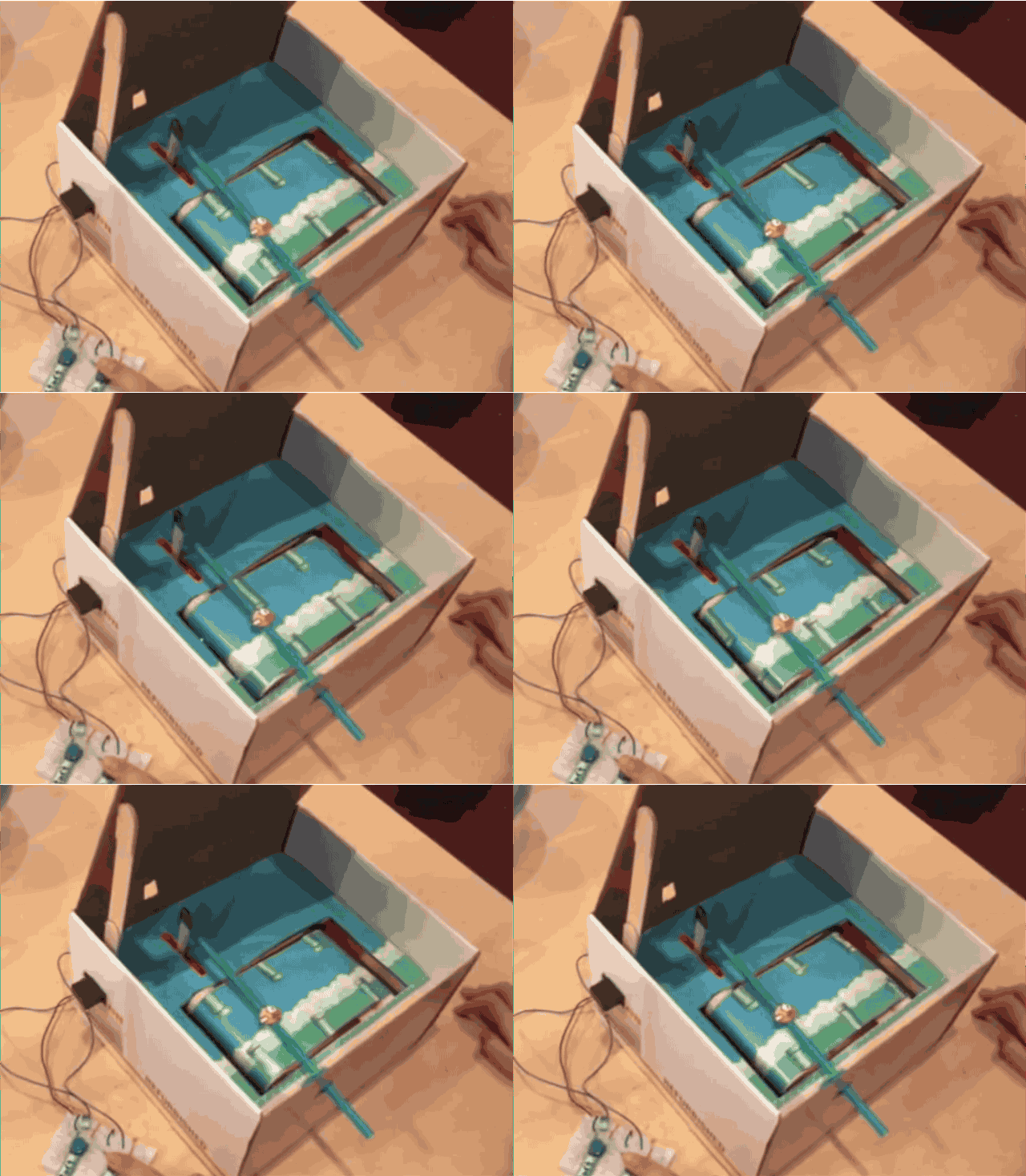
Fawn Qiu decided to make an IRL version of Flappy Bird using nothing more than a box, an Arduino sensor, two servo motors, a reed switch, magnets and of course, some Flappy Bird artwork.
Players control the bird with the reed switch on the left and if you fail to make it past a set of pipes the box closes.
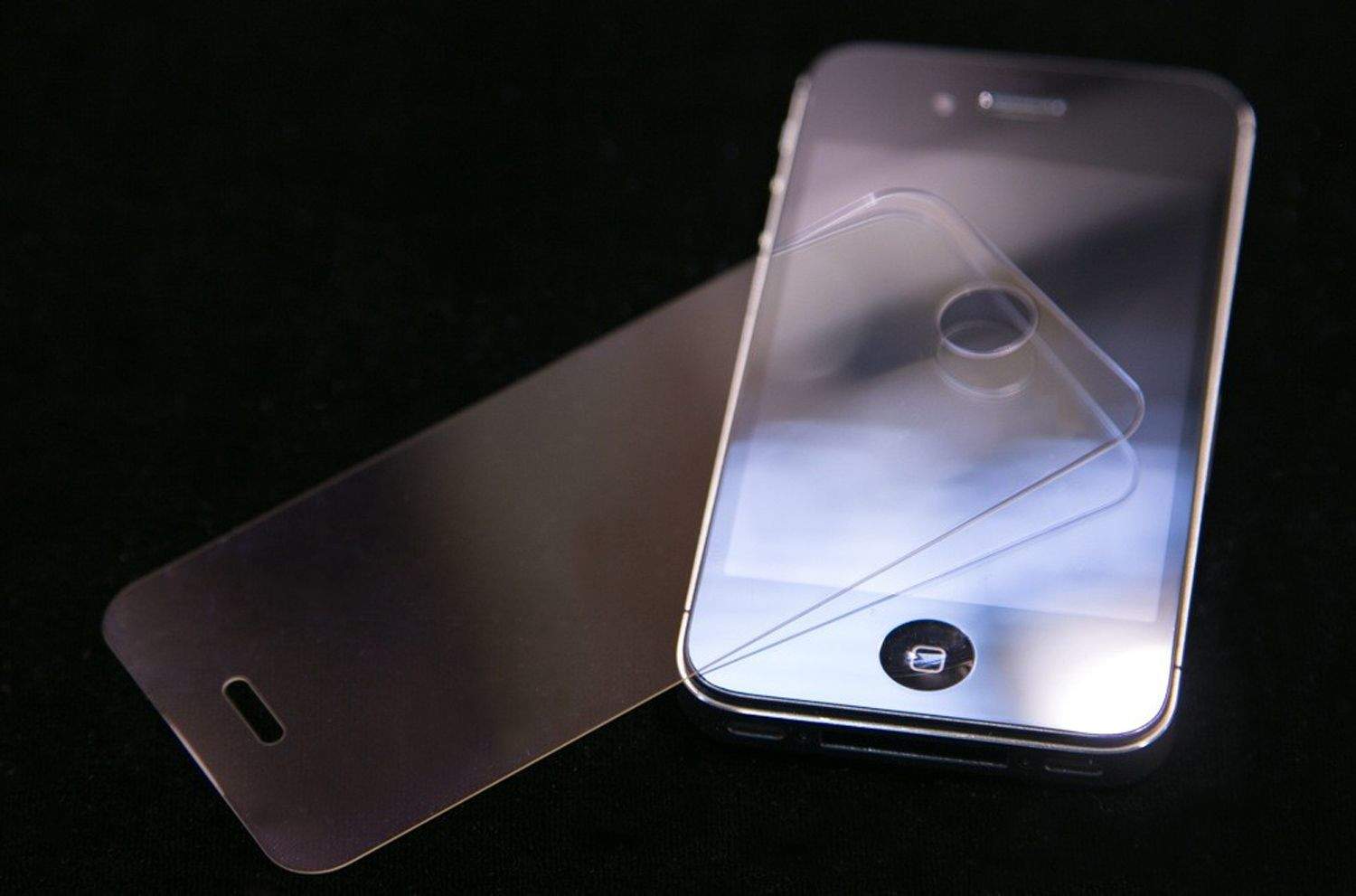
With contrasting reports about sapphire’s advantages over Gorilla Glass, along with counter-reports from Gorilla Glass maker Corning, we figured the time was right to break down some of the questions about Apple’s latest wonder-material.
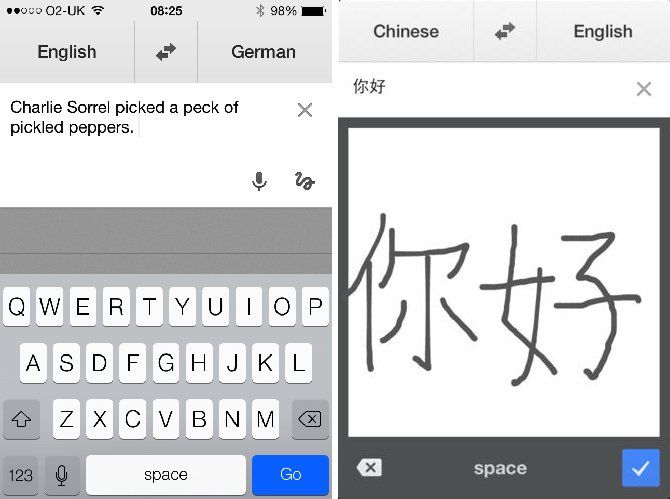
When Google Translate received its post iOS 7 update last September it was missing one important feature: the iOS 7 keyboard.
That has been amended in the free translation app’s latest update, which builds on the streamlined and modern look and feel of the previous update, but also adds an iOS 7-optimized keyboard and status bar.
Love Clear, the slick iPhone to-do app? So do we. But if you’ve never tried Clear before — or if you bought Clear+ and want the minus version without paying for it — you’ll soon be able to download it, free of charge.
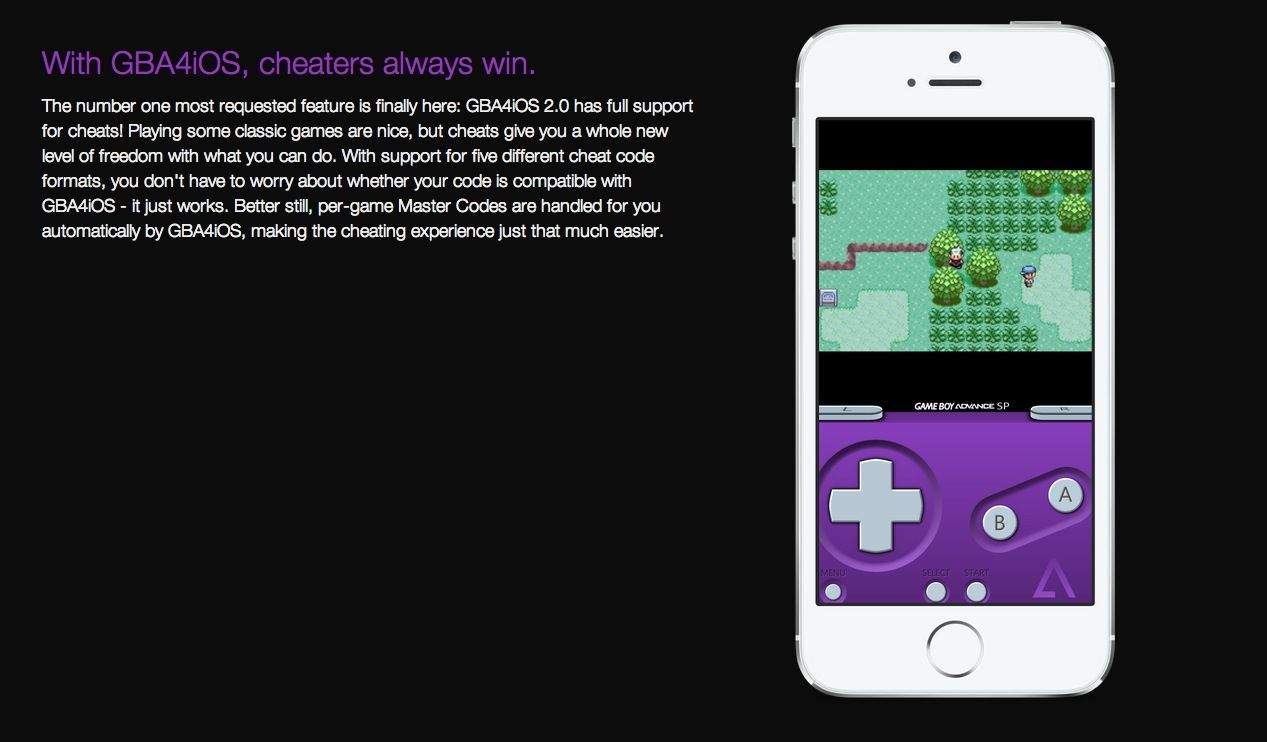
Remember GBA4iOS? It was a Gameboy Advance emulator for iOS that took advantage of an App Store enterprise deployment loophole to let you play GBA games on your iPhone or iPad, no jailbreak required. Unfortunately, Apple closed the loophole… until now.