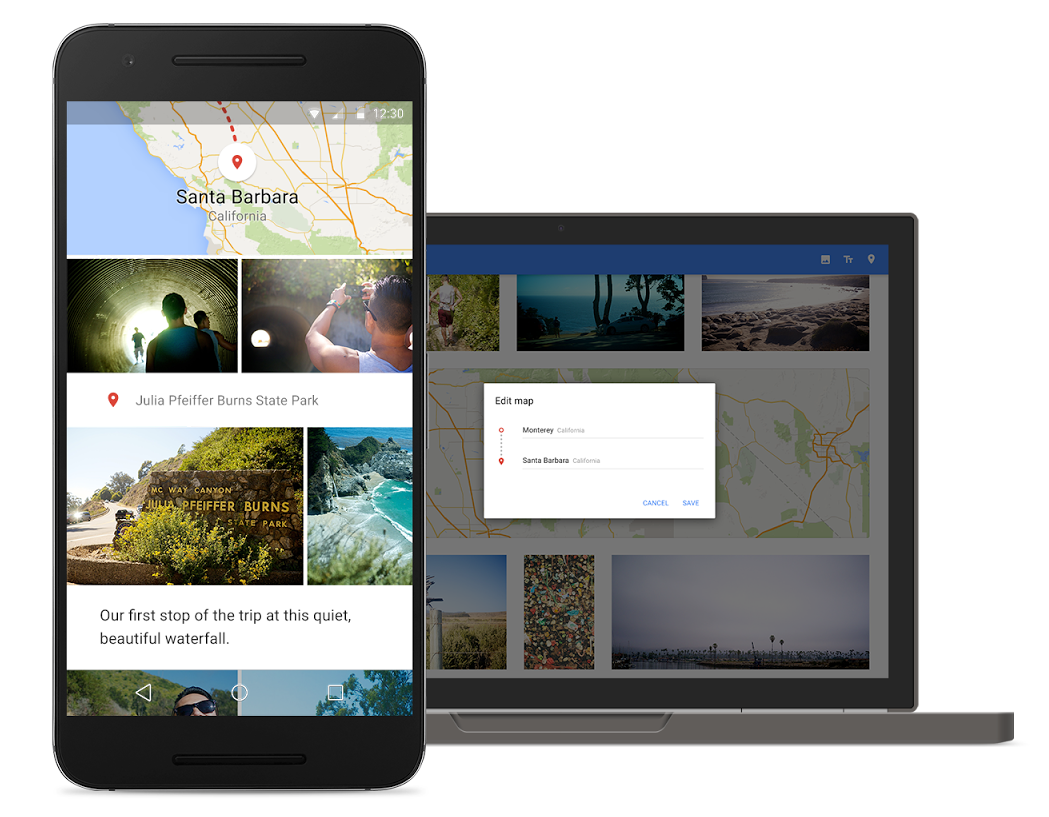
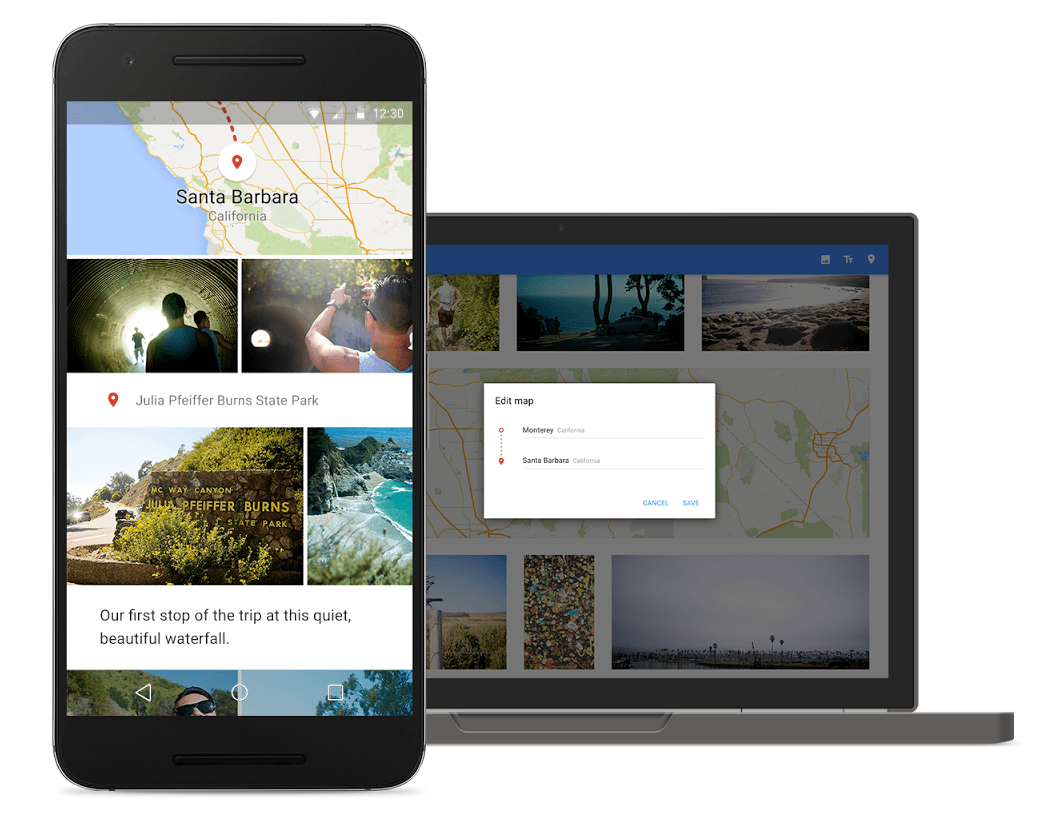
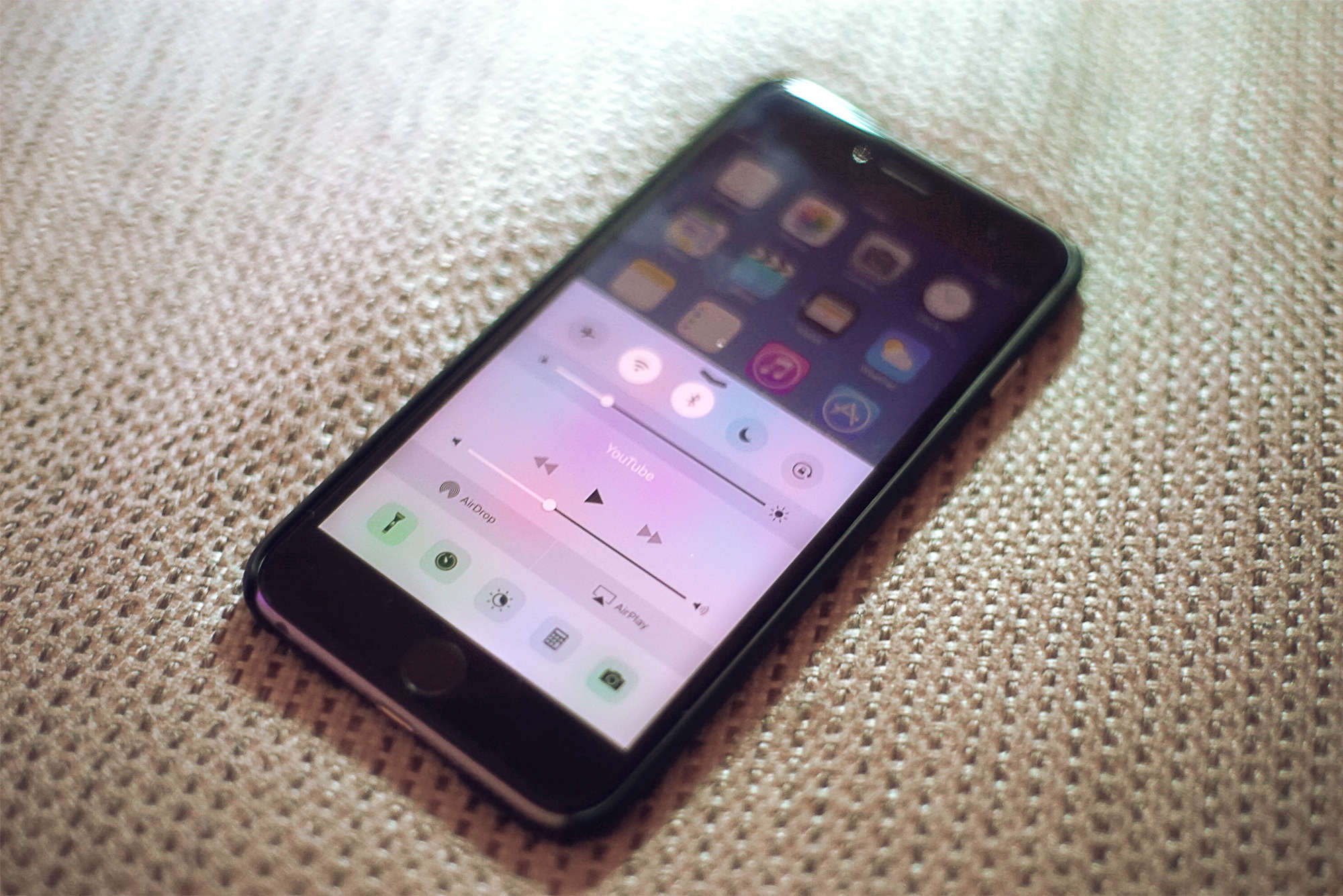
Google Maps has some nice new tricks on iOS. Photo: Google/Uber
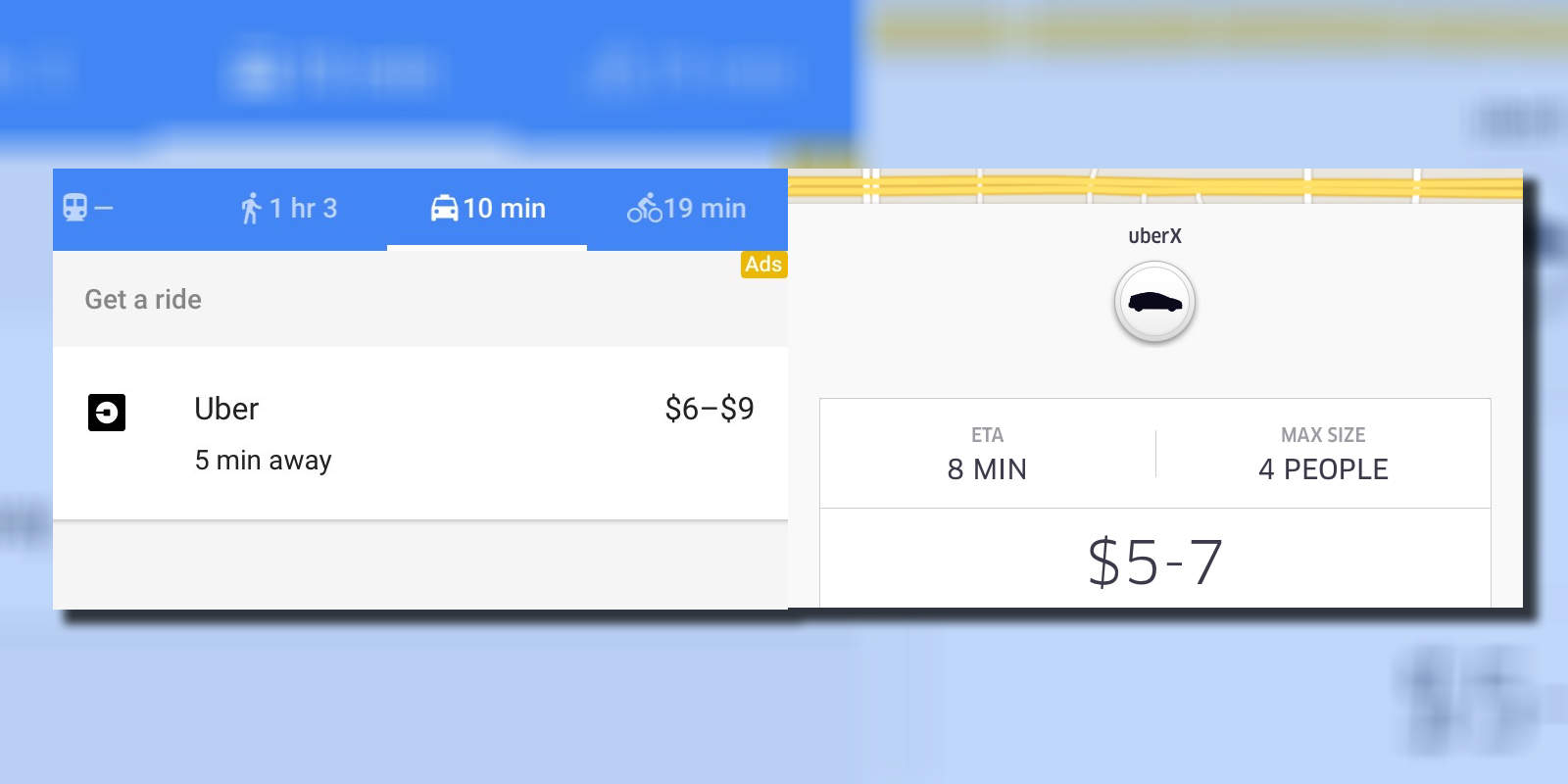
Google has finally updated its iOS app to include the Uber connectivity that Android users have had for like a week now.
It’s not just Uber, but that’s definitely the biggest ride-sharing company to get support in the new version. Users in Brazil, India, the UK, Spain, and Germany can also use their local call-a-car service of choice.
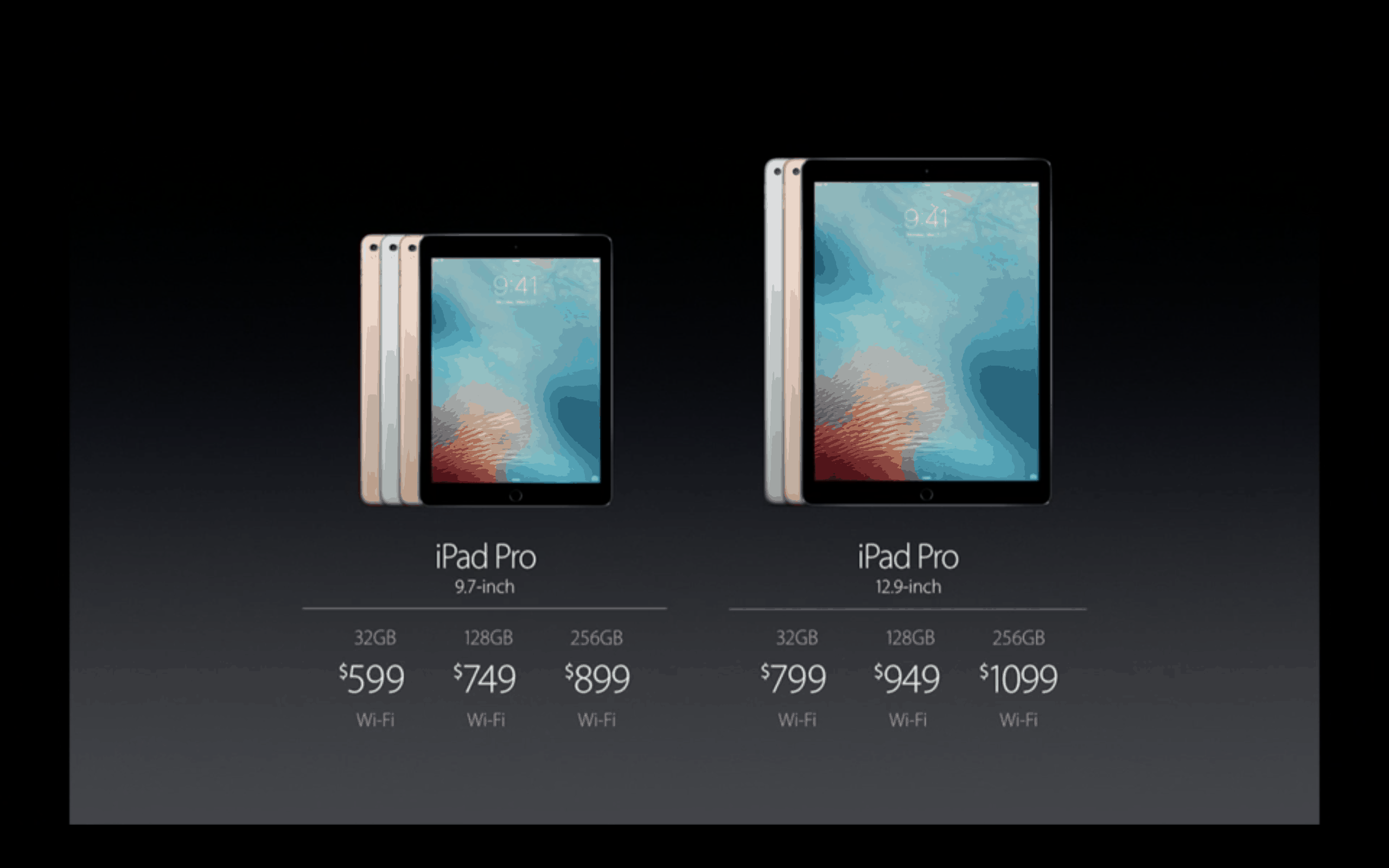
Prices aren't the only major difference between iPad Pros. Photo: Apple
Size isn’t the only thing that counts when you’re weighing your iPad Pro options.
Sure, it’s a major consideration. The 9.7-inch iPad Pro that Apple showed off earlier this week has the same dimensions of the less sprawling iPad Air 2, and it weighs just under a pound. That’s about two-thirds the weight of the original Pro, and people trading up from an iPad Air won’t need to look at new cases or bags to carry the thing around in.
But that’s all surface stuff, and the two iPad Pros have a lot of differences behind — and even inside — their screens.
Which iPad model is best for you? Photo: Rob LeFebvre/Cult of Mac
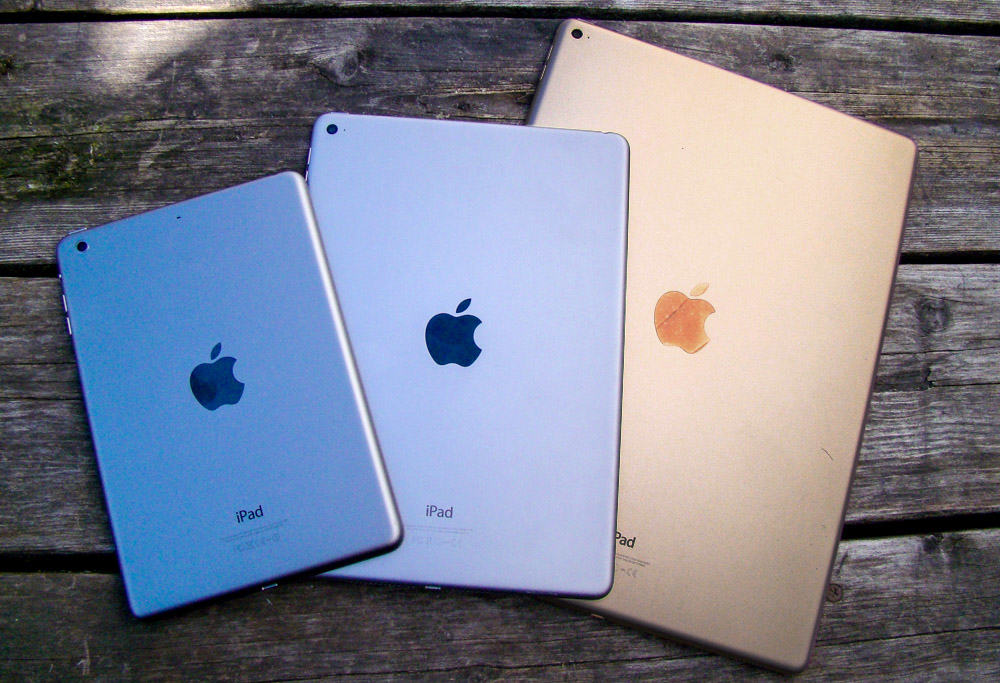
With the iPad lineup now verging on unwieldy, it’s harder than ever to decide which Apple tablet to buy. Which iPad is best for you? That’s going to depend on your needs, desires and budget — but your iPad buyer’s guide can help!
Do you go for the massive appeal of the 12.9-inch iPad Pro or opt for the smaller-but-newer (and slightly gimped) 9.7-inch iPad Pro? Will a tiny iPad mini suit you, or should you opt for an iPad Air 2, which is still a very capable, thin tablet?
All good questions! We’re here to help you answer them with this handy iPad comparison, just in time for when the new iPad Pro goes on sale Thursday, March 24 (most likely at 12:01 a.m. Pacific, according to Apple Support).
Want faster access to home audio? Here's how with the help of Launch Center Pro and 3D Touch! Photo: Ally Kazmucha/The App Factor
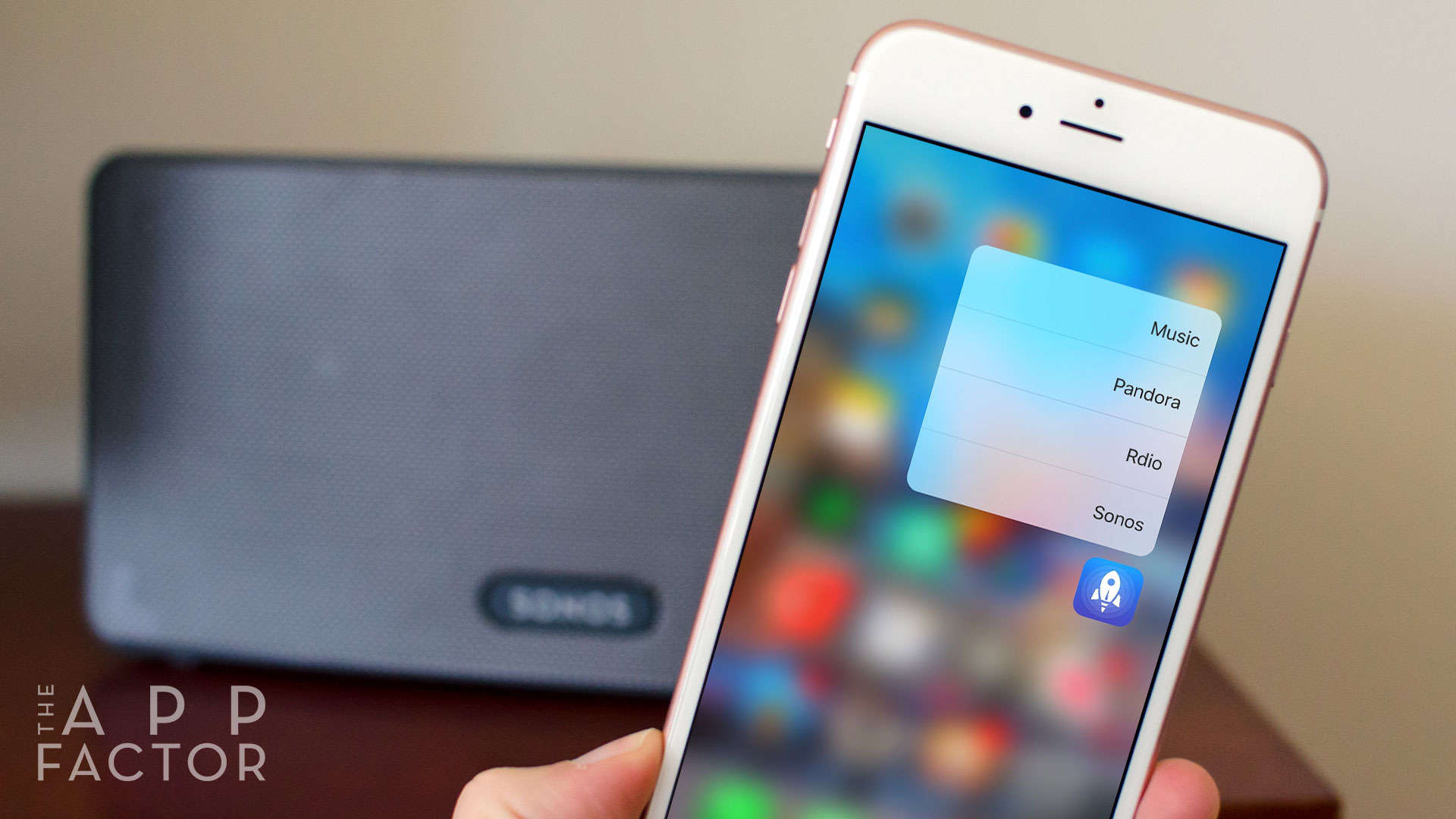
While some apps haven’t quite figured out best use cases for 3D Touch yet, a handful of apps have gotten it right. One of those apps is Launch Center Pro, which lets you choose what apps you get access to through 3D Touch actions.
I’ve chosen to take advantage of this by using Launch Center Pro to launch my most-used media apps: Rdio (RIP, now replaced), Sonos, Music.app and Pandora. By doing this, I’ve freed up four additional spaces on my first Home screen for other apps.
See all of Apple's latest software in action Photo: Ste Smith/Cult of Mac
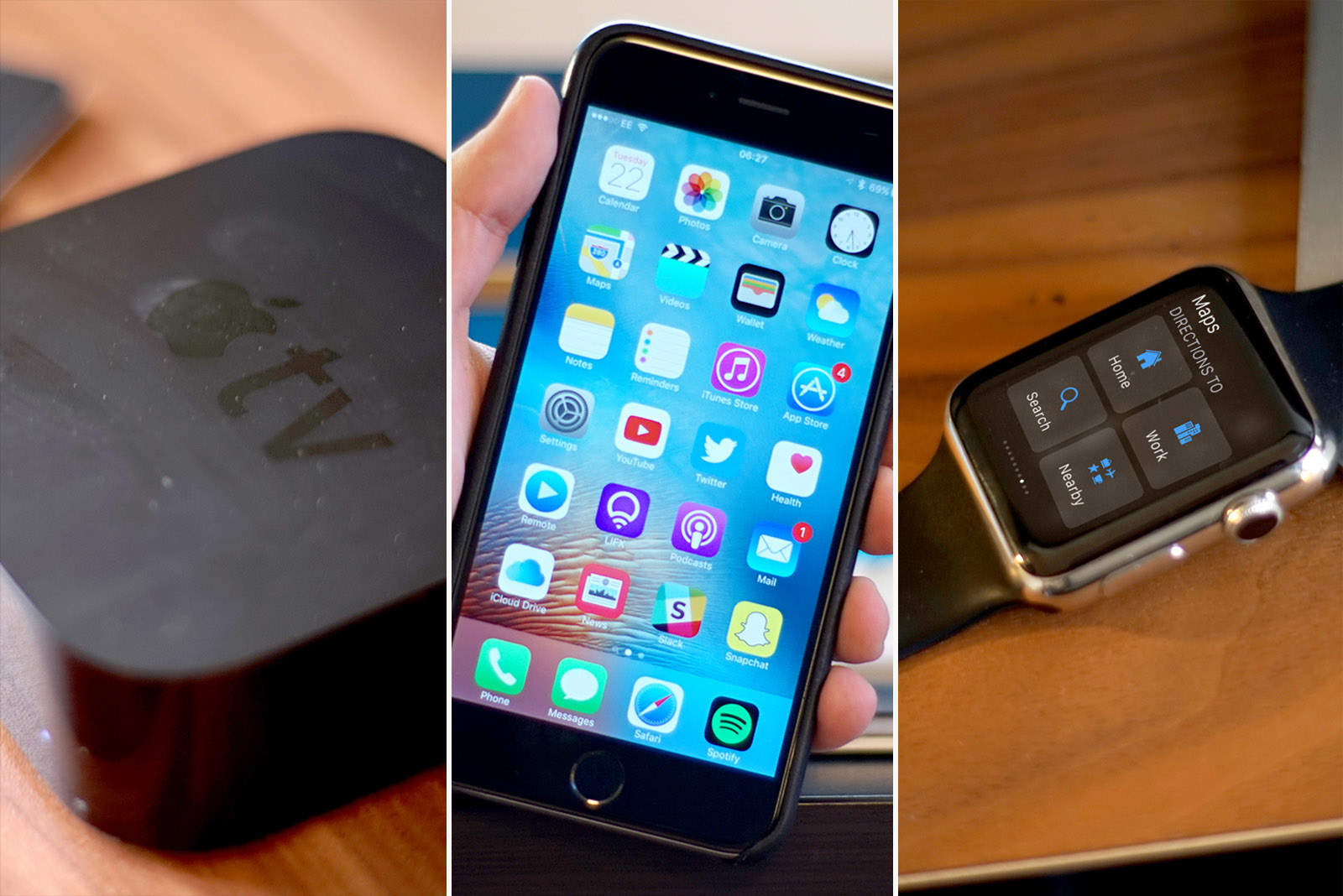
Along with the iPhone SE and new 9.7-inch iPad Pro, Apple unleashed a slew of new software updates this week, bringing all-new features to your iPhone, iPad, Apple Watch and Apple TV.
Find out what’s awaiting you in the new Apple updates, as well as how to update all your Apple devices, in a series of Cult of Mac videos you can watch below.
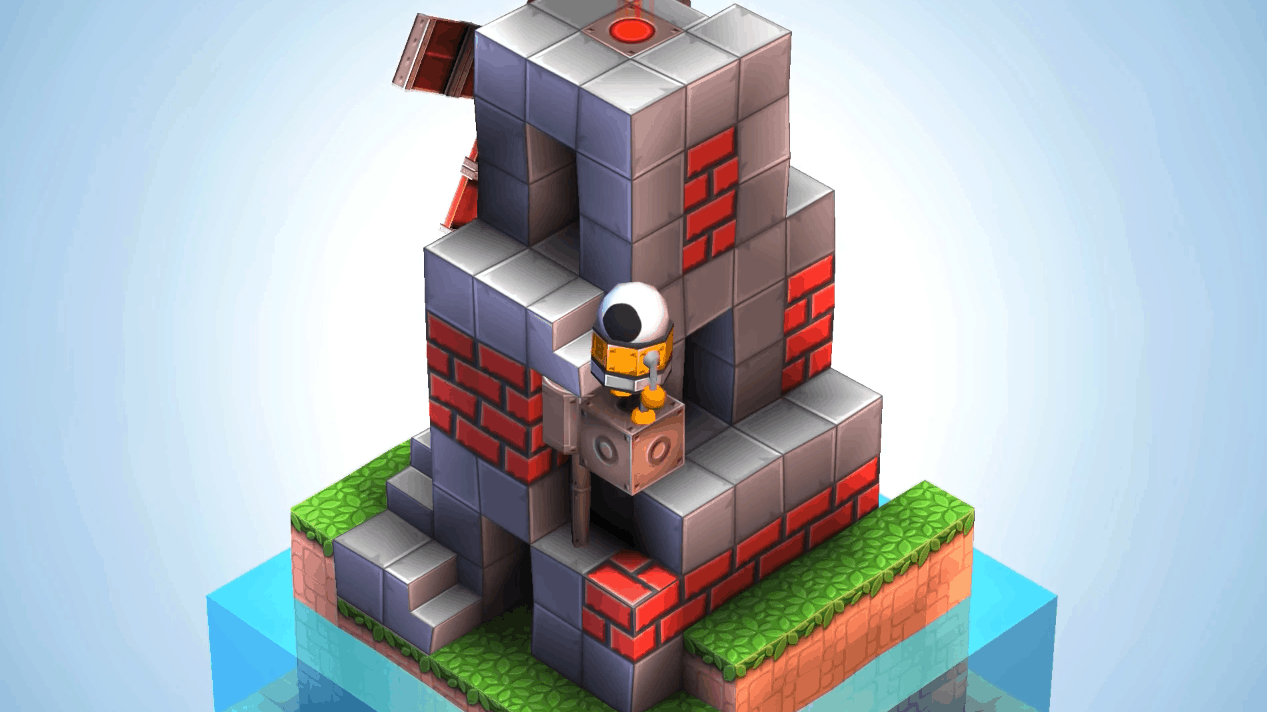
I cannot wait for this to arrive on iOS. Photo: Martin Magni
As anyone who has read my coverage of the superb iOS game Monument Valleywill know, I’m a huge sucker for beautiful puzzle games.
Well, it seems that 2016’s going to be a good year for me (and plenty of likeminded gamers), since a new trailer showing off an upcoming iOS game called Mekorama, built by the developer behind the very engaging Odd Bot Out, has just been released. And, boy, does it look great!
iOS 9.3 is out now for everyone, and the upgrade delivers some great new features that make Apple’s mobile platform better than ever.
With sweet additions like password-protected Notes, sleep-saving Night Shift and data-friendly Wi-Fi Assist, iOS 9.3 might be Apple’s biggest “dot” release yet.
Here’s a quick rundown of all the coolest things you can do once you’ve downloaded the iOS 9.3 update, which Apple released Monday.
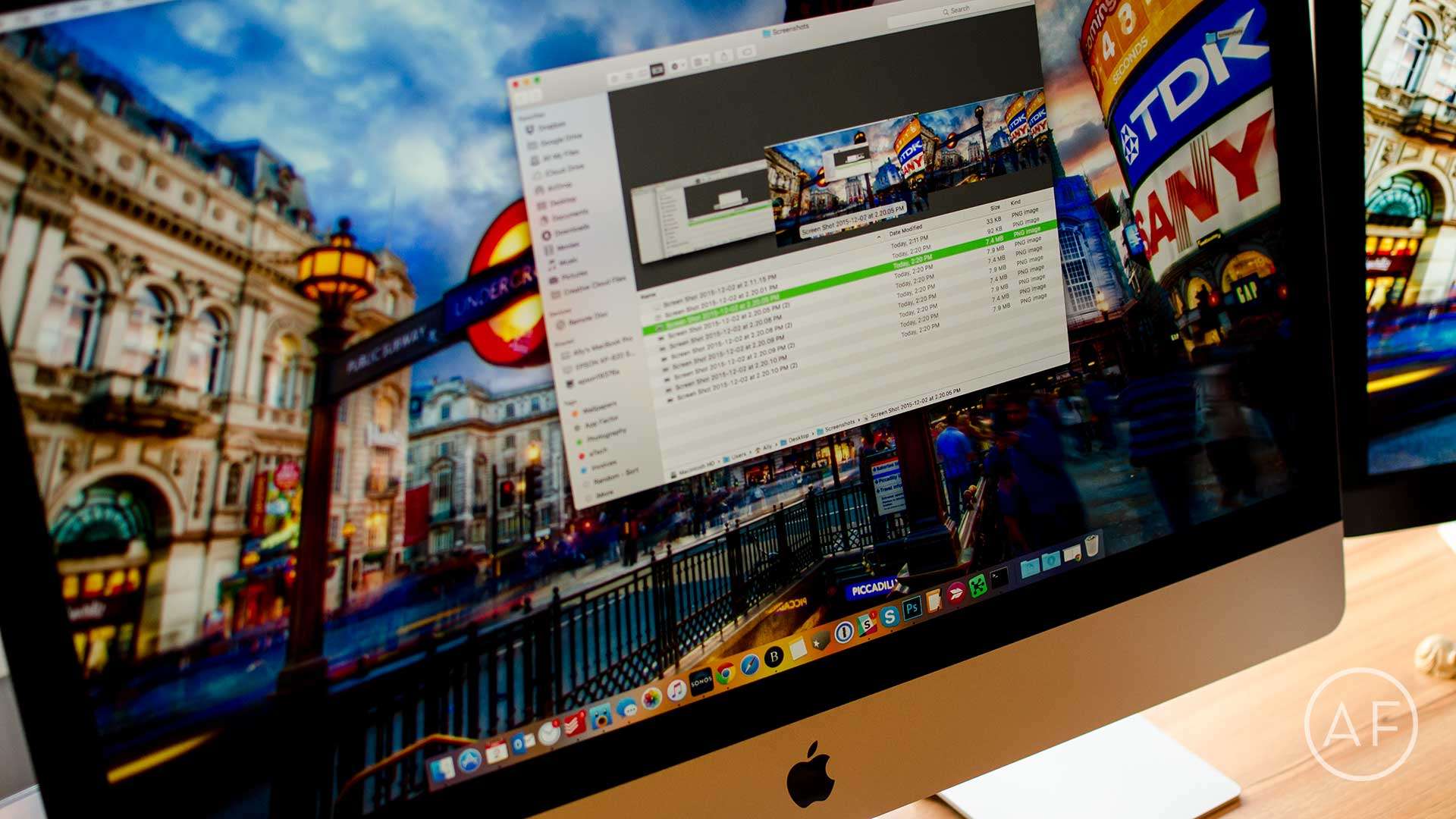
Tired of screenshots cluttering your Mac's desktop? Here's how to change where they're saved! Photo: Ally Kazmucha/The App Factor
I take a lot of screenshots on my Mac. This typically results in my desktop being cluttered with files I don’t really need to be there once I’m done with them.
That’s why I decided to change the location where my Mac screenshots are stored. My desktop is now clean and I still have quick access via a folder on my desktop. Here’s how you can do the same.
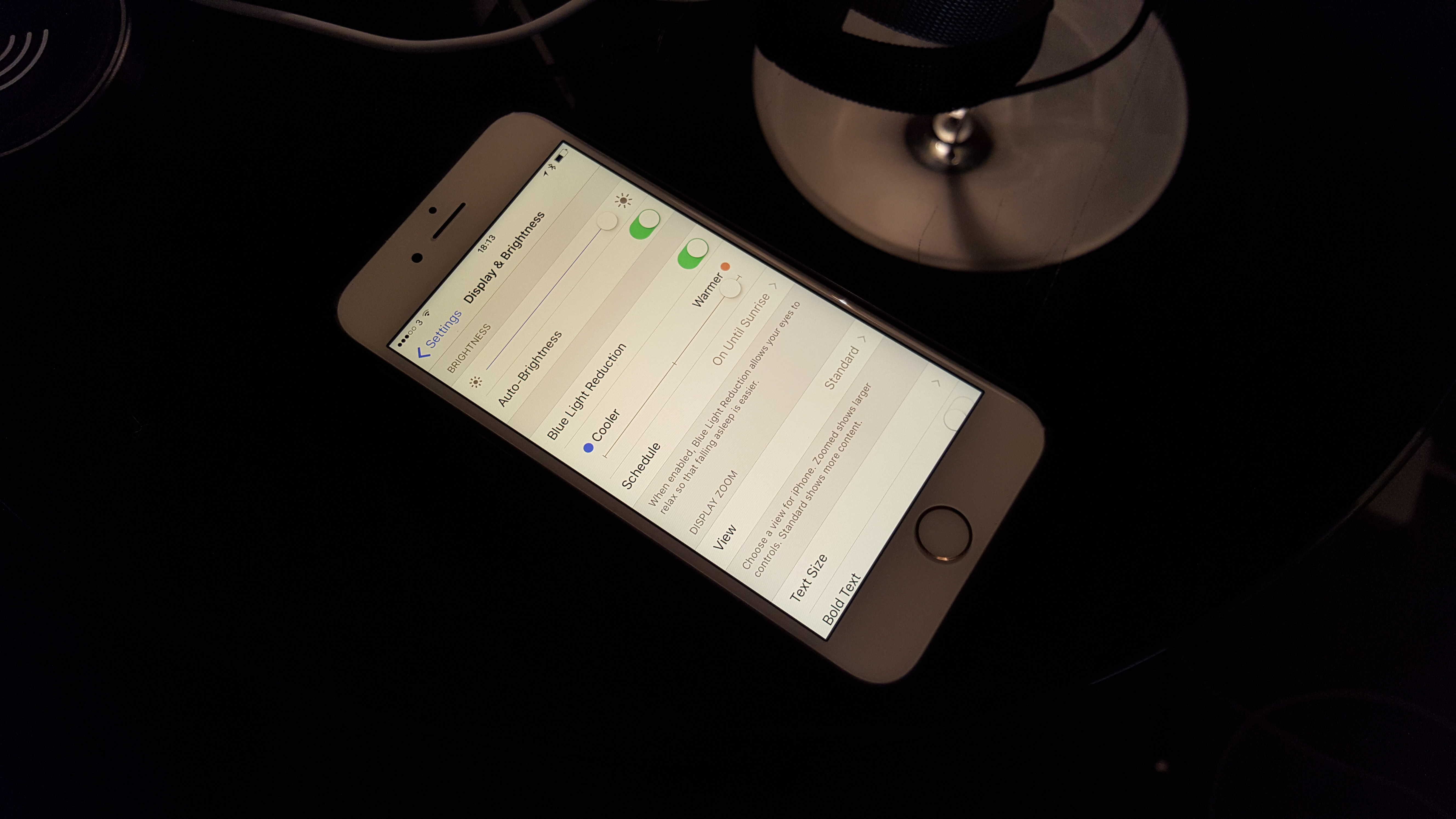
Here's how to turn the lights down and settle in for the Night Shift. Photo: Killian Bell/Cult of Mac
Yesterday, the launch of iOS 9.3 added Night Shift to Apple’s mobile devices. It’s a really cool feature that might help make you healthier. Jailbreakers have enjoyed an app with the same functionality for years, but now it’s legitimate and poses less of a risk of completely jacking up your iPhone or iPad.
Night Shift gives you the option of warming up the light your display emits so that you get less harsh, blue rays before bed. The idea is that your screen’s usual output tricks your body into thinking that it’s still daytime, and that can make it harder to fall and stay asleep. So if you’re used to checking some e-mails or reading some news before you conk out, it might help you rest easier.
Here’s how to activate Night Shift’s soothing beams.