Mobile menu toggle

Search results for: Apple One

These insight-stimulating apps help you get more out of each work hour [Deals]

By

Scapple
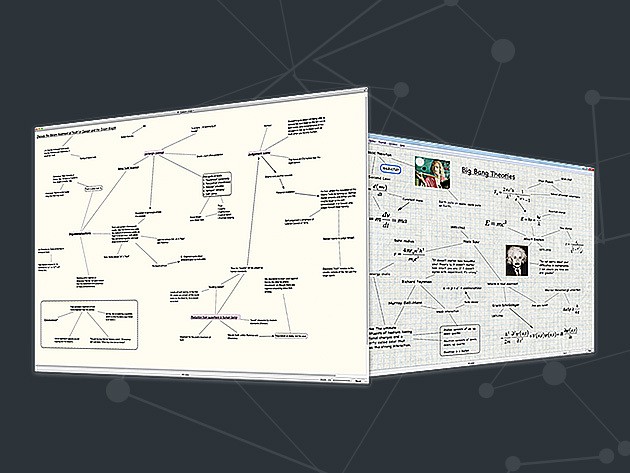
Scapple is all about ideas.
Photo: Cult of Mac Deals

If you’re getting frustrated with your productivity or workflow at the computer, you might need to get your computer to work with you better. Scapple is a freeform, mind-mapping application that makes it effortless to record your ideas and tease out connections between them.

Once you start using Scapple, it’ll become an invaluable tool for keeping all your ideas in one place for comparison and exploration, and right now you can get it for a mere $8.99.


Disqus, GarageBand, and other awesome apps of the week

By

Awesome-Apps-of-the-Week1
What are the week's top apps?
Photo: Ste Smith/Cult of Mac

Is there a better way to spend Sunday than by checking out the latest apps to grace the App Store over the past seven days?

This week I’ve chosen to focus less on games than productivity apps (although there’s a neat Reddit client thrown in for good measure!) From a great custom keyboard to a full-to-bursting update for GarageBand, check out our picks for apps of the week below.

How to make your own hilarious memes with Aviary

By

We hope your memes are even funnier.
Photo-editing app Aviary is a meme-making machine.
Photo: Rob LeFebvre/Cult of Mac

Have you ever wanted to make your own memes? You know, the funny pictures with the bold text on the top and bottom that all the kids are going crazy for these days?

With Photo Editor by Aviary, you can do just that, plus add stickers, frames, and even do some pretty great photo editing right in the same app.

Here’s how to make your own hilarious memes with Aviary (though we don’t guarantee your memes will actually be funny — that’s up to you).

FaceTime proposal leaves hopeless romantic stuck on a cliff

By

cliffhanger3
This proposal turned out to be a real cliffhanger.
Photo: Ste Smith/Cult of Mac

Whether it’s customizing a smartwatch to deliver the message, or persuading the developers of a popular app to help you win over the woman of your dreams, tech fans have certainly come up with some adorably neat ways to propose to their loved ones over the years.

Decidedly less so was the plight of Apple user and, apparently, godawful mountain climber Michael Banks. His idea? To climb 600 feet up Morro Rock in California — so that he could get a volcanic outcrop as his background — and then pop the question via FaceTime. Before getting hopelessly stuck, of course.

Cookie Monster gets real behind the scenes of Siri ad

By

Cookie Monster Siri ad behind the scenes
Working with Siri can be hazardous.
Photo: Apple

We loved that recent Siri ad starring the lovable Muppet, Cookie Monster. And a new video gives us more with some mock behind-the-scenes footage.

In the original spot, Cookie Monster used Siri’s hands-free functionality to set a timer while his delicious cookies baked. And he even asked the digital assistant to play some tunes on Apple Music to help him pass the time. But the new video offers a lot more, including bloopers, outtakes, and what happens when the cookies are done.

Check it out below.

How to dig up all your hidden Facebook messages

By

Facebook

Photo: Rob LeFebvre/Cult of Mac

Facebook Messenger is more and more becoming my default chat tool as it’s the one app most of my buddies have, either on their laptop or mobile device, regardless of platform.

Thing is, Messenger filters a bunch of messages you’ve received, and I’m willing to bet you didn’t even know they were there.

If you want to find all those hidden Facebook messages, here’s how.

Intelligent app monitors your lending portfolios across multiple marketplaces

By

lending-robot-dashboard
See your LendingClub, Prosper and Funding Circle portfolios at a glance.
Photo: LendingRobot

LendingRobot today launched a pretty important mobile app for peer lenders. It’s LendingRobot Dashboard, and it lets these lenders monitor all their portfolios across three separate services: LendingClub, Prosper and Funding Circle. It’s the only mobile app available that allows investors to connect from across multiple marketplaces and see their portfolios at a glance.

How to create stunning double exposures with Enlight

By

Make stunning images with Enlight right on your iPad.
Photo: Rob LeFebvre/Cult of Mac

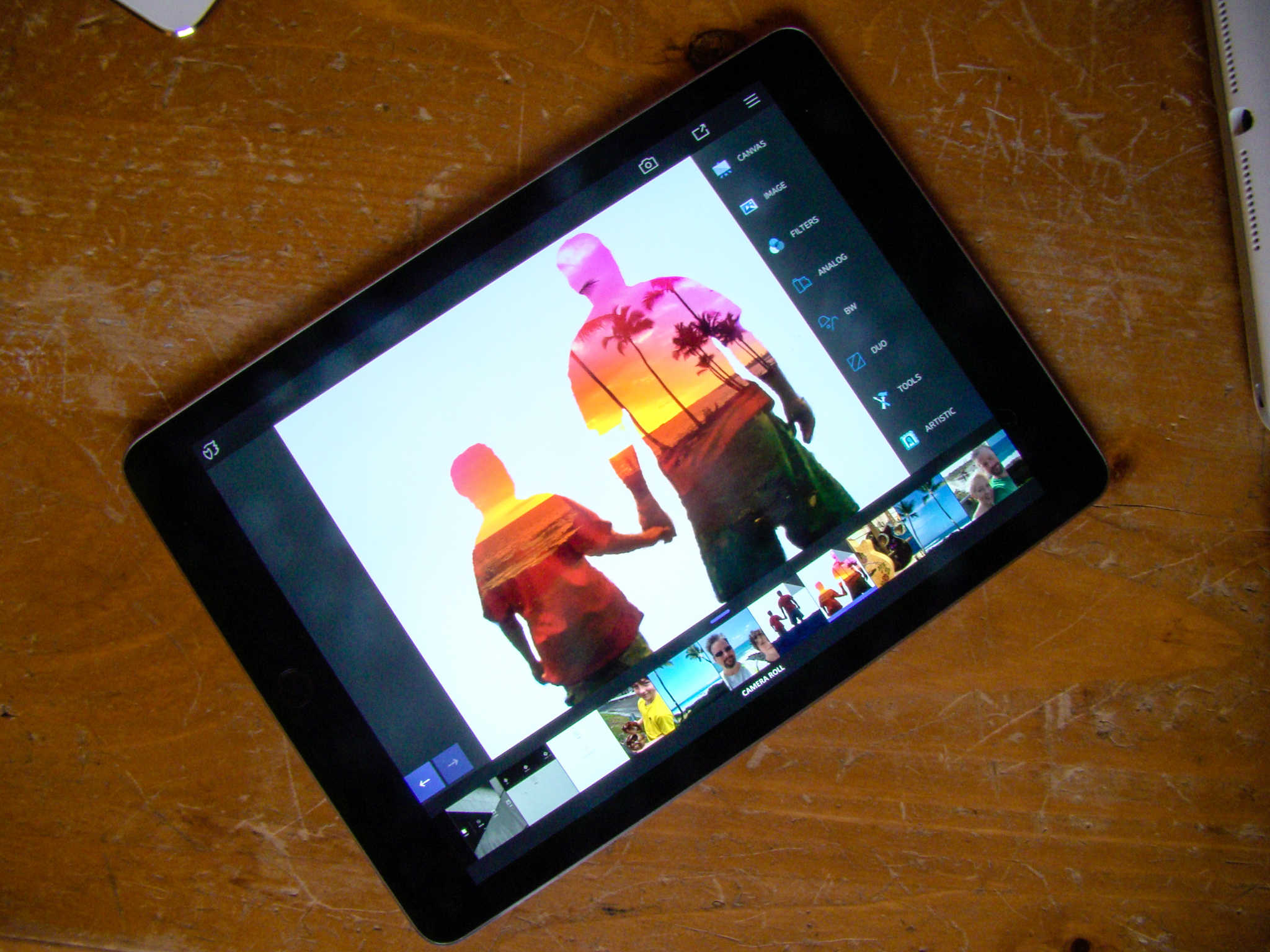
If you want to create amazing images like the one above, Enlight is a fantastic way to do so on the iPad (or iPhone).

Most of us don’t want to take a huge amount of time, either, learning how to create these images in-camera or with a big application like Photoshop.

Enlight makes it so easy, even a photo newbie like myself can create amazing double exposures with Enlight in just a few minutes.


White House won’t back bill forcing tech companies to break encryption

By

Having not one but two U.S. presidents in your fan base is pretty good going. Sadly, President Barack Obama is not allowed an iPhone as part of his official wardrobe and is stuck on BlackBerry. That hasn’t stopped him from openly lusting after the iPhone 6 in recent pics, though. He’s also admitted to spending hours each day on his iPad.Photo:
President Barack Obama is playing it cool when it comes to encryption.
Photo: Pete Souza/Wikipedia CC

The White House is refusing to publicly support new draft legislation that would give judges the right to force tech companies like Apple to help law enforcement break encrypted data.

The measure was put forward by Sens. Richard Burr and Dianne Feinstein, respectively the Republican chair and top Democrat of the Senate Intelligence Committee. Both Burr and Feinstein have been contacted by the FBI regarding a briefing on how the bureau was able to circumvent iPhone encryption on an older Apple device.

Why the iPad has never shipped with a calculator app

By

iPad Pro
Finally the reason for no native calculator app adds up.
Photo: Leander Kahney/Cult of Mac

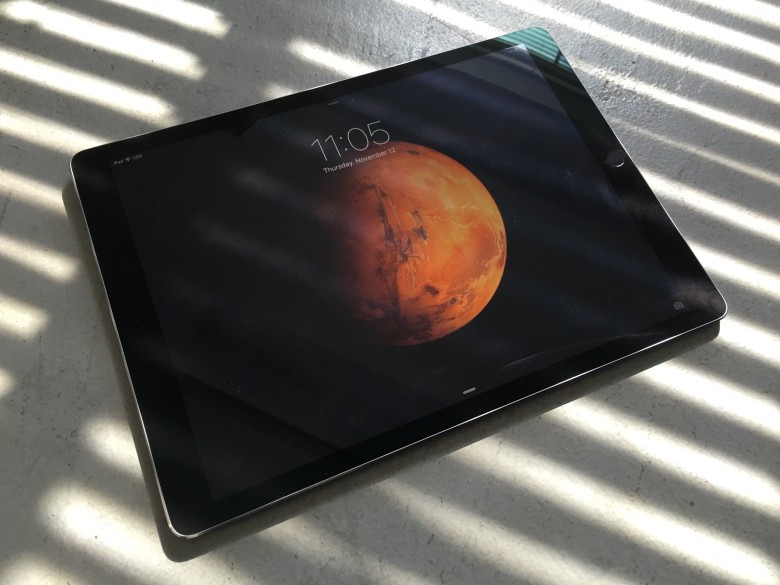
As crazy as it sounds given the wide range of use-cases Apple makes possible with the iPad, it has never shipped with a built-in calculator app. And, according to a recent post on Twitter from a user claiming to be an ex-Apple employee, we may finally have an explanation.

Shock horror: it involves Steve Jobs being a perfectionist.

Check it out below.