Mobile menu toggle

Search results for: Apple One

Taylor Swift treadmill tragedy pays off for Drake

By

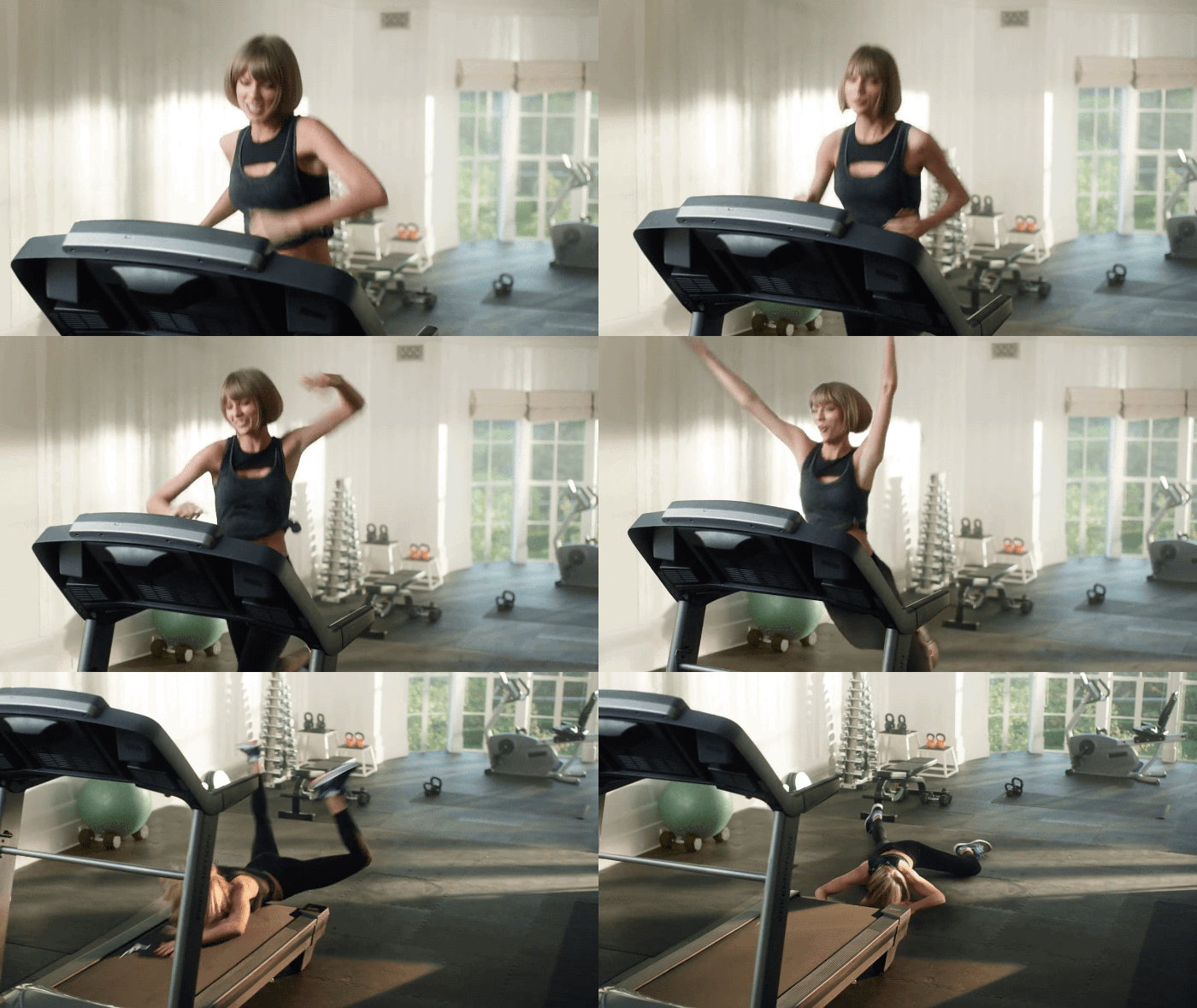
Taylor Swift Apple Music ad
It's way less awkward without the sound.
Photo: Apple

Drake’s apparently making bank off of a recent Apple Music ad featuring Taylor Swift faceplanting onto a treadmill.

The video launched less than a week ago on April 1, and since it went live, iTunes sales of Drake’s song “Jumpman,” which features prominently in the spot, have more than quadrupled, Billboard reports. And the playlist Swift pulls up to motivate herself for her cardio workout is showing pretty good numbers on Apple’s streaming service, too.

If you aren’t one of the millions of people who has already seen the Apple Music ad, you can check it out below.

6 must-know shortcuts for every Smart Keyboard owner

By

`
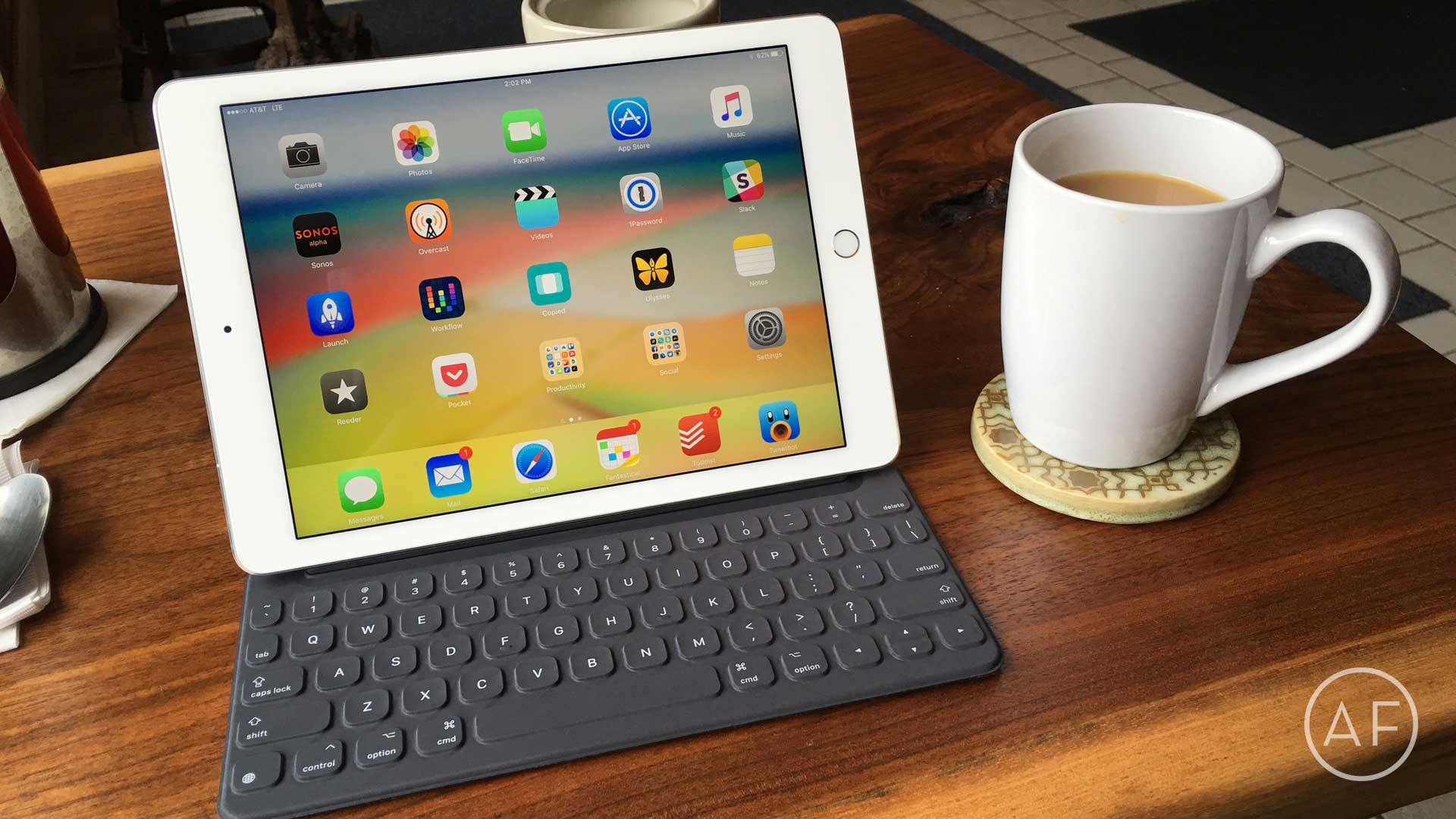
Apple has extended service on the Smart Keyboard for iPad Pro to address "functional issues."
Photo: Ally Kazmucha/The App Factor

app-factor-logo-thumbnail Back in November, I purchased a 12.9-inch iPad Pro and a Smart Keyboard to go with it. I was so used to my Belkin keyboard paired with my iPad Air 2 that I quickly became frustrated with the Smart Keyboard’s lack of a shortcut row. Before long, I returned the Smart Keyboard (and the 12.9-inch iPad Pro).

Tim Cook joins RFK Human Rights’ board

By

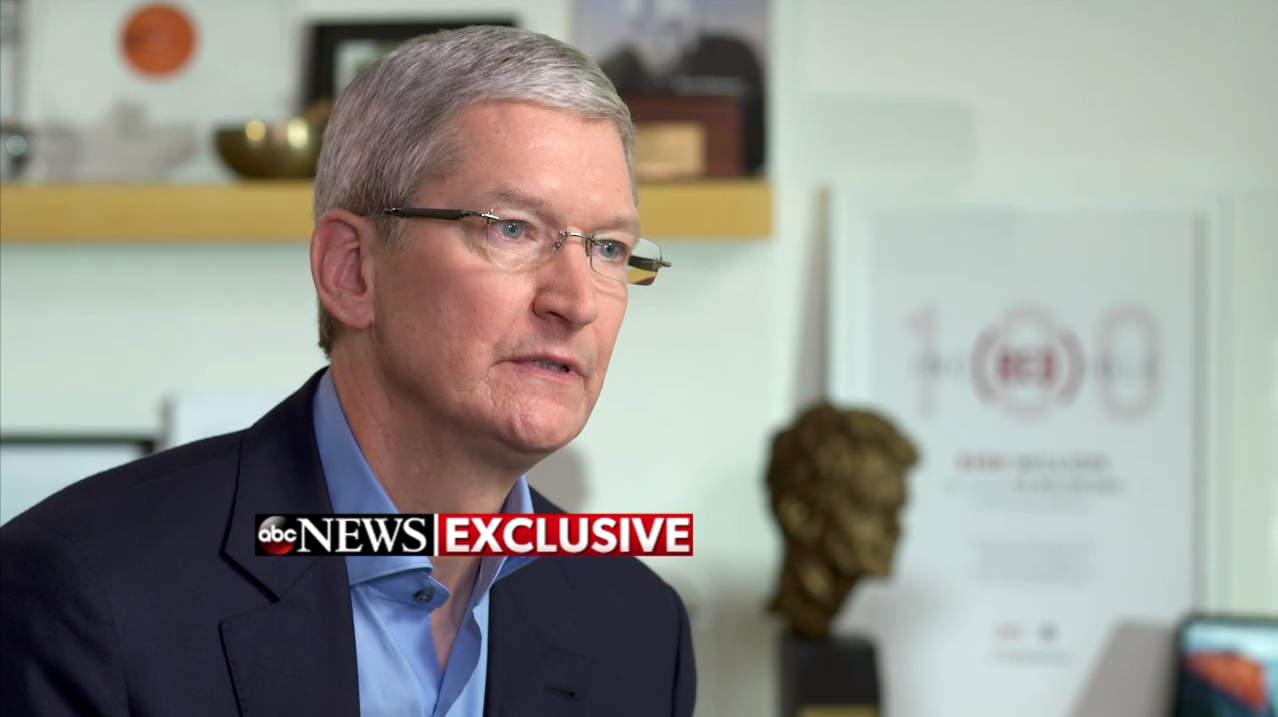
Tim Cook ABC News interview
Tim Cook has a statue of Robert F. Kennedy in his office.
Photo: ABC News/"World News Tonight with David Muir"

The Robert F. Kennedy Center for Justice and Human Rights has added Apple CEO Tim Cook to its board of directors to help the organization in its pursuit of a more just and peaceful world.

The International human rights organization that was founded by Bobby Kennedy’s family 50 years ago honored Cook last year with the Ripple of Hope Award, now Cook will help carry on his personal hero’s unfinished work of fighting against oppression for all people.

Leave Instagram behind with AfterLight’s massive toolset

By

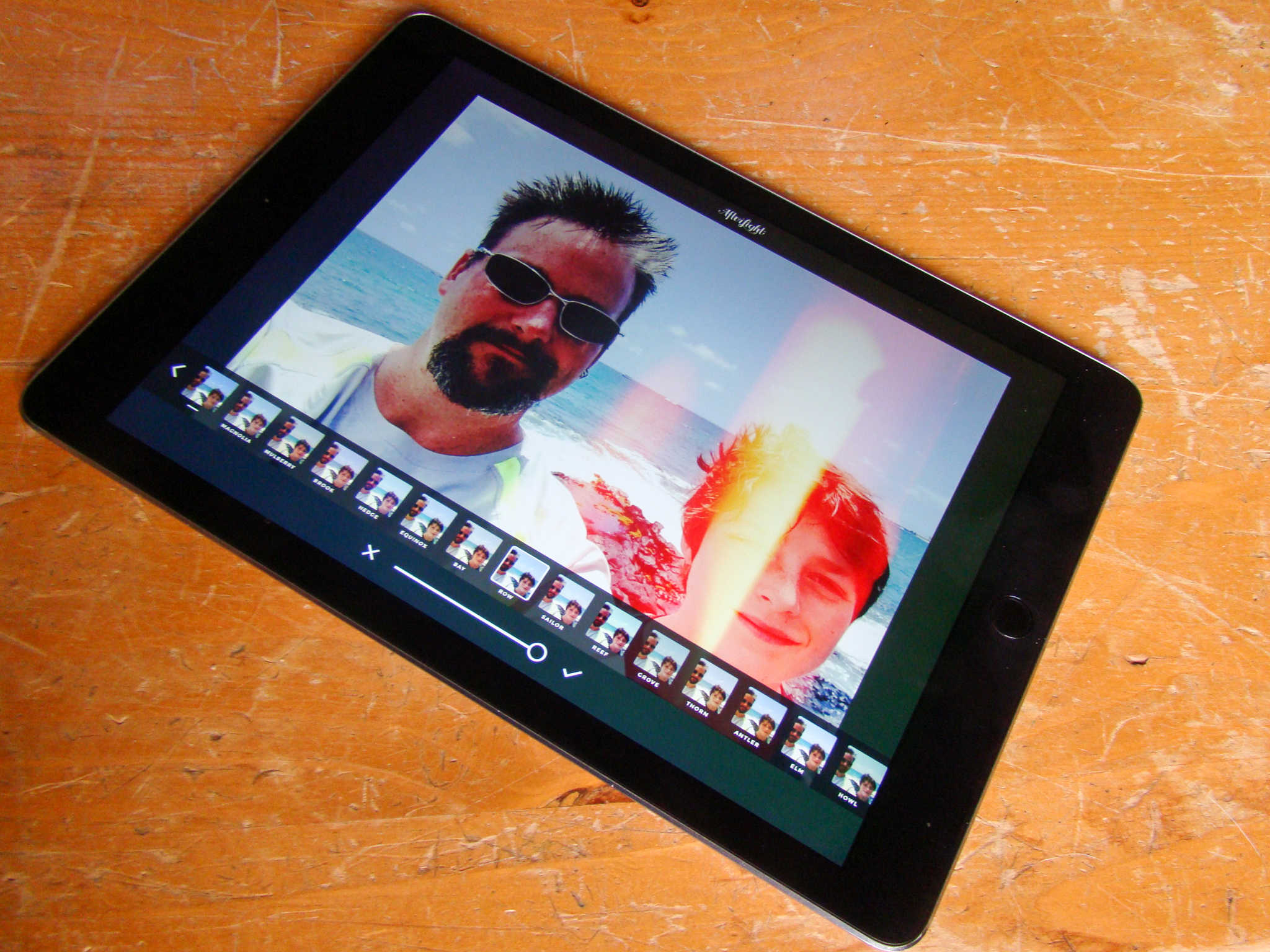
You'll be the envy of all your Instagram buddies with AfterLight's amazing set of tools.
Photo: Rob LeFebvre/Cult of Mac

Instagram has a fair amount of filters, but boy everyone uses them all the time. You know a photo’s come from the photo-sharing social network when you can call out the filters on it: X-Pro, Hefe, Clarendon!

If you’re looking to stand out from the crowd, check out AfterLight, a sweetly-priced iOS app for iPad (and iPhone) with over 74 amazing filters and effects (and that’s just the free ones) to make your photos the envy of all the other basic Instagram users out there.

Here’s how to make best use of AfterLight’s massive toolset.

iOS-friendly flash drive makes sharing data simple [Reviews]

By

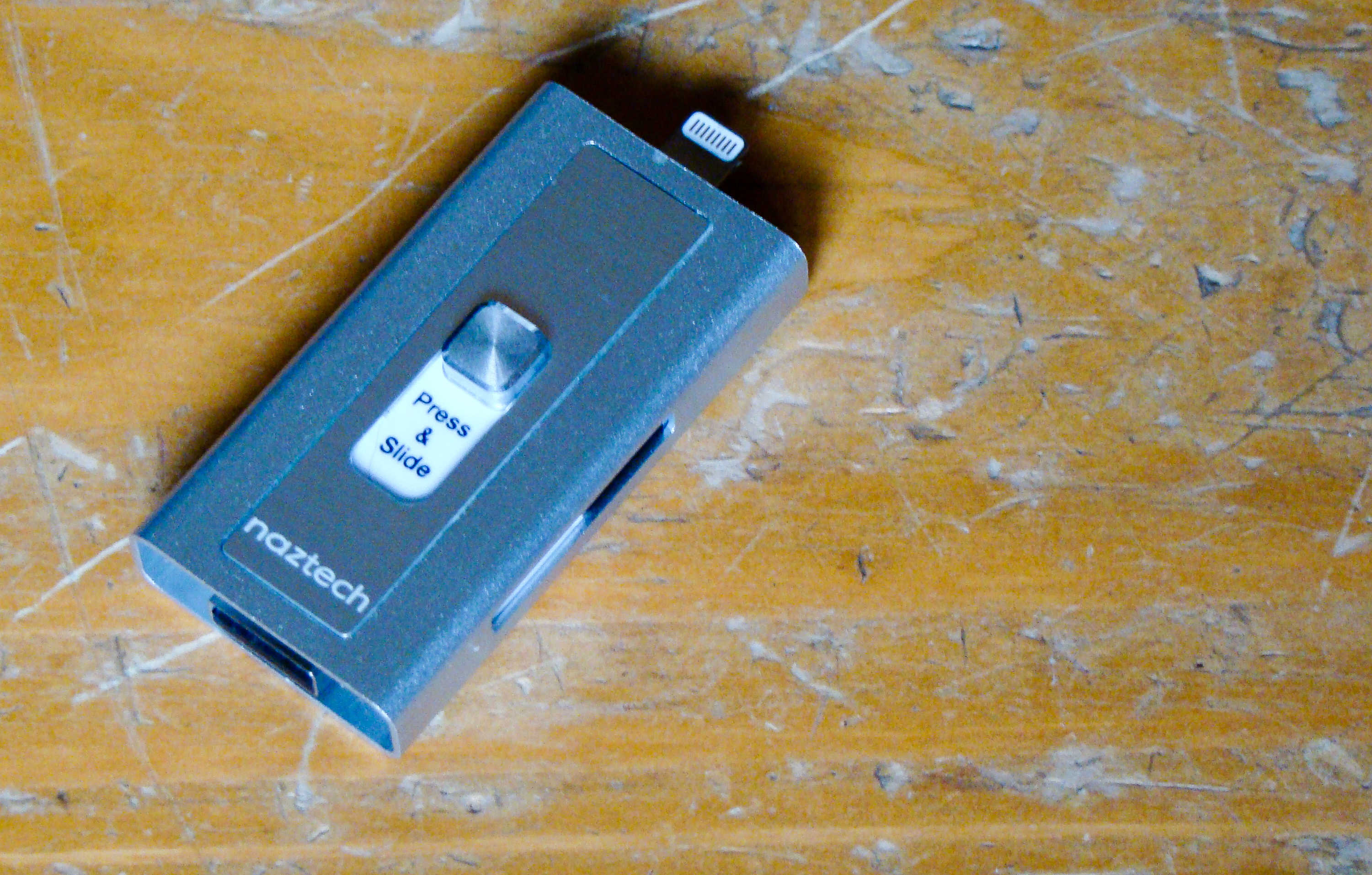
This flash drive will connect to your Mac and your iPhone.
Photo: Rob LeFebvre/Cult of Mac

Best List: Xtra Drive by Naztech

We’ve all been using flash drives on our Macs for ages, ever since Apple dropped the disk drives from its computer lineup.

iPhones and iPads don’t have a USB port, so it’s hard to use the same external thumb drives on the go.

The new Xtra Drive from Naztech is the best of both worlds, providing a single microSD card-based solution that has both a USB and a Lightning connector that will let me back up and transfer files from my iOS device to any computer.

T-Mobile Binge On now supports Amazon Music, ESPN Radio, more

By

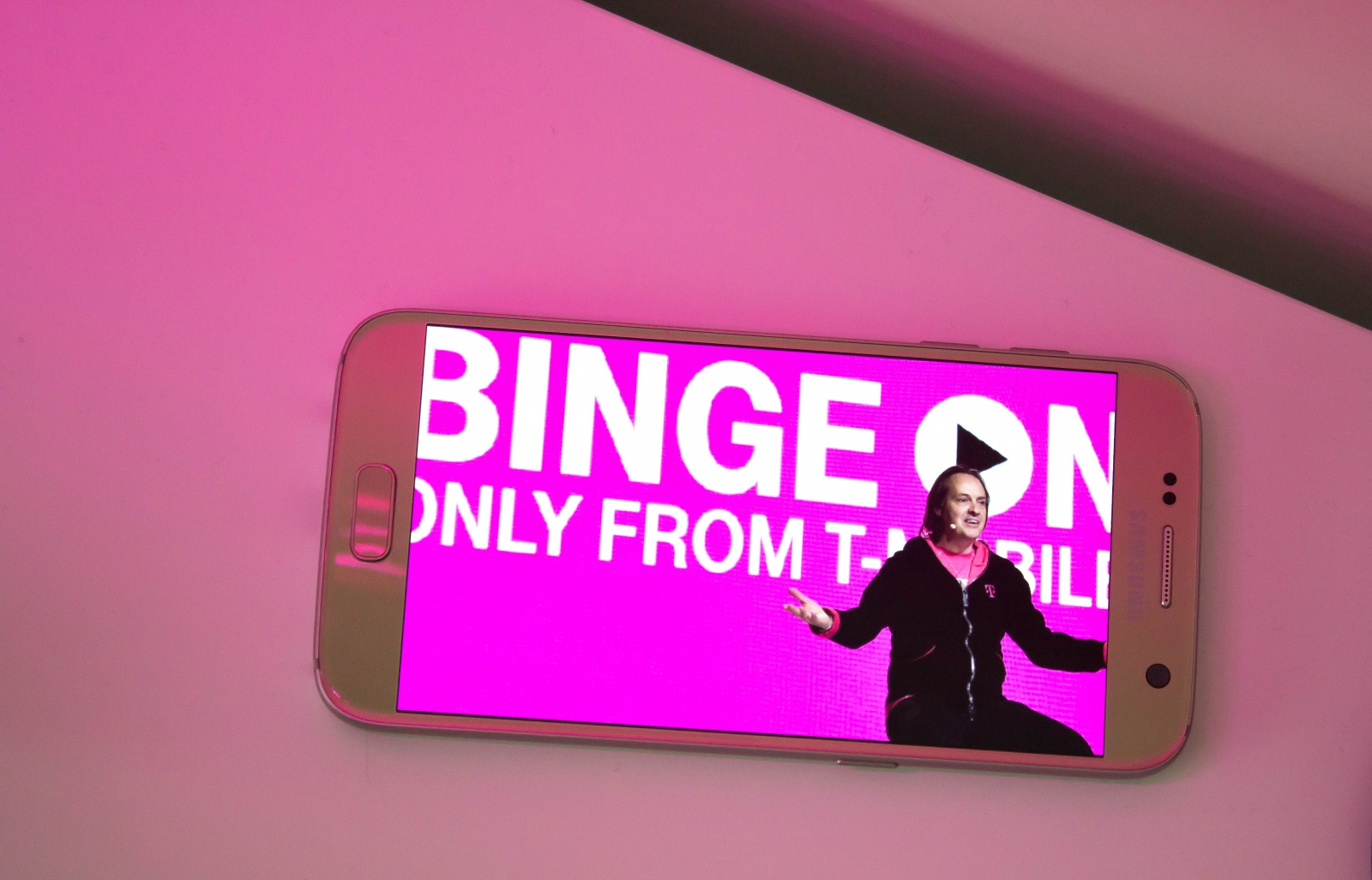
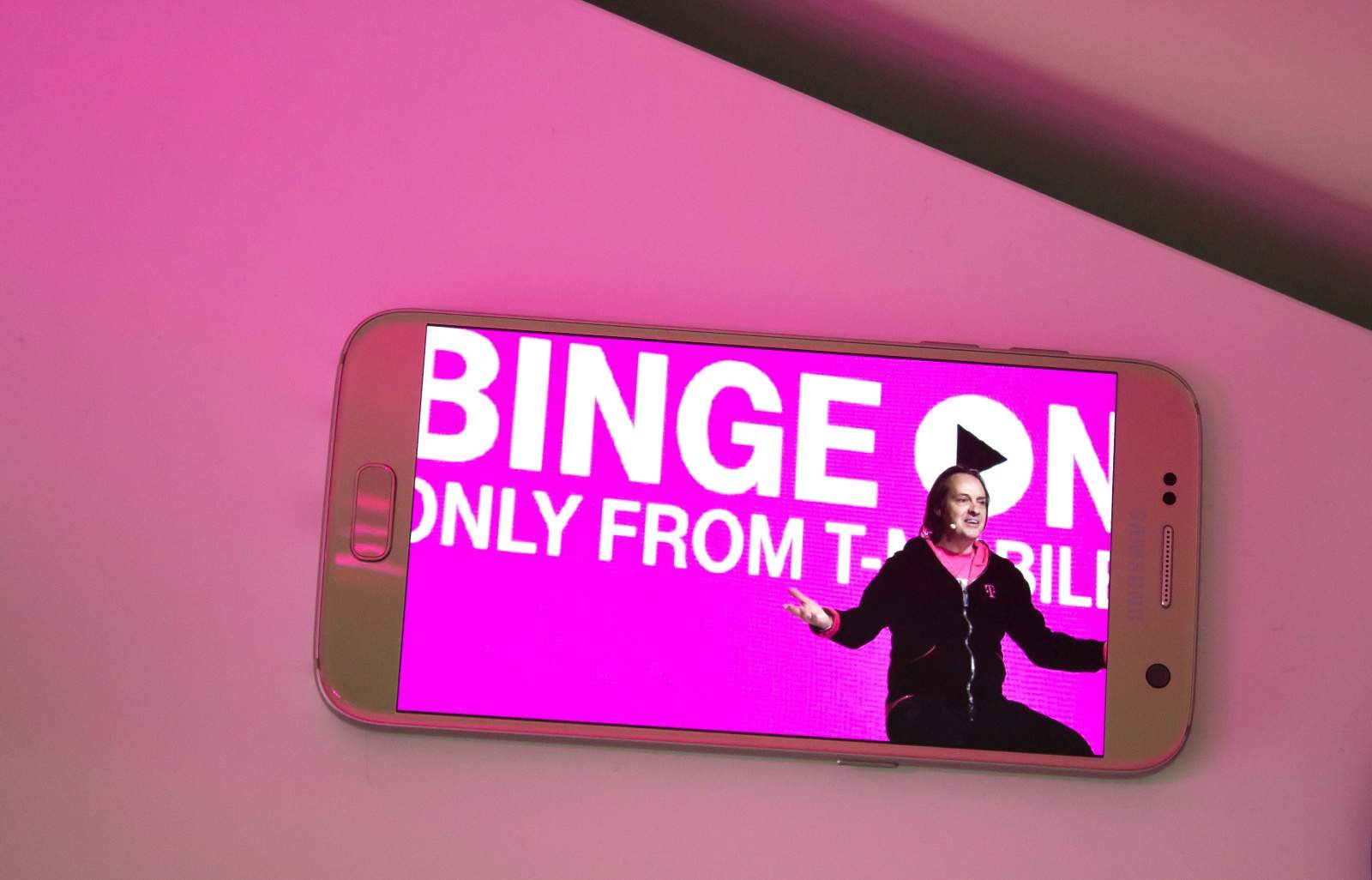
T-Mobile was caught throttling data speeds.
Binge On goes bigger!
Photo: Killian Bell/Cult of Android
Binge On goes bigger! Photo Killian Bell/Cult of Android

T-Mobile has today added yet more services to its Binge On program after revealing that subscribers have streamed a whopping 90 billion songs for free since Music Freedom launched.

Amazon Music, ESPN Radio, and Dailymotion are some of the streaming services now available.

How to make your photos pop with VSCO on iPad

By

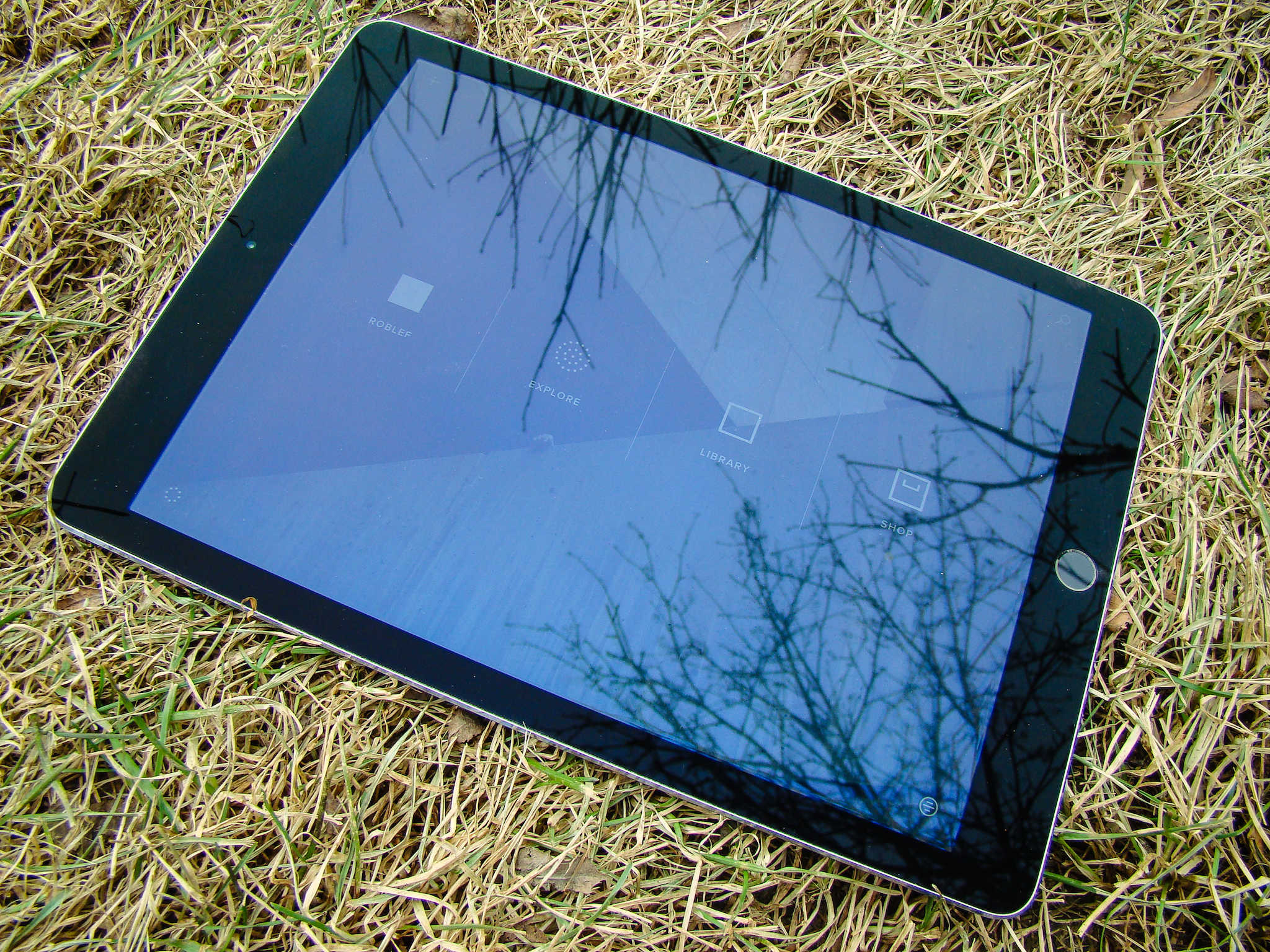
VSCO on iPad is a fantastic, free option for photo editing.
Photo: Rob LeFebvre/Cult of Mac

VSCO is a fantastic photo app for iPhone and iPad, and it lets you shoot some killer photos as well as edit them directly in the same app once you’ve taken your masterpiece.

The app is universal, which means it works well on iPhone and iPad, natively. The extra screen real estate, however, makes VCSO on iPad a fantastic choice just for editing any photos you like, whether you took them with your iPad, iPhone, or any other camera you might have.

Here’s how.

Latest Siri exploit is super-specific (and avoidable)

By

Siri
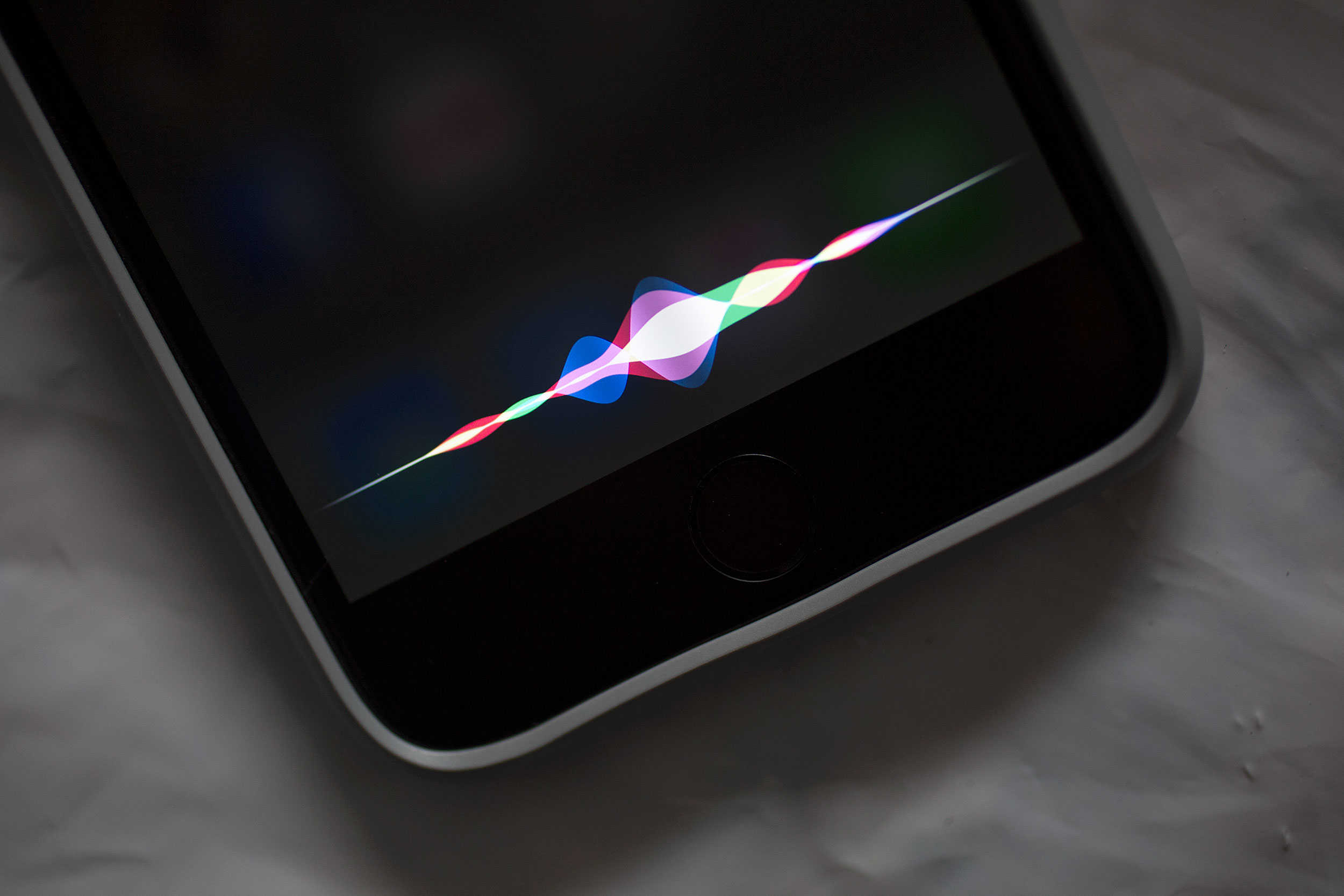
It's possible for Siri to be too helpful.
Photo: Jim Merithew/Cult of Mac

Siri might be a (halfway) decent digital assistant, but Apple’s AI helper makes for a lousy security guard.

We’ve heard about a bunch of “sneaky” ways that evildoers can use Siri to get access to your photos, contacts or completely unlock your phone without entering a passcode or using Touch ID. Luckily, most of these “security problems” are bogus, but a newly discovered one is for real.

The good news, however, is that this Siri exploit only affects certain iPhone models and is completely preventable.

Siri will no longer be stumped by your baseball queries

By

MLB
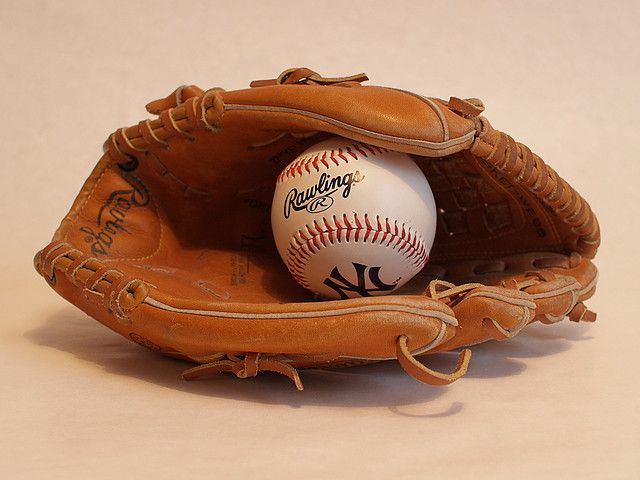
Siri's new upgrade is a home run for MLB fans.
Photo: Andrei Niemimäki/Flickr CC

Just in time for Apple’s new multiyear deal with Major League Baseball, Siri can answer whatever baseball questions you have, thanks to newly implemented knowledge covering 29 baseball leagues. Apple’s AI helper also now boasts a deep understanding of hardball history, based on stats dating back to the start of baseball records.