Mobile menu toggle

Search results for: Apple One

How to use watchOS 3: Tips, tricks and hidden tweaks

By

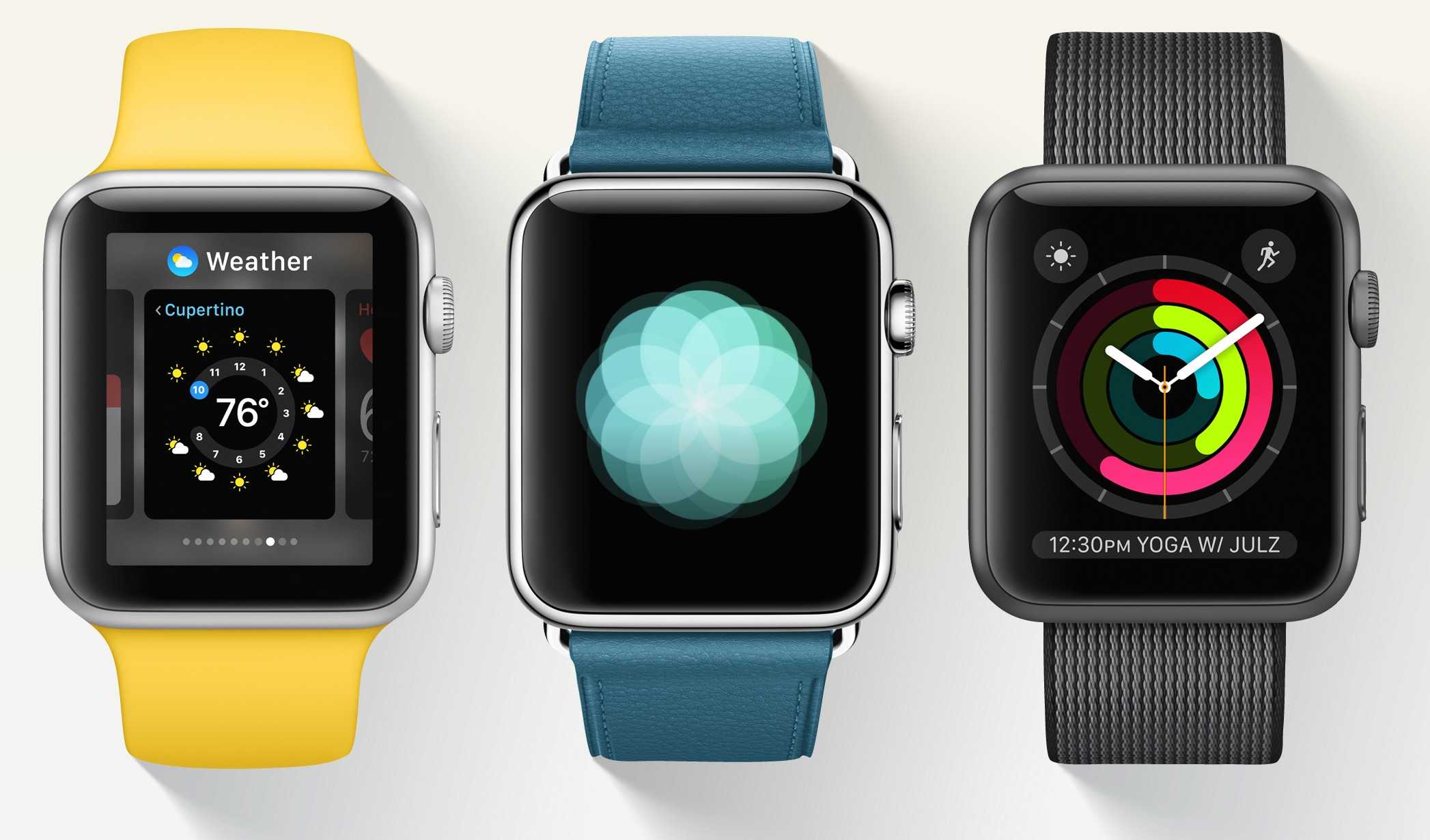
Breathe app in watchOS 3
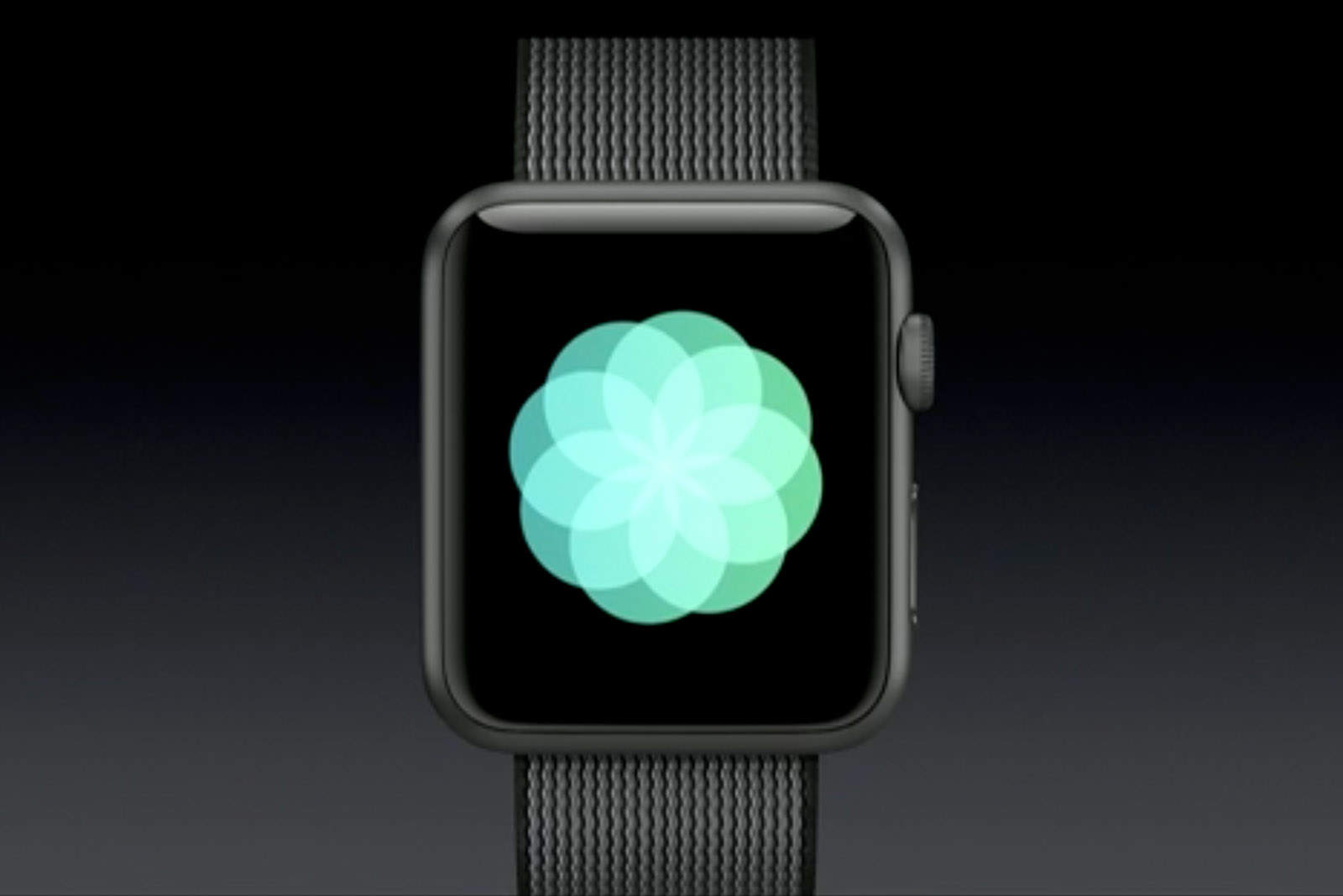
The new Breathe app in watchOS 3 turns Apple Watch into a meditation machine.
Photo: Apple

Your Apple Watch Series 1 or Series 2 has arrived! Introduced at Apple’s keynote last week, the third version of the Apple Watch does a heck of a lot more than tell time and Cult of Mac has some tips to help you make the most of its myriad new features.

Mastering the various features is a bit of a learning curve on this highly advanced wearable operating system, but we’ve rounded up a cheat-sheet of tips and tricks to try out with the fitness, graphics, games and media features.

What’s your favorite new watchOS 3 feature?

watchOS 3 is ready for your wrist

By

With watchOS 3, Apple is promising pretty new features -- and an end to that depressing lag.
Apple Watch feels all-new thanks to watchOS 3.
Photo: Apple

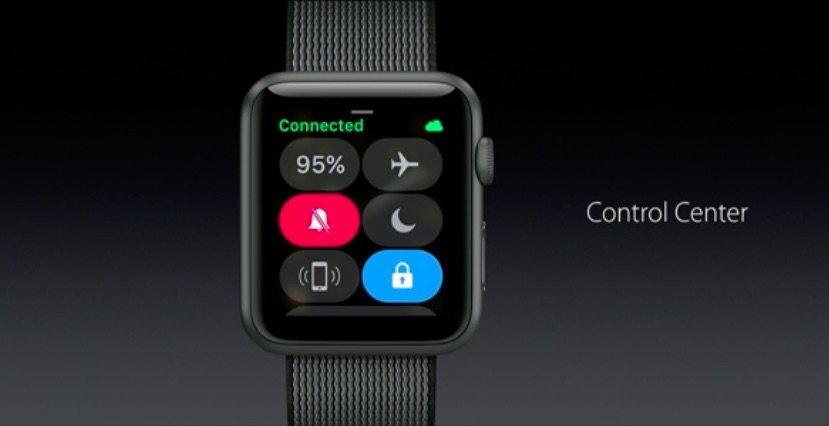
Apple Watch owners just got a big update today in the form of watchOS 3 that completely changes the way you use Apple’s wearable.

The huge new update comes after months of beta testing by developers and public testers, adding new features like a Breathe app, the ability to unlock your Mac, a new Dock for apps, faster performance and more.

Michael Fassbender considered breaking his own arm to avoid Steve Jobs movie

By

Aaron Sorkin’s Steve Jobs movie is coming to Netflix
Alternatively he could have just quit.
Photo: François Duhamel/Universal Studios

Actor Michael Fassbender, who played Apple’s late CEO in last year’s movie biopic Steve Jobs, has said he was so worried he had been miscast that he started planning some slightly extreme ways to get out of the role.

“In rehearsals, I was trying to find a way to get out of the job,” he told reporters at the Toronto International Film Festival. “I remember telling my driver, ‘If I put my arm in the door, you should slam it. It should cause a break and it should get me out of this gig.’”

How to get ready for an iOS 10 upgrade the right way

By

iOS 10
iOS 10 is coming. Are you ready?
Photo: Ste Smith/Cult of Mac

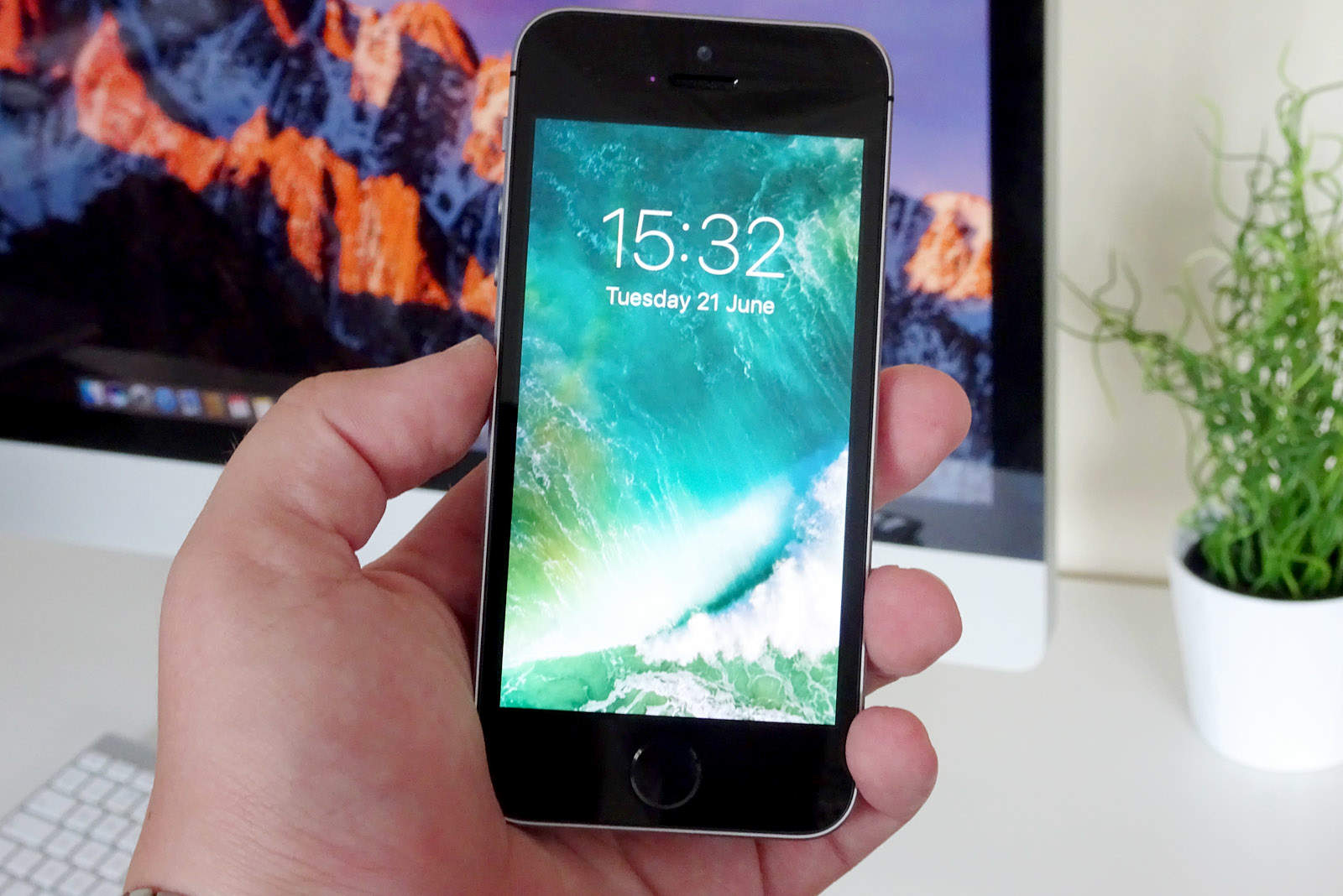
iOS 10 will finally roll out to all compatible devices on Tuesday, September 13, bringing awesome new features to Messages, revamped Music and Apple News apps, a redesigned lock screen interface, and more.

Before you upgrade your iPhone, iPad, and iPod touch, there are some steps you should take to ensure everything goes smoothly. Here’s how to prepare for an iOS 10 upgrade the right way.

How to scribble text replies in watchOS 3

By

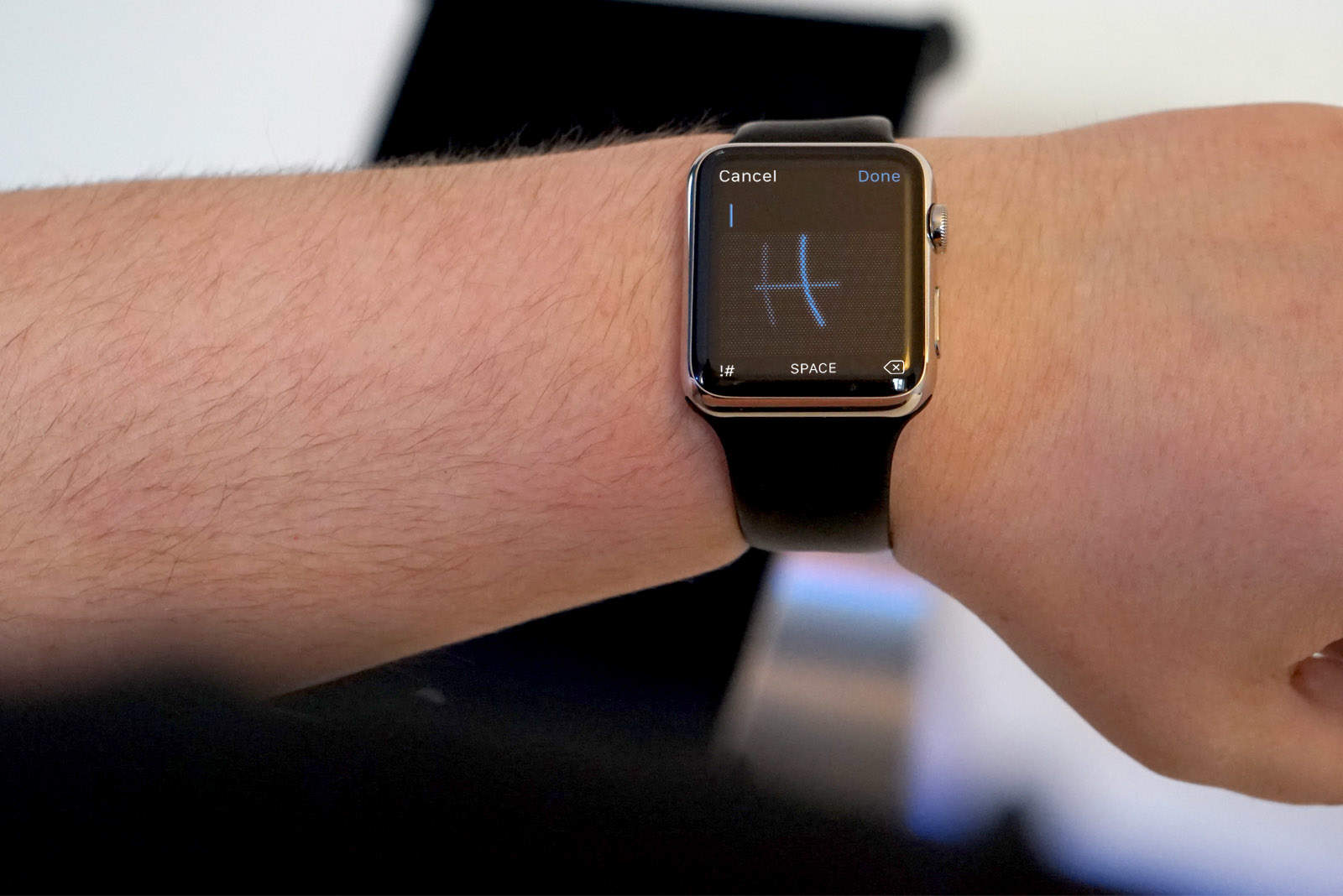
watchOS 3 lets you scribble notes to friends.
Photo: Ste Smith/Cult of Mac

Responding to text messages on Apple Watch gets a lot easier with watchOS 3, thanks to a new feature that lets you scribble letters instead of just using canned replies.

The new handwriting option has quickly become one of my favorite features on the big update that just landed on Apple Watch by giving wearers the ability to say whatever they want without depending on Siri.

Here’s how to reply with scribbles when you get a text:

How to locate your files with Siri on macOS Sierra

By

Siri
Siri wants to help you find your files.
Photo: Ste Smith/Cult of Mac

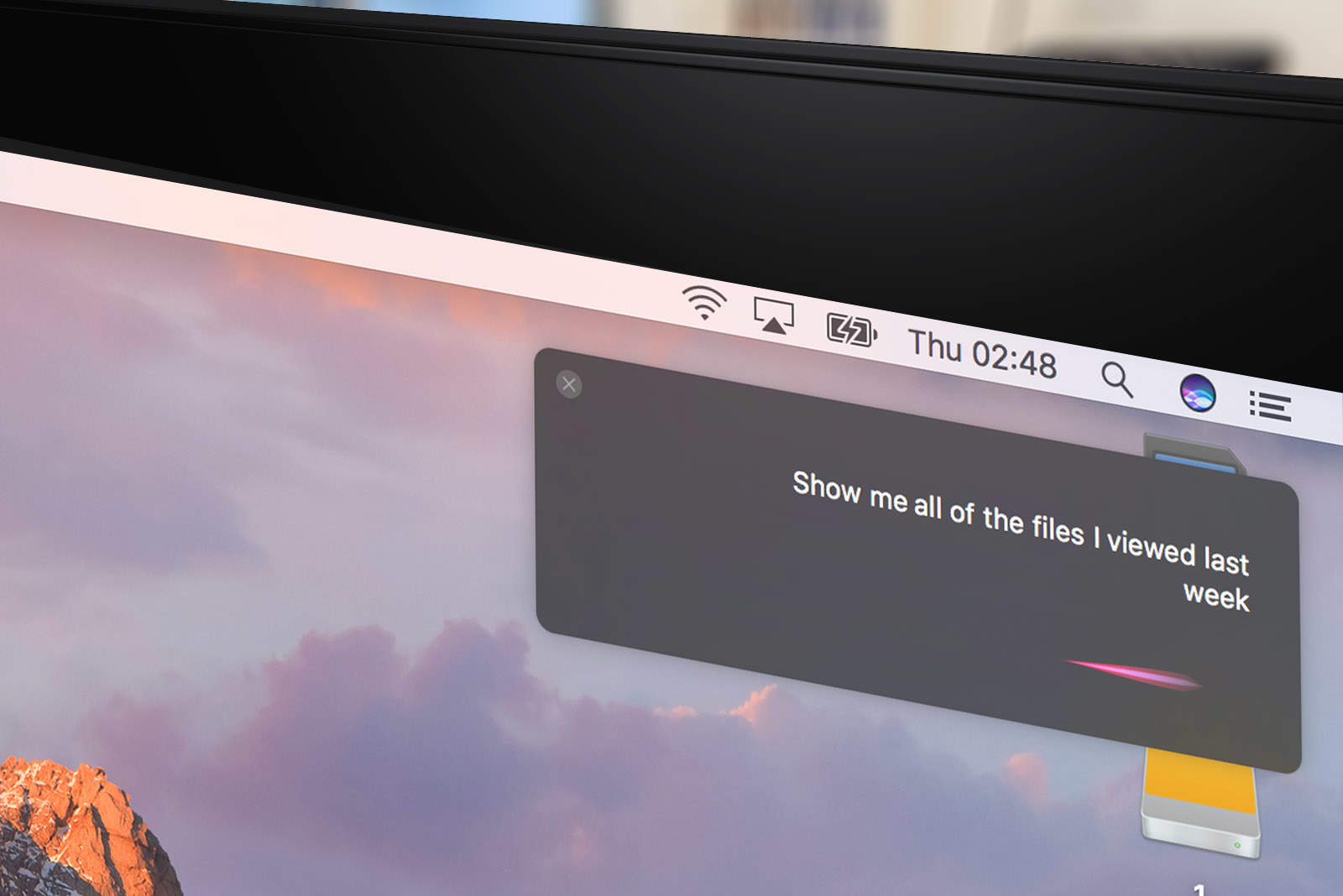
Up until now, Siri’s remained a tool for accessing services rather than helping us navigate our Apple devices. That changes with macOS Sierra, which lets us use Apple’s helpful AI assistant to locate files using spoken commands.

Here’s how you can use the feature to your advantage if you’re running the new operating system, which is currently in public beta and will be released on September 20.

Get half off the app that offers the key to unlocking your PDFs [Deals]

By

Open your PDF documents for editing, annotation, and more with this all-in-one toolkit.
Photo: Cult of Mac Deals

PDFs. We all use them because they’re reliable, convenient, and look great on pretty much any device. But when one is landing on or leaving your desktop with a mistake, making an adjustment can require finding the source document and printing a new copy, or calling someone else to do the same. PDF Expert offers a way around — or rather through — all that, making PDFs effortlessly editable. And right now you can get PDF Expert 2.0 for Mac for just $29.99 at Cult of Mac Deals.

Surface Pro ad mocks the MacBook Air’s lack of stylus

By

Microsoft Surface to take on iPad
Look at us! Look at us!
Photo: Microsoft

The war between Microsoft and Apple may be as synonymous with the 1990s as grunge music, Alicia Silverstone and MTV playing music videos, but it seems that some folks just can’t let go of the past.

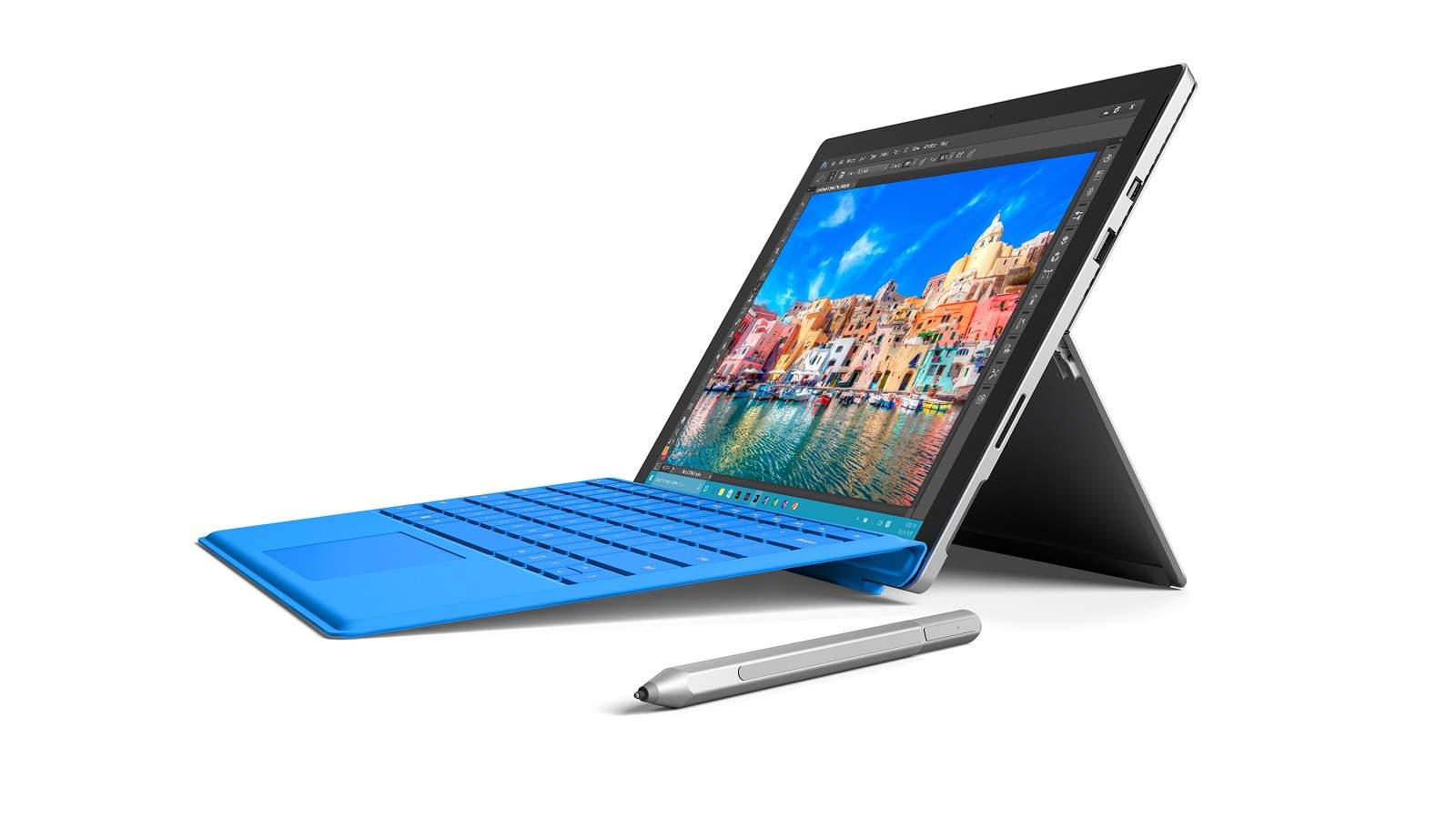
That’s based on Microsoft’s latest ad for the Surface Pro 4, which takes aim at the MacBook Air by pointing out that users of Apple’s laptop don’t possess the ability to sketch on screen using a stylus in the way that Surface Pro 4 customers can.

Check it out below.

Super Powerboy and the other iOS games we loved this week

By

Super-Powerboy
One of the week's many great games!
Photo: Super Powerboy

With all the game-related goodies we heard about at this week’s iPhone 7 and Apple Watch Series 2 event, we decided to focus on mobile gaming for this week’s “Awesome Apps” installment.

Whether you’re searching for a jaw-droppingly stunning platform game, an excellent RPG card game, or a unique messaging game based on a hugely popular TV series, we think we’ve got what you’re looking for.

Check out our picks below.