Mobile menu toggle

Search results for: Apple One

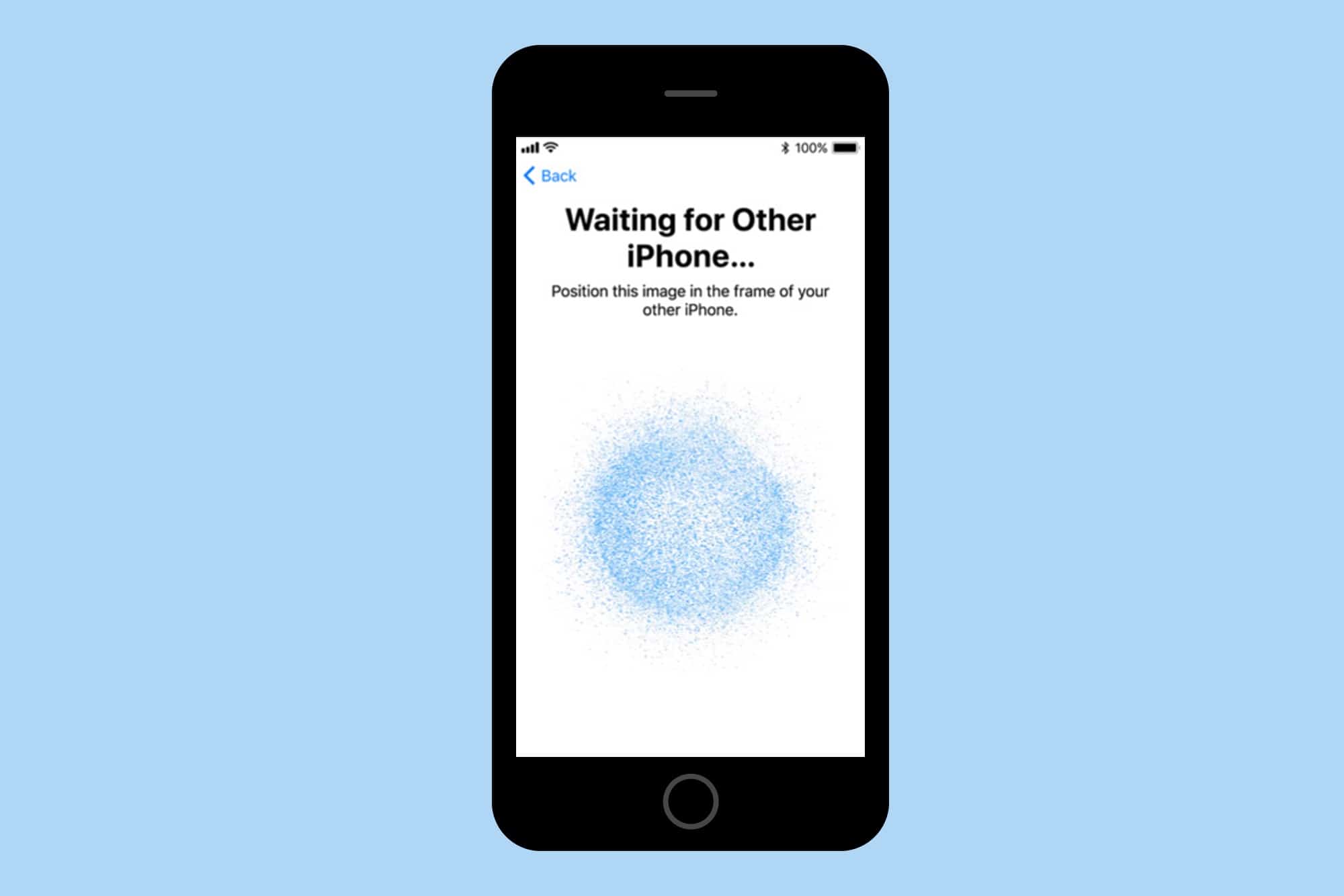
How to use iOS 11’s new Automatic Setup

By

automatic setup
In iOS 11, you won't need to remember anything when you get a new iPhone.
Screenshot: Cult of Mac

Setting up a new iOS device is pretty easy, but it’s about to get even easier thanks to iOS 11’s new Automatic Setup feature, which lets you hold your old device near your new one to transfer across essential info.

All you need to set up a new iOS device are your iCloud login details, and the password for your WiFi network. But even that can be a bit of a pain, especially if you use a super-secure passwords that you store in something like 1Password. In order to get to your passwords, you need to install 1Password. But in order to install 1Password, you need to input your iCloud ID and your WiFi login. Automatic Setup will put an end to that.

Microsoft exec claims iPad Pro is a Surface copycat

By

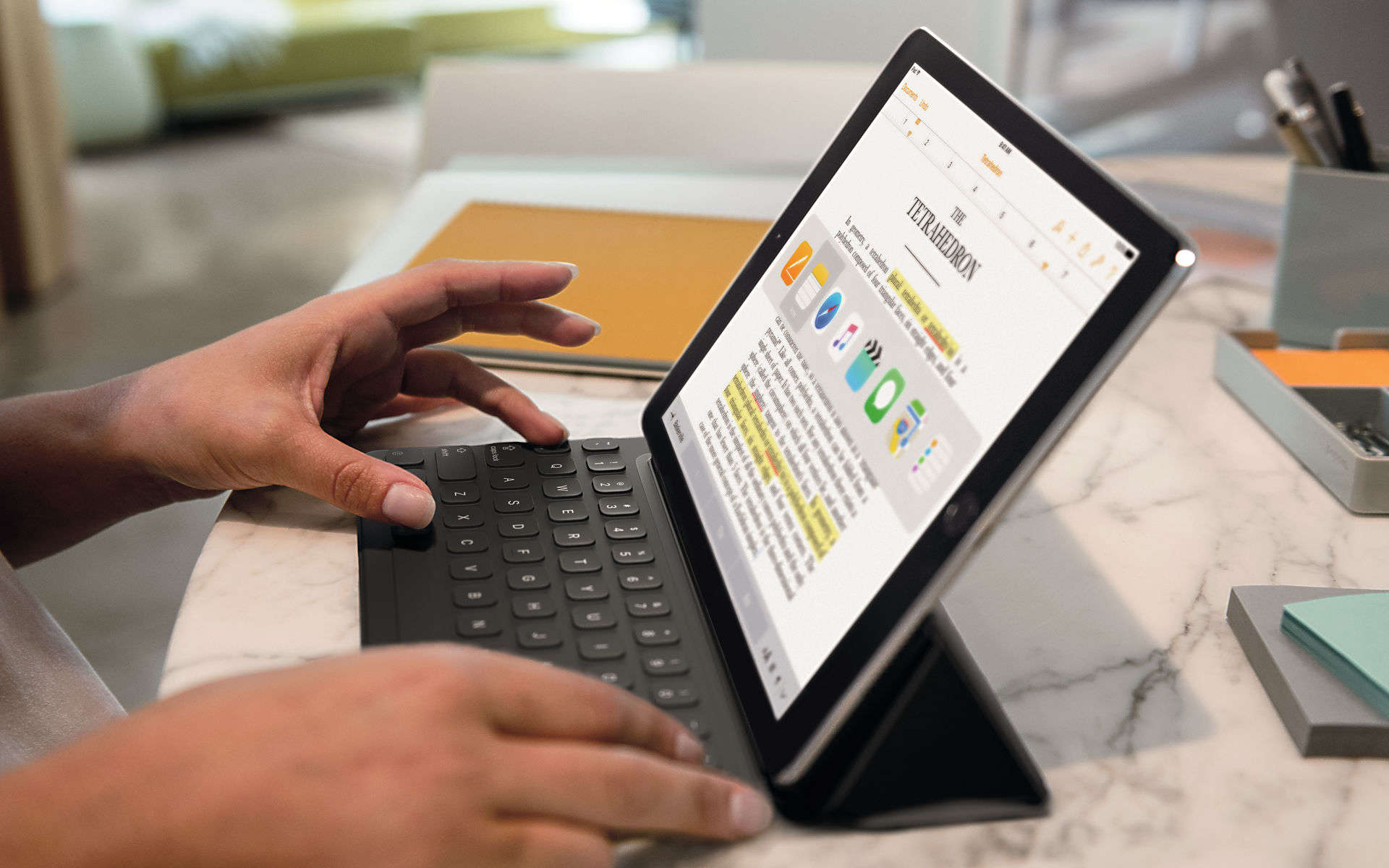
You can thank Microsoft for this... apparently.
Photo: Apple

In love with your new iPad Pro? You can thank Microsoft for that.

Microsoft executive Ryan Gavin claims Apple’s latest take on tablets wouldn’t have happened without the Surface Pro. It is a “clear example” that the company is following Microsoft’s move into ultraportable 2-in-1 machines.

New IBM Garages mean more iOS apps for enterprise

By

IBM
IBM is helping Apple push iOS devices into enterprise.
Photo: Apple

IBM is expanding its efforts to be the go-to company for mobile enterprise software by opening up new Garages that will serve as hubs for the quick design and deployment of MobileFirst apps.

Apple and IBM created the MobileFirst partnership three years ago as a way to push iPhone and iPads into the enterprise markets by coupling them with software built by IBM. With the expansion of new Garages, more international business will have access to the companies’ business tools.

10.5-inch iPad Pro feels like the future [Review]

By

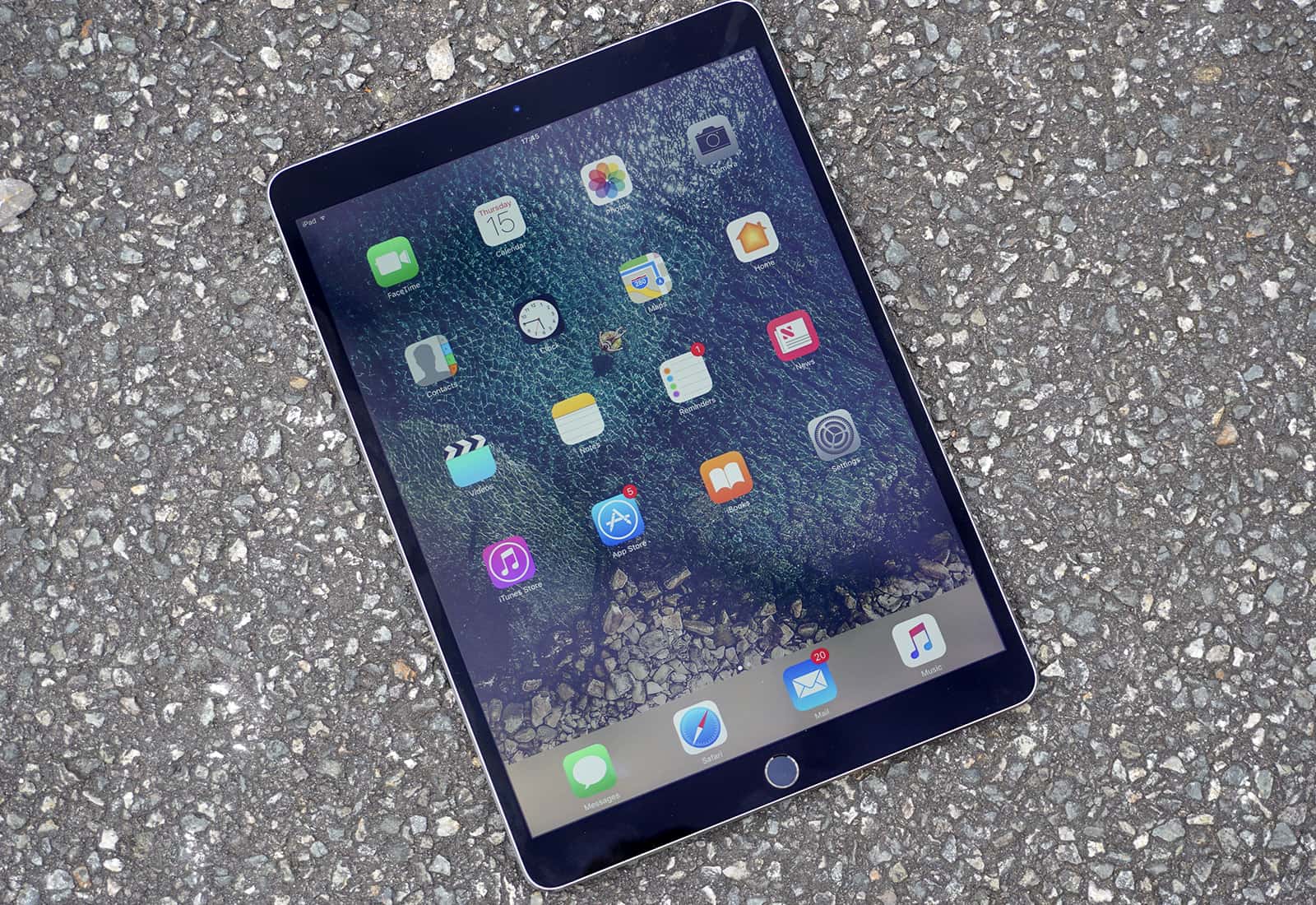
The new 10.5-inch iPad Pro puts monstrous power at your fingertips.
Don't pay full price for a 10.5-inch iPad Pro.
Photo: Ste Smith/Cult of Mac

I could be the poster boy for Apple’s “iPad problem.”

That problem, in a nutshell, is this: Even long-in-the-tooth iPads several generations old continue to work just fine for many everyday tasks. That, in turn, slows the upgrade cycle. iPad sales drop, and pundits pile on to declare that Apple is doomed. Again.

I’m one of those cheapskates who couldn’t be bothered to shell out for a new iPad over the past few years but a freak accident — and the surprisingly convincing unveiling of the 10.5-inch iPad Pro at last week’s Worldwide Developers Conference — finally coaxed me out of iPad complacency.

I’m thrilled I finally wised up. The new 10.5-inch iPad Pro is a beast of a machine that’s so fast, smooth and responsive that it makes me feel like I’m in a sci-fi movie interacting with a killer device that hasn’t been invented yet. It feels like the future!

Twitter rolls out a massive redesign on mobile

By

Twitter's fancy new look on iPhone.
Photo: Twitter

Twitter has begun rolling out the latest version of its mobile apps today, introducing a big redesign that unifies the user experience across Android and iOS.

It’s prettier and easier to navigate, but it still doesn’t deliver the option to edit tweets.

Tim Cooks talks HomePod pricing, and why AR makes him want to ‘scream’

By

Tim Cook
Tim Cook's interview covers a range of topics.
Photo: Jim Merithew/Cult of Mac

Bloomberg has released some more highlights from its recent conversation with Tim Cook, touching on a number of important topics.

Having already confirmed Apple’s interest in self-driving car systems, Cook now speaks about Steve Jobs, why he doesn’t spend any time thinking about his legacy at Apple, Apple’s $1 billion advanced manufacturing fund, his response to accusations that Apple isn’t as innovative as previously, and more.

Check out a few highlights below.

Devs reveal the good, bad and ugly about Mac App Store

By

Mac App Store
The email app BlueMail finds itself on the outside of the "closed garden."
Photo: Ste Smith/Cult of Mac

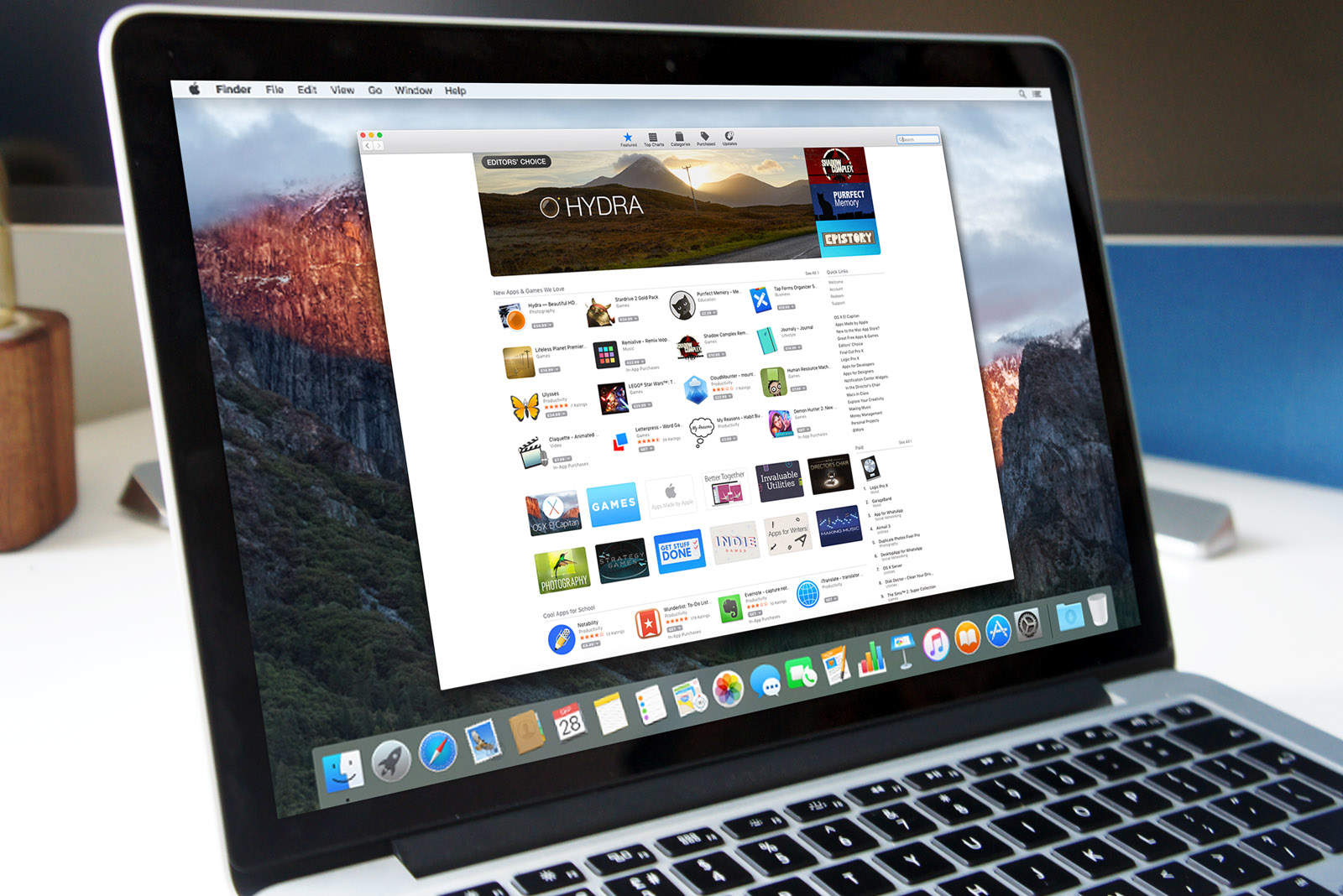
For users, the Mac App Store makes finding, purchasing, and downloading new software a breeze. But is the experience as enjoyable for the developers behind that software?

Setapp surveyed over 700 macOS developers to find out what they really think of Apple’s marketplace. The results give us an interesting insight into the challenges they face when choosing the Mac App Store, whether life is better without it, and how Apple has improved.

Instagram lets you archive old photos you don’t want to scrap

By

Archive comes to Instagram.
Photo: Instagram

We’ve all uploaded Instagram photos that seemed a great idea at the time, and now we regret ever making them public. You don’t want anyone to see them, but you don’t want the memory to be gone for good.

Now you can archive all those embarrassing snaps instead of deleting them altogether.

5 ways to boost your MacBook battery life

By

Boost MacBook battery life
Save yourself some battery power when you go remote.
Photo: picjumbo.com/Pexels CC

Despite the MacBook’s svelte design, their batteries last a long time because Apple put a lot of thought into how the hardware and software work together. Still, if you find yourself running out of juice, some simple changes can help you extend your MacBook battery life.

Apple designs its laptops to maximize user productivity and minimize extra work, but following these simple tips will boost MacBook battery life considerably.

iWork update adds hundreds of cool new emoji-style symbols

By

iWork symbols
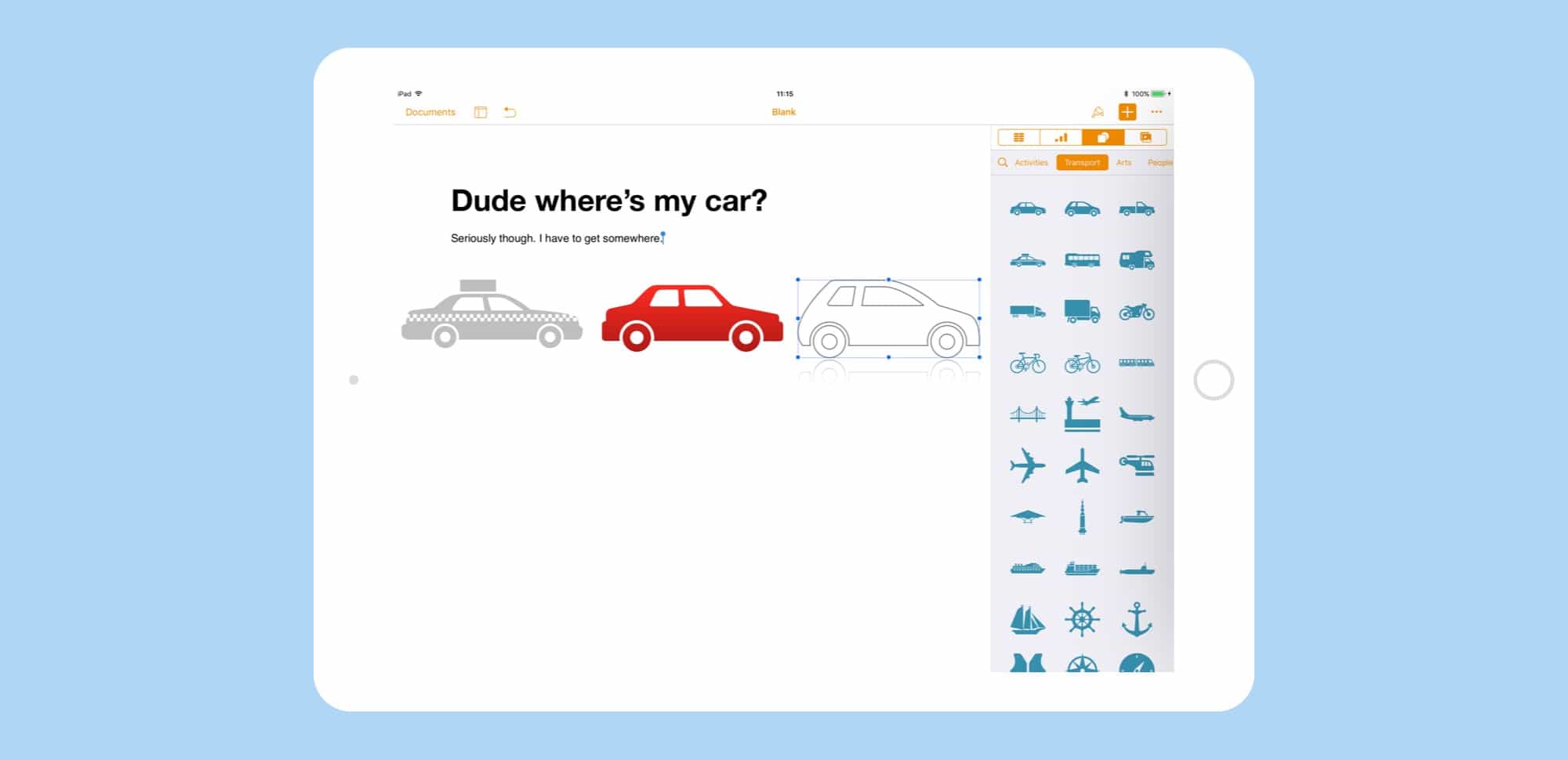
Apple invents clip art!
Photo: Cult of Mac

The iWork suite just got an update across iOS and macOS, with some neat new features for Keynote, Pages, and Numbers. But the headline new feature is the addition of a brand new Shapes Library across all the apps. You know that section that always let you put little squares and circles into your documents? That’s still there, but those lame-o shapes have been joined by hundreds of new shapes that will actually be useful. They’re kind of like silhouetted emojis.