Mobile menu toggle

Search results for: Apple One

How to scan and mark up paper with Notes app in iOS 11

By

scan notes
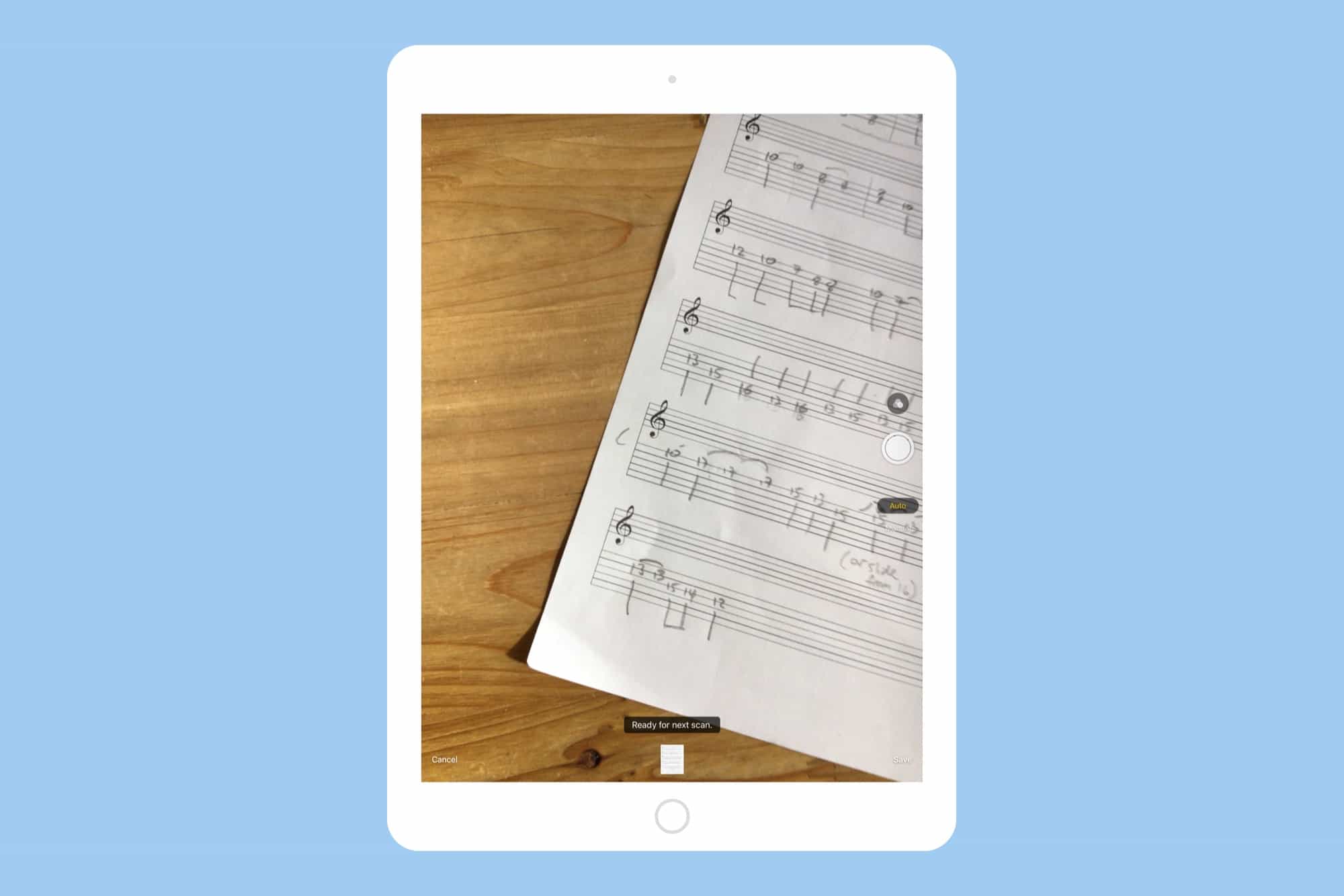
Scanning paper documents is easy in the iOS 11 Notes app.
Photo: Cult of Mac

In iOS 11, the Notes app really wants to become the go-to place for you to dump all your ideas, all your snippets, and all your, uh, PDF scans. New in iOS 11 is the ability to scan a sheet of paper right there in the Notes app, then scrawl on it using the new PDF markup features built into Apple’s new mobile OS>

Potentially, the Notes app in iOS 11 will be able to replace apps like Evernote (aka “Everbloat”), as well as purpose-built scanning apps like Scanner Pro. Let’s see how to make a scan, and if the Notes app does enough to be your sole go-to notes destination.

This add-on makes your Sonos compatible with everything

By

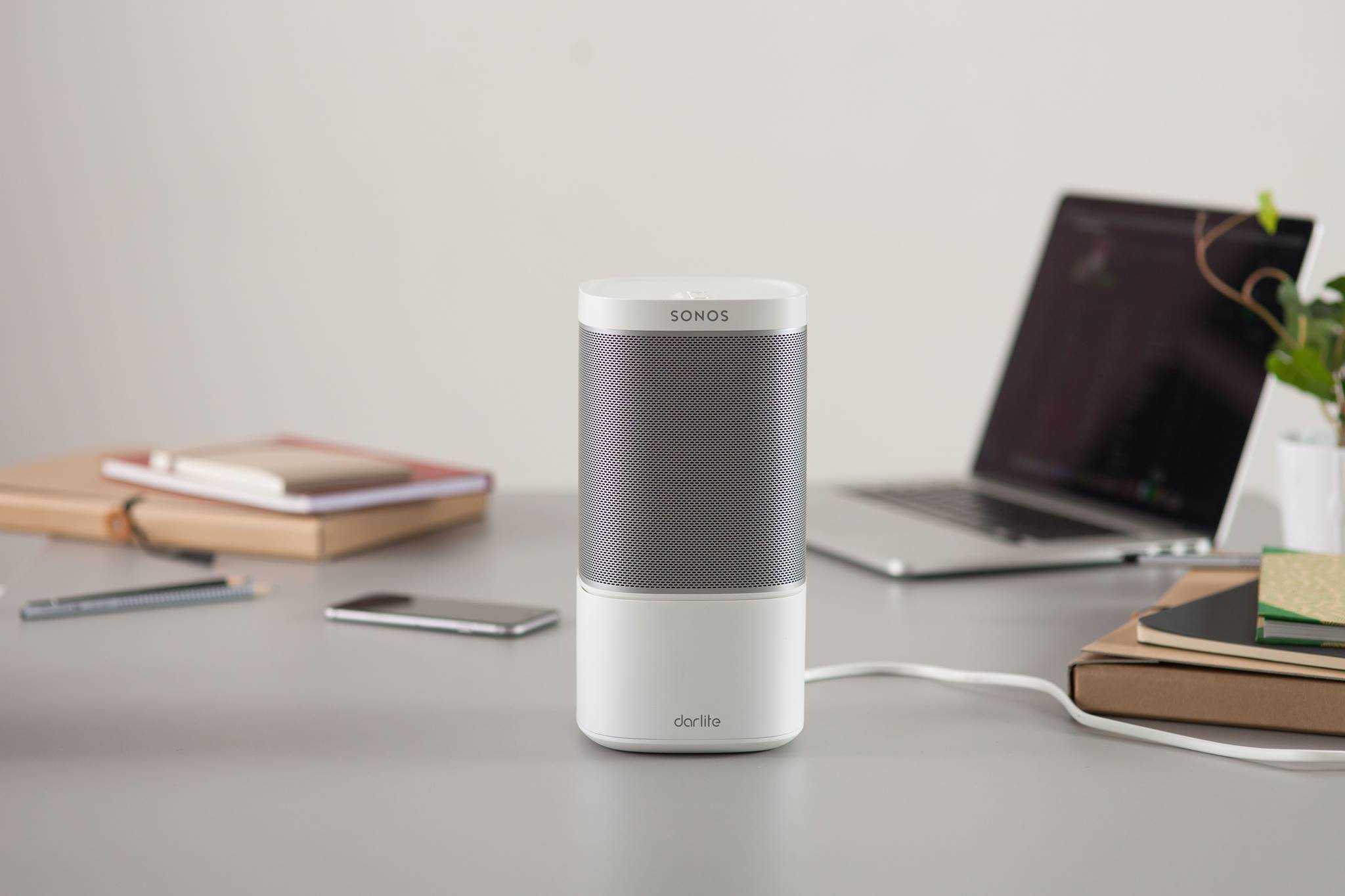
The ultimate Sonos companion.
Photo: Darlite

Sonos makes some of the best wireless speakers money can buy, but they’re not compatible with some of the most popular streaming apps. Darlite is a new device that changes that.

It’s the first accessory that unlocks “the full potential of your Sonos system” by allowing you to connect to devices and services over Bluetooth, AirPlay, DLNA, and a 3.5mm audio jack.

Turn PDFs into the flexible format they should be with PDF Expert [Deals]

By

CoM - PDF Expert 2.2 for Mac
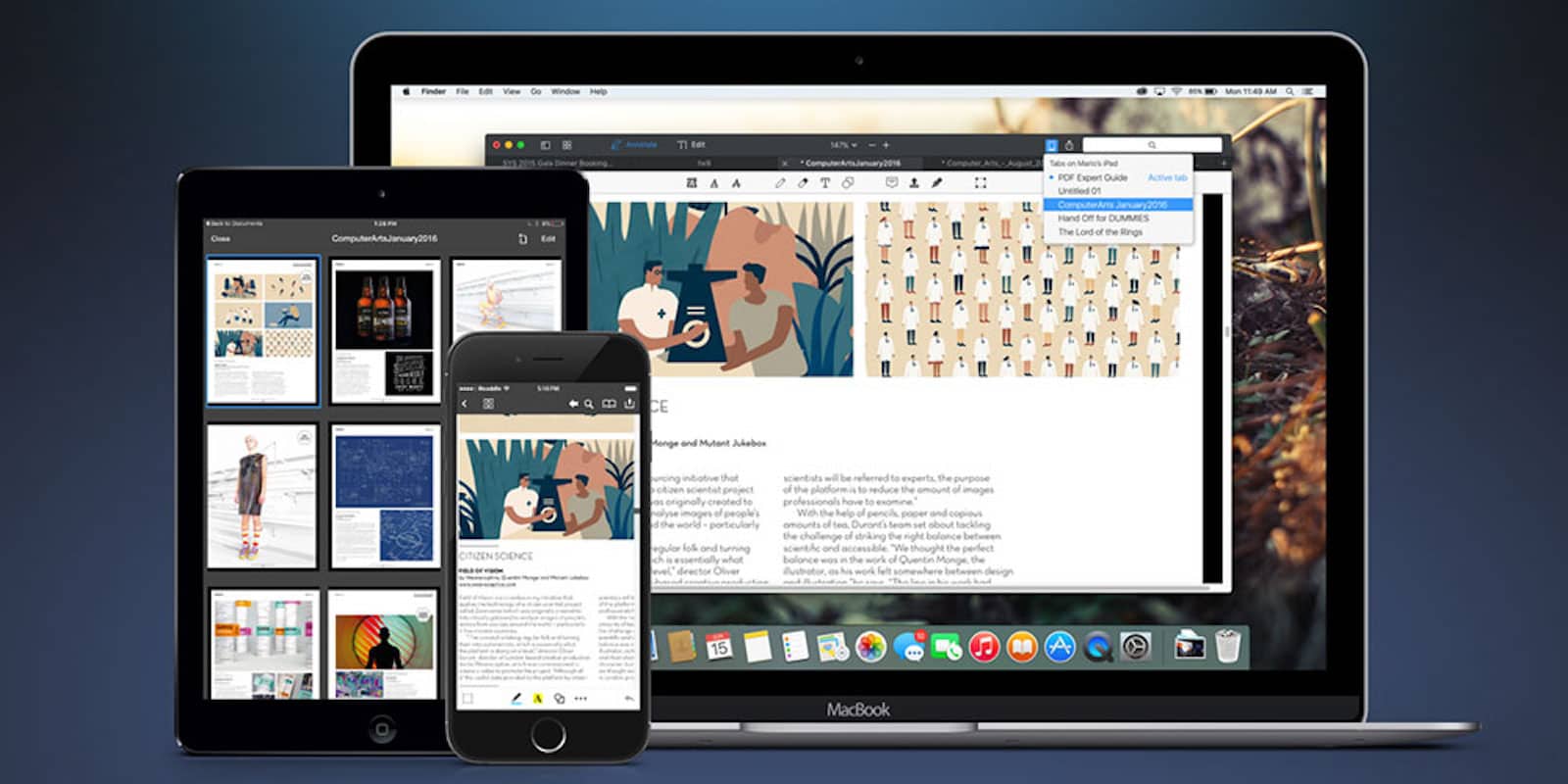
This 2015 App of the Year will transform the way you work and collaborate with digital documents.
Photo: Cult of Mac Deals

PDFs are a great digital document format, one that crosses our desktops almost every day. But what’s the difference between a PDF and a piece of paper if all you can do is sign them? With the right tool, you can take the padlock off your PDFs.

Tim Cook calls self-driving cars ‘mother of all AI problems’

By

And here it is in all its glory.
Cook confirms that Apple is interested in autonomous systems for cars.
Photo: Motor1

Tim Cook has shared some details on Apple’s electric car plans, describing self-driving cars as “the mother of all AI projects.”

“We’re focusing on autonomous systems,” Cook said in an interview with Bloomberg Television, which was conducted on June 5, but only published online today. “It’s a core technology that we view as very important … It’s probably one of the most difficult A.I. projects actually to work on.”

Upgrades turn Logitech Circle 2 into versatile security camera [Update: Now works with HomeKit]

By

Logitech Circle 2 Wire Free
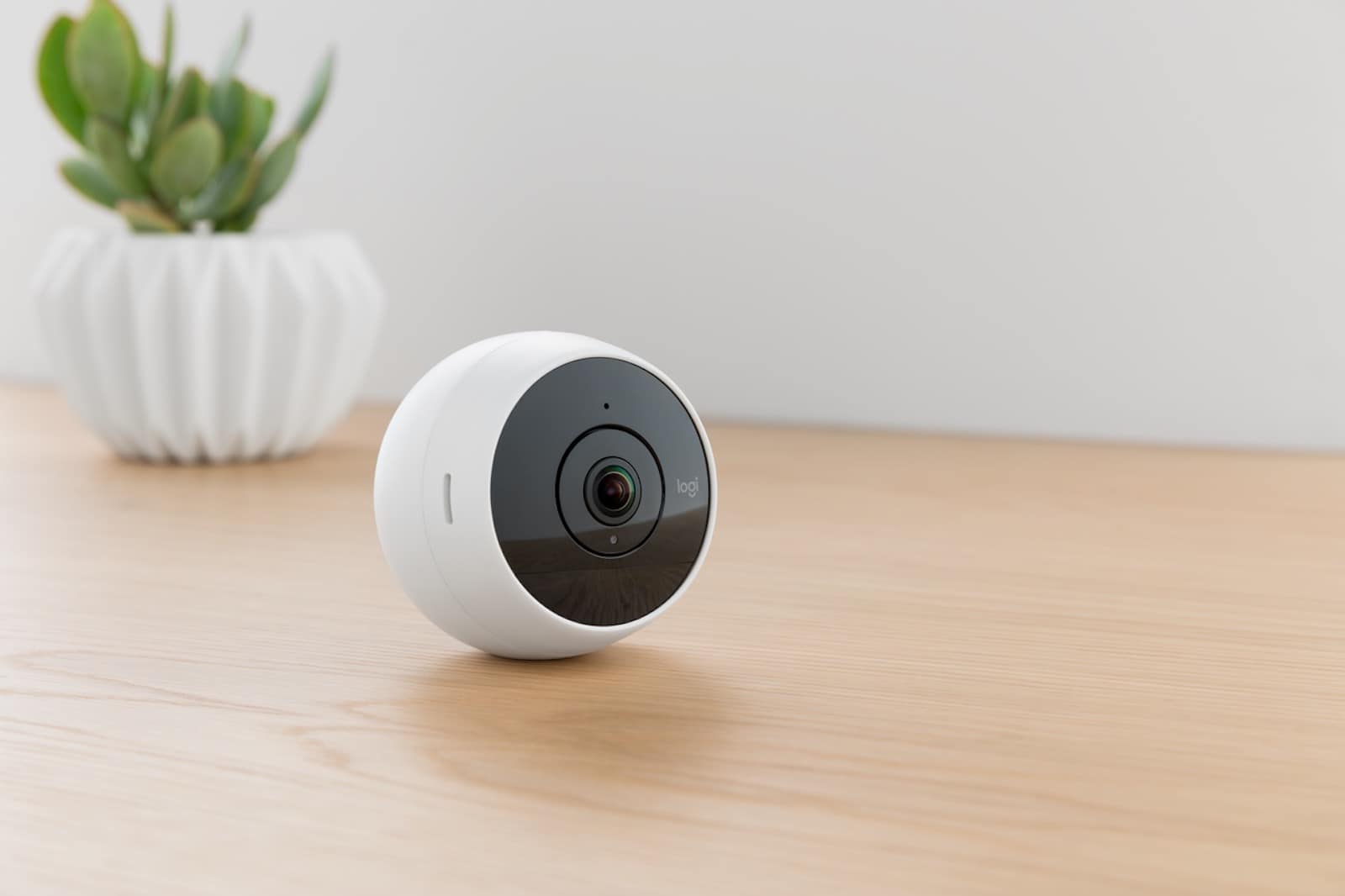
New features and accessories make the Circle 2 far more useful.
Photo: Logitech

Update: A software update in September 2017 made Logitech Circle 2 HomeKit compatible.

Major upgrades to Logitech’s Circle cam — including HomeKit compatibility coming “soon” through a software update — turn it from a cute desktop camera into a bona fide indoor-outdoor security device.

Circle 2 packs a 180 degree wide-angle lens and brings 1080p HD streaming, night vision and two-way talk and listen. The updates come in the form of new, better power options and a handful of accessories that make the Circle 2 more useful in more environments than its somewhat limited predecessor.

How to use iOS 11’s password autofill for apps

By

iOS 11 password autofill
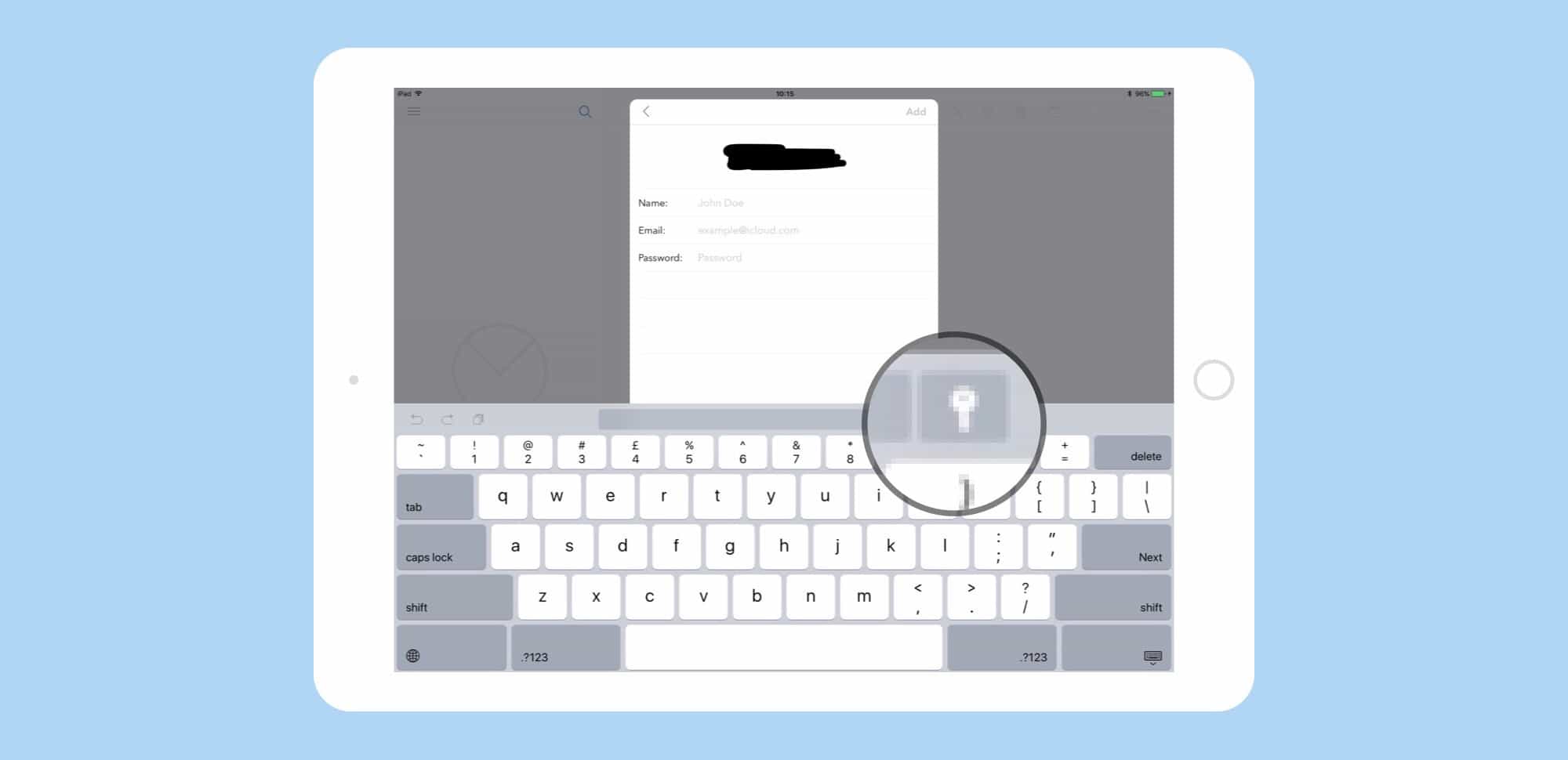
This key is the key to your securi-tey.
Photo: Cult of Mac

 iOS 11 extends Safari’s password autofill out of the browser and inside apps. In iOS 11, when you download a new app — a Twitter app, say, or an email client — then you won’t have to visit your password manager of choice, then copy and paste a username and password between apps. Instead, if you already let Safari save the password in the browser, it will be automatically supplied in the app, too. If you want to know how to autofill email on iPhone, this feature has you covered.

Monument Valley 2, Halide, and other awesome apps of the week

By

Awesome Apps
'Appy weekend!
Photo: Ste Smith/Cult of Mac

Monument Valley 2, an M.C. Escher-inspired mobile gaming masterpiece, is just one of the brilliant titles we’ve picked out for this week’s “Awesome Apps” roundup.

We’ve also got a great task manager, an ancient Egypt-themed strategy game, and a superb camera app. Check out our picks below.

Enable the hidden dark mode in iOS 11 and save your eyes

By

iOS 11's Smart Invert feature brings a stunning dark mode
Photo: Cult of Mac

Some users have been longing for an iOS “dark mode” for quite a while. With iOS 11, Apple is introducing a new Smart Invert feature that replicates the dark mode functionality, though it’s not quite there yet. It builds upon iOS’ classic Invert Colors mode but excludes some images, media and apps that use dark color styles.

Here’s how you can try out the hidden dark mode in iOS 11 right now.

Jony Ive wants to design a soap dispenser

By

Apple Design Boss Jony Ive has some low-tech ambitions.
Photo: Apple

After developing some of the most iconic tech products of the last two decades, Apple’s design boss Jony Ive has some astonishingly low-tech ambitions when it comes to the future.

During a recent interview at a conference organized by the Norman Foster Foundation, Jony Ive gave a surprising answer when what futuristic product he would like to design next.

“A soap dispenser,” Ive replied.

See Swift 4’s hot new features in sketchnotes

By

What's new in Swift 4 sketchnote
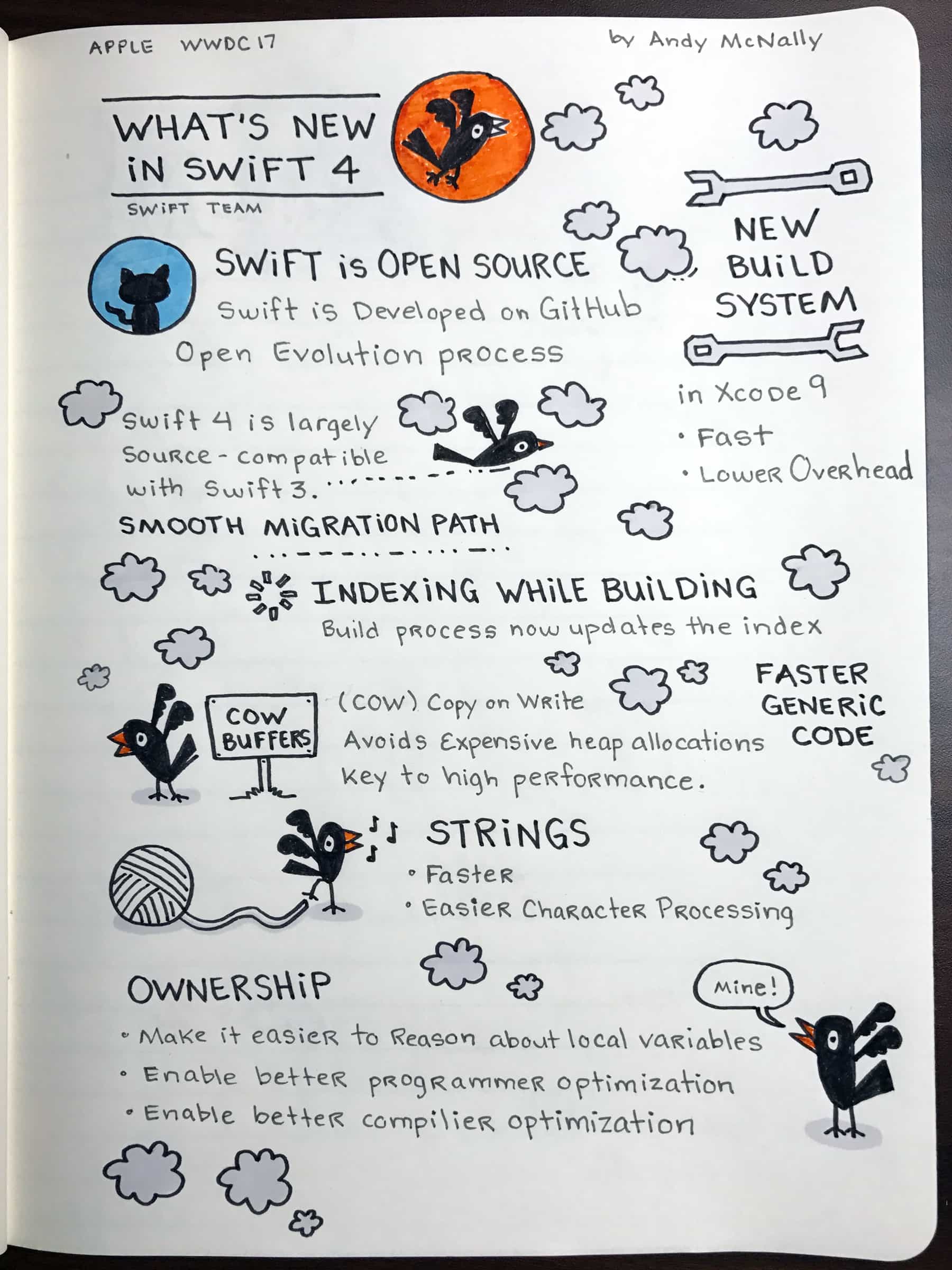
Here's the latest on Swift 4, the latest version of Apple's programming language, done up in sketchnotes.
Photo: Andy McNally/Cult of Mac

On Tuesday, Apple gave one of it’s most important presentations of the week: the new version of Swift, it’s popular multi-platform programming language.

It was a big session because it gave all of the developers at WWDC a quick overview of the new features and pointed them to sessions that dove deeper on certain topics.

Above is my sketchnote from the session. I always feel over my head in the Swift talks, but I feel like the improvements will make Swift more accessible to developers like me, who are just getting started.