Mobile menu toggle

Search results for: Apple One

PSX fave RayCrisis blasts its way into the App Store

By

RayCrisis
A fun arcade blaster with a tech theme.
Photo: Taito

Nineteen years after it arrived on the first-generation PlayStation console, RayCrisis, a.k.a. the final installment in Taito’s 1990s trilogy of awesome scrolling shooters, has landed on iOS.

The first two installments of the series, RayForce and RayStorm actually arrived in the App Store waaaaay back in 2012, but RayCrisis has been mysteriously missing in action. Now, finally, it’s possible to get the whole threesome on your iOS device!

Zoom’s Livetrak mixing desk turns your iPad into a music studio

By

Zoom livetrak l-12
Zoom’s wonder-box has real knobs and faders, just like a proper music studio.
Photo: Zoom

Zoom’s new Livetrak L-12 could be the only box you need to turn your iPad into a mobile music studio. In one unit, the L-12 combines a mixer, a 12-track recorder, and an interface that lets you hook up all your musical instruments and gadgets to your iPad. And that’s just the beginning.

Download the latest iOS 11 public beta now

By

iPhone 7 iOS 11
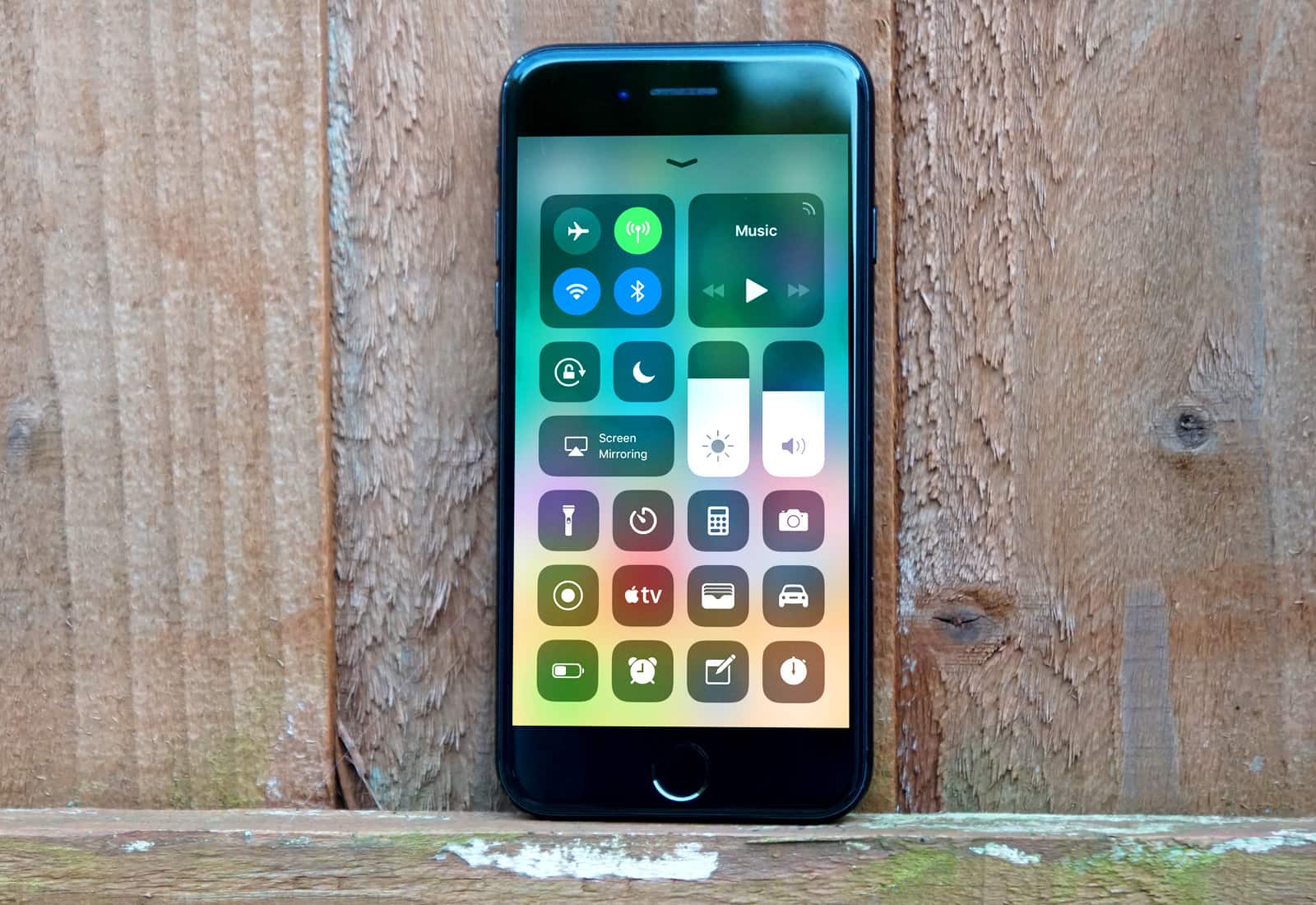
A redesigned Control Center is one of many changes to look forward to in iOS 11.
Photo: Ste Smith/Cult of Mac

Just one day after developers received the fifth beta build of iOS 11, Apple has released the same beta update to public testers, bringing a number of UI changes and bug fixes with it.

iOS 11 public beta 4 and macOS High Sierra public beta 4 are now available to download for all members of Apple’s public beta software testing program. You can also download the new software directly to your Mac, iPhone or iPad if you have the previous public beta installed.

Spark email for Mac gets new Smart Search features

By

Spark is now available on Mac.
Spark's latest update for Mac makes searching for emails a lot easier.
Photo: Readdle

An update to Spark, a powerful Mac email app from Readdle, brings a serious boost to the software’s Smart Search functionality. The Spark 1.3 update also comes with a lot of under-the-hood changes and performance improvements, making a great Mac email app even better.

Like wrecks over racing? Carmageddon: Crashers is for you

By

Carmageddon: Crashers crashing
It's a mobile game of chicken. Kind of!
Photo: Carmageddon: Crashers

If you’ve ever found yourself enjoying the crashing sections of racing games more than, you know, the racing bits, Carmageddon: Crashers may be for you.

It’s essentially a version of the game chicken, in which two cars drive at one another, with one swerving out of the way at the last minute. Except that in this version, no-one swerves!

See all the new tweaks in iOS 11 beta 5

By

iPhone 7 iOS 11
Check out all of the new features and tweaks within iOS 11 Beta 5.
Photo: Ste Smith/Cult of Mac

Just like clockwork, two weeks after the release of iOS 11 beta 4, Apple has graced developers with iOS 11 beta 5. As per usual, we went straight ahead and installed it to dig around and see what’s new. Among our finds were new camera settings and a pretty cool feature for FaceTime.

Check out all of the new tweaks and changes in action in our video below.

How to use the Universal Clipboard on iOS

By

Use Apple's Universal Clipboard to copy anything from one iOS device to another, or to a Mac.
Universal Clipboard lets you copy something on one Apple device, then paste it on another.
Photo: Charlie Sorrel/Cult of Mac

Since last fall, your Mac and your iOS devices have shared a Universal Clipboard. That is, you can copy on one device and paste on another. It’s seamless, and incredibly useful. For instance, you could copy a shipment tracking number in Mail on your Mac, then paste it into the tracking app on your iPhone. Or you could take a screenshot on your iPhone, then paste it into a blog post you’re writing on your iPad.

Universal Clipboard is so easy to use, you might have used it already without even realizing. Here’s how it works.

Hades’ Star, Vista Golf, and other awesome apps of the week

By

Awesome Apps
Have an 'appy weekend!
Photo: Ste Smith/Cult of Mac

An empire-building, resource-trading, planet-colonizing strategy game in which you play a shared universe alongside thousands of other players is just one of the great App Store picks we’ve highlighted for this week’s “Awesome Apps” roundup.

We’ve also selected a nifty update to an augmented reality favorite, a fun crazy golf game, and new functionality for one of the best third-party iOS keyboards going. Check out our choices below.

Upgrade your commute, note-taking, and more [Week’s best deals]

By

Week 8/3 Best Deals of Week

As summer reaches full force, the Cult of Mac Store is turning out hot deals left and right. This week, we’ve got a tool for transferring pretty much any media file to any device, and a set of wireless headphones with a case that re-charges them. There’s also an app that will transform the way you take notes, and a bona fide heads-up display for your car. Read on for more details: