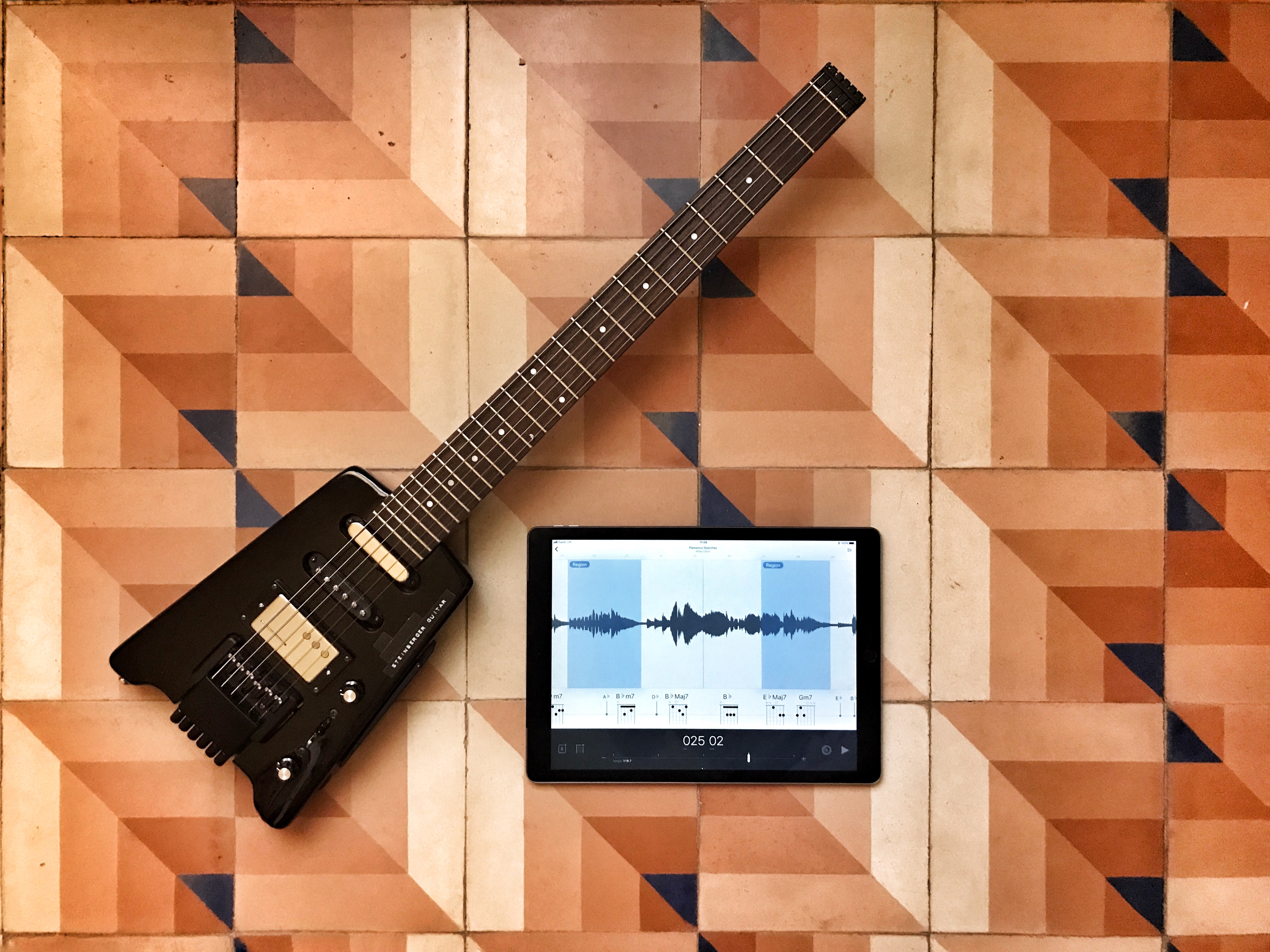
Fantastic slow-downer app Capo Touch just got even better. Photo: Charlie Sorrel/Cult of Mac
Capo touch is the iOS version of Capo, an amazing Mac app that lets you slice and dice a song, slowing it down so you can learn it on guitar or another instrument.
Developer SuperMegaUltraGroovy added some great new features to Capo touch version 2.5. If you’re a long-time user, you’ll appreciate the interface tweaks, the Apple Music support and the new audio-scrubbing engine. If you never used Capo, and you play a guitar, you should buy Capo touch right now.
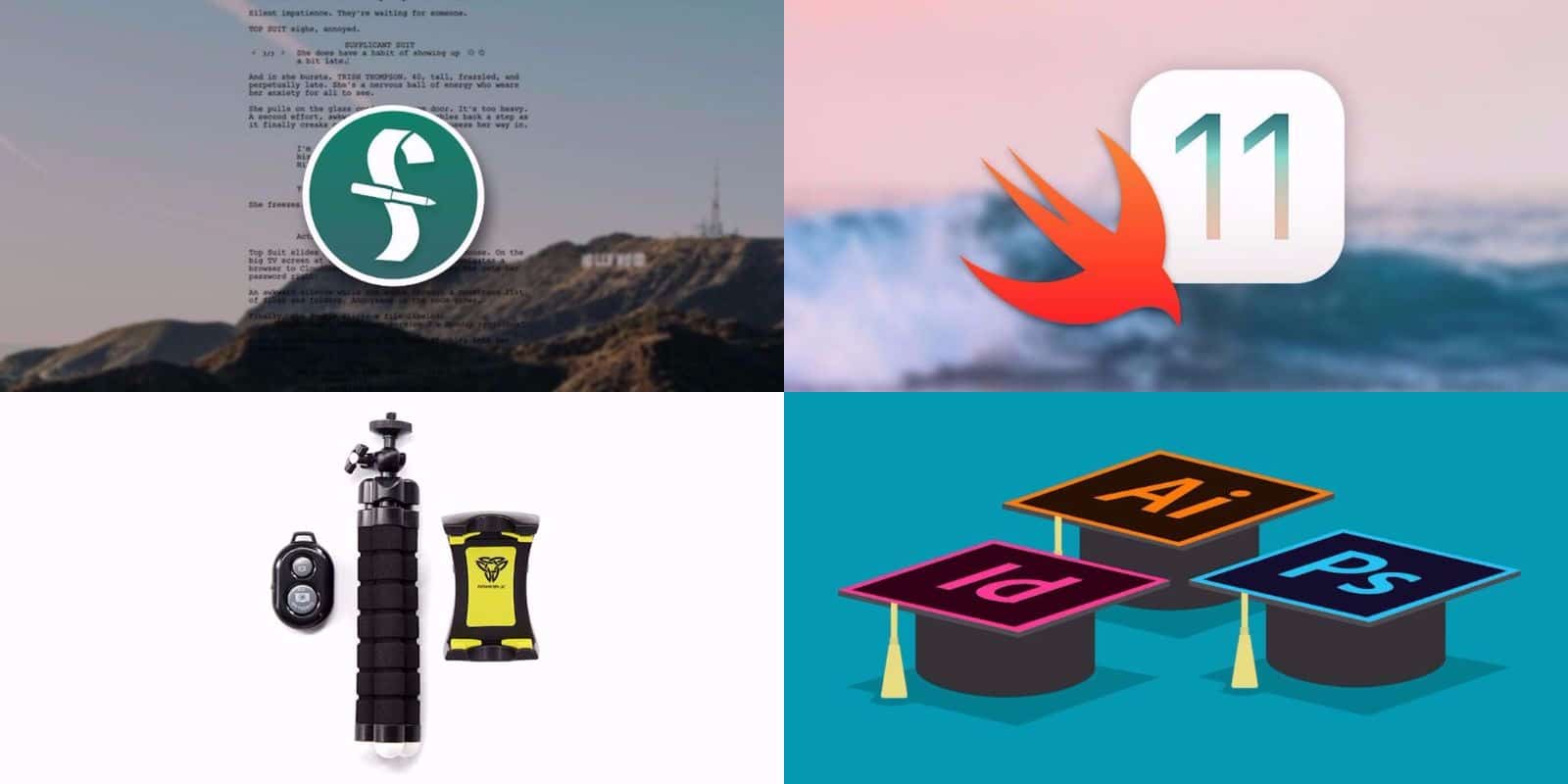
Get pro-level tools and guidance for screenwriting, graphic design, coding, and more. Photo: Cult of Mac Deals
We’re right in the middle of the dog days of summer. But the hottest place you’ll find is at the Cult of Mac Store. We’ve been busy stacking up a bunch of new deals that are ideal for digital creatives. We’ve got a set of lessons in coding for the all new iOS 11, and Adobe’s suite of graphic design apps. There’s also the industry standard app for screenwriters, and a rugged phone tripod for mobile photography and video. Discounts range from 40 percent to 95 percent off, read on for more details:
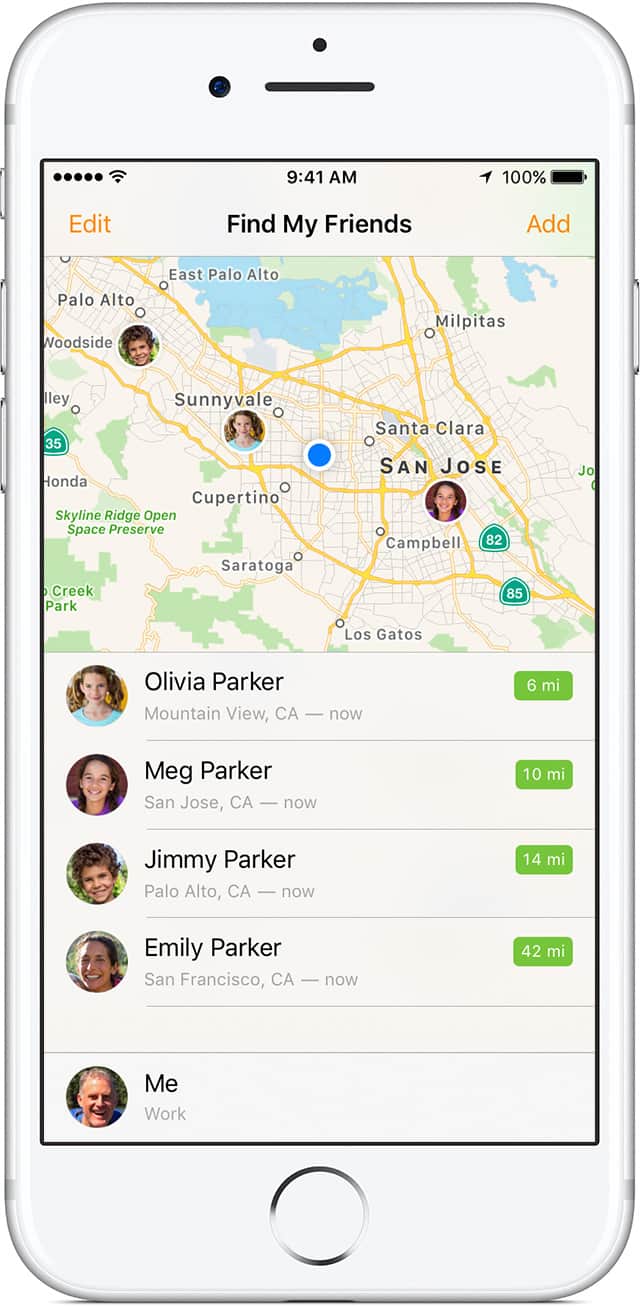
Next time you go hunting for a famous hidden cave, make sure to turn on the ‘Find My Friends’ app. One lucky climber from the U.K. just found out it can totally save your life.
Mountain rescuers workers came to the ill-prepared hiker’s aid after he was injured during his pursuit of the famous Priest Hole cave at the UK’s Lake District National Park. The hike fell over 60 feet and suffered a serious head injury, but was eventually located using Apple’s app.
Protect your sensitive info with this highly rated password manager. Photo: Cult of Mac Deals
Seems like every time you refresh the news there’s another story about massive leak of private information. Data theft is big business these days. That means having a strong password is an absolute must. It’s a lot easier to do when you have a good password manager.
Where’s my iPhone? I know I left it around here somewhere Photo: Charlie Sorrel/Cult of Mac
Your iPhone knows where you are, pretty much all the time, and you probably know that it can share your location with other people, too, if you let it. Many apps ask to know where you are so that they can do their job (a weather app, a mapping app), but the iPhone has a few built-in ways to let other folks know where you are, and also to help you find a lost iPhone. There are so many ways to use location sharing that it can get a little confusing, but really, all those options are connected to the same service.
Learn the ins and outs of developing for iOS 11 by building 20 working apps. Photo: Cult of Mac Deals
iOS 11 is fast approaching. Along with it are coming a whole host of improvements and entirely new features. That means developers have to catch up before Apple’s latest and greatest mobile operating system drops this fall.
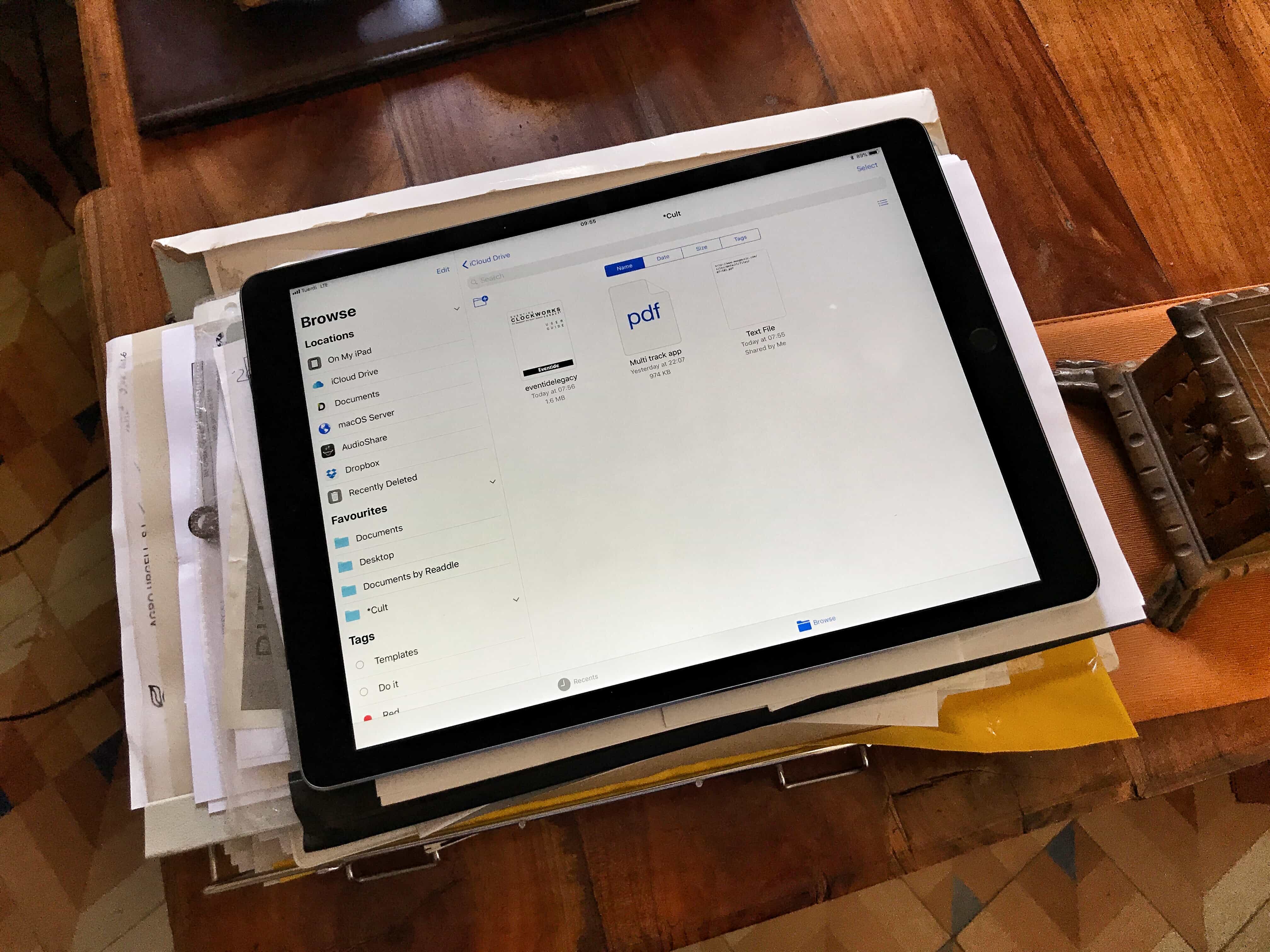
Files is awesome, but it could be better. Photo: Charlie Sorrel/Cult of Mac
We’ve been able to share and collaborate on iWork documents for a while, but in iOS 11 (and macOS High Sierra) you’ll be able to collaborate on any document, just by sharing it through iCloud Drive. To begin with, this will only work with Apple’s own apps, but third-party developers may add real-time collaboration features to their own apps. Here’s how to get started.
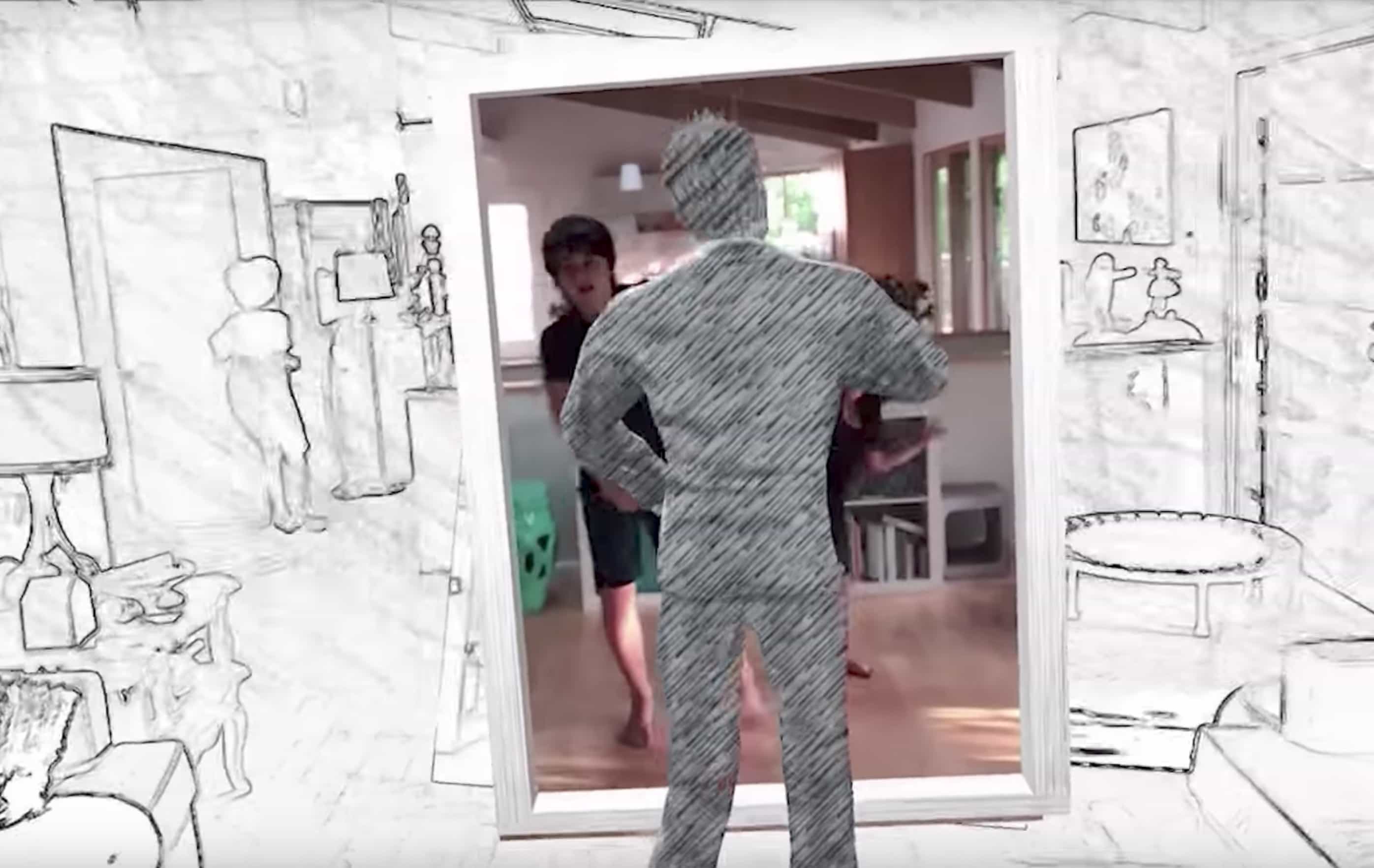
Take your kids back to the '80s with this app. Photo: Trixi Studios
Ever wonder what it would be like to live inside an ’80s music video? Thanks to Apple’s new ARKit software, you can live that dream with a new app that draws inspiration from the popular music video for A-ha’s “Take On Me.”
The proof-of-concept app from Trixi Studios pulls iPhone users into a hand-drawn world that reacts to your surroundings. Now you can have a full-on ’80s dance party in your living room.
Tim Cook and Donald Trump don't agree on much. Photo: Jim Merithew/Cult of Mac
U.S. President Donald Trump revealed today on Twitter that he is reversing former President Barack Obama’s decision to allow transgender men and women to serve in the military. And he’s already drawing tons of fire from Silicon Valley.
Apple CEO took to Trump’s favorite social network to blast the decision saying it’s discrimination. Other tech icons are joining his side too with their voices of descent for the president’s actions.
Podcasting is undergoing a renaissance with listeners consuming on-demand shows at unprecedented levels, and creators enjoying surprising levels of success with their work. One thing that sets apart the amateurs from the professionals is good content, but the other is production values.
I have been running my own small podcast for about a year, trying different ideas and formats to see what works. While I’m an amateur podcaster, I create tutorial videos for a living and I used to be a professional musician, so I know a thing or two about sound, music, and music production. I have also been using a Mac since 1997, and have recorded audio with just about every port that Apple has released. For me, the podcast is a great outlet to cover topics I don’t get to cover in my paid writing work. And of course, like many other podcasters, I like the sound of my own voice.
Here are some of the things I’ve learned, along with recommendations on the hardware, software and techniques to get you started podcasting using your Mac.