Barclays just made Apple Pay even greater. Photo: Barclays
Barclays is making it even easier for its customers to spend their hard-earned cash.
The latest update to its Mobile Banking app on iOS lets you use Siri to send money to any existing payee, but there is a limit to how much you can send with your voice.
'Appy weekend everyone! Photo: Ste Smith/Cult of Mac
Want to know which app to download for everything you need to know about this week’s total solar eclipse? We’ve singled out one of the best options as part of our latest “Awesome Apps” roundup.
We’ve also got a great update to a brilliant iOS fighting game, a story-driven racing title, and a big improvement to ESPN’s app for every sport lover out there. Check out our choices below.
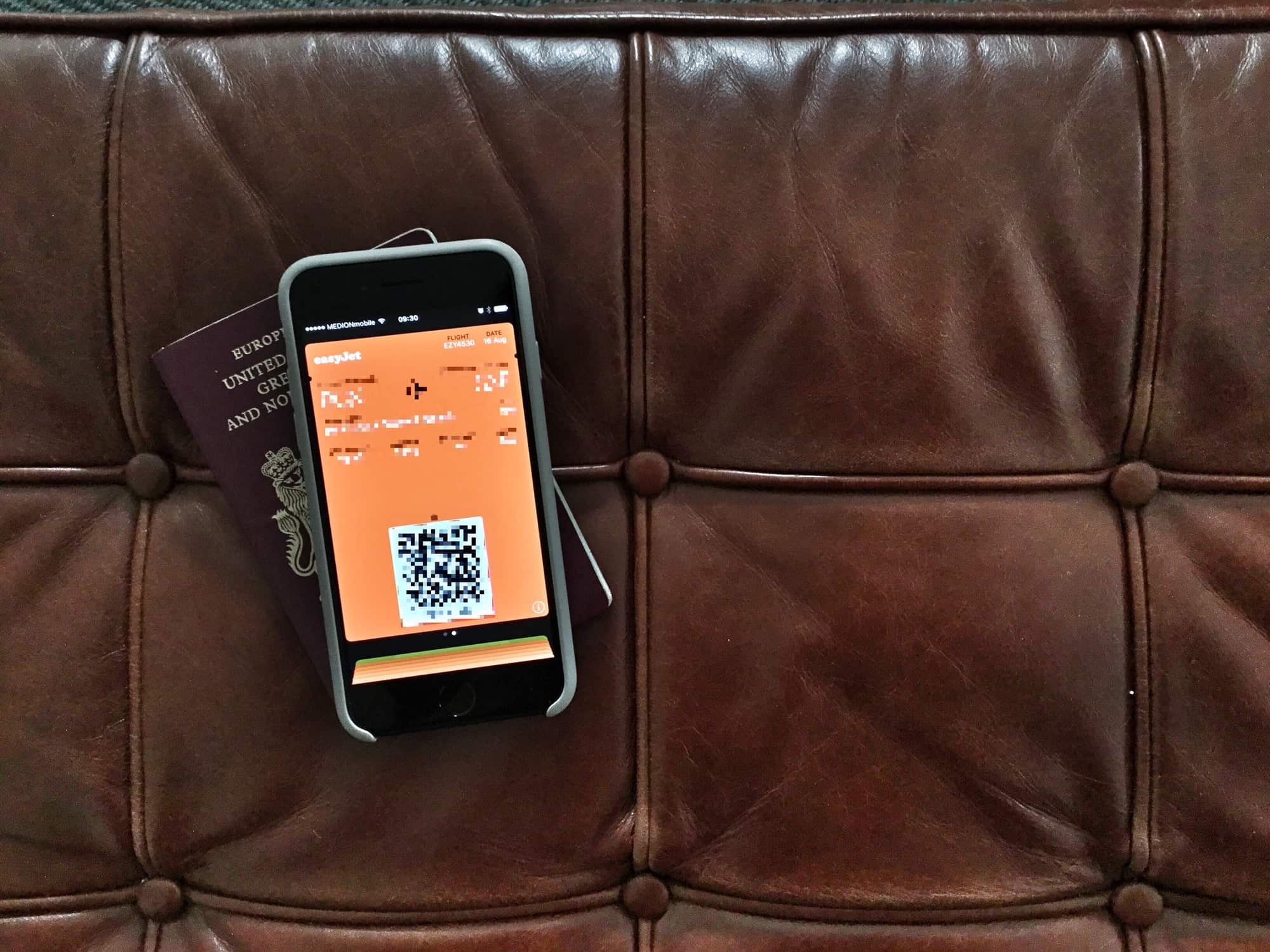
If you know where to look, getting the boarding pass off your lock screen is easy. Photo: Charlie Sorrel/Cult of Mac
Picture the scene: You’re on a plane, and your iPhone is your entertainment hub. You may be listening to podcasts, or music, or audiobooks. You may be playing a game, or reading Instapaper, or just checking and editing your vacation photos. Whatever you’re trying to do, it will be interrupted every time you unlock your iPhone, because your stupid boarding pass is right there on the lock screen. Even hours into a transatlantic fight, the boarding pass you already used hangs around, blocking things like the now-playing feature, and lock-screen controls for any music or audio apps.
Thankfully, it’s easy to get rid of — if you know where to look.
The EFF are big proponents of online free speech. Photo: EFF
The Electronic Frontier Foundation criticized tech companies that took action against white supremacist groups in the wake of deadly clashes in Charlottesville, Virginia.
Quick to take a stand against hate groups, tech companies removed some neo-Nazi groups’ access to web servers and online services. But the EFF issued a statement reminding them of the slippery slope of censorship.
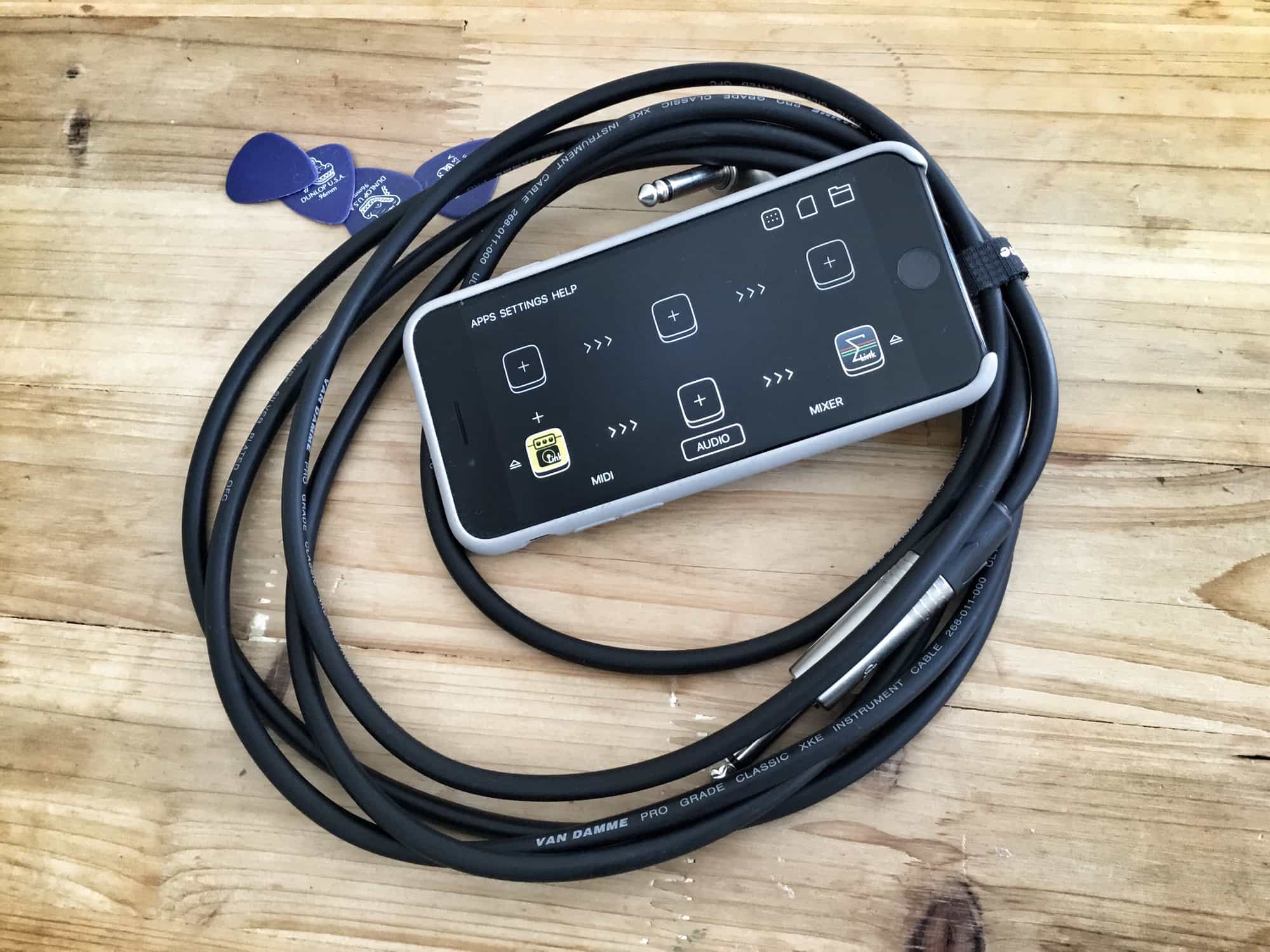
Audiobus now syncs with all other apps using Ableton Link. Photo: Charlie Sorrel/Cult of Mac
Audiobus, the iOS app that lets you route audio between apps on your iPad or iPhone, just got an update. The version number is 3.0.5, which belies the fact that Audiobus 3 just got one huge new feature: support for Ableton Link, which means that it will now keep tempo with all the other music apps on your iDevice.
Tim Cook witnessed the devastating impacts of the KKK while growing up in Alabama during the '60s. Photo: Apple
Apple CEO Tim Cook revealed to employees in an email this week that Apple will make $2 million worth of donations to organizations “who work to rid our country of hate.”
The donations come as a response to the tragic events of Charlottesville which Cook told employees have been deeply troubling for him personally. Cook, who has first hand experience with the devastating impacts of the KKK, took aim at President Donald Trump in his letter for supporting the white supremacists and says that Apple plans to play an important role in bringing about positive change.
Netflix is spending an enormous amount on programming. Photo: Netflix
Apple may be planning to spend a massive $1 billion on acquiring and producing original video content in 2018, but according to Netflix Chief Content Officer Ted Sarandos, Netflix’s 2018 spend will dwarf Apple’s — with plans to shell out enormous $7 billion on content in the next year.
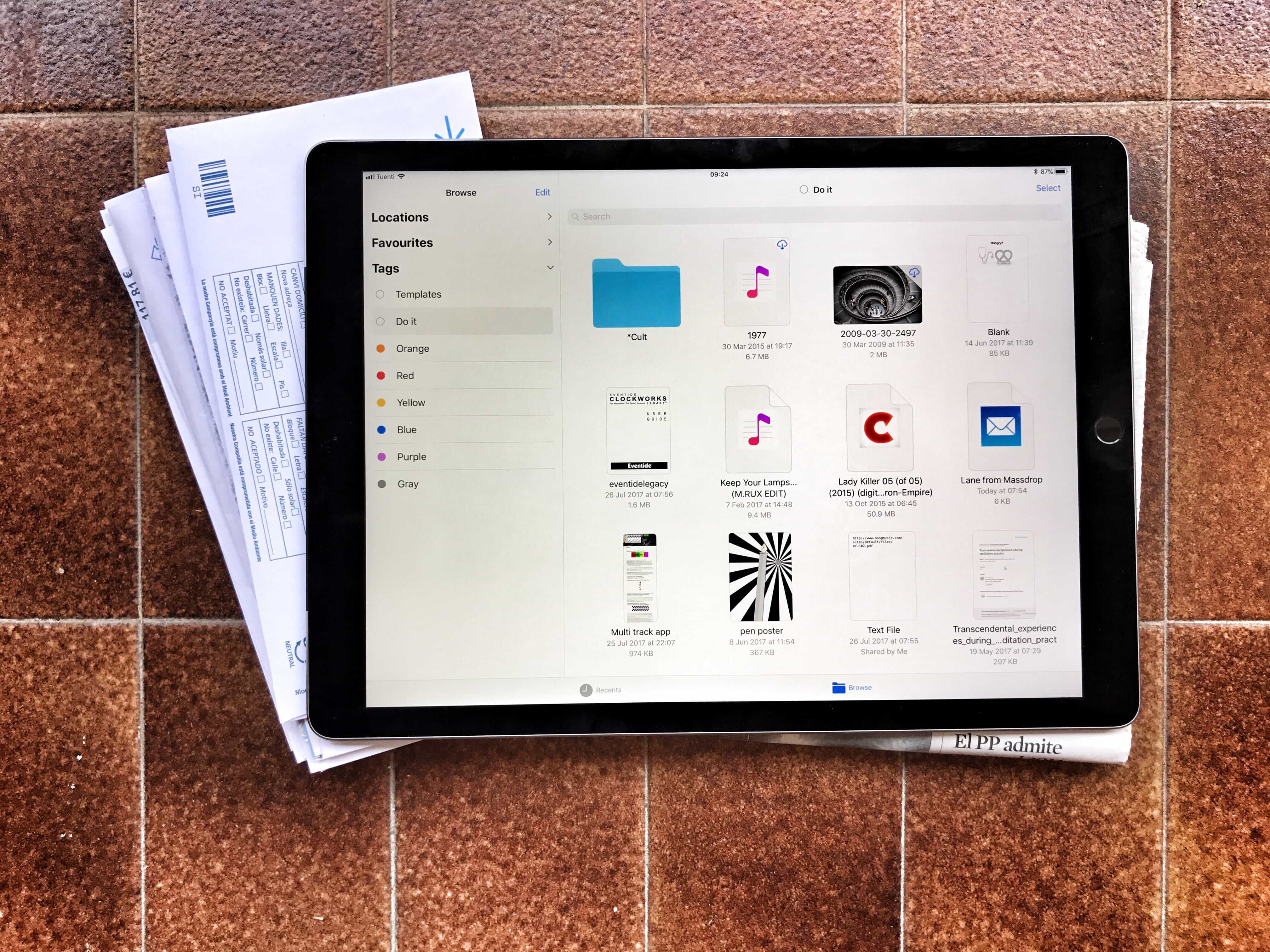
Tagging files is a powerful and easy way to tidy up your files, but it’s currently limited to the new iOS 11 Files app. Photo: Charlie Sorrel/Cult of Mac
One of the most useful features in iOS 11’s Files app may turn out to ta tagging files. Tagging lets you gather pictures, folders, documents and any other files from all across your iPad and iCloud storage by giving them the same tag.
This means you can organize files without moving them — you could create a Vacation tag, for example, to collect maps, a PDF with your Airbnb info, your boarding passes, and even related emails. Then, when the vacation ends, you can delete the tag. The grouping disappears but the files never get moved.
Tags are also synced between the Mac and iOS, so your collections can group files from both platforms. You can also apply many tags to the same file, including it in as many “projects” or lists as you like. The tagging functionality is built into the Files app at a deep level, making it easy to use wherever you are. Here are all the ways you can use tags in iOS 11.