Mobile menu toggle

Search results for: Apple One

New betas nudge iOS 11 and macOS High Sierra closer to launch

By

iPhone 7 iOS 11
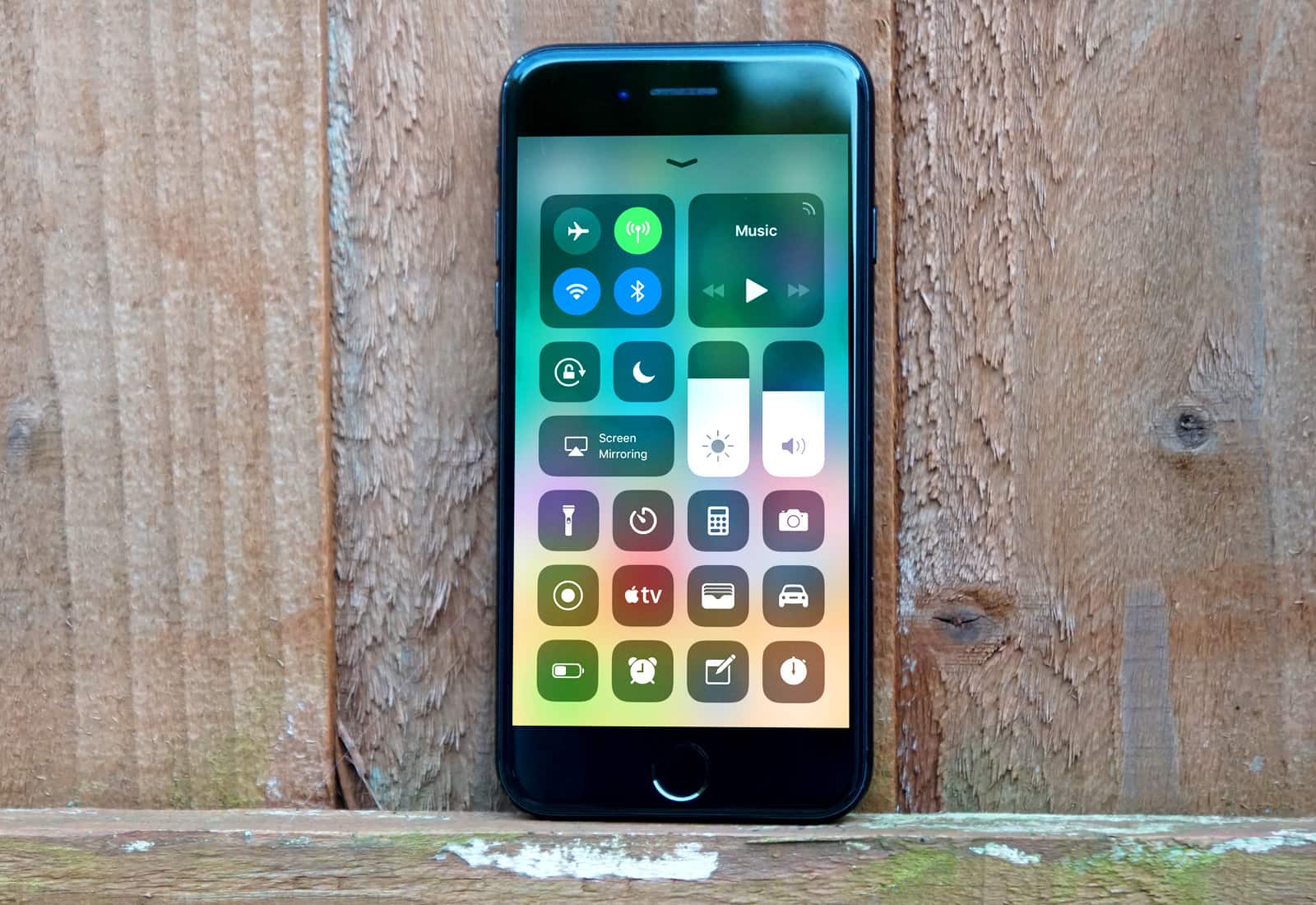
Grab the new iOS 11 beta now!
Photo: Ste Smith/Cult of Mac

Developers received a big batch of beta updates from Apple today, bringing iOS 11 and macOS High Sierra one step closer to public launch ahead of Apple’s huge keynote next month.

The seventh beta builds for iOS 11, macOS High Sierra, watchOS 4 and tvOS 11 were all seeded to developers. While previous betas have added a host of changes, the new builds focus mostly on bug fixes and under-the-hood improvements which could mean Apple’s nearly done fine-tuning the new software updates.


You can now donate to Hurricane Harvey relief efforts via iTunes

By

Hurricane Harvey
1,000+ people have so far been displaced due to Hurricane Harvey.
Photo: Apple

Apple has updated its iTunes desktop and mobile storefronts to start accepting American Red Cross donations for the Hurricane Harvey relief efforts. Tim Cook asked users to join the relief effort in a post made on Twitter over the weekend.

Apple is giving users the option of donating to the cause in $5, $10, $25, $50, $100, or $200 increments.

Death Point, ZCast, and other awesome apps of the week

By

Awesome Apps
'Appy weekend everyone!
Photo: Ste Smith/Cult of Mac

A great premium top-down stealth shooter that’s sure to appeal to any Hitman or Metal Gear Solid fans out there is just one of the apps we’ve picked for this week’s “Awesome Apps” roundup.

We’ve also got new reminders integration for a superb email client for Mac, a podcast recording app for iOS, and a massive update to one of my absolute favorite games of 2017. Check out our picks below.

Calling all coders: Now’s the time to learn iOS 11 [Deals]

By

The Complete iOS 11 & Swift Developer Course- Build 20 Apps
iOS 11 is almost here, so all you coders better get studying.
Photo: Cult of Mac Deals

iOS 11 is ready to mark yet another major overhaul for Apple users and developers both. Apple has said that iOS 11 will mark the new standard for the operating system, with sweeping tweaks and changes. Whether you’re new to coding or a seasoned pro, it’s time to get studying.

Google Assistant expands its reach on iOS

By

Google Assistant
Look out, Siri!
Photo: Google

Google has expanded the reach of the Google Assistant on iOS.

Until today, the feature was only available to iPhone and iPad users in the U.S. — but now you can access it in a number of new countries throughout Europe, including the U.K.

How to convert screenshots from PNG to JPEG on iOS

By

PNG to JPG
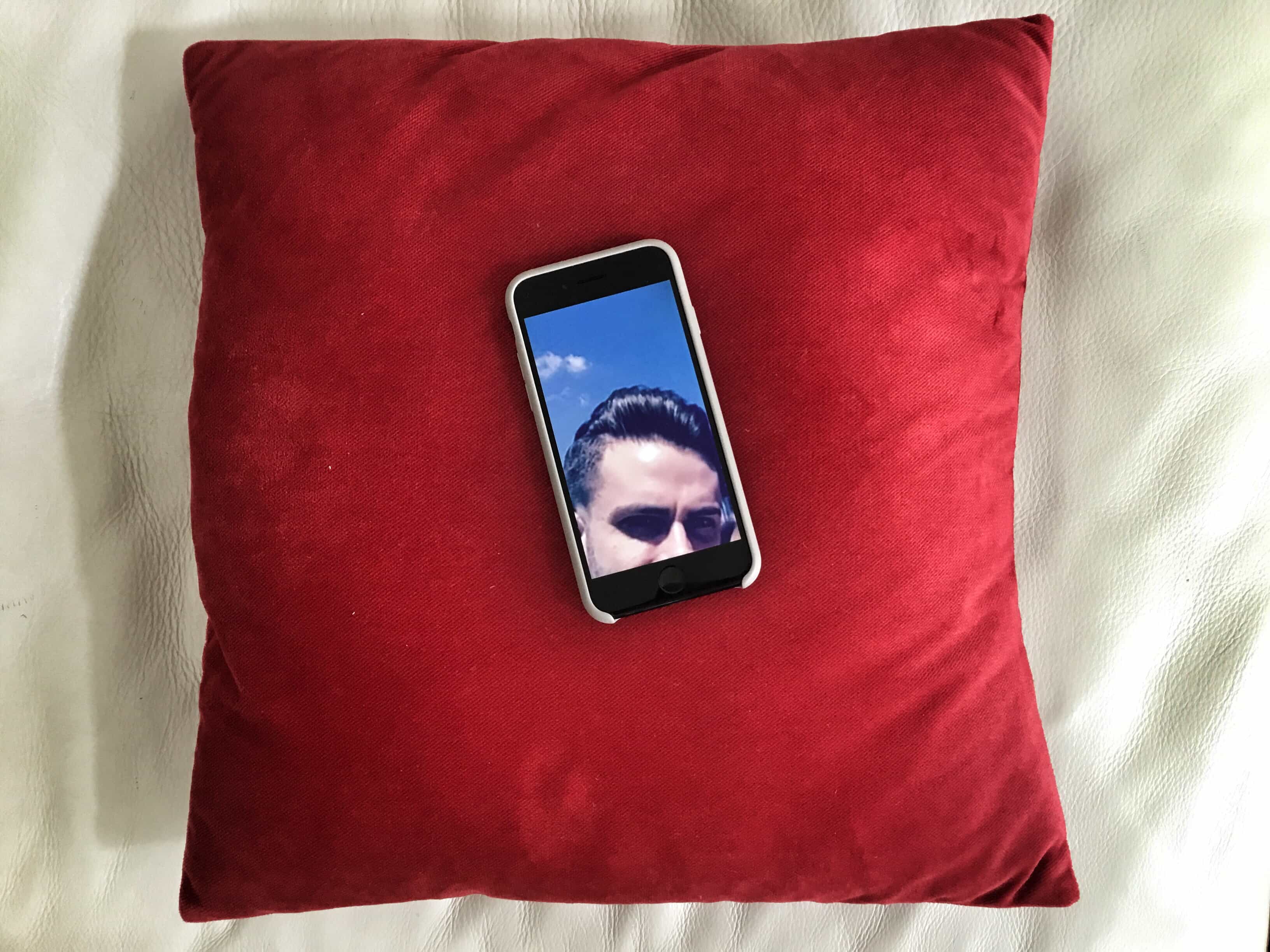
Nothing says 'JPG conversion' better than an over-copied photo of Killian's hair on a dusty red velvet cushion.
Photo: Charlie Sorrel/Cult of Mac

Yesterday, we saw how to set the default screenshot format on your Mac to JPEG instead of PNG, in order to make your screenshots more universally usable. You can’t change the default screenshot file type on iOS, so today we’re going to look at the next best option — converting PNG to JPEG as easily and quickly as possible.

Zombie-blasting Death Road to Canada gets massive update

By

Death Road
New characters, locations, and weapons? Check, check, and check again.
Photo: Rocketcat

For my money, Death Road to Canada is one of the best games to have landed on iOS in recent times. A crazy mash-up of randomly-generated zombie survival RPG, actioner, and text-based interactive fiction game, it’s a combination that totally shouldn’t work, but — like peanut butter and jelly — totally does.

And now it’s just got a massive update to more a great game even, well, greater. Check out the trailer below.

How to make JPEG screenshots the default on your Mac

By

JPG screenshot location
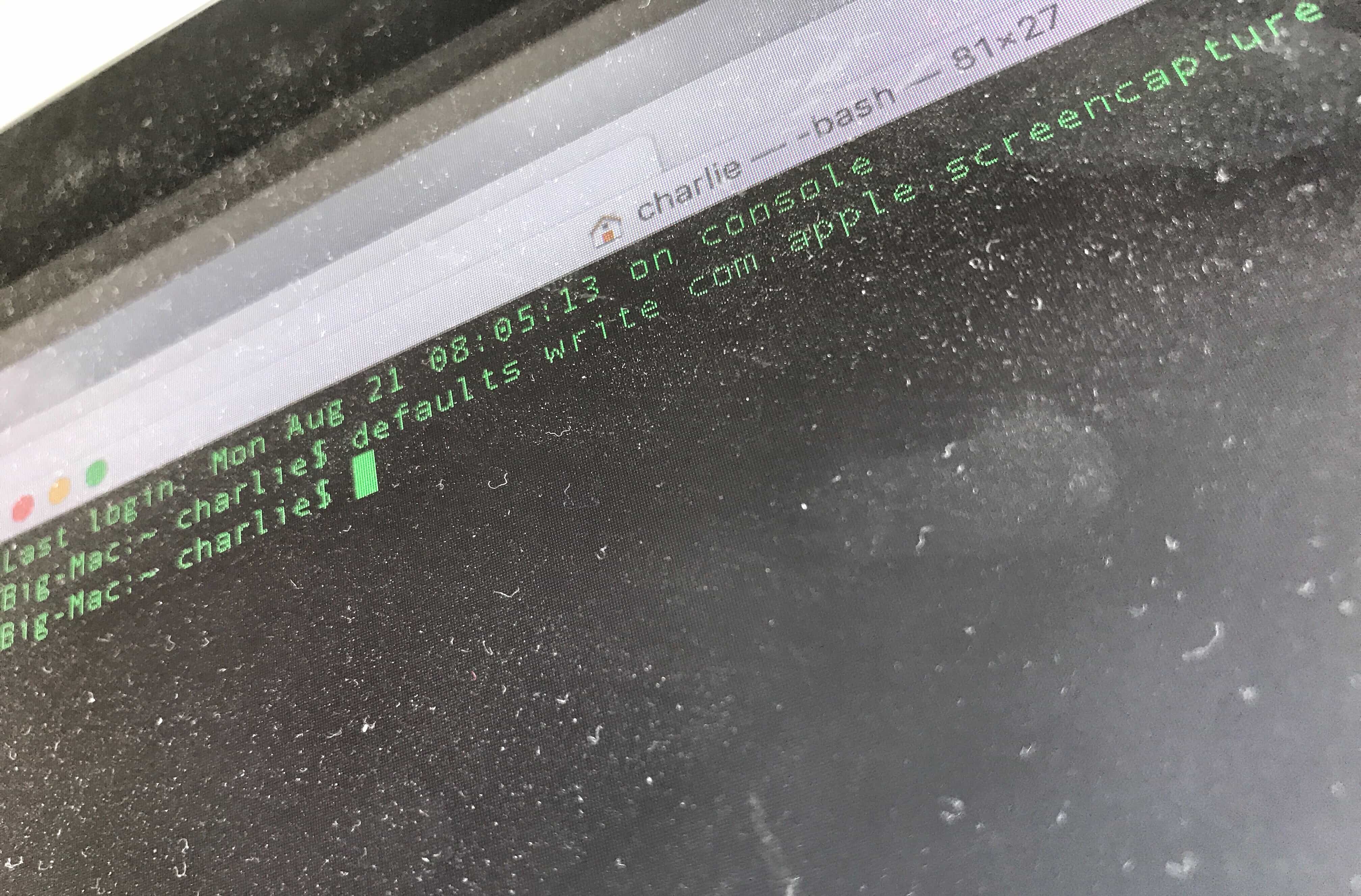
You'll have to dust off the Terminal for this tip. Seriously, though, kids, don't let your computer get this filthy.
Photo: Charlie Sorrel/Cult of Mac

By default, any screenshots you take on your Mac, iPad or iPhone get saved as PNG files. That’s great, because PNG files are pixel-perfect, and they support transparency (for those neat floating-window shadows).

But they’re not JPEGs, which means they’re not universally supported. Luckily, you can easily make JPEG screenshots the default, at least on the Mac.

iOS 11 App Store now shows Mac apps previews

By

iOS 11 App Store previews mac apps
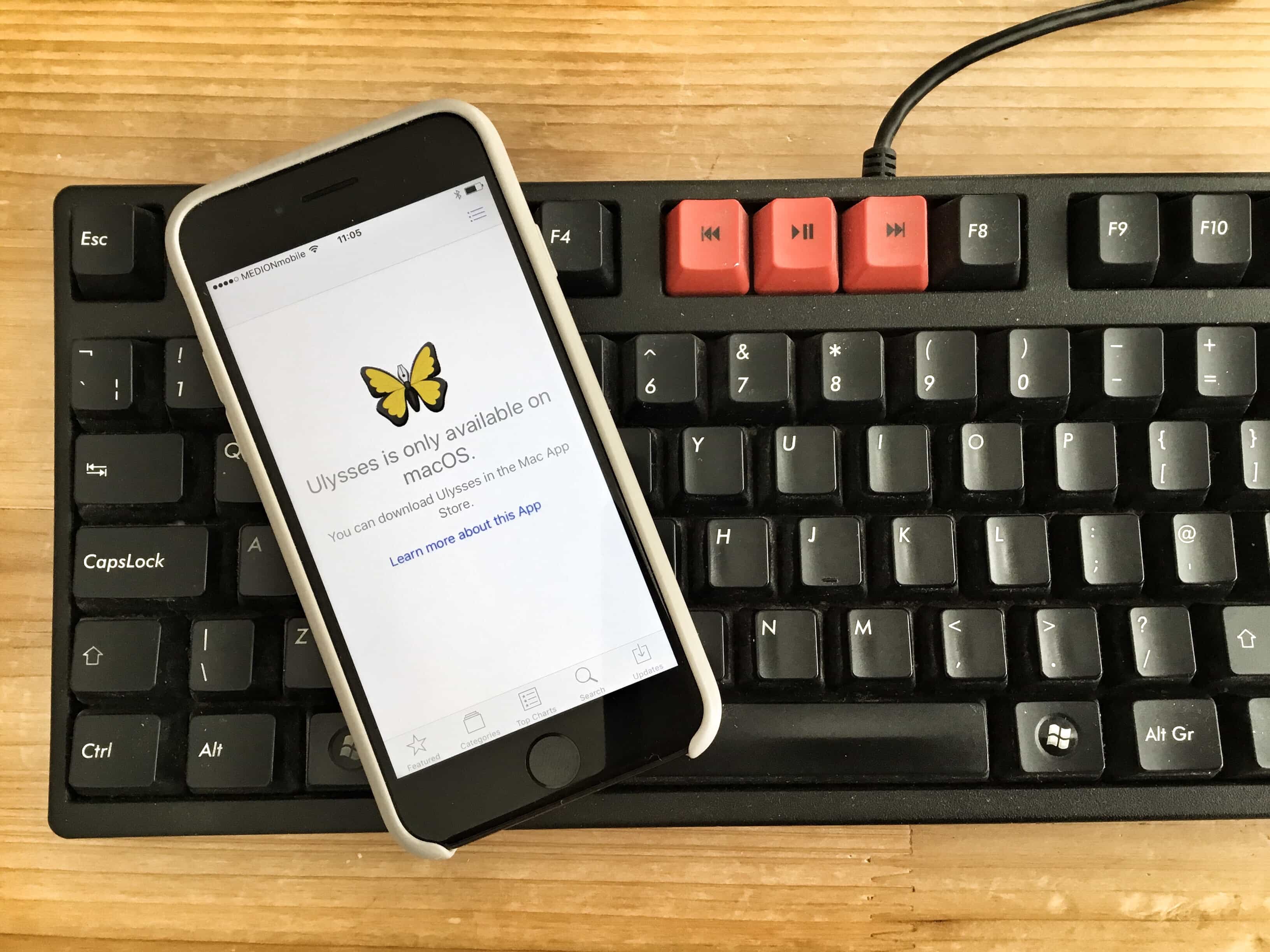
In iOS 11, you'll never have to shout at this ridiculous warning ever again.
Photo: Charlie Sorrel/Cult of Mac

Ever tapped an App Store link for a Mac app while browsing on your iPad, and gotten sent to a useless page telling you that the app is only available on the Mac? Like, you couldn’t possibly want to know the price, or see screenshots, or read any other information about a Mac app while you’re using your iPhone?Well,

Well, those dark, patronizing days are over. In iOS 11, clicking on a link for a Mac App takes you to the proper iOS 11 App Store entry for that app. Right there on your iPad.