HQ Trivia had its moment in the sun, before beginning its decline. Photo: HQ
One-time App Store sensation HQ Trivia has been thrown a lifeline after the company behind it initially announced that it was shutting down. On Twitter, HQ CEO and co-founder Rus Yusupov said that, after negotiations, they have found a tentative new home for the business.
“We have found a new home for HQ, with a company that wants to keep it running,” Yusupov wrote. “All employees, contractors and players are top priority. Severance will be paid and you will be able to cash out.”
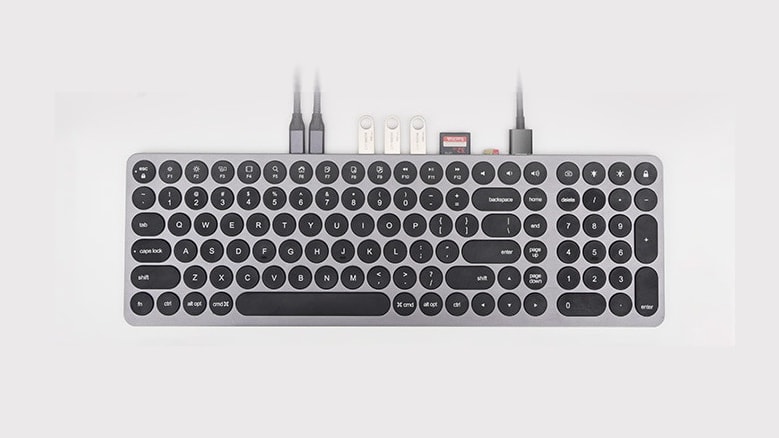
The Kolude KD-K1 Keyhub combines two important accessories into one, saving on clutter. Photo: Kolude
The Kolude KD-K1 Keyhub merges keyboard and multiport hub into one accessory — it’s right there in the name. The designers included scissor-switch keys in an aluminum casing, as well as nine ports, including USB-A and HDMI.
It extends the connectivity of Macs and iPad Pro, and all the ports are easily accessible.
2018's App Store stunner is finally available on Mac. Photo: Snowman
Two years after it debuted in the iOS App Store, Alto’s Odyssey has finally arrived on Mac.
The long-awaited follow up to 2015’s brilliant Alto’s Adventure endless snowboarding game transposes the action to a desert sandboarding setting. The resulting game is a luscious graphical stunner that will keep you playing for hours!
Lockdown, the open-source firewall app for iOS, is now available on the Mac. And just like the iOS version, it blocks all kinds of connections to trackers and other unwanted snoop-ware.
Mac users already enjoy good options when it comes to privacy apps, so how does Lockdown match up?
It's just waiting for Apple's approval. Photo: Stardew Valley
Stardew Valley’s gigantic version 1.4 content update is coming soon to iOS. It brings a new farm map, fish ponds, a new end-game mystery, and more than 60 brand-new items. There are also 14 music tracks and “hundreds” of fixes.
The update is already live on Android (it first rolled out on PC and console late last year), and it’s now waiting for Apple’s approval before it hits the App Store.
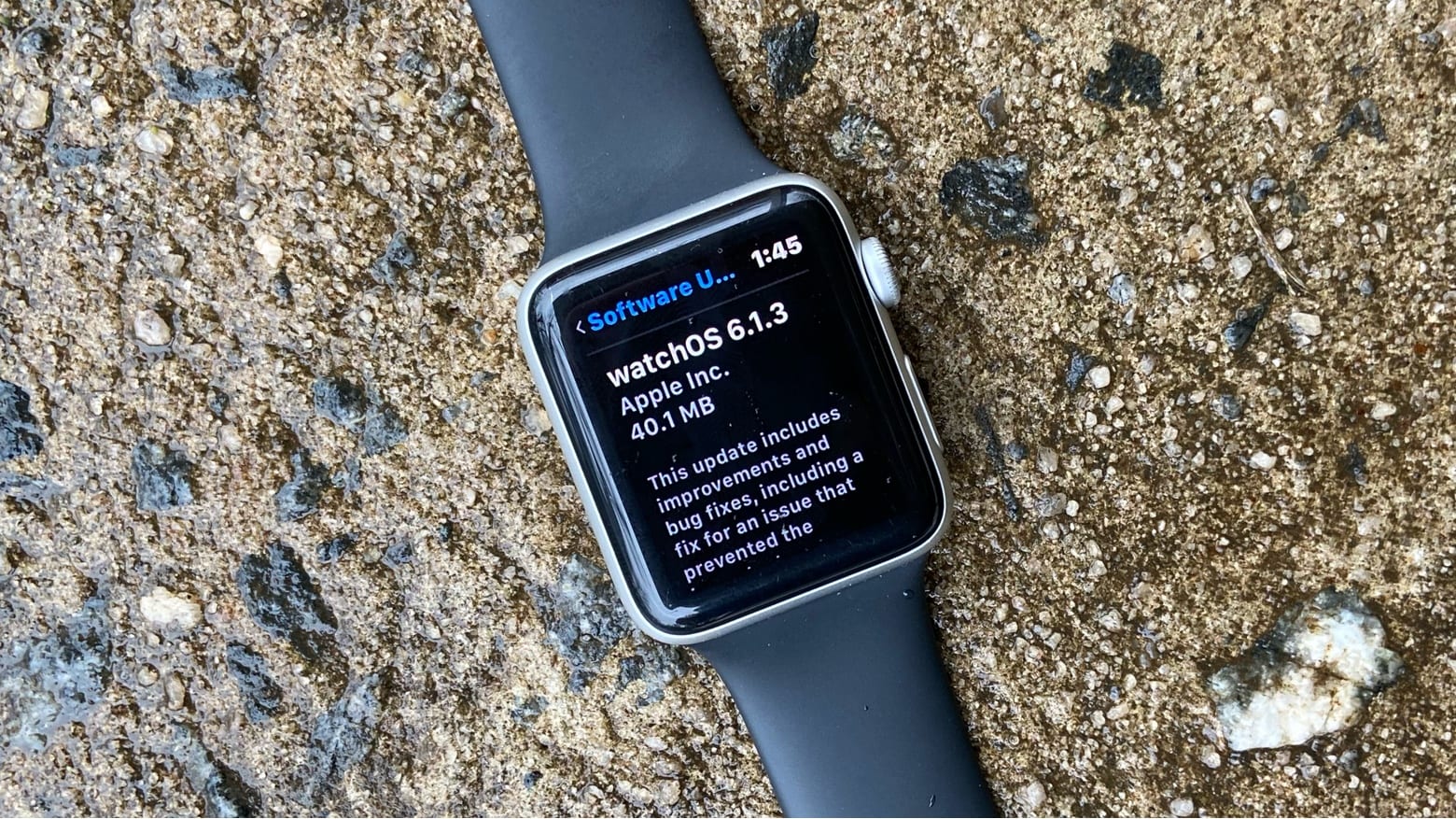
If you live in Iceland, you need watchOS 6.1.3 right now. Photo: Ed Hardy/Cult of Mac
The newly-released watchOS 6.1.3 fixes a significant bug, but only for the residents of Iceland. Still, Apple thinks it’s important enough to put out a software update primarily for this reason.
The official SoundCloud app for iPhone and iPad now lets you upload your latest tracks directly from the Files app.
Its new upload feature supports any audio file, including lossless formats like FLAC and AIFF. It also lets you add metadata, artwork, descriptions, and more — all from the palm of your hand.
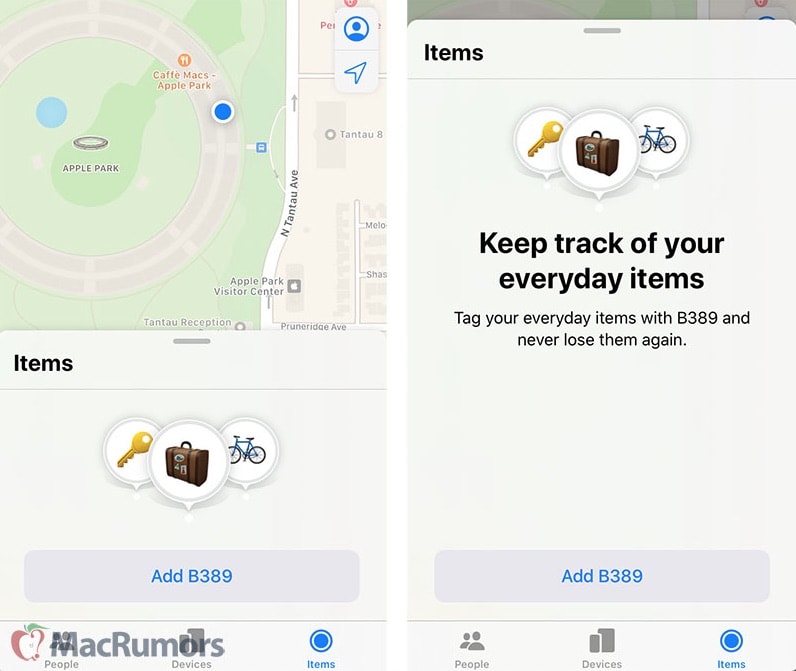
Here's how AirTags will work on your iPhone. Photo: MacRumors
Apple’s fall product launch will include a tiny gadget with a big responsibility: knowing the whereabouts of your devices when you lose them.
AirTags, a circular Bluetooth tracking keychain attachment similar to Tile, got on the radar of supply chain analyst Ming-Chi Kuo, who reported news Tuesday on the supplier charged with producing the circuitry.
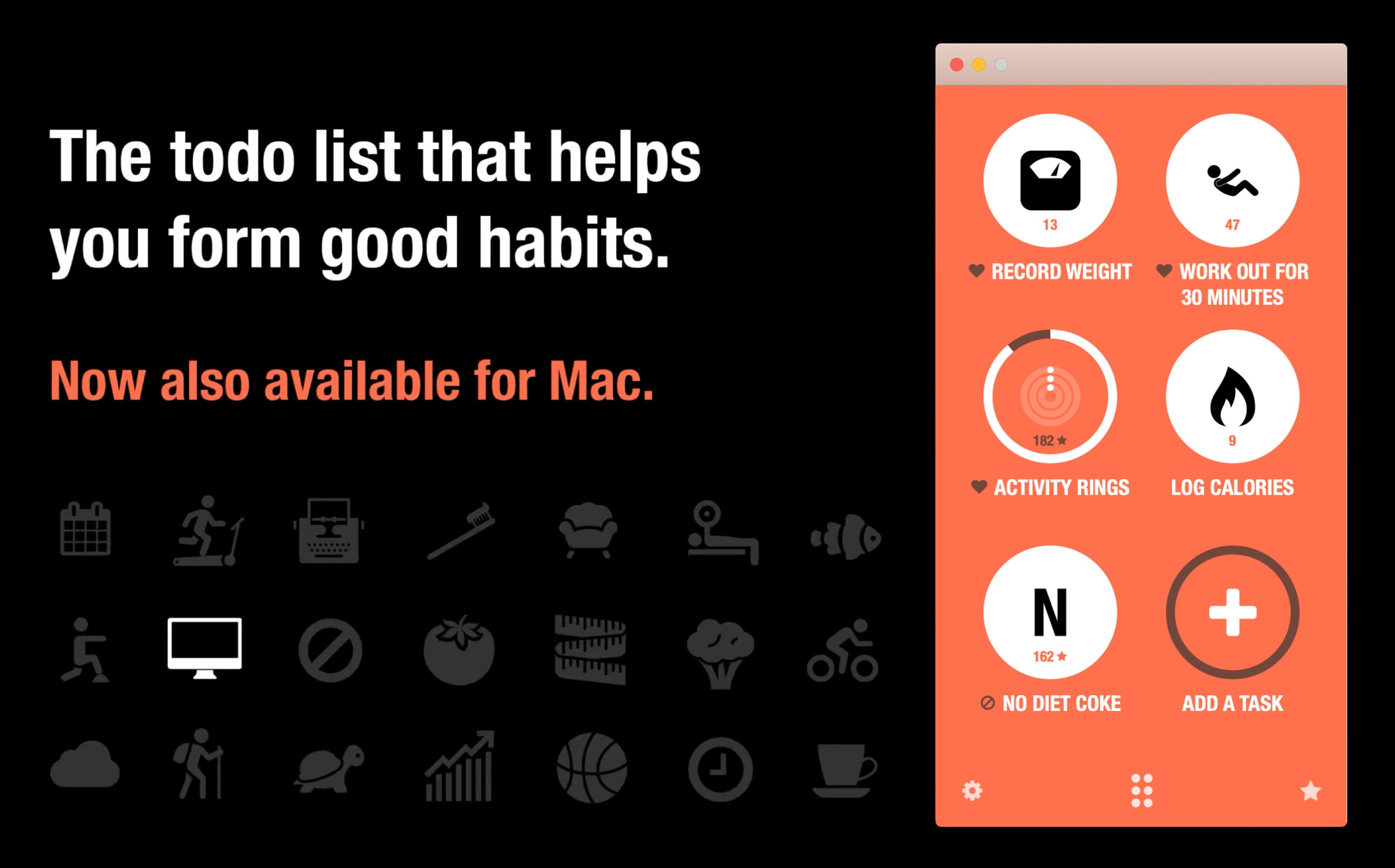
Break your bad habits with Streaks. Photo: Streaks
To-do and habit-tracking app Streaks is finally available for Mac after previously being available only for iPhone, iPad, and Apple Watch.
The app lets you track up to 12 tasks to complete every day. Users must build a streak of consecutive days they have accomplished these on. That makes it perfect for promoting good habits such as walking more, or breaking bad habits like drinking too much coffee or smoking.
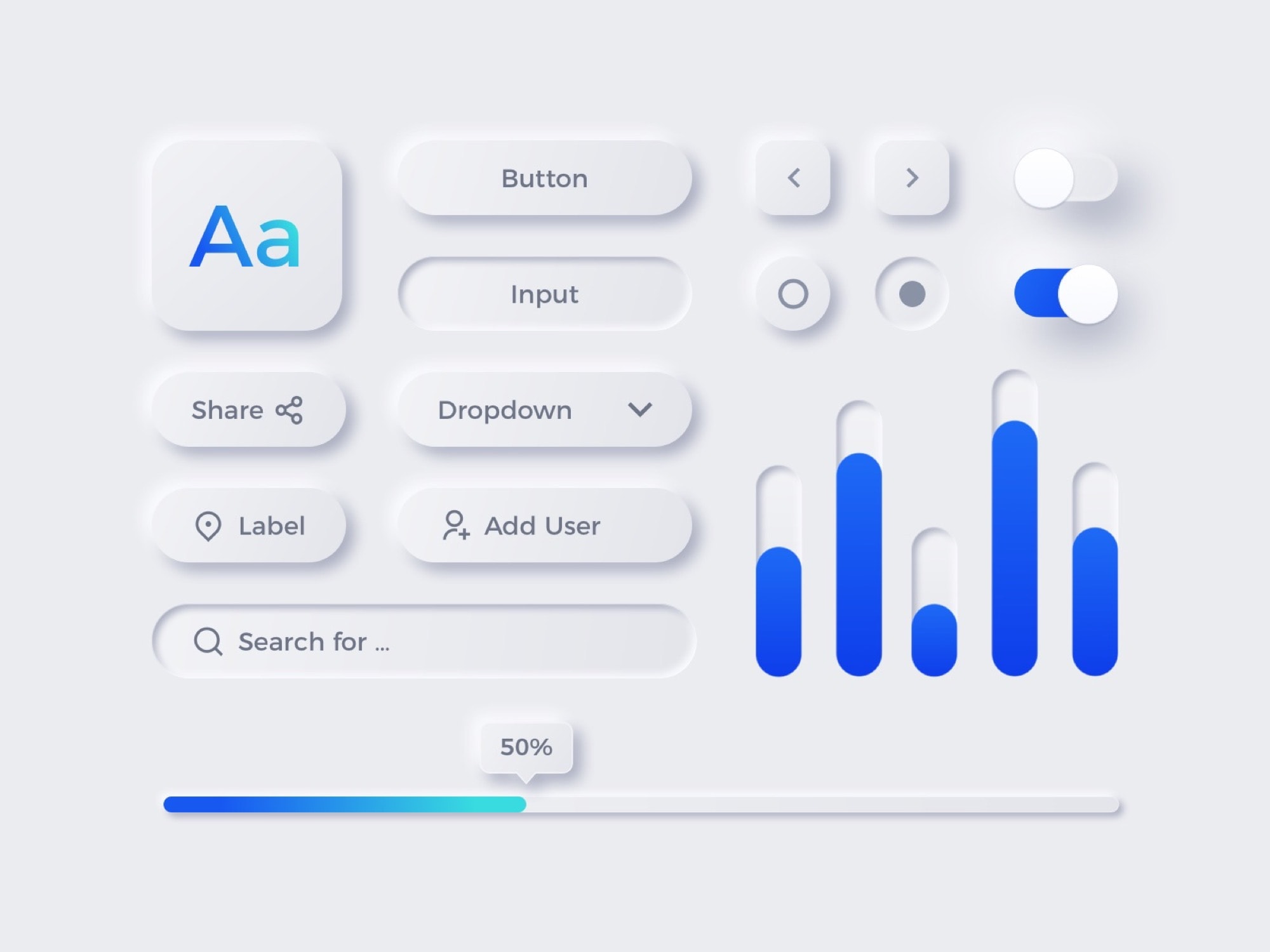
Flat UI elements, bolstered with real-world visual cues, make neumorphism easy to "read." Photo: MazePizel/Dribbble
Take one look at any screenshot from a pre-iOS 7 iPhone, and you’ll wonder how we ever used such a hideous interface for so many years. The skeumorphic design language included so much fake wood, glossy plastic and gray gradient that there’s almost nowhere to put the actual contents of the app.
iOS 7 went way too far in the opposite direction, with flat white pages and skinny text. Is that a button? Is it just a label? Can I press it? Who knows? We’re still suffering from this UI ambiguity today, in iOS 13. Text got thicker, but it’s still hard to know what to press, and what is just there to be read.
Clearly, there’s a space between these two extremes. Something as clean as iOS 7 and, at the same time, as obvious and usable as iOS 6 and previous versions. But what would that look like? I know what I want it to look like. It’s called “neumorphism,” and it looks fantastic.