The release of iOS 14.5 gives iPhone and iPad users access to some fun new emoji. Photo: Emojipedia/Cult of Mac
The fresh emoji appearing in iOS 14.5 will set your heart afire. Or at least let you show that in texts. The new collection of pictographs also includes some new faces, and plenty of additional variations to show how we couple up in the 21st century.
iPad users get the same emoji thanks to iPadOS 14.5 and macOS 11.3, which also launched on Monday.
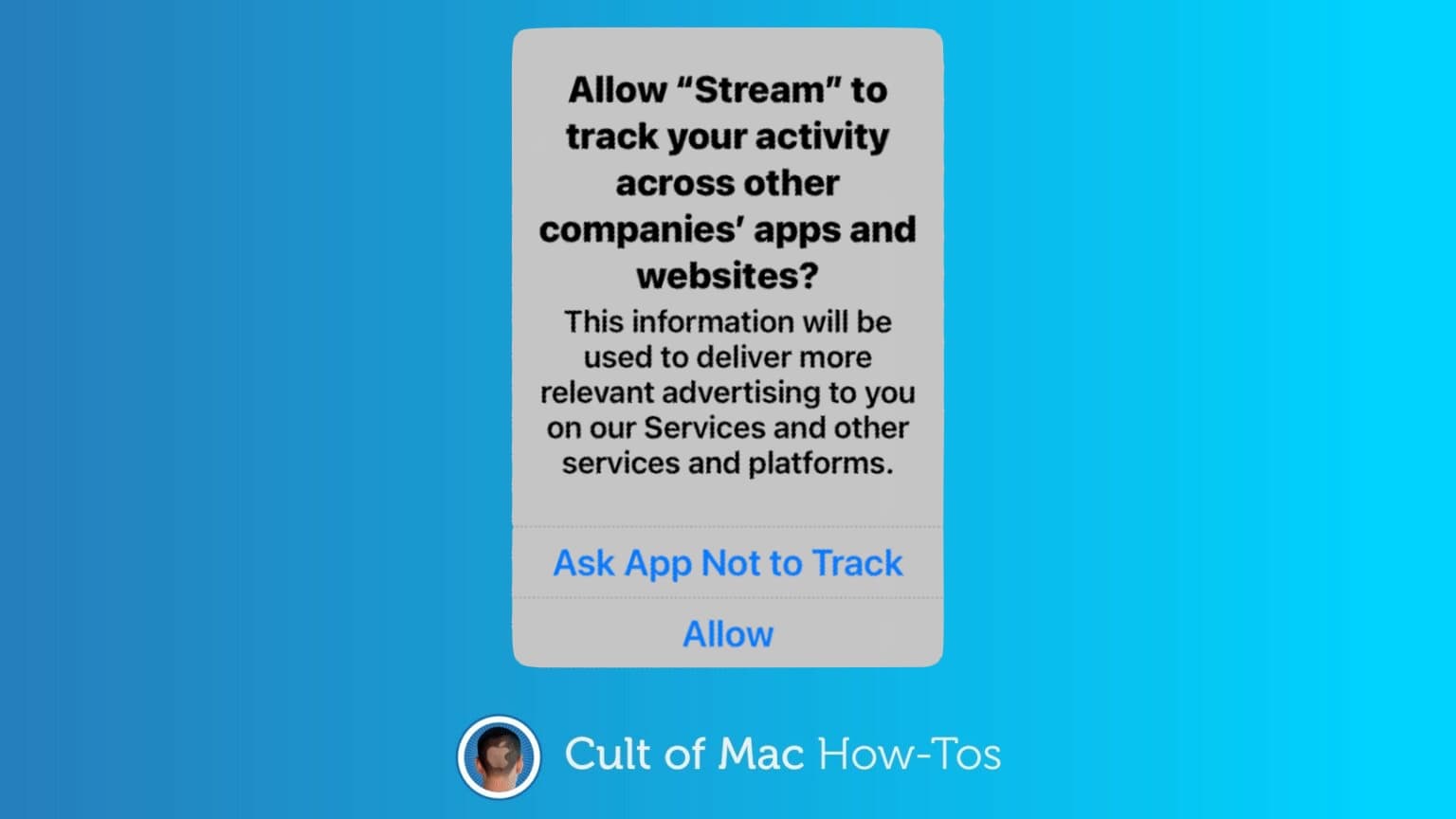
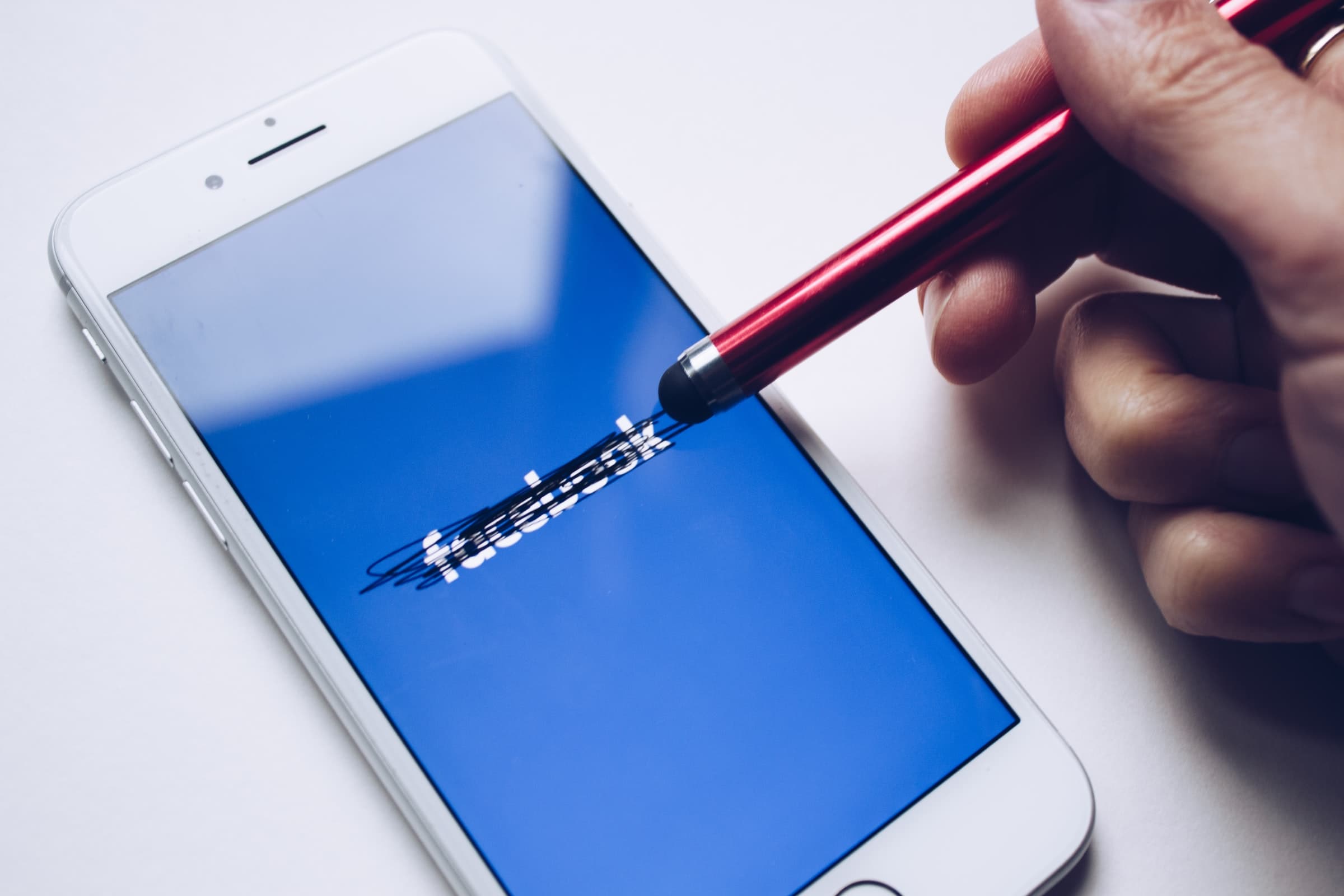
Thanks to App Tracking Transparency in iOS 14.5, it’s up to your to decide whether third-party applications track you. Graphic: Cult of Mac
iPhone and iPad just got a significant new privacy protection, preventing third-party apps from tracking you without permission. App Tracking Transparency debuted in iOS 14.5 and iPadOS 14.5.
Here’s how to use it. And what to do about all the popups asking, “Allow [THIS APP] to track your activity?”
macOS Big Sur 11.3 is ready to be downloaded. It improves Safari and Reminders, and includes many new options for game controllers. Photo: Cult of Mac
macOS Big Sur 11 was apparently such a significant update that Apple doesn’t have much to add in follow ups. Version 11.3 launched Tuesday bringing a collection of tweaks but not big changes.
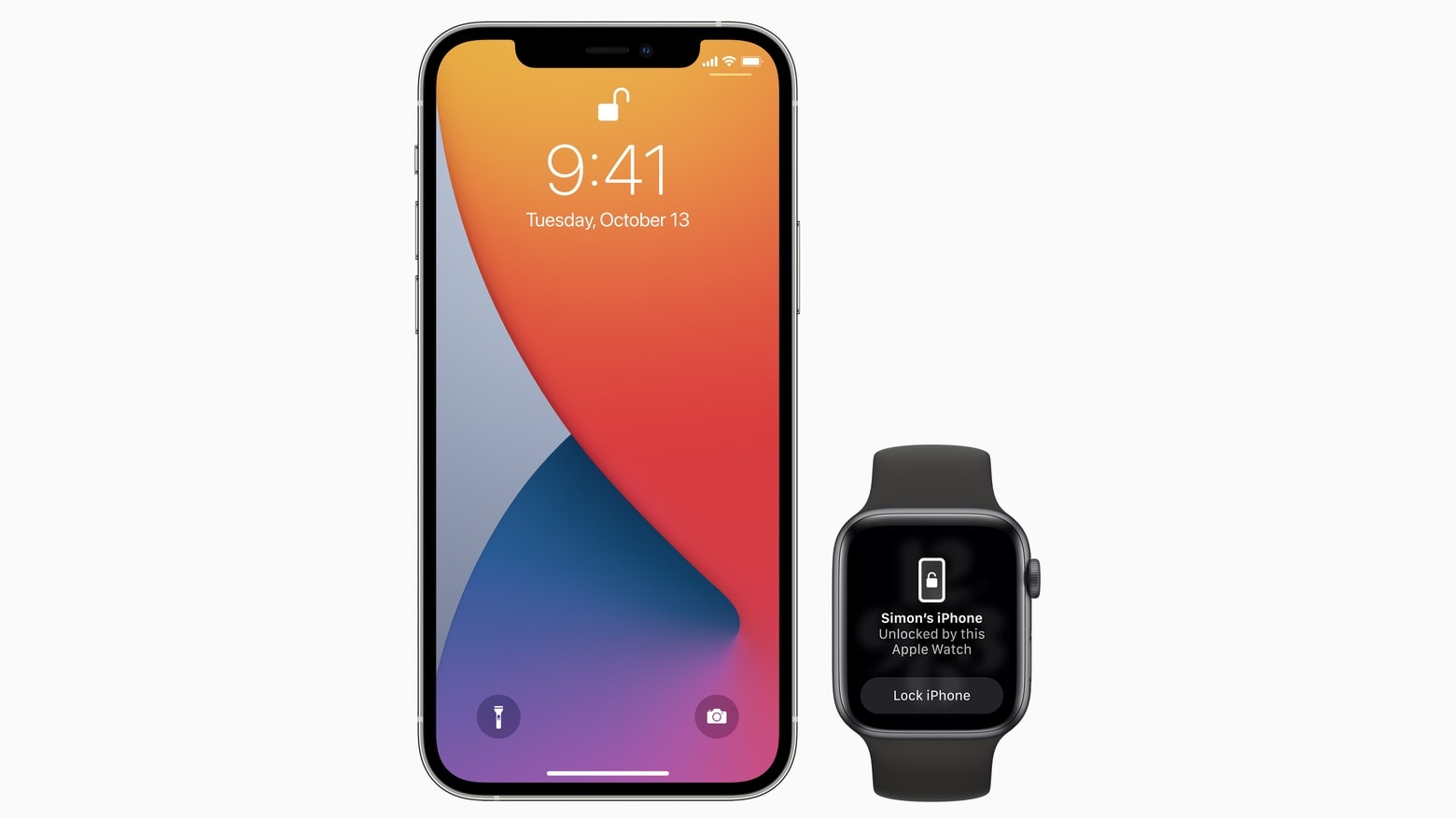
Starting with iOS 14.5, iPhone owners can use their Apple Watch to securely unlock their handset when attempting to use Face ID while wearing a face mask. Photo: Apple
Apple on Monday gave all iPhone users access to iOS 14.5. And iPad users can install iPadOS 14.5 Today’s updates bring a ton of new features, including unlocking an iPhone with an Apple Watch while wearing a mask.
The OS updates also bring App Tracking Transparency, a controversial change that makes it harder for apps to track users for targeted advertising. Other upgrades include new emoji, fresh Siri voices, additional features for Apple’s news and map apps, support for the just-announced AirTag trackers and a wholesale redesign of the Podcasts app.
watchOS 7.4, which is necessary for the new mask-friendly Face ID feature, and tvOS 14.5 also became available today, along with macOS Big Sur 11.3.
A group of media, tech, and ad companies in Germany have made an official antitrust complaint about Apple’s App Tracking Transparency feature.
The group, which represents Facebook among other companies, is concerned about the effect the new privacy feature will have on the ad business. It also claims that the feature could wind up hurting users by making apps more expensive.
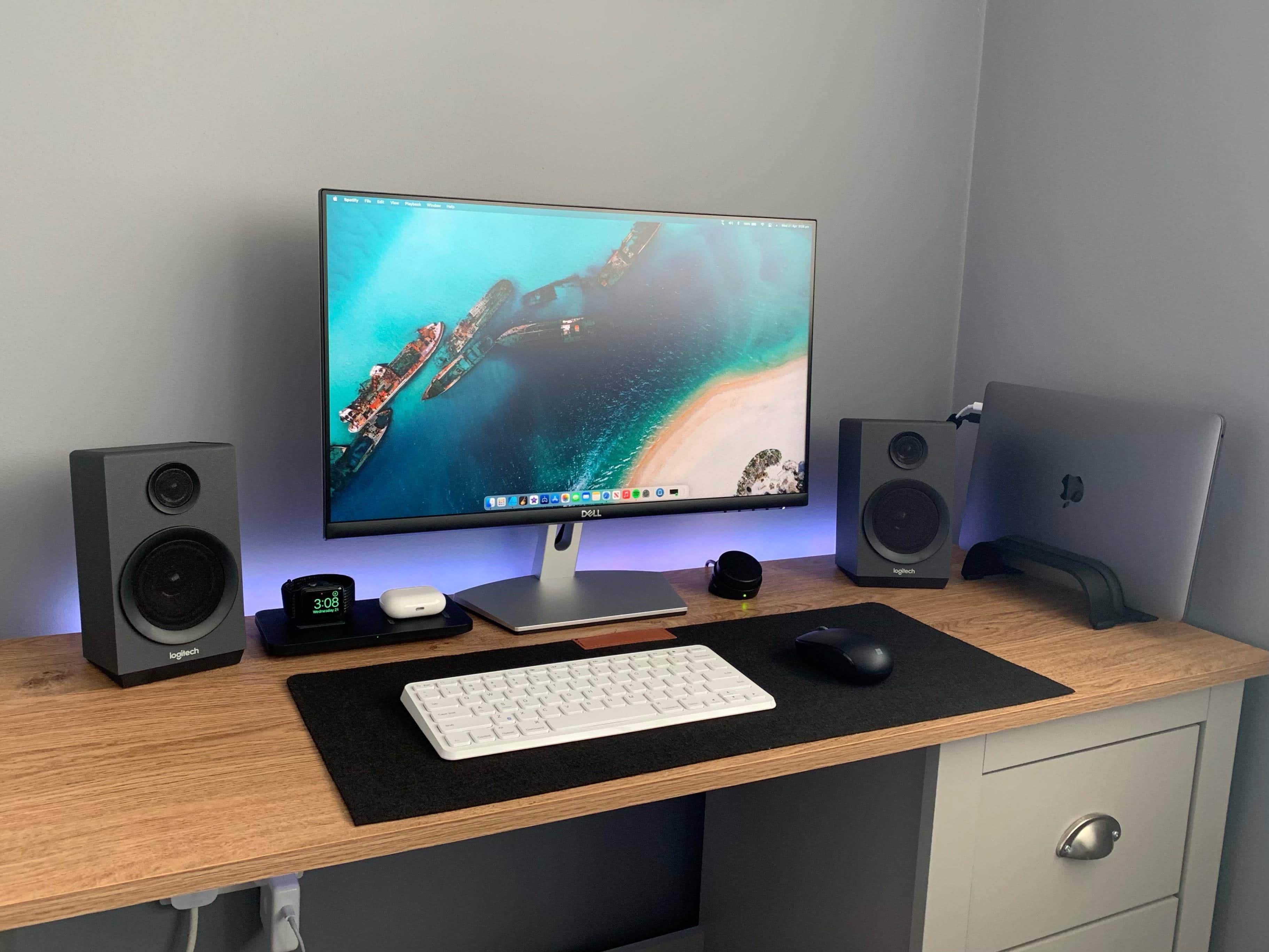
Which keyboard would you suggest for this setup? Photo: KunalBH@Reddit
Redditor KunalBH bought a compact, no-frills Anker keyboard to use with his iPad in 2017. Now he’s asking the universe for help finding a worthy replacement (or additional) keyboard for his MacBook Pro-based setup.
Passionate suggestions are pouring in. See below for some of the leading contenders.
Need an affordable Mac that can handle all your everyday tasks? Order a powerful Mac mini or MacBook Pro refurb from Woot and save hundreds. Prices start at just $589.99, but the sale is good for today only.
Tim Cook reportedly shocked Facebook CEO Mark Zuckerberg when, during a July 2019 meeting, he told the social media magnate that he should delete all user data Facebook had gathered outside of its core apps.
According to The New York Times, the meeting between the two had been called to try and restore peace between the Silicon Valley tech giants. Zuck had asked cook how he should respond to the then-current Cambridge Analytica scandal, during which many users had had data gathered about them without express permission.
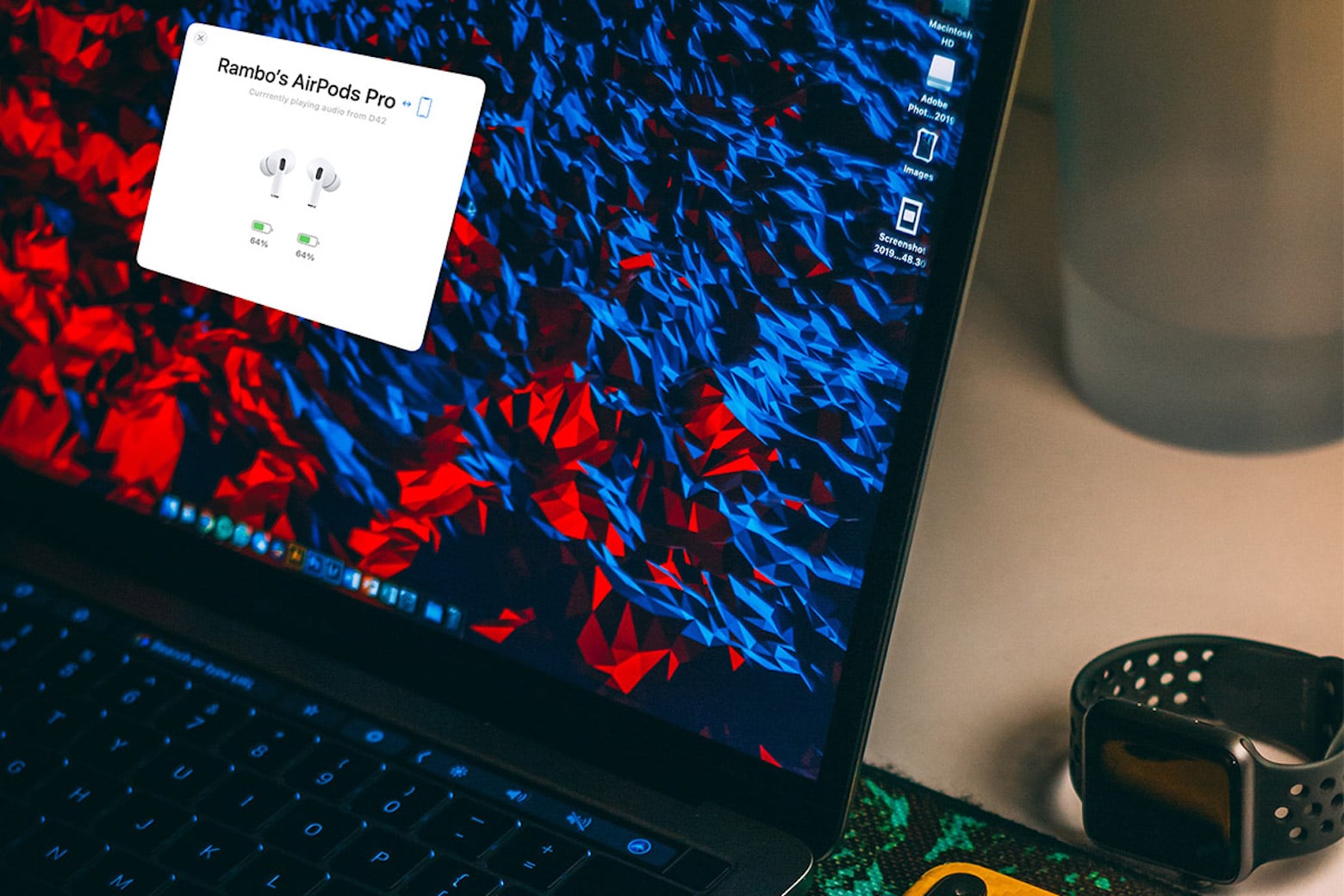
AirBuddy lets you instantly connect your Mac's audio to your AirPods
AirPods are famous for their seamless multi-device syncing ability. But there’s one snag that can annoy Mac users: The AirPods experience is optimized for iPhones and iPads, not macOS.
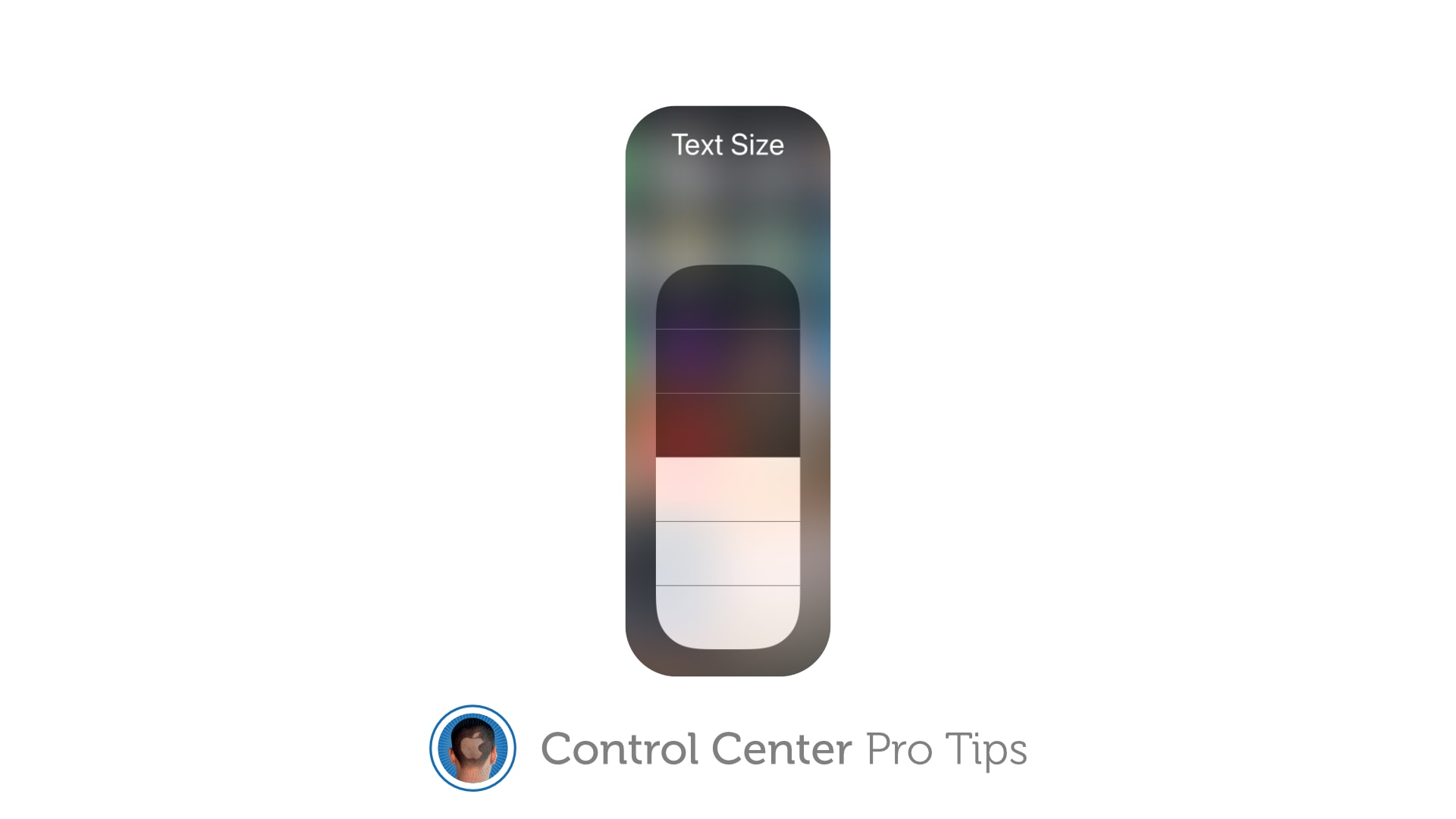
Don't squint to read text on your iPhone and iPad. Image: Killian Bell/Cult of Mac
We want to help you master Control Center, one of the most powerful and underutilized features on Apple devices. Cult of Mac’sControl Center Pro Tips series will show you how to make the most of this useful toolbox on iPhone, iPad, Apple Watch and Mac.
Left your reading glasses at home? Switch system text sizes on the fly using Control Center to make text messages, emails, websites, and more easier to read on iPhone and iPad. We’ll show you how.