Mobile menu toggle

Search results for: Apple One

Easily manage Bluetooth devices inside Control Center [Pro tip]

By

Manage Bluetooth devices in Control Center
Managing wireless devices can be easy with Control Center.
Image: Killian Bell/Cult of Mac

Control Center Pro Tips WeekWe want to help you master Control Center, one of the most powerful and underutilized features on Apple devices. Cult of Mac’s Control Center Pro Tips series will show you how to make the most of this useful toolbox on iPhone, iPad, Apple Watch and Mac.

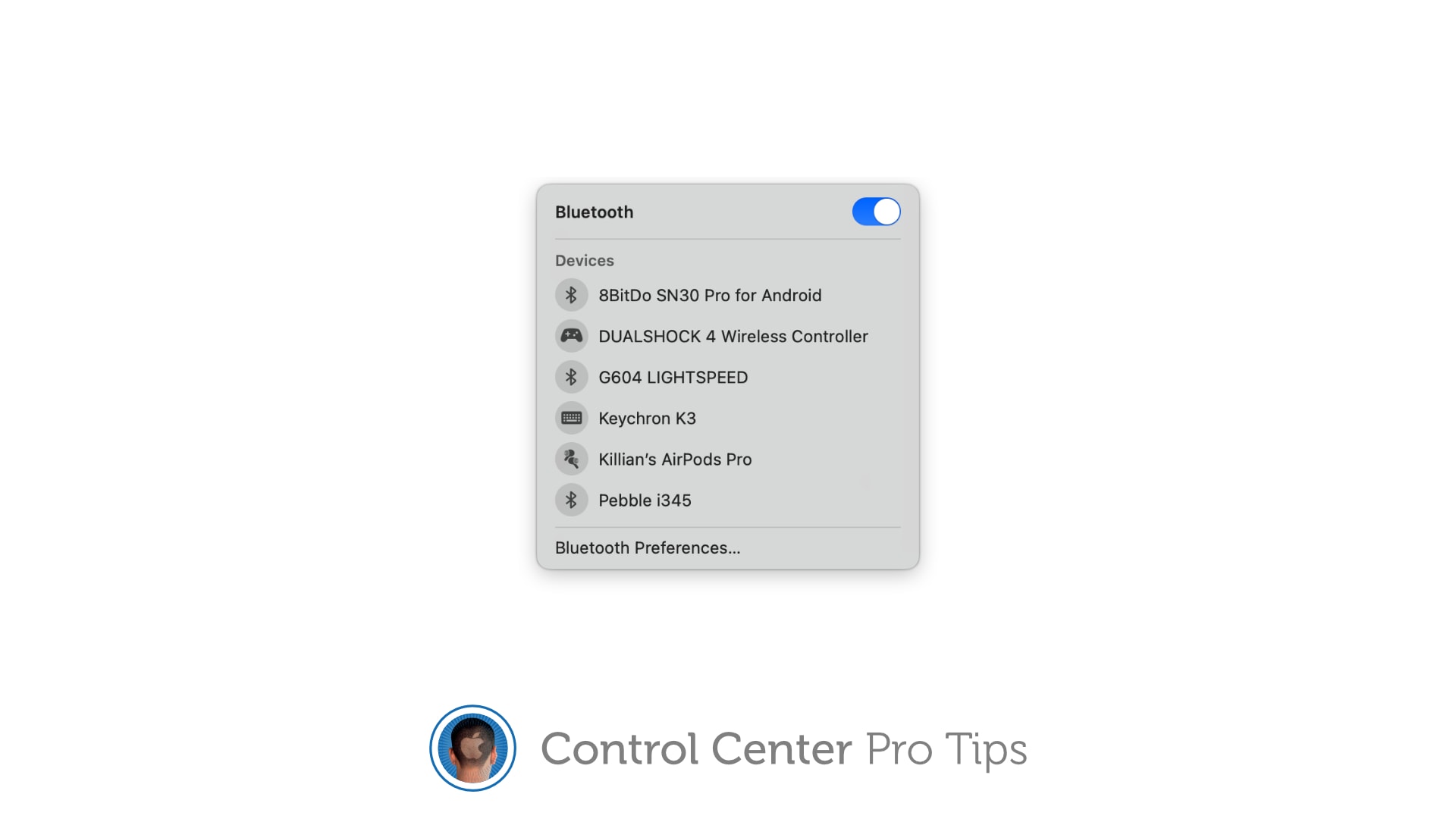
Quickly connect to Bluetooth devices by using Control Center on iPhone, iPad, and Mac. You won’t need to fiddle around inside Settings or System Preferences — just a couple of taps is all it takes to start pairing.

We’ll show you how.

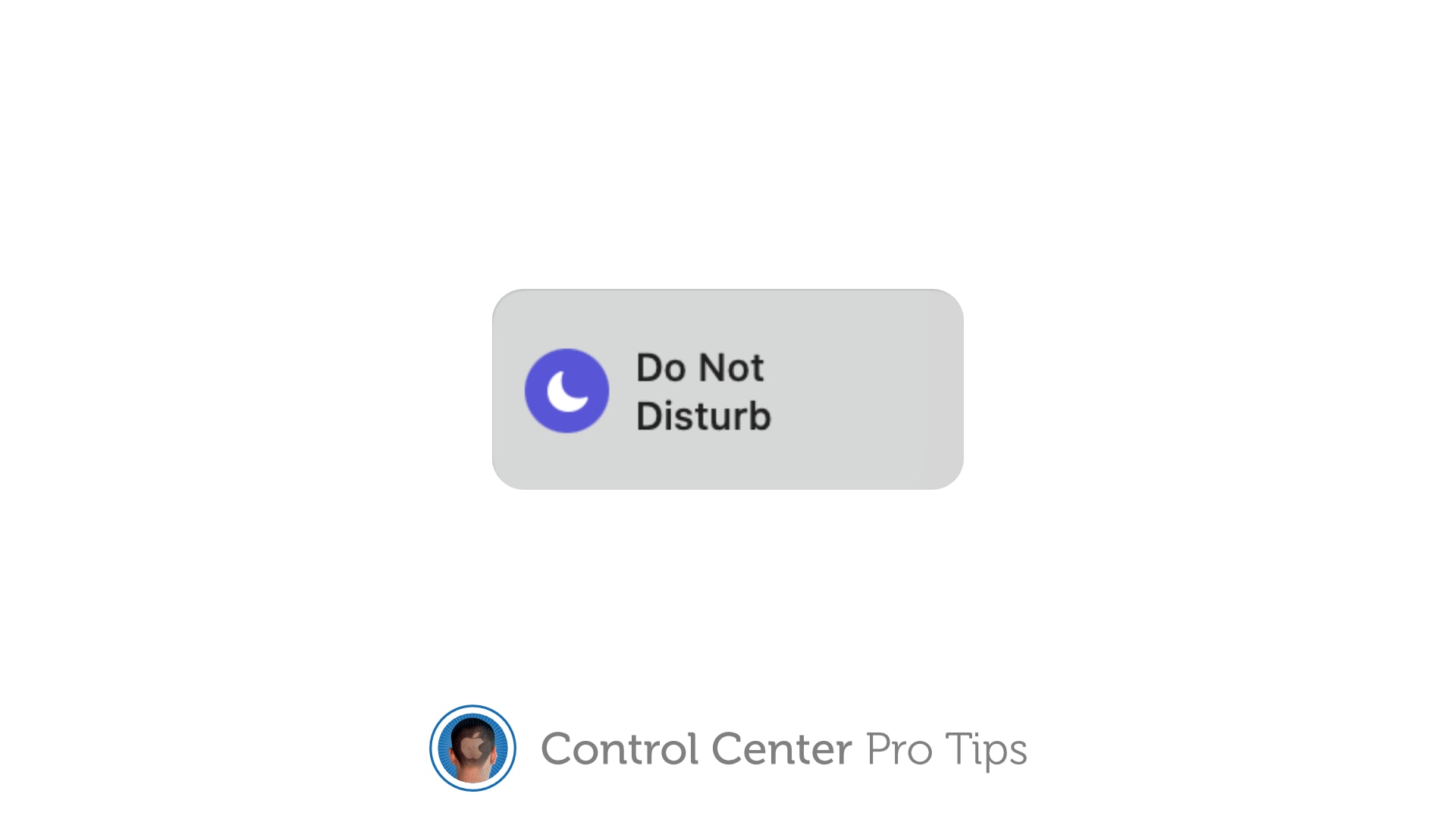
Quickly toggle Do Not Disturb mode using Control Center [Pro tip]

By

Toggle Do Not Disturb in Control Center
The quickest, easiest way to silence your device.
Image: Killian Bell/Cult of Mac

Control Center Pro Tips Week

We want to help you master Control Center, one of the most powerful and underutilized features on Apple devices. Cult of Mac’s Control Center Pro Tips series will show you how to make the most of this useful toolbox on iPhone, iPad, Apple Watch and Mac.

Heading into an important meeting and need your iPhone to keep quiet? Don’t worry about turning off your device or messing around inside the Settings app; toggle Do Not Disturb mode with one tap in Control Center.

We’ll show you how on all Apple devices.

Era of crazy growth for AirPods may be over

By

Apple has big plans for the AirPods lineup.
AirPod sales have been growing at crazy speeds... until now.
Photo: Omid Armin/Unsplash CC

AirPods have been on a crazy upward trajectory since Apple introduced them in 2016. However, that unassailable rise may have finally stalled, according to a report from Nikkei Asia published Wednesday.

The publication claims that Apple has cut orders for AirPods by 25-30% after being stuck with excess inventory sitting around in warehouses. This is due to the ever-expanding competition Apple faces from other companies making their own rival wireless earbuds — many at a lower price point than Apple.

$40 fitness watch offers 15 different health-tracking features

By

fitness watch
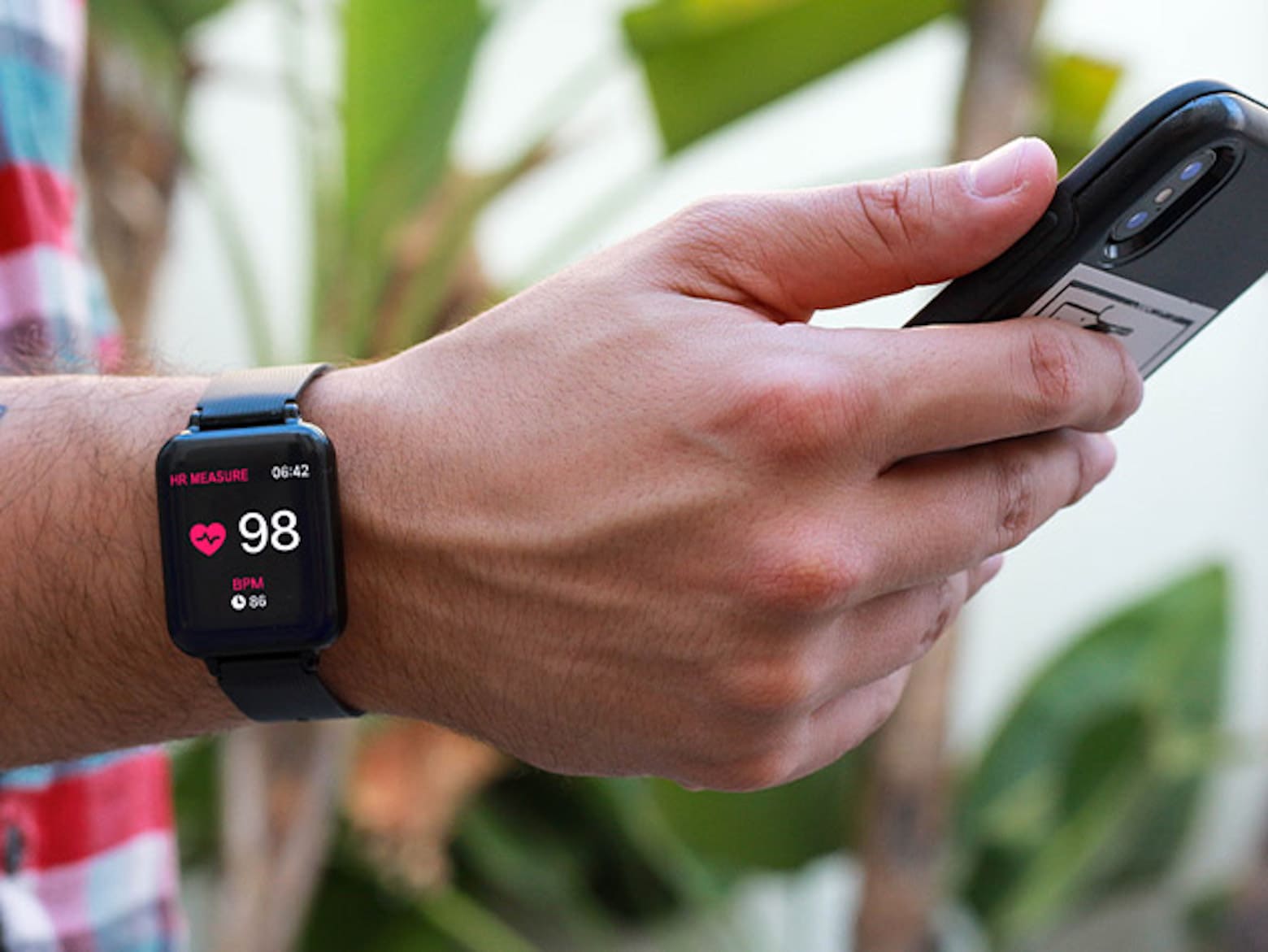
This robust fitness watch is an affordable Apple Watch alternative.
Photo: Smart Fit

If there’s one thing you should get a handle on, it’s your overall wellness. An Apple Watch works great for that, but you don’t necessarily need to spend the same amount of cash to get a robust fitness tracker. The Smart Fit Multi-Functional Wellness & Fitness Watch offers 15 high-tech features to help you monitor stats that will help you meet your fitness goals.

Why you won’t see App Tracking Transparency prompts immediately

By

App Tracking Transparency will be part of iOS 14.5, iPadOS 14.5 and tvOS 14.5. It’s already showing up in betas.
Developers get to say when the feature goes live. But there's a catch.
Graphic: Cult of Mac

Apple debuted iOS 14.5, with its App Tracking Transparency feature, on Monday. But if you updated your iPhone or iPad, and haven’t seen a flurry of alerts about apps wanting to track you, don’t be concerned. The controversial privacy feature is working as advertised.

That’s because the new privacy tracking prompt, which asks users if they want to allow an app to track them on other companies’ apps and websites, will only show up when a developer agrees for the feature to go live on their specific app. Until they push it live, they’re blocked from tracking users via Apple’s Identifier for Advertisers (aka IDFA).

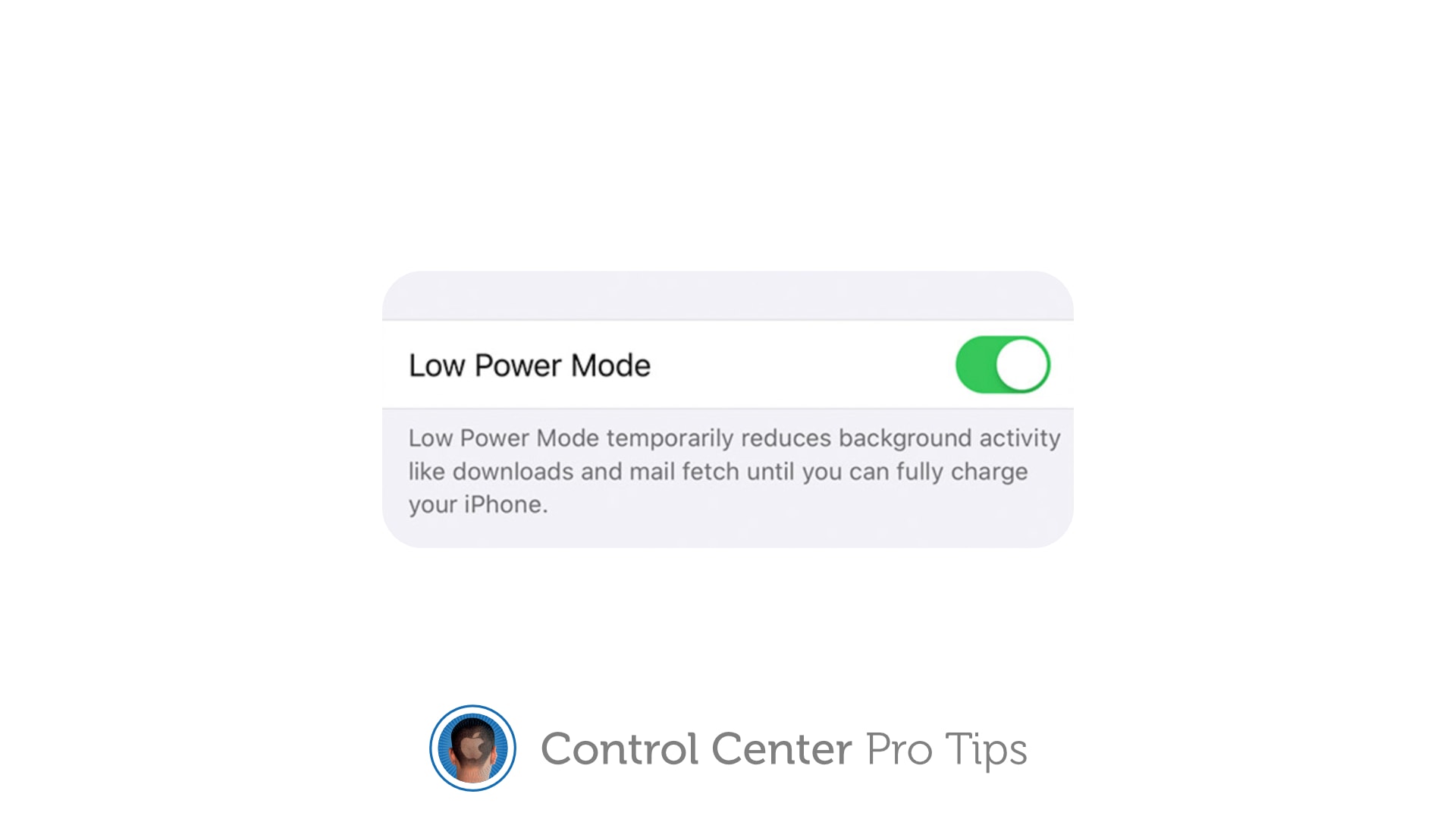
Extend battery life by using Low Power Mode in Control Center [Pro tip]

By

Activate Low Power Mode in Control Center
Enable Low Power Mode to get you through a long day.
Image: Killian Bell/Cult of Mac

Control Center Pro Tips WeekWe want to help you master Control Center, one of the most powerful and underutilized features on Apple devices. Cult of Mac’s Control Center Pro Tips series will show you how to make the most of this useful toolbox on iPhone, iPad, Apple Watch and Mac.

Worried your iPhone or iPad battery isn’t going to last you all day? Activate Low Power Mode inside Control Center to minimize how much energy your device is consuming when it’s not being used. It’s super-simple to use, won’t get in your way, and it makes a big difference.

We’ll show you how and explain a similar feature — Power Reserve — that you can activate on Apple Watch.

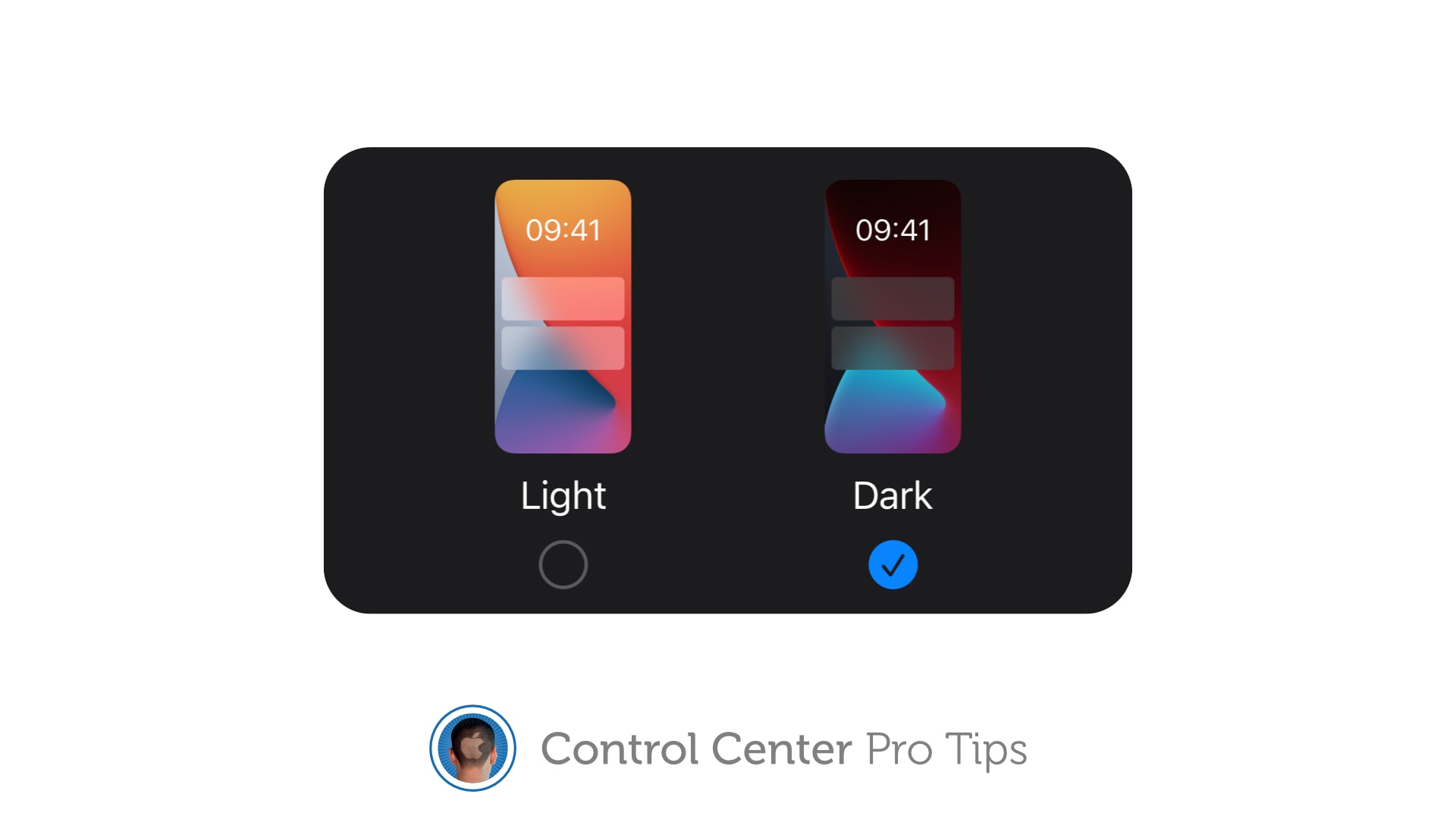
Toggle Dark Mode with a tap using Control Center on iOS and Mac [Pro tip]

By

There's no need to dig around inside the Settings app to activate dark mode on your iPhone, iPad, or Mac.
There's no need to dig around inside the Settings app.
Image: Killian Bell/Cult of Mac

Control Center Pro Tips WeekWe want to help you master Control Center, one of the most powerful and underutilized features on Apple devices. Cult of Mac’s Control Center Pro Tips series will show you how to make the most of this useful toolbox on iPhone, iPad, Apple Watch and Mac.

There’s no need to dig around inside the Settings app to activate Dark Mode on your iPhone, iPad or Mac. Simply add the Dark Mode button to Control Center and you can quickly toggle it on or off in just a tap.

We’ll show you how in this Control Center pro tip.

Quickly scan a QR code from inside Control Center [Pro tip]

By

Add a QR code scanner to Control Center
The dedicated Code Scanner app is ready when you need it.

Control Center Pro Tips WeekWe want to help you master Control Center, one of the most powerful and underutilized features on Apple devices. Cult of Mac’s Control Center Pro Tips series will show you how to make the most of this useful toolbox on iPhone, iPad, Apple Watch and Mac.

Need to scan a QR code in a jiffy? Add a handy code reader to Control Center on iPhone and iPad that’s quick and easy to find in just a swipe. We’ll show you how.

Identify any song in an instant using Control Center [Pro tip]

By

Identify a song with Control Center
And follow along with real-time lyrics.
Image: Killian Bell/Cult of Mac

Control Center Pro Tips WeekWe want to help you master Control Center, one of the most powerful and underutilized features on Apple devices. Cult of Mac’s Control Center Pro Tips series will show you how to make the most of this useful toolbox on iPhone, iPad, Apple Watch and Mac.

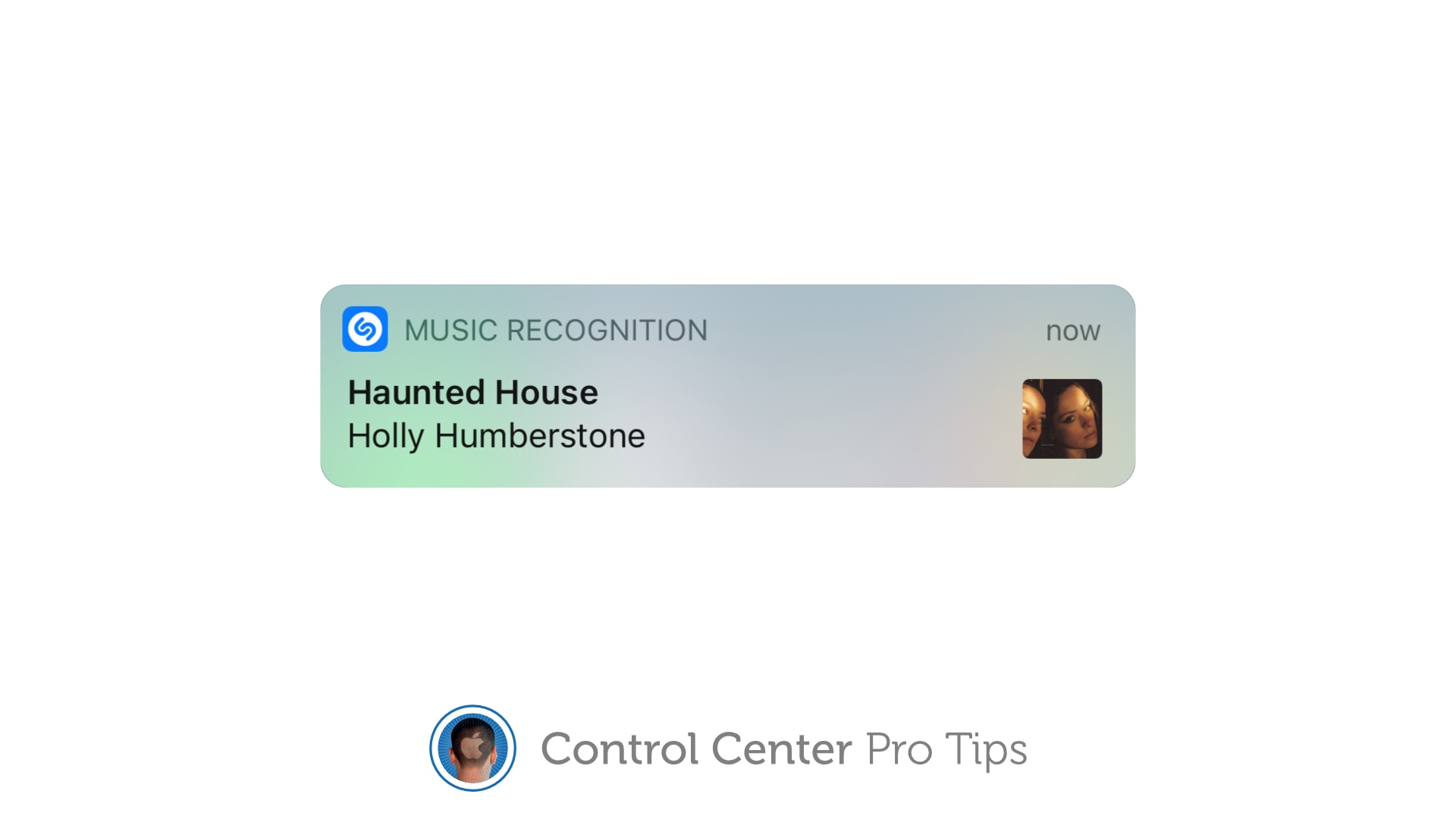
When you’re listening to a song you dig, but you have no idea of its name or the artist who recorded it, you can use Control Center on your iPhone or iPad to identify the track in an instant.

It’s the simplest way to invoke Shazam, the powerful music-recognition tool built into iOS, aside from asking Siri to name that tune (which you probably don’t want to do in certain situations). We’ll show you how.

Redesigned MacBook could arrive in July with next-gen M2 chip

By

Apple silicon will power future Mac desktops and laptops
Apple Silicon: The Next Generation.
Screenshot: Apple

The M1 chip just made its way to the new iMac and iPad Pro, but Apple’s already hard at work on its successor. According to a new report from Nikkei Asia, mass production of the M2 chip is already underway.

It is expected to debut as soon as early July, initially for use in a redesigned MacBook arriving in the second half of the year. Like the M1 chip, the M2 is being made using the 5-nanometer process developed by TSMC, the company that makes Apple’s A-series chips.