Mobile menu toggle

Search results for: Apple One

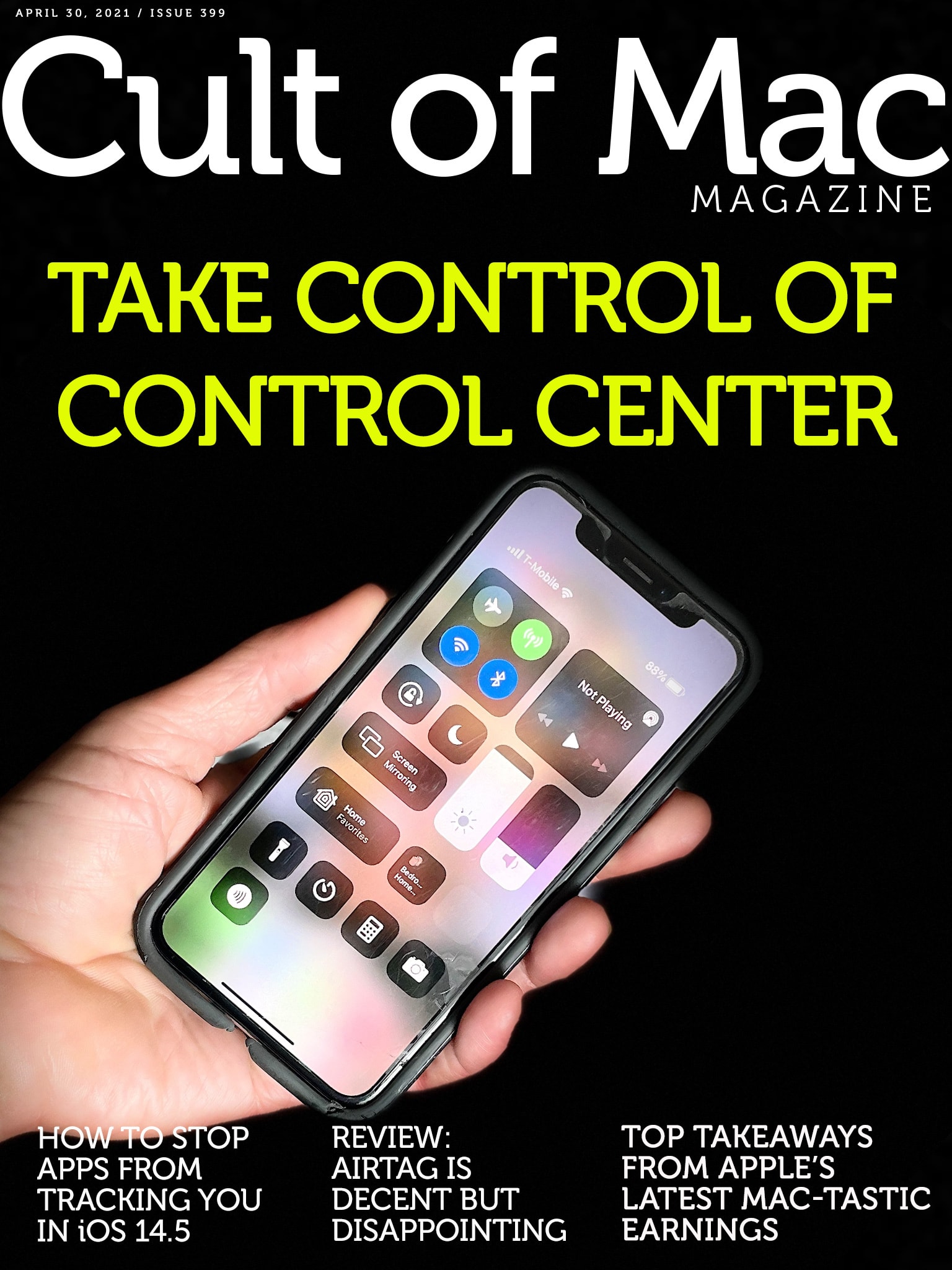
Take control of Control Center [Cult of Mac Magazine 399]

By

Take control of Control Center: Squeeze some extra utility out of your Apple gear with these Control Center tips.
Squeeze some extra utility out of your Apple gear with these Control Center tips.
Cover: Leander Kahney/Cult of Mac

If you looked at Cult of Mac this week, you saw loads of news about the release of iOS 14.5 (with its controversial App Tracking Transparency feature) and about Apple’s astonishing earnings.

But did you miss all the useful tips in our Control Center Week series?

For those not familiar, Control Center is one of the most powerful and underutilized features on Apple devices. The how-tos, written by our own Killian Bell, explain how to get the most of this useful toolbox on iPhone, iPad, Apple Watch and Mac. In case you didn’t see them all — and there are a lot of them! — we rounded them up in one place.

Hit that link, or read them in this week’s free issue of Cult of Mac Magazine. Time to seize control!

Maotoam Pro brilliantly combines laptop stand with 13-in-1 USB-C hub [Review]

By

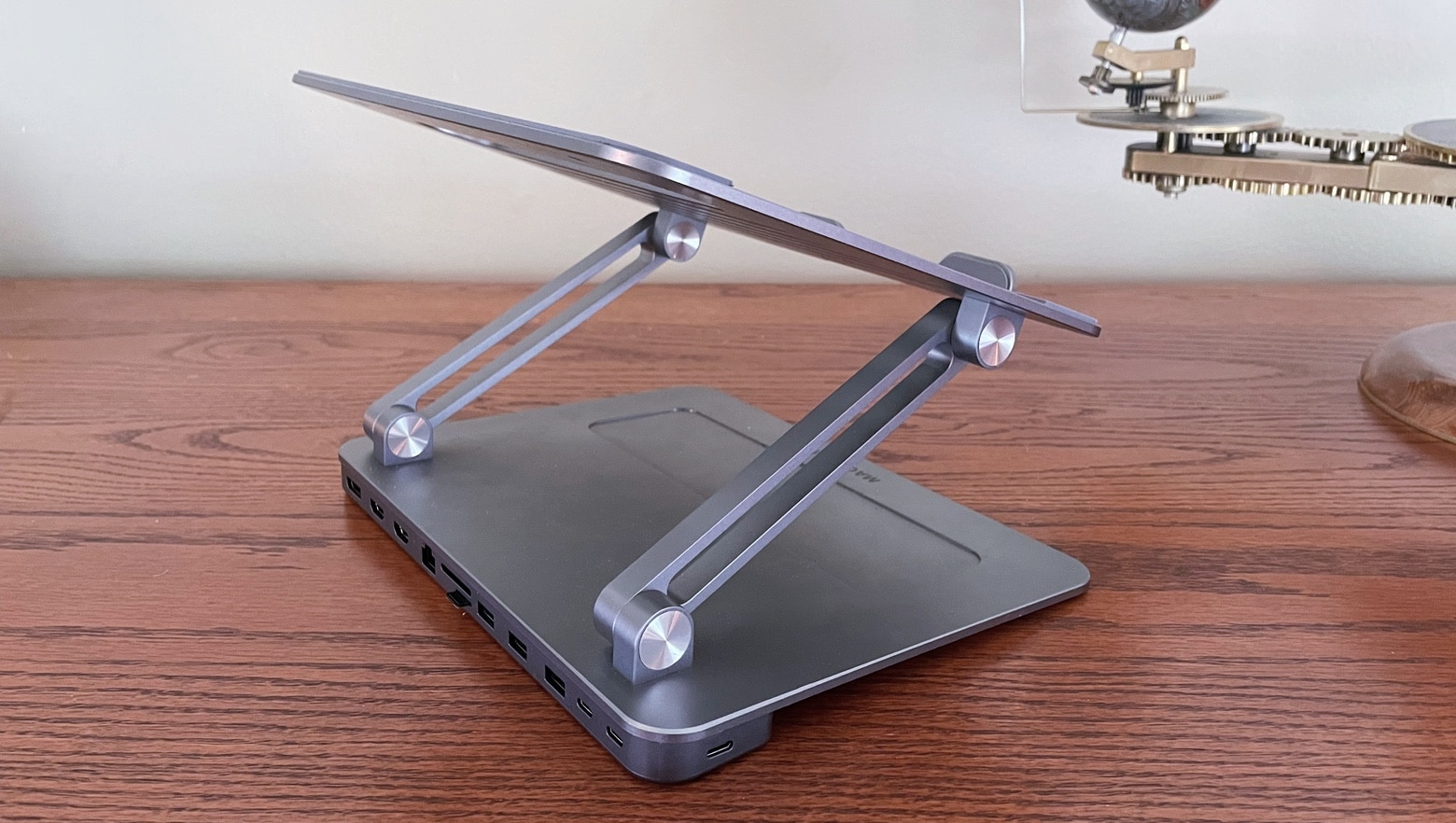
Maotoam Pro review
Maotoam Pro is a robust tablet/laptop stand and a multifunction USB-C hub all in one well-designed package.
Photo: Ed Hardy/Cult of Mac

Maotoam Pro is two popular desktop accessories in one. It’s both a laptop/tablet stand and a USB-C hub with 13 ports. It can prop up a MacBook or iPad at your preferred angle, and connect it to up to a monitor, three USB devices, Ethernet and more.

I used the stand/hub in my everyday life for days. Here’s why I like it so very much.

Reorganize Control Center to make favorite tools easier to find [Pro tip]

By

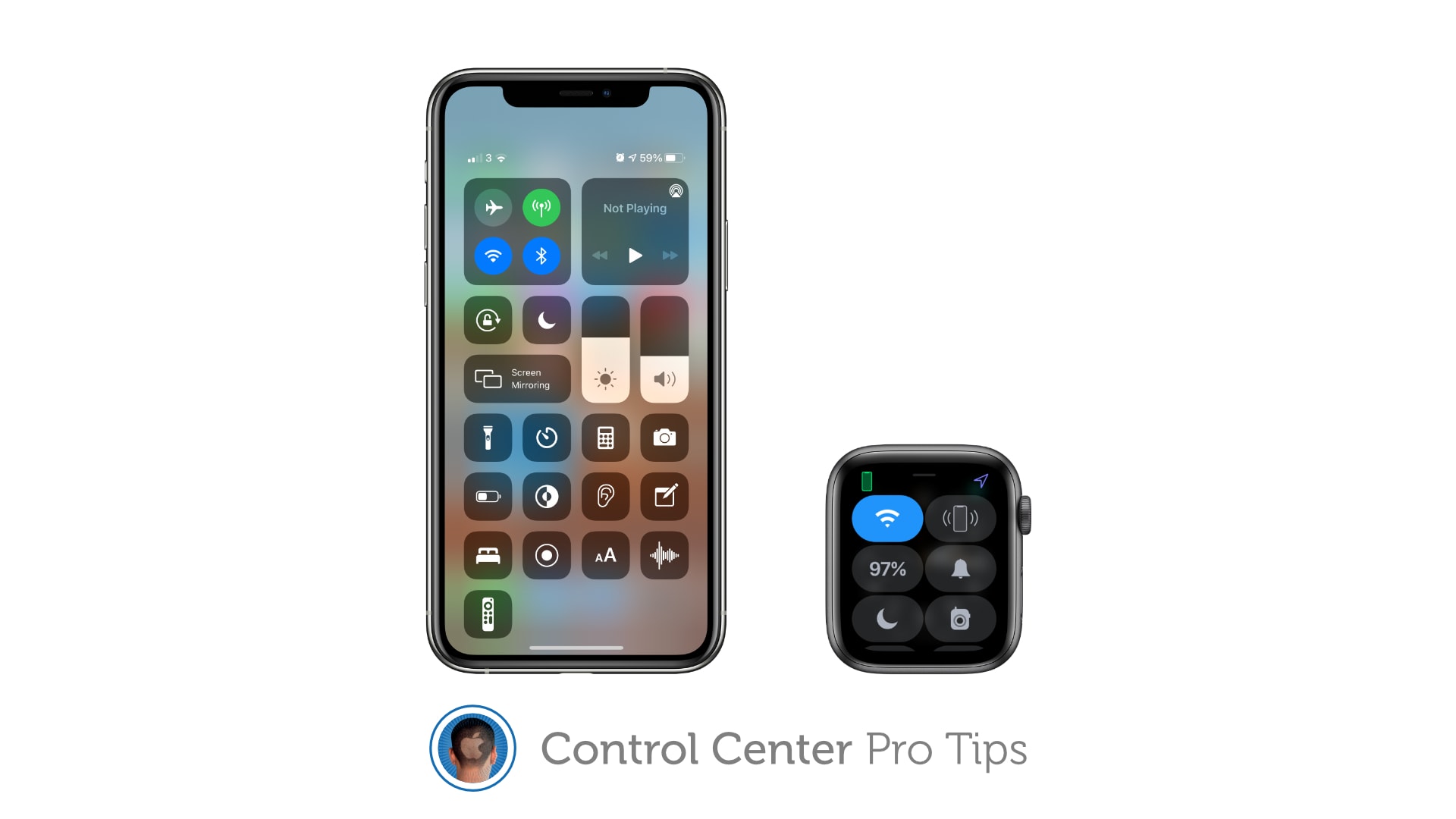
How to reorganize Control Center
And to remove tools and shortcuts you never use.
Image: Killian Bell/Cult of Mac

Control Center Pro Tips WeekWe want to help you master Control Center, one of the most powerful and underutilized features on Apple devices. Cult of Mac’s Control Center Pro Tips series will show you how to make the most of this useful toolbox on iPhone, iPad, Apple Watch and Mac.

Make your favorite Control Center tools and shortcuts easier to find by reorganizing and cleaning up your Control Center window. It’s easy on iPhone, iPad, and Apple Watch — and we’ll show you how.

Massively entertaining setup probably includes some computer gear [Setups]

By

Some room just say
Some rooms just scream "fun," don't they?
Photo: andygigante_82@Reddit

Illustrator and graphic designer andygigante_82 knows how to place his computer setup in an entertaining context. The fantastical space is his “Little Hobby Hole” — which he writes with a trademark symbol — as depicted in his Reddit post.

Looking at his photos, you might not notice the computer gear. That’s understandable, given every shot’s explosion of dynamic graphics, colorful action figures, skateboards festooned with his own graphic designs and more.

Switch between AirPods audio modes in Control Center [Pro tip]

By

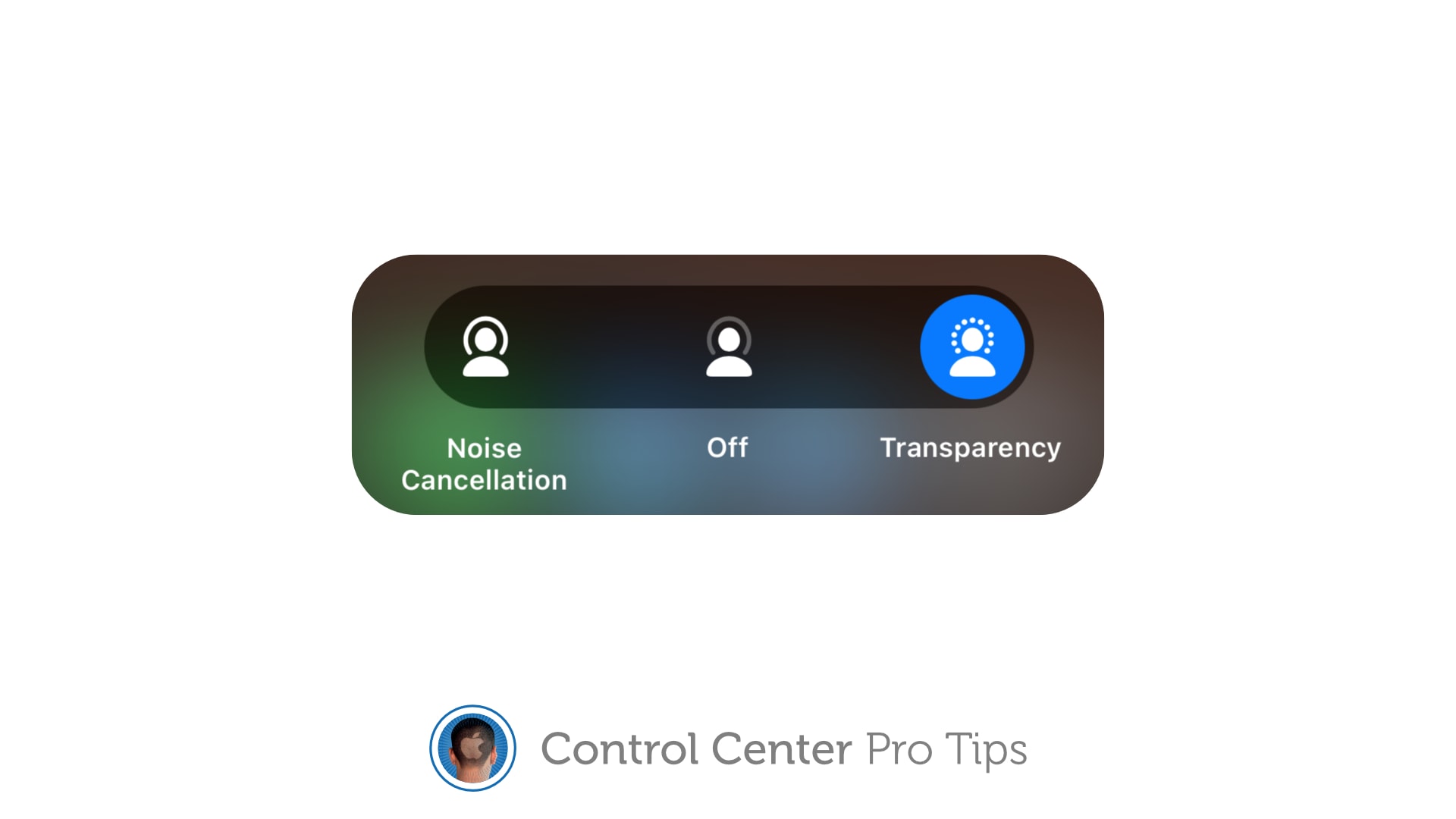
Switch AirPods audio modes in Control Center
The quick and simply way to toggle noise cancellation and Transparency.
Image: Killian Bell/Cult of Mac

Control Center Pro Tips WeekWe want to help you master Control Center, one of the most powerful and underutilized features on Apple devices. Cult of Mac’s Control Center Pro Tips series will show you how to make the most of this useful toolbox on iPhone, iPad, Apple Watch and Mac.

Switching between different AirPods audio modes is simple with Control Center on iPhone, iPad, and Mac. You can activate or deactivate Transparency and active noise cancellation in just a couple of taps.

We’ll show you how.

Activate Live Listen for AirPods inside Control Center [Pro tip]

By

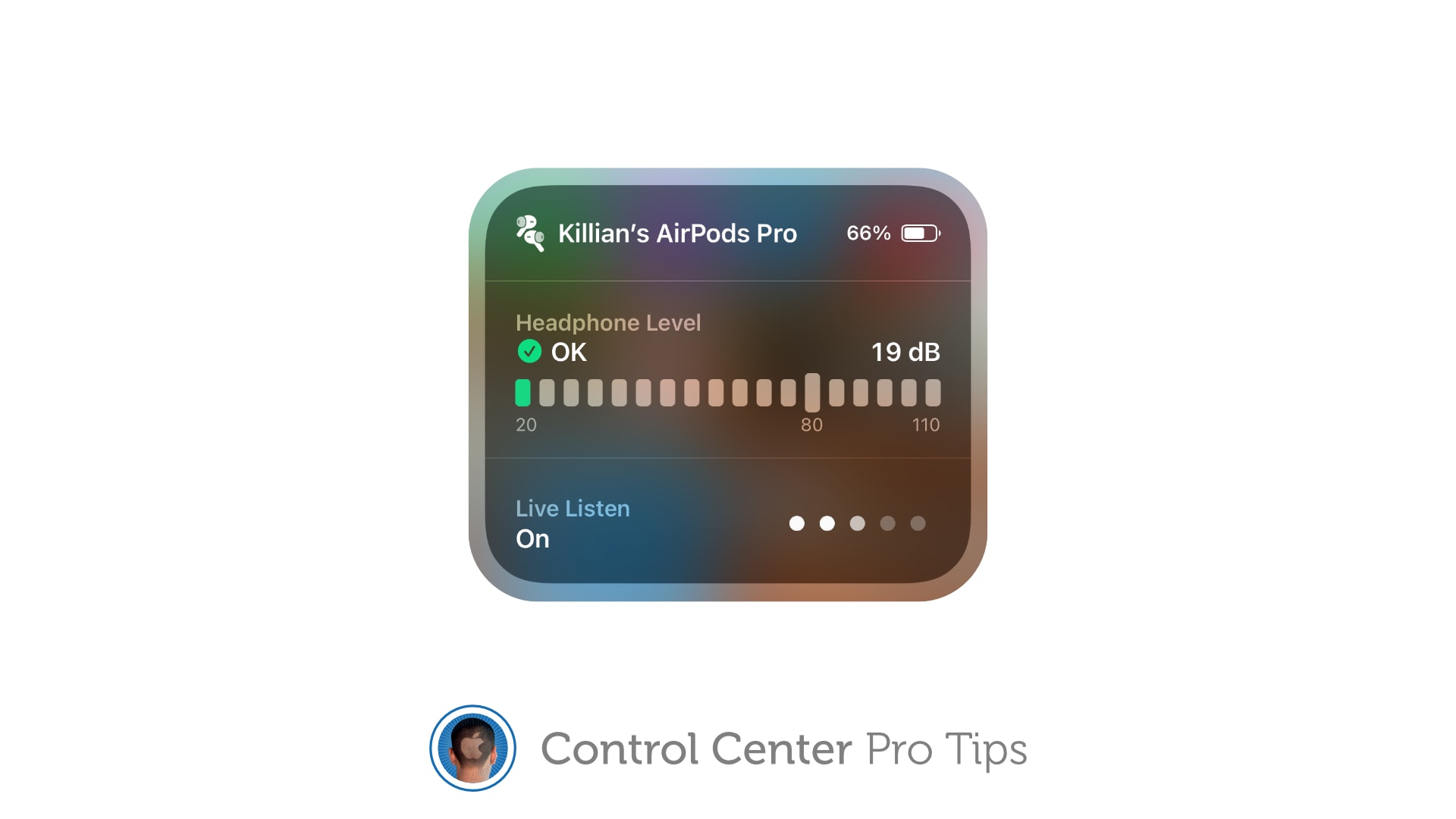
Activate Live Listen Control Center
Make it easier to hear other people in a crowded room.
Image: Killian Bell/Cult of Mac

Control Center Pro Tips WeekWe want to help you master Control Center, one of the most powerful and underutilized features on Apple devices. Cult of Mac’s Control Center Pro Tips series will show you how to make the most of this useful toolbox on iPhone, iPad, Apple Watch and Mac.

Activate Live Listen for AirPods and Powerbeats headphones inside Control Center to make it easier to hear other people in a noisy environment. The feature is built into iPhone and iPad and easy to use.

We’ll show you how.

Bag a bargain MacBook Air refurb for under $400 today only

By

MacBook Air 13.3_
Don't miss out!
Photo: Apple

Need an ultraportable Mac that’s not going to break the bank? Check out Woot’s latest sale on MacBook Air refurbs, where prices start at a mere $379.99 for an Intel Core i5 machine with 128GB of storage.

Various models are available but supplies are limited, and this sale runs for today only. Don’t miss out!

This post contains affiliate links. Cult of Mac may earn a commission when you use our links to buy items.

App Tracking Transparency makes Chinese tech giant Alibaba worry

By

Alibaba
Alibaba is a giant in the world of e-commerce.
Photo: Markus Winkler/Unsplash CC

It’s not just U.S. tech giants that fear iOS 14.5’s new App Tracking Transparency feature. Chinese e-commerce giant Alibaba Group, with a market cap of $646.84 billion, is supposedly very worried, just like Facebook.

A report from The Information says Alibaba invited half a dozen marketing execs to its Hangzhou headquarters to discuss how to react to the new feature, which stops apps from tracking users across websites and third-party apps.

Actually, the original Magic Keyboard will work with new iPad Pro

By

iPad-Pro-Magic-Keyboard
The Magic Keyboard for iPad looks incredible. And it’ll be usable with more than one generation of iPad Pro.
Photo: Apple

Turns out the 2020 version of Apple Magic Keyboard does fit the slightly thicker iPad Pro set for release in May. Apple said Thursday the accessory is “functionally compatible” with its newest tablet.

The clarification was necessary because previous statements from the company seemed to indicate that only a new, larger version of keyboard case was usable with the 12.9-inch version of the 2021 iPad Pro.

Learn piano with this AI-powered, App Store Editor’s Choice subscription

By

piano
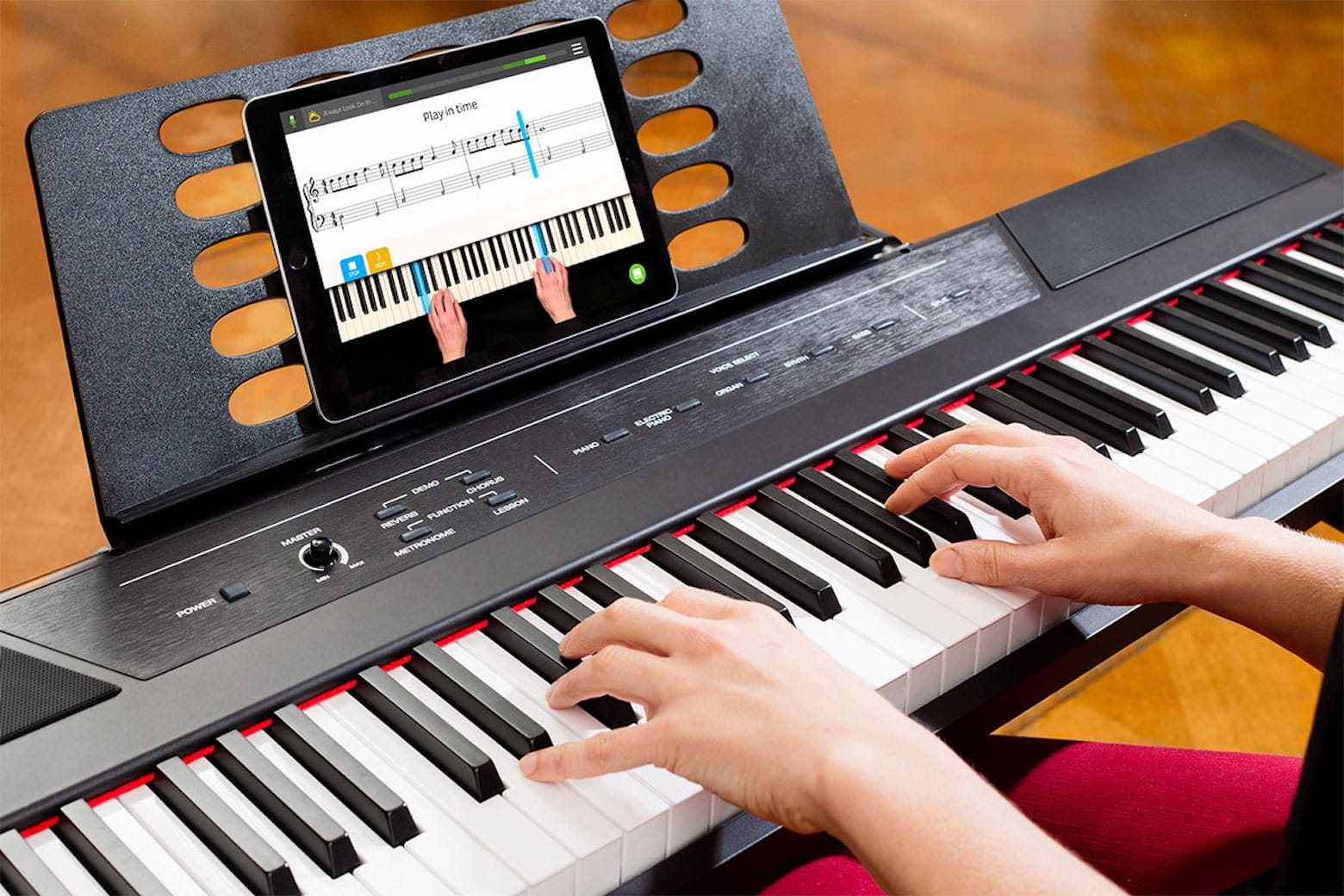
This AI-powered piano app is your key to a new hobby.
Photo: Skoove

Whether you want to revive your long-lost musical talent or pursue a long-held dream of learning the piano, this lifetime subscription to Skoove Premium Piano Lessons will teach you to tickle the ivories.

The highly rated app for iPad, iPhone and iPod touch uses an engaging blend of interactive lessons, songs and artificial intelligence to help you learn to play the piano. Plus, you can get this subscription for an additional 20% off with Mother’s Day coupon code WELOVEMOM.