Mobile menu toggle

Search results for: Apple One

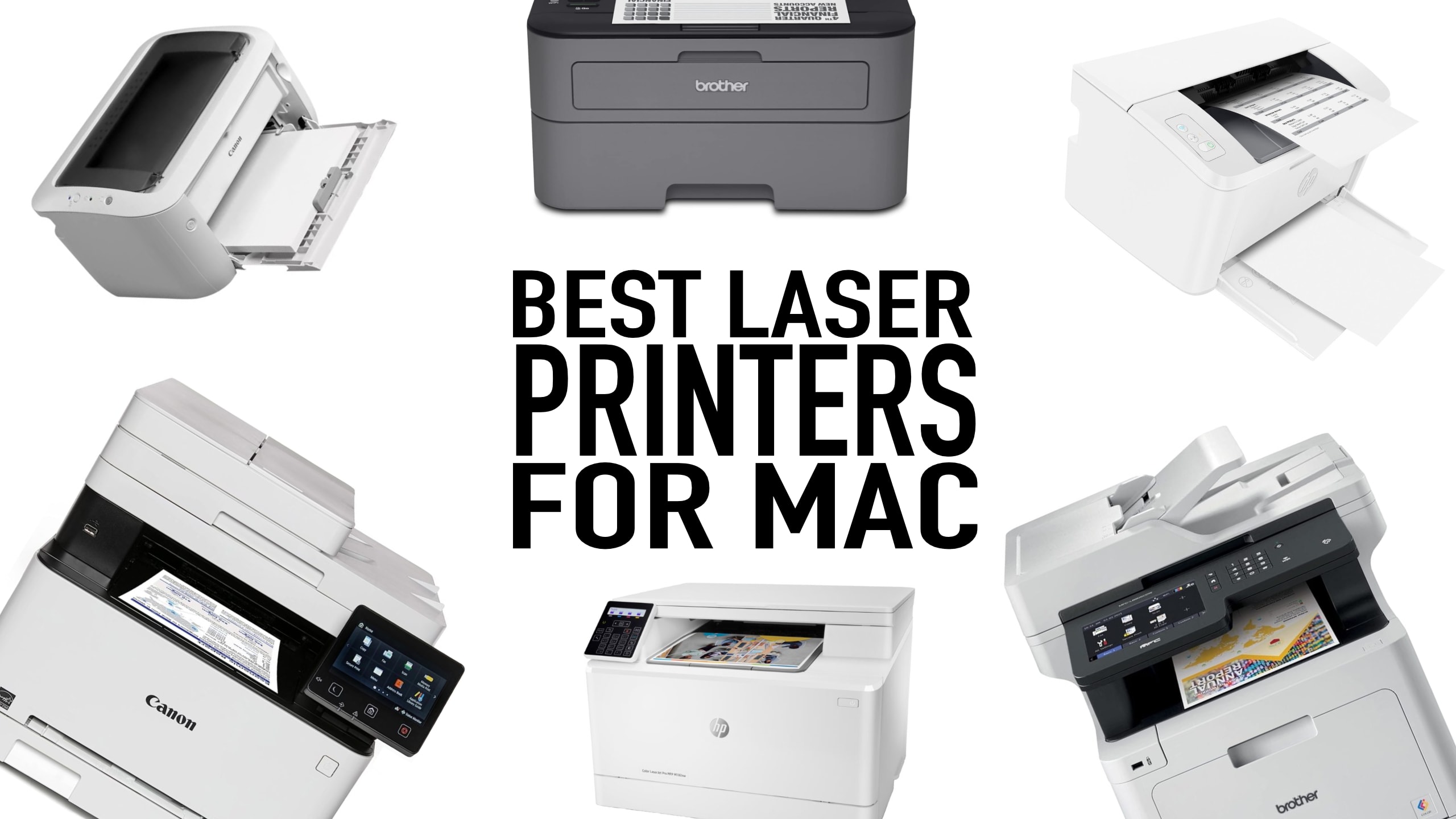
Find the best laser printer for your Mac

By

Best laser printer for Mac
For most cases, laser printers outshine inkjet printers. Here's how to find the best laser printer for Mac.
Photo: Cult of Mac

What is the best laser printer for Mac users? When choosing between laser or inkjet, we recommend laser. Laser printers used to be prohibitively expensive, but prices have come down, and you’ll have fewer headaches. Inkjet printers are better for photos but are a pain to own. Replacement ink costs a fortune, the heads clog, and they dry out if the printer isn’t in regular use.

Laser printers, on the other hand, can sit idle for weeks without problems. They cost more up front, but are often cheaper to own in the long-run.

In this guide, we’ll explore which brand of printer works best with Mac and top laser printers that are fully compatible with macOS, whether you need a printer for your personal use, a home office or a small business.


What’s it like working out wearing a Vision Pro?

By

Me wearing workout clothes on a treadmill. Oh, and a Vision Pro on my face.
Is this the future of working out? Probably not.
Photo: D. Griffin Jones/Cult of Mac

People have been spotted wearing Apple’s Vision Pro headset at gyms. I was curious whether they had unlocked a secret killer feature or whether they were bearing through aches and pains just to show off. What’s it really like working out wearing a Vision Pro?

To find out, I hopped on a treadmill, lifted some weights and did some crunches while wearing the headset to discover the pros and cons of wearing a Vision Pro while working out. Check out our latest YouTube video to see what it’s like first-person.

The overall experience proved unsurprisingly mixed — with one very surprising drawback.

Boost mobile charging with new 2-in-1 power bank and wall adapter

By

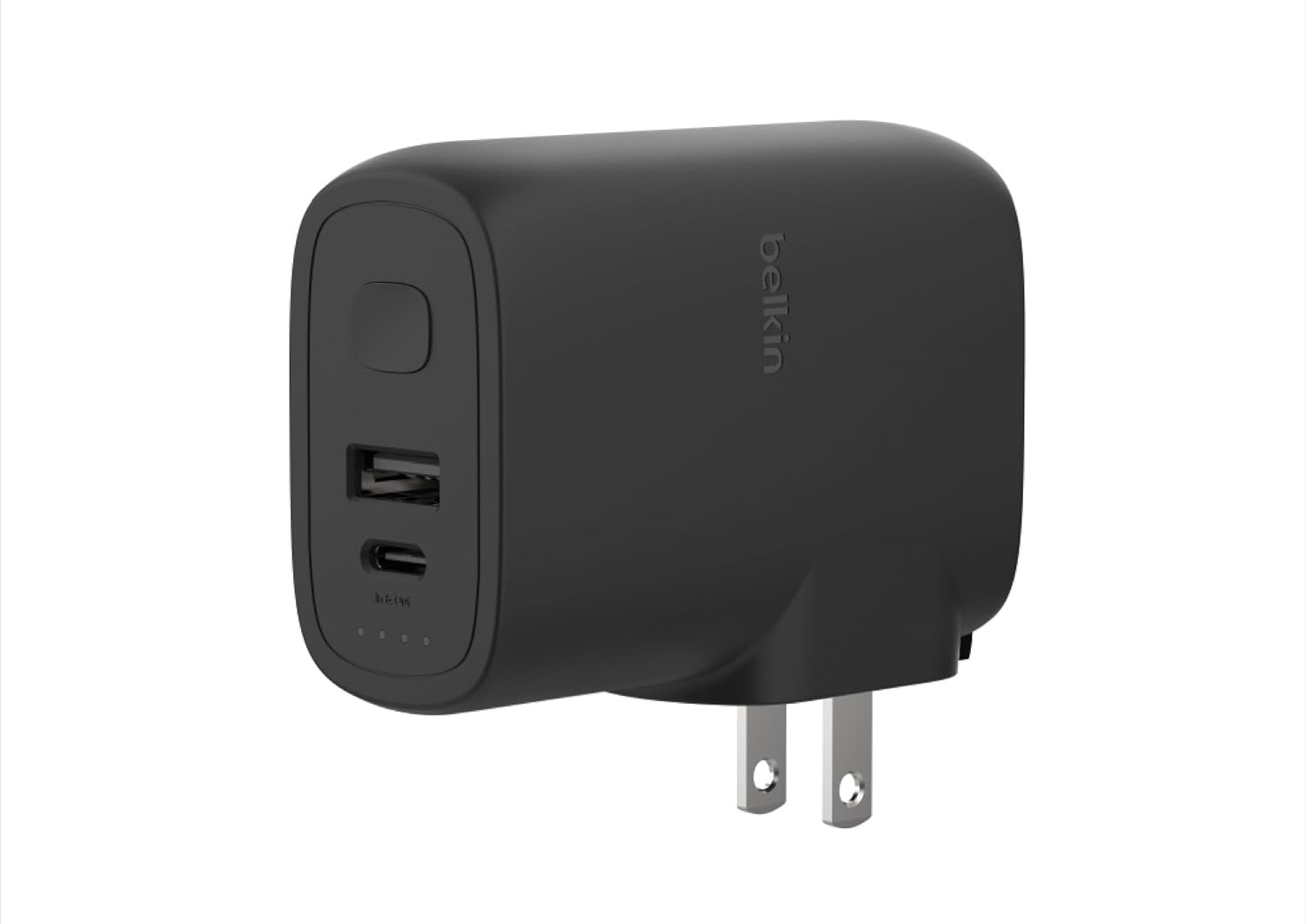
Belkin BoostCharge Hybrid Wall Charger 25W + Power Bank 5K
Belkin's new combo power bank and wall charger can cover plenty of your charging needs.
Photo: Belkin

Belkin rolled out a new portable 2-in-1 charger Thursday that should suit people who travel a lot or work in different places, like hybrid employees, because it’s both a wall charger and a power bank. It’s the Belkin BoostCharge Hybrid Wall Charger 25W + Power Bank 5K, great for keeping devices like iPhone, iPad and Apple Watch going.

It’s set to start shipping on Valentine’s Day, February 14. And no, we’re not saying it’s a romantic gift idea.

What Loupedeck can do for your photo and video editing [Setups]

By

Loupedeck
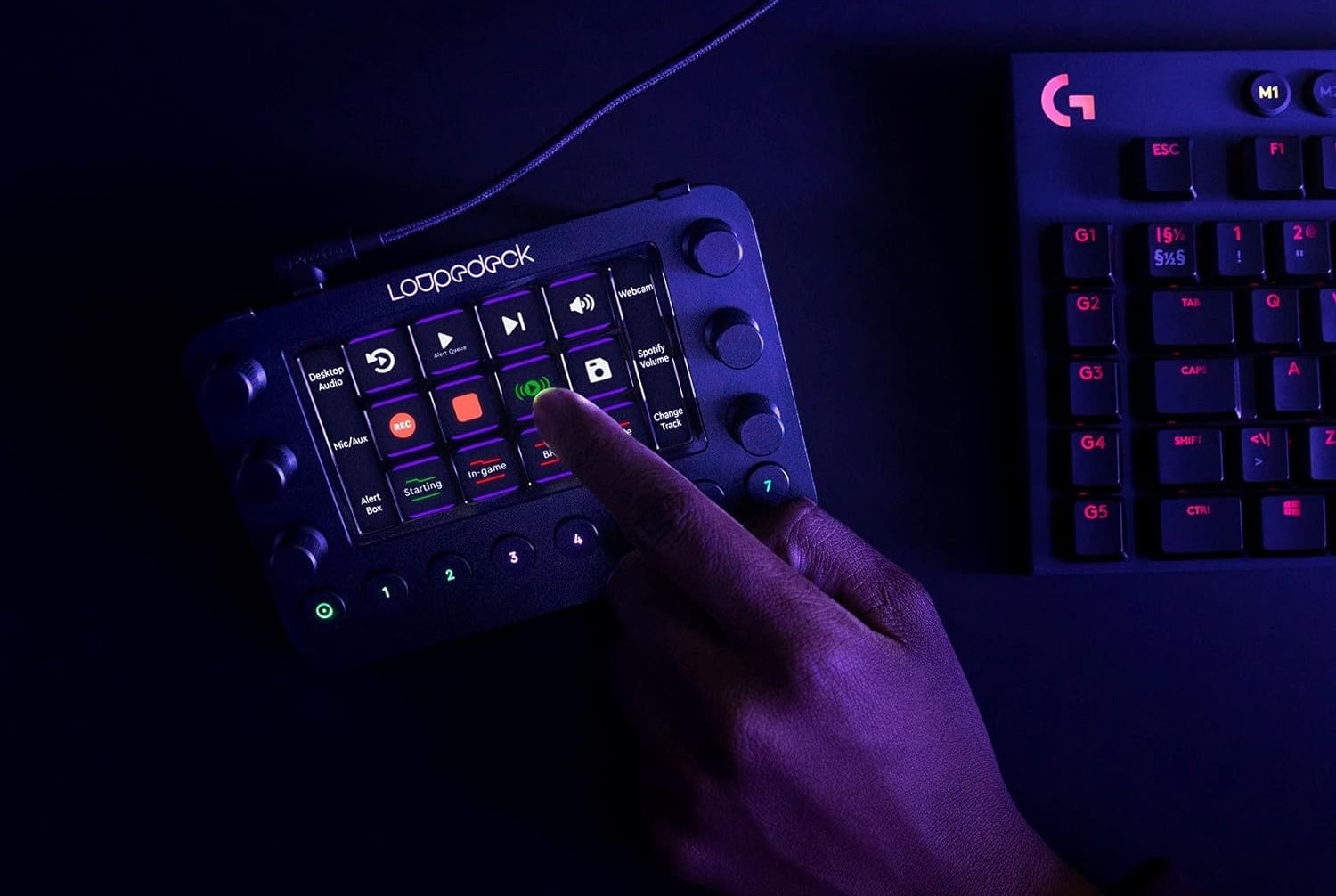
Today's user relies on Loupedeck Live for photo and video editing tasks.
Photo: Loupedeck

The other day we featured an M1 Ultra Mac Studio setup. We wanted to loop back to call out a couple of cool components in it — namely, a Loupedeck streaming media console and a Keychron Q1 Pro Mechanical Keyboard. It turns out Loupedeck Live is great for video editing (photos, too!).

Foundation season 3 filming paused as producers try to lower costs

By

An outer space shot from “Foundation,” now streaming on Apple TV+.
"Foundation" is known for epic visuals but not a huge budget.
Photo: Apple TV+

Despite the sci-fi epic Foundation being a huge hit for Apple TV+, the restart of filming for season three has reportedly been postponed as producers look for ways to trim the budget.

The news is somewhat surprising, as leaks indicated that the series was costing less than many might expect.

How to FaceTime with Vision Pro

By

FaceTime call on Vision Pro showing three people floating in windows in a hotel room
FaceTime on Vision Pro puts people around the room in your space.
Photo: Apple

Making a FaceTime call in Vision Pro is a bit more involved than on iPhone or Mac. After all, you have a computer strapped onto your face, which is not typical with other devices.

Step 0, of course, is setting up your Persona — the dynamic, digital version of yourself that Vision Pro uses for FaceTime calls. If you didn’t create a Persona during the Vision Pro setup process, or your Persona looks less fantastic than you’d like, we wrote a separate explainer for you:  How to create your Persona in Vision Pro (or make it better).

Once your Persona is set, here’s how to FaceTime in Vision Pro.

Here’s how to take spatial videos and photos with a Vision Pro

By

Smiling man wearing an Apple headset and pressing the top button to take photos with Vision Pro.
Capturing incredibly immersive spatial photos and videos starts with a click of the Vision Pro's top button to launch the Capture app.
Photo: Apple

Spatial photos and videos look incredibly lifelike in full 3D while wearing an Apple Vision Pro headset. But how do you take photos with Vision Pro? It might be confusing at first since there’s no Camera app in the headset. Instead, Vision Pro uses a new Capture app.

But don’t worry. Any photos or videos you take with Vision Pro will sync to your Photos library. And they’re fully compatible with your other Apple devices, although you’ll only see them there in a boring two dimensions, like it’s still 2023. Yawn.

How to use your Mac with Vision Pro

By

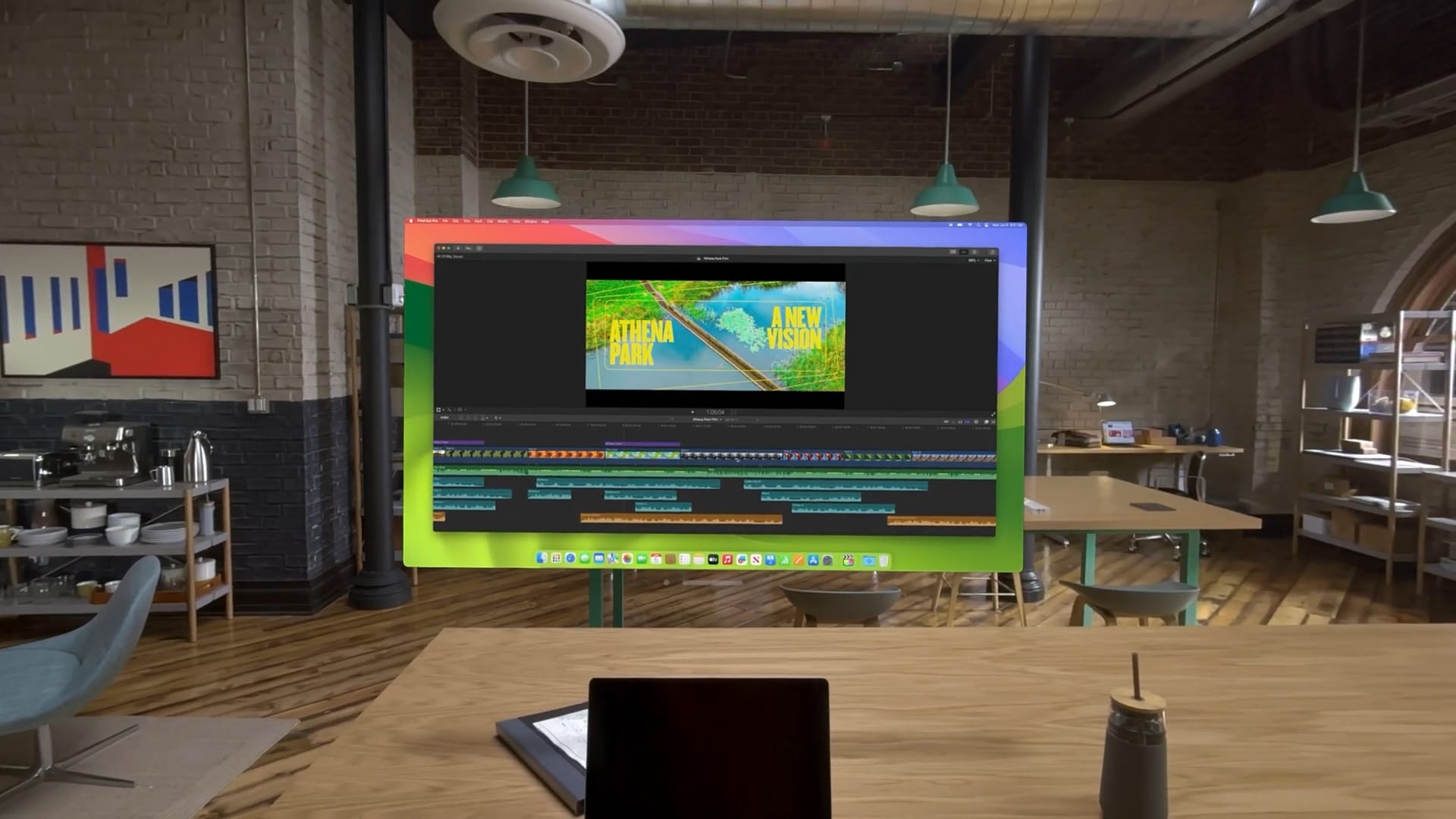
Virtual Mac display in Vision Pro
See a floating, virtual Mac display alongside your other visionOS apps.
Photo: Apple

Screen sharing from your Mac to Vision Pro is a great way to work inside the headset while using your Mac’s keyboard and trackpad. You can enlarge your Mac’s screen to enormous size, and surround it with apps that work inside Vision Pro.

It’s called Mac Virtual Display. Unfortunately, it’s limited to only one Mac screen. But set up right, it can be the ultimate big screen setup — without the actual big screens.

Here’s how to use your Mac with Vision Pro.

New Thunderbolt 4 hub sports blinding-fast file transfer and 13 ports

By

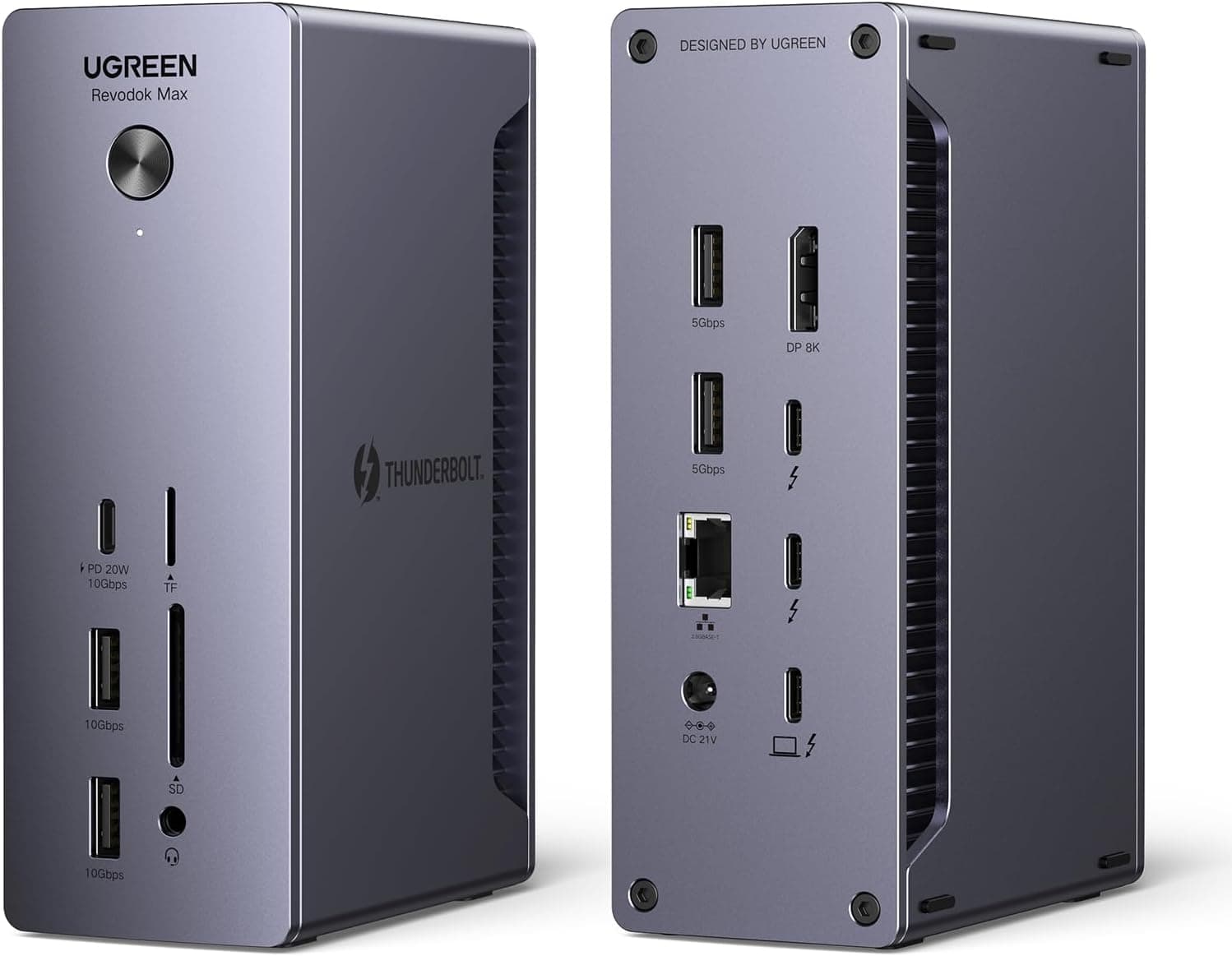
Ugreen Revodock Max 213
Ugreen's new Revodock 213 Max hub suits all sorts of power users.
Photo: Ugreen

Ugreen rolled out three new series of Revdock hubs Tuesday compatible with Macs, including the Revodok Max 213 Thunderbolt 4 dock with 40Gbps transfer speeds, support for dual 4K displays and a staggering 13 ports.

“The Max 213 [is] the premier product specifically tailored for professionals in fields such as media, data/financial analysis, photography, audio/video production and more,” the company said. “With ultra-high speed and ultra-high efficiency, it facilitates seamless collaboration and productivity.”