Let other people see what you’re seeing. (Featuring the Explore Mars app.) Photo: D. Griffin Jones/Cult of Mac
It’s possible to share your screen in your Vision Pro so that other people can see what you’re seeing, too. This is especially helpful in Vision Pro Guest Mode, to help you guide newbies through the unfamiliar headset.
Vision Pro is an exciting new product, but it can be isolating. The incredible experiences it enables aren’t social. However, you can AirPlay your screen to a nearby Apple TV, iPad, Mac or iPhone.
You won’t be smiling when your Vision Pro refuses to follow your eyes correctly. Photo: Apple
You can easily fix Apple Vision Pro eye tracking and hand tracking if your headset starts to act up. You’ll want to follow the steps below if the device stops accurately tracking your gaze or your hand gestures.
As you probably know, hand tracking and eye tracking are essential to using Vision Pro. When they don’t work as well as possible, it’s incredibly frustrating. I know, because sometimes the headset’s sensors have a hard time tracking my eyes up and down. It’s like using an iPad stylus on a touchscreen that’s slightly uncalibrated.
The quick methods below can fix some Vision Pro eye- and hand-tracking problems for you. You can approach trigger a reset three different ways — by pressing a button on the headset, going into Settings or asking Siri for help — all with the same ultimate result. (In my experience, this is one situation in which Siri excels.)
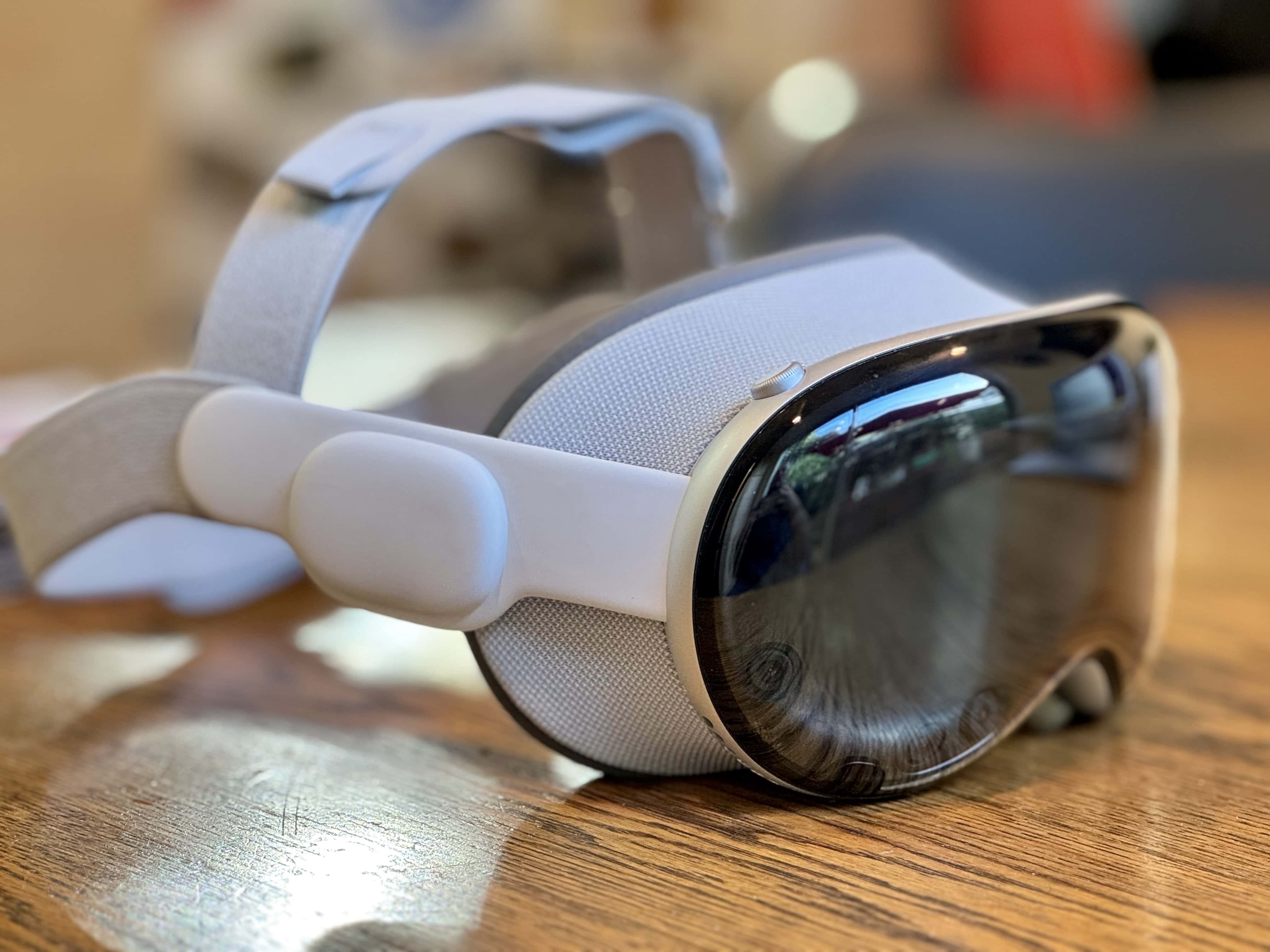
Zuckerberg has thoughts on the Vision Pro. Photo: Leander Kahney/Cult of Mac
Meta CEO Mark Zuckerberg said his company’s mixed-reality headset beats Vision Pro in almost every way, despite the fact that it costs far less than Apple’s device. In a short video posted Tuesday on Instagram, Zuckerberg called the Meta Quest headset the “better product, period.”
While he praised the Vision Pro’s high-resolution displays, he said he thinks Apple made a lot of compromises on its $3,499 headset.
★★★★☆
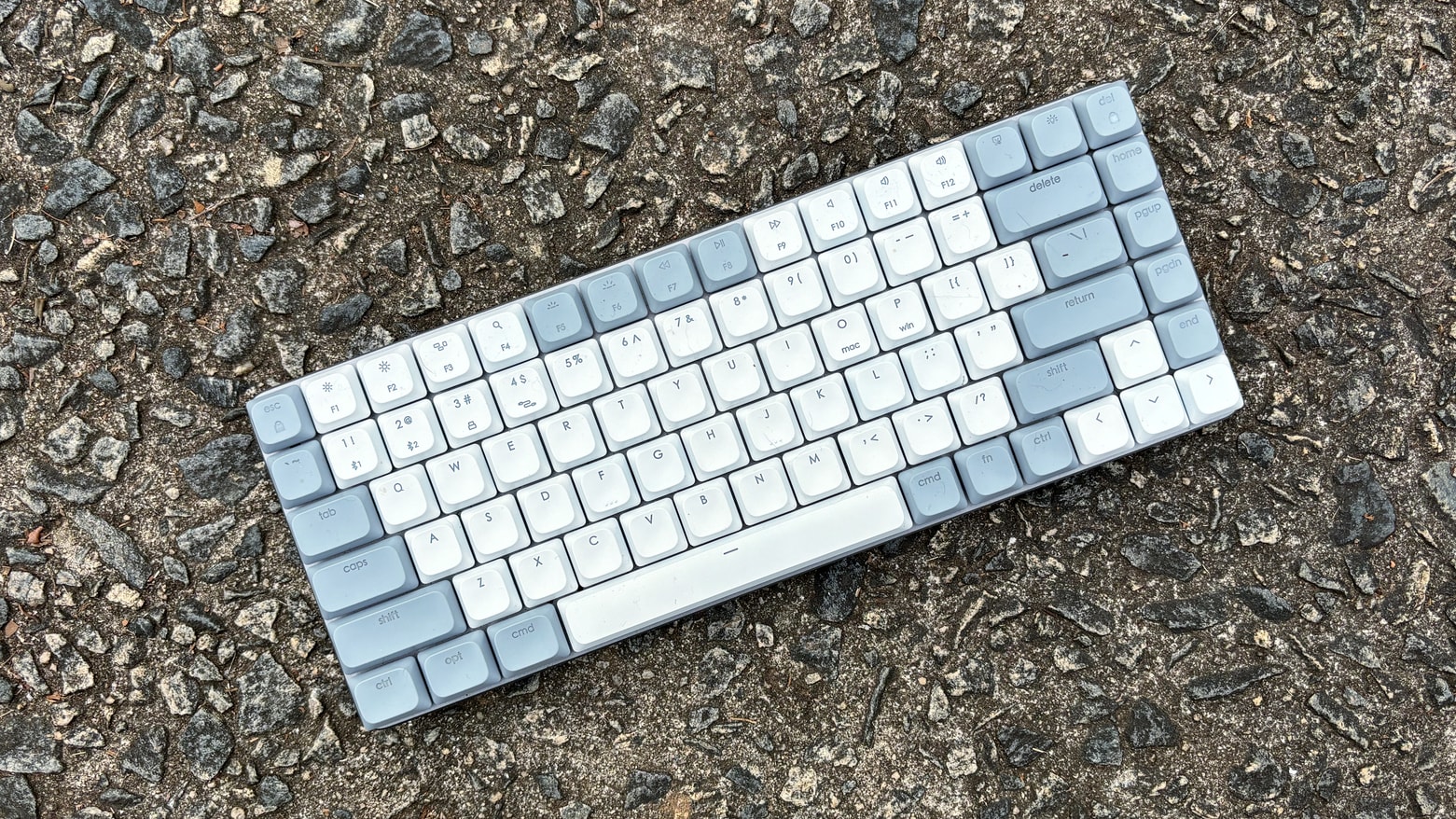
Satechi SM1 offers mac users a compact mechanical keyboard with multiple connectivity options. Photo: Ed Hardy/Cult of Mac
The Satechi SM1 Slim Mechanical Backlit Bluetooth Keyboard offers a 75% layout with low-profile brown switches so it’s easy to type on while not taking up much room on your desk. This mechanical keyboard for Mac can connect with up to four computers, including your iPad and iPhone, plus Windows machines. And it uses a variety of connectivity methods: Bluetooth, wired and more.
I’ve used it for several weeks now in my home office. I found a lot to like.
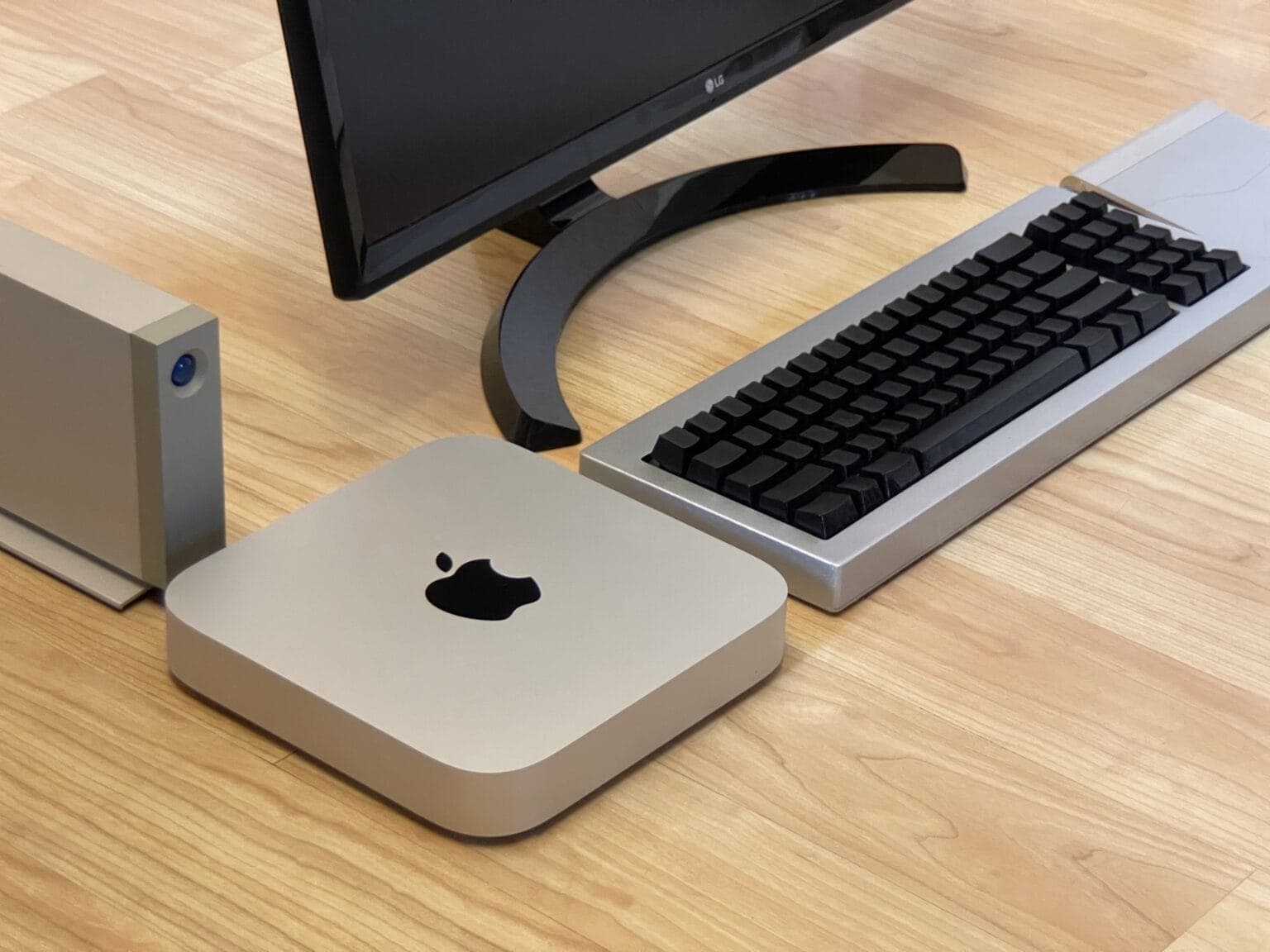
Get good deals on M2 Mac mini desktop machines at Amazon. Photo: D. Griffin Jones/Cult of Mac
If you need a compact PC to replace your existing machine, there’s no better buy than the Mac mini. And with Amazon taking $100 off the machine in its latest M2 Mac mini deal, Apple’s cheapest Mac provides even more value for money.
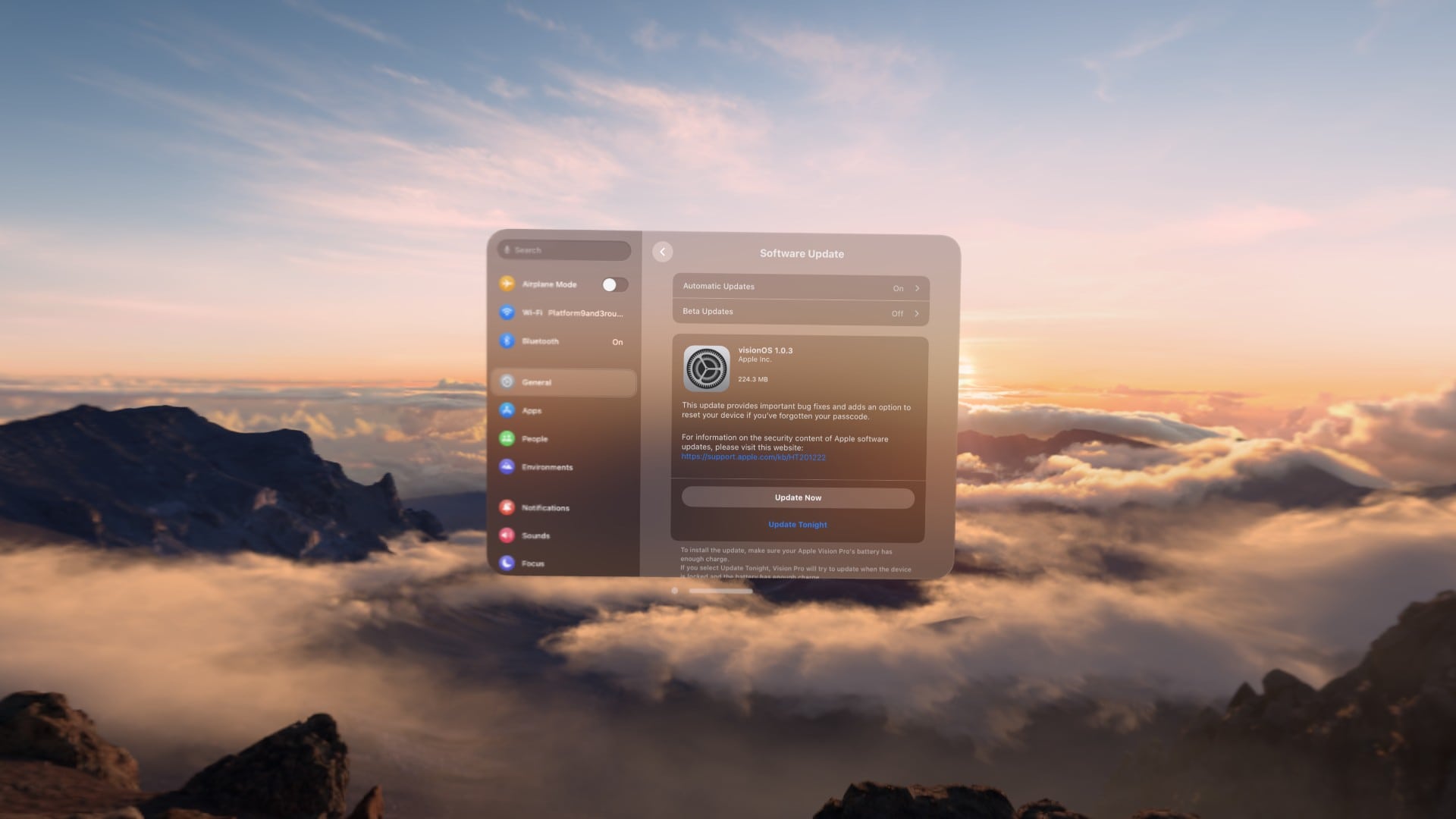
With Vision Pro, you can install software updates from a blissful mountaintop. Photo: D. Griffin Jones/Cult of Mac
Whether to add new features or squash bugs, Apple releases Vision Pro updates from time to time. (The latest one, visionOS 1.0.3, arrived Monday. It eliminates a major headache that plagued Vision Pro owners who forgot their devices’ passcodes.) Luckily, downloading and installing visionOS updates is easy once you know how.
In fact, installing Vision Pro software updates proves very similar to the process for updating an iPhone, iPad or Mac. We’ll show you how it’s done — and also how to get visionOS beta updates. If you want to take a chance on betas, you can test upcoming Vision Pro features before they officially arrive.
Right now you can get any version of Studio Display for $300 off at Best Buy. Photo: Apple
On Monday you can find every model of Apple’s popular but pricey midrange monitor on sale at Best Buy and get $300 off Studio Display. That makes for the lowest price yet on the standard glass version with a tilt-adjustable stand. And it’s one of the best deals you’ll find on the more-expensive Nano-texture glass versions, even with the height-adjustable stand.
Erfon has some thoughts about the Vision Pro. Photo: Cult of Mac
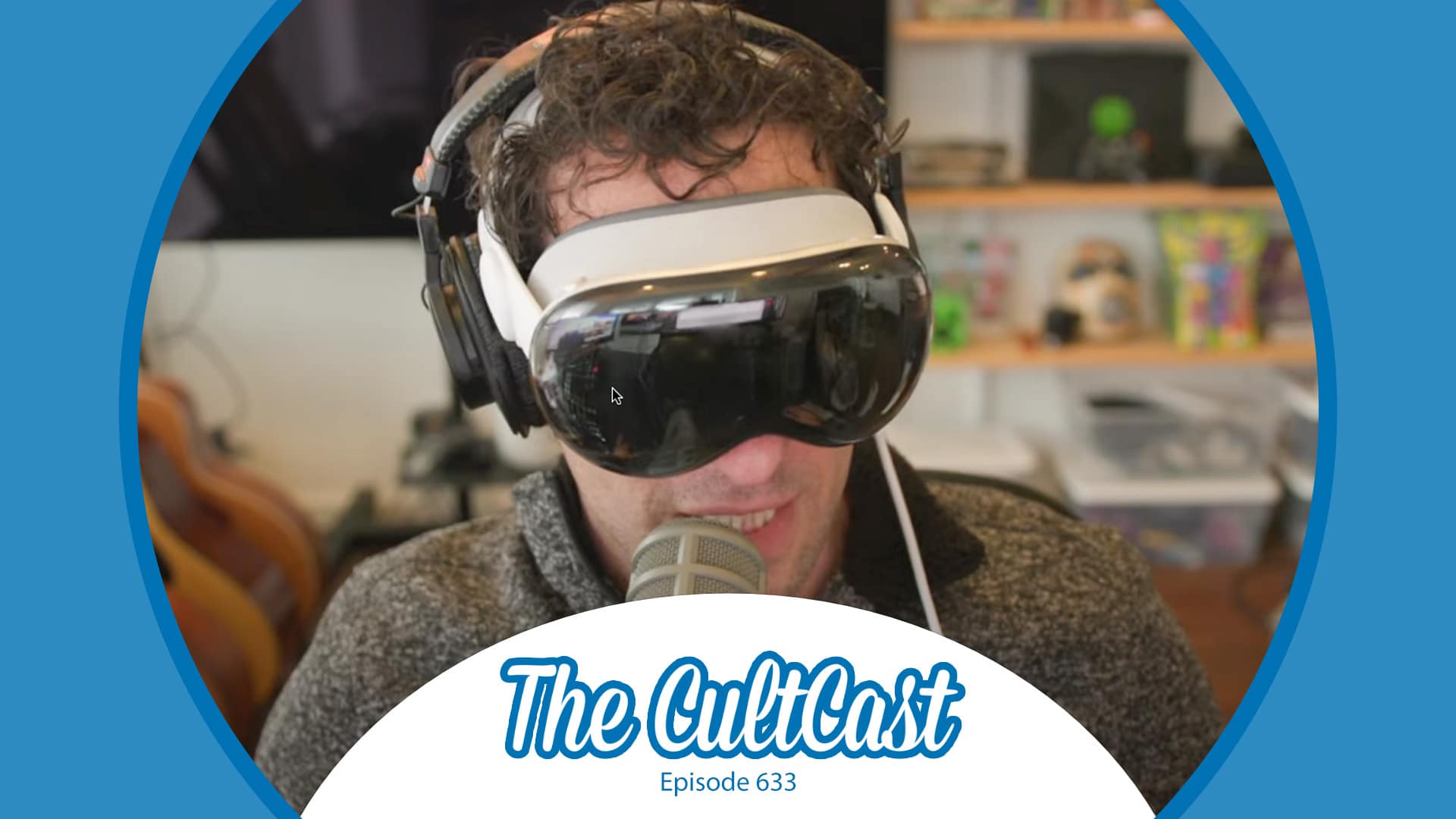
This week on Cult of Mac’s podcast: After spending a few days with Apple’s headset, Erfon and Griffin are ready to unleash their initial Vision Pro reviews. They’ve got some gushing praise, some mild concerns and some unmitigated gripes.
Also on The CultCast:
A sad Vision Pro “demo” shows why you should never try the headset with your glasses on. Book a real Apple demo instead!
The technology in Apple’s headset is astonishing. So are the immersive experiences. But is all that enough to justify the price?
Griffin talks about doing actual work while wearing Vision Pro.
Erfon reveals his grand plan for a new podcast called CultCast Off Topic.
Listen to this week’s episode of The CultCast in the Podcasts app or your favorite podcast app. (Be sure to subscribe and leave us a review if you like it!) Or watch the video live stream, embedded below.