Mobile menu toggle

Search results for: 6s

Mac mini user ditches Studio Display for ultra-wide OLED monitor [Setups]
By

ultra-wide monitor
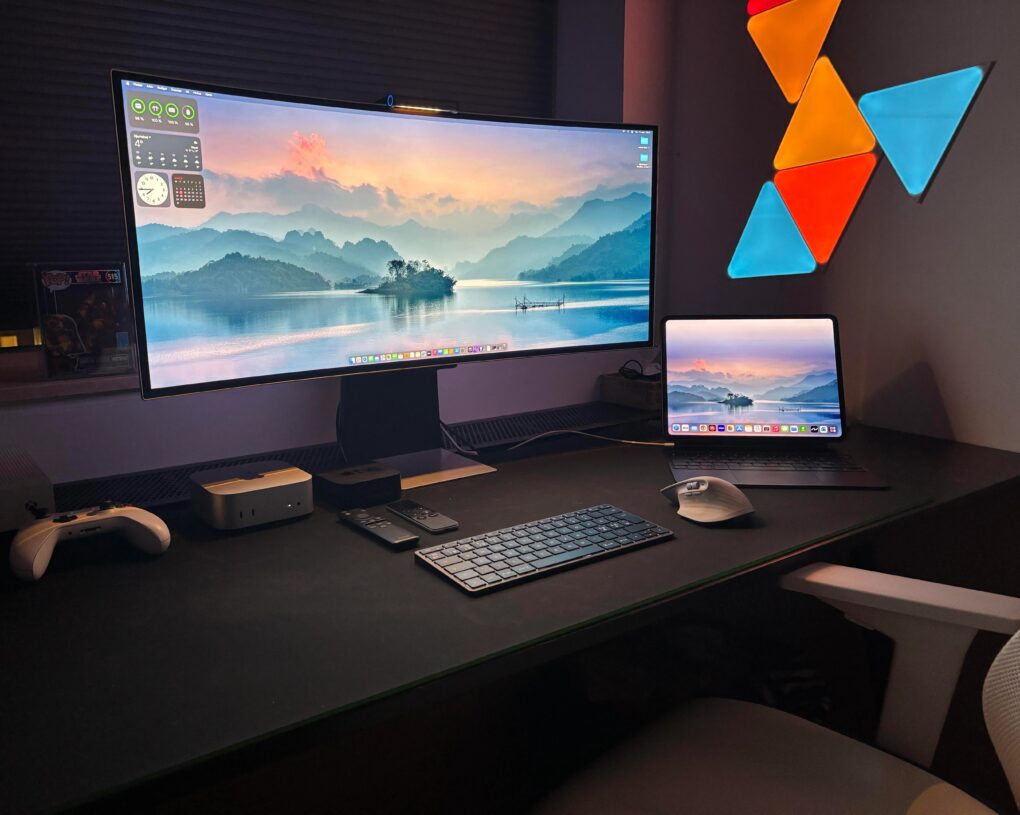
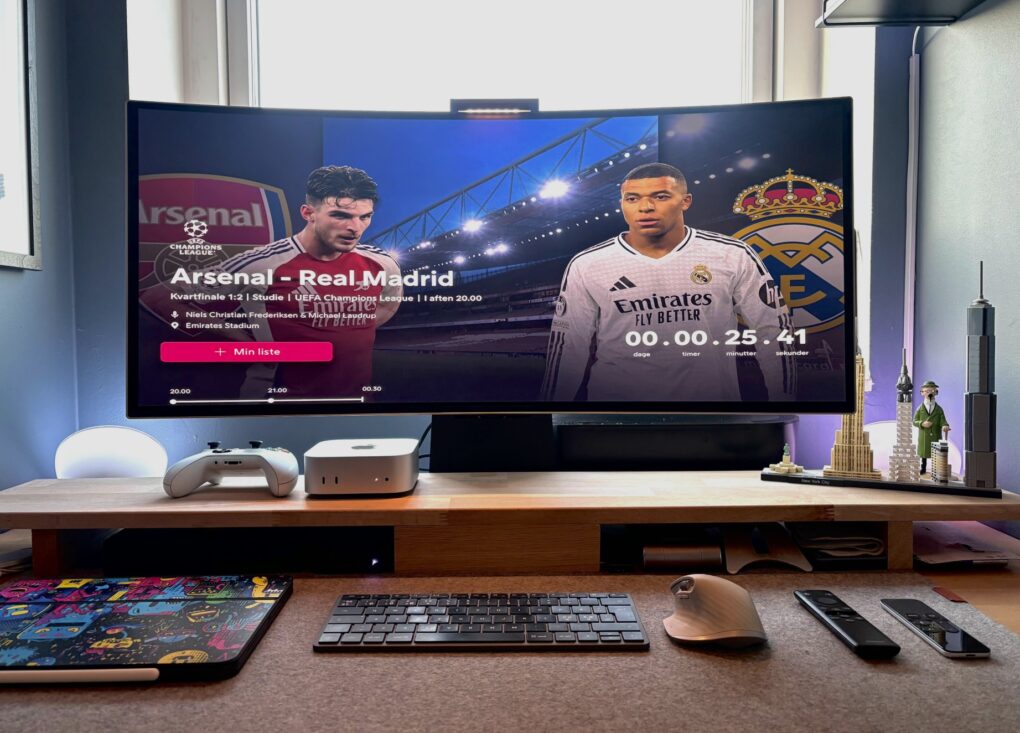
In a back-and-forth battle, Studio Display ultimately lost out to a Samsung G8 OLED ultra-wide monitor.
Photo: [email protected]

The turf war between standard displays and ultra-wide monitors continues — sometimes within one computer setup. Today’s M4 Mac mini user went back and forth multiple times before their Samsung ultra-wide OLED display retook the crown from their Studio Display, which is now “gone.” And that’s the case despite their acknowledgement that “Studio Display is the best monitor for Mac, no discussion.”

Apple sends its final Intel Mac mini to the vintage shelf

By

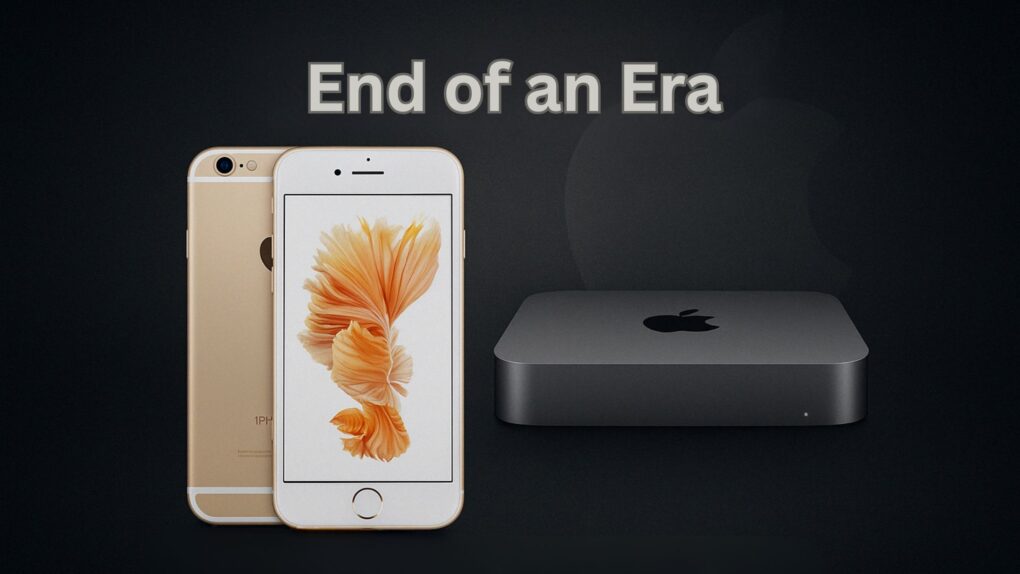
iPhone 6s and 2018 Mac mini go vintage.
Two classic products join Apple's vintage list.
Photo/Graphics: Apple/Rajesh Pandey/CultOfMac

The 2018 Intel-based Mac mini has officially entered Apple’s vintage list. Alongside this, the 2015 iPhone 6s also joins the list.

This means that these products will only receive limited repair support from Apple.

Host Steve Buscemi calls new Big Time crime podcast ‘carnival of chaos’ [Trailer]

By

Big Time crime podcast
Actor Steve Buscemi produces and hosts the audacious new Apple Original podcast, "Big Time."
Photo: Apple

The new Big Time podcast, a fresh take on true crime with captivating stories of audacious dreamers and rule-benders hosted by actor Steve Buscemi, premieres March 24, Apple TV+ said Tuesday.

“I think a lot of people, myself included, are fascinated by folks who look at the rules and think, ‘No, I’ve got a better idea,'” Buscemi said. “Big Time isn’t just true crime — it’s a carnival of chaos, and I’m excited for listeners to tune in.”

Studio Display beats down Samsung ultra-wide monitor [Setups]

By

displays for Mac mini
Here's the ultra-wide Samsung 1440p monitor used with Mac Mini.
Photo: [email protected]

Apple’s 27-inch 5K Studio Display continues to impress users — aside from its steep price tag. Lots of folks look for affordable alternatives. Today’s Mac mini user owns a Studio Display, but he wanted to try an ultra-wide Samsung Odyssey G8 OLED display. Well, guess what. He keeps going back to the Studio Display. See below for all the reasons why.

iPhone 16e: Lightweight power in a beautiful package [Review] ★★★★☆

By

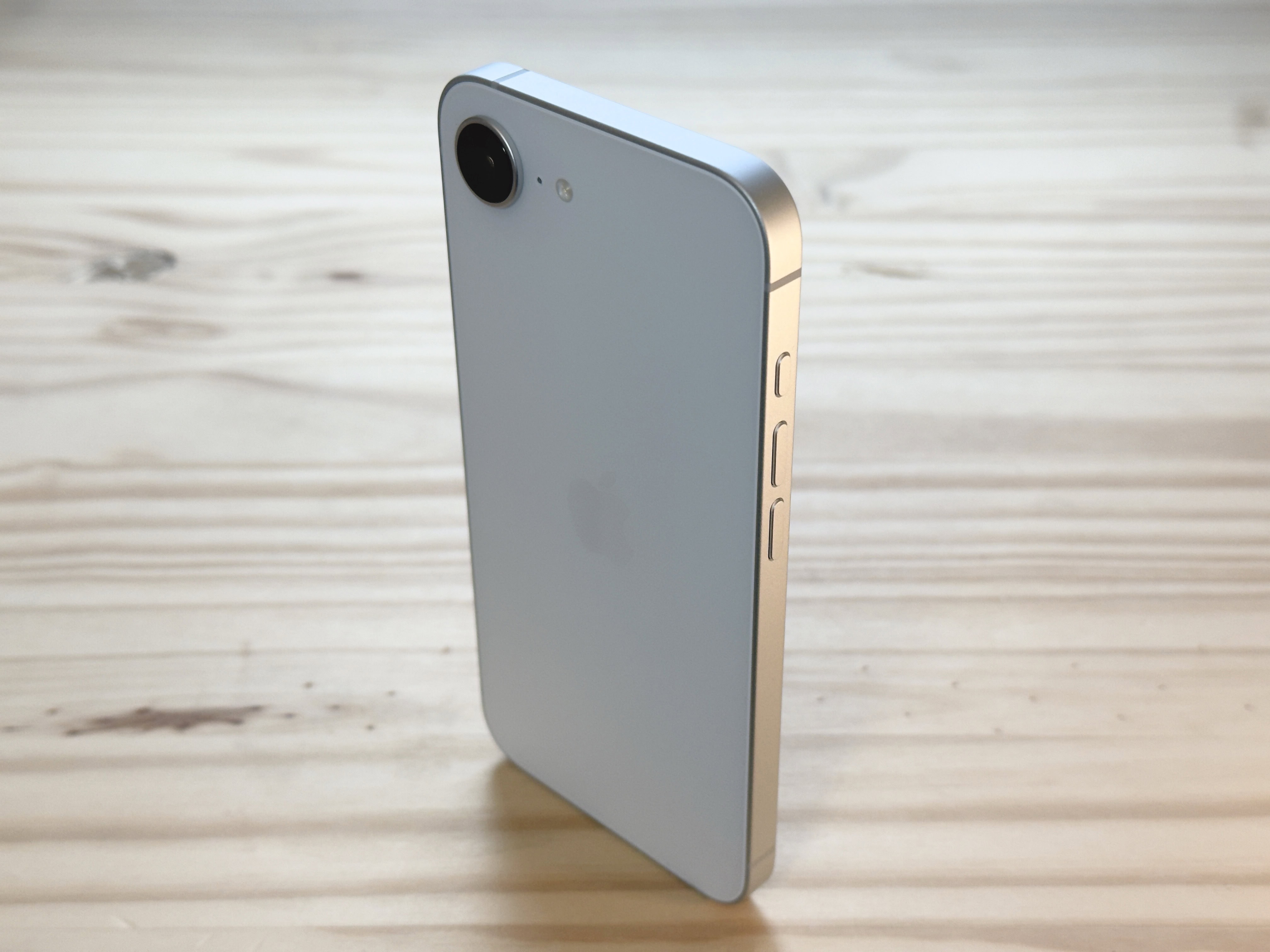
iPhone 16e standing up vertically on a pine table surface, used to illustrate an iPhone 16e review★★★★☆
The iPhone 16e's design revisits beautiful minimalism.
Photo: D. Griffin Jones/Cult of Mac

The iPhone 16e might lack some of the iPhone’s most premium features, but I can’t help but love it. While testing it for my iPhone 16e review, the phone’s light weight and clean rear design made me happy every time I picked it up, in a way I haven’t felt since my iPhone 5s. And its updated guts make it a perfectly serviceable daily driver that’ll stay fast and responsive for years to come.

It isn’t as cheap as the iPhone SE it replaces in Apple’s lineup. And while it largely resembles the iPhone 14 and 15, it’s missing MagSafe, one of the iPhone’s best features for many years now.

I downgraded from my personal iPhone 16 Pro to the iPhone 16e for the review, to put it through its paces — and came out impressed. Keep reading or watch the video below.

Always squinting? There’s more than one way to zoom in on your Mac screen.

By

What Does That Say?
Sometimes it can be hard reading your screen.
Image: D. Griffin Jones/Cult of Mac

It’s easy to zoom in on your Mac screen and get a closer look at your display. If the text is just too small to read, or perhaps you’re making some graphics and you need pixel-perfect alignment, a simple tweak to your Mac settings is all you need.

Using your Mac’s zoom feature, you can hit a keyboard shortcut or use a multitouch gesture on your trackpad to zoom in on your screen. I’ll show you how to use this handy feature. Plus, I’ll cover Hover Text and Display Scaling, two more features that help you embiggen the words on your Mac screen.

Should you mount speakers sideways on stands? [Setups]

By

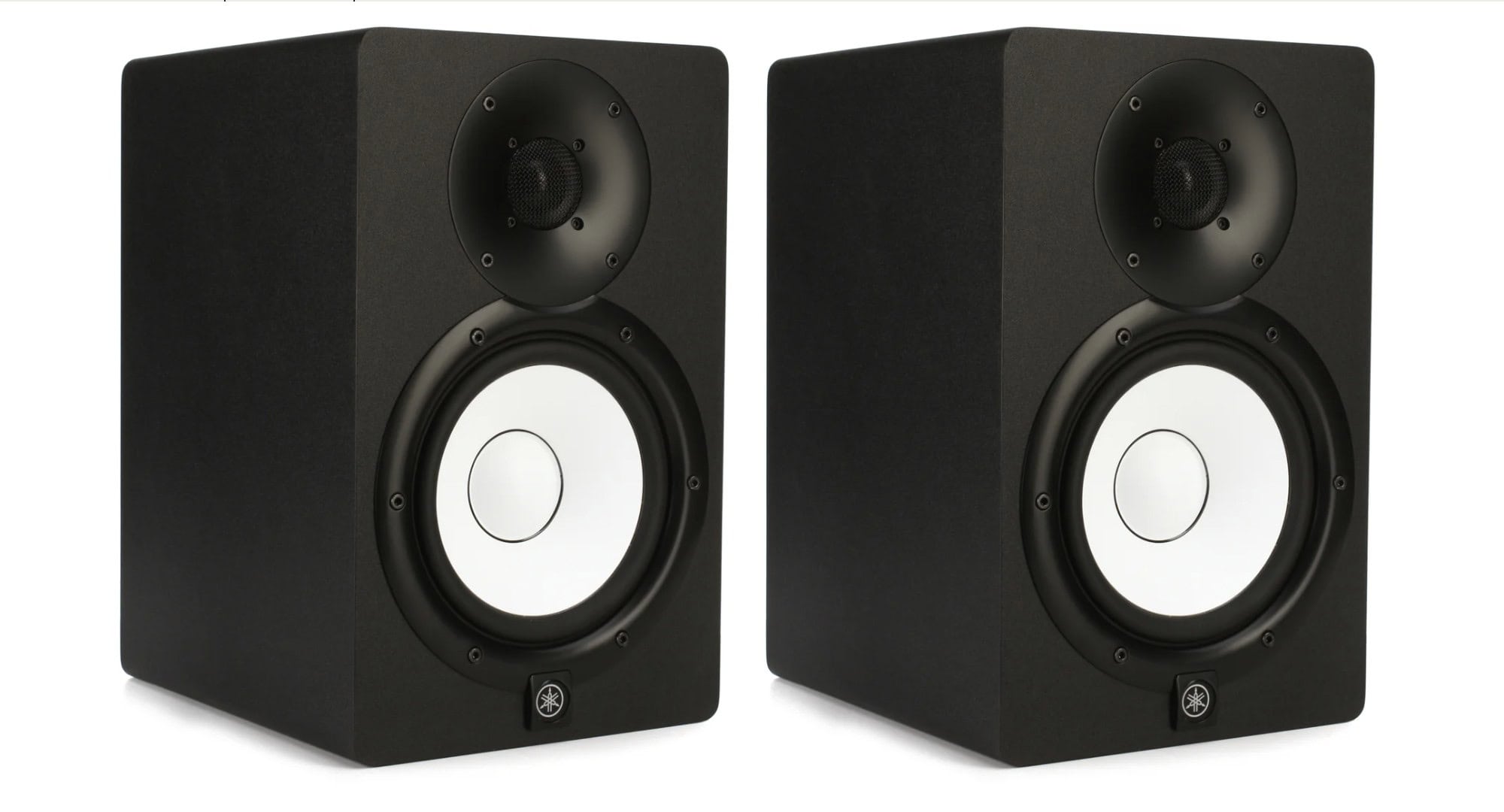
Yamaha studio monitor - pair
Yamaha HS7 studio monitor speakers far outstrip the small speaker inside a Mac mini.
Photo: Yamaha

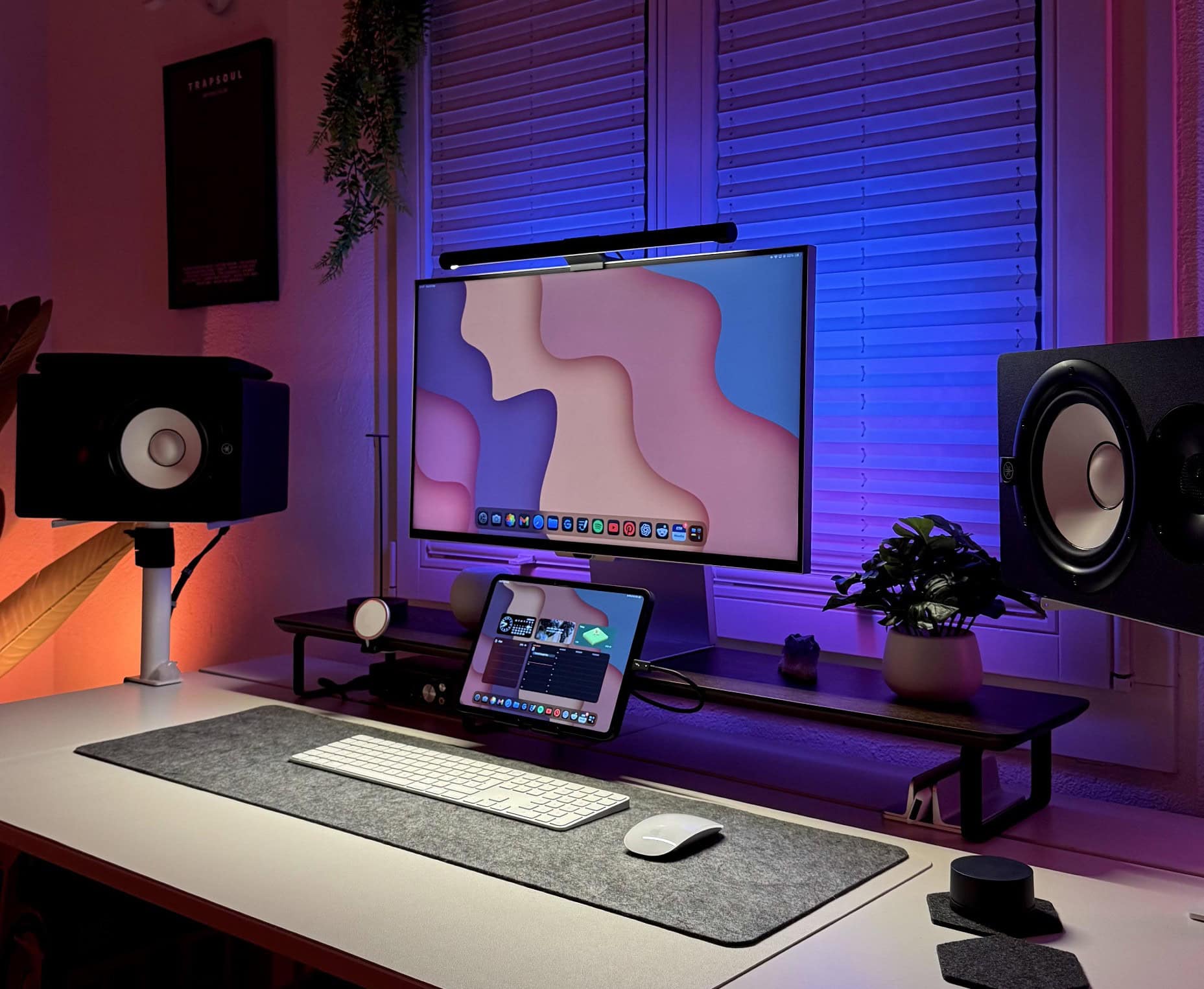
Today’s Mac mini setup really pumps up the clear audio with Yamaha studio monitor speakers, suitable for the user’s music production. They mount the speakers on stands, which is great. But they mount them sideways, which is … odd. And despite having those, they love their HomePod mini for most uses.

Apple C1 is ‘most power-efficient modem ever on an iPhone’

By

Apple C1 chip in an iPhone 16e
The Apple C1 chip is the company’s first in-house cellular modem.
Image: Apple

The new Apple C1 modem that powers the cellular connectivity of the iPhone 16e is the company’s first cellular modem designed in-house.

The C1 offers “fast and reliable connectivity, and it’s the most power-efficient modem ever in an iPhone,” said Kaiann Drance, Apple’s vice president of worldwide iPhone product marketing, in a launch video released Wednesday. Thanks to its efficiency — and an optimized internal design that allows for a bigger battery — the iPhone 16e offers an “unprecedented level of battery life in a 6.1 inch iPhone,” she added.

The Apple C1 integrates 4G, 5G, satellite and GPS radios in one chip. The C1 represents a brand-new direction for Apple silicon, alongside the company’s processors and other wireless chips. Recent Ookla speed tests suggest that the C1 modem holds its own against the Qualcomm chip in the iPhone 16, as detailed in this comparison.

Good luck finding the Mac mini in this workstation [Setups]

By

Mac mini mounted on back of monitor
You can see this user works with an iPad. But where's the Mac mini?
Photo: [email protected]

It’s a fun game for a Friday: Find the Mac mini in today’s featured setup photo, above. Or maybe it’s not so fun, because you’re doomed to failure. It’s not visible because the user mounted it on the back of his 5K Samsung ViewFinity S9 external monitor (which just happens to look just like its ultimate foe, Apple’s 5K Studio Display).

“It’s interesting to see how minimalist every Mac user seems to go with their setups,” noted a commenter. So our user quipped, “Apple store energy, hehe.”

Why every cord-cutter needs a Tablo [Review] ★★★★☆

By

Original photo of Nuvyyo Tablo TV DVR (4th Gen) to illustrate our review★★★★☆
Stop missing out on local TV with an affordable Tablo over-the-air DVR with antenna.
Photo: Ed Hardy/Cult of Mac

Nuvyyo’s Tablo picks up local TV broadcasts and lets you watch or record them on your TV, phone or tablet. As you’ll see in this Tablo TV review, it’s a brilliant solution for cord-cutters who lost access to CBS, ABC, etc., when they dropped their expensive cable subscriptions.

The device costs less than $100, with no subscriptions required and no hidden fees. For this review, I tested the latest Nuvyyo Tablo with my Apple devices and found the over-the-air DVR to be darn good, if not perfect.

This post contains affiliate links. Cult of Mac may earn a commission when you use our links to buy items.

1 27 28 29 30 31 209