Mobile menu toggle

Search results for: 6s

5 apps that showcase 3D Touch’s true potential

By

iphone-6s-3d-touch
Third-party apps are already jumping on board with 3D Touch and so should you.
Photo: Apple

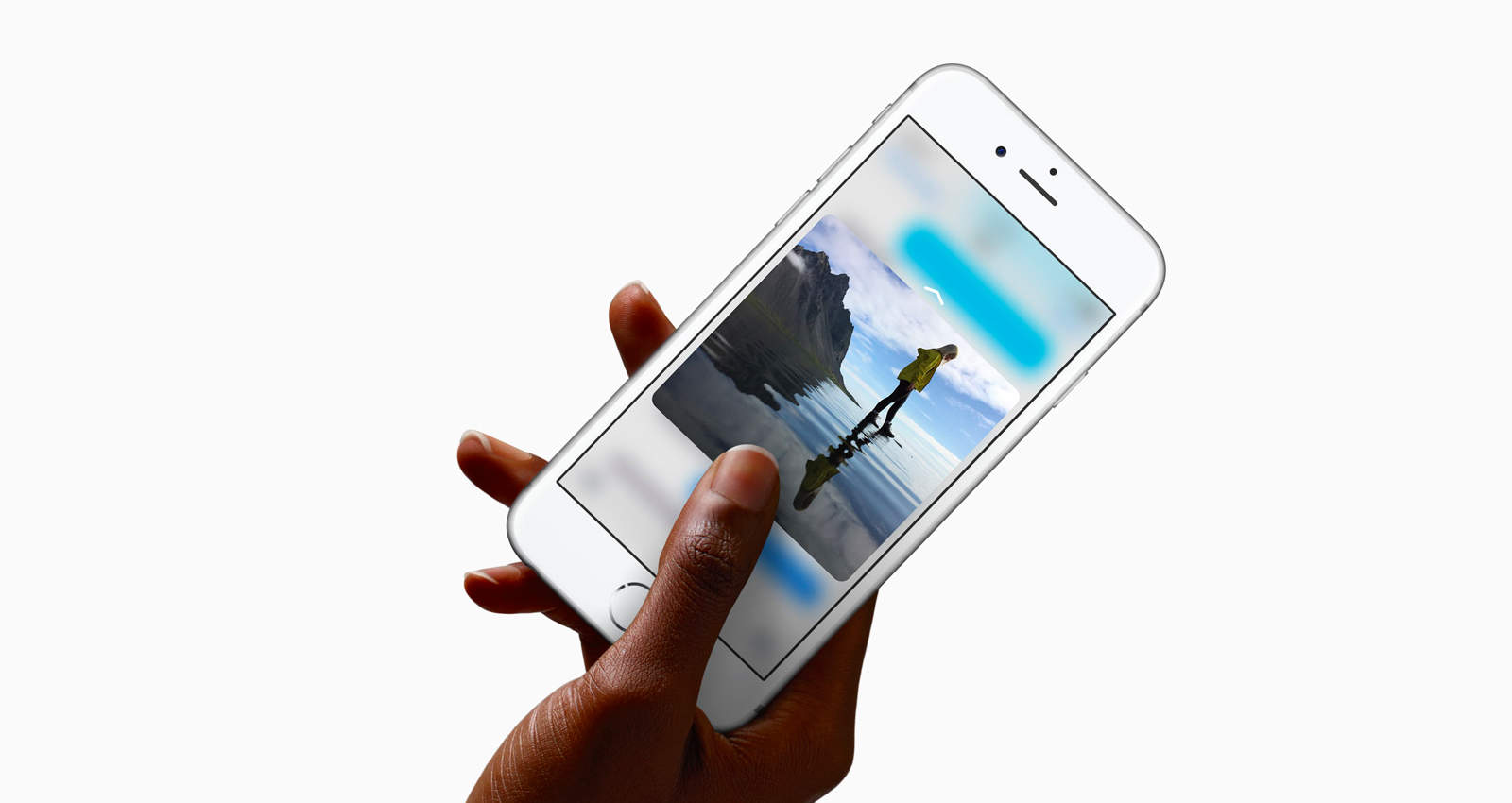
So, you’re one of 13 million people to get a brand new iPhone 6S over the launch weekend. Congratulations, you now have access to a faster phone — potentially a rose gold one, better cameras, stronger aluminum and of course, 3D Touch. The latter is actually extremely useful, but it’s only as useful as developers allow.

Since the feature is brand new, 3D Touch mostly works with Apple’s stock iOS apps for quick application shortcuts on the Home screen, plus Peek and Pop inside apps to preview different types of content. A few productive developers saw the light and quickly updated their apps to support this drastically new way to use an iPhone.

You can tell that the future is very bright for 3D Touch as developers are just getting started figuring out how to unlock all of its potential. Until we reach that 3D utopia, here are five terrific apps that already do Apple’s latest innovation plenty of justice.

TV station shelves expensive gear to report the news with iPhones

By

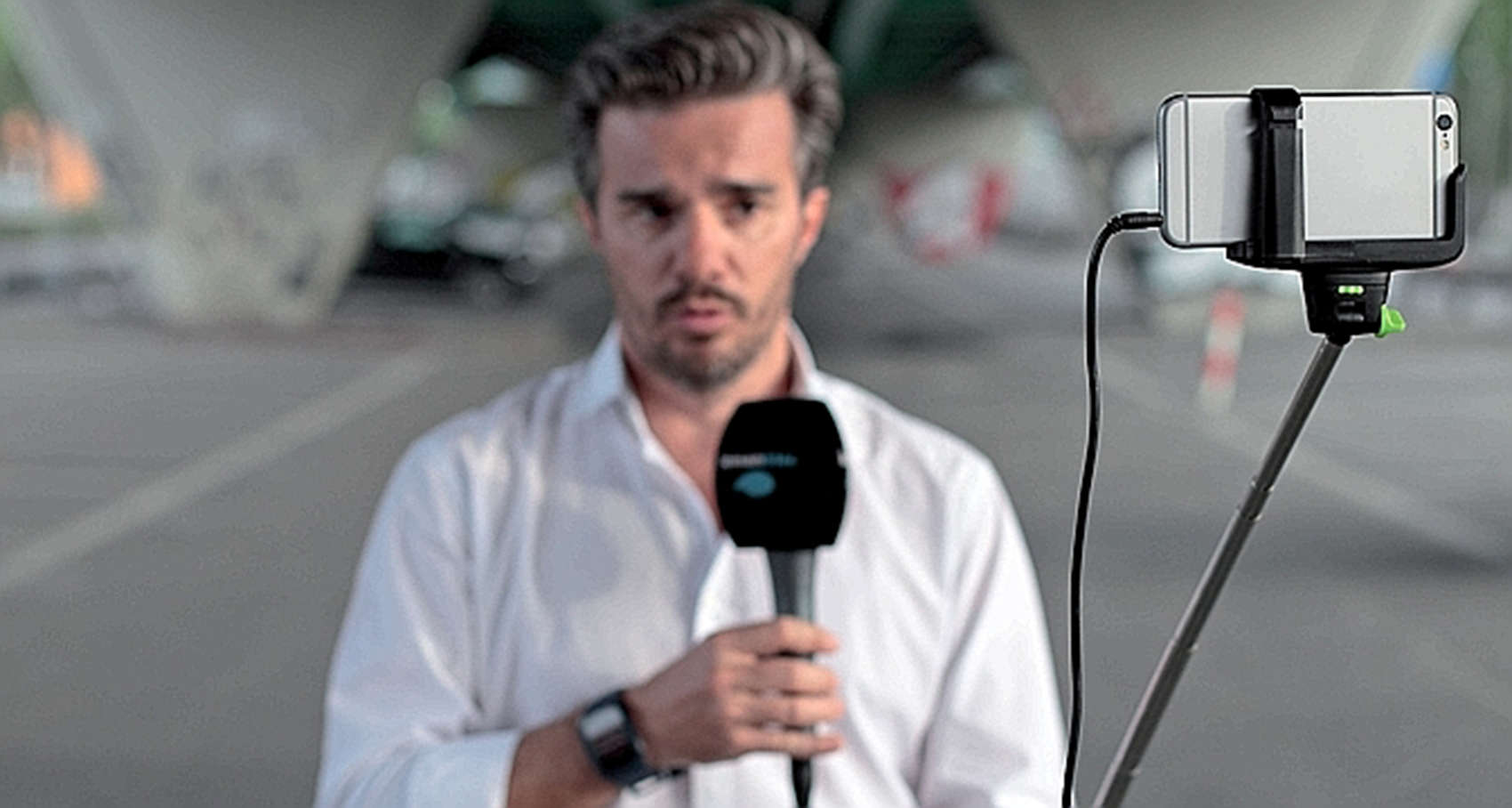
A reporter from Léman Bleu in Switzerland executes a live standup with an iPhone 6 on a selfie stick.
Photo: Léman Bleu/FTVLive

The Apple advertising campaign “Shot on iPhone 6” can now be a line on the closing credits of a Swiss news station, which now does 100 percent of its broadcasts on the iPhone.

During the summer, Léman Bleu gave each of its reporters an iPhone 6 kit to shoot their stories and use for live shots. That means a reporter with a mic in one hand can use the free hand to grip a selfie stick for live standup shots.

iSorry: Aaron Sorkin apologizes to Tim Cook

By

aaron-sorkin
Aaron Sorkin says both men were out of line with their comments.
Photo: WEBN-TV/Flickr CC

Tim Cook and Steve Jobs screenwriter Aaron Sorkin had a war of words last week.

First off, Cook made some disparaging comments about the upcoming movie biopic on The Late Show with Stephen Colbert — prompting Sorkin to lash back by criticizing Apple for employing a “factory full of children in China” who are paid “17 cents an hour” for building iPhones. Ouch!

It seems that PR types have worked their dark magic calmer heads have prevailed, however, because in a new interview, Sorkin says that him and Cook “probably both went a little too far” with their comments.

Aaron Sorkin to Tim Cook: ‘You’ve got a lot of nerve’

By

aaron-sorkin
"Steve Jobs" screenwriter isn't too thrilled with Tim Cook.
Photo: WEBN-TV/Flickr CC

Aaron Sorkin, the screenwriter for the upcoming Steve Jobs movie, didn’t hold back his feelings about Tim Cook’s recent comments. Sorkin said that Cook has “a lot of nerve” calling his film “opportunistic,” which seems to imply that the filmmakers are capitalizing on Steve Jobs’ death. Sorkin threw additional shots too.

Pro Tip: How to fine-tune 3D Touch sensitivity

By

Try not to bust that thing, ok? You just got it.
Photo: Buster Hein/Cult of Mac

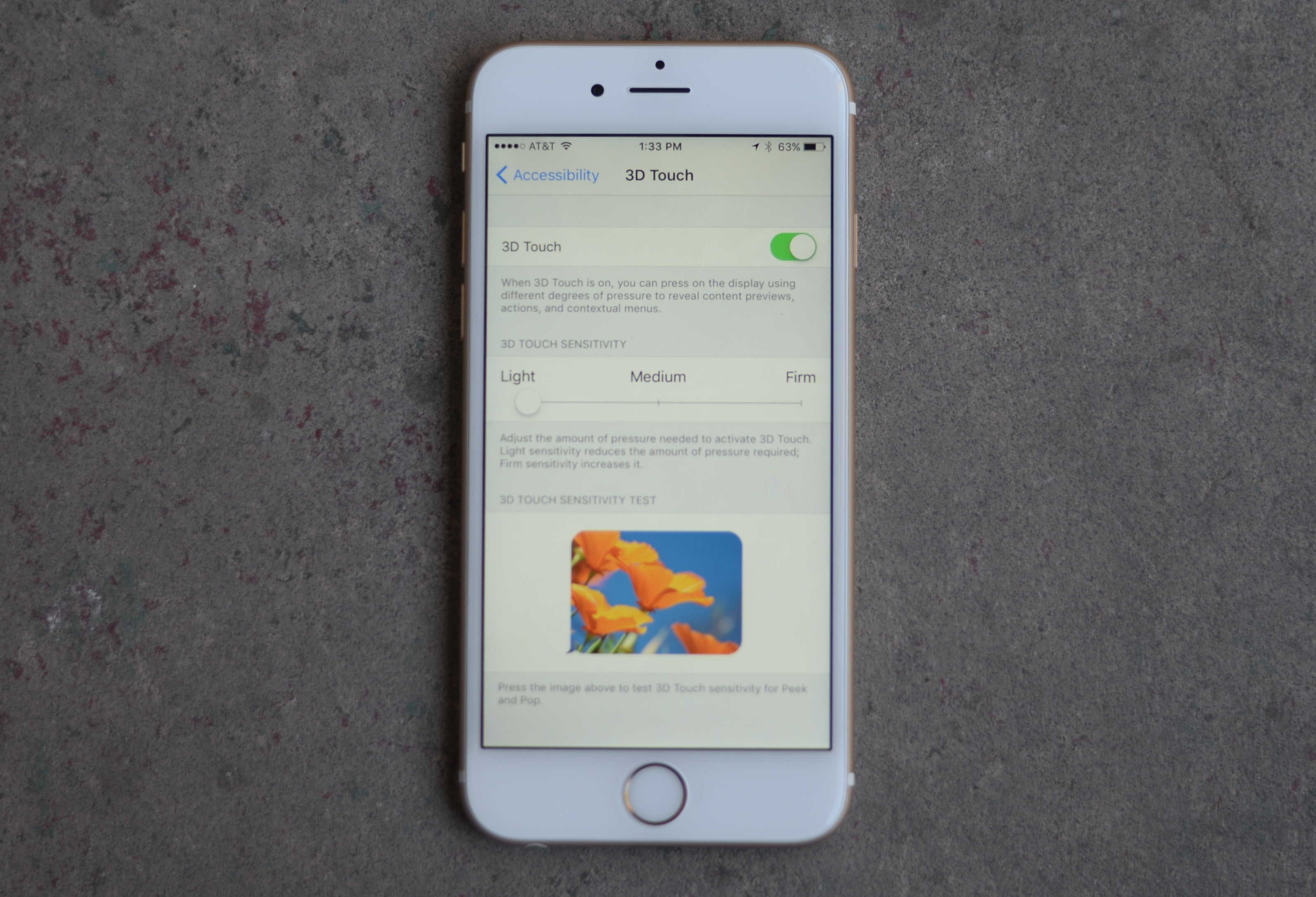
Pro Tip Cult of Mac bug You don’t have to press so hard on your expensive new iPhone 6s or 6s Plus to get the groundbreaking 3D Touch working easily.

We’ve all been looking forward to this killer UI upgrade, but some users say they’re worried about breaking their new iPhone screens because they’re pushing so hard to get the “pop” level of 3D Touch.

Here’s how to make this a little easier to use.

3D Touch is killer UI; here’s how to best use it

By

3Dtouch
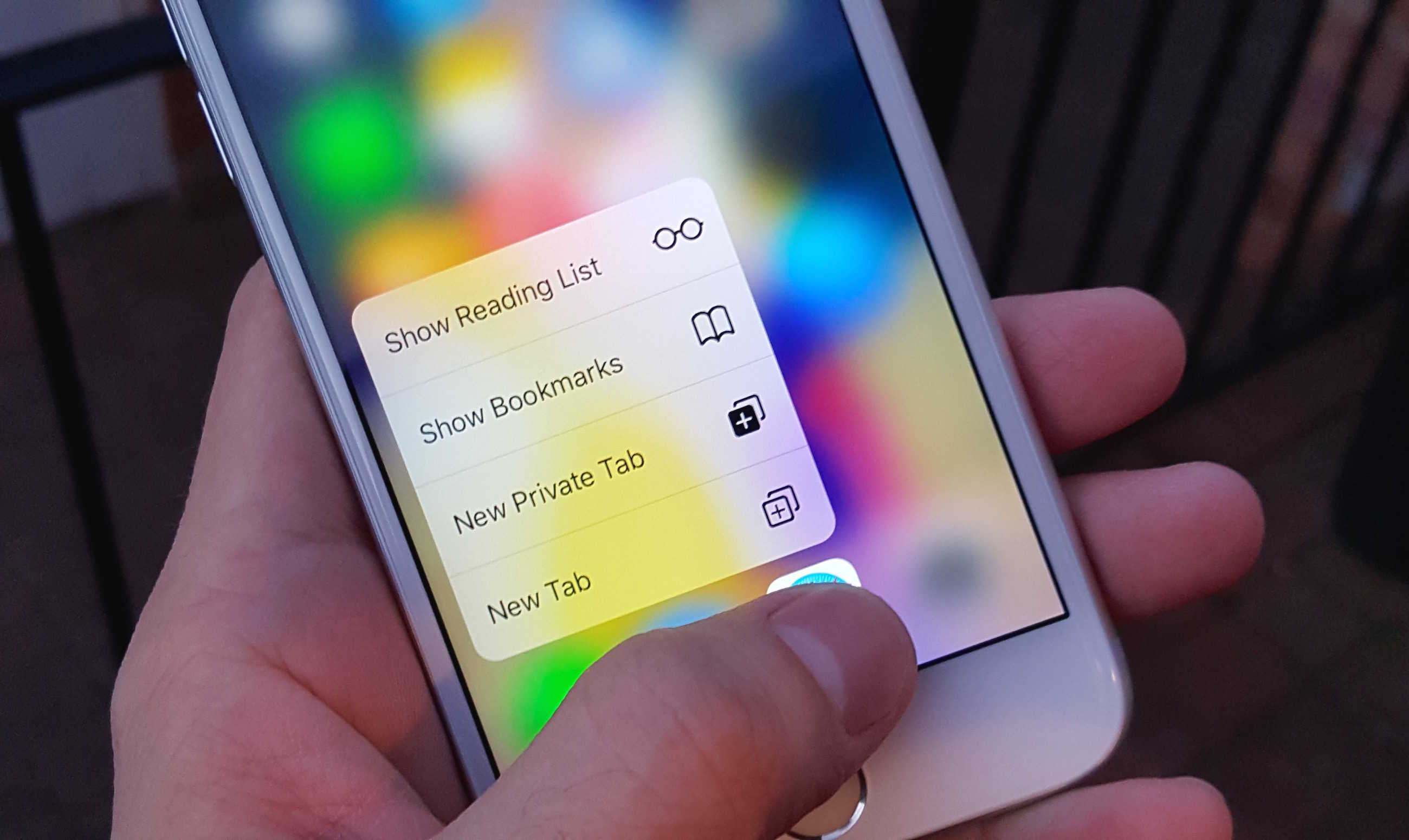
Quick Actions are the best thing about 3D Touch.
Photo: Killian Bell/Cult of Mac

If you’re trying your best to resist an iPhone 6s or iPhone 6s Plus, do not walk into an Apple Store and try 3D Touch. Once you’ve had a taste of it, your smartphone simply won’t feel complete without it.

Here are four ways in which 3D Touch makes life a lot sweeter.

Hipstamatic lets rectangles be hip, too

By

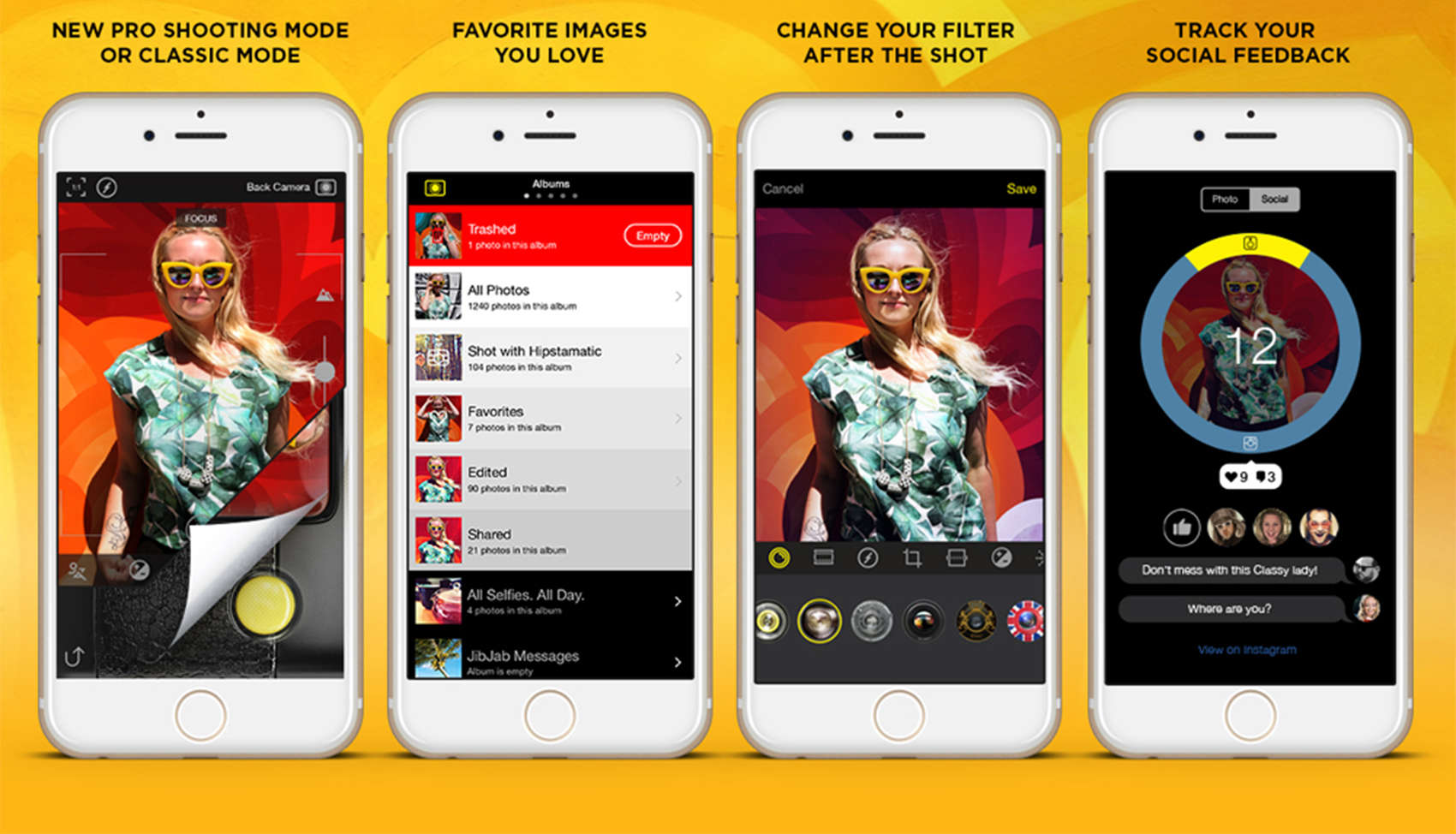
An expansive update by Hipstamatic gives iPhone shooters a broader range of controls and takes advantage of the new features on the iPhone 6s.
Photo: Hipstamatic

Hipstamatic, the go-to photo app for discerning iPhone photographers, rolled out an expansive update today that lets hipness venture outside the square.

In conjunction with the availability of the new iPhone 6s and its 12-megapixel camera, Hipstamatic 300 is free for a limited time and features a ProMode for greater control, a darkroom suite with a range of editing tools, multiple formats rather than just a square frame and syncing to your iOS Photo Library.

5 ways ‘Hey Siri’ will change your life for the better

By

Siri
Apple's new "Hey Siri" feature promises to be a game-changer.
Photo: Jim Merithew/Cult of Mac

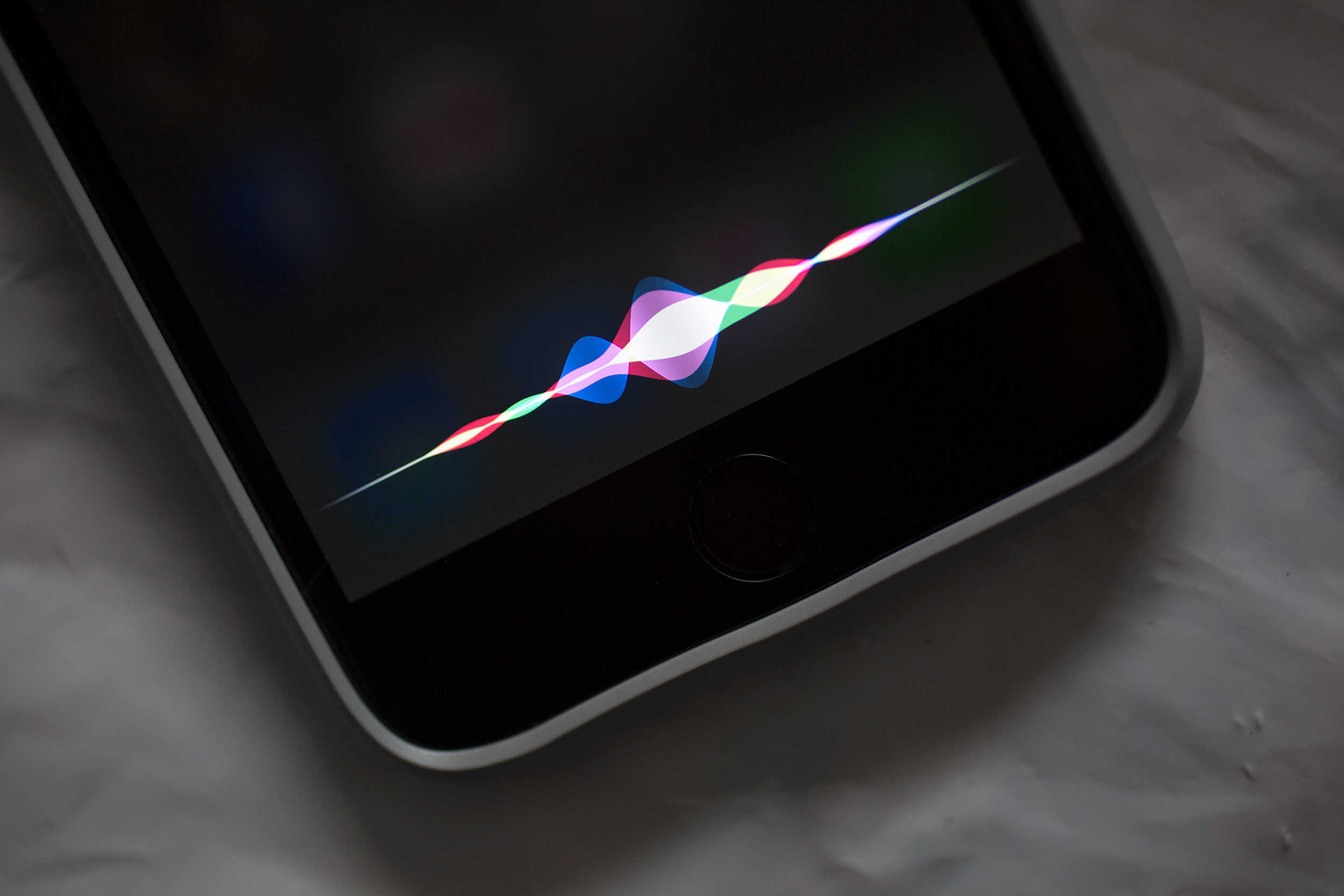
iOS 9’s new always-on “Hey Siri” feature promises to be a game changer for iPhone 6s-owning users of Apple’s AI assistant. For the first time ever, these owners won’t have to plug in their handsets in order to use Siri’s new voice activation tech.

So how exactly will this untethered “Hey Siri” improve your life? Let us count the ways…

Prep photos perfectly for your custom Apple Watch face

By

Apple Watch Update
Get ready to make custom Apple Watch faces like a champ.
Photo: Jim Merithew/Cult of Mac

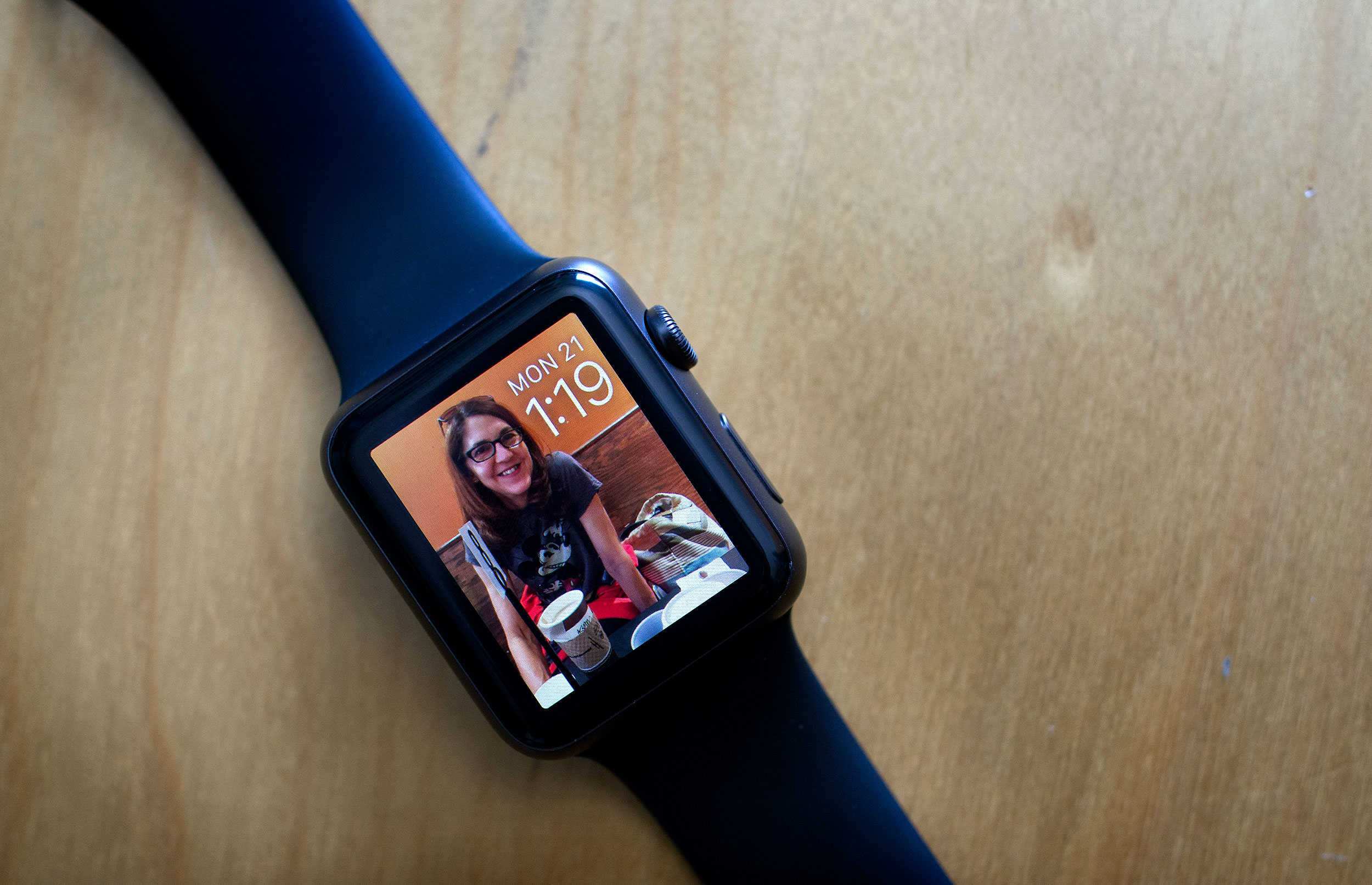
With watchOS 2, you can now use any photo in your library to make a custom Apple Watch face. And that gives you a lot of freedom to make the wearable your own, but sometimes, you and the watch might have different ideas for how to treat your pictures.

Here’s a quick and easy way to make sure that your Apple Watch looks exactly how you want it to.