iOS 18 is almost here. Photo: Apple/Rajesh Pandey/Cult of Mac
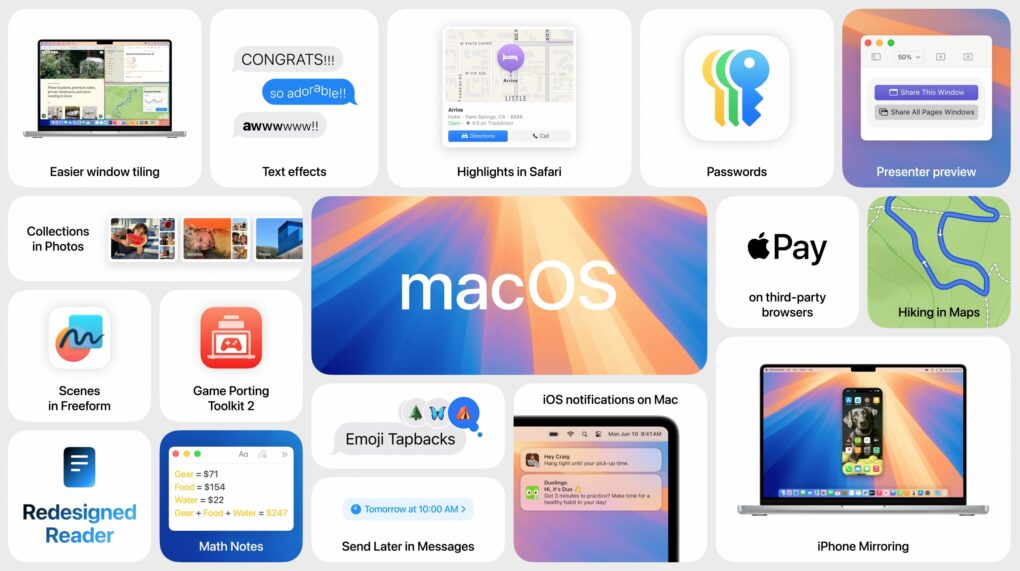
Apple released iOS 18, iPadOS 18, watchOS 11 and macOS Sequoia Monday. After Apple showcased these operating systems in June at WWDC24, it revealed the release date for iOS 18 and macOS Sequoia’s first stable build at the “It’s Glowtime” event.
They are available now for download on iPhone, iPad, Apple Watch and Mac.
macOS Sequoia brings your iPhone and Mac closer. Photo: Apple
macOS Sequoia is a pretty comprehensive update with some fantastic new features, like iPhone mirroring, window tiling, and text message formatting. Although Apple Intelligence — the AI features coming to Mac, iPhone, and iPad — will continue grabbing headlines for the next year, it won’t arrive until later in the fall. Plus, only Macs with Apple silicon will support Apple Intelligence. Additionally, users can look forward to a new shaking head emoji, expanding the ways people can express disagreement or disapproval in messages.
Still, macOS Sequoia brings some game-changing new features — and it’s out right now. Find it in System Settings > General > Software Update. It’s compatible with most of the same Macs as macOS Sonoma, dropping support for the 2018 and 2019 MacBook Air.
After you update, here’s the big list of things you can check out.
An OLED MacBook is more than possible... it's inevitable. Photo: Cult of Mac
Apple’s switch from LCD to OLED in its MacBook line isn’t moving quickly. A pair of respected industry analysts agree that it won’t happen before 2026.
The change should improve the performance of the display, but might also drive up the price of macOS notebooks.
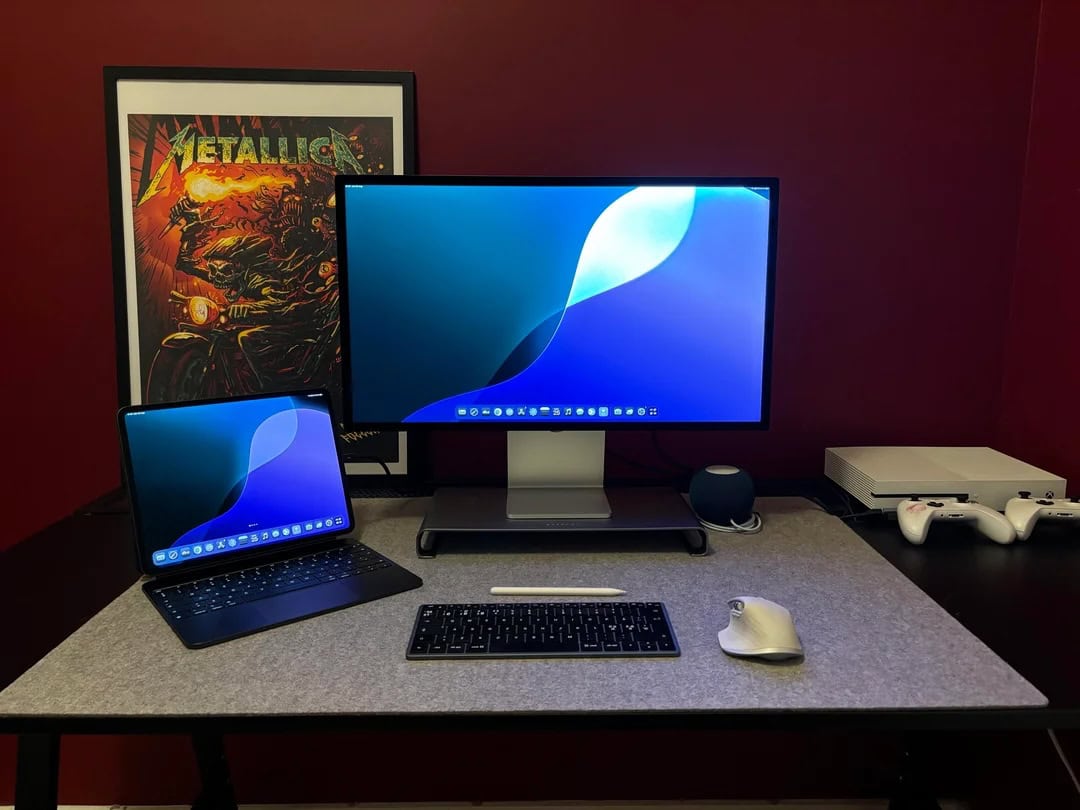
This MacBook Air users loves using his 13-inch M4 iPad Pro as a second external display. His Studio Display displays his iPad screen in the photo above. Photo: [email protected]
Many users out there on social media can’t seem to get enough external displays into their computer setups. Sometimes we see as many as six big screens. But don’t forget a simple way you can always add another small screen. Namely, don’t just add your MacBook open on the desk or on a stand. Include your iPad, too. Today’s M1 MacBook Air user proudly has his M4 iPad Pro mirror on Studio Display as it sits in the mix on a Twelve South stand.
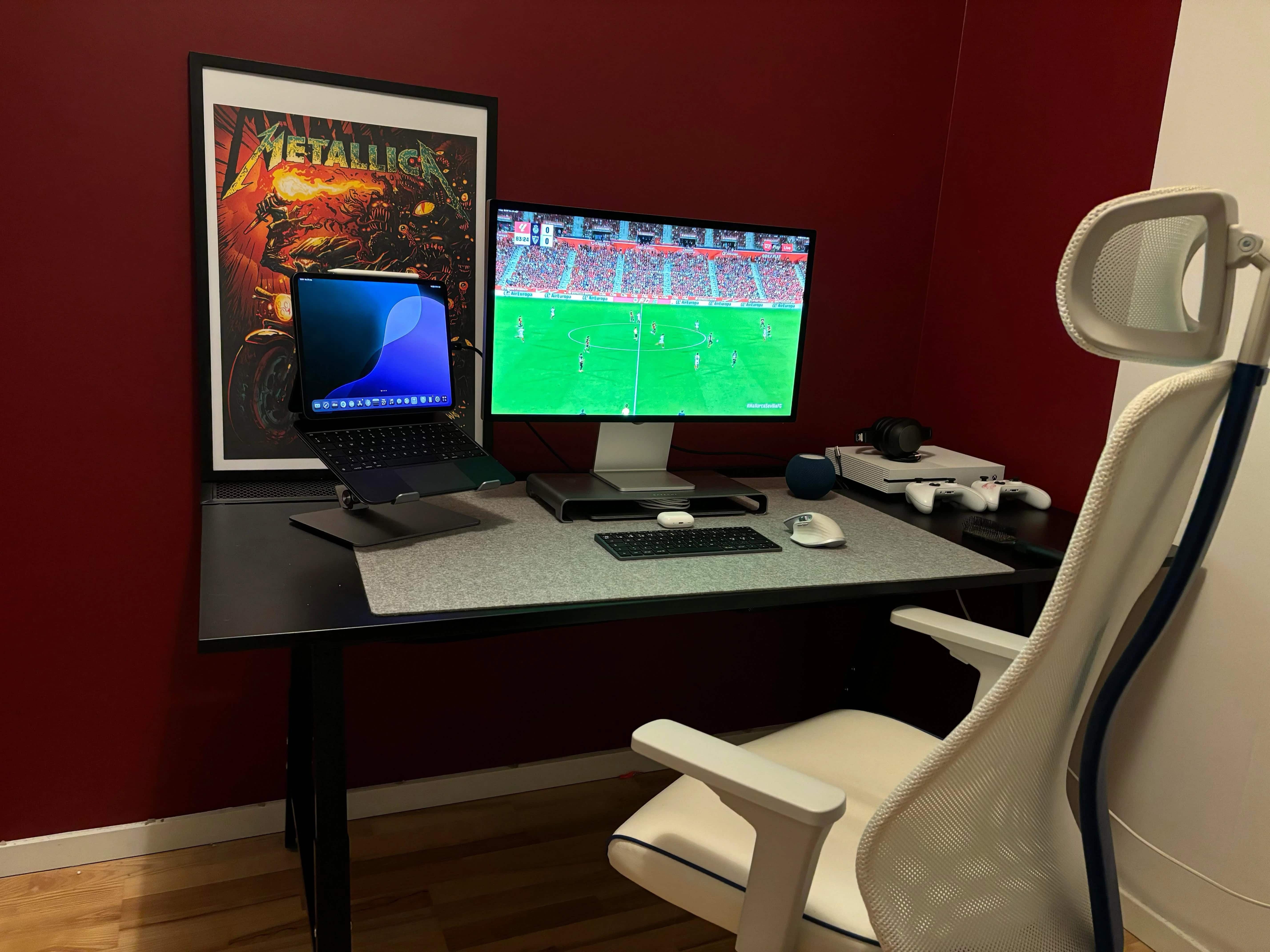
This MacBook Air user found an easy way to use Xbox with Studio Display. Photo: [email protected]
Macs have gained ground in the gaming world with the rise of Apple silicon chips, as those M-series chips massively boost performance. But sometimes you just want to play on a console rather than your computer. Today’s MacBook Air user switches to Xbox One for gaming. And he gave simple advice, below, to curious commenters who wanted to know how he gets the system to work with his Studio Display. He describes his method below.
★★★★★
WaterField Designs' brilliant X-Air Duffel lets you carry all your Apple gear in style. Photo: Lewis Wallace/Cult of Mac
WaterField Designs’ X-Air Duffel is a carry-on duffel bag that solves many problems for frequent fliers. High-quality components and an incredibly well-thought-out design make it one of the best under-seat luggage options around — especially for anybody who tends to carry a lot of Apple gear.
Meticulously crafted, with loads of luxurious details, it’s roomy enough to hold a couple of days’ worth of clothing. And yet it’s still small enough to cram under most airlines’ seats. Dedicated compartments safely hold your MacBook, iPad and other devices, keeping them well organized for in-flight use.
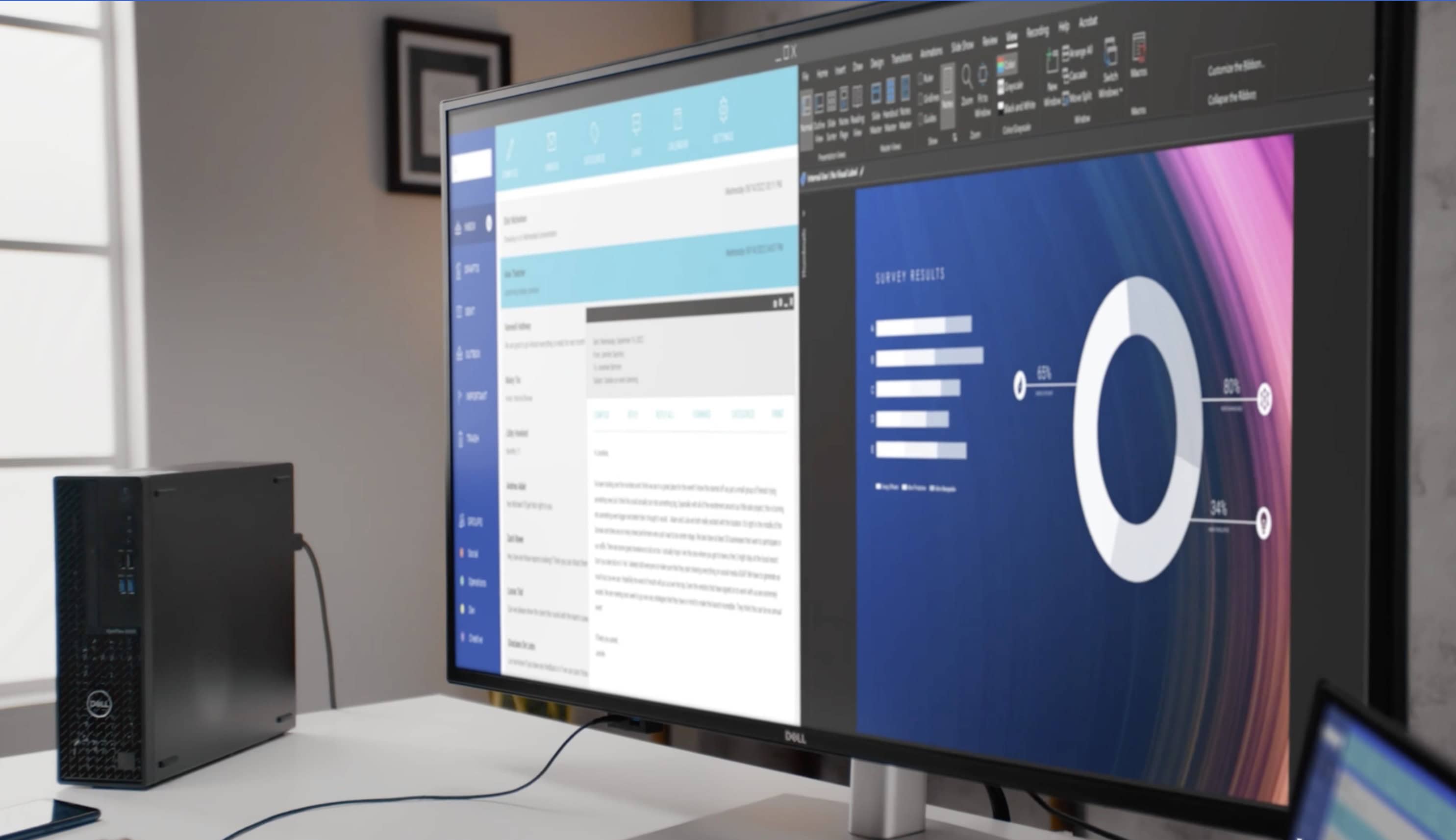
This big Dell UltraSharp 4K display rivals many smart TVs, and it's 16 inches larger than the commonplace 27-inch monitors out there. Photo: Dell
We’ve seen a trend for some time of people using massive smart TVs as external computer displays because they want something even bigger than most purpose-built monitors. But regular monitors are catching up. We’ve seen a few 49-inch curved gaming displays out there, of course, and today’s MacBook Pro setup uses a giant 43-inch Dell flat panel with 4K resolution.
Commenters on the post noticed the intriguing placement of the iPad Pro. Photo: [email protected]
Not everyone keeps an iPad in their computer setup, especially when it’s not their main computer. But today’s M2 Pro MacBook Pro user does. And as commenters on his post noted, he may have found the perfect placement for his iPad Pro stand. He seems to get his laptop and tablet mounts working in perfect unison, within view and also within easy reach.
Will the replacement for the Xiaomi curved display in this moody MacBook Pro setup be a Samsung ViewFinity S9 or a Studio Display? Photo: [email protected]
In the battle of 5K resolution displays, it’s Studio Display against a small-but-growing army of foes (at least for Mac fans). Today’s M1 MacBook Pro user looks to replace a 1440K gaming display with either a Samsung ViewFinity S9 curved 5K monitor or with Apple’s well-liked but somewhat-pricey Studio Display. The advice she got leaned heavily toward Apple.
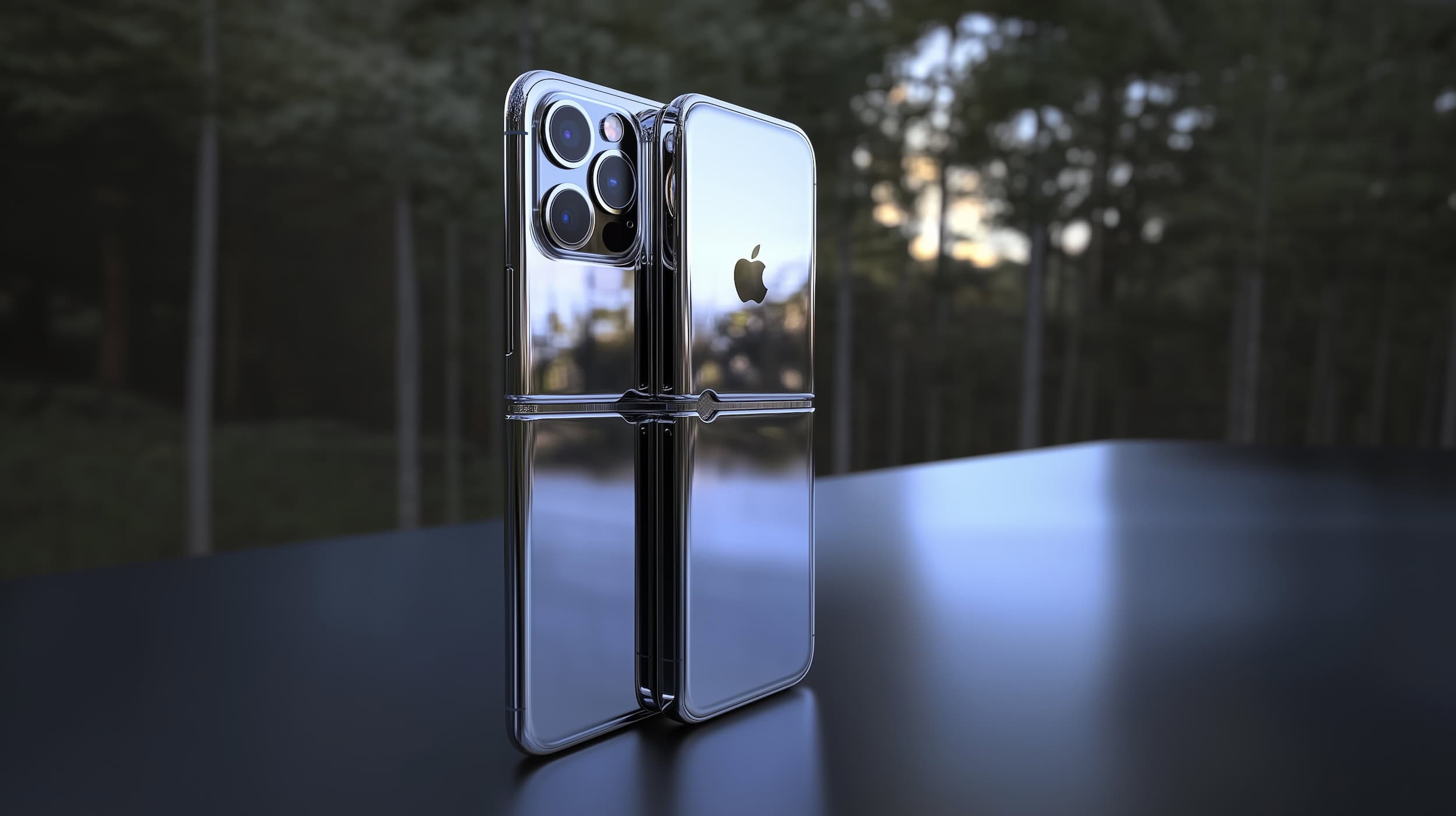
What will the "iPhone 17 Slim" look like? AI image: Midjourney/Cult of Mac
Leaks tell us Apple is prepping a super-slim version of next year’s iPhone 17 without all the features of the Pro models but with a price that’ll make it the most expensive in the lineup. These reports left many of us skeptical. Would anyone pay more for a slim-but-stripped-down iPhone?
But let’s change the rumor slightly — what if Apple is prepping a super-slim iOS handset that folds? If the recent leaks are actually about the iPhone 17 Fold, they make a lot more sense.