★★★☆☆
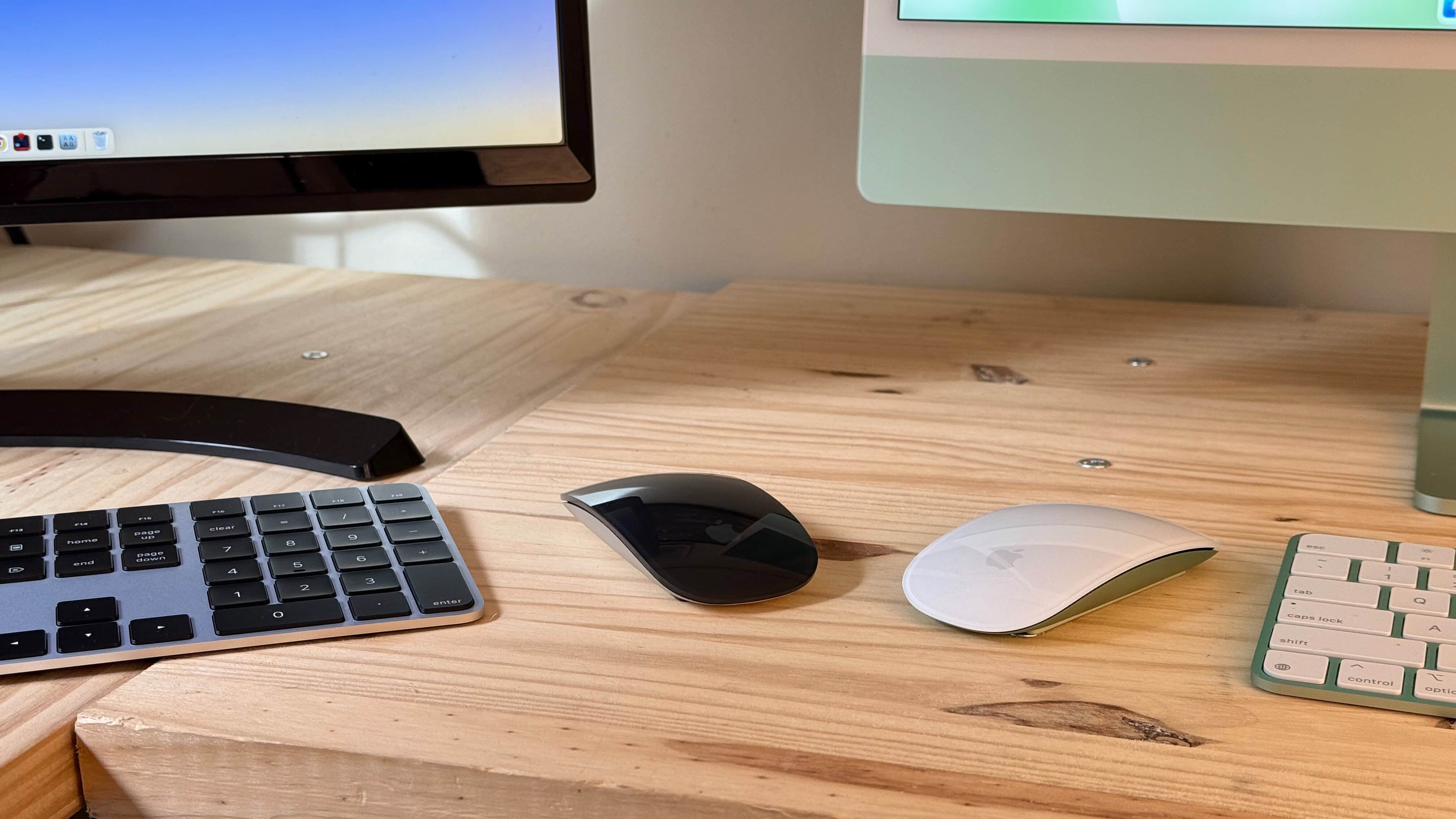
It comes in Black and White, with matching color accents if ordered with an iMac. Photo: D. Griffin Jones/Cult of Mac
The Magic Mouse has been updated with USB-C, and … well, that’s about it. You can ditch the Lightning cable on your desk, but that’s where the changes end.
It still has a design that’s uncomfortably thin for my hands and lacks modern niceties like Force Touch and multi-device pairing.
The Magic Mouse is, however, still the best (and maybe only) mouse that uses trackpad-style swiping and scrolling gestures in place of a traditional scroll wheel. If you can set all else aside, it’s a great experience.
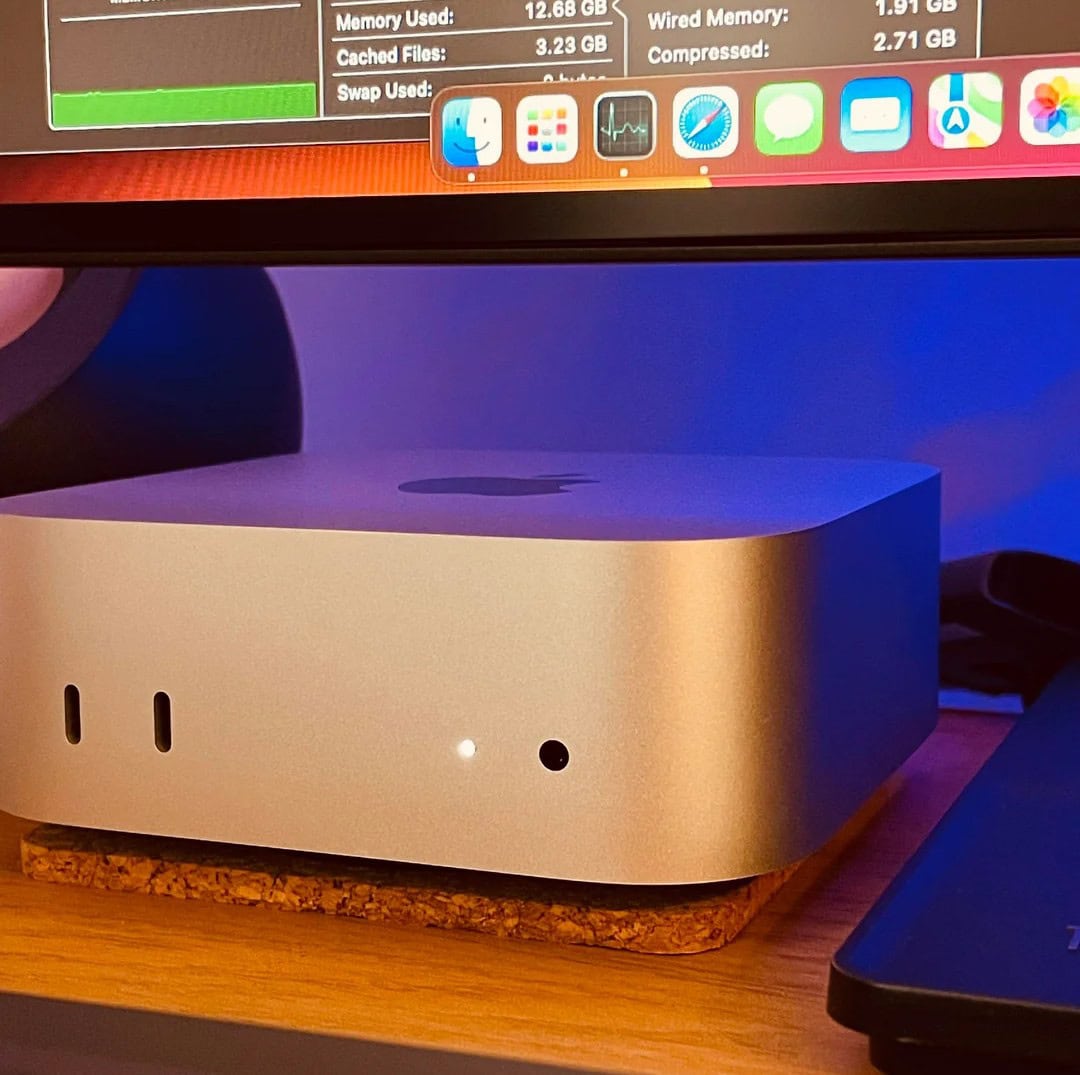
It's just the base model, but this user is over the moon so far. Photo: [email protected]
Now that the new M4 Mac mini editions are even smaller than before but mightier than ever, plenty of other Mac users might migrate. That could include laptop devotees. Today’s M3 Pro MacBook Pro user, who also has an M1 Pro laptop, “couldn’t be happier” with his “incredibly impressive” new M4 Mac mini (the base model, no less). And he’s doing some intense work on his new desktop machine, too.
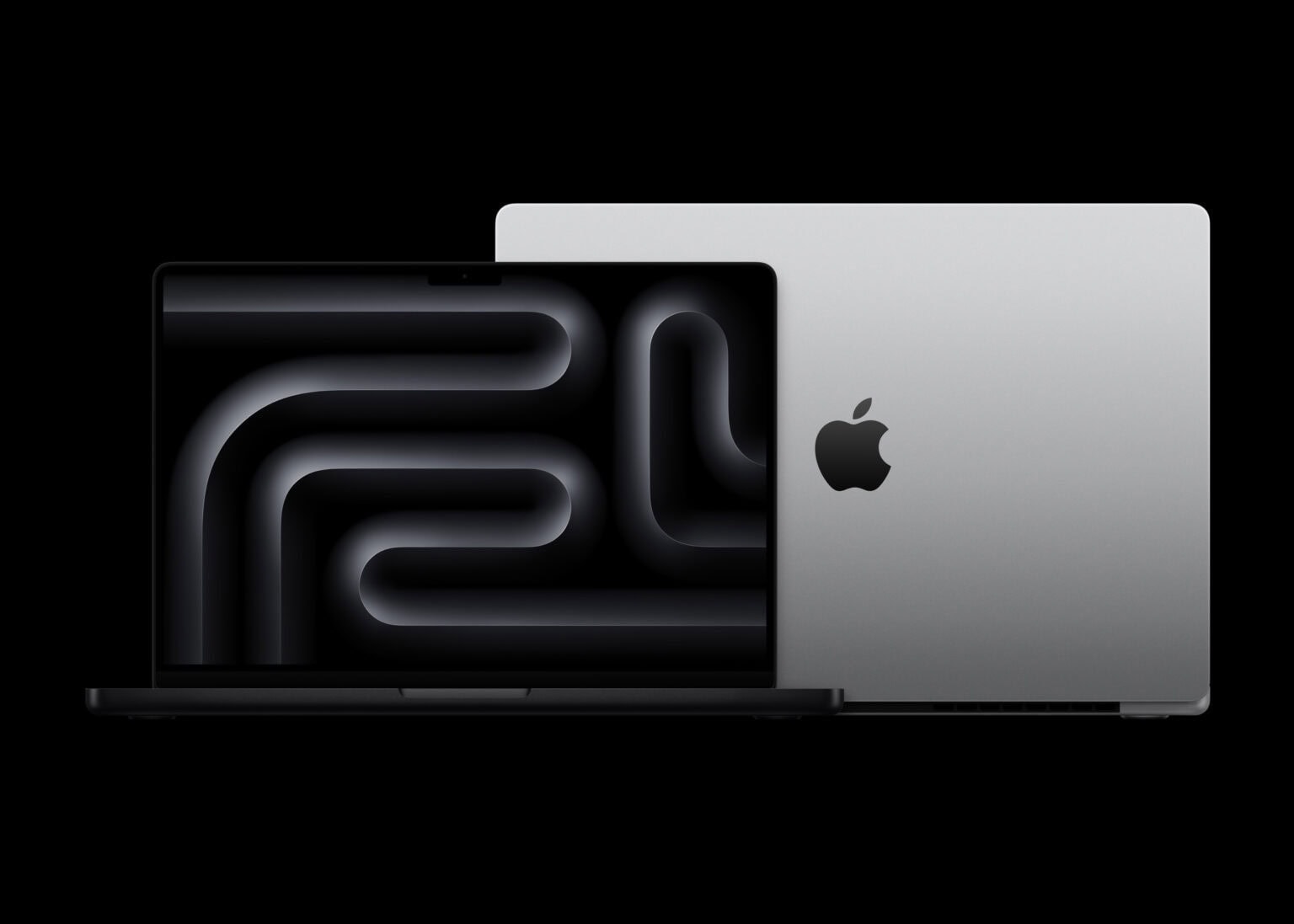
Reviews are flowing in, and they seem almost unanimously glowing. Photo: Apple
Apple’s latest M4, M4 Pro and M4 Max MacBook Pro refresh brings significant improvements to its professional laptop line, with reviewers praising the upgraded base model and impressive performance gains across the board. Here’s what the top tech publications are saying about the 2024 MacBook Pro with M4 chips.
“All the things that have made Apple silicon-based MacBook Pros great are still here, now powered by the impressively upgraded M4 chip,” noted Jason Snell on the Six Colors blog. “Apple has also sufficiently improved the base model to finally elevate it out of ‘Why does this exist?’ territory, boosted the device’s world-class display and seriously upgraded the built-in webcam. Not bad for a small update.”
Maybe lays hands on an M3 Max MacBook Pro for the holidays. Photo: Apple
Doesn’t it seem like the B&H Photo Holiday Head Start sale gets going earlier every year? Just kidding, never heard of it — but it looks tempting all the same. Sorting by brand, we saw that you can scroll down the page to see miles of Apple holiday deals, bagging more than 100 great bargains on pretty much the whole range of products, from MacBooks to AirTags.
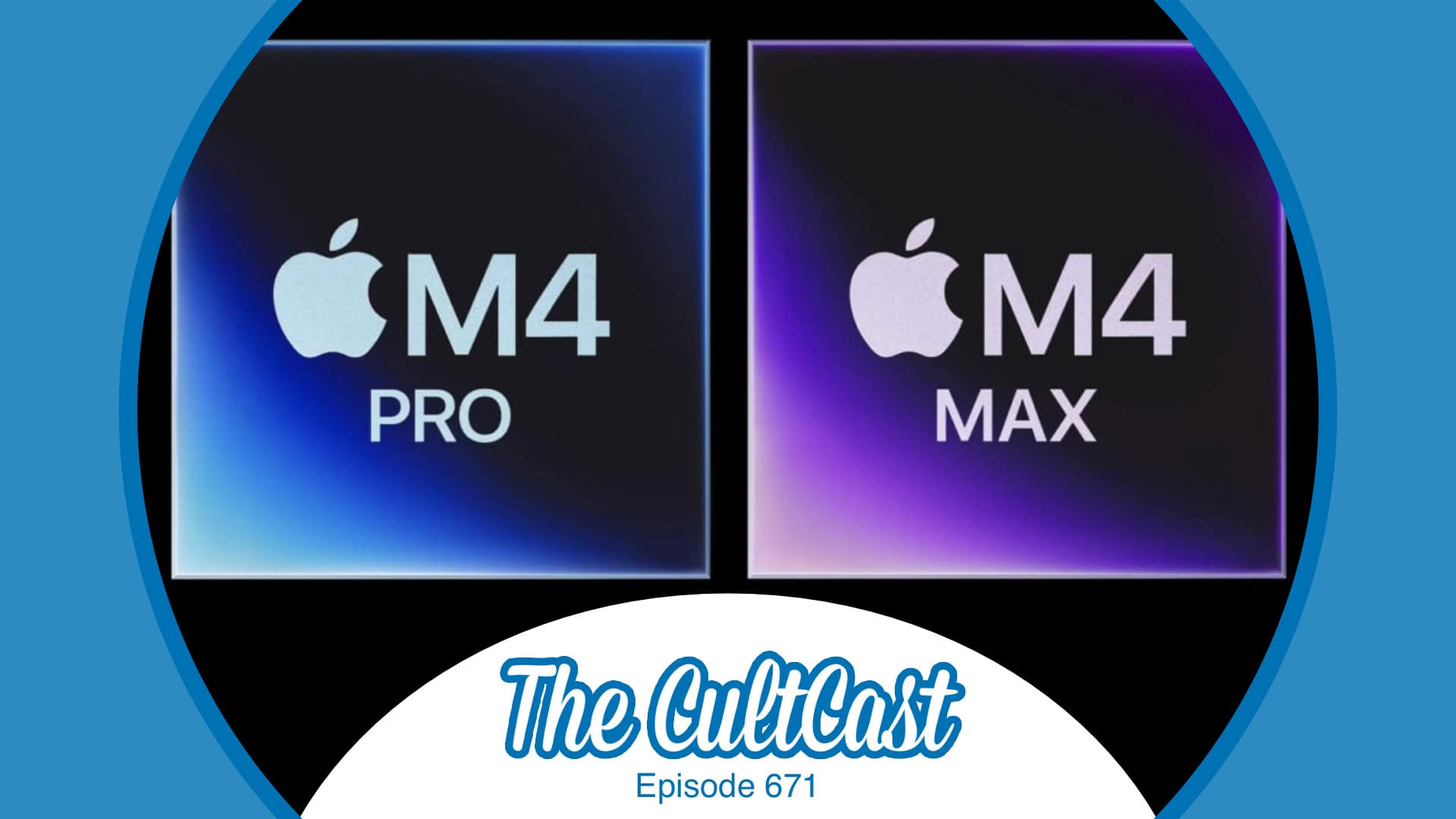
You can almost feel the power of the M4 Pro and M4 Max chips. Image: Cult of Mac
This week on Cult of Mac’s podcast: After a whirlwind week of M4 Mac releases, we weigh up the pros (tons) and cons (very few). Mostly it’s a lovefest as we talk about the new M4 Mac mini, iMac and MacBook Pros.
Also on The CultCast:
What’s up with Apple putting the new Mac mini power button on the bottom? (Luckily, the internet has some “fixes.”)
Apple surprised us by upgrading the RAM on M2 and M3 MacBook Airs — without raising the prices!
We wrap up with a discussion of what new Apple gear we ordered after this week’s Mac-o-rama.
Listen to this week’s episode of The CultCast in the Podcasts app or your favorite podcast app. (Be sure to subscribe and leave us a review if you like it!) Or watch the video live stream, embedded below.
Reading from a teleprompter helps this user maintain eye contact on Zoom calls. Photo: [email protected]
Many computer setups feature advanced camera and lighting arrangements for tasks like video streaming, but not every day do we see home rigs with teleprompters in them. Today’s MacBook Pro is an exception. The user runs a teleprompter setup with a specialized monitor and key lights. So is the user a remote correspondent on some news show? Nope, he uses the teleprompter outfit just for Zoom meetings, actually.
Watch the event in just 3.8% of the time. Image: Apple/D. Griffin Jones/Cult of Mac
Apple’s announcements this week of the first M4 Macs were impressive and full of surprises. But if you don’t have time to sit through all three videos, totaling nearly 40 minutes, you can watch our edit of it all in just 90 seconds.
That penguin doesn't just use an Edifier speaker as a chair, according to this MacBook Air user. Photo: [email protected]
As we’ve pointed out in product news coverage and reviews, Edifier is one of those smaller companies that always seem to come across with great value. Its audio gear is solid and sounds great, but it’s on the inexpensive side of things. And that’s the case for the Edifier powered speakers in today’s MacBook Air setup. The workstation features a penguin plush toy that doesn’t just use an Edifier box as a chair, according to the user. The stuffed animal apparently rocks out, too.
★★★★☆
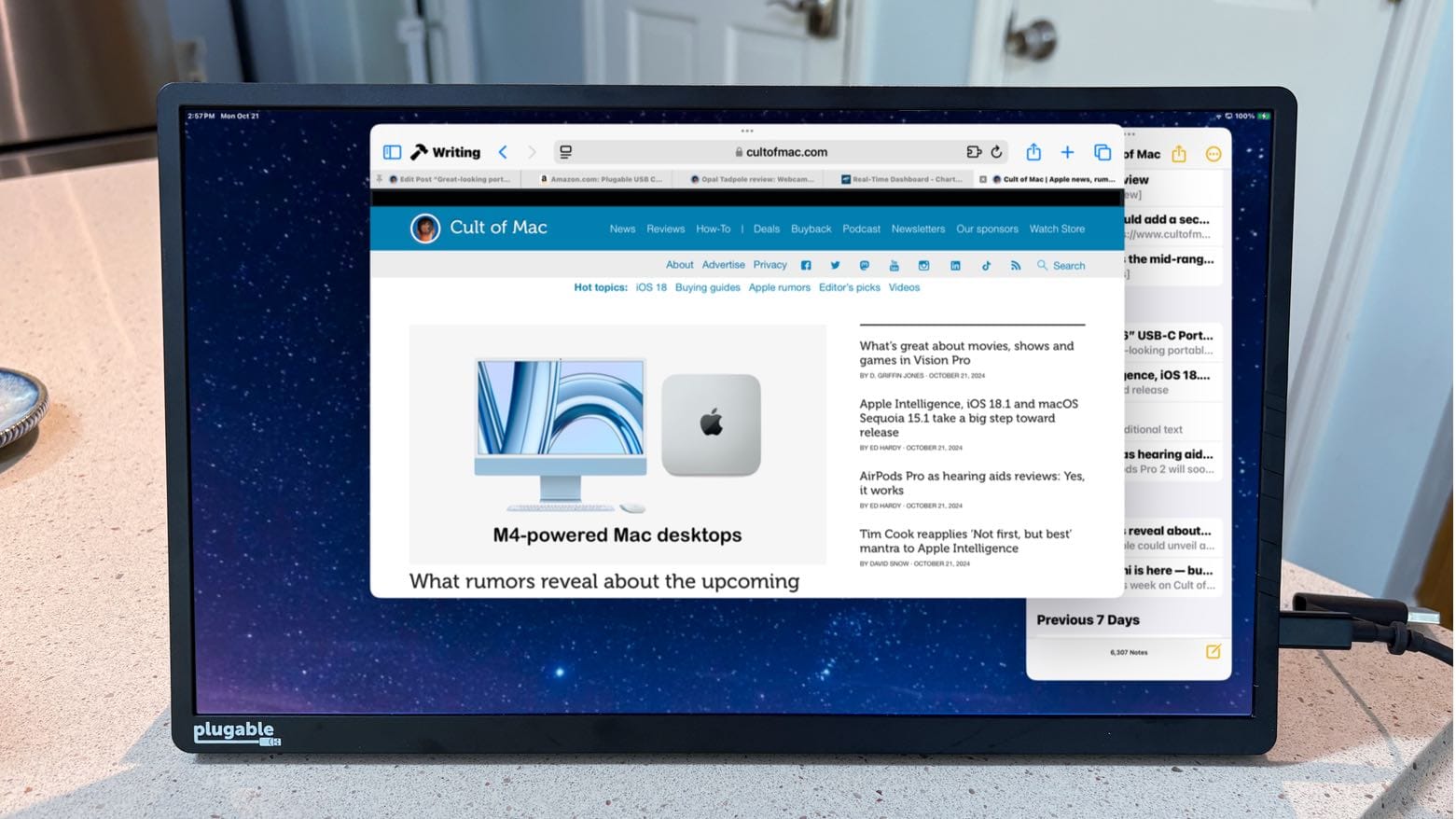
You might not need a USB-C hub if you use this great-looking portable monitor. Photo: Ed Hardy/Cult of Mac
The Plugable 15.6” USB-C Portable Display connects to MacBook or iPad to add more screen space, but that’s only the start: it’s also a hub with a pair of high-speed USB-C ports available for external drives, a keyboard, etc.
As a person who regularly works outside of the office with an iPad Pro, I’m more than qualified to test this accessory for road warriors who are perpetually short of USB-C ports. Here’s why I love it.