Bring all the fun of an analog board game to your iPad. Photo: Rob LeFebvre/Cult of Mac
If I ran the world, Krosmaster Arena, a fabulously fun and deep strategy game that started out as a board game with delightfully sculpted miniature figures, would be topping the charts right alongside stuff like Clash Royale or Angry Birds.
Of course, I don’t, but I’m hoping each one of you reading this tries it out on your iPad so you can experience the joy of playing it digitally.
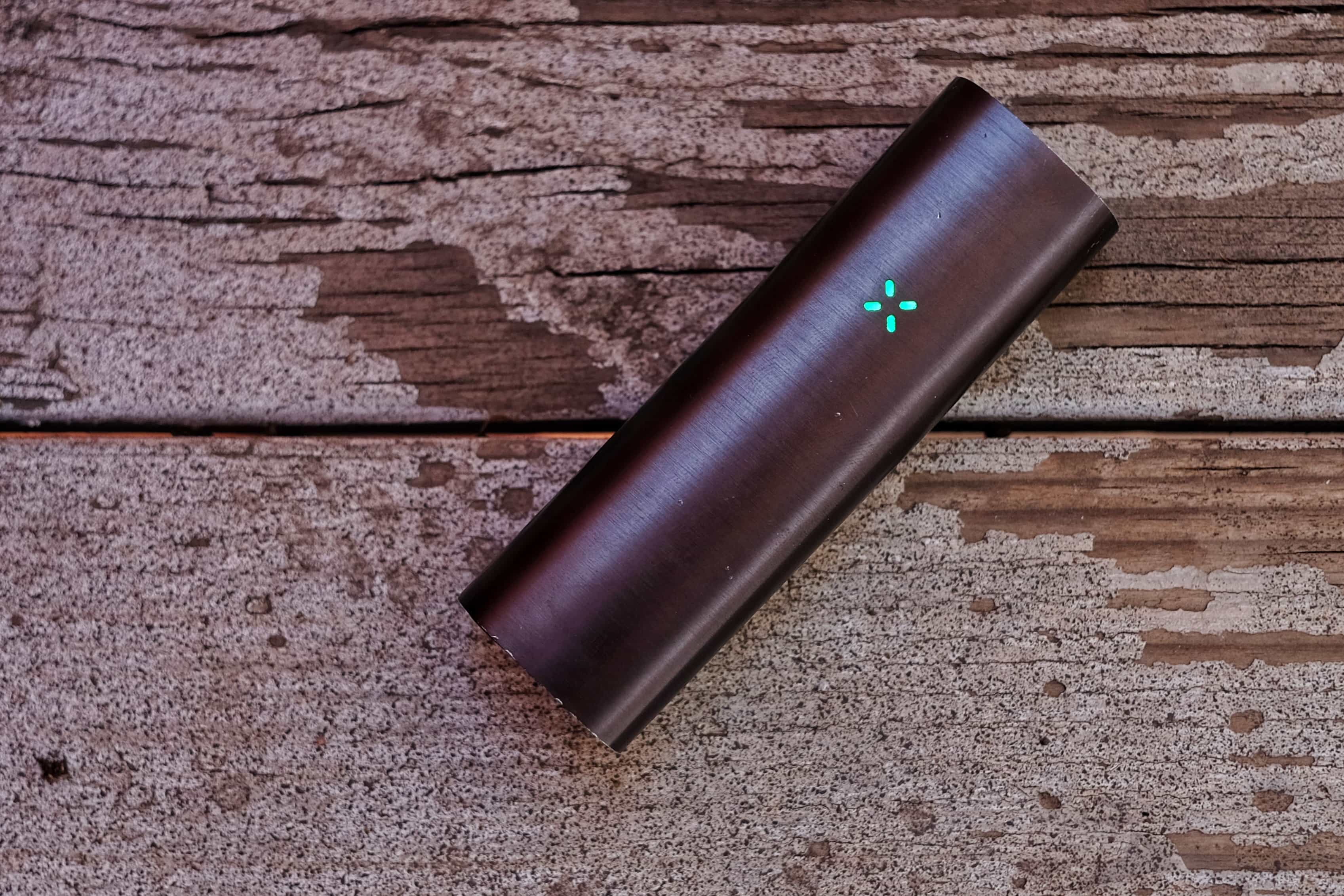
The Pax 2 is so simple any toker can use it. Photo: Buster Hein/Cult of Mac
Best List: Pax 2 vaporizer by Ploom
Putting your mouth around a Pax 2 vaporizer is like smoking the future.
At a time when every other vape company is making smoke boxes that look giant battery packs with an exhaust pipe, Ploom — the Silicon Valley-based startup behind the Pax loose-leaf vaporizers — is killing the market with a dank dose of subtlety.
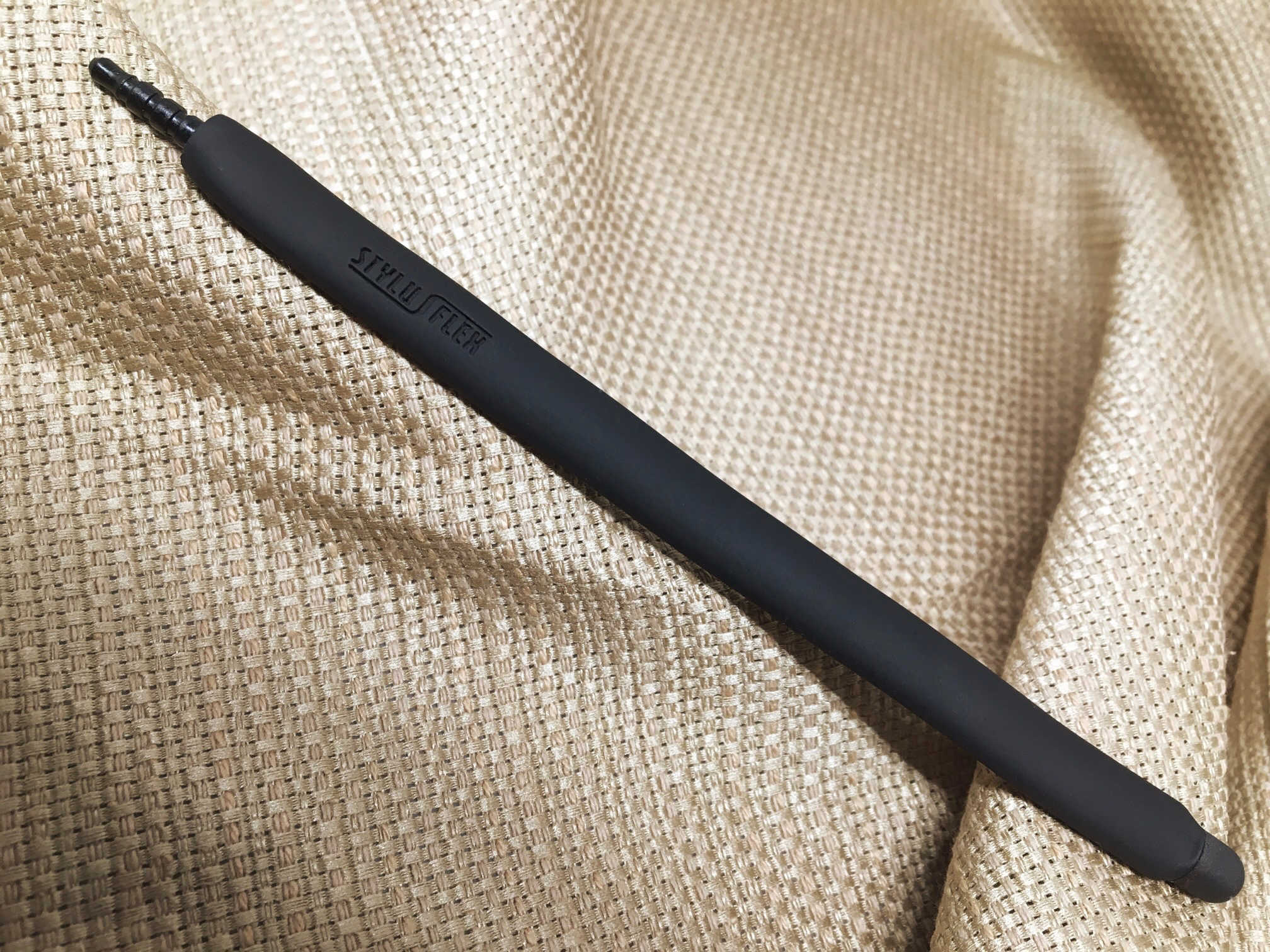
The StylusFlex does a bit more than just let you poke at your screen. Photo: Evan Killham/Cult of Mac
StylusFlex
Most people don’t use a stylus with their iPhones, and late Apple co-founder Steve Jobs wouldn’t want them to. But the StylusFlex might change a few minds because it’s not simply a substitute for the five styli you have at the end of your arm.
You have plenty of reasons to just stick with your fingers when you’re using your iPhone or iPad, and this device seems to realize that. That’s why it does a few extra things that might help it earn its keep.
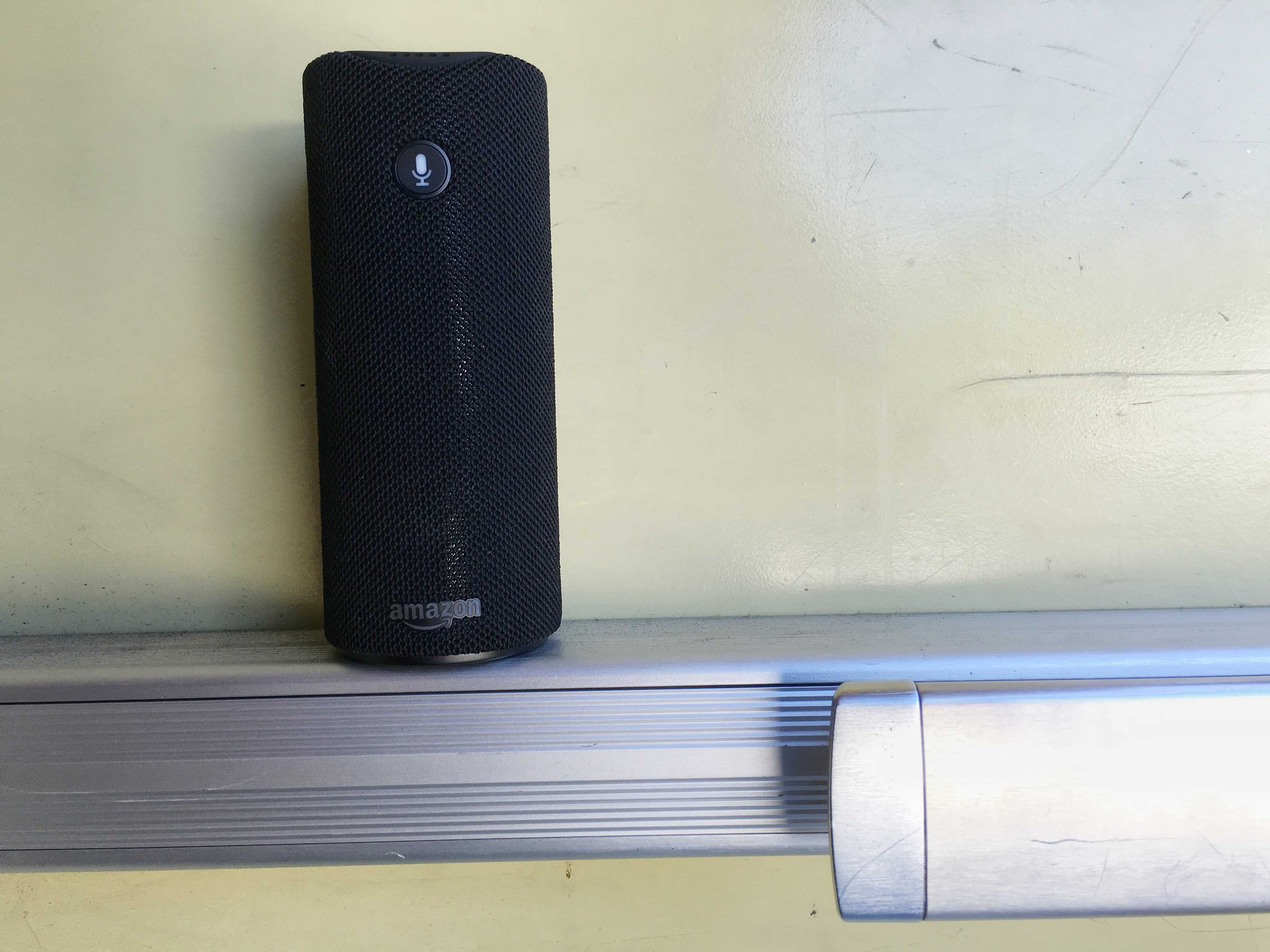
The Amazon Echo Tap is the portable, battery-powered member of the smart speaker family. Photo: Leander Kahney/Cult of Mac
Best List: Amazon’s Echo Dot and Echo Tap
Ask Amazon’s Echo smart speaker “How much does the Earth weigh?” and she’ll rattle off the answer in pounds. It takes about a full minute and is genuinely amusing. It’s just one of many surprises up Echo’s sleeve (see this crazy list of Echo Easter Eggs on Reddit). It proves she is by far the best computer you can talk to. Sorry Siri.
And now there are two new members of Amazon’s smart speaker family, both with significant advantages. I love them both, with a couple of caveats.
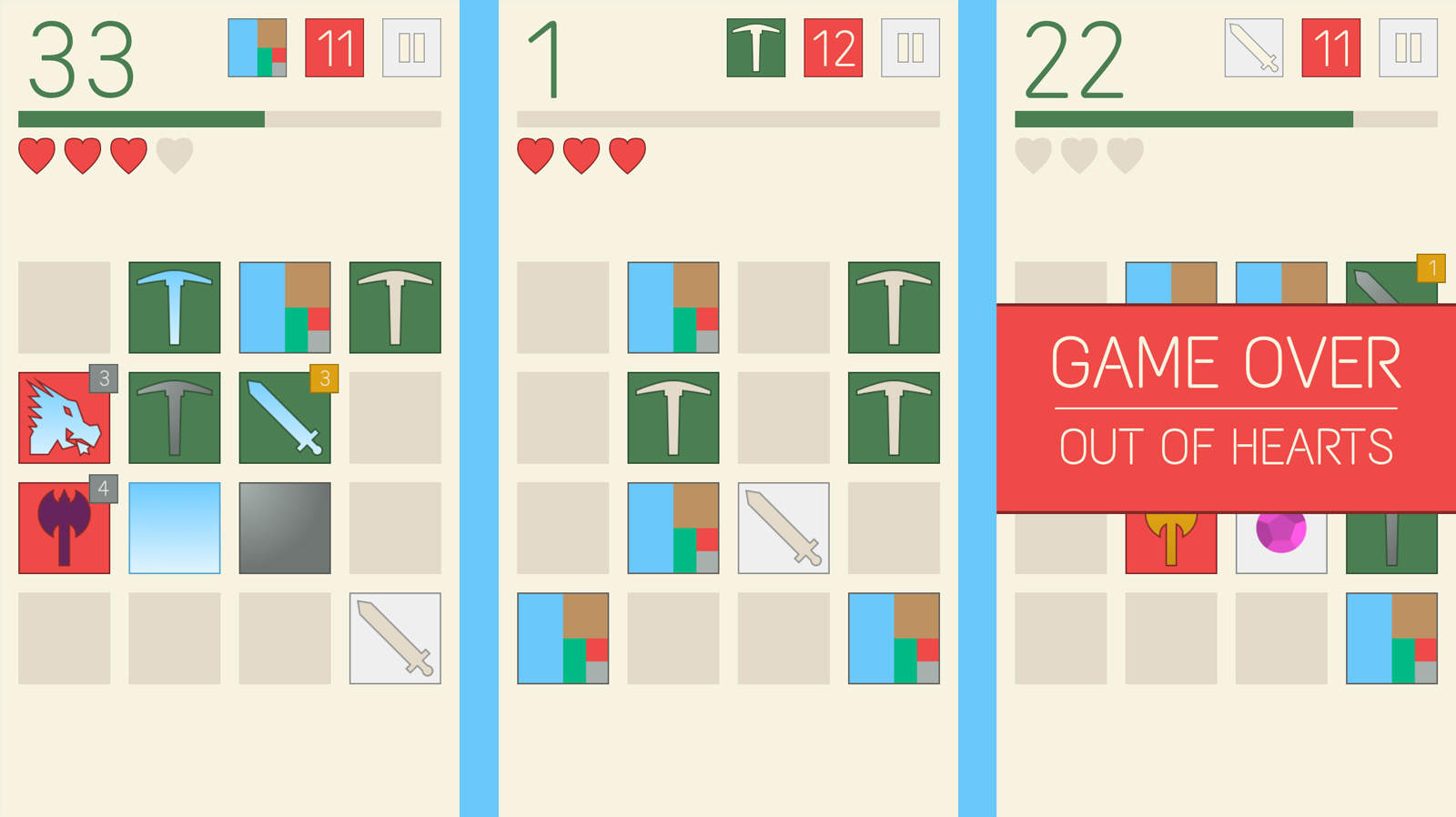
Stencilsmith combines strategy, farming, mining and battle in a minimalist package. Photo: Nicolas Sepi, Jr.
If role-playing games take too long, and you don’t think Threes is violent enough, Stencilsmith might be your jam.
It’s an endless puzzle title that has you sliding tiles around to harvest ore, craft weapons, and fight monsters, and it manages to do all of those things with beautifully simple and elegant style. And while everything looks pretty basic and charming, you’ll find after a while that you have way more to keep track of than you thought, and that’s when its ridiculous difficulty will start to gnaw at you like one of those wolves that always shows up on the board when you aren’t quite ready.
But it’s all great fun, and you should definitely check it out.
Space Box is a decent platformer, but its hook doesn't quite work. Photo: Tom Graczyk
Let me say this up front: Space Box is a fantastic game. It’s challenging, fun, and has some really great mechanics and art. And if you have a set of virtual-reality goggles to plunk your iPhone into, you can even play it hands-free in 3-D using head-tracking controls.
And that’s where it runs into some trouble, but you shouldn’t let it ruin the game for you.
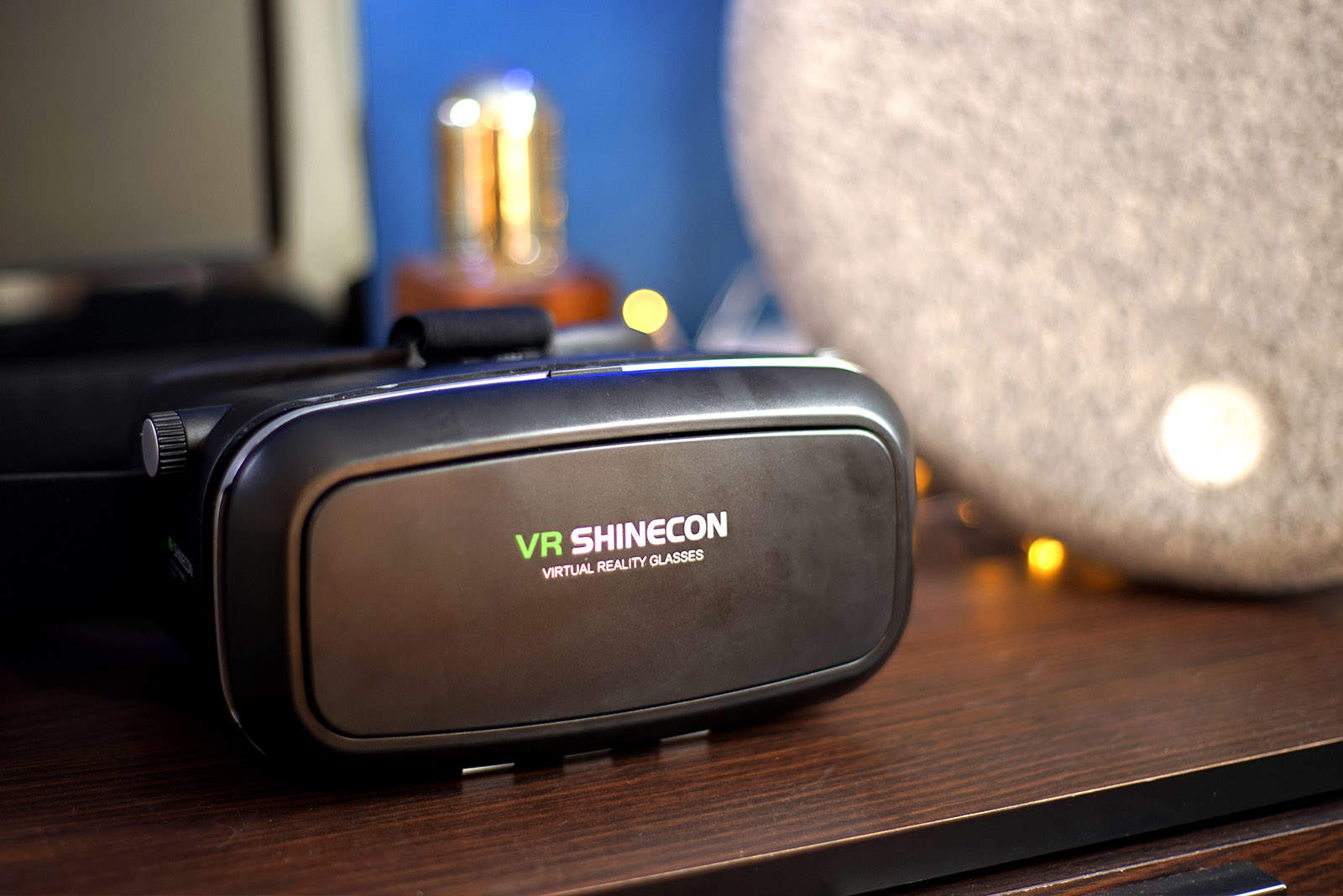
Take your first step into VR with these inexpensive goggles. Photo: Ste Smith/Cult of Mac
Apple hasn’t shown much enthusiasm for diving into virtual reality in the past, but all signs are pointing to a renewed interest. With Tim Cook mentioning VR in the latest Apple earnings call, I got to thinking more about it — as I’ve never personally given it a go.
Being immersed in a 3-D world that tracks your head movements is becoming a mainstream reality. At the moment, VR is heading full-steam toward gamers in particular — the user is immersed in a virtual world where they can look around without the 16:9 constrictions of a standard TV or monitor.
So in this video I’m looking at a $30 VR headset and seeing how well it works. Or, if it just sucks. Check out the video after the break.
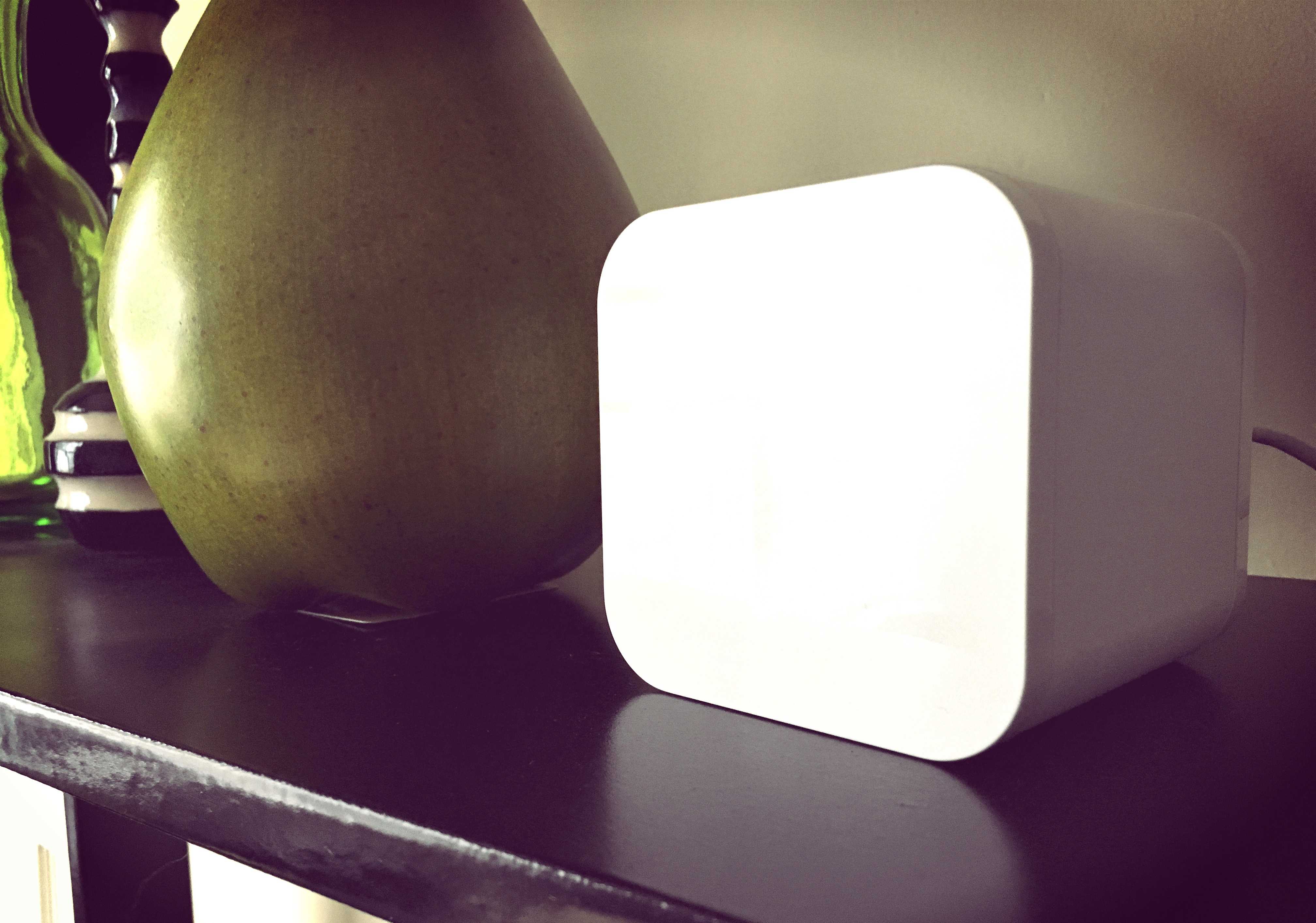
Someone didn't quite think through that Circle is mostly square. Photo: Circle
I recall at WWDC 2011 when Steve Jobs introduced iCloud he talked about how up until that point, managing and syncing content across devices was driving everybody nuts. You’d take one photo on one device and would have to plug it in and sync it to another device, which would then offer up some of its own photos and meanwhile none of them are even on the third device yet. It truly was an insane world. But in 2016, the new Circle with Disney aims to solve a surprisingly similar problem.
Managing content across devices has gotten much easier, yet managing the people who use those devices has not. Circle is a brand-new product from Disney that wants to unify your family’s entire online experience. It allows you to set time limits for individual family members, block websites based on your child’s age, and even pause Internet access entirely when it’s time to log off.
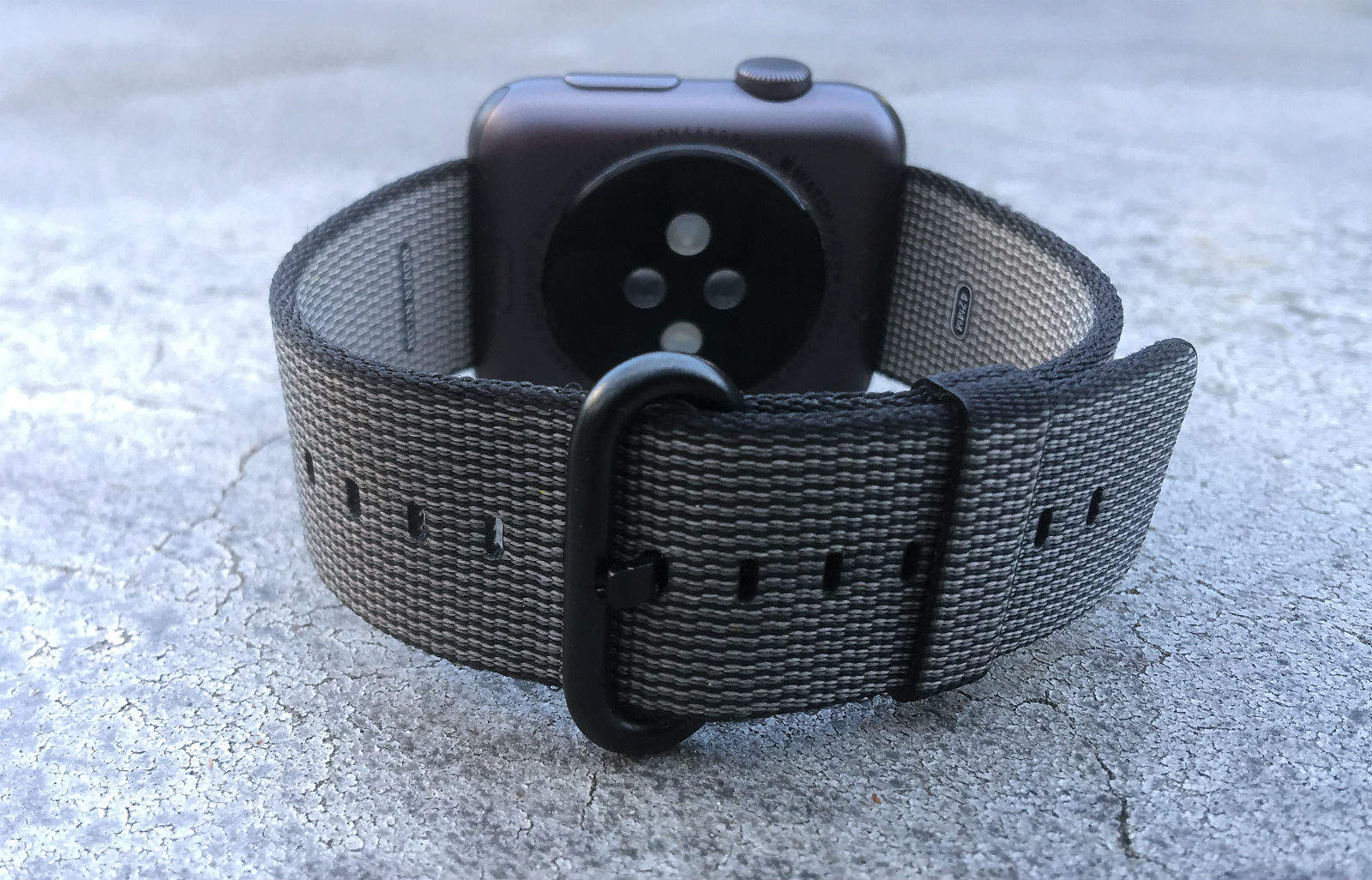
The woven-nylon Apple Watch band is a winner. Photo: Lewis Wallace/Cult of Mac
Best List: Woven nylon Apple Watch band by Apple
If you’ve ever ordered anything online, you’ve probably experienced delayed dissatisfaction. You wait for the product, it finally arrives, you rip it open — and it’s nothing like the picture you saw on Amazon, eBay or whatever. The item is smaller, the color is crappier, the quality’s just not there.
The new woven-nylon Apple Watch bands are similar — but opposite! They look even better than they do on the Apple website. And, despite what you might think about nylon as a watchband material, Apple’s latest accessories pack a premium punch.
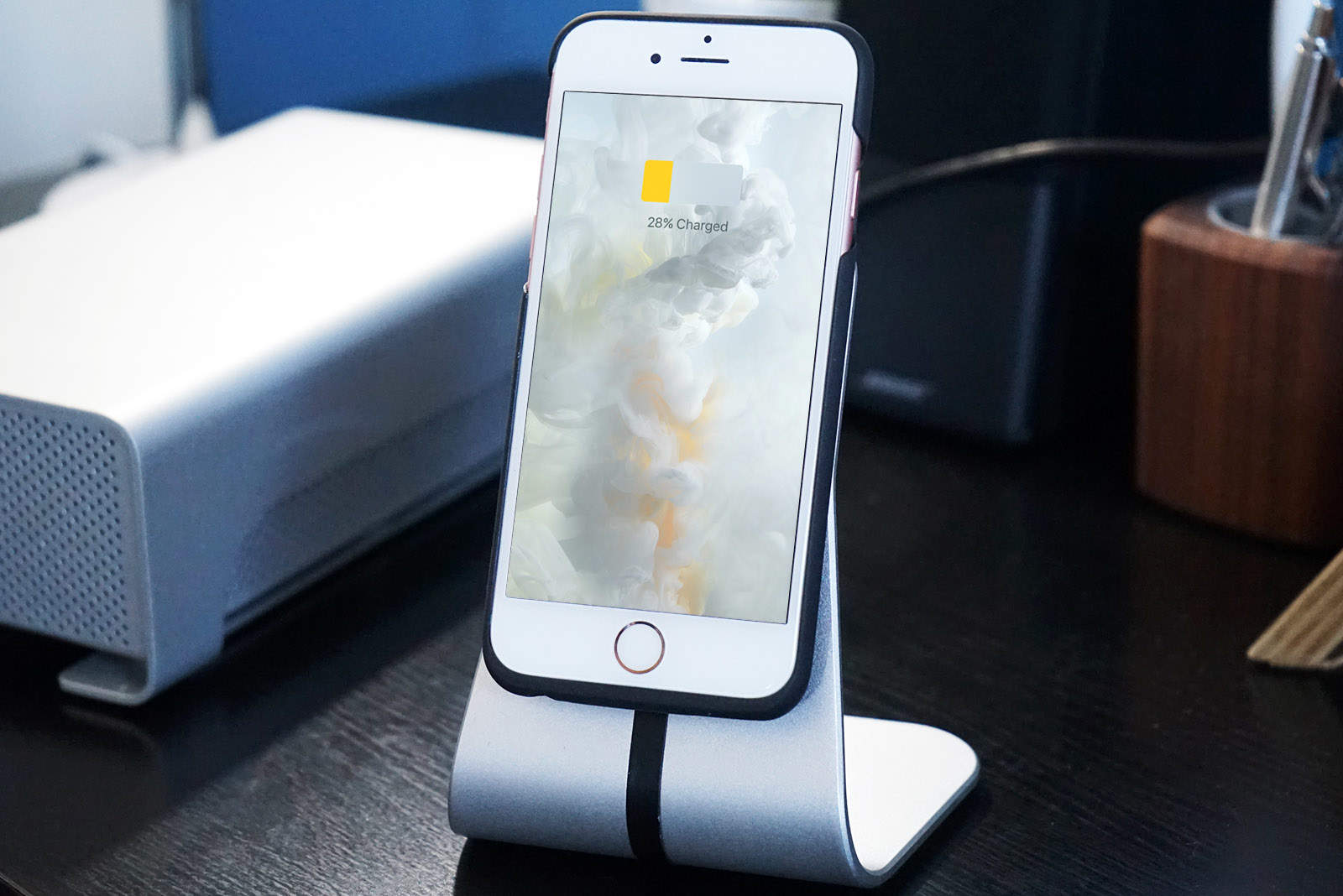
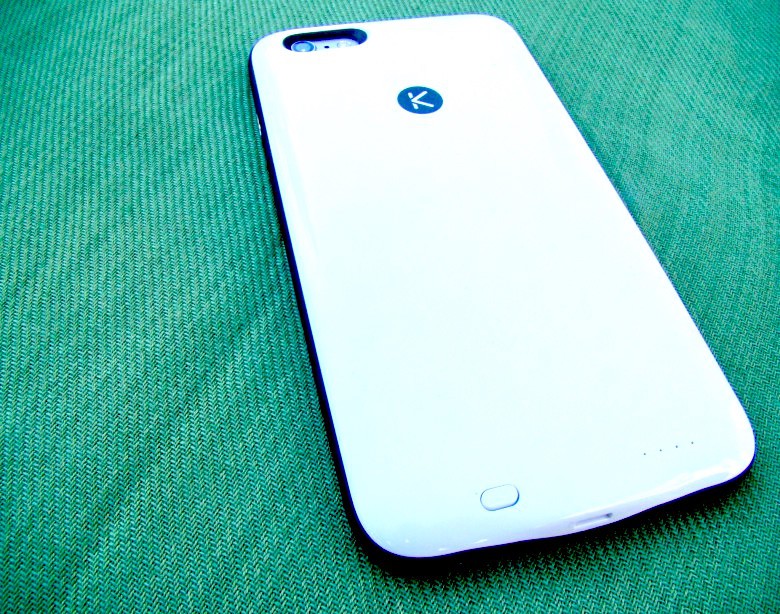
This great battery case has power, style and extra storage. Photo: Rob LeFebvre/Cult of Mac
Best List: Kuner iPhone battery case by KUKE
Even Apple admits that its powerful iPhones need a little extra battery boost from time to time. But if you’ve taken a look at the $99 devices, you might not be super convinced they’re worth the price, or even all that attractive.
The Kuner iPhone battery case really kicks the Smart Battery case’s butt: it’s thinner, prettier to look at, and even gives you extra storage space for videos, music and documents. Take that, Apple Smart Battery case.
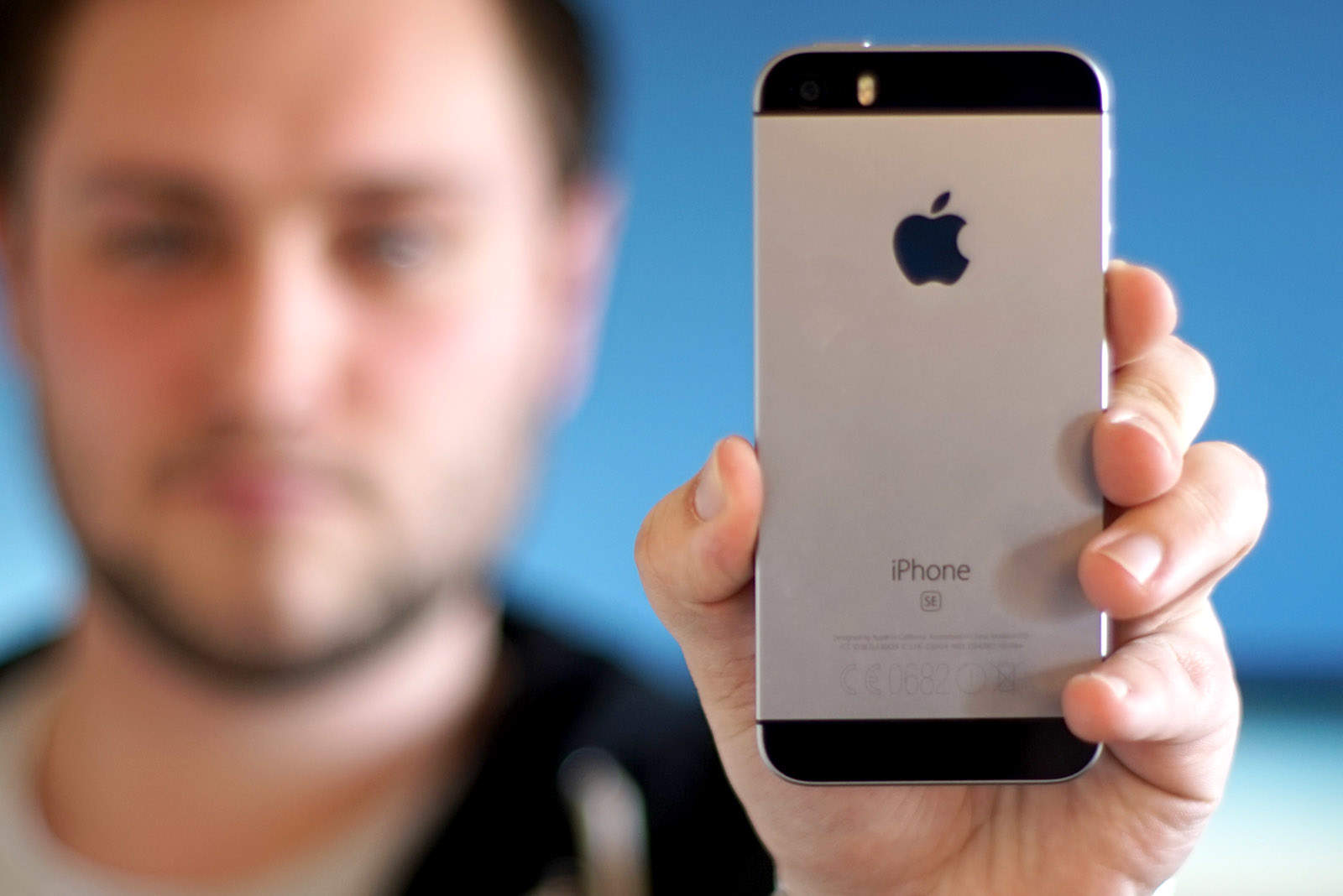
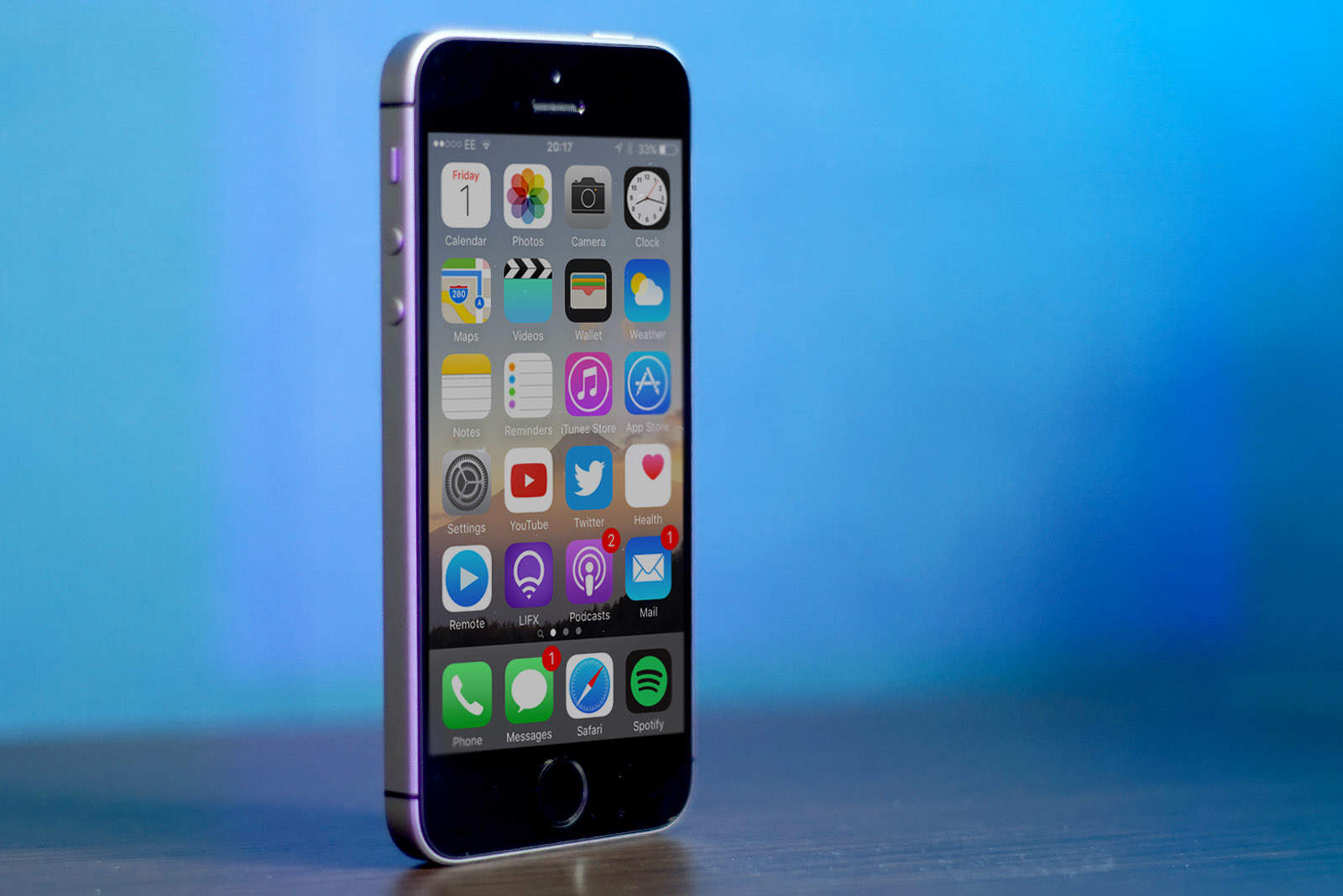
You’ll have to pry the iPhone SE out of my tiny hands. Photo: Ste Smith/Cult of Mac
For the last year and a half I’ve been using the massive iPhone 6 Plus. I love its 5.5-inch screen for watching videos, checking my social media pages, and browsing the web.
But after spending the last week with the diminutive, 4-inch iPhone SE, my thoughts on whether I need such a big phone have changed.
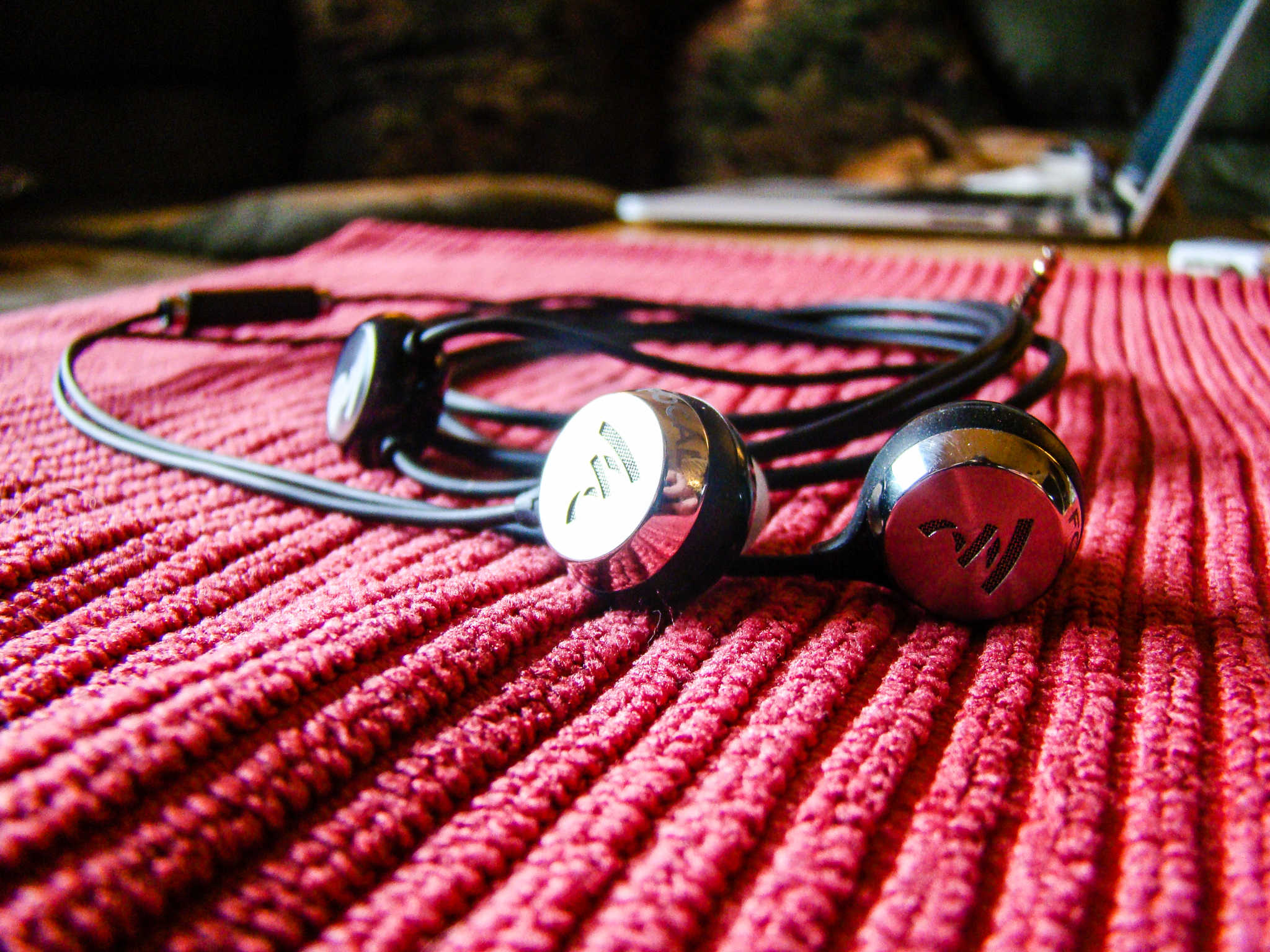
So comfy, you'll forget you're wearing them, except for all the music. Photo: Rob LeFebvre/Cult of Mac
Best List: Sphear in-ear monitors by Focal
When I think earbuds, I don’t think comfort. They’re light and let you take naps while in, but there’s really only so long I can handle keeping them in my ears.
That’s why this new set of “in-ear monitors,” called Sphear is so exciting — I’ve had them in to watch Netflix on an iPad, gone for a long training run, and just wore them around the house while working and making dinner for my kids.
Every time I put them in, they impress me with their balanced tone and high-quality sound. Most of all, though, I forget I’m wearing them. They’re that comfortable.
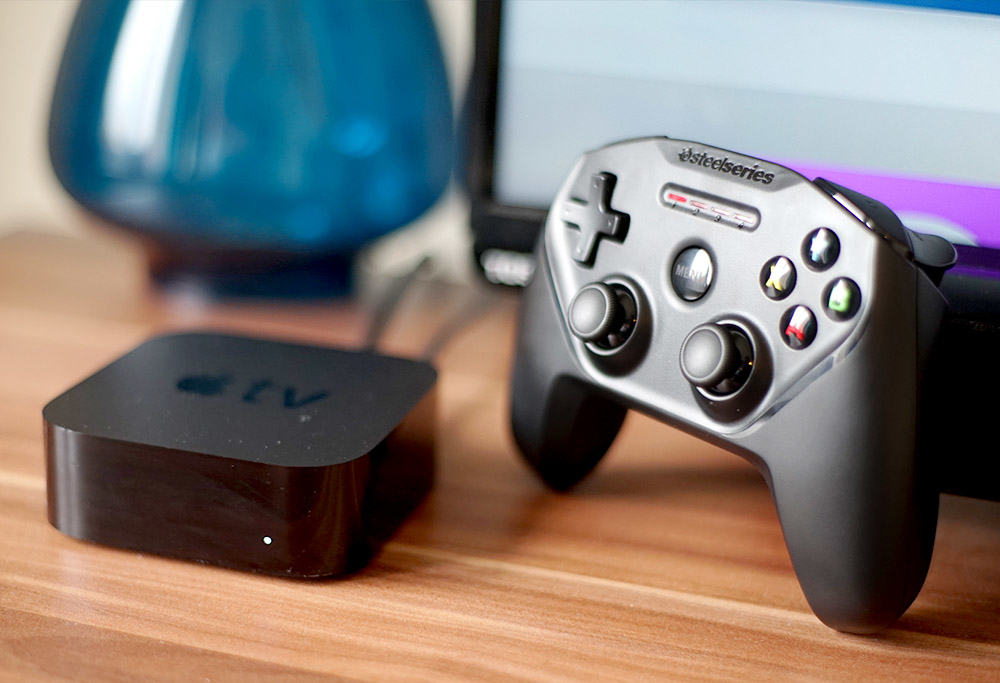
Game like a pro on your Apple TV with the Nimbus gaming controller. Photo: Ste Smith/Cult of Mac
A few weeks ago, I found myself at the local Apple Store chatting to a sales associate who was demonstrating the SteelSeries Nimbus gaming controller. I had a quick go at the controls only to find myself duly impressed by the way it works as an Apple TV gaming controller.
I was intrigued enough to take another, closer look at this gaming pad to see if it’s worth picking up. Watch the video below to see my SteelSeries Nimbus review.
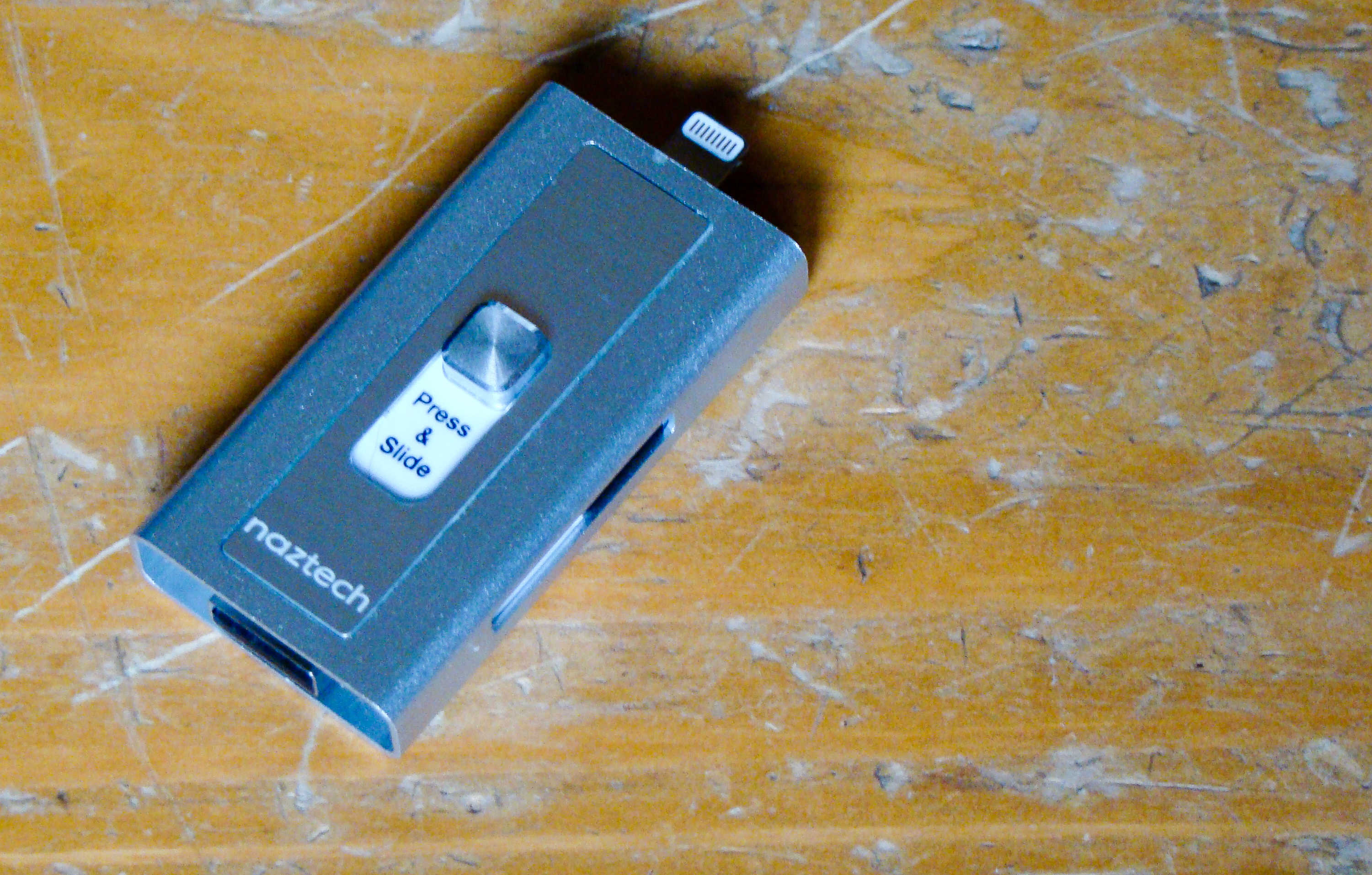
This flash drive will connect to your Mac and your iPhone. Photo: Rob LeFebvre/Cult of Mac
Best List: Xtra Drive by Naztech
We’ve all been using flash drives on our Macs for ages, ever since Apple dropped the disk drives from its computer lineup.
iPhones and iPads don’t have a USB port, so it’s hard to use the same external thumb drives on the go.
The new Xtra Drive from Naztech is the best of both worlds, providing a single microSD card-based solution that has both a USB and a Lightning connector that will let me back up and transfer files from my iOS device to any computer.
The PRVKE pack (pronounced "provoke") puts fashion and function on your shoulders. Photo: David Pierini/Cult of Mac
Backpacks evoke certain expectations. Sexy is usually not one of those expectations.
Yet that is the first feeling I had when checking out the PRVKE Pack, a smartly engineered backpack for photographers designed by brothers Ryan and Spencer Cope. Their company is called WANDRD, and wander is exactly what you will want to do with this bag.
Have fun sorting all of this out. Photo: Neven Mrgan
Every once in a while, a game hits the App Store that contains such a bizarre concept that it only makes sense once you start playing it. And sometimes, that’s a good thing, but usually, it isn’t so much. Luckily, Grayout, a text-based game from developer Neven Mrgan, falls firmly into the first category.
The problem is that the mechanic that plays out across Grayout‘s 90-plus screens makes it incredibly difficult to describe. But we’re professionals here, so let’s give it a try.
iPad Pro is even better at 9.7 inches. Photo: Ste Smith/Cult of Mac
Apple really, really wants you to replace your laptop with an iPad — especially if that laptop is powered by Windows. But before that switch can even be considered, the iPad needs to do everything your laptop can and more. That’s where iPad Pro comes in.
With its new A9X chip, it’s the most powerful iPad to date. It does everything your old iPad did, but it does it better. It’s compatible with the Apple Pencil and Smart Keyboard, and now it’s available in a smaller form factor with a 9.7-inch display.
This new model is easier to carry around all day, but it packs almost exactly the same punch as the 12.9-inch iPad Pro — and the same stellar speakers. It has also adopted the incredible 12-megapixel iSight camera from iPhone 6s, with the dual-tone LED flash.
You also get to play as dinos, if that's a bigger draw for you. Photo: WB Games
Developer Traveller’s Tales’ Lego games series has a long history of making even the crappiest of blockbusters charming and enjoyable. It all started with its very first title, Lego Star Wars — which provided a more entertaining version of the rise and fall of Anakin Skywalker than the movies did — and it continues to this day with Lego Jurassic World (out now for iOS after a console and PC debut).
It probably helps that fully three-quarters of Lego Jurassic World‘s content has nothing to do with the latest, dumb film entry but is, in fact, levels re-creating the awesome 1993 original and those other two movies that weren’t quite as good. But because it’s a Lego game, it’s fun, humorous, and clever, even when the source material isn’t.
Two new iPhone SE models for 2020? Photo: Sam Mills/Cult of Mac
I forgot how good it feels to hold 4 inches of magic in my hands.
Spending the past year and a half with the luxurious 5.5-inch screen of the iPhone 6 Plus and 6s nearly convinced me that bigger really is better. But after using the iPhone SE, I’m starting to rethink everything I love about iPhone.
The moment I clasped the iPhone SE it was like reconnecting with an ex-lover. Everything is familiar and yet it has somehow improved in nearly every single way. I’ve been re-captivated by its beauty, brains, and brawn all over again, even though on the outside, it looks like such a boring device.
How can an iPhone that looks so old feel so right?
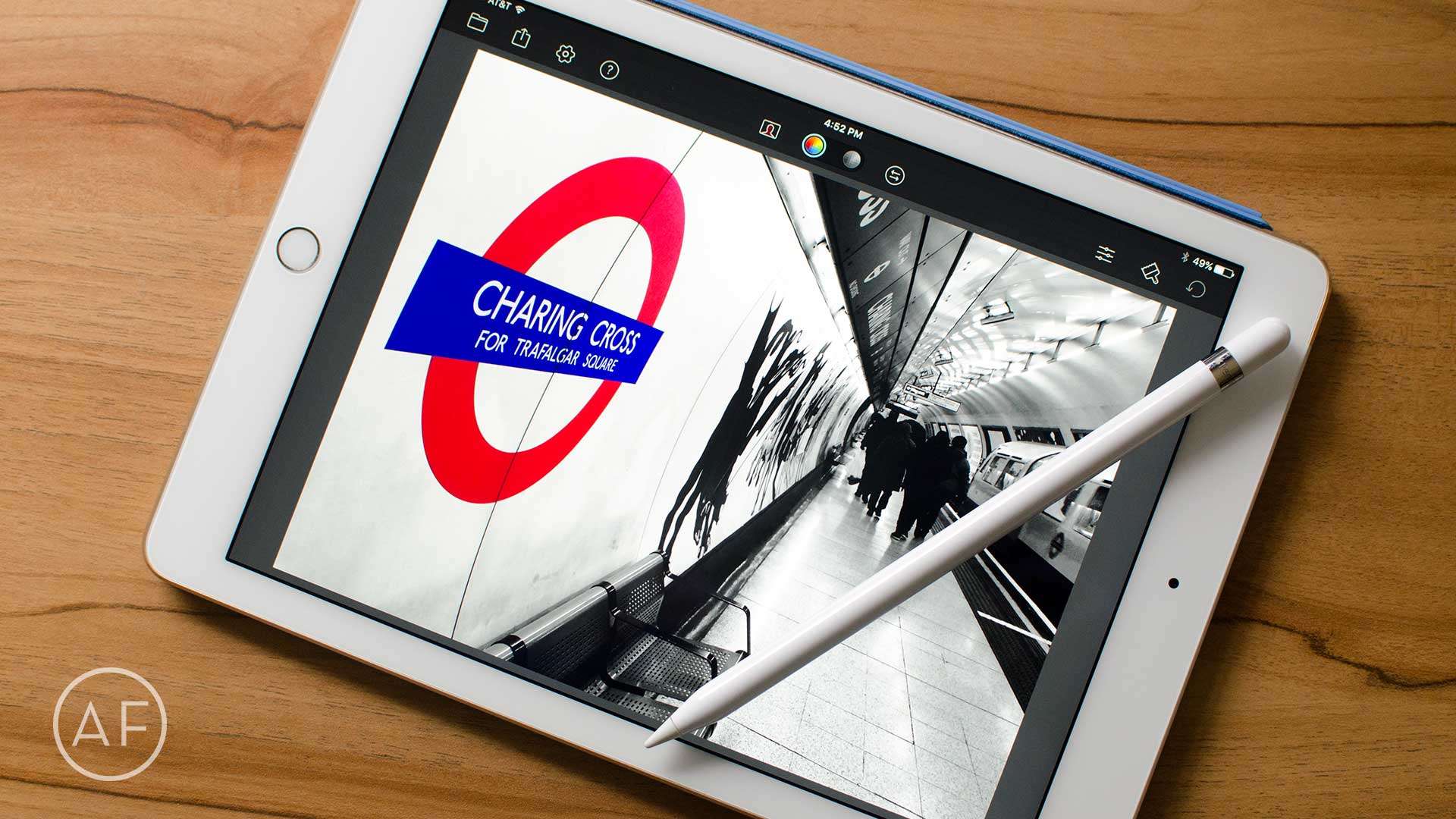
The Apple Pencil isn't only useful for artists, but for business, photography, and other interests too. Photo: Ally Kazmucha/The App Factor
When I purchased a 12.9-inch iPad Pro back in November, I bought an Apple Pencil to go with it. When I decided against the 12.9-inch iPad Pro, I kept my Apple Pencil.
Even though I don’t draw, I found a lot of other ways the Apple Pencil fit into my workflow. And I knew Apple would release a smaller iPad with full support for the Apple Pencil.
That day has come, and I can’t wait to get back to using my Apple Pencil. Here are some of the best Apple Pencil apps that have absolutely nothing to do with sketching or drawing.
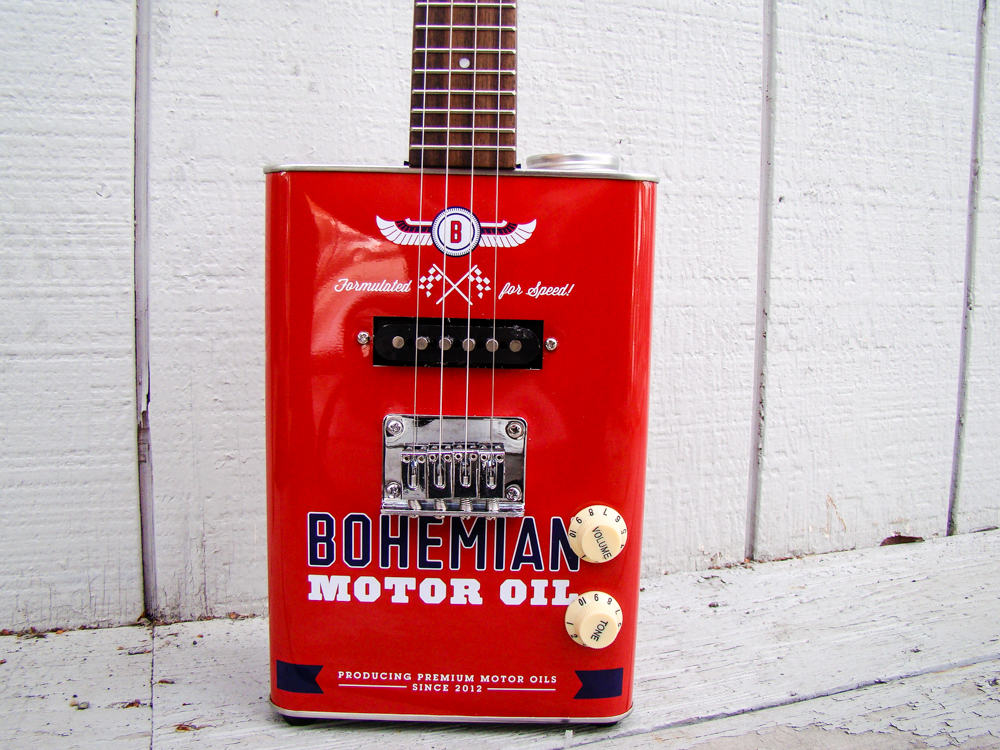
Now you're cooking with gas, err, motor oil. Photo: Rob LeFebvre/Cult of Mac
I’ve heard of cigar box guitars, but this is the first time I’ve ever seen an oil can electric ukulele.
Bohemian Guitars makes a ton of unique metal oil can guitars, basses and ukuleles, and they’re as fun to play as they are to look at. This electric uke is easy to play, sounds great through an amp, and is the probably the most unique uke you ever did see.
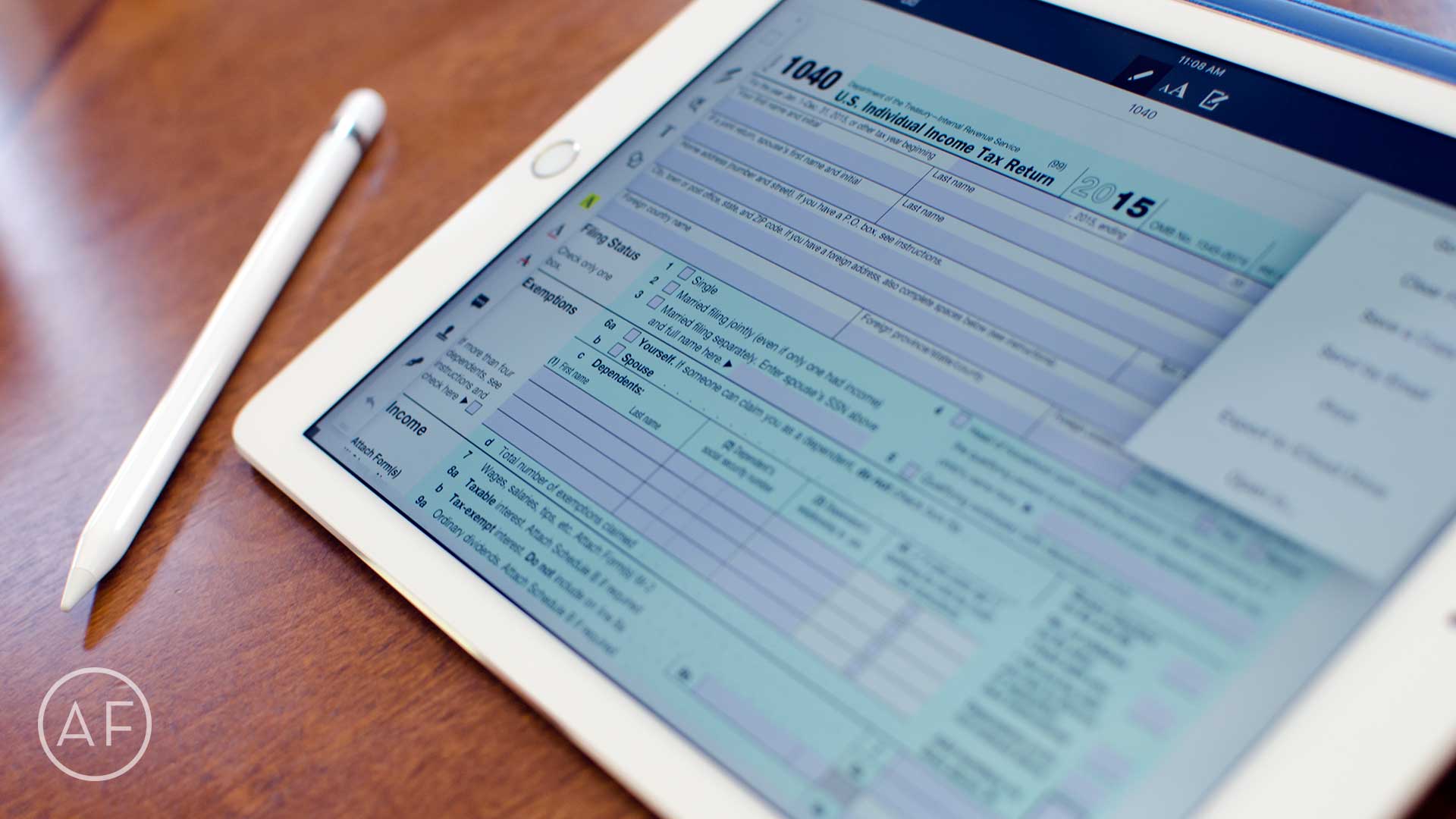
The iPad is great at handling PDFs and other kinds of documents. Here are 4 must-have apps. Photo: Ally Kazmucha/The App Factor
I’ve been spending the past week or so doing some app spring cleaning on my iPad, partially in preparation for the arrival of my new 9.7” iPad Pro on Thursday. During the process I realized that I have way too many document editing apps — half of which I have either never launched, or they didn’t do something I needed so I never used them again.
That’s why I took the opportunity to really cut down. Here are the document management apps that made the cut, and why:
March yourself right into fun. Photo: Stephen Smith/Cult of Mac
There’s nothing better than kicking back and playing an iOS game that respects your time, money and energy. Games that keep you entertained without costing you too much (especially at first) can be a great way to spend your time, whether you’re chilling on the couch at home, on the subway home after a long day at work, or waiting at the dentist’s office.
Here are all the hot new iOS games we found ourselves playing this month.
Achi really likes when I'm productive. Photo: MotivAction
Sometimes no matter how hard I try, I just can’t seem to get the motivation to do anything productive. I can make to-do lists and download productivity apps, but if the drive to complete my tasks isn’t there, I probably won’t get much done. A new app called MotivAction recognizes the real problem of lacking motivation and offers some guidance by combining a to-do app and motivational game in one.