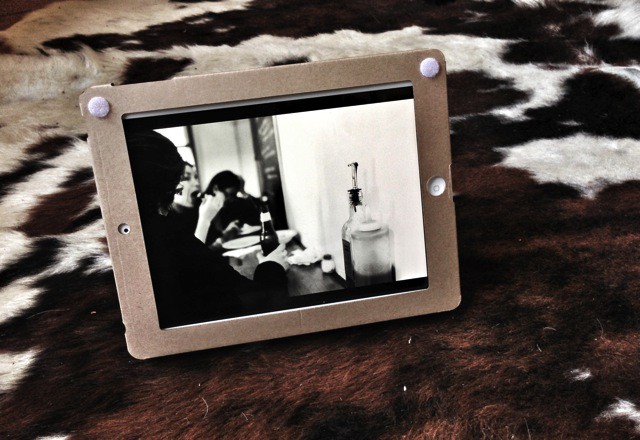
iPad Case by Guided Products Category: Cases Works With: iPad 2G and newer Price: $7ish
Remember that $7 cardboard iPad case I wrote about a few weeks back? I have two here in my apartment, and I have been testing them out for the last week. The review follows, but here’s the short form: They’re surprisingly good; they’re excellent insulators; they’re good for making shopping lists.
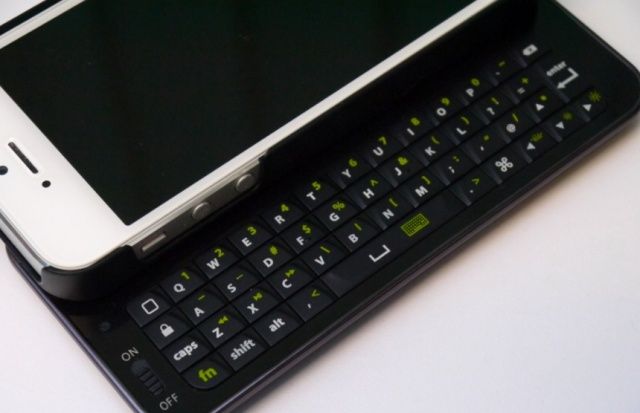
Some of us can pick up an iPhone and master its virtual on-screen keyboard in a matter of minutes, but for others, it takes a bit of time — especially if you’ve just come from a BlackBerry or another smartphone that has a physical keyboard built-in. For those of you in that latter group, the NUU MiniKey for iPhone 5 is here to help.
MiniKey by NUU Category: Keyboard Case Works With: iPhone 5 Price: $59
The MiniKey is a clip on case with a special feature: a slide-out physical keyboard that aims to give those who don’t like typing on glass a more traditional solution. Its keys are “designed to match the ergonomics of typing with both thumbs” in an effort to help you type faster and more accurately.
The MiniKey has a built-in Li-Pro rechargeable battery (380mAh) that charges via USB, and like most wireless keyboards, it connects to your iPhone via Bluetooth. It boasts 42 backlit keys, with functions for media playback, numbers, common symbols, and more.
I reviewed the MiniKey’s predecessor for iPhone 4 a couple of years ago, and I was pretty impressed with it, so I couldn’t wait to try out the latest model and find out whether it’s worth its $60 price tag.
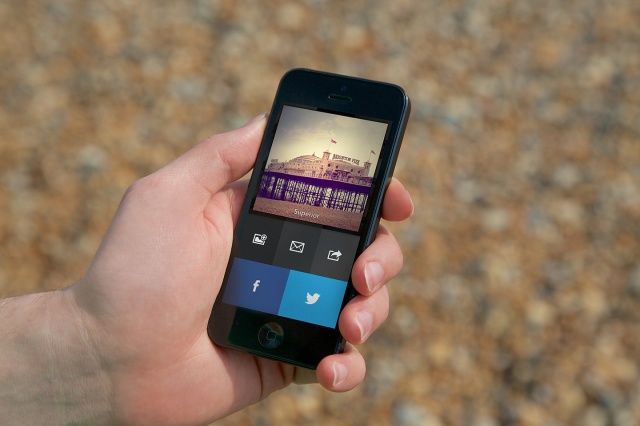
A couple of weeks ago, we told you about an upcoming iPhone app called Analog Camera. Developed by Realmac Software, maker of popular to-do app Clear, Analog Camera is a gorgeous app for taking pictures and quickly applying Instagram-like filters.
Analog Camera Made by:Realmac Software Category: Photography Works With: iPhone, iPod touch Price: $0.99
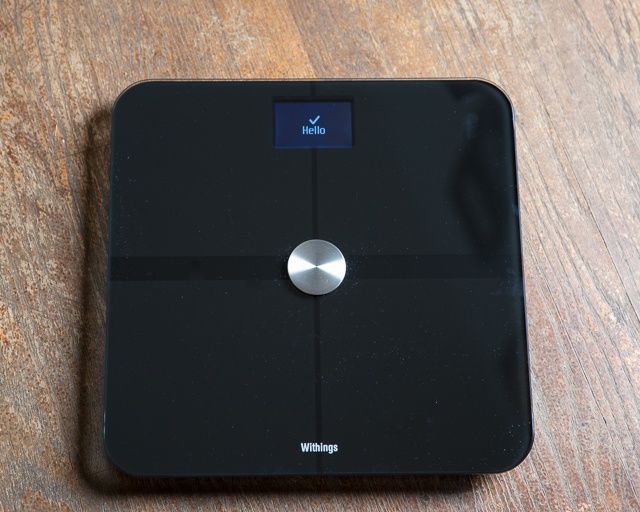
On your iPhone, iPad or Mac, Withings smart scale makes tracking your weight easy.
I love it when hardware integrates with iOS devices, endowing them with new powers they never hoped to possess. The Withings WS-50 smart scale, paired with their very good iOS app, does just that.
WS-50 Smart Body Analyzer Scale by Withings Category: iOS Accessories Works With: iPhone, iPad, iPod Touch Price: $150
By connecting to your Wi-Fi and sending your health stats to the cloud, the Withings WS-50 smart scale allows you to effortlessly track your weight, body mass index, indoor air quality, and even your heart rate. All you have to do to make it work, is step on the scale from time to time, then boot up their app to see just how fat or cut you’re getting.
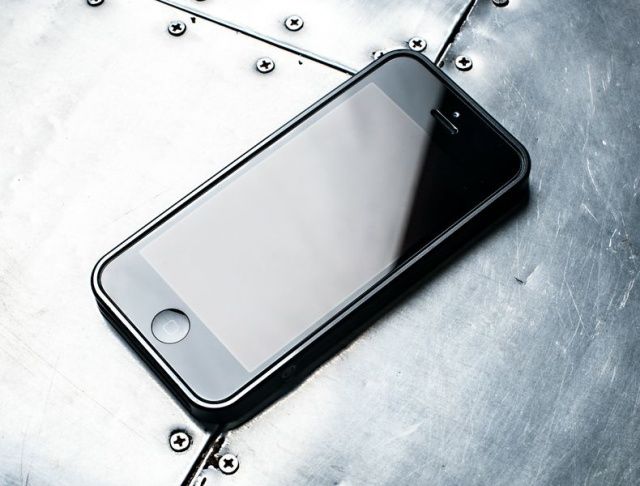
AL13 iPhone Bumper Case – designed by m Category: Cases Works With: iPhone 5 Price: $79.99
Apple might not make bumpers anymore, and Antennagate may be a thing of the past, but there are still some good bumpers out there… and top of the list is the AL13.
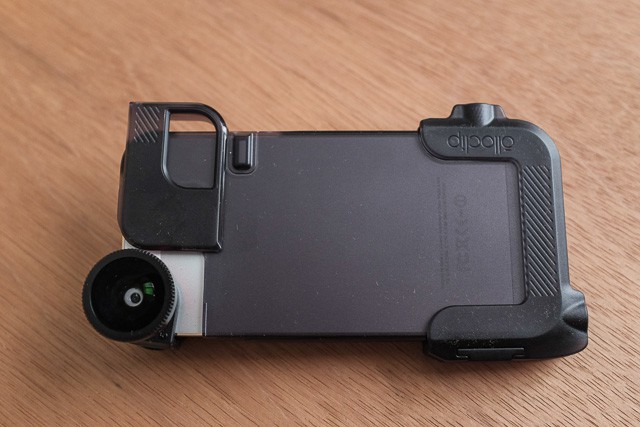
Quick-Flip Case by Olloclip Category: Cases Works With: iPhone 4/S, iPhone 5, iPod Touch Price: $50
Add the Olloclip accessory lens’s price to the cost of this new Olloclip Quick-Flip case and you get to $120. That used to be the price of an entry-level camera from a fairly decent brand, but I’d recommend you buy the Olloclip gear instead. Your iPhone’s camera way, way better than a $100-200 point-and-shoot, and the Olloclip gear makes it much easier to use.
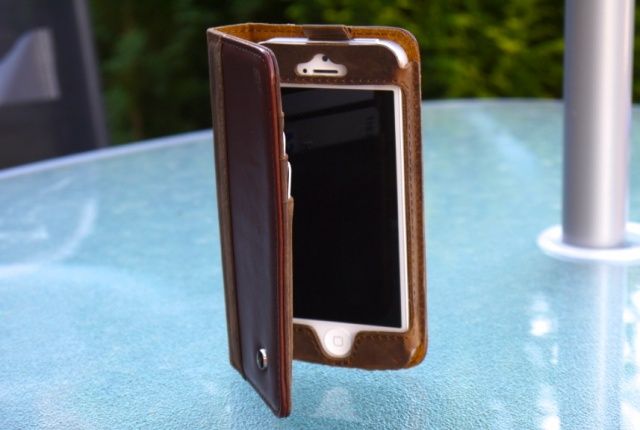
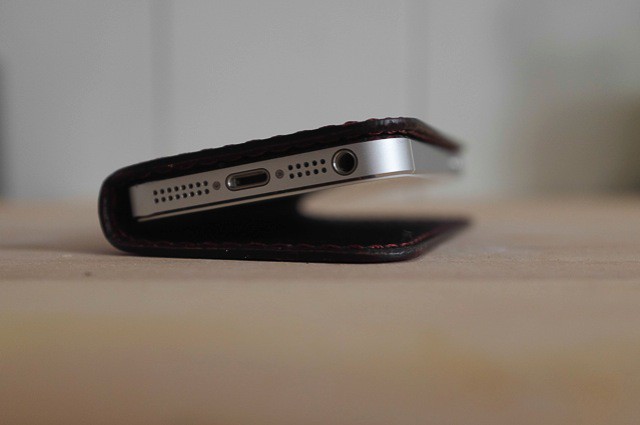
The BookBook from Twelve South has long been the best and most luxurious leather wallet case for iPhone, but it has a new contender from Acase that wants to steal its crown. It’s called the Collatio, and in many ways, it’s very similar to the BookBook.
Collatio by Acase Category: Cases Works With: iPhone 5 Price: $39.90
As well as holding your iPhone 5, the Collatio holds up to three credit cards, and features a larger pocket for bills, receipts, and anything else you’d like to stuff in there. It provides access to all of your iPhone’s buttons and ports — though you will need to open it up to use the volume buttons and mute switch — plus its front- and rear-facing cameras.
The biggest difference between the Collatio and the BookBook, however, is the price. While Twelve South’s offering will cost you $60, the Collatio is just $40. But is it as good?
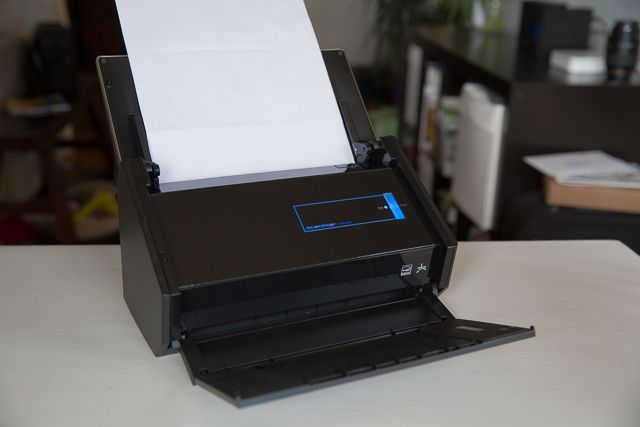
Looking like a prop out of Star Trek: the ScanSnap iX500.
Once I started my review of the ScanSnap iX500 document scanner, the new model in Fujitsu’s hugely popular line of top-tier ScanSnap scanners, it didn’t take long to see this machine was going to earn its pedigree.
Fujitsu ScanSnap iX500 Document Scanner by Fujitsu Category: Document Scanners Works With: Mac, iPhone, iPad Price: About $430 online
With a small footprint, dashing good-looks, scanning direct to an iOS device, and progressional-grade intake rollers, the iX500 actually makes digitizing papers easy, and dare I say, maybe a little sexy. Its included software suit also makes sense of doing something with all those scanned docs.
There’s a reason many consider Fujitsu’s ScanSnaps the finest scanners around, and the iX500 continues in that legacy with some useful new features.
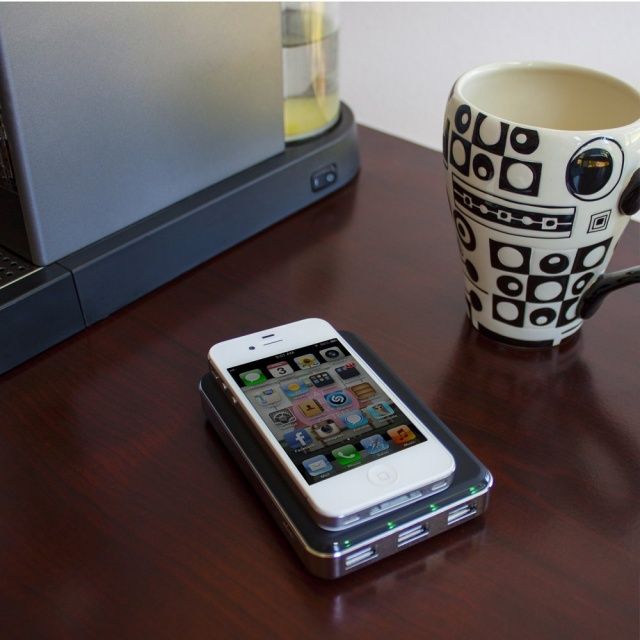
External battery packs are one of the least sexy aspects of the mobile age. They’re the equivalent of the plastic gas can in the back of your trunk: stinky, unsexy, and probably empty when you need it.
Helix by Lenmar Category: Battery pack Works With: iPad, iPhone, iPod touch Price: $100
Lenmar’s Helix battery pack isn’t particularly sexy, but it doesn’t smell (despite the “Undead Power” branding, which implies putrifying flesh) and it’s unlikely to be empty when you need it: it has a massive 11,000mAh battery inside, capable in theory of charging a third- or fourth-gen iPad from 0% to full. All in a battery pack not much bigger than a deck of playing cards.
When my fingers are covered in egg, or I want to use my iPad as a second-screen when working at my Mac, or when I’m performing computer surgery and I want to keep iFixIt in the corner of my eye, there’s a lot of situations in which I might want a stand for my iPad.
iOStand by iOMounts Category: iPhone/iPad Stand Works With: iPad, iPhone, iPod touch Price: $100
Unfortunately, of the few I’ve tried, I’ve found most of them only to be good in specific situations: great for, say, using your iPad as second monitor at your computer, but not good for cooking or doing computer surgery.
The iOStand by iOMounts is the first stand I’ve really liked, because sometimes simpler is better. But it’s not perfect.
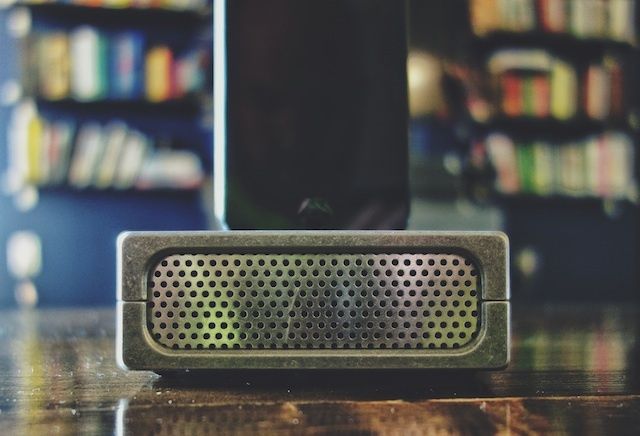
For the past six year that I’ve owned an iPhone, not once have I thought about buying a dock. What’s the point? You’ve got your cable right there anyway, and unless it adds some great functionality to the iPhone, I’ve never seen much point in them. But the Projectone from Karas Kustoms has changed my opinion on the usefulness of iPhone docks.
Projectone by Karas Kustoms Category: iPhone Dock Works With: iPhone 5 Price: $45
The Projectone is a machined aluminum dock for your iPhone 5 that passively amplifies sound like a megaphone. Its simplistic style and industrial stylings make it one of the best-looking iPhone docks we’ve seen in a while, but is it actually worth its $45 price tag?
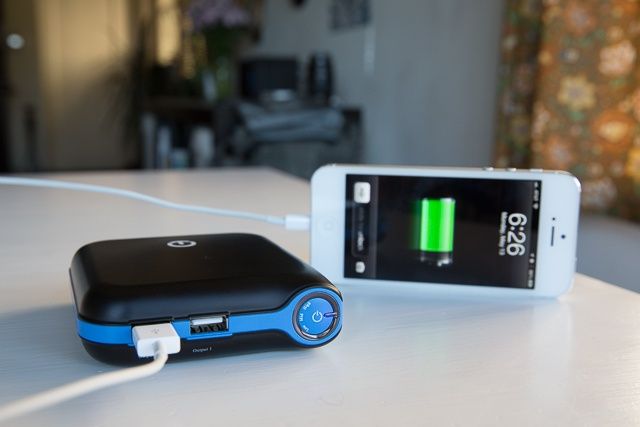
Travelers, campers, heavy users, and those who spend a lot of time away from outlets know when you rely on your iPhone for work or play, it’s not making it through the day without at least one partial recharge. Especially with all the hip Vining and Instagramming we’re all do these days.
iCarrier Portable Dual USB Charger by New Trent Category: iOS Accessories Works With: iPhones, iPods, iPads, USB Devices Price: $68
For those who need a lot of portable power to-go, New Trent’s iCarrier, as the highest capacity portable charger they make, promises not just one smartphone recharge, but up to six. Six!
I devoted my iPhone 5 to iCarrier-only charging to see how well the big boy performed.
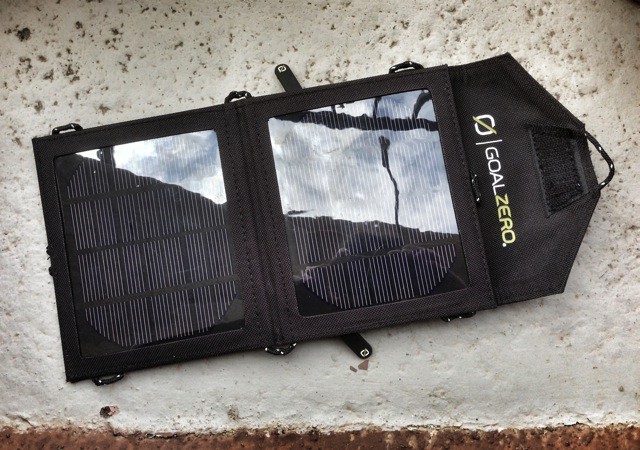
Switch 8 by Goal Zero Category: Solar Chargers Works With: Anything with a USB port Price: $99
As travel chargers go, The Goal Zero Switch 8 kit is about as convenient as it gets. The two panels fold into one easy-to-carry pack, and on the back is a zippered mesh bag in which the battery pack and USB converter sit. There’s space in that bag for a phone or other small device, and there are enough paracord loops around the edges to secure the pack, open or closed, to just about anything.
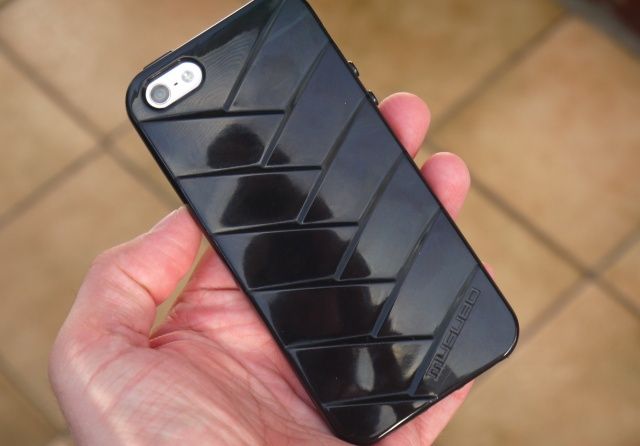
The Musubo Mummy is a soft-touch TPU case for iPhone 5 that promises top-to-toe protection and a unique, glossy design. It has a ribbed back that increases grip on your device and maximizes impact protection.
Mummy by Musubo Category: Case Works With: iPhone 5 Price: $30
The Musubo Mummy — not to be confused with Loop Attachment’s Mummy case for iPhone — covers your volume buttons and sleep/wake button for protection, but provides access to your mute switch, your headphone jack, and your Lightning connector. It also leaves your speakers and rear-facing camera exposed.
It’s available in seven bright and pretty colors, and it’s priced at $30. Let’s find out whether it’s worth it.
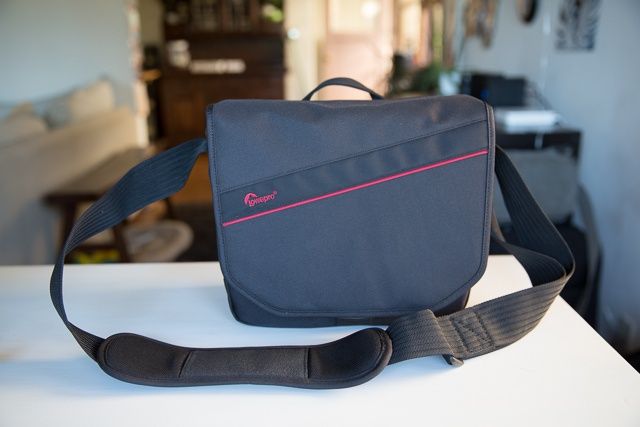
Looks smallish, holds a lot: Lowepro's Event Messenger 150.
Gadgets! Camera bag crafters know that, these days, if you’re carrying photo stuffs, you’re likely also bringing some kind of computer, and other electronic knick-knacks, along for the ride.
Lowepro Event Messenger 150 by Lowepro Category: Backpacks Works With: DSLRs, lenses, iPads Price: $70
A lot of bags concede that means a small Macbook Pro or Air will need a lift, but Lowepro’s Event Messenger 150 bag knows true technorati stroll with only the essentials: a lens or two, a camera body, and an iPad. So that’s what the sleek-looking Event Messenger 150 (EM 150) was built to transport. I took it for a spin to see how it performs.
Kanam by Davarg Category: Cases Works With: iPhone 5 Price: $45
This is the first part of a two-part review. When you see the case I’m writing about, the reason will be obvious. It’s the Castello Davarg Kanam, and it’s a wraparound case fashioned from full grain leather in the good old U.S of A. Fortunately, this doesn’t mean that it was thrown together by unionized slackers with one eye on the time-clock: The case is clearly put together with some care.
Why the tow-parter? Because this is a chunk of cow, and as such it’s meant to age gracefully, getting better over time. So today is more of a first look, with a long-term write-up to follow.
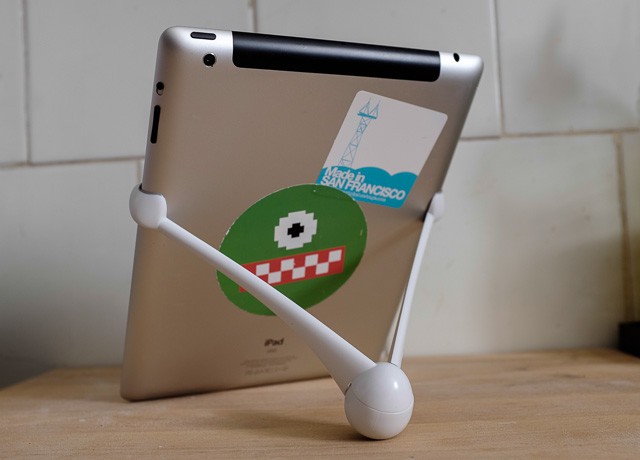
mŌna by Kubxlab Category: Stands Works With: iPads 2, 3 and 4 Price: $30
There would be but one way to make the mŌna iPad stand seem more like an adult toy, and that’d to make it in pink. As it is. The suggestive-looking stand comes in black, white and red. I have been using one on and off for a few months (strictly for iPad support purposes) and found it to be excellent in some aspects and silly in others. Would you like to know more?
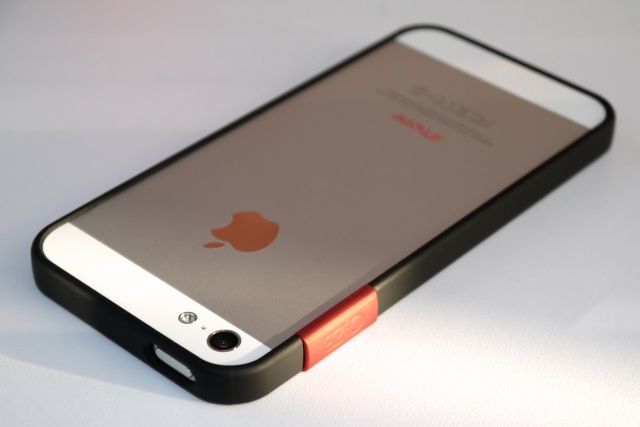
The ThinEdge bumper from MyBanana promises to be the world’s slimmest “frame case” for iPhone 5, delivering minimalist protection that doesn’t spoil your handset’s sleek and sexy form factor. It adds just 1mm of thickness to the sides of your device, which is just enough to protect its aluminum edges from dings and scratches.
ThinEdge by MyBanana Category: Bumpers Works With: iPhone 5 Price: $35
The ThinEdge extends slightly around the front and back edges of your devices to ensure they never come into contact with flat surfaces when placed down, and that means you can show off your handset’s design without having to worry about picking up scratches.
The ThinEdge provides a soft touch matte finish that increases grip, and it comes in a range of colors, including black, orange, pink, silver, and white.
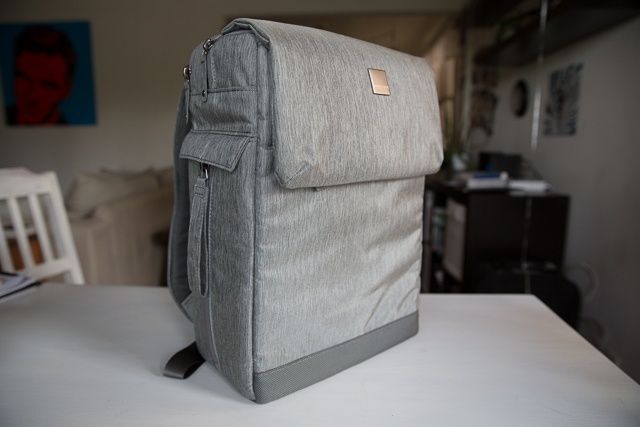
Even prettier than Seacrest: The Montgomery Street Backpack
With an urban, brushed-metal look, premium construction, and space for your camera and Macbook Air or 13″ Pro, Acme Made’s Montgomery Street Backpack is no doubt a great day pack for city walkers. Its side-sitting camera pouch is the standout feature of this bag, though, allowing quick retrieval of your mirrorless cam or DLSR without having to take the bag off.
Montgomery Street Backpack by Acme Made Category: Backpacks Works With: Macbook Air, 13″ Pro, Smaller Cameras Price: $100
The Montgomery however, while well suited for those with petite electronics and a taste for the more hipster things in life, mightn’t perform as well for those with a larger Mac, a full size DSLR, or a fear of wearing a pack so cute the girlfriend might want to borrow it.
When the VLC iOS app was pulled from the App Store in 2011, a little part of me died inside. I own a large collection of movies in different file formats, and VLC is my go-to media player for files that aren’t supported by QuickTime and iTunes. While there’s hope that VLC will return to the App Store, I’m not holding my breath. And I don’t really care anymore because I’ve found something better.
Infuse by FireCore Category: Entertainment Works With: iPhone, iPad Price: $4.99
For several months I’ve been beta testing an iOS app called Infuse. Support for 14+ file formats, an intuitive interface, and some slick details make Infuse the best third-party media player out there.
Sometimes, a product can really sneak into your heart. Such was the HEX Drake Origin backpack, which I gave a positive review.
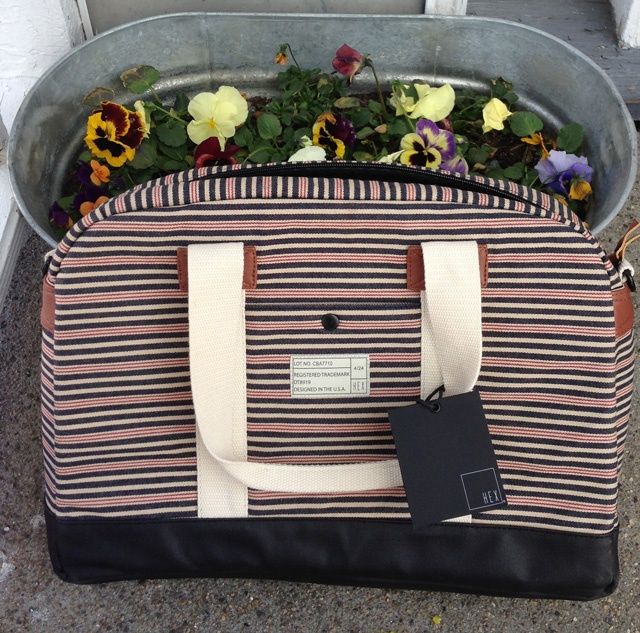
Cabana Laptop Duffel by HEX Category: Laptop bag Works With: Up to 15-inch laptops Price: $100
Although I loved it from the first for being a backpack that a fashionably-inclined, full-grown man could wear without looking like a slobbering, buffoonish manchild — no mean feat — the Drake Origin has become even fonder to me in the months since, until I found that I was more inclined to hoist it up onto my shoulder as I left the house than I was some of my other cherished messenger and satchel bags.
What I loved about the HEX Drake Origin wasn’t just its incredibly solid stitching and construction, but the way it made me feel when I picked it up, I felt as if I suddenly went back in time, and becamed a dandyish Oxford student in the 1910s lugging a tweed backpack full of natural philosophy texts across a blustery, autumn-strewn quad. This may seem precious, and is in fact precious, but the way we all look at fashion is through the romanticized lens of nostalgia. Fashion is a way we tell other people a story about ourselves, and I liked the story I thought the HEX Drake Origins told about me.
I don’t feel the same way about the HEX Cabana Laptop Duffel, but it’s not really the bag’s fault. If the Drake turned me into an Oxford student from a hundred years ago, the Cabana Laptop Duffel turns me into that Oxford student’s girlfriend on a day out at the beach. It’s a very feminine bag that I love, but perhaps not the right bag for me.
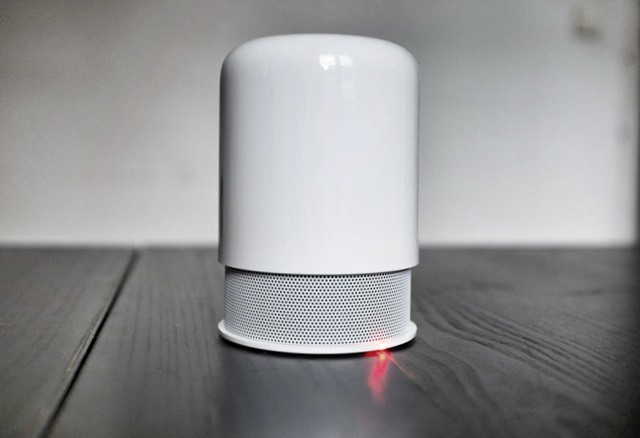
Hidden Radio by Hidden Radio Category: Bluetooth Speakers Works With: Anything with Bluetooth Price: $150
The Hidden Radio was an early Kickstarter success, blowing past its original $125,000 goal to hit almost a million bucks. I was, apparently, the first gadget writer to post about it, and a the end of last summer — shortly after the speakers started shipping, I met John and Vitor here in Barcelona.
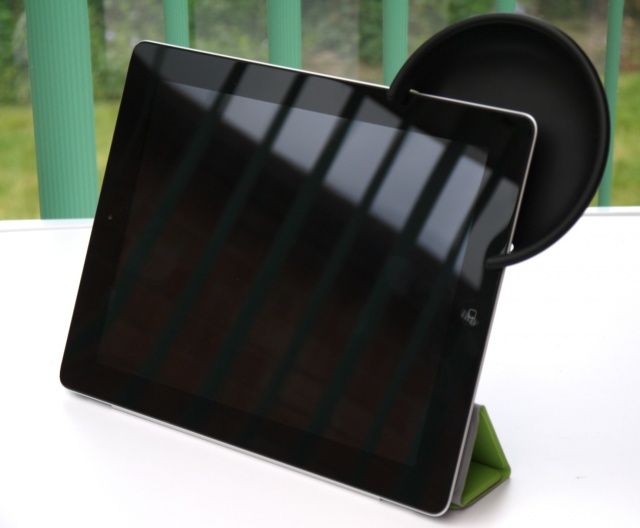
The Amplifiear from BiteMyApple is a nifty little accessory that clips onto the corner of your iPad and boosts its sound output. It’s specifically moulded to amplify and direct the sound from your iPad’s speaker, and it promises to increase its volume by up to 10 decibels.
Amplifiear by BiteMyApple Category: Accessories Works With: iPads 1-4 Price: $24.99
While the iPad’s speaker might not need amplifying in a quiet room, add background noise — such as a busy street or children playing — and it becomes hard to hear whatever it is you’re watching or playing. But by projecting your iPad’s sound towards you, the Amplifiear is designed to be “perfect for these conditions.”
The Amplifiear comes in six colors — black, white, red, green, blue, and orange — and is priced at just $24.99. Let’s find out whether it’s worth it.
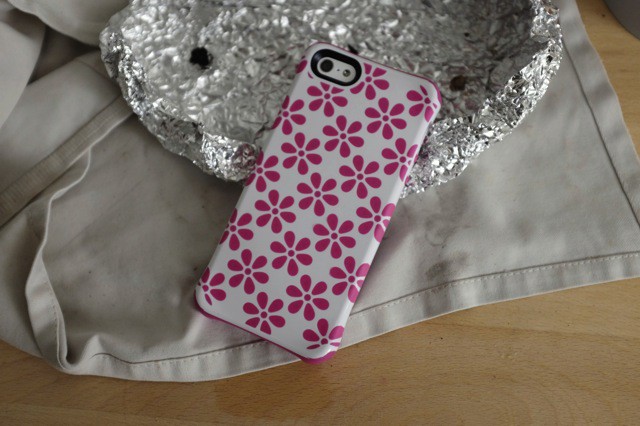
Aspira by Ballistic Category: Cases Works With: iPhone 5 Price: $35
Ballistic’s new Aspira iPhone cases are a little different from your usual ruggedized case. First, they’re not ugly. Second, they’re pretty slim. And third, you can keep them in your pocket.
I have been testing out a box of the things for a little while now and I kinda like them. My friends’ opinions might differ, though.
Worn leather looks great... Right up until it falls apart.
SurfacePad for iPhone by Twelve South Category: Cases Works With: iPhone 5 Price: $35
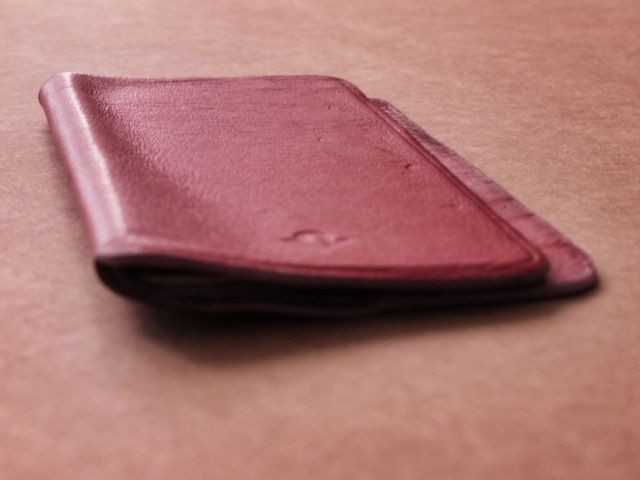
Back in February, I reviewed the The SurfacePad from Twelve South and called it the “Best iPhone Case Ever.” And had it stayed pristine and continued working like it did for the first few weeks, that would be it.
But it didn’t. The lovely, minimalist leather cover certainly kept working, but while it might be a great design for something like an iPad, for an iPhone – which is constantly being shoved in and out of pockets – it’s just too fragile. That, and it sucks for taking photos.