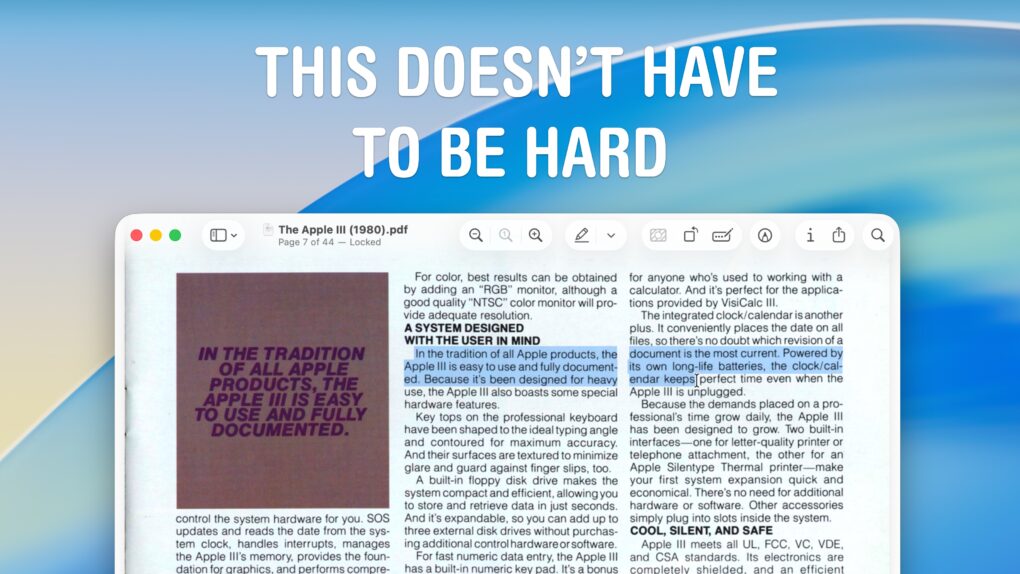
 Although the Mac offers fantastic support for opening and editing PDFs in the built-in Preview app, the simple act of copying and pasting text from a PDF can still be a nightmare. For instance, selecting text on a two- or three-column document often selects across the whole width of the page, which is totally useless.
Luckily, there’s a better way to copy text from a PDF on a Mac using Apple’s Live Text feature.
Taking a quick screenshot and using Live Text often yields better results when you need to copy text from a PDF or an image. (It also works with photos and old document scans.) Here’s how to do it.