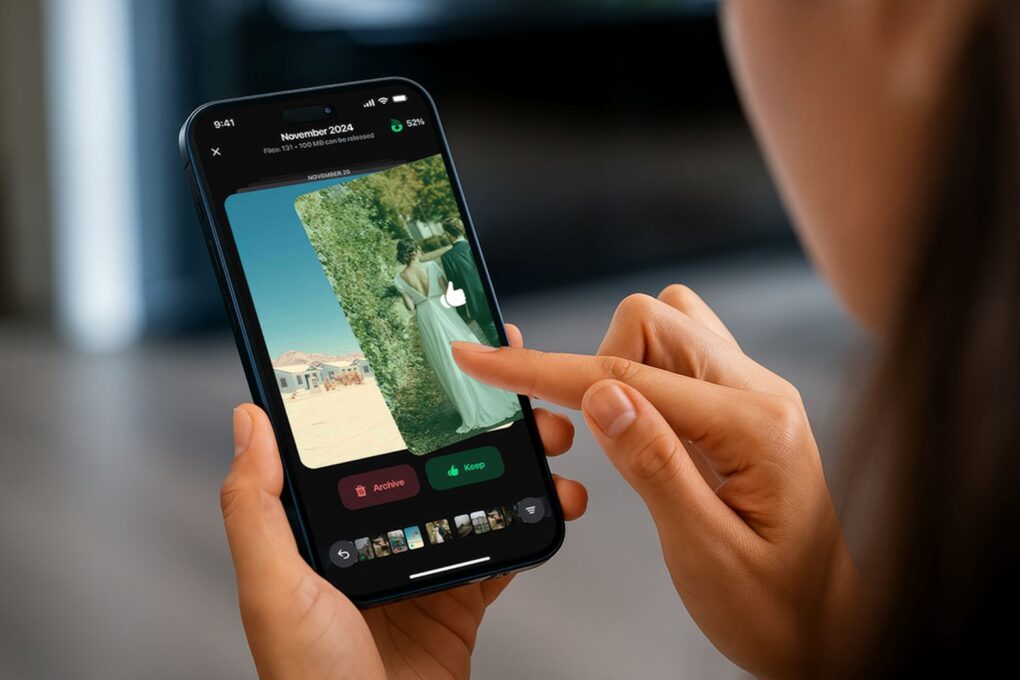
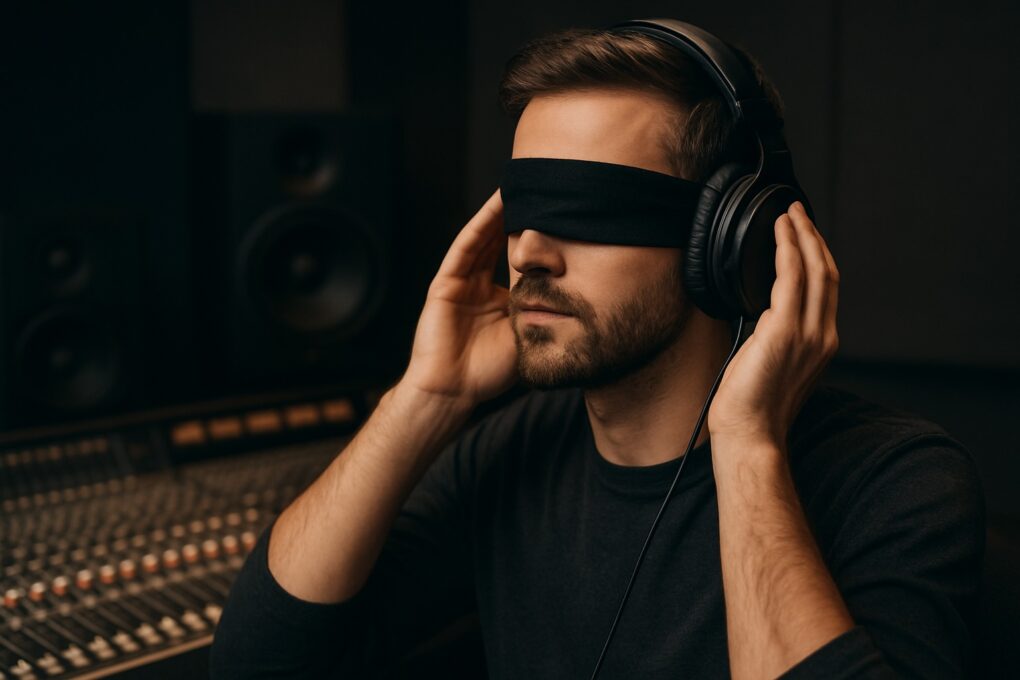
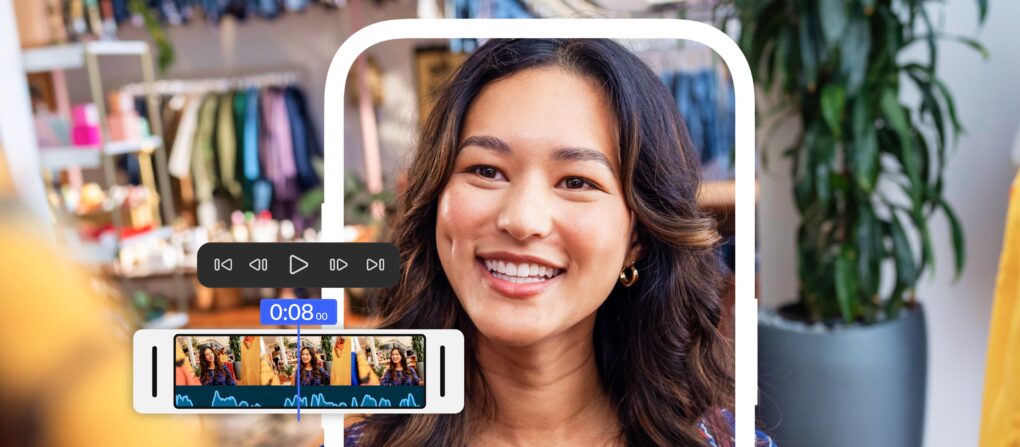
You can record your screen with audio (and a voiceover) on your iPhone to talk over your video. This functionality is built right into the iPhone. You don’t need to use a Mac or PC, or pay for an app to do it.
This can come in handy for making presentations or projects — and you don’t want to waste an hour or more editing a video yourself. You can also make a recording with your voiceover explaining how something works for helping someone out, testing an app, making a tutorial, recording your reaction to watching a video or more.
Here’s how to record your screen with audio — and add a voiceover — right from your iPhone.
Make sense of your epic screen recording by adding a voiceover
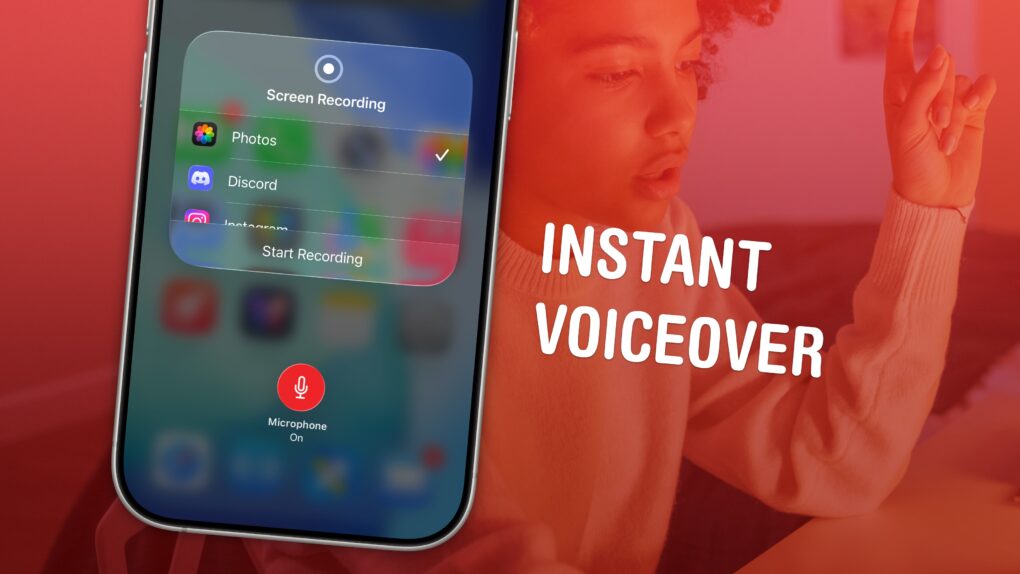
Image: D. Griffin Jones/Cult of Mac