★★★★☆
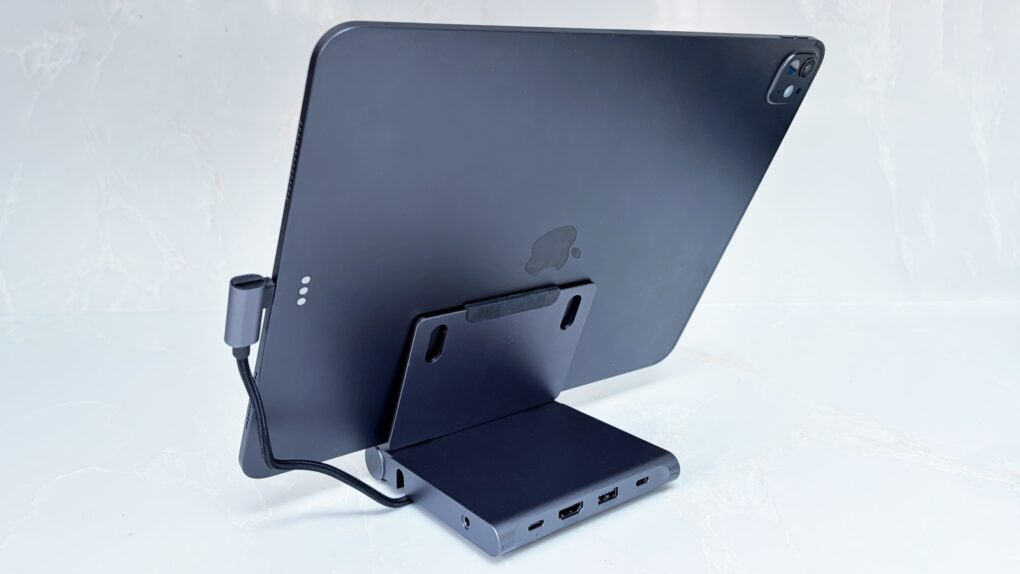
Don't settle for an iPad stand or travel hub. Not when Satechi combined them. Photo: Ed Hardy/Cult of Mac
Your iPad is fun and relaxing, but it can also be the heart of a compact workstation with the Satechi OntheGo Foldable Stand Hub. This holds up your tablet while simultaneously expanding its connectivity with five additional ports.
It’s so useful in the office, it’s easy to forget the accessory folds down so you can take it with you. Satechi says it’s made for creatives on the move.
I tested the stand+hub in my home office and when traveling. Here’s what I found.
Don't let hackers take over your iPhone. AI image: ChatGPT/Cult of Mac
Update: The sophisticated DarkSword hacking technique that came to light last week — capable of silently taking over iPhones the moment a user visits an infected website — just got worse for Apple users running older software, TechCrunch reported Monday.
Someone leaked versions of DarkSword on code-sharing site GitHub. That means DarkSword attacks likely will increase — especially since iOS expertise is not required to deploy the technique.
“This is bad. They are way too easy to repurpose,” iVerify co-founder Matthias Frielingsdorf told TechCrunch. “I don’t think that can be contained anymore. So we need to expect criminals and others to start deploying this.”
Apple spokesperson Sarah O’Rourke reminded people that “keeping software up to date is the single most important thing you can do to maintain the security of your Apple products.” So if you haven’t updated to the latest iOS for your device, do so now.
Get better dictation on your Mac with a lifetime subscription to Voibe. Photo: Cult of Mac Deals
The Voibe dictation app for Mac lets you talk instead of typing. It’s fast, efficient and works inside any Mac app. Plus, since it works offline, it’s totally private.
Whether you have a MacBook Neo, Air or Pro, this tips will give you the best battery life. Photo: Apple
Every MacBook boasts industry-leading battery life. But everything comes to an end. It may take a full day or more, but MacBooks do eventually run out of charge.
If you want to take your M5 Max MacBook Pro to the coffee shop to get work done, and you leave your power cable at home — even if you’re editing 8K ProRes video streams in Final Cut Pro — you still might be ordering breakfast, lunch and staying for dinner.
Of course, that low battery warning always comes at the most inopportune time. With that in mind, there are a few tricks to get even more unplugged time with your MacBook. Keep reading or watch our quick video.
Secure lifetime access to six cybersecurity courses at a massive discount. Photo: Cult of Mac Deals
The Ultimate 2026 Cybersecurity Training Bundle preps you for certification exams for CompTIA and Microsoft. It gives you a foolproof way to study for key certifications and build real skills without paying for an expensive bootcamp or short-term courses over and over again.
SSD price hikes make now the right time to buy. AI image: ChatGPT/Cult of Mac
Anyone thinking about adding a portable SSD to their Mac or iPad would be wise to make that purchase soon. Prices for the external storage devices are already on the rise.
Why? For the same reason that Apple needed to raise prices for its newest MacBooks.
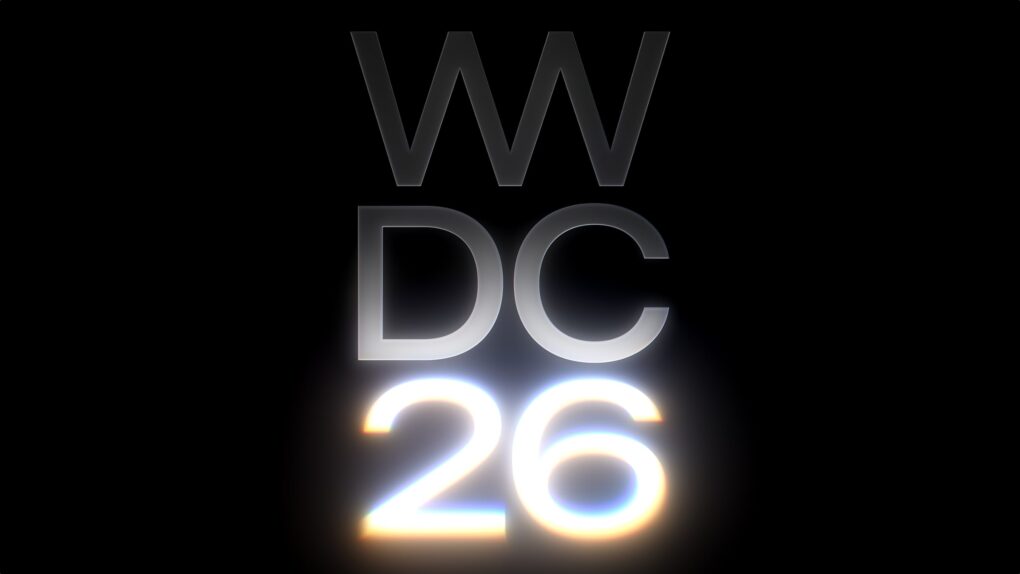
The 2026 edition of Apple's Worldwide Developers Conference kicks off June 8 at Apple Park in Cupertino, California. Image: Apple
The annual Apple Worldwide Developers Conference (WWDC26) will take place June 8–12, according to an update Monday on the Apple Developer website — setting the stage for what promises to be one of the company’s most anticipated software events in years. The event will mark the arrival of iOS 27, macOS 27 and more.
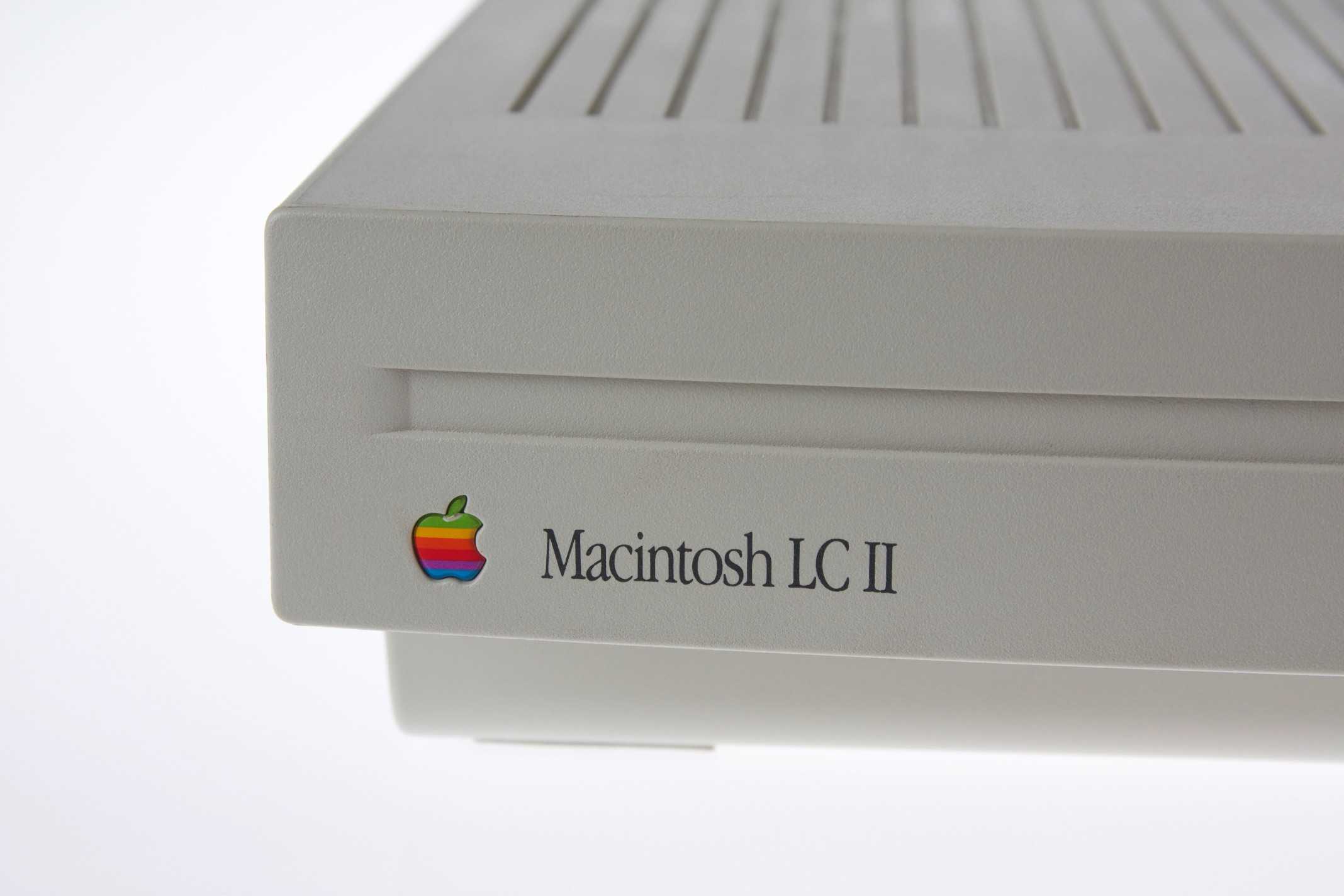
The Macintosh LC II was more powerful and cheaper than its predecessor. Photo: Jonathan Zufi
March 23, 1992: The “headless” Macintosh LC II arrives, wooing value-oriented customers with a beguiling mix of updated internals and budget pricing.
Designed to take up minimal space underneath a monitor (sold separately), the Mac LC II is destined to become a hit. In retrospect, the entry-level machine is roughly analogous to today’s Mac mini.
Keep track off all your stuff with an AirTag or four... at 39% off! AI image: ChatGPT/Cult of Mac
Apple AirTag deal alert! Now that second-gen AirTags are here, the original model is on close-out. A four-pack of these essential Bluetooth trackers now costs a whopping 39% less than the list price on Amazon right now.
Steve Jobs gives a speech to Apple employees in 1999. Photo: Akira Nonaka
A newly uncovered video from July 1999 captures Steve Jobs speaking candidly to Apple employees just days after the launch of the wildly successful iBook G3. It offers an unfiltered window into the mind of a CEO who had just pulled a company back from the brink.
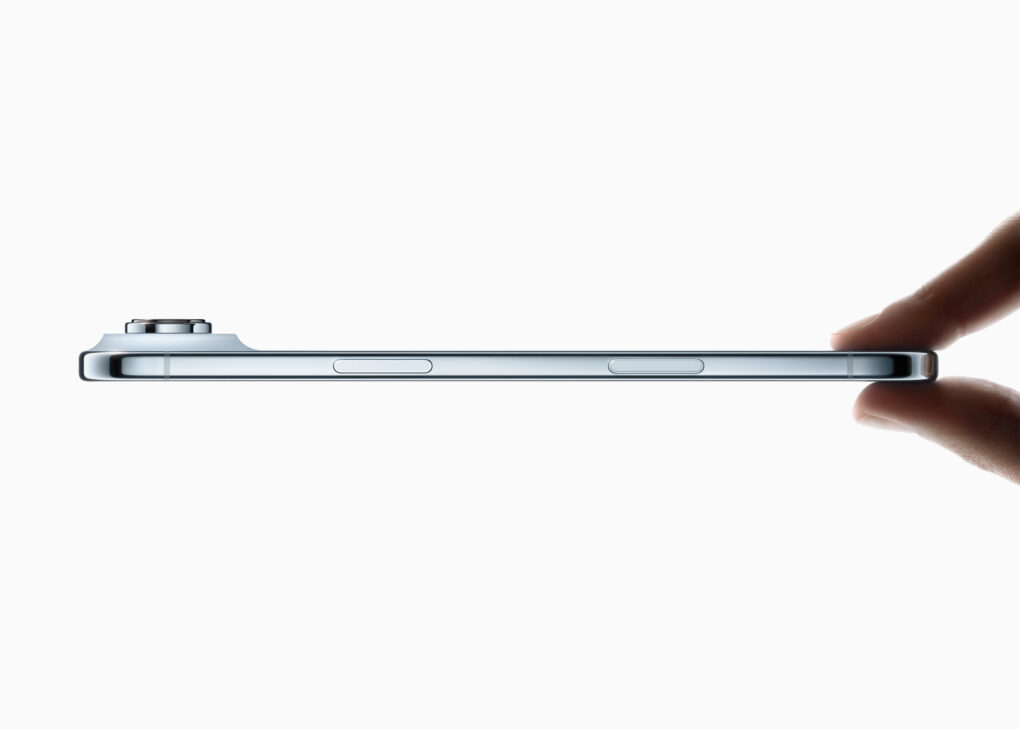
iPhone Air attracts some buyers with its super-slim design. Photo:
The iPhone Air accomplished one of the goals Apple surely had for it: It’s reportedly outselling the device it replaced — and by a wide margin. That said, the super-slim iPhone hasn’t exactly taken the world by storm.
Still, it’s far from the flop that some critics labeled it.
AirDrop now works with Samsung's flagship Galaxy phone. Image: D. Griffin Jones/Cult of Mac
Following in Google’s footsteps, Samsung added AirDrop support to its newest flagship phones: the Galaxy S26 series. This enables iPhone and Galaxy S26 users to transfer files between devices seamlessly.
Top be clear, Google and Samsung enabled AirDrop support in Quick Share without Apple’s help.
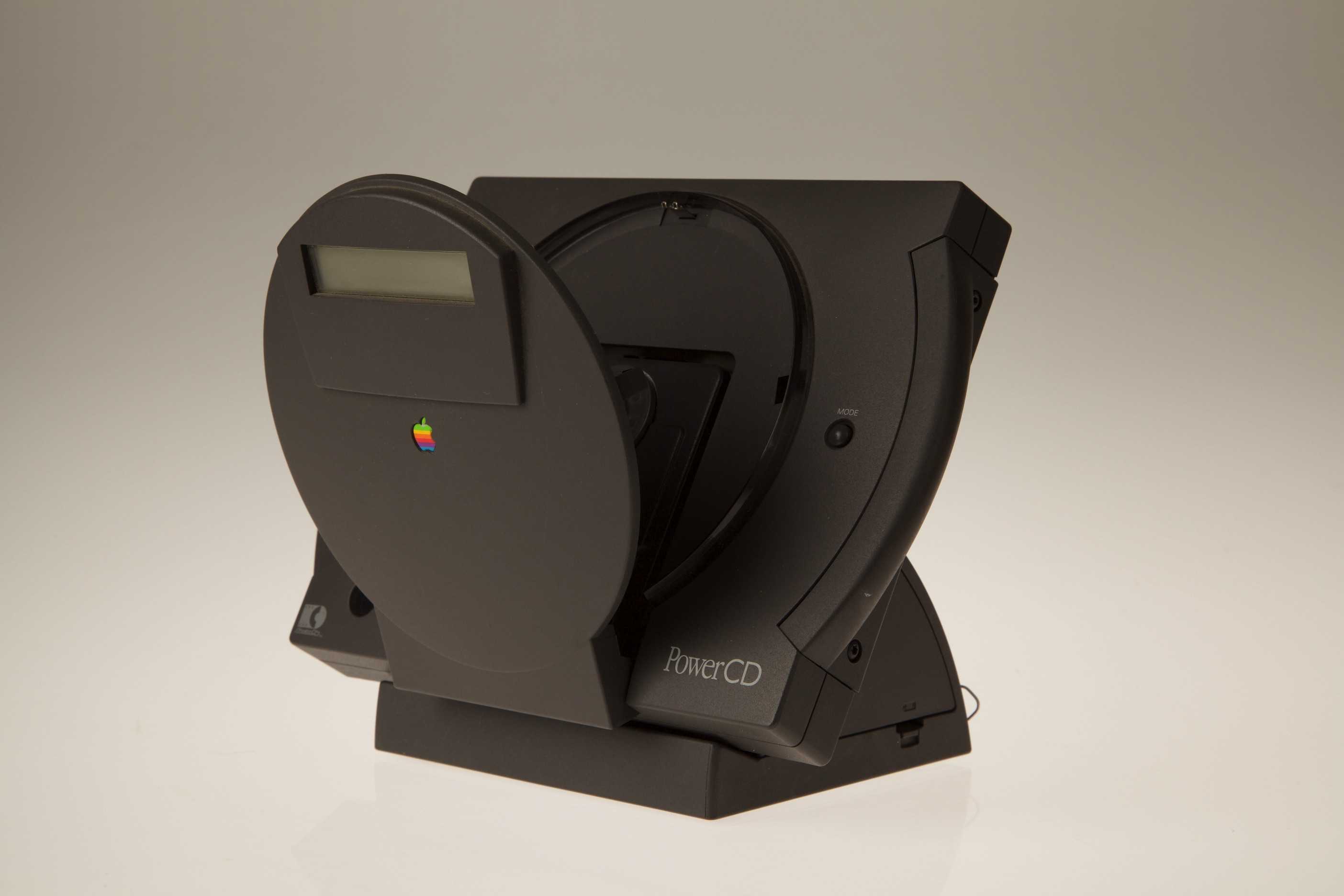
This CD player offered a glimpse of Apple's post-desktop game plan. Photo: Jonathan Zufi
March 22, 1993: Apple launches the PowerCD, the first device from the company that doesn’t require a computer to work.
A portable CD player that also works as an external CD drive for Macs, it offers a glimpse of the extremely lucrative path Apple will follow a decade later. However, the PowerCD itself will ultimately fail to take off.
Apple's new headphones seem awfully familiar ... Image: Cult of Mac
This week on the Cult of Mac podcast: The surprise release of AirPods Max 2 gives us plenty to talk about (including all the things Apple didn’t fix about the high-end headphones).
Plus, special guest Christina Warren (developer advocate at GitHub and co-host of the MacBreak Weekly podcast) joins us for a deep dive into one of Leander’s favorite topics — OpenClaw, the open-source AI agent that’s got everyone snapping up Mac minis, and the rise of agentic coding.
Also on the Cult of Mac podcast:
More on the MacBook Neo, including why every Mac owner should be thrilled that it comes with just 8GB of unified memory.
Griffin reviews the new Studio Display XDR and iPhone 17e.
Listen to this week’s episode of the Cult of Mac podcast in the Podcasts app or your favorite podcast app. (Be sure to subscribe and leave us a review if you like it!) Or watch the video version, embedded below.
Enjoy lifetime access to Word, Excel, PowerPoint and more. Photo: Cult of Mac Deals
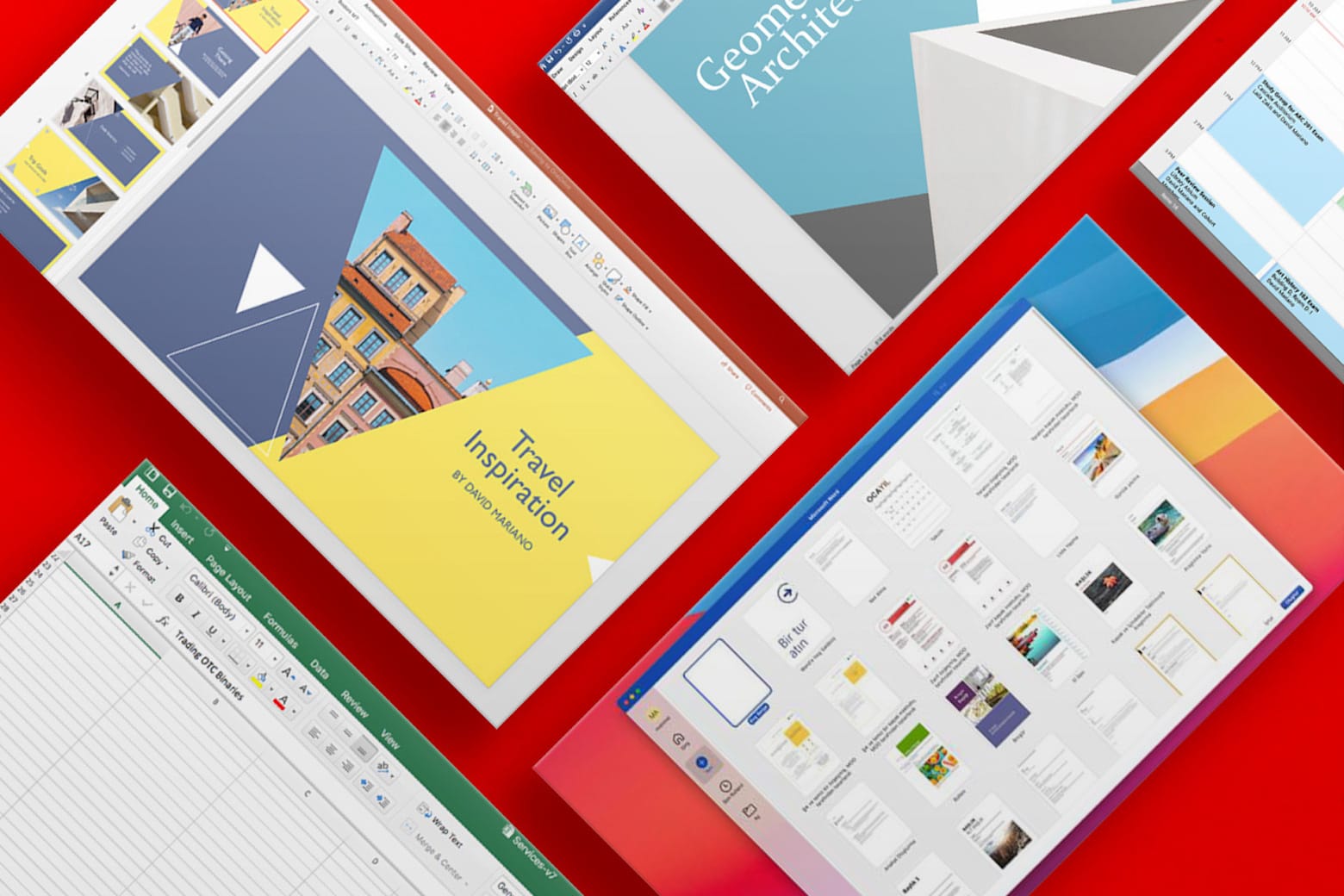
Stuck using an older version of Microsoft Office? This offer gets you a lifetime license to Microsoft Office Home and Business 2021 for Mac for just $52.97 with code MARCH15. With a low one-time payment, you can bid farewell to Microsoft 365’s pesky recurring subscription fees. You’ll never need to pay again for Microsoft’s widely used software for work and school.
And if you need Microsoft Office Professional 2021 for Windows, you can secure a lifetime license for even less: just $35.97 using the same code. (Note: You also can use code MARCH15 to save 15% on almost every item in the Cult of Mac Deals store through March 29.)
Simplify the web, one annoyance at a time. Image: D. Griffin Jones/Cult of Mac
Safari’s Hide Distracting Items feature lets you remove ads from your iPhone, along with other elements on the page that irritate you. It doesn’t require an ad blocker or a paid extension — Apple built it right into the browser in iOS 18.
Hide Distracting Items is not an ad blocker per se. But if pop-ups and other items with no obvious close button pester you, Hide Distracting Items can come to the rescue. Here’s how to use it — keep reading or watch our video.
Tim Cook is excited about MacBook Neo. Image: Apple/Cult of Mac
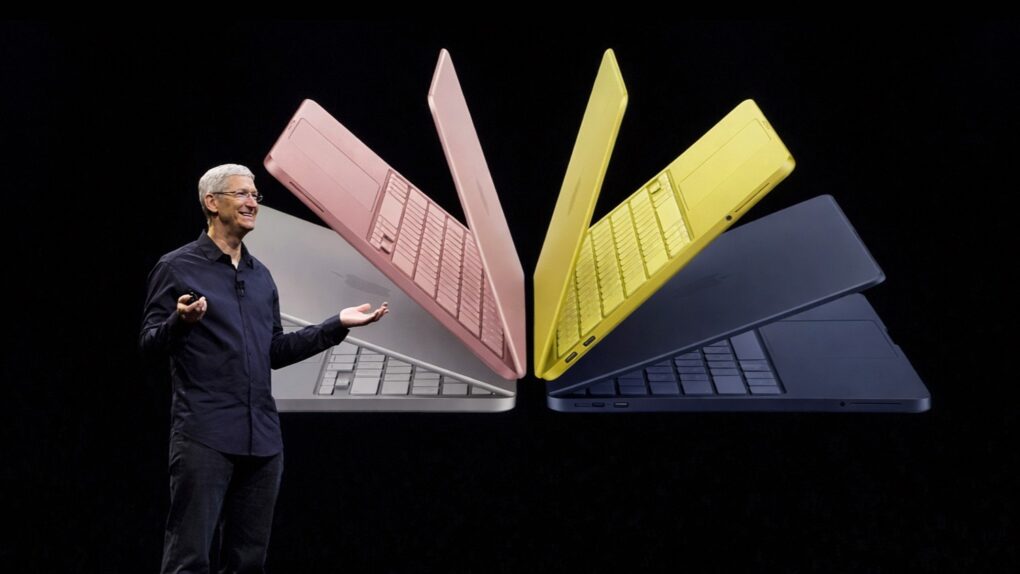
CEO Tim Cook says Apple just had its “best launch week ever for first-time Mac customers.” That means the MacBook Neo is doing exactly what it was designed to do: bring in people who have never owned a Mac before.
The first entry-level macOS notebook launched on March 11, and Apple can’t keep up with demand. Orders placed today come with wait times of several weeks.
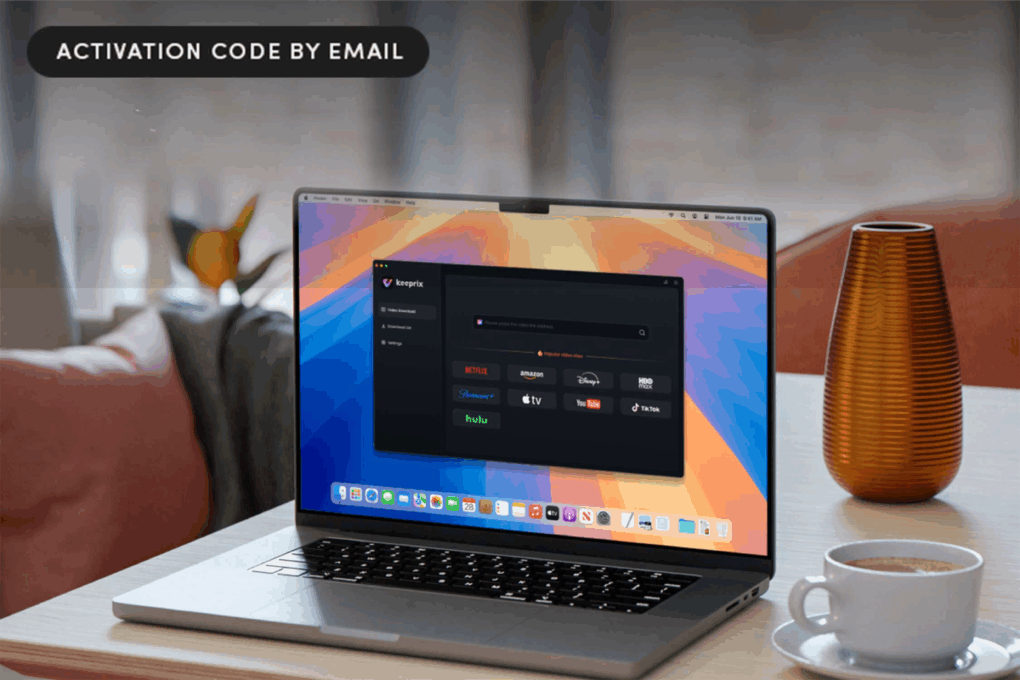
All-in-one streaming video downloader Keeprix makes it easy to watch offline. Photo: Cult of Mac Deals
Streaming is great until you want to watch something offline, save a show before it disappears, or avoid the limits most platforms put on downloads — that’s when you need a streaming downloader like Keeprix.
It works with Netflix, YouTube and other major streaming services, letting you save the videos you care about so you can watch them whenever you want. That means no dealing with ads, expiration timers or unreliable Wi-Fi. And a lifetime subscription to Keeprix is on sale for $95.99 (regularly $159.99).
The Twentieth Anniversary Mac offered a glimpse of the future. Photo: Apple
March 20, 1997: Apple launches its Twentieth Anniversary Macintosh, a futuristic, special-edition Mac that’s ahead of its time in every way. Not part of any established Mac line, it brings a look (and a price!) unlike anything else available — and Apple delivers them to buyers in a limo!
And yet the Twentieth Anniversary Macintosh promptly bombs. Today, it’s a collector’s piece.
Think long term, and the MacBook Neo costs far less than you might realize. AI image: Apple/ChatGPT/Cult of Mac
An analyst’s report shows Apple’s new MacBook Neo is even more affordable than it first appears. The total cost of ownership is about half that of comparable Windows PCs.
It may sound counterintuitive at first — how can a $599 Mac be half the cost of a $599 PC? — but the analyst showed that the typical lifespan of a Mac is so much longer than that of a Windows PC that the Apple model costs much less over time.
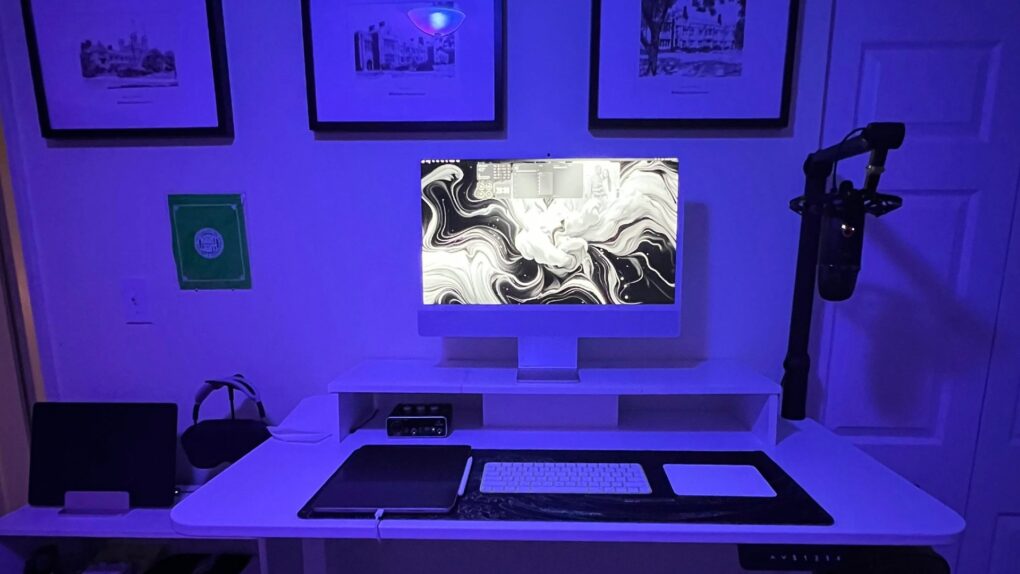
This M4 iMac setup packs great audio gear, too. Photo: [email protected]
The iMac has always occupied a special place in Apple’s lineup — a beautifully integrated all-in-one desktop computer that bundles a 4.5K Retina display, camera, speakers and microphone into a single elegant slab of aluminium with color-matched accessories.
Yet despite the machine’s considerable visual appeal, iMac setups are a surprisingly rare sight in Cult of Mac‘s long-running Setups section. I noted in March 2025 that, out of 616 Setups articles written over more than four years at that time, only 11 featured an iMac as the centrepiece. That’s partly due to the fact that Apple desktop sales. They made up just 14% of Mac sales in 2024, while MacBooks accounted for a whopping 86%.
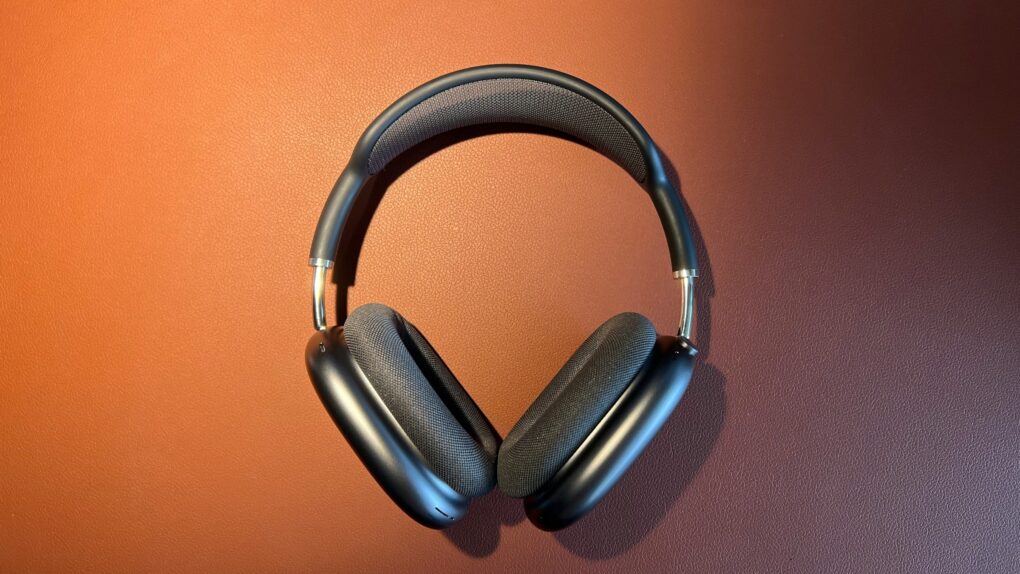
New model number, same old drawbacks. Photo: Jason Zhang/Unsplash License
Apple had years to refine its high-end headphones, the AirPods Max. But with the just-announced AirPods Max 2, the company played it safe.
An upgrade to Apple’s H2 chip brings some notable new features to AirPods Max 2. However, with many of the original model’s shortcomings still present, the revamp feels like a missed opportunity.
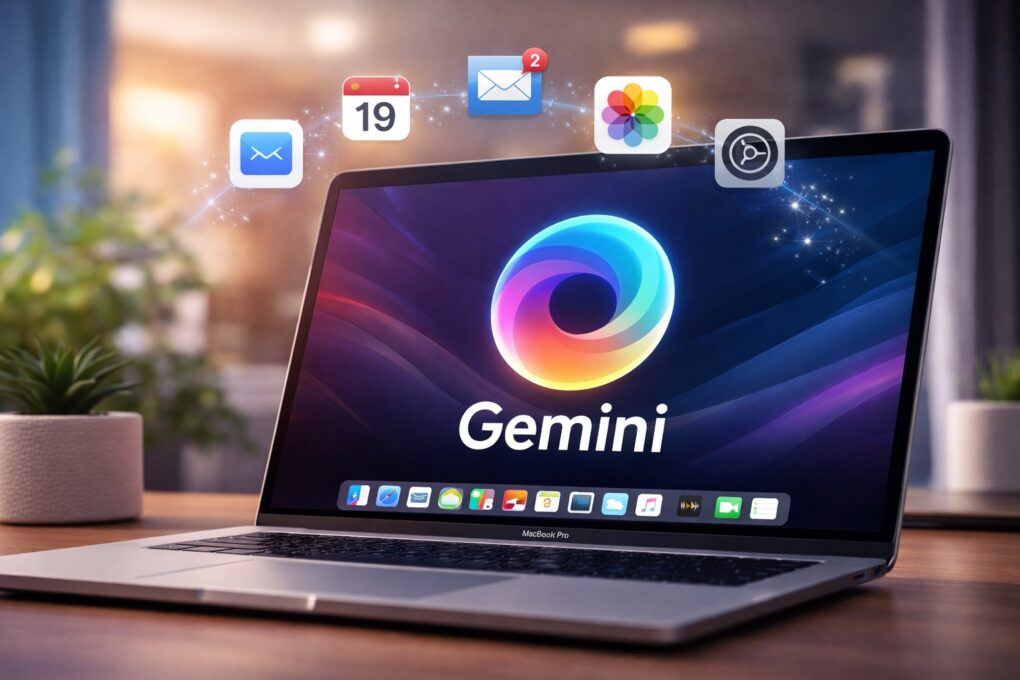
Gemini could soon get a dedicated Mac app. AI image: ChatGPT
Google has begun internally testing a dedicated Gemini app for macOS. While the company continues to improve its AI tool almost every other week, the lack of a native Mac app limits its full potential.
A dedicated app will make Gemini more accessible and better integrated into everyday workflows on macOS.
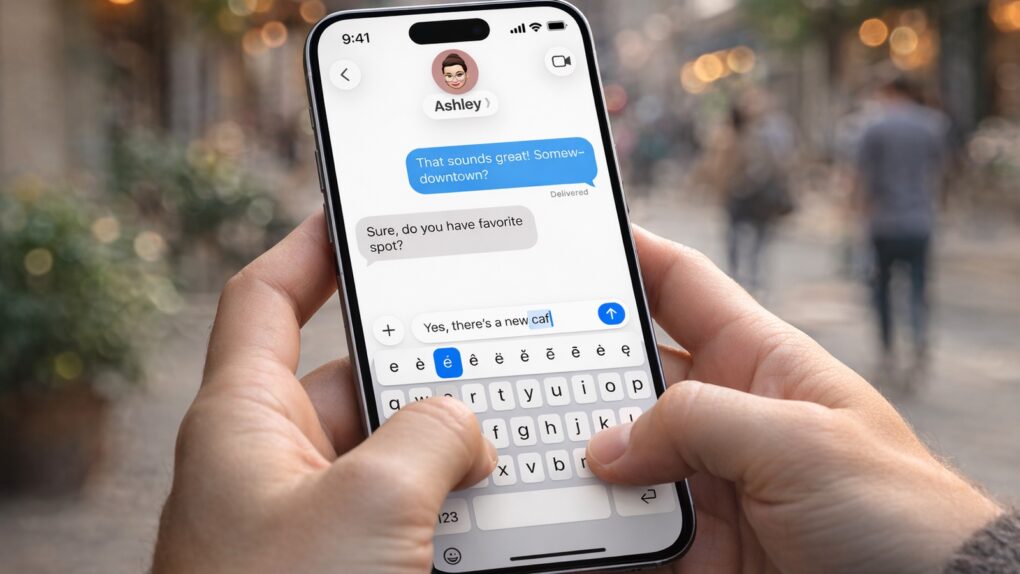
An iPhone typing bug that frustrates users gets a fix. AI image: Apple/ChatGPT/Cult of Mac
Apple’s iOS 26.4 update includes a small line in its release notes that is drawing outsized attention. It promises “improved keyboard accuracy when typing quickly.”
While that might sound like a routine tweak, it appears to address a typing problem that has frustrated iPhone users for months.






 March 23, 1992: The “headless” Macintosh LC II arrives, wooing value-oriented customers with a beguiling mix of updated internals and budget pricing.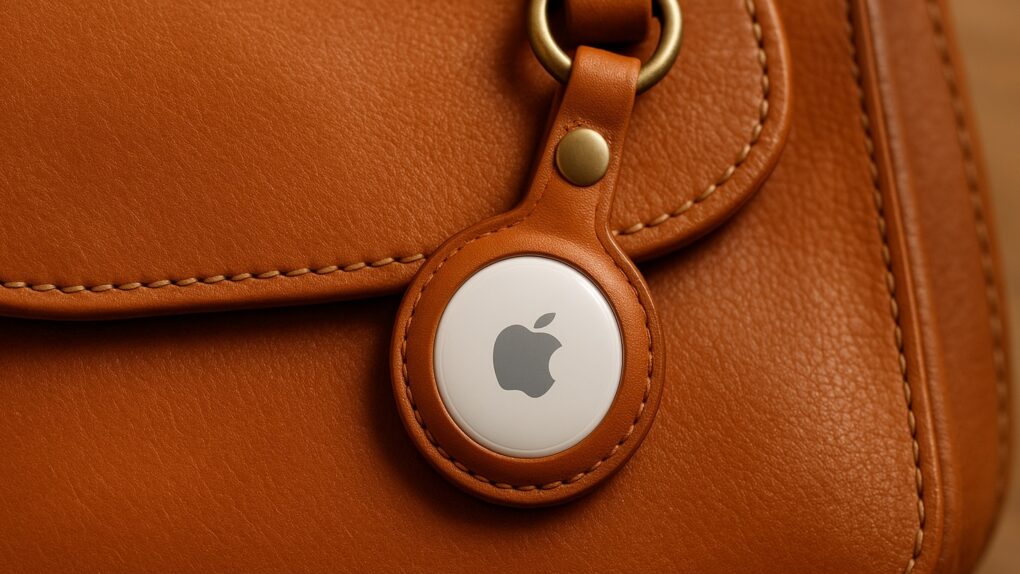

 March 22, 1993: Apple launches the PowerCD, the first device from the company that doesn’t require a computer to work.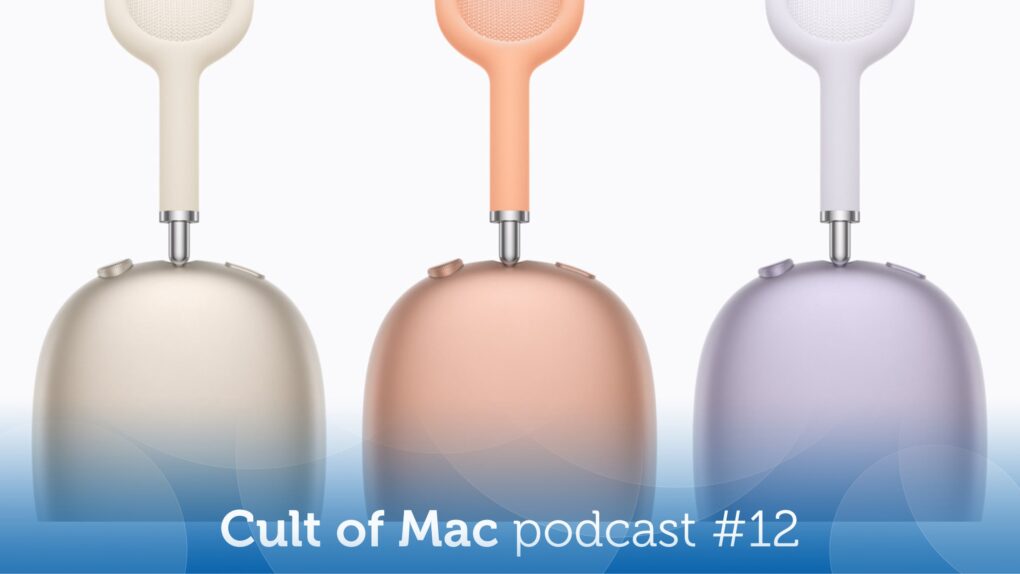
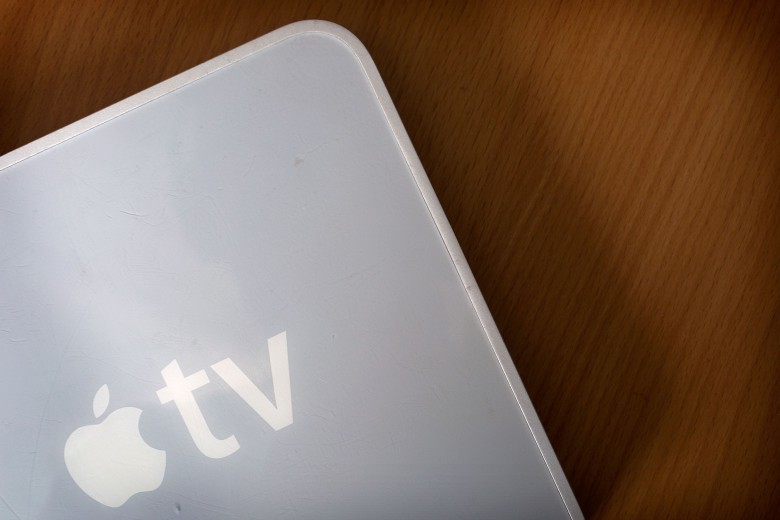
 March 21, 2007: Apple launches the Apple TV, a gleaming-white set-top box with a remote control, for bringing iTunes media to the living room.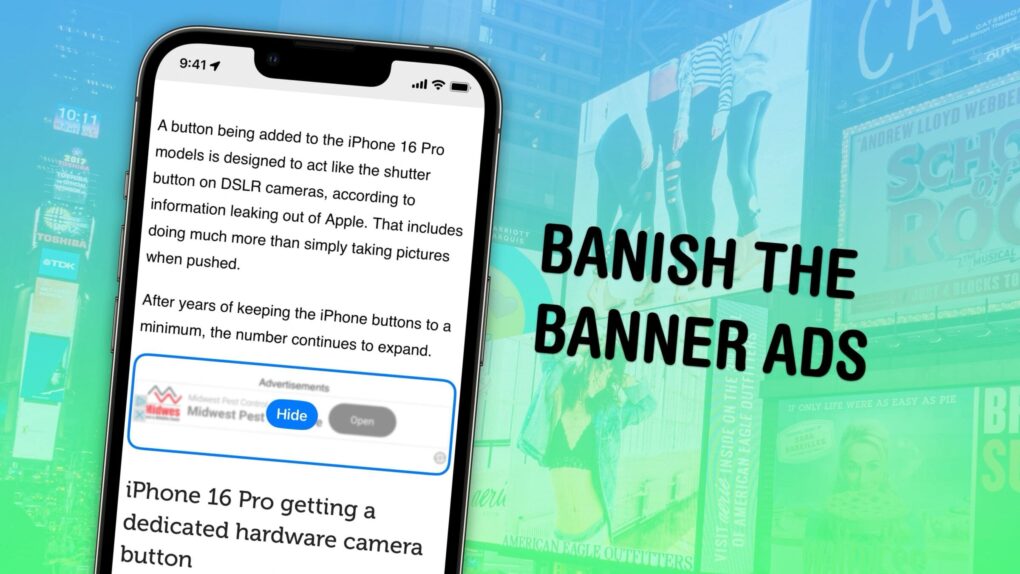
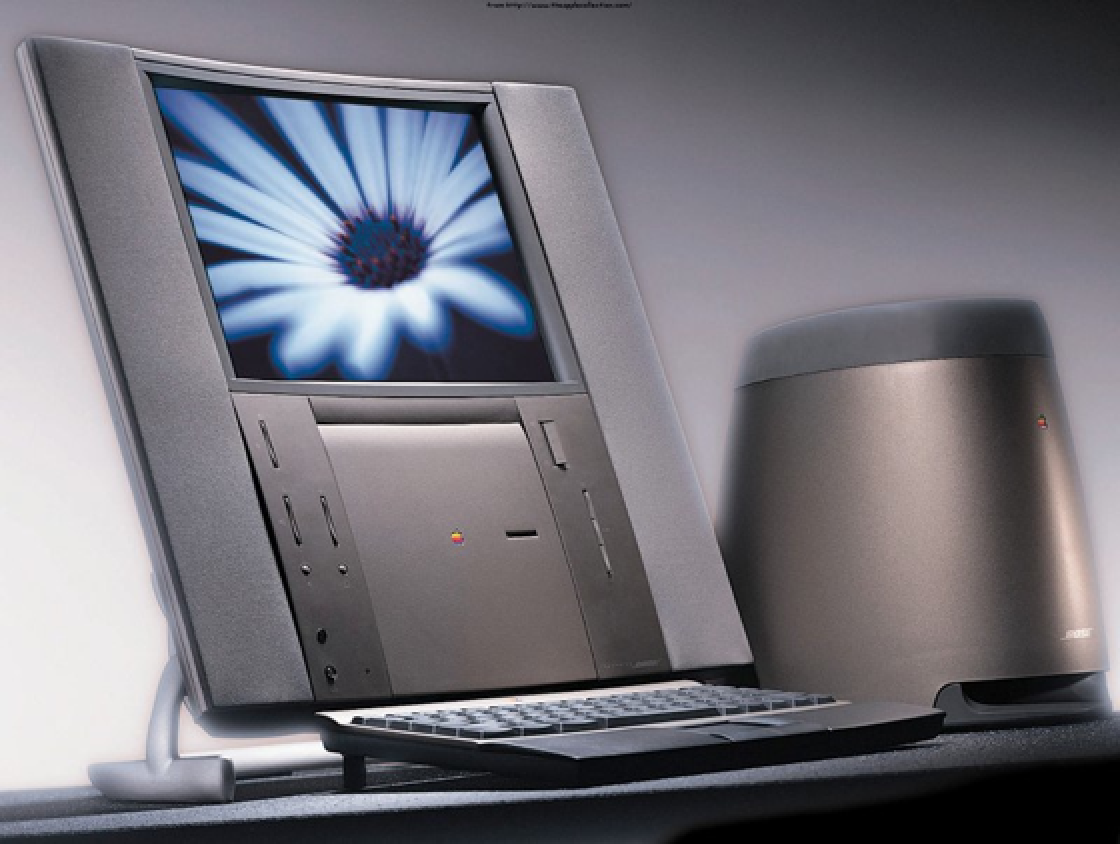
 March 20, 1997: Apple launches its Twentieth Anniversary Macintosh, a futuristic, special-edition Mac that’s ahead of its time in every way. Not part of any established Mac line, it brings a look (and a price!) unlike anything else available — and Apple delivers them to buyers in a limo!