Apple Watch is getting another health-conscious feature. Photo: Ste Smith/Cult of Mac
Apple will introduce sleep tracking to Apple Watch, a new report claims.
The new software-based feature reportedly will not require any additional hardware. However, it remains unclear whether Apple will limit sleep tracking to the upcoming Apple Watch Series 5.
Now you can check your heart rate while you are swimming Photo: Form Athletica Inc.
Augmented reality swim goggles made by Form soon will add support for select Polar heart rate monitors.
With Apple Watch, you must stop swimming and raise your wrist in order to check your heart rate. But thanks to Form Swim Goggles’ built-in AR display, wearers of a Polar monitor will be able to view their heart rate in real time while swimming.
Score massively discounted wireless chargers, cloud storage, and more. Photo: Cult of Mac Deals
One way to make your extra long Labor Day weekend even better is to bring some great new tools and toys into your life. We’ve got massive deals on sleek wireless charging, terabytes of cloud storage, Excel education and more. Each is discounted by well over half off, and if you use the coupon code SAVE15TODAY at checkout you save an extra 15%.
A nice big desktop makes everything easier. Photo: Michael Soledad on Unsplash
Recently, I’ve been using my old Mac more and more, even thought I’ve long preferred using an iPad for both work (writing) and play (making music, and all the other dumb stuff you do on a computer when you’re goofing off).
And It’s gotten me thinking. Why do I prefer the Mac for some tasks? And I mean, strongly prefer. I’m so used to using both iOS and macOS that it’s not a questions of familiarity. Nor is it that I’m trying to squeeze the Mac way of doing things into the iPad, and vice versa — a common problem for new switchers.
No, my preference comes down to two small yet fundamental differences between the iPad and the Mac. These two features are present on the Mac, and will probably never make it to the iPad. What are they?
Tweak your Mac's display with macOS' amazing accessibility options. Photo: Wesson Wang/Unsplash
Just like iOS, the Mac has some great features hidden inside the accessibility section of the System Preferences (aka. Settings) app. Today we’re going to see how to tweak the Mac’s display to make it easier to use, for anyone. You can adjust the colours, make page elements easier to see, and even turn everything B&W. Let’s see what’s what.
Japan Display currently makes LCD screens for the iPhone XR. Photo: Apple
Struggling Apple display maker Japan Display is trying to reconfigure its business to develop OLED displays, instead of LCD ones. However, according to CEO Winston, it’s going to take at least two years until they’re ready.
The displays will reportedly be manufactured at Japan Display’s Hakusan plant in Japan’s Ishikawa Prefecture.
"Oh my God. It even has a watermark." Photo: Kerfcase
The physical titanium Apple Card may be the most attractive credit card ever made. But it’s not necessarily the most practical design, since storing it in a leather wallet risks discoloring it.
Fortunately, design company Kerf have created an equally attractive solution for storing it. And if we’d never thought about a physically attractive credit card before, we sure as heck hadn’t considered 2019’s need for a $139 wooden credit card case!
You can even play around with the gradient! Photo: DylanMcD8
Apple has started uploading super high resolution copies of some of its branding materials to Wikipedia — starting with the original icon files for iOS 13.
News was shared by Twitter user and Apple developer DylanMcD8. The icon files allow users to fiddle around with details like the gradients in the iOS 13 logo.
Apple hasn't yet revealed if it's ramping up prices. Photo: Ste Smith/Cult of Mac
New tariffs on imported Chinese products in the escalating U.S. vs. China trade war could cost the average household $1,000 per year, J.P. Morgan Chase claims.
The first round of tariffs went into effect Sunday at 12:01 a.m. They mean that various products, including some Apple devices, are taxed at 15% upon entering the U.S.
Security flaw made it possible to infect iPhones using malicious code. Photo: Jim Merithew/Cult of Mac
An iPhone exploit which used malicious websites to hack iPhones was used to target Uyghur Muslims in China.
The security exploit was recently disclosed by Google researchers. It involved infecting users with malicious code, allowing an attacker to gain access to their phone. Apple fixed the vulnerability earlier this year, before the news was publicly shared.
You can expect big things next year. Concept: Taeyeon Kim
Apple is still developing its own augmented reality headset, according to code discovered in iOS 13.
Internal builds of the software include a “STARTester” app for switching in and out of a headset mode, according to a new report. It offers two modes, including “worn” and “held.”
Researchers also uncovered a text file that describes a “StarBoard” system for stereo AR apps.
There's a lot to look forward to. Photo: Charlie Sorrel/Cult of Mac
Apple’s massive fall event is right around the corner. It should bring a slew of new devices, possibly including a refreshed iPad Pro. But no matter when the next-gen Apple pro tablet arrives, it’s shaping up to be a nice upgrade over the current model.
Faster chips and significantly improved camera performance are just a couple of the things we have to look forward to. Here’s everything we expect from the 2019 iPad Pro upgrade.
Sadly, you won't be covered if your Apple Watch looks like this. Photo: Jim Merithew/Cult of Mac
You may be eligible for a free repair if you have an Apple Watch Series 2 or Series 3 with a cracked display.
Apple has confirmed that cracks may be formed along the rounded edge of an Apple Watch display “under very rare circumstances.” Eligible units will be fixed at no cost to the user.
You can save 20% on premium iPhone cases and Apple Watch bands. We’ve got a range of splendid styles and color options to choose from — and they’re all discounted until September 5.
This Labor Day Weekend we've got great deals on Apple gear, VPN protection, digital marketing lessons and more. Photo: Cult of Mac Deals
This Labor Day weekend, treat yourself to some of the best gear, tools, lessons and more in the Cult of Mac Store. From keyboards and mice to VPN protection, robot vacuum cleaners and more, everything is discounted by half off or more. Additionally, using the coupon code SAVE15TODAY at checkout gets you an extra 15% off.
We’ve got iPhone cases and screen protectors, Apple Watch charging stands, wireless charging pads, and more — all discounted until September 4. Bag yours before we sell out!
You’ll find that and more Apple news, reviews and how-tos in this week’s free issue of Cult of Mac Magazine. Download it now for iOS, or get the links below to read the stories in your browser.
We've rounded up some of the best deals on charging solutions ahead of your Labor Day travels. Photo: Cult of Mac Deals
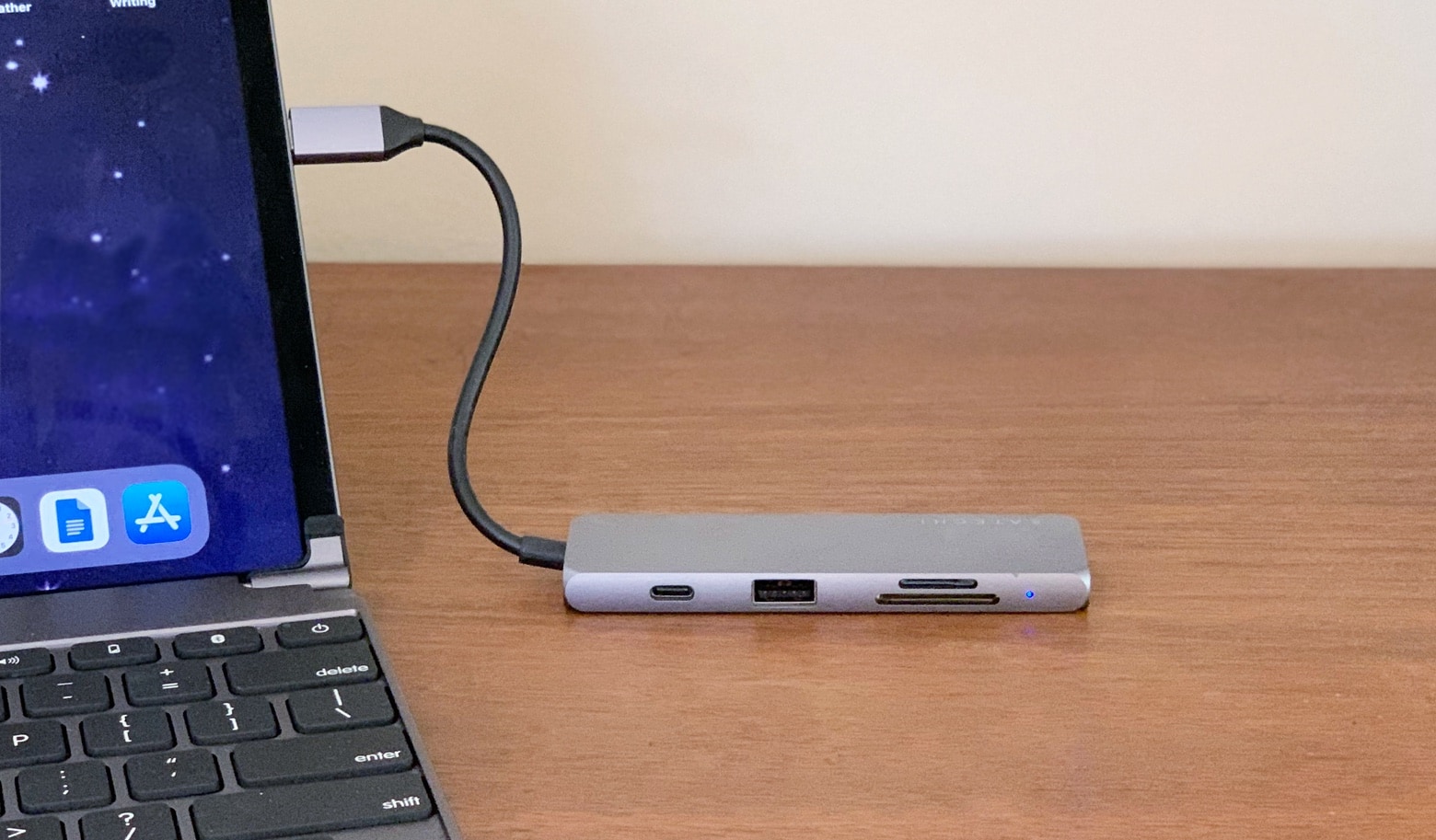
to goLabor Day means hitting the road for an extra long vacation weekend. That means extra opportunity for running out of power at the worst possible moment. So we’ve gathered some of the best deals to upgrade your charging game. From wireless wall chargers to portable batteries, to clutter-cutting power hubs, there’s something here for everybody. Even better, you can save an extra 15% when you use the code SAVE15POWER at checkout.
Apple Watch is one of many products that will be hit. Photo: Apple
A bunch of Apple products will be hit by new levies on Sunday after being entered into the Federal Register today.
Apple Watch, AirPods, iMac and more will be taxed 15% when entering the U.S. from China. It will be the first time Apple has been affected by the ongoing trade war.
Apple invents a unique, no-crease folding iPhone screen Photo: Samsung
Samsung could be planning to make the Galaxy Fold more accessible to flexible smartphone fans.
The South Korean company is reportedly working on a new model with a more affordable price tag. It will slash the handset’s storage in half in an effort to cut costs.
Spotlight is good for much more than just finding files. Photo: Pixabay/Pexels CC
Spotlight for Mac. Isn’t it that little magnifying glass icon in the menubar, the one that you click when you’ve given up trying to find that document you swear is somewhere on your Mac? Well yes, it is. But if you know these Mac Spotlight tips, it can be so much more than that.
You can use it to find a document, even if you can only remember a snippet of text from inside that document. But you can also use it to do math, launch apps, open folders, and even check the weather. These Mac Spotlight tricks will let you get the most out of this underutilized feature.
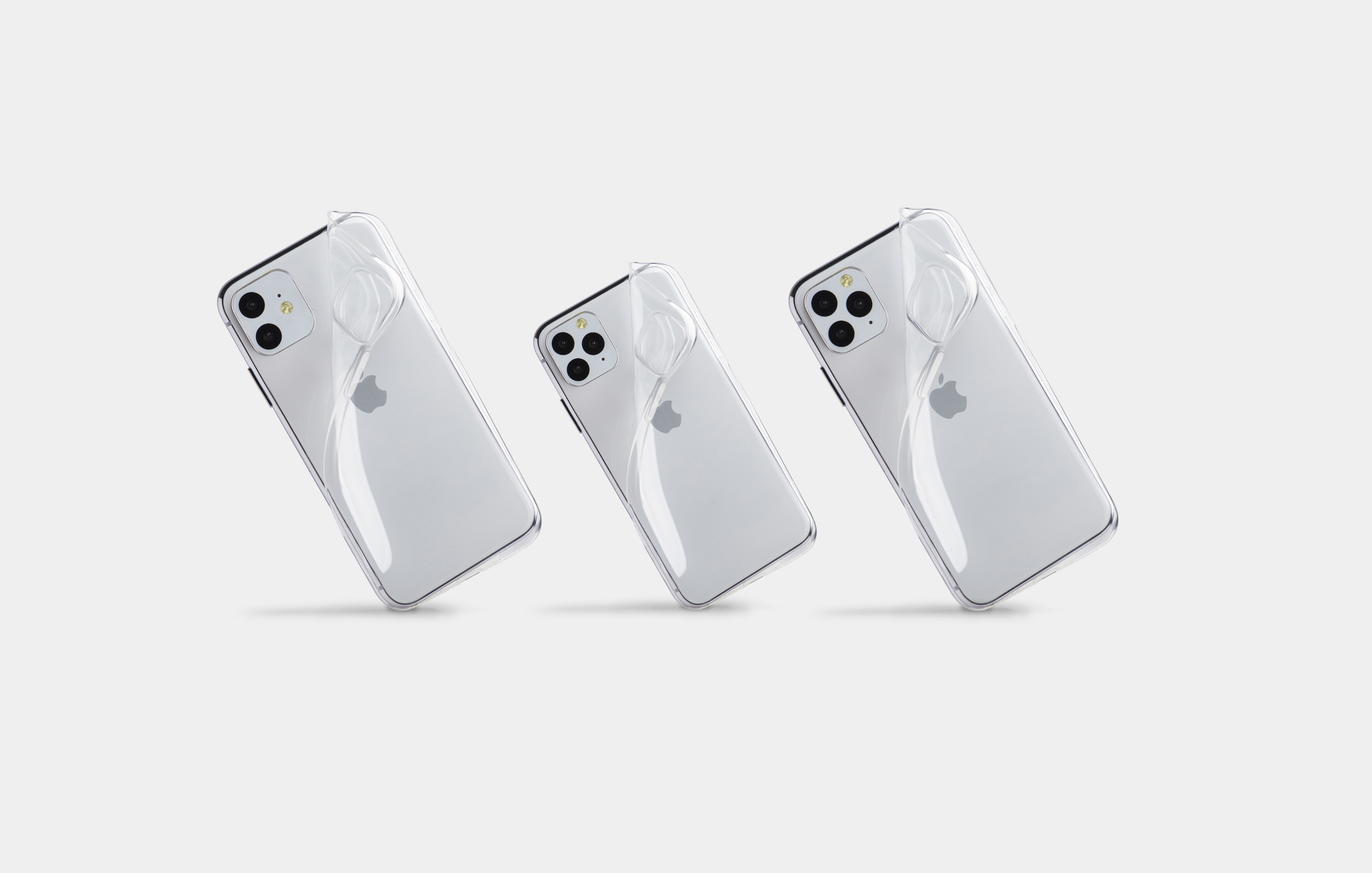
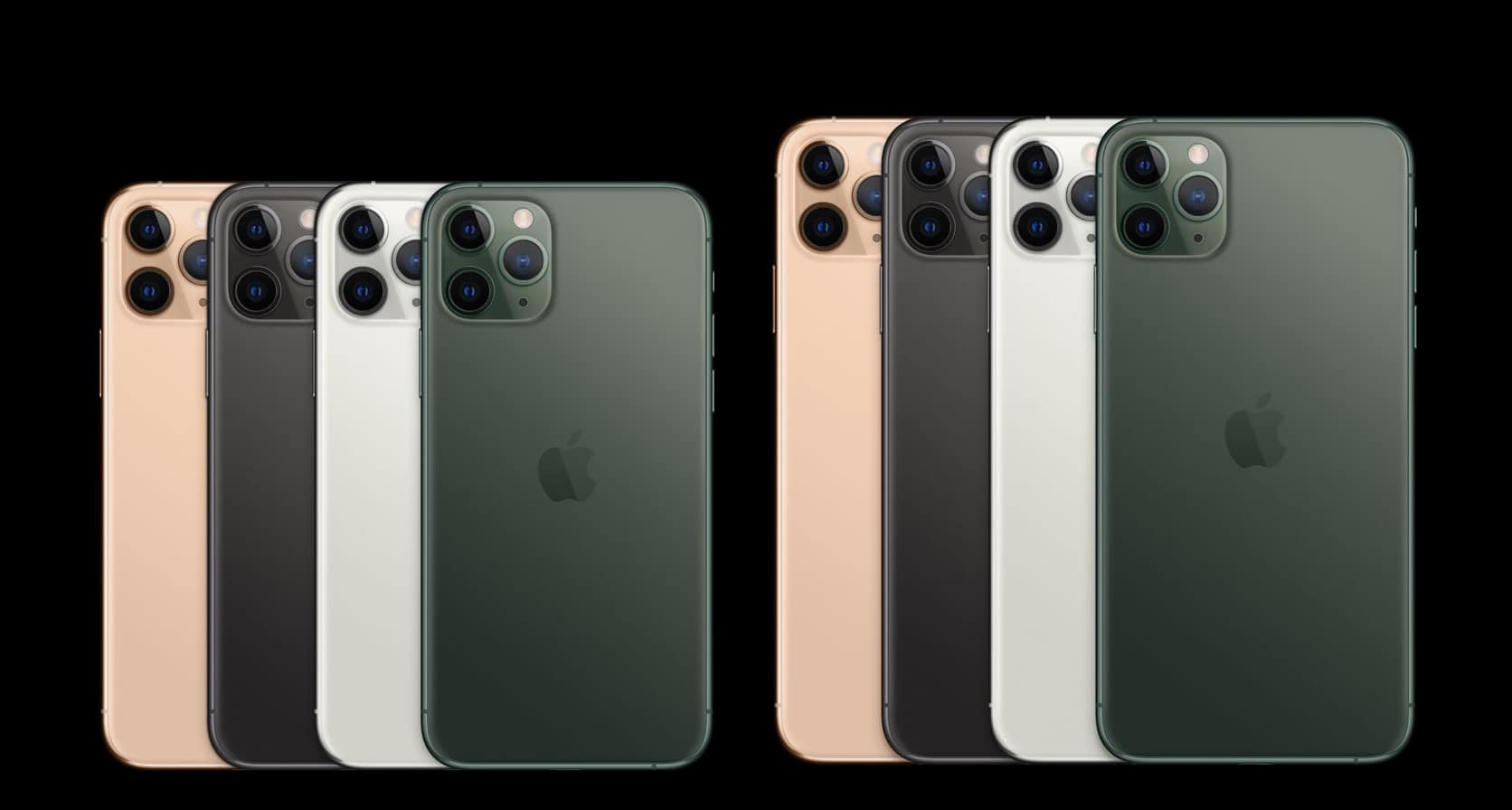
The iPhone 11 Pro might not look quite like this. Photo: Ian Fuchs/Cult of Mac
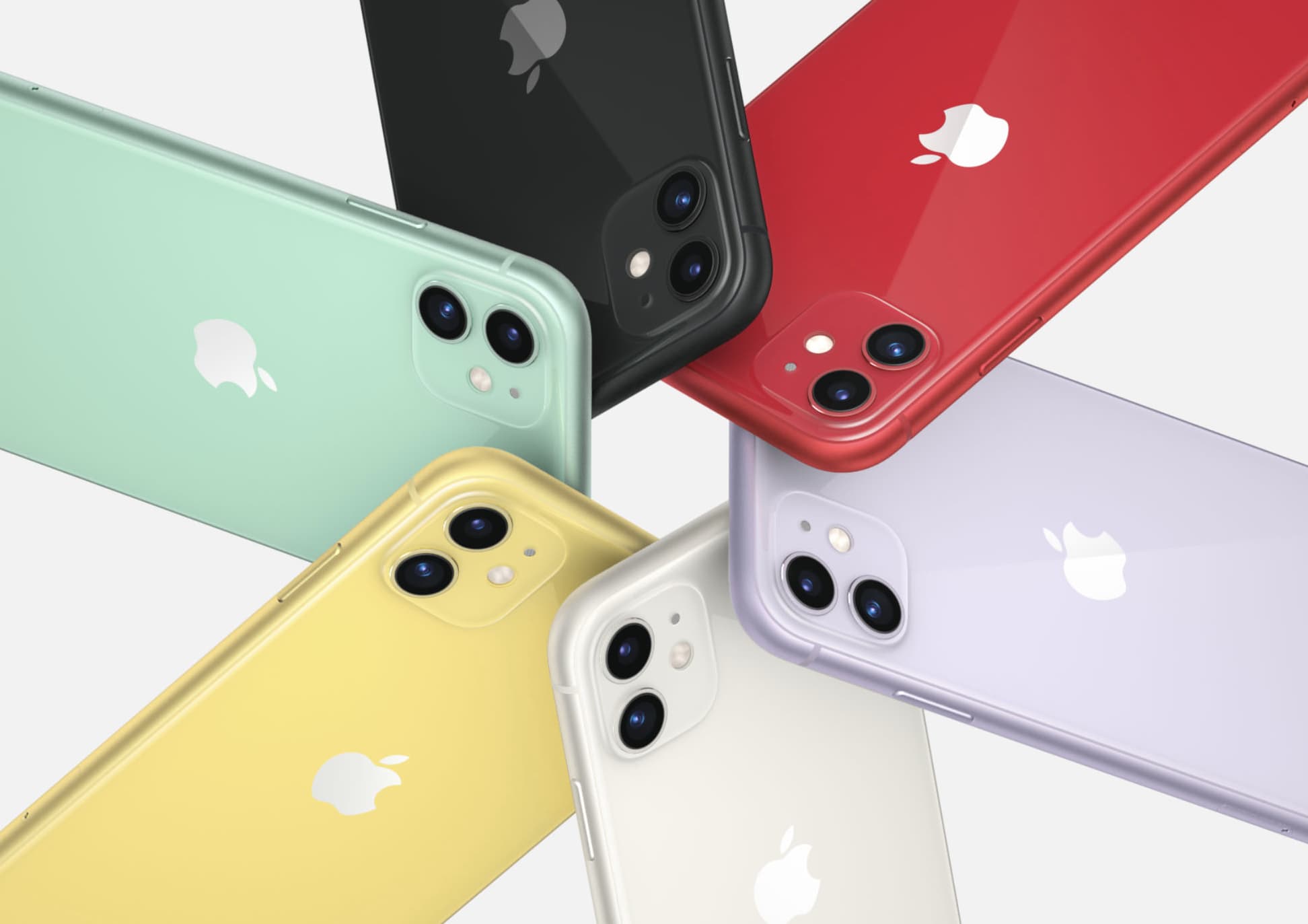
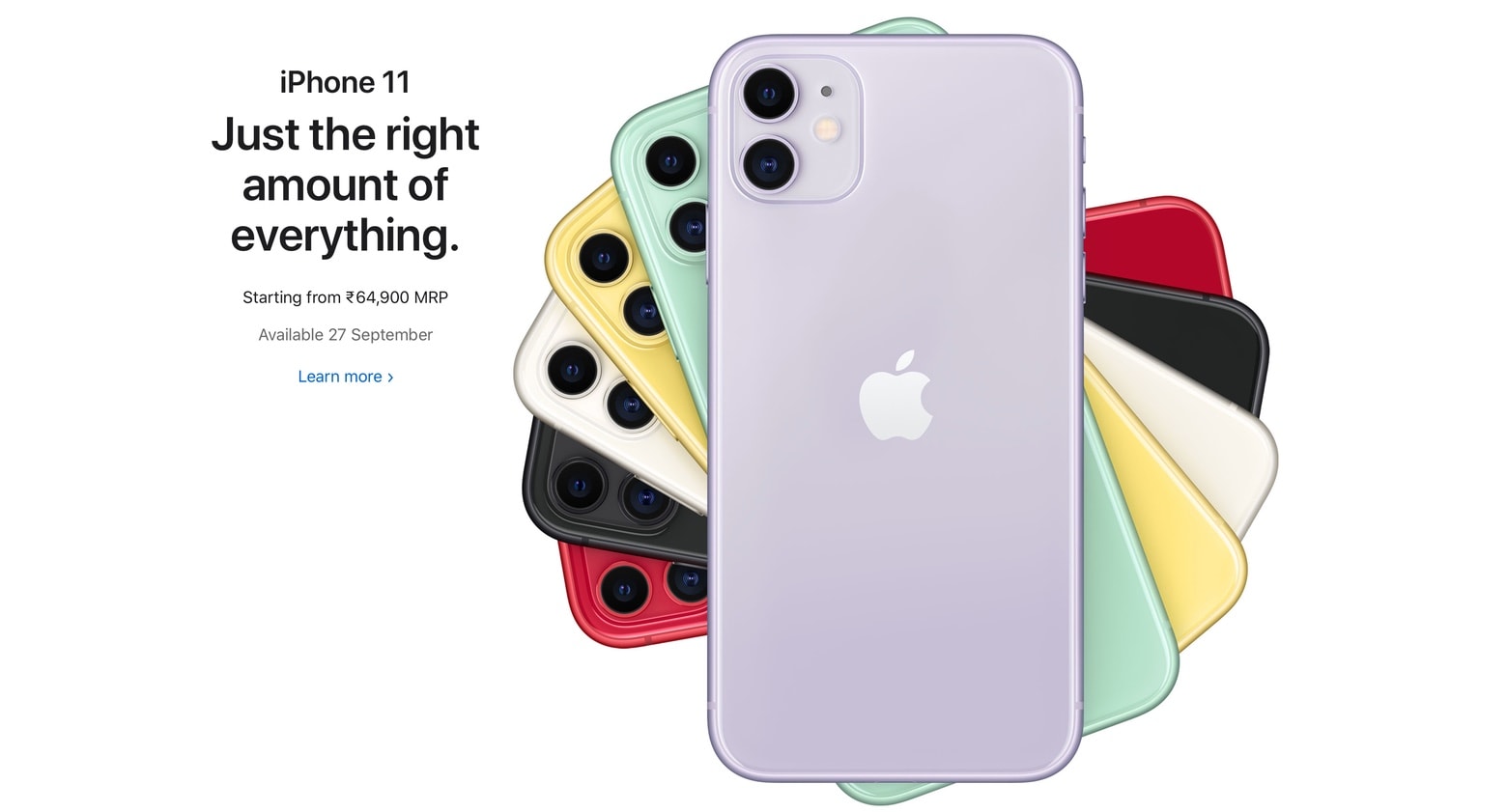
Almost every picture you’ve seen of the iPhone 11 might be wrong. New images of this model have surfaced and they show that Apple could be tweaking the look of the back.
The change could be made so it’s easier to use this handset to wirelessly charge another device, like an AirPods case.