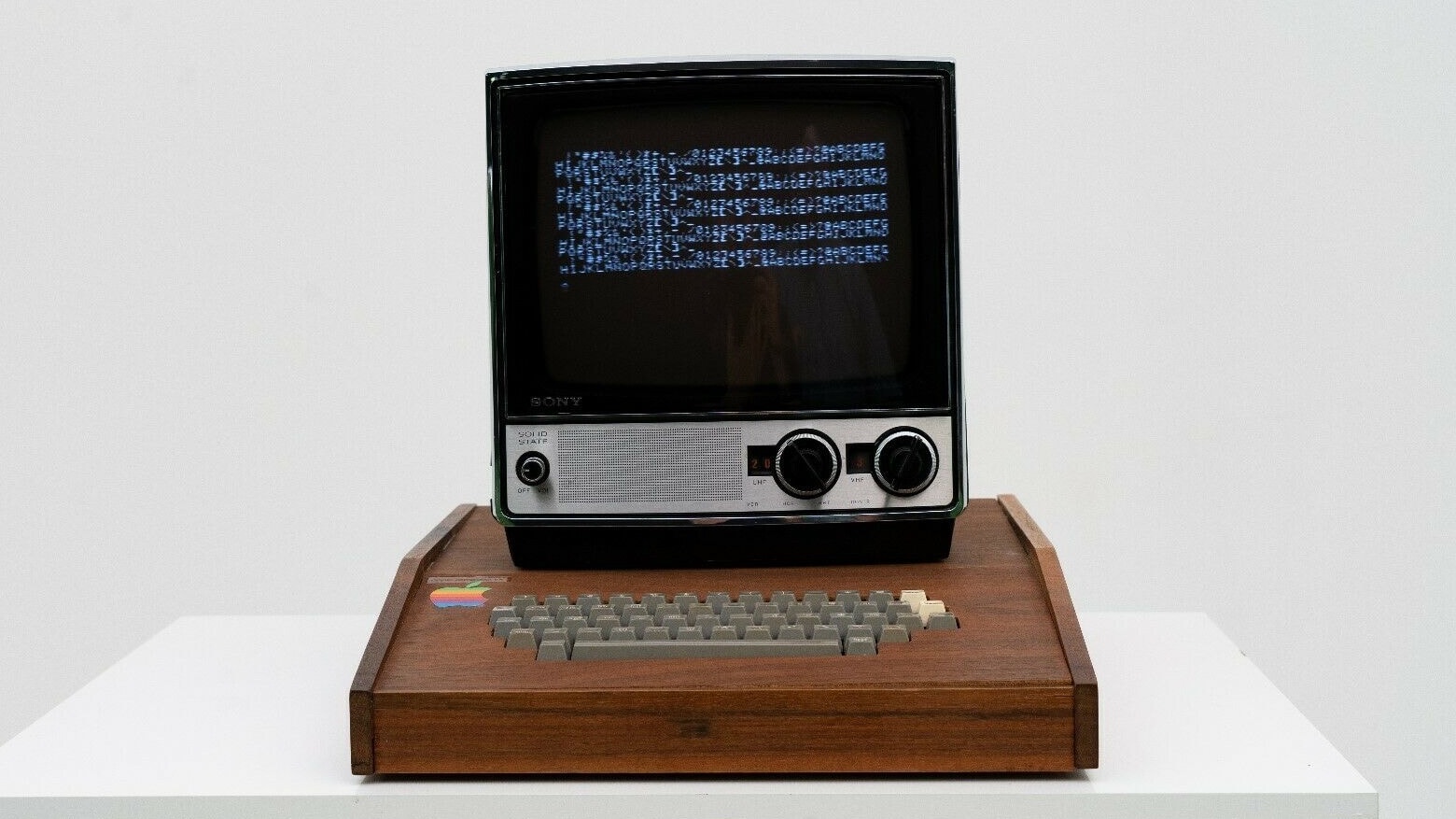
Practically every year, Apple comes out with Macs that both look good and pack enough power to blaze through even the most intense tasks. However, you can’t get the most out of your Mac without third-party developers creating software for just about everything.
Check out these five great Mac apps — all on sale at steep discounts — that you’ll probably use on an everyday basis.