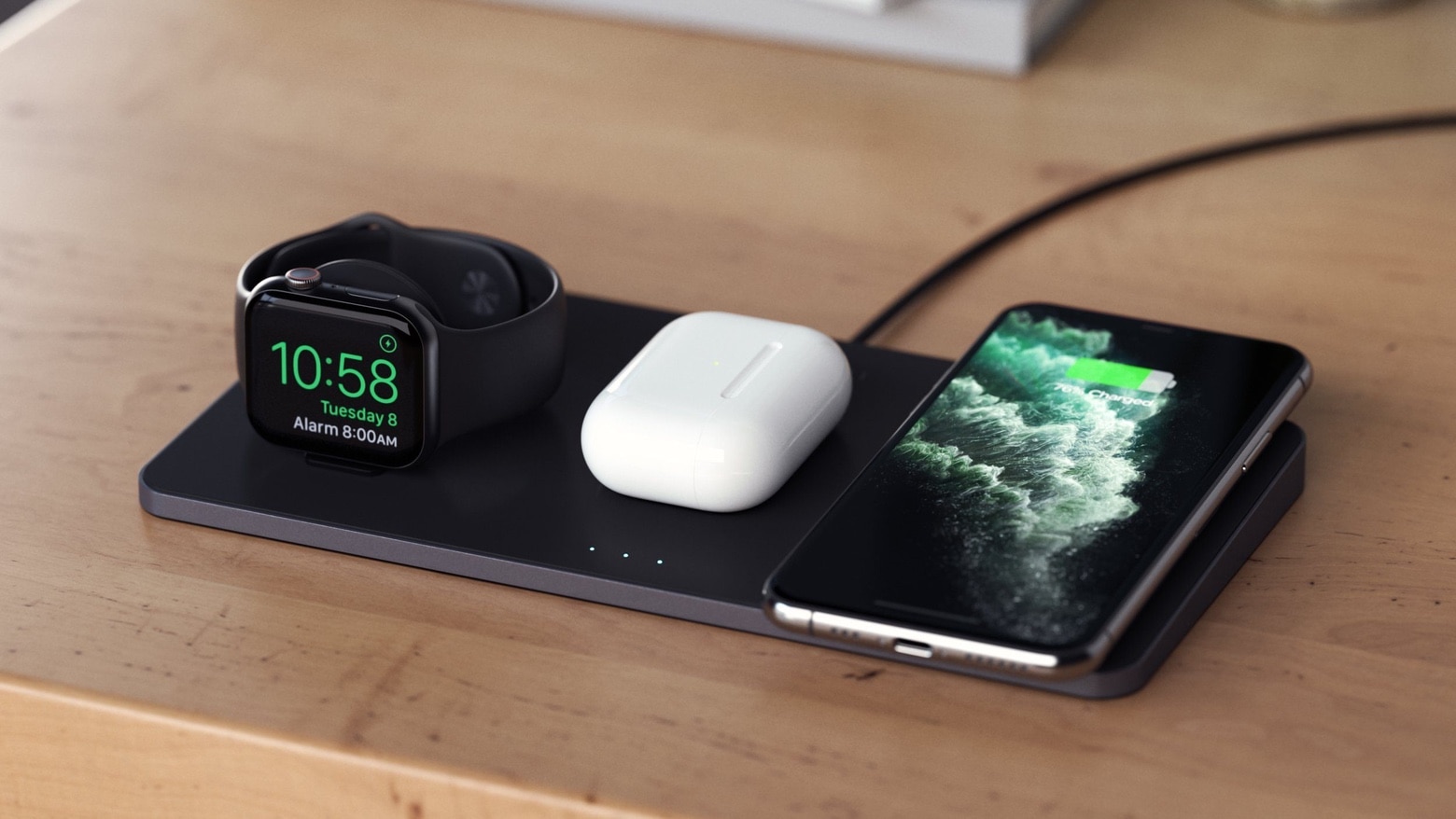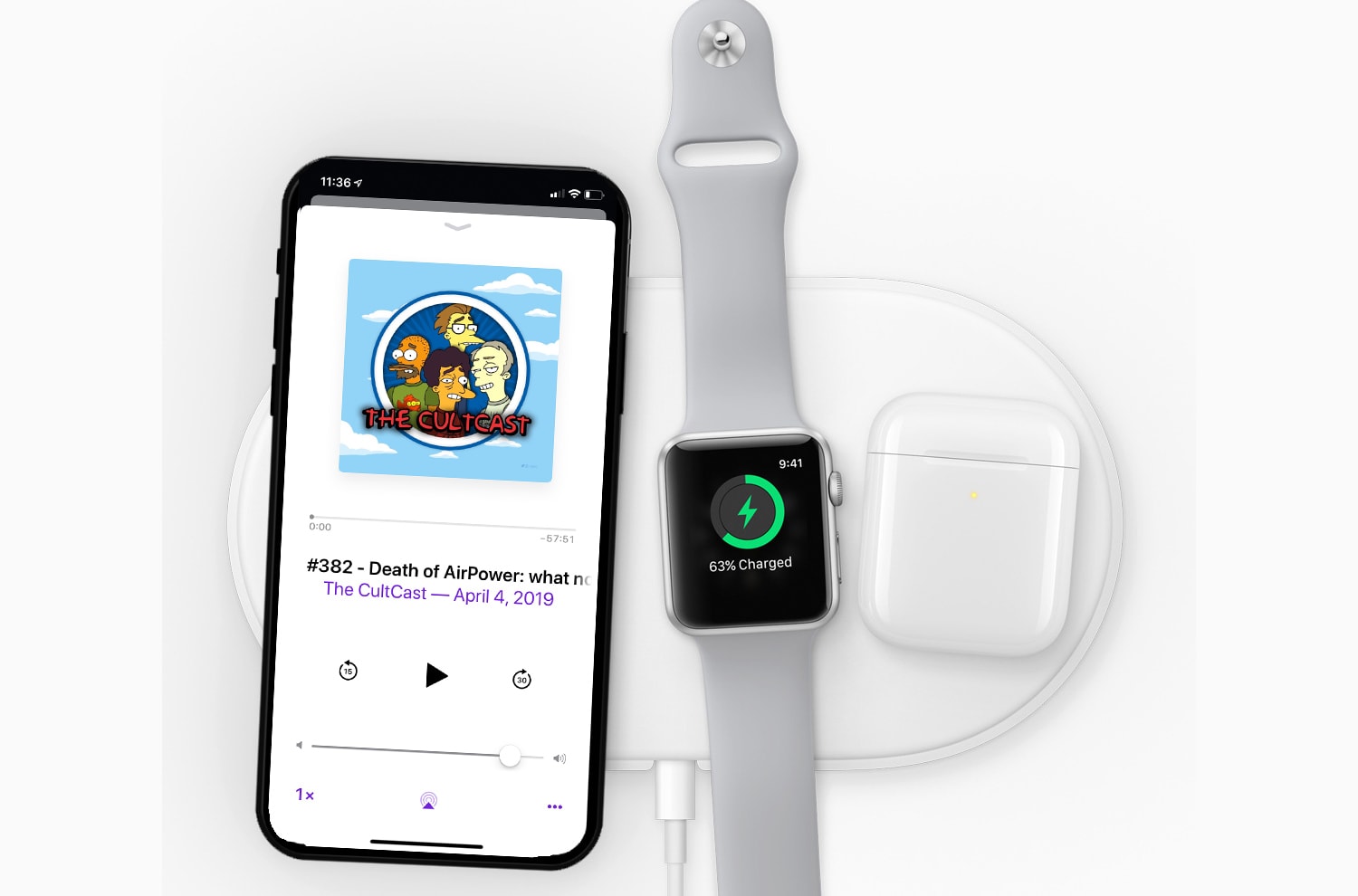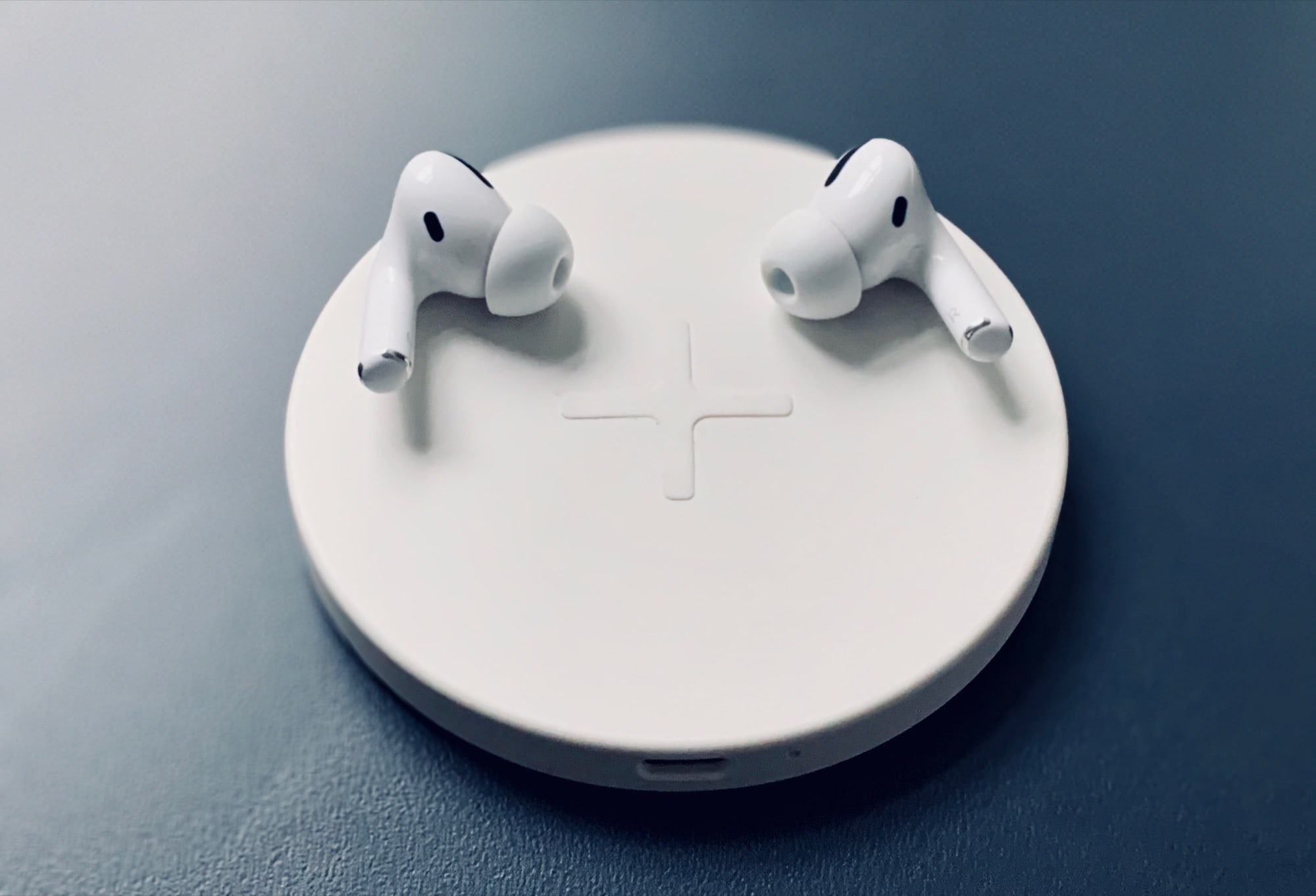
By now, you already know how to customize the regular stuff on your AirPods and AirPods Pro. You just find them in the list of connected Bluetooth gadgets, and tap the i button to see a list of handy settings. But what about deeper-level customization? Like most things in iOS, there’s an extra set of advanced AirPods Pro settings inside the Accessibility settings. You even change double-squeeze speed of the AirPods Pro stems if you want to slow things down.
Let’s take a look.