Satechi’s Dual Dock Stand packs in an unusual number of features. It’s a nine-port USB-C hub, and also an NVMe SSD enclosure. And it’s designed to prop up a MacBook for easier typing.
The multifunction MacBook accessory launched Thursday.

Satechi’s Dual Dock Stand packs in an unusual number of features. It’s a nine-port USB-C hub, and also an NVMe SSD enclosure. And it’s designed to prop up a MacBook for easier typing.
The multifunction MacBook accessory launched Thursday.


The Opera browser for iOS now features an artificially intelligent assistant created in collaboration with OpenAI. Opera calls it Aria, and says it “offers you a cutting-edge generative AI service for free.”
Similarly to other such tools, Opera integrated its AI into the browser and makes it free to use once you opt in.

Apple TV+ just gave its first look at Monarch: Legacy of Monsters, an upcoming series set in the MonsterVerse that contains Godzilla and other classic kaiju.
The sci-fi series will star Kurt Russell, and will feature a family searching for their link to the secretive Monarch organization.

Upgraded, a MacBook upgrade program that offers month-to-month subscription for new laptops, launched in the United States on Thursday.
Subscribers pay for their MacBook with a monthly fee, and can trade up to a new model every two years at no additional cost.

Feeling like your dreams of soaring through the skies have been grounded by skyrocketing airfare prices? To help get you back in the skies, Cult of Mac Deals is serving up a deal hotter than airplane coffee: a two-for-one offer on the Dollar Flight Club Premium Plus+ Plan.
For a limited time, you can pick up two lifetime subscriptions to DFC’s Premium Plus+ Plan for only $99.97. Regularly priced at a jaw-dropping $3,380, this deal is basically like finding a unicorn in economy class.

Great graphics and well-written text are essential to any kind of online presentation, but never underestimate the power of the spoken word. If you doubt that people love to listen, consider the rising popularity of podcasts and audiobooks.
Now, thanks to AI, there’s an easy way for any creator to get top-tier voiceover talent at their fingertips with text-to-speech tool TexTalky. It’s available here for the best price on the web, only $37.99 (regularly $162).
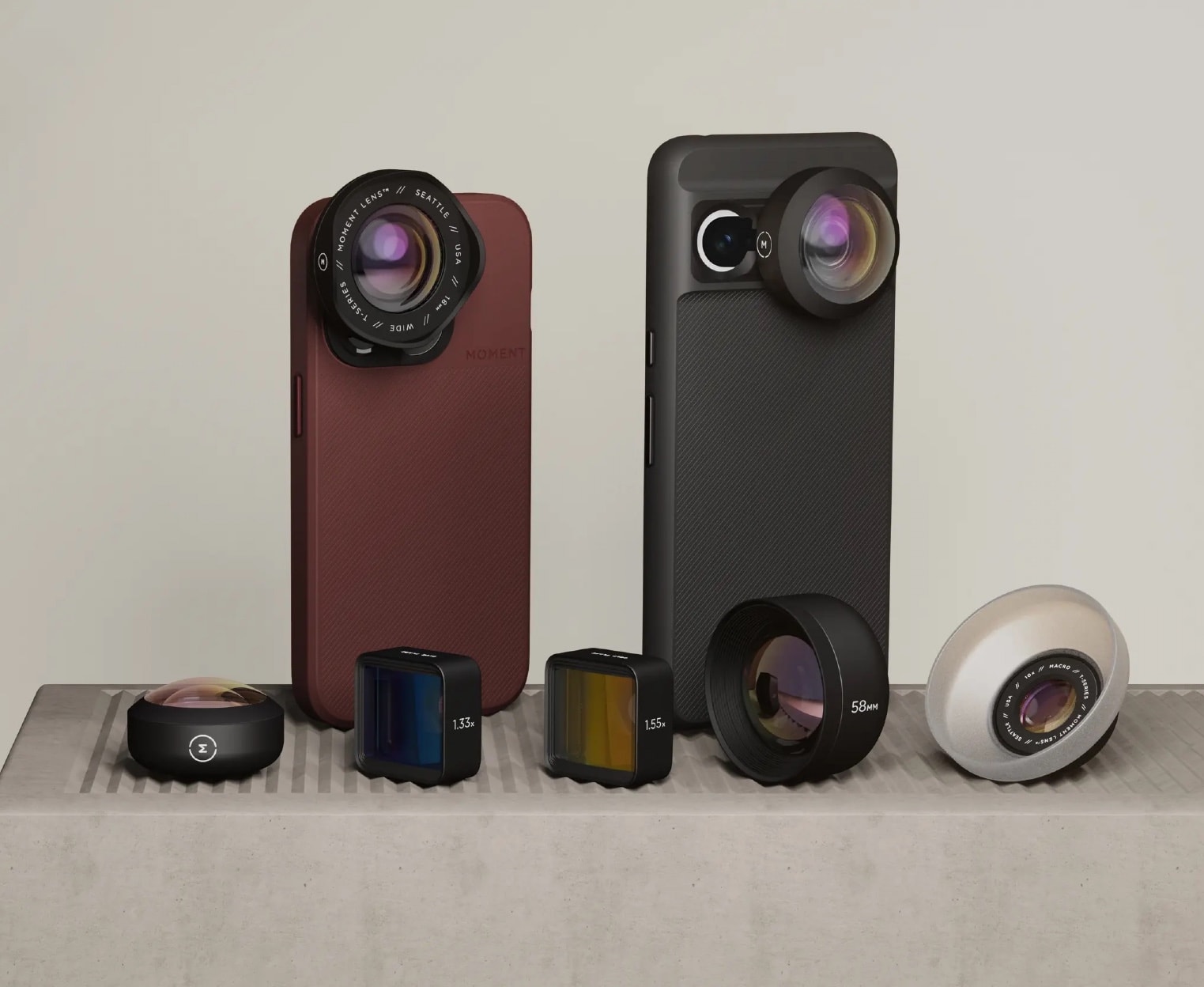
Moment said Wednesday its whole lineup of popular smartphone cameras lenses is getting bigger and bolder to suit growing handset cameras like iPhone’s, including the upcoming iPhone 15 series.
The new T-Series comprises eight lenses that are new versions of the company’s M-Series, which came out to widespread acclaim in 2017.

A new leak adds weight to a previous report that the iPhone 15 series will support Thunderbolt. If true, this will allow their USB-C ports to transfer files, updates and other data at up to 40 Gbps.
A tremendously faster data transmission speed would especially benefit those recording high-resolution video on Apple handsets.

Apple TV+ is adapting Edith Wharton’s unfinished novel The Buccaneers into a drama series set to debut in fall 2023. It follows a group of American heiresses setting out to marry British aristocrats.
On Wednesday, the streaming service released the first images from the upcoming eight-part series.
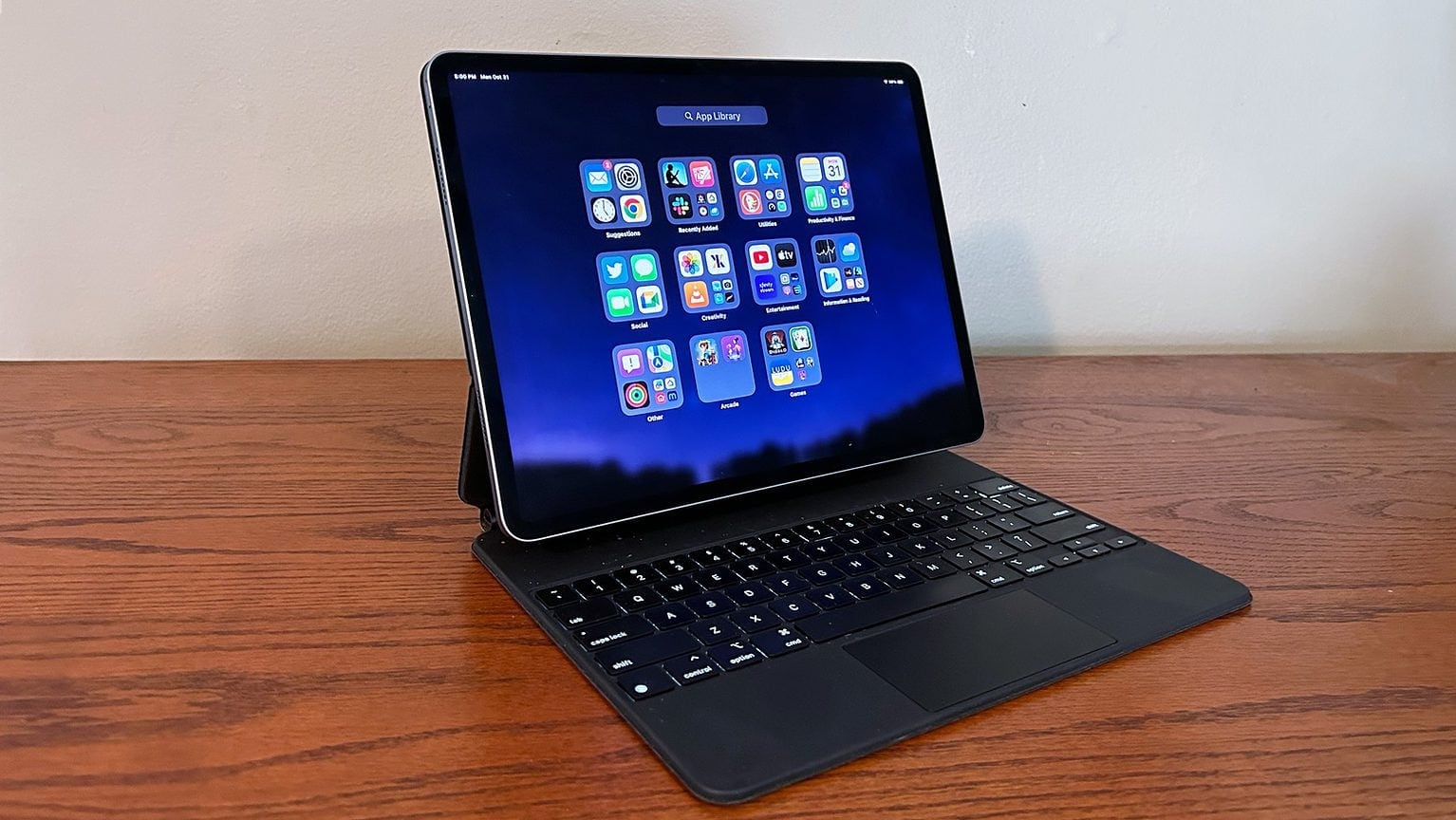
Amazon is currently offering great discounts on Magic Keyboards for iPad Pro (11-inch and 12.9-inch models) and 10.9-inch iPad Air.
While there are many alternative keyboards and cases for iPad models out there, the time to pay Apple prices is now, when Apple prices are slashed!

Social media is a great place to get ideas for gear to include in your computer setup — or to skip in favor of doing things another way. There are usually other ways to do things, as today’s M2 MacBook Pro user found out regarding password entry and any “need” for a keyboard with Touch ID.
And if you’re into video editing, check out the user’s cool gear — a PlusTek AI film scanner and a Loupedeck+ photo and video editing console with massive programmability.

The AI craze is in full swing, with more and more easily accessible AI technology available online for free. One of the ways you can use AI tools yourself is for creating engaging social media content. Deep-learning algorithms can intelligently create and edit content, increasing its quality and shortening the creative process.

Apparently responding to online criticism, Apple returned the End Call button to a central location in iOS 17. Previously, Apple moved the button to the right side of the Phone application.
That change proved controversial, and Apple reversed it in the sixth iOS 17 beta recently seeded to developers.

If you’re a content creator and you have an XLR microphone, you don’t necessarily need to buy a USB microphone to interface with your computer for uses like streaming and podcasting. Shure’s got you covered with its new Digital Audio Interface. It converts any XLR mic to USB for easy use directly with a computer.

There’s a reason why dogs earned the nickname “man’s best friend.” Their unconditional companionship endures through good times and bad. But whether it’s work, school or general life obligations, we can’t always be nearby, making it essential to find a healthy method for keeping your precious pooch occupied when you’re not around.
DogTV is a truly modern solution to this problem, backed by science and customer reviews. A lifetime subscription to DogTV — which serves up streaming video specially crafted to keep your canine relaxed and entertained — is currently available for only $149.99 (regularly $838). That’s the best price online!

Apple manufacturing partner Foxconn reportedly already started assembling the upcoming iPhone 15 in India. This marks the first time a yet-to-launch iPhone is being produced outside of China.
Last year, iPhone 14 production started in India within a month of the phone going on sale.

Designed for iPhone photographers, the Pocket Tripod’s one-of-a-kind design allows it to fold up to the size of a credit card so it can fit easily into your wallet, pocket or bag. When you need an iPhone stand for something like a group photo, a long-exposure sunset shot or even to watch a video on a long flight, it folds out in seconds to support your most prized gadget.
It’s the perfect lightweight, sturdy iPhone tripod that you can take anywhere. Even Woz likes it!
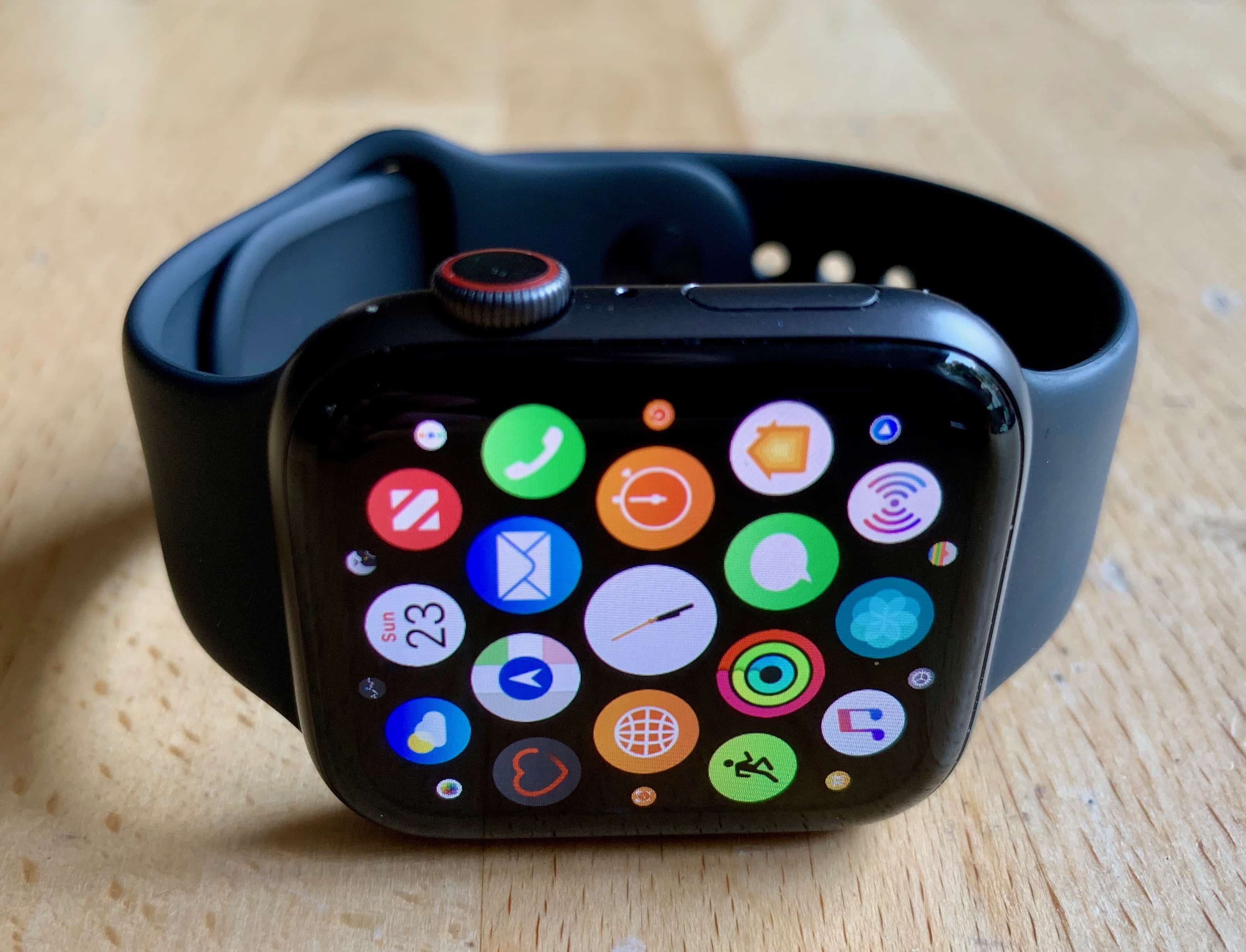
Apple introduced watchOS 9.6.1 to remove a single bug affecting Apple Watch. The problem being taken care of relates to applications that track the symptoms of Parkinson’s disease.
The update is available for Apple Watch Series 4 and later.

Twenty-six years ago, everyone knew personal computers were important, but the machines were too intimidating for non-technical people. Then, 25 years ago today, the original iMac changed that forever.
The first time I encountered an iMac was totally transformative. My core beliefs of what was possible on a computer were deeply shaken. It instilled in me a lifelong love for the Mac.

There are plenty of iPad styli, and also lots of iPhone ones. The just-launched Zagg Pro Stylus 2 is both. The colorful accessory also stands out from the crowd (and the original version) with wireless charging.
It works with a wide variety of iPad models, and launched Tuesday at a price well below Apple Pencil.

Aqara flipped the “on” switch Tuesday for a new multipurpose RGBCCT smart light strip, its first such product — the LED Strip T1.
It works with HomeKit and other smart-home platforms and features Apple Home’s Adaptive Lighting.

Apple just received a patent that covers building Face ID into a MacBook. The facial-recognition system is not a feature of any Mac … yet. But the new patent serves as evidence that Apple is still at least considering the idea of replacing Touch ID with Face ID in its notebook line.

The new Epomaker TH80-X compact keyboard comes with a large, multi-use control knob and a built-in LCD screen for customization.
Available today, the latest member of Epomaker’s TH80 family of mechanical keyboards features a space-efficient 75% layout rather than a full-size one.

Apple is expected to soon begin making payments to iPhone users who were affected by 2017’s “Batterygate.” The iPhone-maker settled a class-action lawsuit in 2020, and the money is finally going out.
Those who owned an iPhone back then, and who filed a claim several years ago, should receive about $65.

Free cloud storage services are a dime a dozen these days, but what a lot of users are just now finding out is that you get what you pay for. If you use your devices for any kind of work, you definitely need your files to be safe. But just as importantly, you need them accessible — from anywhere.
That’s the kind of reliability users get with Degoo, a popular cloud storage service that’s now offering 10TB lifetime plans for just $99.99.