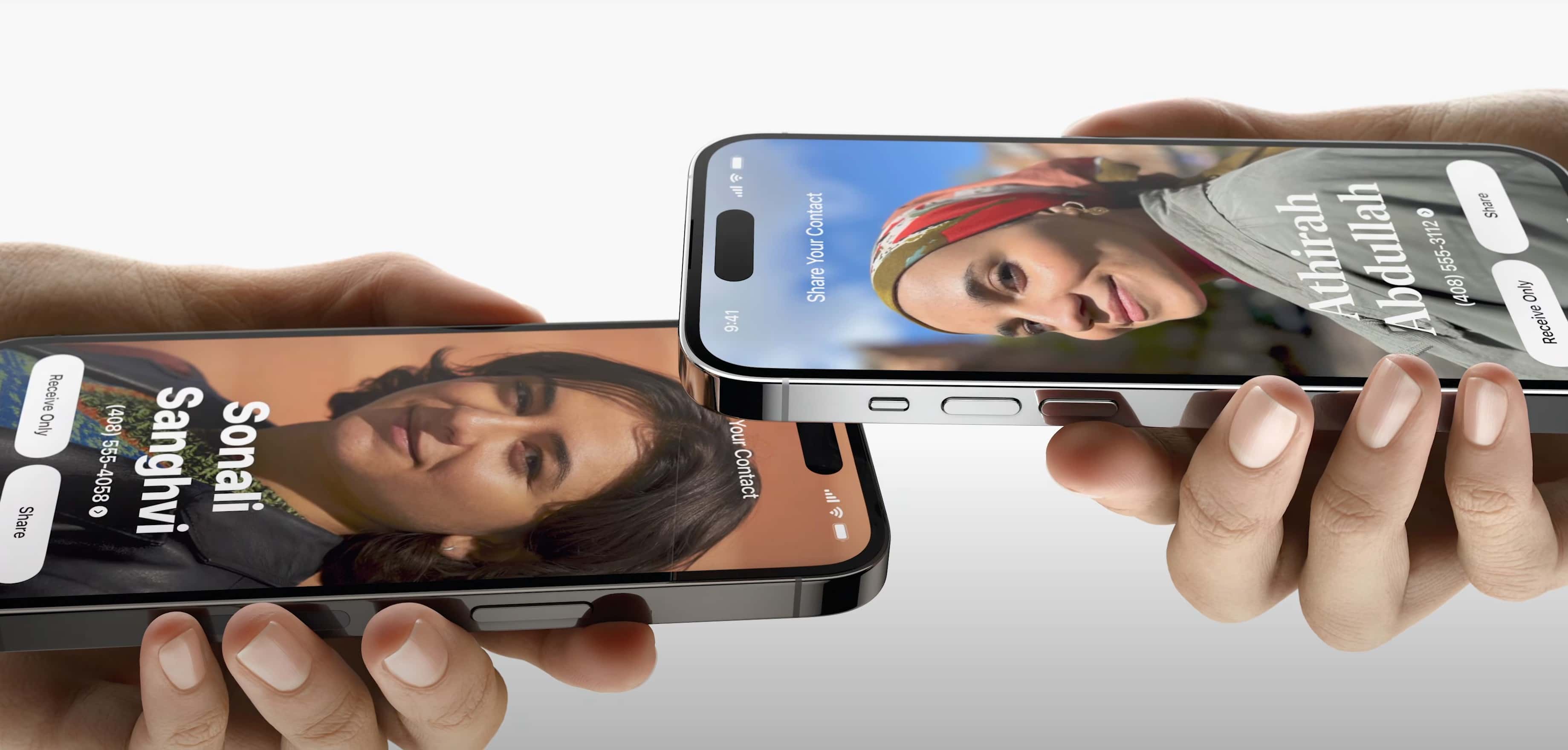
The new iOS 17 AirPlay feature called NameDrop will help you easily share your contact info and more. Photo: Apple
Sharing your contact information and more with people will get easier with new AirDrop functionality in iOS 17. A new feature called NameDrop makes it about as simple as knocking iPhones together.
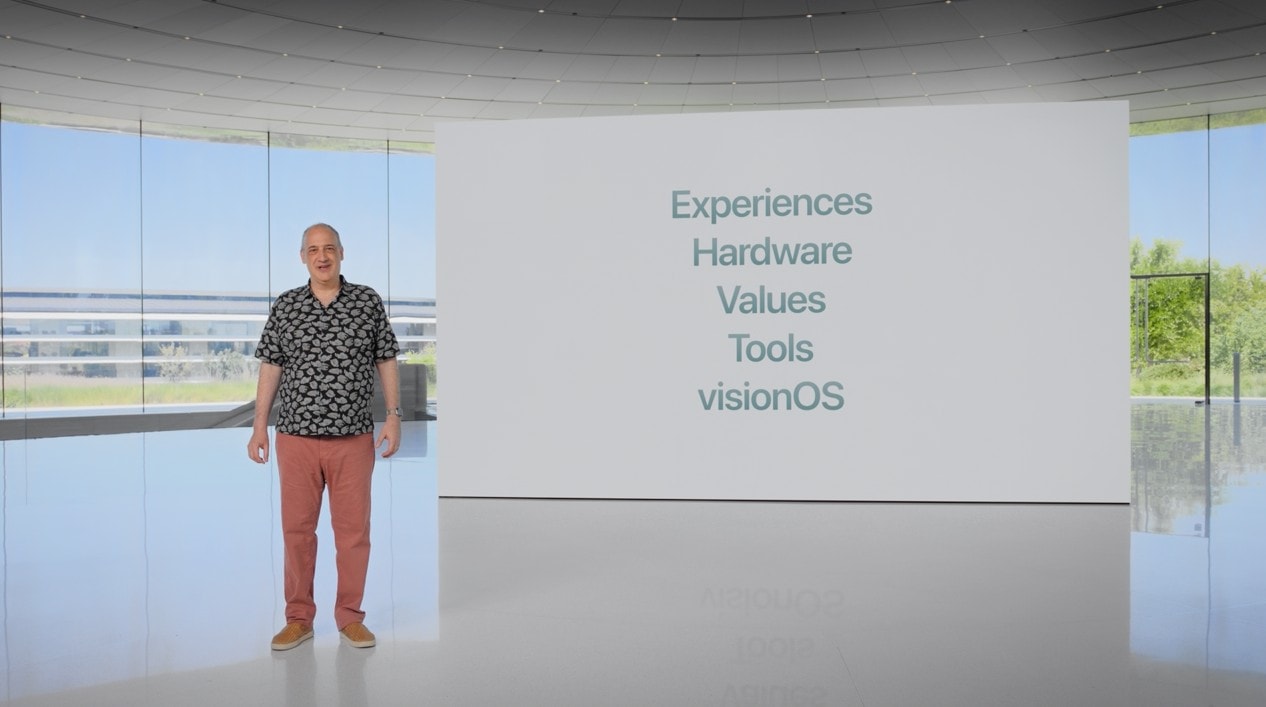
“Today, you either hand your phone to them, or one of you dictates your information while the other types it. Now there’s a better way,” said Apple SVP of Software Engineering Craig Federighi during Monday’s WWDC23 keynote. “Now you can just bring your phones close together.”
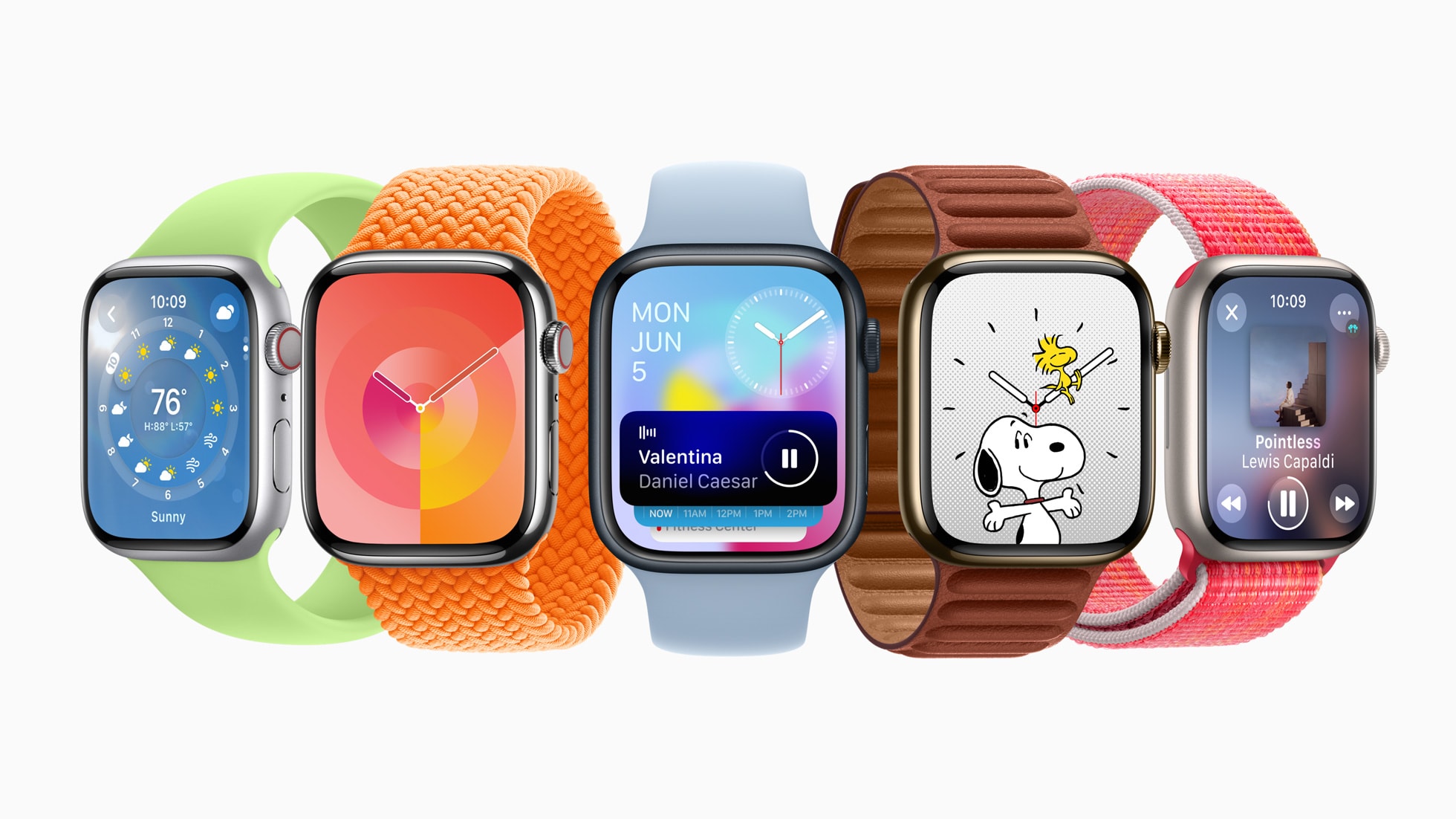
watchOS 10 features big changes to the Apple Watch. Photo: Apple
How can you install the watchOS 10 Developer Beta? While the release is months away, you might want to take it for a test drive or see how your apps work in the new release. Right now, you need to make sure you’re signed into your developer Apple ID and that you have developer betas turned on in the Settings app.
These days, the process is far easier. You no longer need to install a beta profile and reboot your watch a bunch of times to get it working.
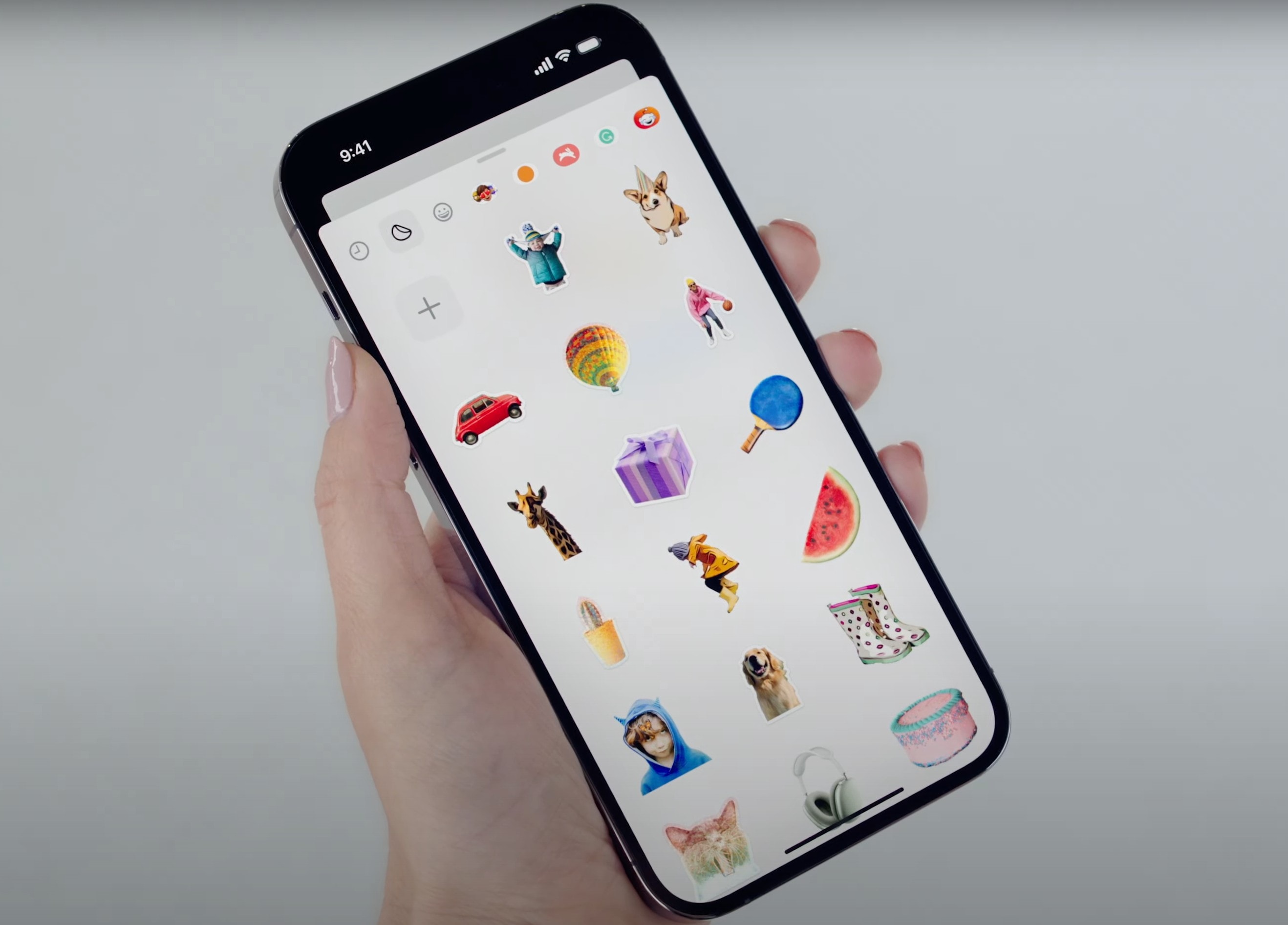
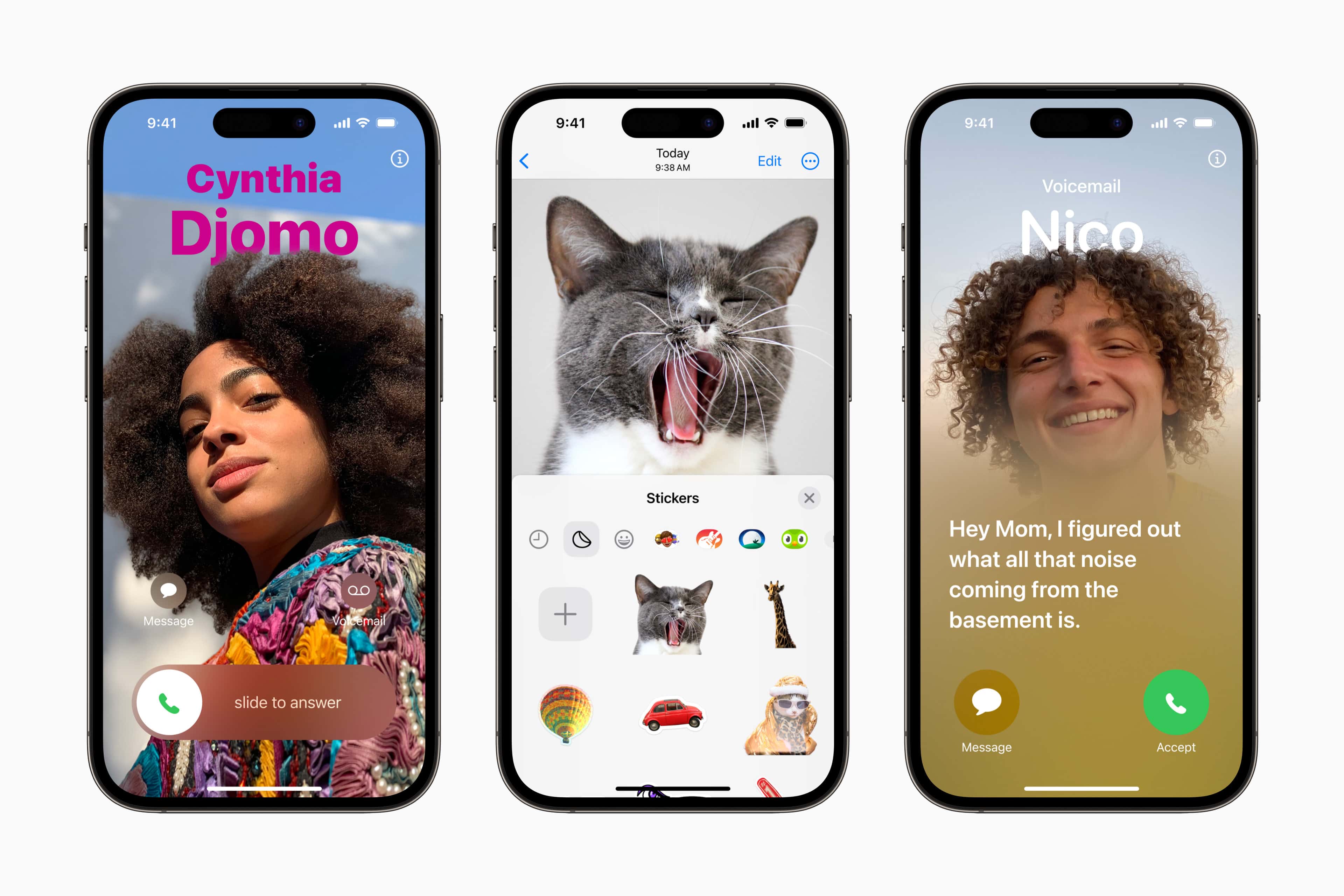
With Messages in iOS 17, you can turn subjects you've taken from your photos into stickers. Photo: Apple
WWDC23’s keynote wasn’t just about big OS and hardware releases. It also brought some fun stuff — like new sticker functionality coming to the Messages app and beyond.
Using Messages on your iPhone (and perhaps elsewhere), you should be able to liven up your texting by turning any emoji, photo subject or even Live Photo (short video) into a sticker you can drag into any text bubble — or anywhere you use emoji.
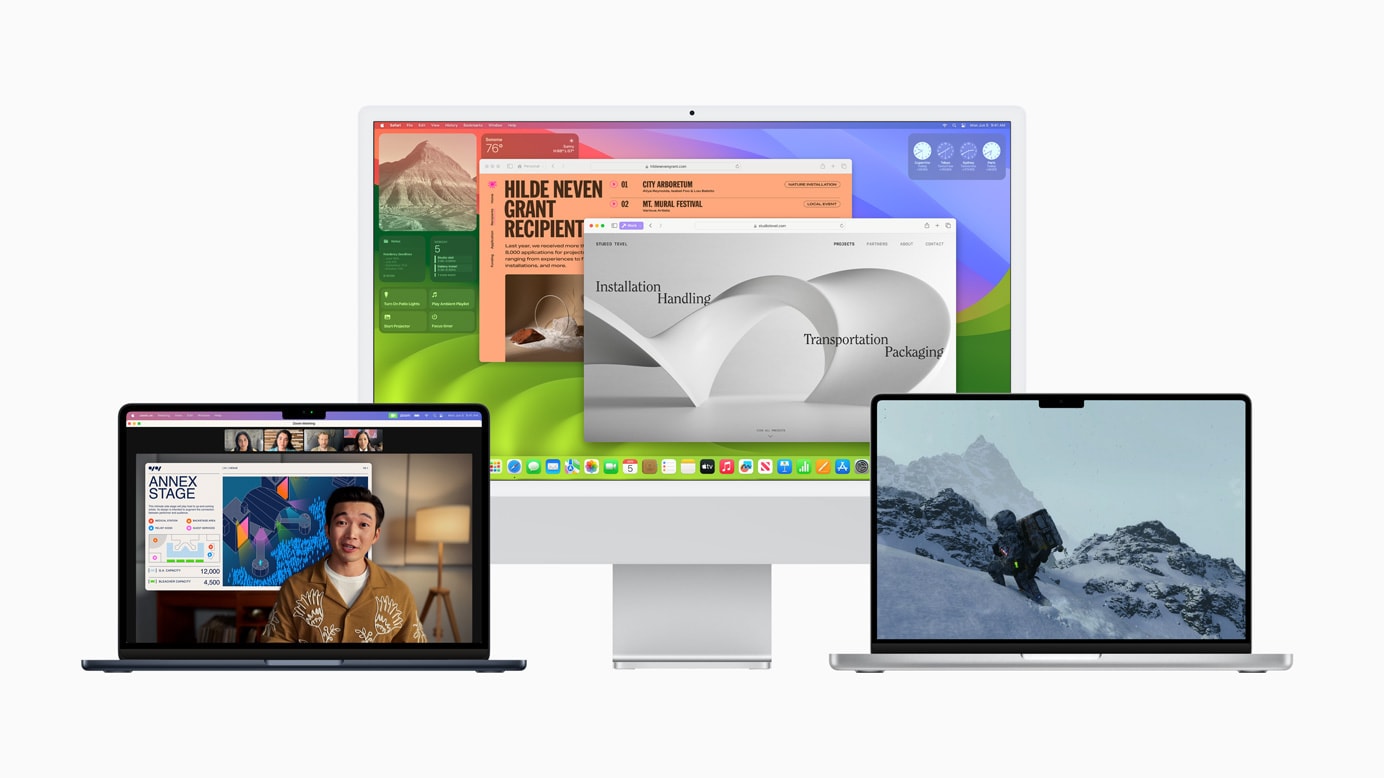
macOS Sonoma brings many long-requested features to the Mac. Photo: Apple
How can you install the macOS 14 Sonoma Developer Beta? While the release is months away, you might want to take it for a test drive or see how your apps work in the new release. Right now, you need to make sure you’re signed into your developer Apple ID and that you have developer betas turned on in the Settings app.
These days, the process is far easier. You no longer need to install a beta profile and reboot your Mac a bunch of times to get it working.
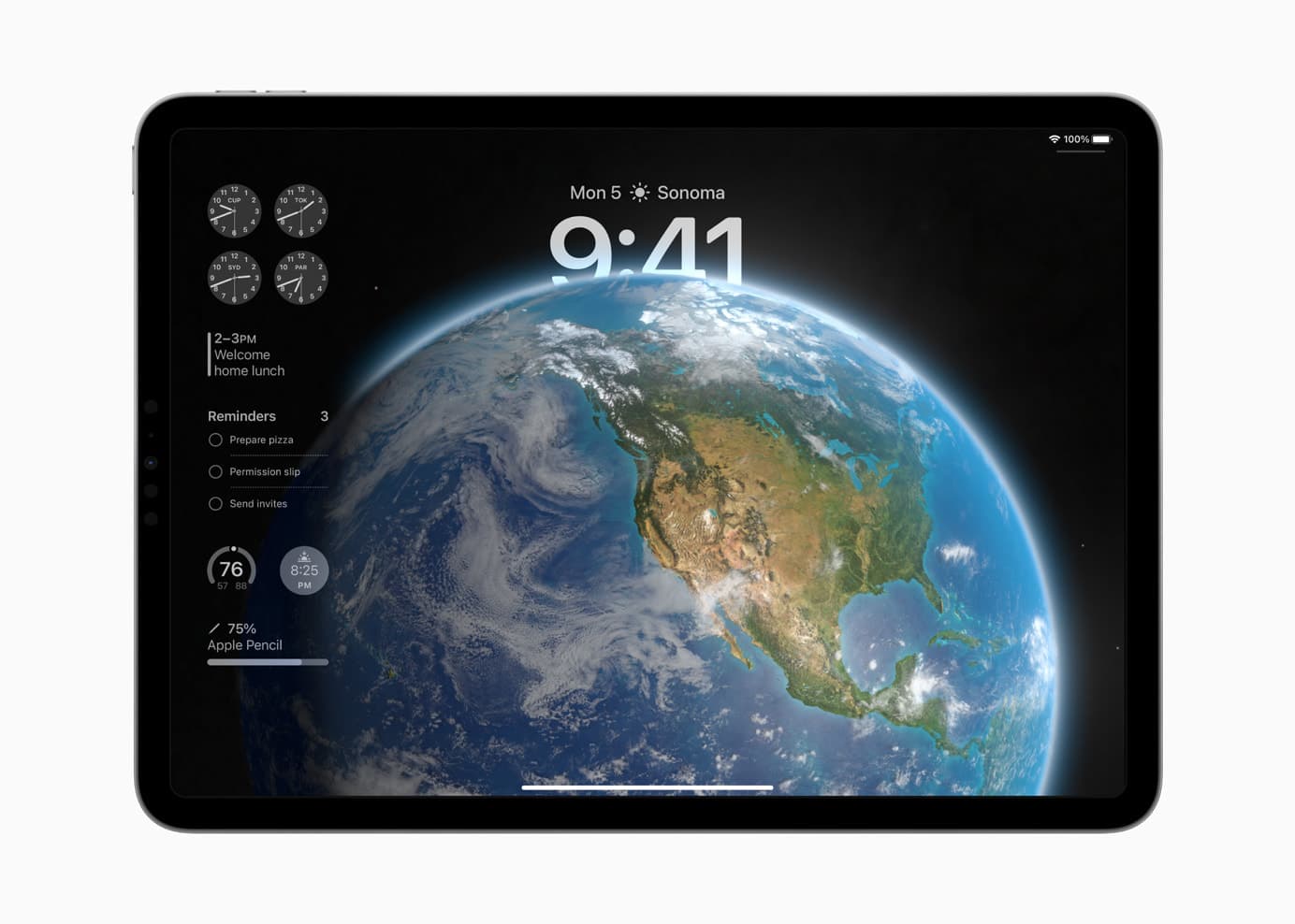
iPadOS 17 brings many favorite features over from iOS. Photo: Apple
How can you install the iPadOS 17 Developer Beta? While the release is months away, you might want to take it for a test drive or see how your apps work in the new release. Right now, you need to make sure you’re signed into your developer Apple ID and that you have developer betas turned on in the Settings app.
These days, the process is far easier. You no longer need to install a beta profile and reboot your tablet a bunch of times to get it working.
There are rock-solid reasons Bluetti AC200P power station is still a top pick.
Photo: Bluetti
Three years after it came out, Bluetti’s stalwart AC200P power station remains a high-value tool for all your power needs — whether you’re camping in a remote spot or living through a power outage at home. Right from the start, Bluetti’s all-in-one generator stood out because of its outstanding features and competitive price.
SPONSORED
This post is brought to you by Bluetti.
The AC200P’s 2,000W inverter, advanced 2,000Wh LiFePO4 battery, seven charging methods and 17 outlets mean it can meet users’ power needs in almost any scenario.
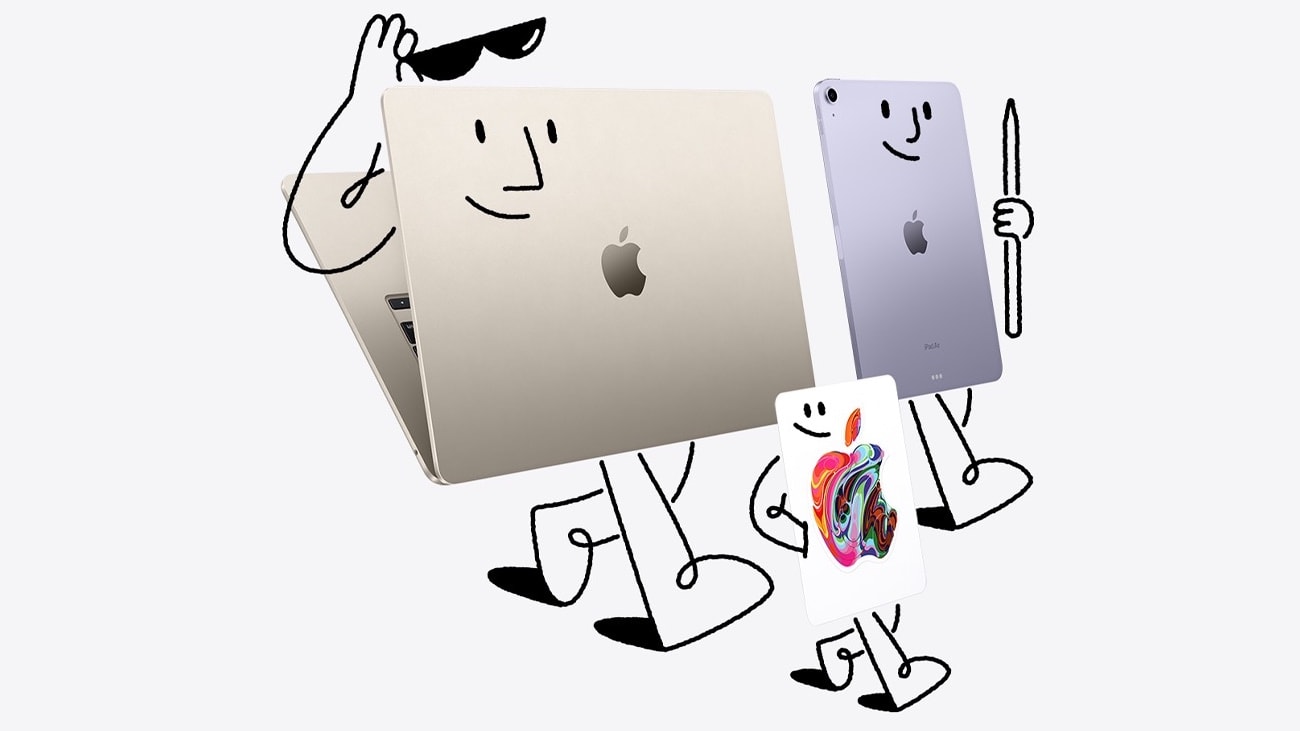
Mac, iPad and gift cards go hand-in-hand in the 2023 Apple Back to School deal. Graphic: Apple
It’s barely summer and Apple is already thinking about heading back to school in the fall. But at least it’s offering students a $150 gift card with a qualifying Mac purchase, and a $100 gift card with a qualifying iPad purchase.
That’s on top of educational pricing for these computers. And a deal on AppleCare+.
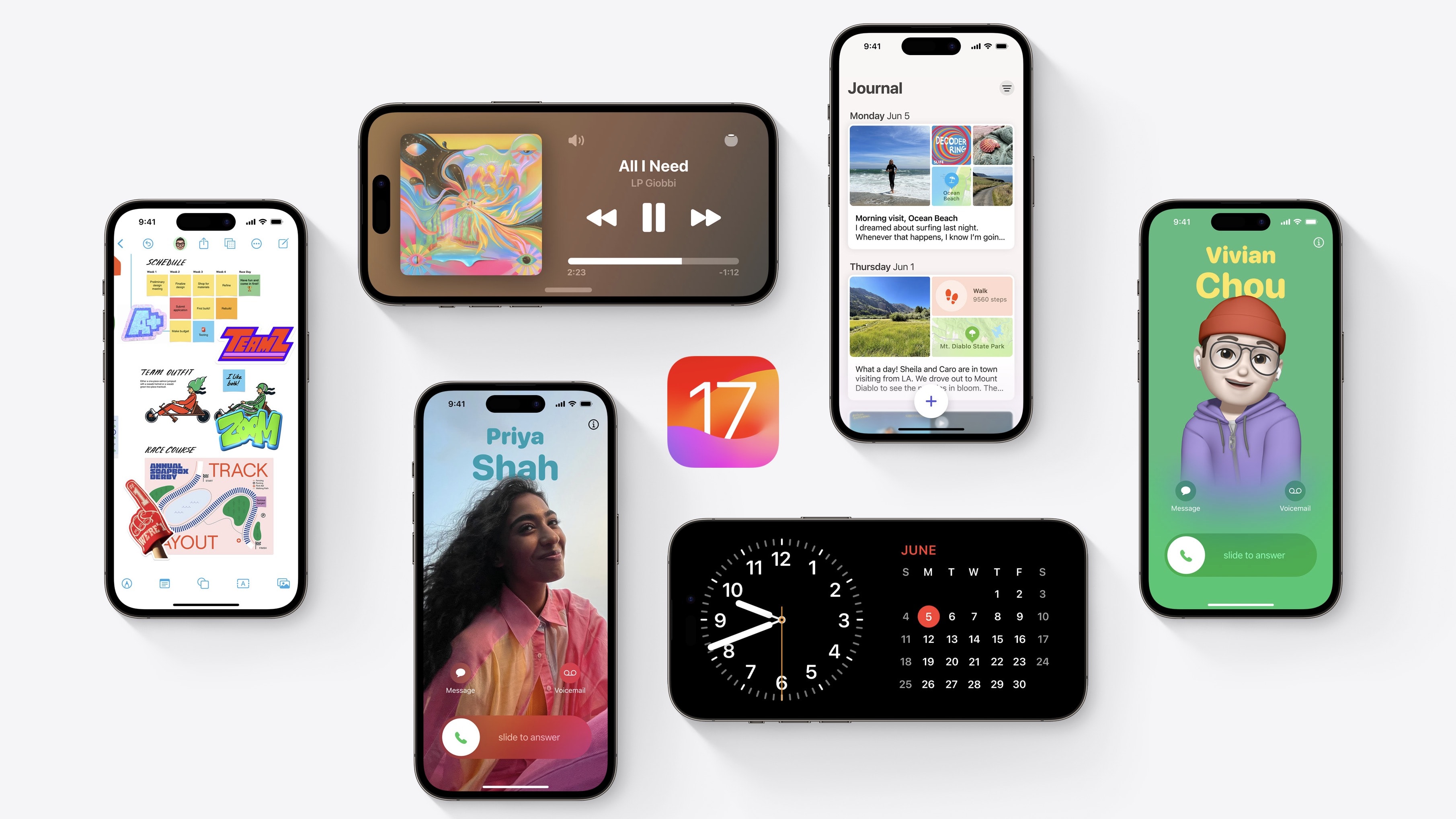
iOS 17 comes in with some hot new features. Photo: Apple
How can you install the iOS 17 Developer Beta? While the release is months away, you might want to take it for a test drive or see how your apps work in the new release. Right now, you need to make sure you’re signed into your developer Apple ID and that you have developer betas turned on in the Settings app.
These days, the process is far easier. You no longer need to install a beta profile and reboot your phone a bunch of times to get it working.
Enhanced Private Browsing helps protect against online trackers as well as folks who gain access to your computer. Photo: Apple
Along with macOS Sonoma and its new features will come Safari 17, the new iteration of Apple’s web browser. It brings an enhanced browsing experience with an even greater emphasis than before on privacy, and most changes will probably apply to iOS and iPadOS, as well.
The changes aren’t terribly glamorous, but beefed-up Private Browsing protects against prying eyes online and off, in addition to some other security enhancements.
And in terms of organization, the new Profiles feature helps you keep separate parts of your life separate and website apps keep your favorite sites at your fingertips.
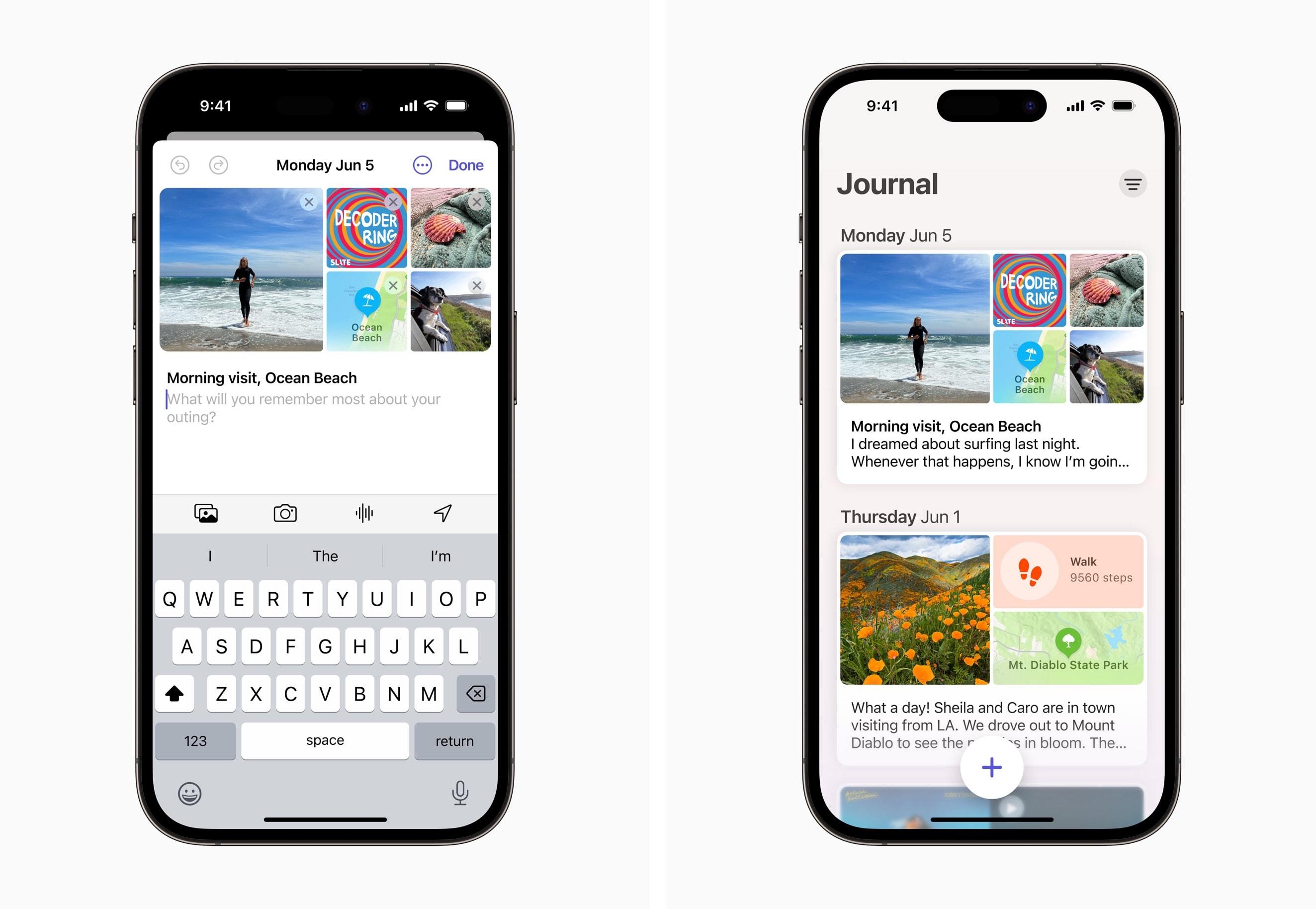
Journal can help you create personalized entries, with content from multiple apps, to help you preserve life’s memories. Screenshots: Apple
During their WWDC23 keynote, along side the introduction of iOS 17, Apple also previewed their new Journaling app. In line with previous rumors and expectations, the app is designed to make it simple to quickly capture a wide range of aspects about your day.
Surprise Chef Dad with a Kiru kitchen knife on Father's Day. Photo: Cult of Mac Deals
If your dad doesn’t have a favorite kitchen knife — he soon will. This fantastic Kitchen Master 8-inch chef knife from Kiru could definitely take the title — just in time for Father’s Day.
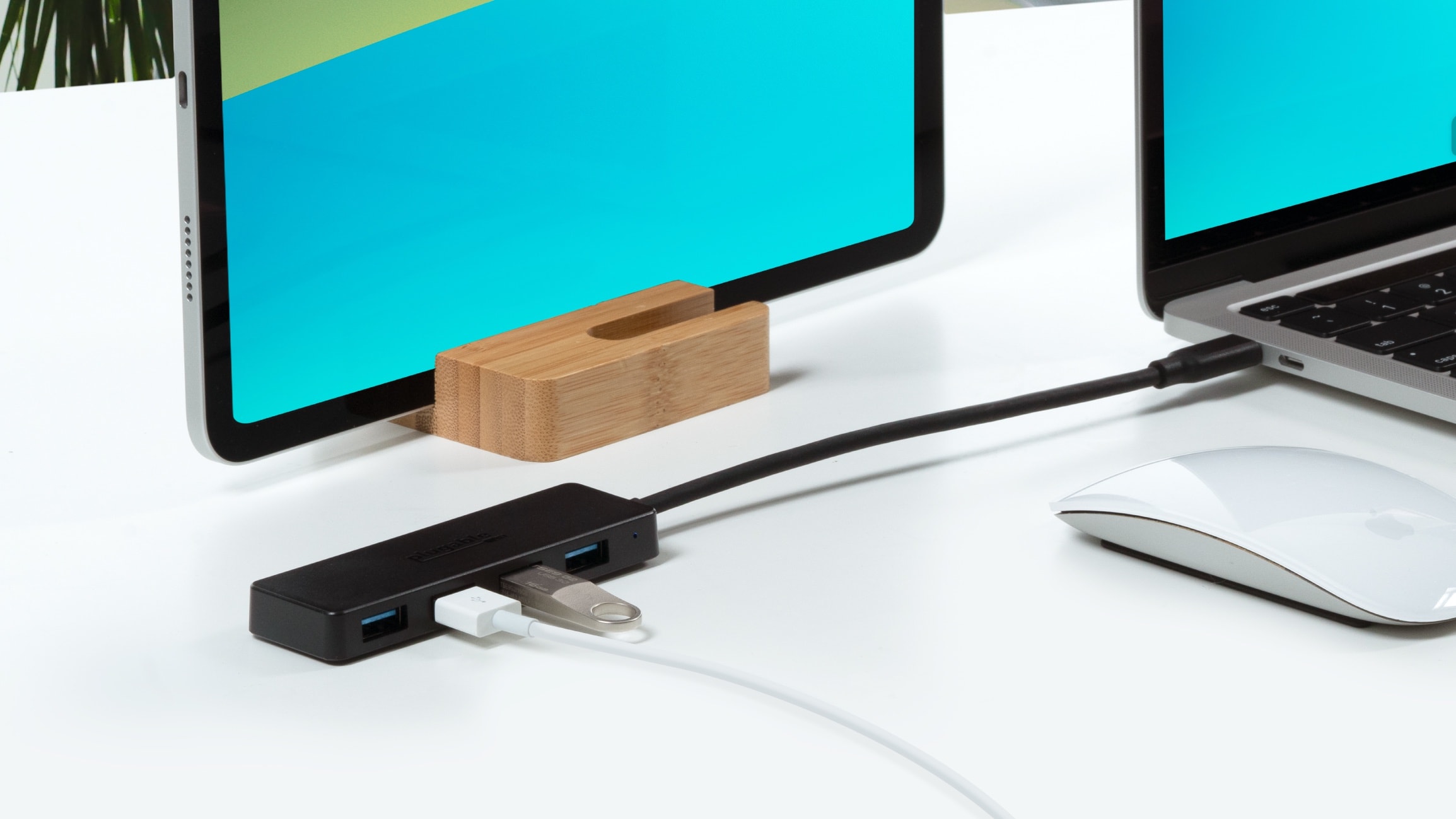
Add four useful ports to Mac or iPad with Plugable's inexpensive USB-C hub. Photo: Plugable
Plugable just launched a hub for MacBook or iPad users who need to connect to multiple USB-A accessories. It includes four ports for legacy accessories, and connects to the computer via USB-C.
The inexpensive hub is designed for use in an office or on the go.
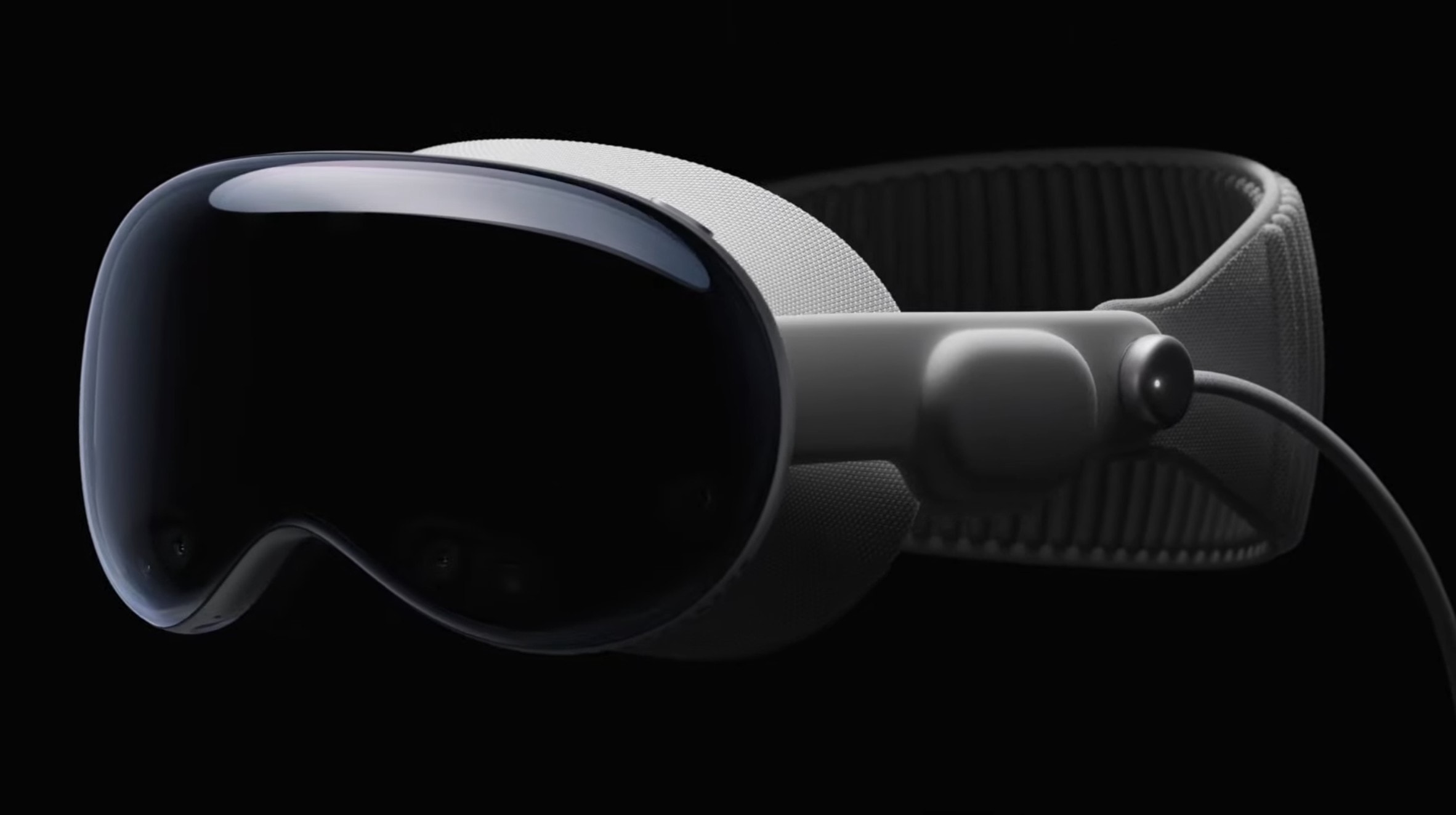
The Vision Pro sizzle reel looks great, of course, but what is the device actually like? Photo: Apple
First impressions of the Vision Pro headset make it sound like Apple absolutely nailed both the industrial design and the overall “experience” of wearing a mixed-reality headset.
Apple didn’t let most reporters go hands-on (or rather “heads-on”) with the new device following the Vision Pro’s unveiling at Monday’s WWDC23 keynote. However, the company’s handlers let some members of the media into a private area to gawk at the Vision Pro — and a handful of people actually got to strap one on.
The very first glimpses reveal hardware that looks far better than the competition, paired with a compelling visual experience, and triggers only a few negative reactions.
Nearly every Apple device has a new beta out. Photo: Apple
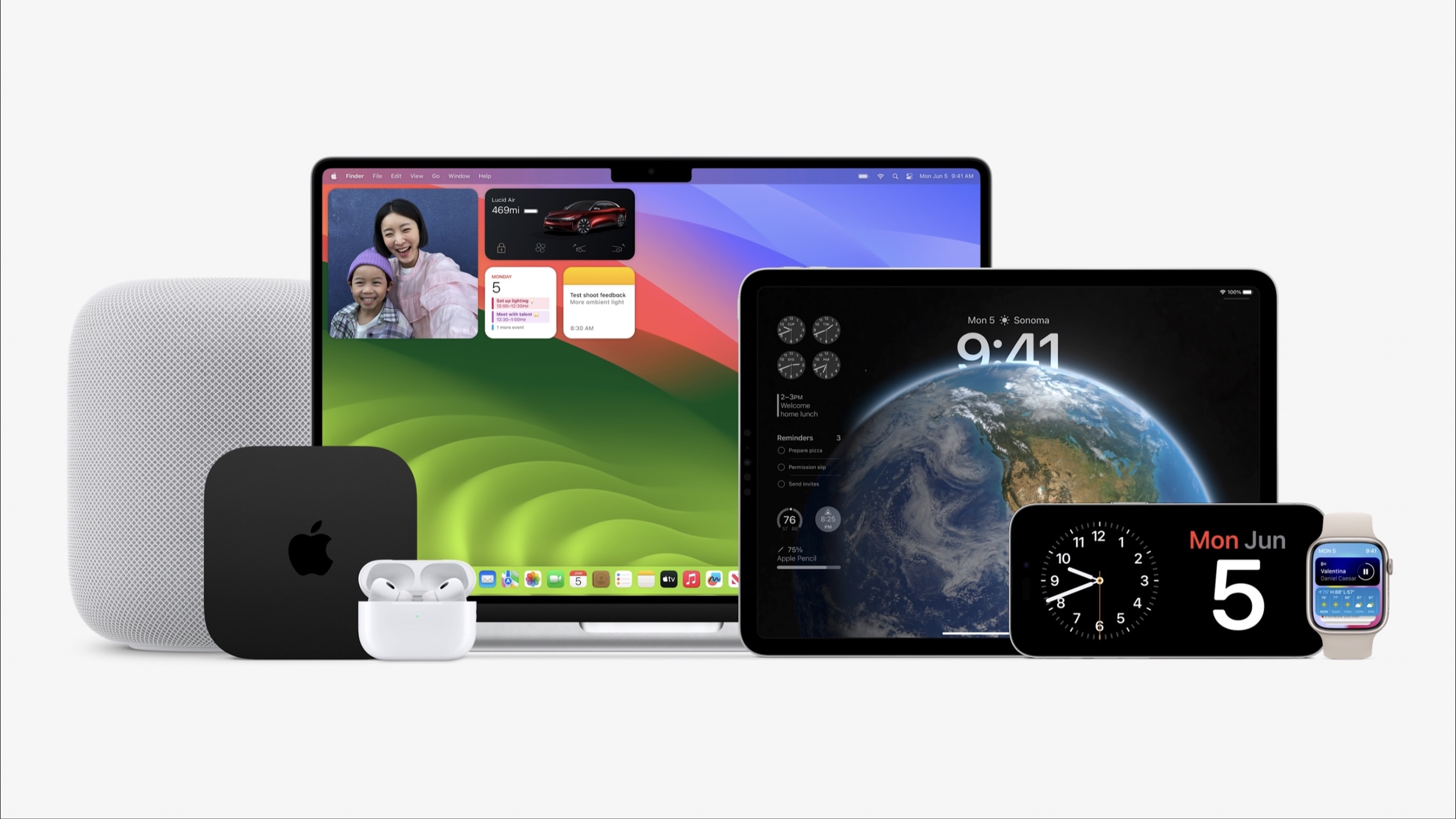
With macOS Sonoma, iOS 17, iPadOS 17, watchOS 10 and tvOS 17 unveiled at WWDC23 on Monday, Apple made the initial betas available to developers. These are major updates for the various operating systems that run all Apple computers.
Beta testing will stretch through summer, with the full release of these OSs not coming until autumn.
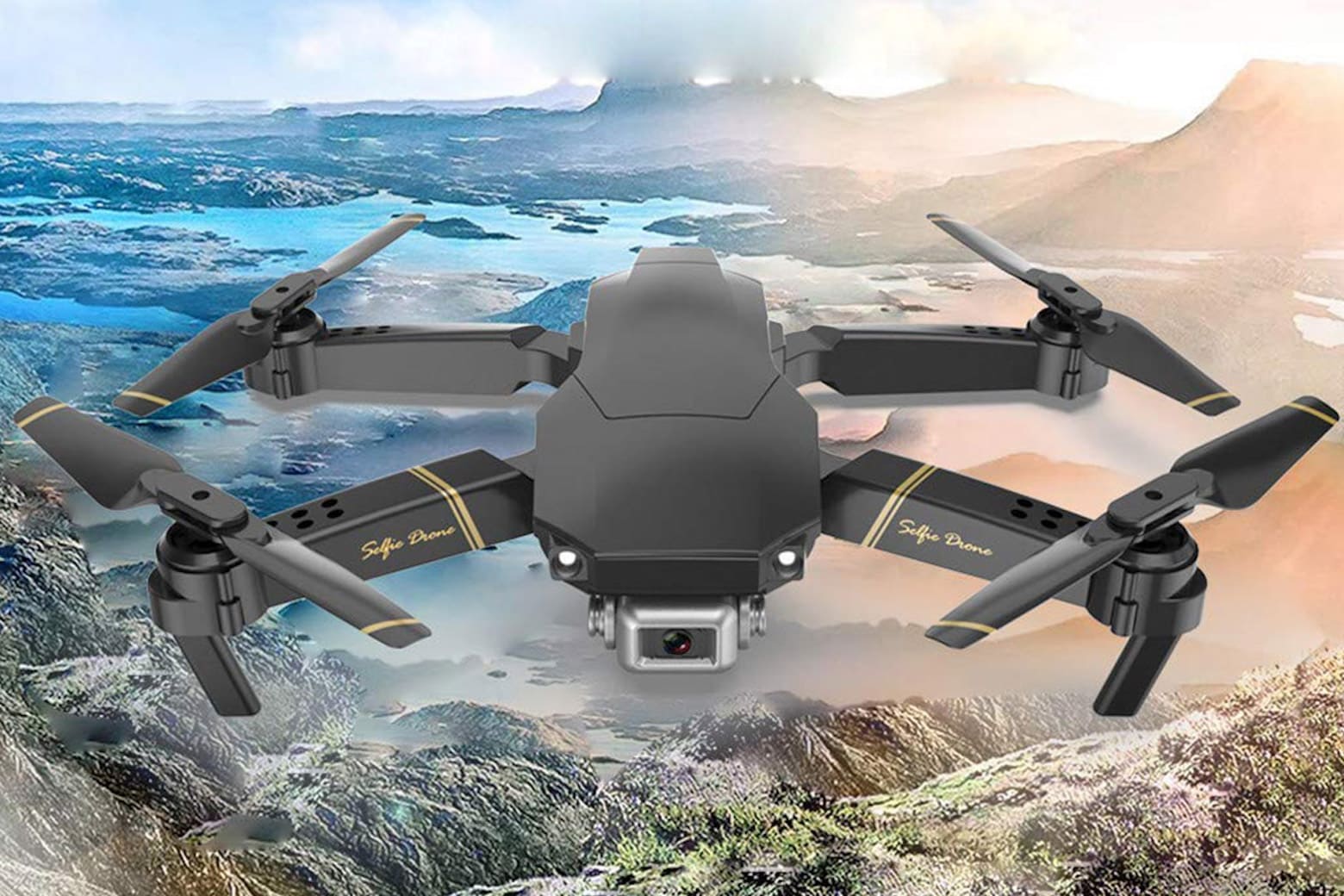
Hit the skies in style with more than $30 in savings on this HD drone that provides real-time transmission. Photo: Cult of Mac Deals
Personal drones have become increasingly popular for users of all ages. Whether you need one for professional or recreational purposes, or as a gift, don’t get priced out — pick up an HD camera-equipped drone for a surprisingly low price.
You can currently purchase the Global Drone 4K Platinum Version for only $79.97 (regularly $119) with no coupon required. This versatile and easily portable flying device is primed to provide new perspectives with 720P, 1080P and 4K HD camera options.
Apple's Vision Pro headset ain't cheap; new technology never is. Photo: Apple
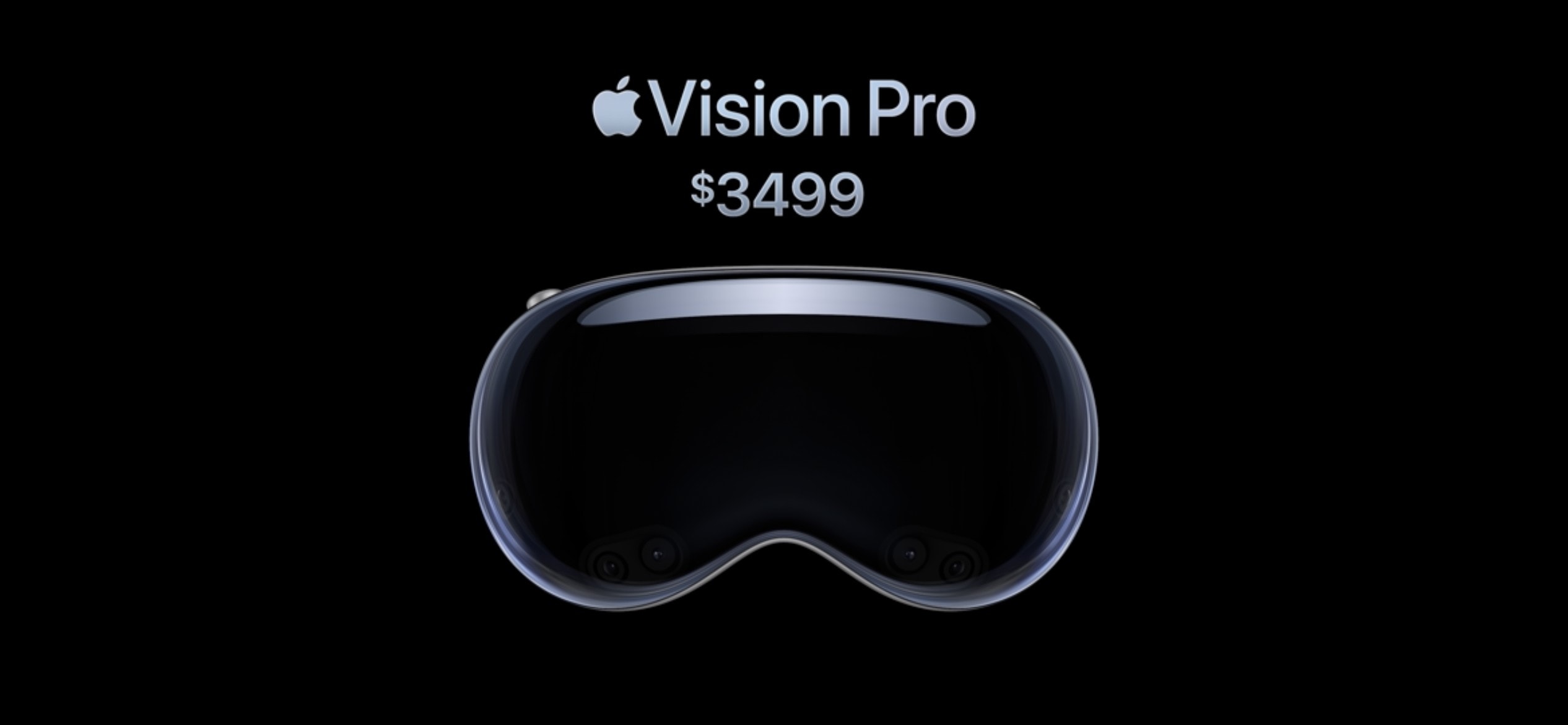
People might be squawking about the $3,499 price tag of Apple’s new Vision Pro headset, but let’s put things in perspective. When Apple introduced the Macintosh — the first computer with a graphical user interface — it cost an eye-watering $7,400 in today’s dollars.
The Apple II — the first truly “personal computer’ — proved even more expensive. In 1977, an Apple II with maxed-out memory (a whopping 48KB of RAM, yes kilobytes) cost the equivalent of $14,400.
All that makes the $3,499 price tag of Apple’s new Vision Pro VR headset seem like a relative bargain. It packs insane 4K OLED screens to mesmerize your eyes, an outside screen that shows your face while wearing it, and an array of sensors to capture your hand movements, facial expressions and more.
If Apple is right, and the headset represents the dawn of a new era of 3D spatial computing, then 3,500 bucks isn’t so much to be at the cutting edge. New technology is always pricey … and it could have been even worse. Given the amount of new tech involved, and the high price of nearly a decade of development, the Vision Pro could have been even more expensive. It’s no $10,000 Apple Watch Edition!
Here's everything you need to know from the WWDC23 keynote, the beginning of Apple's "best ever" developer event! Image: Cult of Mac
The Keynote from WWDC23 was unusually jam-packed with huge announcements. Naturally, the first official details of new iOS, macOS, iPadOS and watchOS versions came to light, as is traditional. But Apple also used its annual developer conference to take the wraps off quite a bit of hardware.
And CEO Tim Cook used Apple’s classic “One more thing” line to unveil Vision Pro, the augmented-reality headset that was the absolute star of Monday’s Keynote.
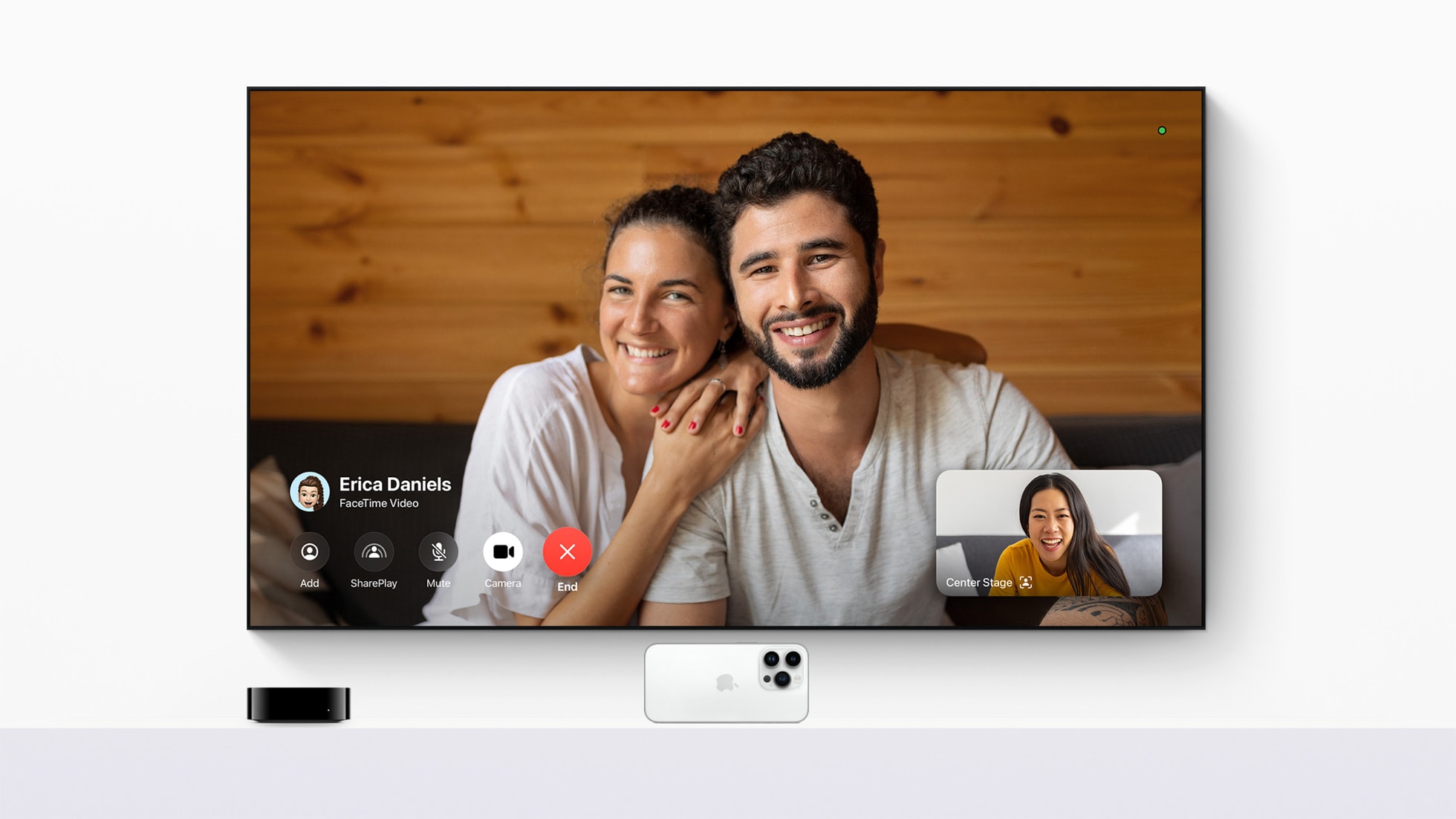
With the tvOS 17 update, FaceTime comes to Apple TV 4K for the first time. Photo: Apple
Apple said Monday in the WWDC23 Keynote that tvOS 17 brings FaceTime to Apple TV 4K for the first time. So you can put your calls with family, friends and colleagues on the biggest screen you have.
“tvOS 17 transforms the biggest screen in the home with FaceTime and new video conferencing capabilities, giving Apple TV 4K users the ability to easily connect with anyone right from their living room,” said Bob Borchers, Apple’s vice president of Worldwide Product Marketing.
“New features and enhancements make Apple TV simpler to use and even more enjoyable, reinforcing it as the absolute best option in the living room for Apple customers,” he added.
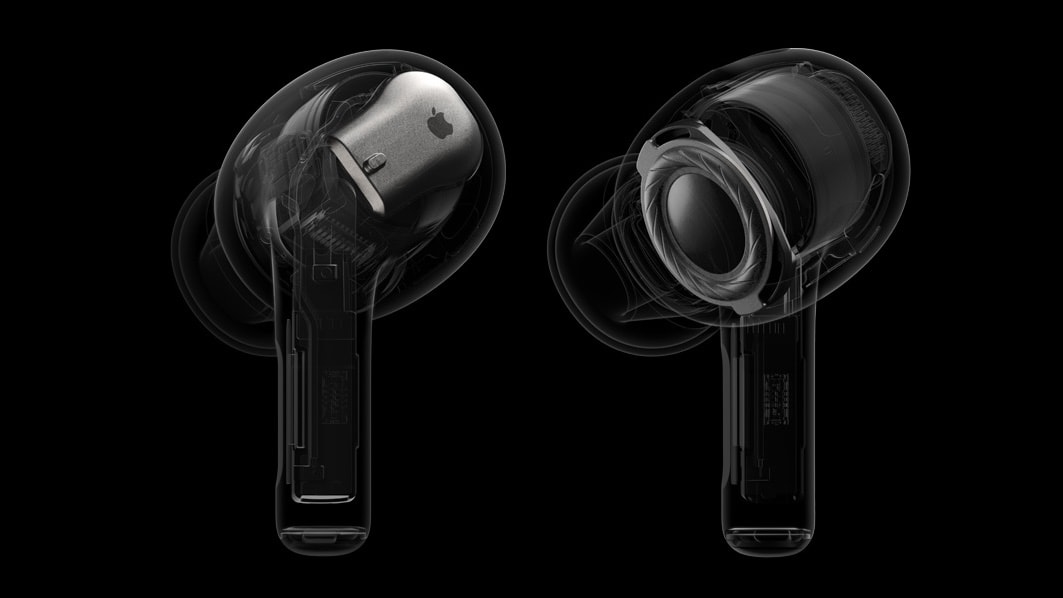
An AirPods Pro 2 software upgrade will add important new audio features. And all Apple wireless earbuds are getting some enhancements. Photo: Apple
An upcoming software update will add multiple new listening modes to AirPods Pro 2. These are designed to make it easier for the user to listen to music while also hearing what’s going on around them.
Apple also announced at WWDC23 that all AirPods will get better at switching connections between devices, plus a change intended to make conference calls easier.
There are loads of new features that developers will be able to take advantage of that Apple didn’t highlight in the main Keynote. Thus far, they’ve covered improvements to the in-app camera, a standard tips balloon, and an easier way to make animations in SwiftUI.
That $3,500 price tag certainly got people's attention. Photo: Apple
One key feature of Apple’s upcoming Vision Pro headset certainly made a splash after Monday’s unveiling. But it wasn’t “spatial computing” or the way you dial in reality while wearing the sci-fi-looking goggles — it was the Vision Pro’s eye-popping $3,499 price tag.
Shortly after the big reveal during the company’s Worldwide Developers Conference keynote, “For $3500” trended on Twitter, with people jumping on the chance to take the piss out of Apple’s pricey new product.
This might be the future of computing, but some of these jokes are hilarious.
You can top up iPhone, Apple Watch, AirPods and more (wired and wireless) with this $54.99 charging station and power bank. Photo: Cult of Mac Deals
For many of us these days, the office isn’t even at home. It’s a handy seat during your commute or wherever the Wi-Fi is reliable. That means people need to get a little more creative when it comes to charging up their devices.
watchOS 10 will work with Apple Watch Series 4 and newer. Photo: Apple
watchOS 10 will introduce widgets and bring a new look for many built-in Apple Watch apps. But the biggest changes come to the Workout app, which adds features that serious cyclists have been demanding for years, including support for third-party Bluetooth power and cadence meters.
Apple is dropping support for several devices with iOS 17 and iPadOS 17. Photo: Apple
Apple announced iOS 17, iPadOS 17, watchOS 10, and macOS Sonoma at the opening keynote of WWDC23. While these OS’s won’t launch anytime soon, when they do land, your old Apple device might be incompatible.
Below is a list of all the iPhones, iPads, Apple Watch, and Macs compatible with iOS 17, iPadOS 17, watchOS 10, and macOS Sonoma.