We couldn’t wait! Catch an all-new CultCast right now in iTunes to find out everything you need to know about Apple’s brand new Macbook Pro with Retina display.
And don’t miss another new episode at our normal time, this Thursday night, with the rest of our WWDC coverage. We’ll be discussing all of Apple’s updated Macs, and the new and noteworthy features in iOS 6 and Mountain Lion.
All that and our thoughts on Apple’s quiet Mac Pro update on this special edition of CultCast! Don’t miss a beat, subscribe now on iTunes, and let the hardware lusting begin.
One of the more bizarre changes that Apple introduced in OS X Lion was completely abandoning the “Save As…” option in documents.
Apple’s idea, of course, was to simplify saving files so that it worked more like iOS. They wanted to help make the file system invisible, so that when you’re working on a document, it automatically saves itself. All of the revisions are available, allowing you to switch back to old versions if you need to reference an older “copy” of the document. There’s no reason to “Save As…” anything.
It makes sense, but it’s a change that Apple made in OS X Lion that, while ostensiby much more friendly to new computer users, was extremely counterintuitive to Mac owners who’d actually been using “Save as…” for the last twenty years.
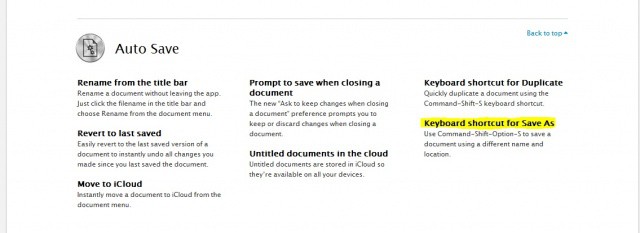
The good news? In OS X Mountain Lion, Apple’s re-introducing “Save as…” The bad news? It’s still hidden and unavailable from menus, but instead only accessible through a convoluted keyboard shortcute: Command-Shift-Option-S. For power users only, in other words. There’s no way to just discover it.
Here’s a thought, Apple… if you’re willing to backpedal this far, why not just go all the way and put it in the damn menus?
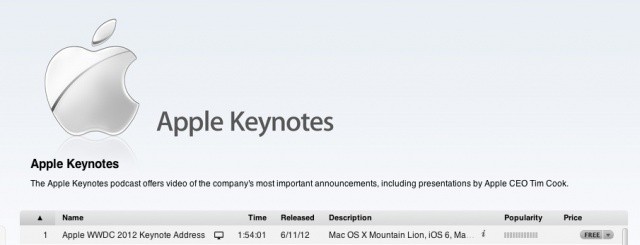
The keynote runs 1 hour and 54 minutes long, and you can watch it on all of your devices, including the Apple TV.
Tim Cook, Phil Schiller, Craig Federighi and Scott Forstall all unveiled new products from Apple at yesterday’s keynote, including new Macs, OS X Mountain Lion and iOS 6. For everything Apple announced at WWDC 2012, make sure to check out our complete roundup.
Apple released its fourth developer preview of OS X Mountain Lion yesterday, and you can get all of the gorgeous wallpapers from Apple right now. There are 34 total, and we’ve uploaded them all for you to download and use on your Mac.
Mountain Lion will be available in the Mac App Store next month for $20. While you’re waiting, why not check out some great new wallpapers?
It’s hard to believe, but there was a time when Apple’s computers were accused of being strictly last generation.
Their computers were made with clunky Power PC processors, and Windows PC owners smirked at the wheezing Mac platform. Michael Dell even famously said the whole company was so behind the times that if it were up to him, he’d euthanize it.
How things change.
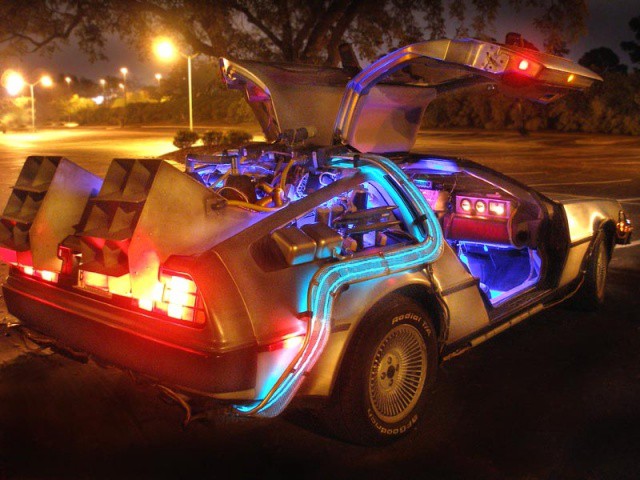
While the rest of the industry was counting Apple out, a Steve Jobs newly returned to Apple spent the early part of the last decade quietly assembling a time machine. Following the iPad, iPhone and MacBook Air before it, the retina-display MacBook Pro announced Monday at the Worldwide Developers Conference in San Francisco is just the latest time traveler Apple has sent back to us from the future.
It’s a machine so shiny, so shimmering, so futuristic, so unlike anything else out there that it will take the PC-making competition at least a year to release a truly competing product. How did this even happen? How did Apple assemble its time machine, and why can’t the likes of Sony, HP, Dell, Acer and Lenovo seem to catch up?
We’ve already shown you a whole host of new iOS 6 features that Apple didn’t get time to mention during its WWDC keynote yesterday, and here’s another one. In fact, this is probably one of the coolest in the bunch. Notice how the status bar above certain stock apps — like Settings or Mail — is now blue? Well, that actually changes color to match the theme of the app you’re running.
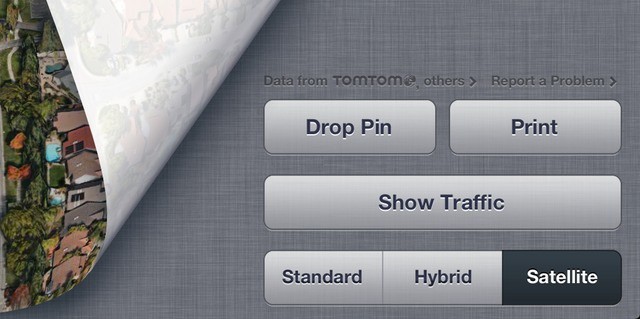
TomTom is hedging its bets by partnering with Apple in the new iOS 6 Maps app.
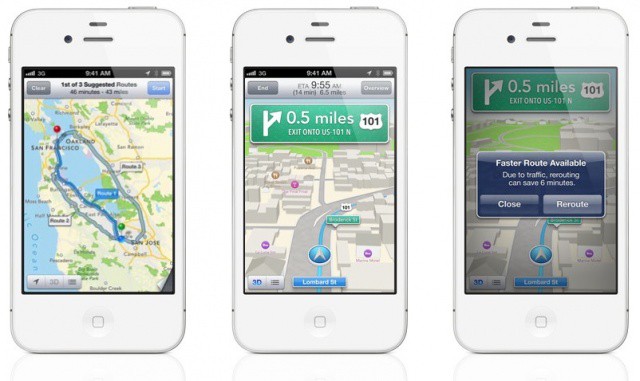
Apple announced a brand spanking new Maps application alongside iOS 6 at WWDC yesterday, and the Cupertino company has ditched Google Maps for its own mapping technologies. While much of the new Maps app is powered solely by Apple, TomTom is referenced directly in the new iOS 6 Maps app as well.
While the iOS 6 Maps app is still in the very early beta stages, Apple has baked in new features that make it a killer Google Maps replacement, including turn-by-turn navigation, Siri integration, and an enhanced “Flyover” 3D viewing mode.
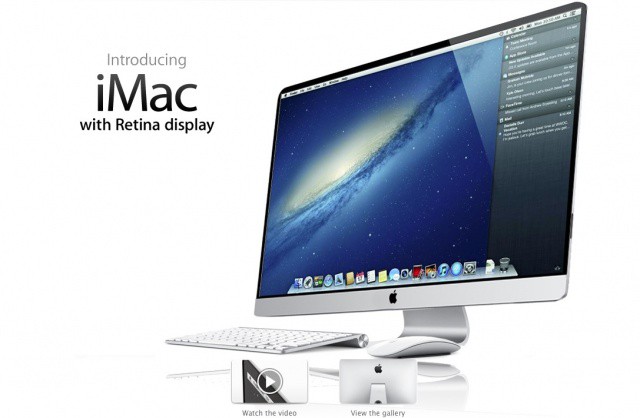
When this happens, the iMac won't have a Retina display... it'll practically have a Quantum display. Mock-up by Stephen Smith.
Yesterday’s announcement of the new, slim next-gen MacBook Pro took pretty much everyone’s breath away. Largely thanks to an incredible new 2880 x 1800 Retina display, the next-gen MacBook Pro is, without a doubt, the most powerful notebook a video or photo professional could own.
It’s also, technically, overkill. Packing an amazing 220 pixels per inch, the new MacBook Pro actually has almost two million more pixels than it needs to qualify as retina.
Make no mistake. Apple blew the doors open with this one. We were curious, though, what this meant for the rest of the Mac line. So we did the math, and as it turns out, when Apple’s other Macs are updated to Retina Displays, the next-gen MacBook Pro we’re all drooling over? It’ll be the worst Retina display of the entire Mac line.
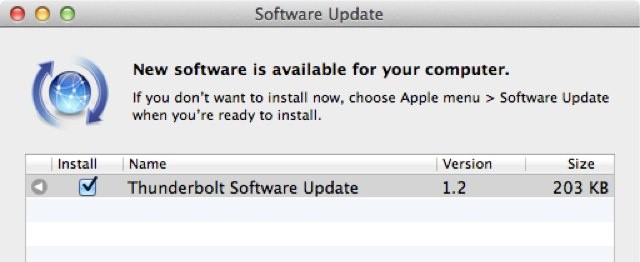
If you haven't already done so, don't install this Thunderbolt update on your Mac.
A Software Update for Thunderbolt was just one of many Apple releases that went public yesterday, but unlike the rest, you should be in no hurry to pick this one up. Many users who have installed the update are reporting that it is causing boot failures and more on their Mac.
The new Maps app that Apple showed off at WWDC yesterday has made it pretty clear that the company will be ditching Google Maps in iOS 6. That means beautiful new 3D maps, voice guided turn-by-turn navigation, and more. But before you get too excited, just remember this: As soon as Google leaved, so does Street View.
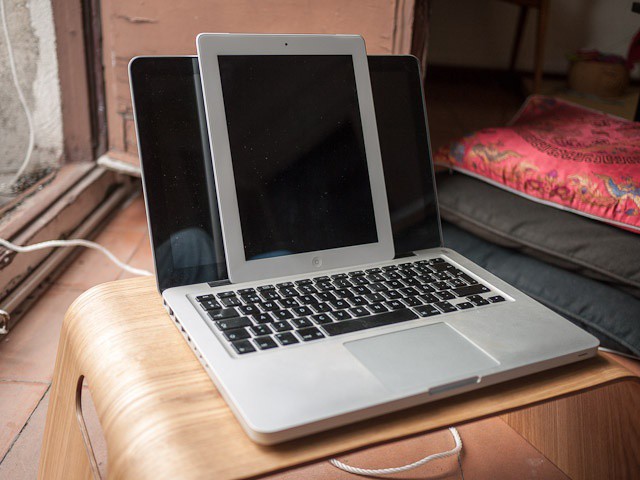
Kidding! It's a MacBook and an iPad. The bit about the scotch was real, though.
These exclusive blurrycam shots, which I found on an SD card left on my kitchen table next to a half-empty bottle of scotch, show what we think is a prototype retina-display 13-inch MacBook. It seems that, along with the high-res retina display like that found on the iPad, it also comes with a large bezel and the option to buy the device in white.
With every new OS it releases, Apple manages to make some previously essential third-part apps obsolete. And iOS6 is no exception. In fact, the new iOS might even hold a record for the number of apps that it has rendered useless. Let’s take a look.
Turn-by-turn looks incredible, but it won't be coming to your iPhone 3GS.
Although iOS 6 looks a lot like iOS 5 at a glance, it represents a huge change to some of Apple’s core iOS features. Apps and services like Maps, Mail, Phone, Notification Center and more have all received new features worth talking about, while several new ones have been introduced.
The great thing about it is, is supports a whole host of devices, including every iPhone from the iPhone 3GS onwards. Some devices won’t get access to all features, however. Only the iPhone 4S and the first- and second-generation iPads will enjoy turn-by-turn navigation and 3D maps.
We’ve been waiting for this moment, and now that it’s here, I wish is sort of never arrived. Verizon has unveiled their Share Everything data plans, and to my dismay, they aren’t very family friendly. The new plans package unlimited voice, text, and data across up to ten tablets, laptops, modems, and phones. You pay a flat price for each individual device you add to the plan as well as one flat price for a specific amount of data to be shared by these devices.
Don't expect to see this running on iOS 6 anytime soon.
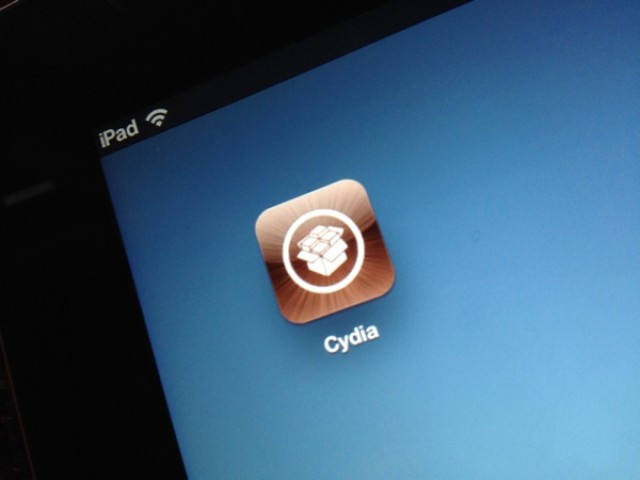
Shortly after the Chronic Dev Team released their iOS 5.1.1 untethered jailbreak a couple weeks ago, Pod2g revealed that they had already begun work on a jailbreak for iOS 6. It seems, however, that it’s going to be a long time before we’re hacking Apple’s next iOS release.
According to Dev Team member MuscleNerd, iOS 6 breaks a whole lot of stuff, including Cydia, and it’ll be a while before there’s an iOS 6 jailbreak.
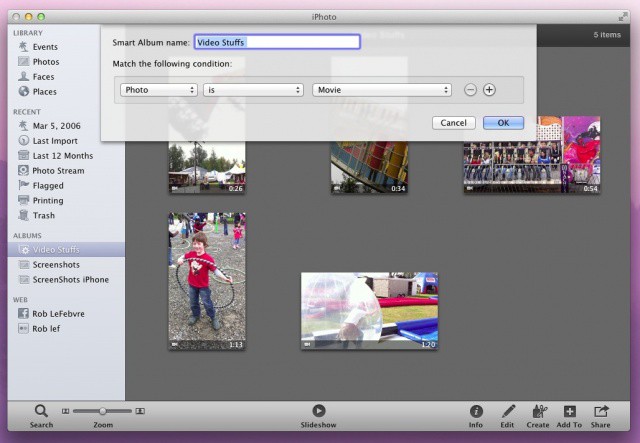
Using your iPhone or iPad to grab videos as well as photos is all the rage. Small wonder, as these devices and the seamless apps that power them make grabbing a quick video or photo as easy as can be.
Unfortunately, when they all get imported to iPhoto, they get placed in there willy nilly. Well, actually, they’re put in via Event and the date they were created, but you get my point: iPhoto sorts video and photos you take with your iOS device into the same place. Here’s how to segregate the videos out for easier organization.
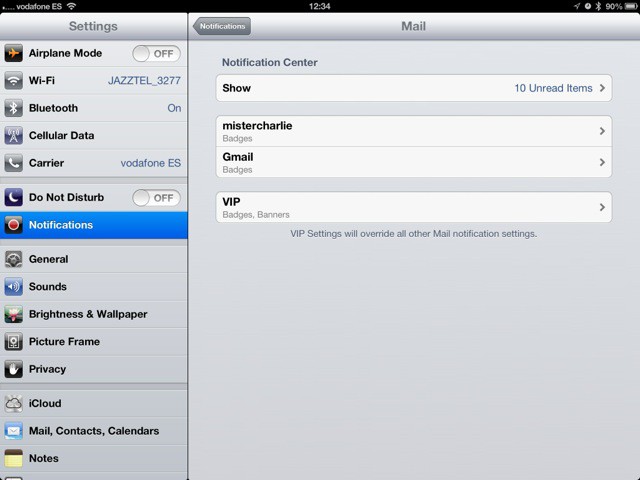
Ignore your boss more efficiently with iOS 6's new e-mail alerts.
The new iOS6 Mail app gets a great new feature that isn’t obvious just reading the spec-sheet: Per-person and per-account alerts. Now you can let mail stay silent, and ping you only when a certain person sends you an email.
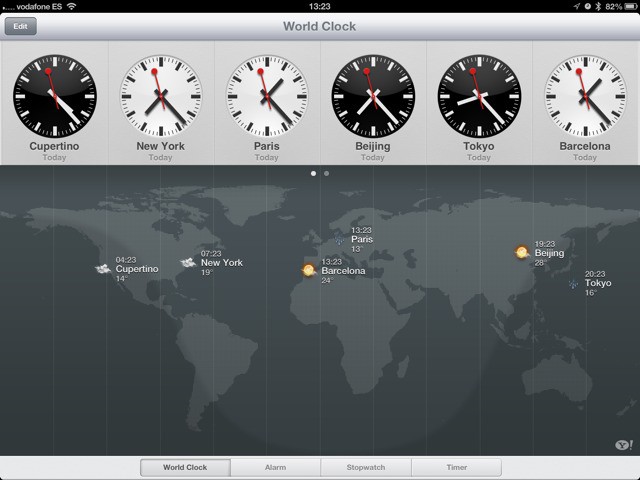
When the iPad launched, there was an inexplicable lack of a couple of core Apple-made apps. There was no Clock, no Weather app and (thankfully) no Stocks. Now, Clocks has been added to the iPad in iOS6, and weather is also in there – kinda.
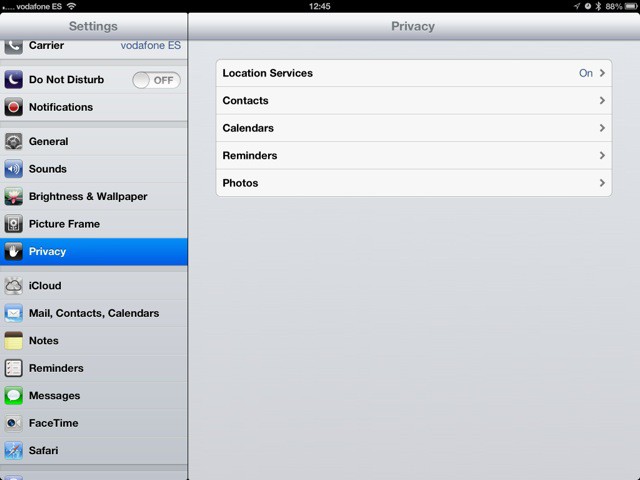
The iOS6 beta brings much finer-grained controls to the privacy settings, letting you specify just what services any app will have access to. Previously you’d get an alert whenever an app wanted to know your location. Now you’ll see the same kind of alert when apps ask to use data from your calendars, contacts, reminders and photos.
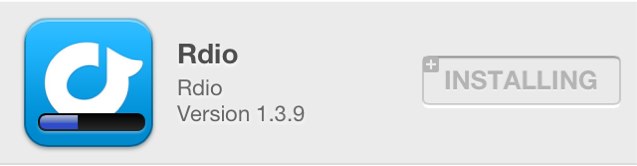
I didn't need to enter my password to download this, because I already owned it.
I’ve never really like the way in which the App Store handles security. Sure, I like the fact that if my iPhone is stolen, thieves can’t run up a huge iTunes bill. But I don’t understand why I have to enter my password each and every time I need to download updates or previous purchases. These have already been paid for; why is this necessary?
Thankfully, in iOS 6 and OS X Mountain Lion, it isn’t.
iOS 6 contains plenty of new features that Apple didn't mention at WWDC. Image courtesy of William Gamache ([email protected]).
We’re still trawling through the new iOS 6 beta releases that Apple pushed out after its WWDC keynote yesterday, and we continue to find nice new features and improvements. If you’re as excited about iOS 6 as we are, you’d probably like to hear about them.
Here’s a few changes Apple has made to emoji, Reminders, and more.
There's a good chance your next iMac won't look like this one.
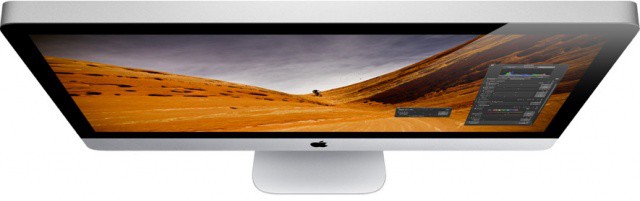
There were suggestions that Apple would refresh its iMac at WWDC yesterday — alongside the updates it issued to the MacBook Air, MacBook Pro, and Mac Pro. However, the Cupertino company’s popular all-in-one didn’t get a mention during the two-hour keynote. That could be because it is hard at work on redesigning the iMac and the Mac Pro.
According to one Apple executive, both machines will receive big updates next year.
If you don't have this installed already, you've missed your chance.
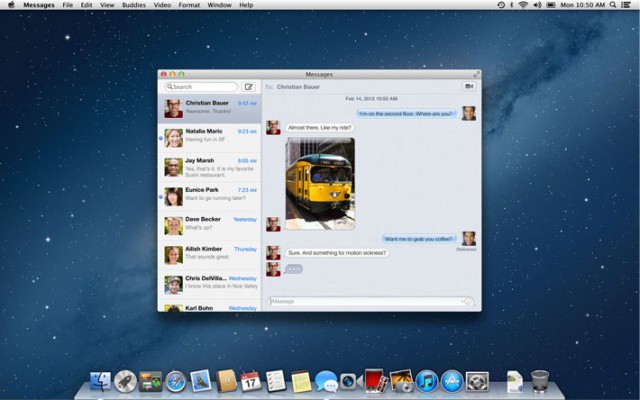
If you haven’t already installed the Messages application on your Mac, you will now have to wait until OS X Mountain Lion is released next month to get your hands on it. The Messages for Mac beta, which was released back in February after Apple’s initial Mountain Lion preview, has now been pulled by the Cupertino company.
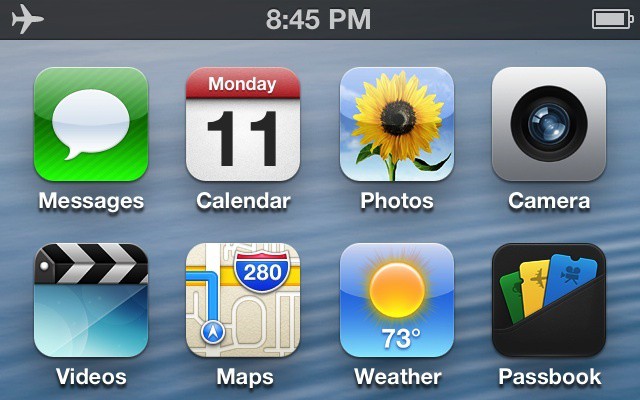
iOS 6 brings to the table some of the biggest UI improvements Apple has made in the history of iOS. While some of the changes are obvious, some are more subtle. Here’s 25 new user interface changes in iOS 6.
As was rumored this morning, Apple has launched its Back to School promotion for 2012. Educational discounts are available for most Macs and the third-generation iPad. Buying a Mac gets you a free $100 iTunes gift card, and a new iPad purchases gets you a $50 gift card.
If you are planning to buy one of the new Macs Apple announced today, make sure to take advantage of the education discount if you’re eligible. Back to School runs through September 21st.