Mobile payment technologies have an interesting and complicated relationship with local businesses. On the one hand, local mom-and-pop restaurants, shops, and services are probably the companies that you’d expect to adopt new payment technologies the slowest – particularly if those technologies require new point of sale hardware like an NFC reader. On the other hand, mobile payment systems could be poised to deliver a new wave of business to such local companies.
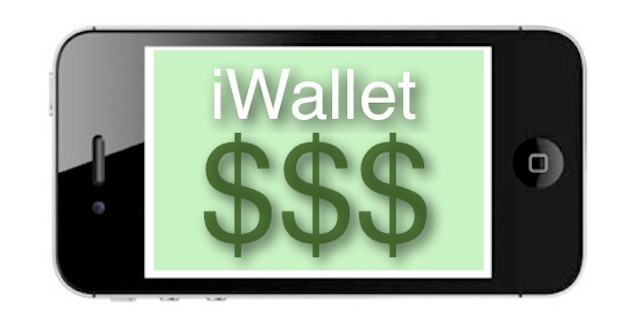
Making the situation more complicated is the fact that any mobile payment system (Google Wallet, PayPal in-store purchasing, or any system that Apple may be slowly developing) can’t be considered a solid winner or option unless that system strikes it big with local businesses. A system that only applies to large chains, like the in-store purchasing the PayPal rolled out to Home Depot and other retailers, can’t be considered mainstream unless it’s adopted very widely and by a significant percentage of small businesses.
Further complicating the relationship is the fact that many players in the race to create a true digital wallet are on focusing widely varying options for small and local businesses. That means that no one company is leading and no company really seems to have a consistent strategy for tapping this immense and important market.