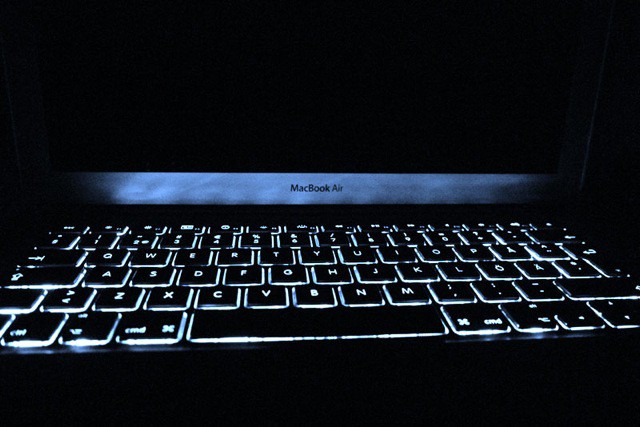
We showed you a handful of fantastic, instant keyboard shortcuts to shut down, reboot, or sleep your Mac, but an even safer way is to bring up the Power button dialog box that happens when you hit the, well, Power button on your Mac. That’s the one in the upper right corner of the keyboard on most modern Macs, while some older Macs have it as a separate button integrated into the body of the Mac itself.
Either way, hit that Power button and then you can use the following keyboard shortcuts to activate the different options in the dialog.