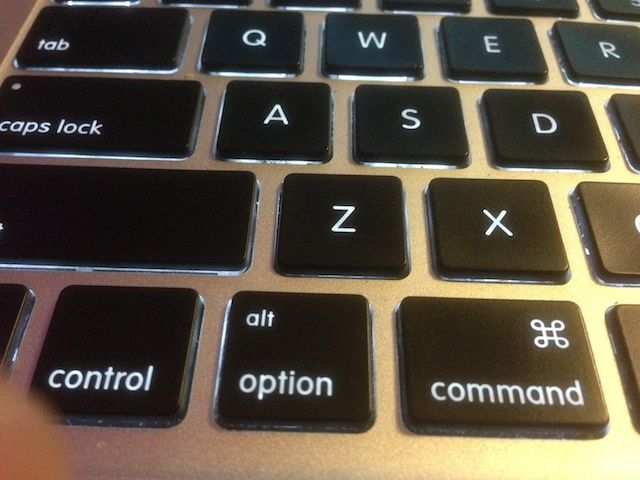
What fun the Option key is in OS X, right? Adding it to clicks and keystrokes makes many features accessible that would otherwise be hidden. We’ve spent the last few days talking about how to maximize the Option key in your power-user Mac workflow, in the Finder, the Menu Bar, and in iWork apps.
Now, we’re going to head over to Apple’s built-in browser, Safari, and show you how the Option key can make your Safari life just that bit better.