Mobile menu toggle

This Week’s Must-Have iOS Apps: The Croods, Calendars, Super Stickman Golf 2 & More [Roundup]
By

Screen Shot 2013-03-17 at 11.34.40

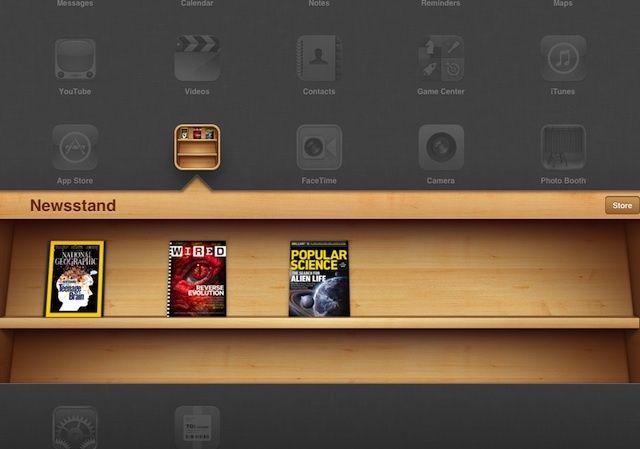
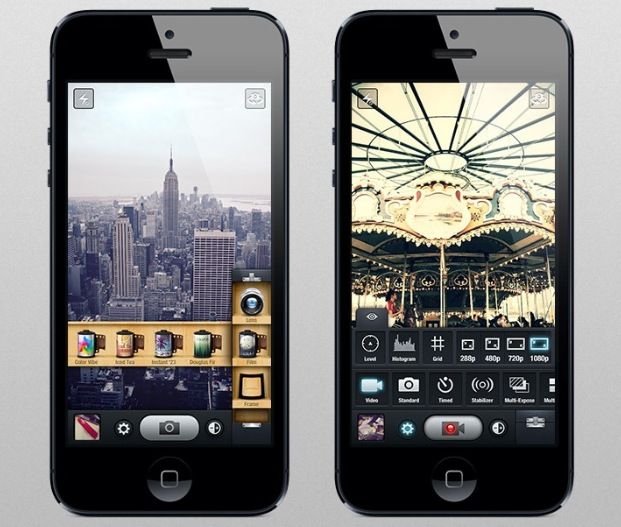
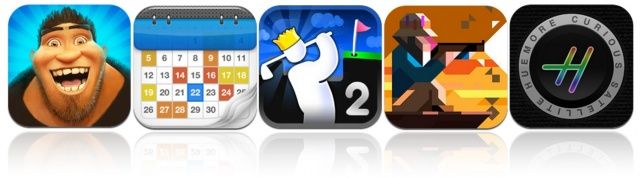
This week’s roundup of must-have iOS apps kicks off with, The Croods, the latest game from Angry Birds maker Rovio. It’s the official game for the upcoming motion picture from DreamWorks, and it sends you back to the Stone Age for a pre-historic adventure. We also have Calendars, the latest app from Readdle; the hugely addictive Super Stickman Golf 2, and more.

Ashton Kutcher’s ‘Jobs’ Film Delayed, No New Date Announced [Report]

By

It's gonna be a tough sell.

The Steve Jobs biographical film,”jobs,” starring Ashton Kutcher, has been delayed. Originally set for an April 19th release, the distributor, Open Road, feels like it hasn’t been able to create enough buzz for the flick before this date.

There’s no new release date announced, either, though it’s fairly atypical for a distribution house not to set a new one when the orignal date is delayed. We can only assume that Open Road will want to avoid the Aaron Sorkin film on the same subject, not wanting to go up against The Social Network screenwriter, no matter how much star power they hoped Kutcher would bring to the project.

Fandango Premieres Its First Weekly Show On Mobile, Desktop, With “Weekend Ticket”

By

post-220000-image-411f3396f0e03b0459bc07ec7b41fc93-jpg
What are you gonna see?

The weekends are for movies, right? Personally, I’m going to flock to Oz The Great and Powerful at an IMAX theater this weekend, along with a billion other people, no doubt. Fandango wants to be a part of that weekend rush, and possibly get your $2 per ticket convenience fee, with it’s new mobile and online movie preview show, Weekend Ticket, available now on iOS and Android mobile devices, and the Fandango.com website.

Scientist Transforms iPhone Into A Microscope Using Lens That Only Costs 7 Bucks

By

iphonemicro_2509363b
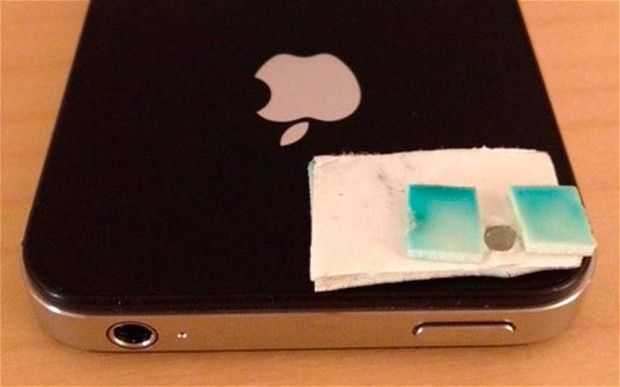
All it takes is some double sided tape and a $7 lens to turn your iPhone into a microscope

Add microscopes to the list of things your iPhone can replace. A group of scientist visiting Tanzania were able to convert their iPhone 4S into a microscope using nothing by a $7 lens, some double sided tape, and a torch.

After macgyvering the iPhone 4S into a microscope, the scientest then used it to take pictures of stool samples to determine the presences of eggs in some schoolchildren. Amazingly, the iPhone picked up 70 percent of the infections.

5 Great Replacements For Google Reader

By

post-219971-image-28cd8275a613baaee6519f63334151da-jpg

As you may already know, Google Reader will shutdown as of July 1, so now’s the time to look for a new RSS reader. If you’re a longtime user, you may not be familiar with the other options available to you, but don’t worry — there are plenty out there, so you don’t need to go without your news.

We’ve compiled a list of the best cloud-based and local news readers around to help you find the best solution for you. Check them out below.

Here’s How The iPhone 5 Compares To The Samsung Galaxy S 4 [Video]

By

galaxys4iphone5

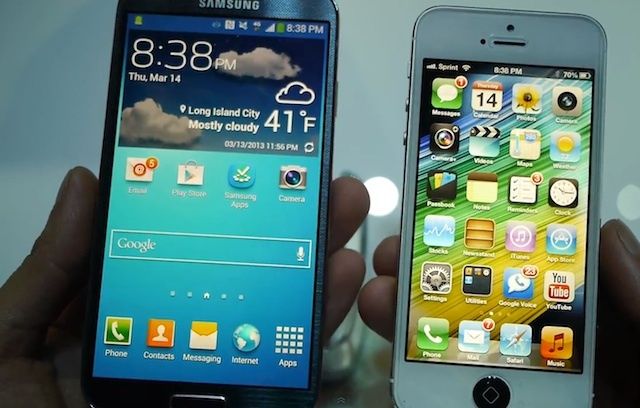
If you didn’t hear the news already, Samsung announced their new flagship phone last night, the Galaxy S 4. It looks a lot like the Galaxy S 3. It’s made of plastic. Has a huge screen. And it comes with some weird software features you might use, but probably won’t.

We were on hand last night to test out the Galaxy S 4, and while it’s an impressive phone, it leaves the door open for companies like HTC and LG to capture the Android crown.

Here’s a video comparison of the Samasung Galaxy S 4 next to the iPhone 5:

iPad Vs. Paper: There’s Not An App For Everything [Video]

By

post-219954-image-0dcf96af46d2f97f6f8adffb80143059-jpg

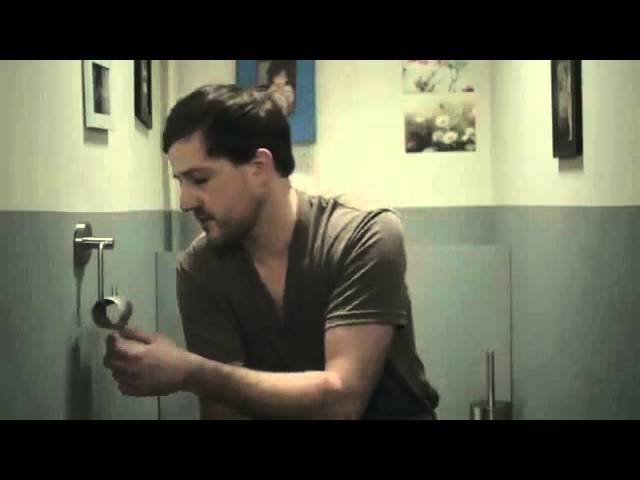
We iPad owners can be pretty smug about all the things we can do with our device while everyone else is using paper like some kind of cave man, but as this commercial by COlumbia’s SiceVENDE proves, there’s at least one thing you can’t — or wouldn’t want — to do with an iPad.

Via: TUAW

John Browett Admits He ‘Just Didn’t Fit’ At Apple

By

John-Browett

John Browett, who spent nine months as Apple’s senior vice president of retail before being ousted alongside Scott Forstall last October, has admitted that he “just didn’t fit” in with the way Apple ran its business. Browett still feels Apple is a fantastic company and says he loved working there, but he told The Independent that he was “rejected for fit rather than competency.”

MyEditor, An iOS Text Editor With Clipboard History, Background Copy And A Face You’ll Want To Punch

By

1363347636.jpg

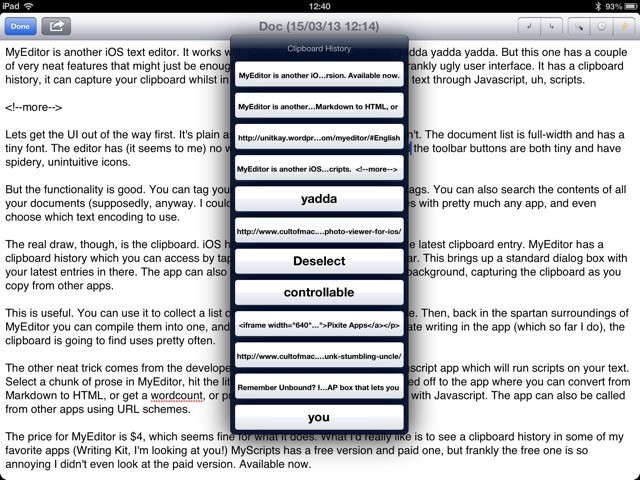
MyEditor is another iOS text editor. It works with iCloud, it’ll export to Dropbox, yadda yadda yadda. But this one has a couple of very neat features that might just be enough to make you forget the plain and frankly ugly user interface. It has a clipboard history, it can capture your clipboard whilst in the background, and it can run your text through Javascript, uh, scripts.

Jeff Cannata On His Old Show, His New Show, And The Apps He Loves On The CultCast

By

new-cultcast-site-promo-pic.jpg

We mix it up on this week’s CultCast! Join us for a very special hour with guest Jeff Cannata, former co-host of The Totally Rad Show (TRS) on Revision3 and current co-host of CNET’s Always On.

For all of you who used to watch and love TRS, we remember the show and relive how its cutting-edge virtual set — all made with just one camera and a Mac Pro — made it one of the most popular and beloved podcasts on the internet. Plus, what’s it feel like Kickstarting over $100,000 for a new show? Jeff knows, and shares his amazing experience.

All that and Mr. Cannata reveals his favorite iPad apps and gadgets! Subscribe to The CultCast now on iTunes to download our newest episode, or just hit play in the player below to listen right in your browser.

Post player header image 63 3

Show notes up next!

Get Automated USB Thumb-Drive Backups With Flash Drive Backup [OS X Tips]

By

Flash Drive Backup

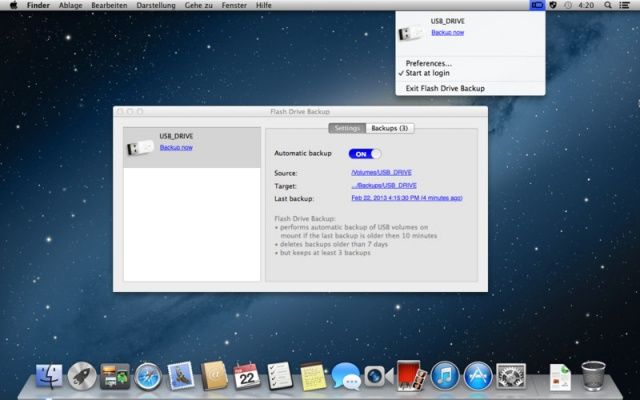
A lot of us use our USB thumb-drives (flash drives, data sticks, whatever you call them) as little repositories for our daily document work. We keep Word docs, text files, photos, and other daily data ephemera on the small four to eight gigabyte drives, making it easy to shuttle stuff between computers at work, home, and on the go.

But what happens when that little drive stops working, or gets lost? That’s where Flash Drive Backup, a five dollar investment, can come in handy.

Skinny iMac Now Comes With Built-In VESA Mount

By

1363349801.jpg

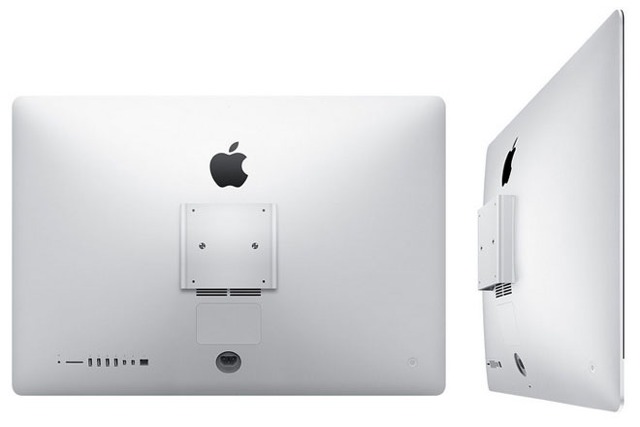
My 27-inch iMac hangs on my wall, freeing up desk-space and terrifying me that it will fall off as I sleep and crush me in my bed. To get it up there I had to hit up Amazon and order the VESA wall mount, plus an adapter to replace the iMac’s huge foot with a VESA-compatible set of holes.

The result is very sturdy, and very neat. But there’s one problem: where the hell do I put that giant (and heavy) aluminum foot? If I were buying new iMac, I could just order a version without the stand, and instead equipped with a built-in VESA mount.