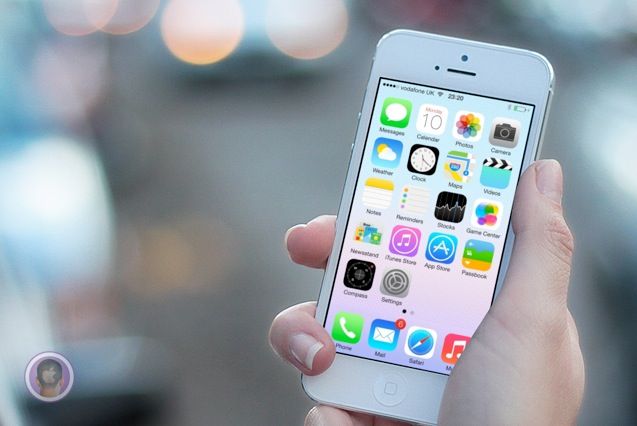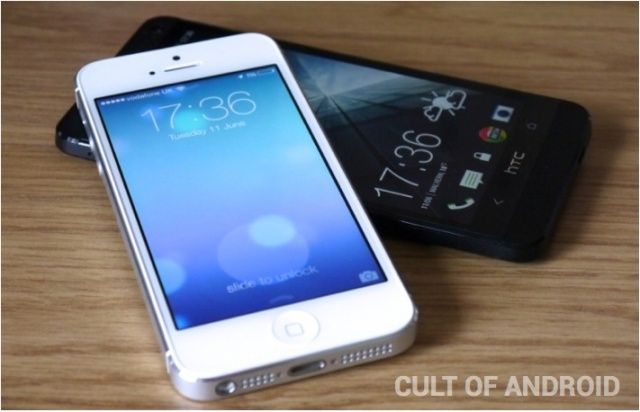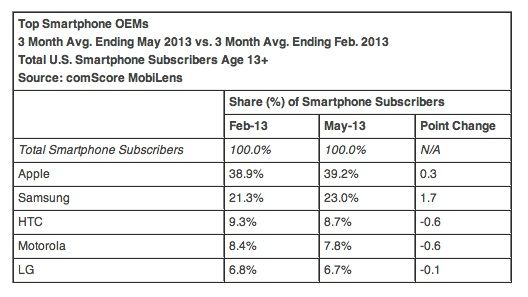
Apple is stil the top smartphone maker in the U.S. according to the latest quarterly report from comScore. While HTC, Motorola, and LTG continued to lose marketshare in the U.S. over the last three months, Apple and Samsung have continued to outpace the competition.
As of May 2013, comScore found that the iPhone now accounts for 39.2% of the U.S. smartphone marketshare. Even though Apple has the lead in hardware, Android is still the top ranking smartphone platform in the U.S. with 52.4 percent market share.
Here’s how Apple stacks up against the competition: